Wireless connection architecture & capacity planner
Model enterprise wireless throughput, frequency band allocation, AP density, and security standards tailored to your venue environment.
High laptop and smartphone concurrency requiring seamless roaming between conference rooms.
Up to 9.6 Gbps PHY; 6 GHz adds 1,200 MHz of spectrum in the US and 500 MHz in the UK and EU
Determines minimum airtime contention and AP count.
Sets Quality of Service (QoS) and WMM voice/video queueing.
Corporate Office - WiFi 6E (802.11ax 6 GHz)
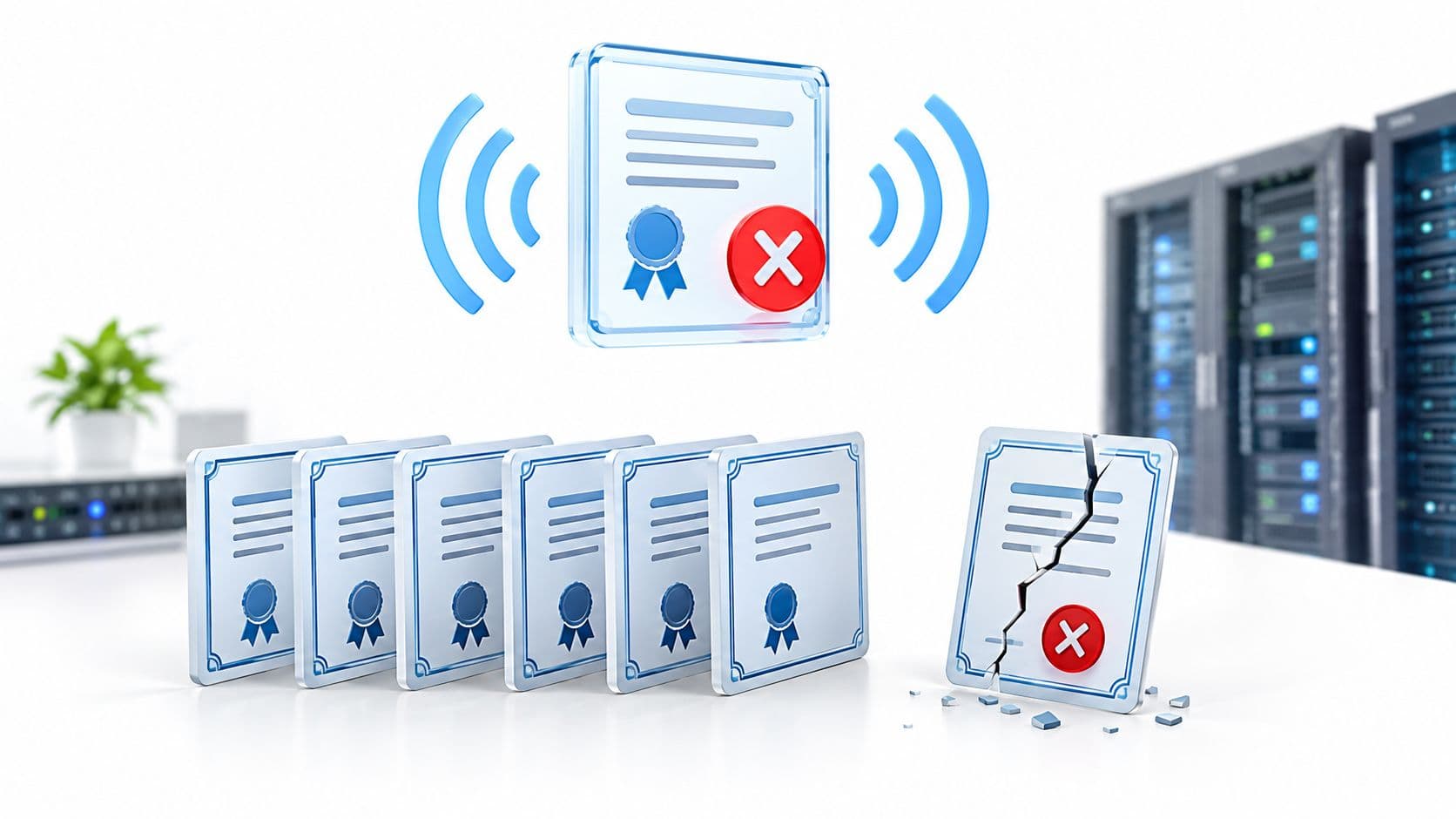
Low - EAP-TLS authenticates with certificates, so there is no shared password to capture and crack offline.
A wireless connection enables electronic devices to transmit data across radio frequencies without physical cables. From smartphones streaming video to enterprise laptops accessing cloud infrastructure, wireless networks form the operational backbone of modern digital communication. This comprehensive guide breaks down how wireless connections operate, compares core networking technologies, and examines how commercial venues secure enterprise wireless environments. This article forms part of our master resource on enterprise WiFi security.
Key takeaways: what is a wireless connection
- Core definition: A wireless connection uses radio waves on electromagnetic spectrum bands to transmit digital data packets between transceivers without physical cabling.
- Technology hierarchy: WiFi handles high-speed local venue networking (WLAN), Bluetooth manages short-range device peripherals (WPAN), and Cellular (4G/5G) powers wide-area mobility (WWAN).
- Enterprise security risk: Shared WPA2 passwords create vulnerability vectors in commercial venues. Modern enterprises require identity-based authentication, 802.1X, and Passpoint (Hotspot 2.0).
- Venue management: Business wireless networks rely on cloud-managed Access Points connected via wired Ethernet backhaul to eliminate signal attenuation and co-channel interference.
Decoding wireless connections and radio frequency data transport
At its technical core, a wireless connection converts binary digital data into radio frequency (RF) signals. An internal wireless adapter inside your laptop, tablet, or smartphone modulates binary code into invisible radio waves. These waves travel through the air to a receiver, such as a router or access point, which demodulates the radio frequency back into digital data frames.
Think of radio spectrum as a multi-lane highway system. Different wireless technologies operate on dedicated frequency channels within the electromagnetic spectrum to prevent interference. Unlicensed ISM bands (such as 2.4GHz, 5GHz, and 6GHz) host local consumer and enterprise WiFi networks, while licensed spectrum bands carry mobile cellular communications.
At-a-glance guide to common wireless technologies
Different wireless technologies are engineered for specific ranges, throughput speeds, and deployment scenarios. The table below outlines the primary wireless connection types used across consumer and commercial environments.
| Technology | Network Type | Typical Range | Primary Use Case |
|---|---|---|---|
| WiFi (802.11) | WLAN (Local) | Up to 100 metres | High-speed internet access in homes, offices, and commercial venues. |
| Bluetooth | WPAN (Personal) | Up to 10 metres | Short-range peripheral pairing for headphones, sensors, and payment terminals. |
| Cellular (4G / 5G) | WWAN (Wide Area) | Multiple kilometres | Wide-area mobile internet access and voice connectivity for mobile devices. |
| NFC | Proximity | Under 4 cm | Contactless mobile payments, access control badges, and instant device pairing. |
| Zigbee / Z-Wave | WPAN (Mesh) | 10 to 100 metres | Low-power IoT sensors, smart building automation, and environmental monitoring. |
How wireless communication functions across network hardware
Establishing a stable wireless connection requires coordinated interaction between specialized hardware components and standard networking protocols.
Essential hardware components
- The wireless router: Acts as the central gateway connecting a local network to the internet. It assigns IP addresses, manages routing tables, and directs incoming and outgoing data traffic.
- The Access Point (AP): Broadcasts and receives radio signals. While residential routers combine the router and AP into a single device, commercial venues deploy dozens of dedicated access points connected to a central controller. Learn more in our guide on wireless local area networks (WLAN).
- The client endpoint: Any device equipped with a wireless network interface card (NIC), such as a laptop, smartphone, or smart TV, that connects to the wireless network.
Wireless protocols and SSIDs
Every wireless network broadcasts a human-readable network identifier known as the Service Set Identifier (SSID). When a user selects an SSID, the device and access point agree on communication rules dictated by IEEE 802.11 protocols (such as WiFi 5, WiFi 6, or WiFi 7).
These protocols govern data frame formatting, encryption handshake procedures, and multi-user MIMO spatial streaming, ensuring efficient data exchange across shared radio frequencies.
Exploring key wireless connection standards
Understanding the distinction between core wireless standards helps IT administrators select the correct infrastructure for their venue requirements.
WiFi for local venue networks (WLAN)
WiFi remains the primary connection method for high-throughput internet access inside buildings. Operating on 2.4GHz, 5GHz, and 6GHz bands, modern WiFi delivers gigabit transmission speeds for cloud applications, video conferencing, and guest access. To understand foundational mechanics, read our guide on what WiFi is and how wireless networks operate.
Bluetooth for personal area networks (WPAN)
Bluetooth operates on low-power 2.4GHz radio signals designed for direct, short-range device pairing. By utilizing adaptive frequency hopping, Bluetooth avoids interference with neighboring WiFi networks while connecting audio accessories, wireless keyboards, and IoT telemetry sensors.
Cellular networks for wide-area mobility (WWAN)
Cellular technologies (4G LTE and 5G) use high-power cell towers operating on licensed radio frequencies to provide continuous mobility across cities and countrysides. While cellular infrastructure covers macro-geographic areas, indoor cellular signals often degrade inside concrete or steel commercial buildings, requiring indoor WiFi offloading.
Securing enterprise wireless connections in commercial venues
Residential wireless connections rely on simple pre-shared WPA2 keys. However, sharing a single WPA password across hundreds of employees or visitors creates severe security risks in business environments.
Upgrading enterprise wireless access control?
Eliminate shared passwords and credential leaks across your venues. Discover how Purple Cloud RADIUS and identity-based WiFi deliver automated WPA3-Enterprise security and seamless visitor onboarding.
The flaw of shared WPA passwords
When an organization uses a static pre-shared key, any user with the password can intercept unencrypted data frames from neighboring devices using packet analyzer tools. Furthermore, revoking access for a departed employee requires rekeying every device across the entire building.
Identity-based WiFi and zero-trust security
Modern commercial venues implement identity-based authentication using 802.1X RADIUS servers. Instead of a shared password, each user authenticates with unique credentials, single sign-on (SSO) directory accounts, or digital certificates. Learn how to deploy secure access across your venue with our passwordless WiFi onboarding solutions.
Seamless roaming with Passpoint and OpenRoaming
For large public venues, shopping centers, and transport hubs, Passpoint (Hotspot 2.0) and OpenRoaming allow devices to connect automatically to secure WiFi networks without manual captive portal logins. Passpoint encrypts all traffic using enterprise-grade WPA3 standards while maintaining seamless roaming between cellular networks and local venue WiFi.
Troubleshooting common wireless connection issues
Wireless networks face environmental and technical challenges that reduce throughput or cause intermittent disconnects.
- Co-channel interference: When multiple neighboring access points broadcast on the same radio channel, data collisions stall network throughput. Learn how to choose clean frequency bands with our guide to the best 5GHz WiFi channels.
- Signal attenuation: Solid building materials absorb RF energy, weakening signal strength. Identifying dead zones requires heatmapping tools; explore options in our review of top WiFi analyzer applications.
- Access point overload: Residential routers stall when more than 20 devices connect concurrently. Commercial properties avoid congestion by deploying multi-AP networks managed by central controllers.
Frequently asked questions about wireless connections
What is the main difference between WiFi and a wireless connection?
A wireless connection is an umbrella term for any technology that transmits data through radio waves without cables (including WiFi, Bluetooth, cellular, and NFC). WiFi is one specific wireless connection protocol (IEEE 802.11) designed for local area networking and high-speed internet access.
Is public wireless WiFi safe to use without authentication?
Open public WiFi networks that do not require passwords or identity-based encryption expose user traffic to eavesdropping and man-in-the-middle attacks. Secure public venues deploy Passpoint or encrypted guest captive portals to isolate connected endpoints and protect user data.
How do I fix a weak or unstable wireless connection?
To resolve an unstable wireless connection, switch your device to the less congested 5GHz or 6GHz frequency band, reposition your access point away from physical obstructions, update network adapter drivers, or upgrade to a multi-AP managed network for larger spaces.
What is the difference between a router and an access point in a wireless network?
A router manages IP addressing, network traffic routing, and internet gateway security for a local network. An access point specifically handles the transmission and reception of radio signals between client devices and the wired network backbone.
Transform your venue wireless infrastructure with Purple
Looking to eliminate wireless dead zones and upgrade to identity-based network security? Purple provides cloud-managed guest WiFi, automated compliance, and real-time venue analytics for over 80,000 commercial sites globally.