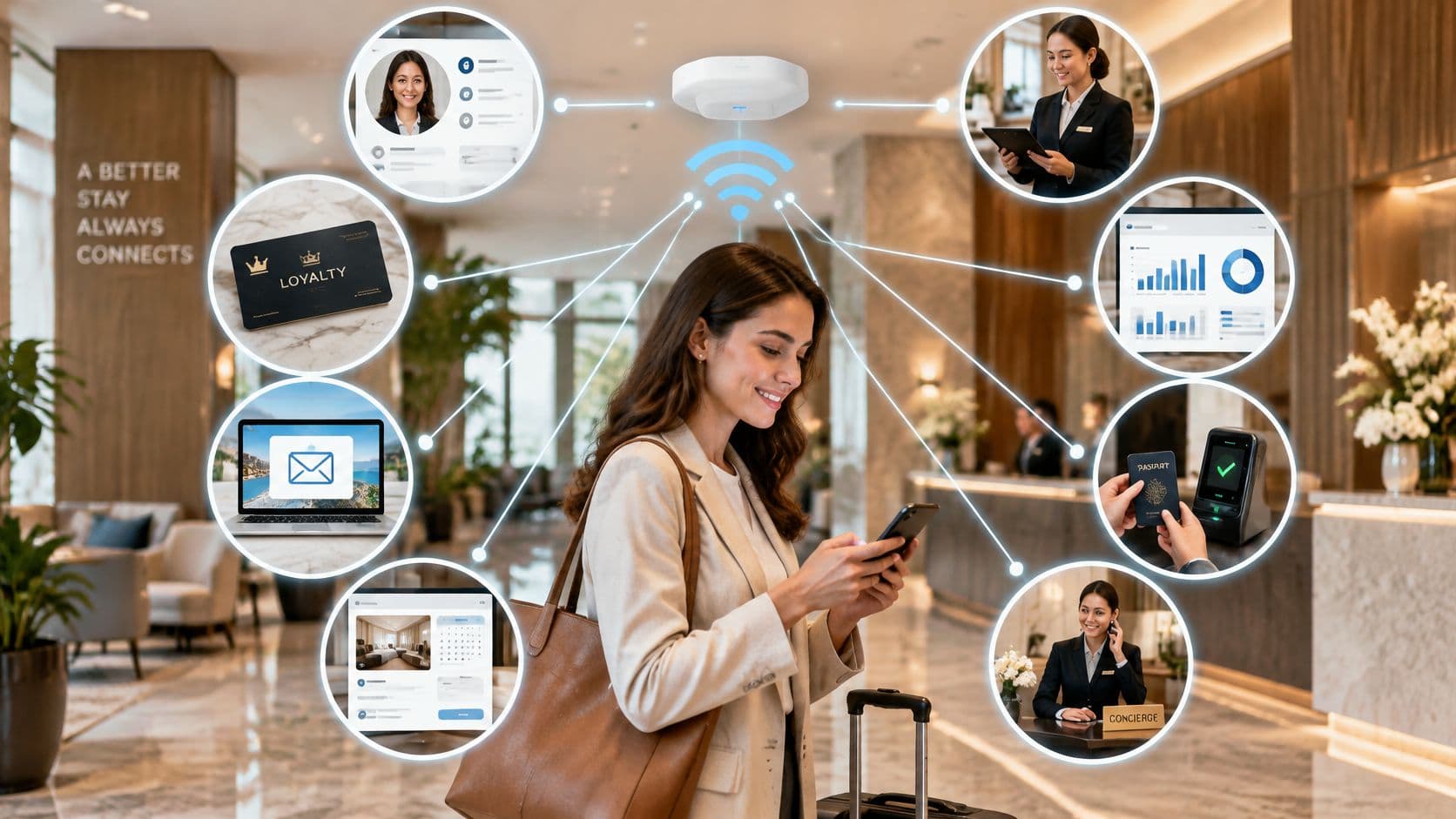
A guest connects to your WiFi on a Tuesday morning, taps through the splash page, and you never hear from them again. Three months later they book a room, walk into the lobby, and their phone asks them to register from scratch. Meanwhile the front desk still hands out a laminated card with the shared password, marketing exports guest emails manually every Monday, and nobody can say whether any of it produced a single extra visit.
That's an integration problem, not a WiFi problem. The access points are doing their job. What's missing is the connective tissue between the network, the identity systems that already know your guests and staff, the CRM that holds the relationship, and the reporting tools your directors open.
The eight ideas below are grouped by the operational problem each one solves: guest friction, staff offboarding, legacy devices, mixed hardware environments, data silos, and multi-tenant isolation. Find the pain point that matches your week and start there.
1. OpenRoaming and Passpoint Federated guest WiFi
Some venues see the same face four times a year and ask that person to register four times. Federated roaming fixes it by turning your network into one node in a much larger identity federation.

Passpoint, a WiFi Alliance certification, lets a device store a network profile and join a recognized SSID without a captive portal. OpenRoaming, run by the Wireless Broadband Alliance, is the roaming layer that ties participating venues, carriers and identity providers into one trust fabric. A guest signs up once with an email identity, the device picks up a profile or certificate, and later visits authenticate at 802.1X with WPA2 or WPA3-Enterprise. The first packet is encrypted. No splash page, no shared key on a bulletin board.
For estates that span buildings and partner organizations, that continuity is the whole point. HIPAA guidance on future WiFi and roaming standards describes the model as enabling frictionless WiFi onboarding across participating networks, which is exactly the requirement when a clinician moves between a hospital, a community site and a partner health system in one shift.
Practical rule: run OpenRoaming as a second SSID alongside your conventional guest network for the first six months. You get real device behavior data without betting the entire guest experience on it.
Where it fits and what breaks
Airports, stations, stadiums, campuses and hospital properties get the most value, because visitors cross several networks in a single journey. Hospitality and retail sites use passwordless onboarding mainly to cut helpdesk calls, and that benefit shows up within weeks.
- Confirm firmware support first. Passpoint capability varies between access point models on the same controller, and a mixed fleet will surprise you.
- Test auto-connect on every OS. iOS, Android, Windows and macOS handle stored profiles differently, particularly after an OS upgrade.
- Explain the one-time sign-up. Put it on signage, in booking confirmations and on the splash page itself, or guests assume you're harvesting data.
- Keep a portal or PSK fallback. Old handsets, some IoT equipment and locked-down corporate laptops never join a Passpoint SSID.
Passwordless isn't automatically inclusive. Good Things Foundation's digital inclusion insights note that 31% of the population still doesn't access health services online, while nearly 8 million people lack the skills needed to make effective use of the online world. If the only route onto your network is a smartphone with an email account, you've designed out a share of your visitors. Staff-assisted registration and a printed route solve that for the price of a kiosk.
2. Staff Access with Entra ID, Google Workspace and Okta SSO
Ask a hotel's IT lead how long it takes to kill a leaver's WiFi access and the honest answer is often "when someone remembers". A rotating PSK on the staffroom wall defeats every audit control in your policy set.
The fix is to make the directory the source of truth. Staff authenticate with EAP-TLS using a certificate issued by Intune, Jamf or Google endpoint management, or via EAP-TTLS brokered by RADIUS against Entra ID, Google Workspace or Okta. Group membership decides the VLAN and the role, so a housekeeping account lands in a restricted segment and a duty manager lands somewhere else, without a second credential to manage.

The gap between policy and practice is wider than expected. A 2025 practitioner study reported by IT Security Guru found that only 18% of respondents at Infosecurity Europe said their organization had fully implemented a zero-trust framework, against 27% of respondents at Black Hat USA and 44% at it-sa in Germany. In the same UK cohort, 43% didn't consistently enforce multi-factor authentication for privileged accounts.
The audit question: can you show a leaver removed from the directory and their session dropped in the same minute? If not, the integration isn't finished.
Deprovisioning is the test that matters
Provisioning is the easy half. Revocation is where directory integration earns its place, and it's where shared passwords fail outright.
- Map groups to network roles before you switch on auto-provisioning. Retrofitting a mapping onto live traffic causes outages you'll spend a weekend explaining.
- Enable change of authorization on the controller. Without it, a revoked user keeps a live session until their next re-authentication, which can be hours.
- Run deprovisioning as a pilot. Pull one test account from the directory and time how long the session survives.
- Split SSIDs by population. Staff, guests and contractors on separate policies makes every incident review shorter.
- Document the identity-to-network mapping. Auditors ask for it, and so does whoever inherits your controller.
Contractors are the usual weak point. Freelancers and agency staff often sit outside the directory entirely, so give them time-boxed guest credentials issued by a named sponsor rather than adding them to a permanent group. And keep an eye on certificate lifecycle: if enrollment breaks, devices fall back to whatever insecure option someone configured in a hurry.
3. Cloud-Hosted RADIUS to replace On-Premises authentication servers
Two RADIUS servers in a comms room, one of them dead since the last patching window, is the state of authentication in more buildings than anyone admits. Nobody notices until 400 guests arrive for an event.
RADIUS-as-a-service moves 802.1X decisions out of local hardware and into a managed endpoint. The network access server forwards access requests over RadSec or TLS to the cloud service, which validates the identity against your directory or certificate authority and returns the policy. Local patching, high-availability design and certificate store maintenance stop being your problem, and one configuration serves every site in the estate.

Purple's RADIUS as a service is one example of the pattern, and the design questions are the same whichever provider you pick.
The trade-offs worth arguing about
Centralized authentication concentrates risk on the WAN link. A retail chain with 300 stores and a single fiber connection per site needs a fallback that doesn't require a cloud round trip.
- Plan for WAN outages. Decide whether you want local cached credentials, a backup RADIUS instance, or an open fallback SSID with a voucher. Each has a different risk profile.
- Check data residency and logging. Authentication logs contain usernames, MAC addresses and location. Pick a region and retention window that match your obligations.
- Test change of authorization end to end. A cloud service can only disconnect a session if your controller supports the message.
- Run one pilot site in parallel. Authenticate the same users through old and new paths for two weeks, then cut over.
Latency is rarely a real problem, but measure it on your actual uplink rather than trusting a marketing page. Budget 40 to 80 milliseconds round trip to a regional endpoint and you'll usually be fine.
Rolling back a cloud RADIUS cutover is far cheaper than rolling back a controller firmware upgrade, so do the authentication migration first and the hardware refresh later.
4. Identity pre-shared Keys (iPSK) for legacy and IoT devices
A smart TV in room 412 can't do 802.1X, won't display a captive portal and has no browser worth the name. iPSK solves that without handing the whole building one password.
Each device, or each room, gets its own pre-shared key on a shared SSID. The controller passes the key to RADIUS, which returns the right VLAN and policy for that device class. Printers, badge readers, infusion pumps, handheld scanners and smart-home kit can then be isolated and managed individually, and a single compromised key gets revoked without a site-wide password change.
Where iPSK beats a guest portal, and where it doesn't
It's the right tool for hardware that will never support enterprise authentication. It's the wrong tool for people you want to identify, because a key tells you about a device, not a human.
- Keep a register. Every key needs a device, an owner and a location recorded somewhere you'll look during an incident.
- Segment by device class. Medical devices, point-of-sale terminals and guest tablets should never share a VLAN just because they share an SSID.
- Automate generation and delivery. An API that issues a key at device enrollment removes the spreadsheet and the clipboard email.
- Rotate on a schedule and at staff turnover. Keys printed on a label inside a room are compromised the moment the room changes hands.
The honest trade-off is administrative load. iPSK looks simple in a demo and turns into a 900-row inventory in a real hospital. Automate the lifecycle from day one or the register rots within a quarter, and a rotted register is worse than no register because it creates false confidence during an incident review.
5. CRM, marketing automation and post-visit feedback integration
A shopping center collects 40,000 guest emails a year and uses them for exactly nothing. That's the most common state of guest WiFi data: captured, stored, never connected to the system that could act on it.
The integration joins three things. Registration and visit data flow into the CRM, consented profiles trigger welcome and return-visit campaigns through marketing automation, and post-visit surveys attach feedback to a specific location and visit. A captive portal that captures structured fields at the point of access is what makes the rest possible, because free-text and inconsistent fields break matching downstream.

Start with two flows, not twelve
Many teams overbuild the first release and then can't tell which flow moved a number. Launch a welcome message and a return-visit prompt. Add loyalty triggers and a digital loyalty card software link once you can attribute visits to the first two.
- Separate marketing consent from access terms. Bundling them into one checkbox is a data protection problem and it damages trust at the worst moment, the first tap.
- Map fields before launch. Decide which system owns email, name, zip code and venue, or you'll create duplicate profiles that take a quarter to clean.
- Cap survey frequency. One or two questions, sent within 24 hours of the visit, and route negative responses to a named person rather than a shared inbox.
- Set a retention policy and honor unsubscribes fast. Both are easier before the list is large.
I'd resist sending a survey after every visit. Response quality collapses and guests start marking you as spam. Trigger feedback after a first visit, a fifth visit, or a service event that the network can see, such as a repeated failed login, which is itself a useful signal about the guest experience.
6. Network vendor integration across Meraki, Aruba, Ruckus, Mist and UniFi
A retail group acquires twelve stores running someone else's access points and suddenly has four controller ecosystems and four guest experiences. Rip and replace is the expensive answer. A vendor-agnostic identity layer is the practical one.
The pattern is straightforward. The identity and guest access platform talks to each vendor's controller or cloud API, and applies authentication, splash pages and policy through that existing infrastructure. Meraki's dashboard API, Aruba Central, Ruckus controllers, Mist's cloud and UniFi's controller each expose different capabilities, but they all speak RADIUS.
Build the compatibility matrix before the kickoff
Feature parity across vendors is where projects slip. One ecosystem supports change of authorization cleanly, another needs a workaround, and a third handles walled garden rules in a way that breaks payment portals.
- Record firmware versions per site. A controller two releases behind behaves differently, and "it worked in the lab" is not a defense.
- Pilot one site per vendor. Validate splash rendering, redirect behavior and session timeouts on real hardware before scaling.
- Check API rate limits and update windows. Polling too aggressively against a cloud controller gets you throttled mid-event.
- Keep escalation paths documented. When a vendor's API changes, you want the account manager's number already saved.
The user experience should be identical across every site even when the hardware isn't. Same splash wording, same fields, same fallback. Guests don't care that store 14 runs Aruba and store 15 runs Meraki, and they shouldn't be able to tell.
7. WiFi analytics Feeding BI and dashboard tools
A dashboard built on randomized MAC addresses and a vague definition of "visit" will lose an argument with your finance director every time. Analytics only changes decisions when the export lands in the tool people already trust.
Export foot traffic, dwell time, repeat visits and session data into your BI stack, whether that's Power BI, Looker Studio, Snowflake or BigQuery, and join it to POS, booking or occupancy data. That join is what turns connectivity logs into something a commercial team will act on. The underlying problem is bigger than most vendors admit: The Access Group's 2025 hospitality research reports businesses losing an average of 286 hours each year switching between disconnected systems, with only one in three respondents confident in the data their current tools produce.
Definitions first, dashboards second
Agree what a visit, a unique visitor and a dwell time mean before anyone builds a chart. Then write those definitions down, because the finance team will ask twice.
- Account for MAC randomization. Modern handsets rotate addresses, so raw device counts overstate unique visitors. Use the platform's de-duplication logic and say so on the chart.
- Match reporting cadence to decisions. Weekly staffing reviews and monthly campaign reviews need different views, not one dashboard doing both badly.
- Aggregate where identity isn't needed. Privacy teams approve aggregated foot traffic far faster than named guest profiles.
- Publish a data dictionary. It stops the third argument about whether the number includes staff devices.
A WiFi analytics guide is worth reading before you scope the export, mainly to see how many metrics you'll want to define rather than assume. Track one campaign end to end, with a control location, and you'll have a defensible answer about whether the promotion moved visits or just coincided with a federal holiday.
8. Multi-Tenant network isolation for residential and shared properties
In a multi-family building, a resident's smart speaker shouldn't be able to see the neighbor's laptop or the building management system. That's the whole requirement, and it's where most residential WiFi deployments fall down.
Multi-tenant integration gives each unit or business its own isolated network experience while the operator manages the shared infrastructure underneath. Residents sign in with their own identity, access stays separated from other tenants and from building services, and the operator gets home-like simplicity with enterprise-grade isolation.
The pattern needs three things working together: passwordless onboarding per resident, a private area network per unit, and multi-device access so a household can join phones, laptops and a console without a support call. Purple's Multi-Tenant WiFi features map directly onto this, with Passwordless WiFi, Private Area Networks and Multi-Device Access.
Turnover is the operational test
Lease churn is what separates residential from hospitality. A departed tenant must lose access on the day the lease ends, not when someone at corporate headquarters updates a spreadsheet.
- Automate provisioning from the property management system. Account creation on move-in, removal on move-out, no manual step. If the PMS and the network can't talk to each other, you inherit a deprovisioning backlog that grows with every lease change.
- Test isolation between units before onboarding. Try to reach a neighboring device from a resident VLAN, then try to reach the BMS. Both attempts should fail, and you want to learn that before the first resident does.
- Use iPSK for smart-home devices. Thermostats, TVs and doorbells can't do 802.1X, and they shouldn't sit on the resident credential. A per-device key means a sold TV loses access without touching the rest of the household.
- Publish a one-page self-service guide. The support call is almost always about joining a second device, so answer that question before it's asked.
Student housing adds a seasonal spike on top of ordinary churn. Hundreds of accounts created in orientation week and removed at the end of term is a bulk operation, so test the import before the rush rather than during it.
Comparing the 8 integration ideas at a glance
| Integration Idea | Primary System Connected | Best For | Key Dependency | Difficulty |
|---|---|---|---|---|
| OpenRoaming and Passpoint Federated Guest WiFi | Passpoint-capable WiFi infrastructure | Venues seeking seamless, secure guest roaming | Compatible access points and supported devices | Moderate |
| Staff Access with Entra ID, Google Workspace, and Okta SSO | Corporate identity provider | Organizations managing staff WiFi access | Accurate directory groups and identity provider configuration | Moderate |
| Cloud-Hosted RADIUS to Replace On-Premises Authentication Servers | Cloud RADIUS service and directory | Multi-site organizations reducing local IT overhead | Reliable internet connectivity and vendor compatibility | Moderate |
| Identity Pre-Shared Keys (iPSK) for Legacy and IoT Devices | WiFi access points and device policies | Organizations connecting legacy and IoT devices | Access point support and key management | Moderate |
| CRM, Marketing Automation, and Post-Visit Feedback Integration | CRM, marketing automation, and survey tools | Venues building guest engagement and feedback programs | Consent management and accurate data mapping | Moderate |
| Network Vendor Integration Across Meraki, Aruba, Ruckus, Mist, and UniFi | WiFi controllers and vendor cloud APIs | Organizations with mixed WiFi hardware estates | Vendor, firmware, and API compatibility | Moderate |
| WiFi Analytics Feeding BI and Dashboard Tools | Business intelligence and reporting tools | Multi-site operators measuring venue performance | Reliable data feeds and clear metric definitions | Moderate |
| Multi-Tenant Network Isolation for Residential and Shared Properties | Property network infrastructure and tenant identity systems | Multi-Family, Student Housing, and shared properties | VLAN and access policy design | Advanced |
Choosing your first integration and getting it live
You don't need all eight integrations at once. Start with the pain point that costs you most each week: portal friction at a high-footfall venue, password sprawl across a large staff base, unmanaged IoT devices in clinical or residential settings, or disconnected guest data that never reaches marketing.
Two things usually decide the sequence. The first is whether your controller supports RADIUS, change of authorization and walled garden rules properly, because that determines what's technically possible before anything else is discussed. The second is data ownership. If nobody can say which system holds the authoritative guest record, adding connectors makes things worse rather than better.
Purple from purple.ai is built for this kind of connected stack. Three plans, Connect, Capture and Engage, cover everything from a secure captive portal in 25 languages, through first-party data capture, CRM integration and analytics, to automated personalized guest journeys with pre-built connectors for loyalty programs. Setup follows three steps: connect your hardware, customize your portal, then go live. Capture and Engage include a 30-day free trial, after which you can continue or drop back to the free Connect plan. For Capture and Engage, a quick conversation with the team helps you weigh site count, data requirements and the systems you already run, so the plan matches the integration you're deploying.
A sequencing note: get staff identity and cloud RADIUS working before you touch marketing journeys. Every later integration depends on knowing who someone is, and identity is the layer that's hardest to retrofit.
Purple connects guest WiFi to identity, CRM, analytics and multi-tenant provisioning so the data you capture on site reaches the systems that act on it, with OpenRoaming and Passpoint support for passwordless guest access and directory-driven SSO for staff. If you're weighing which integration to deploy first, visit Purple to compare Connect, Capture and Engage against your site count and the platforms you already run.