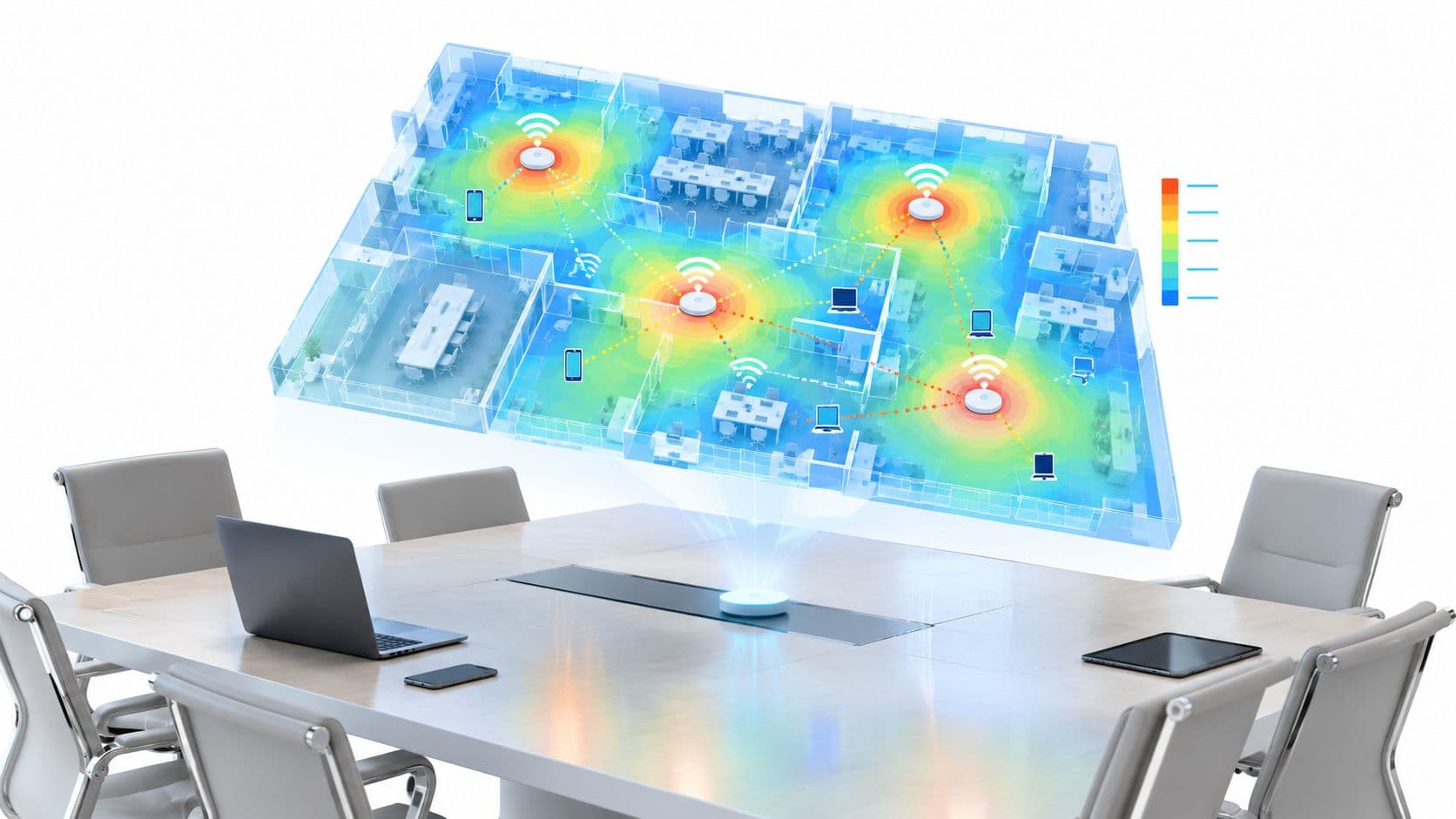
You can walk into a venue with a clean heatmap and still have a broken network. The bars look fine, the backhaul is healthy, and yet calls stutter, logins hang, and users blame the internet because that's the only thing they can see. That gap between coverage and usable capacity is where most WiFi failures live, and it's why wireless planning has to start with concurrency, airtime, and channel discipline, not just signal reach.
The Hidden Cost of WiFi Congestion
The failure usually shows up in the busiest place, not the weakest one. A ward round starts, a conference session ends, or a venue fills at lunch, and devices that looked fine in testing begin timing out in live conditions. The access points are still online, but they've run out of room to talk.
Coverage can hide a capacity problem
A coverage map answers a simple question, whether devices can hear an access point. It doesn't tell you whether those devices can all speak at once without fighting over the same airtime. That difference matters because users care about responsiveness, not just association.
In UK planning, Ofcom's Open Data portal treats Wi‑Fi as part of a broader national infrastructure picture, with reporting that links coverage datasets to local-authority planning baselines and the Connected Nations programme. That framing matters because capacity isn't a one-off device placement exercise, it's part of the same evidence-driven infrastructure view used for broadband and mobile planning (Ofcom Open Data portal).
Practical rule: if the network looks good on a map but fails under load, the problem is usually airtime contention, not raw signal strength.
That's why a venue can appear “covered” and still behave like it's overloaded. The user doesn't experience your RF design, they experience delay, retries, and failed application sessions. The fix starts by treating WiFi capacity planning as an operational discipline, not a radio coverage exercise.
For a practical analytics-led view of live usage and validation, see Purple's WiFi analytics guide.
Understanding Core Capacity Metrics
A network can show excellent signal strength and still fail during a busy meeting, ward shift, or event. Capacity and coverage solve different problems. Coverage asks whether a client can connect. Capacity asks whether active clients can share the medium without degrading one another. That distinction should drive the design.
The three terms that matter most
Airtime is the shared radio resource on a channel. Data frames, retries, probes, and management traffic all consume it. Once airtime becomes saturated, a higher theoretical PHY rate does not restore application performance. Adding access points can make the situation worse when neighbouring radios compete on the same or overlapping channels.
Concurrency is the number of clients actively using the medium at the same time. Headcount alone is a weak planning input. A room full of people may contain several devices per person, while only some devices transmit heavily at any given moment.
Throughput per client is the usable rate left after protocol overhead, contention, retries, and interference. It is the measure users feel while making a voice call, loading an application, or uploading a file. Vendor throughput figures describe ideal conditions, not the result under shared airtime.
Why client behaviour changes the maths
A desk worker carrying a laptop, phone, and tablet creates a different load from a visitor streaming video, a staff member using a softphone, or a scanner sending short transactions. Each device type has its own packet pattern, airtime demand, and sensitivity to delay. Capacity models therefore need device profiles and application mix, not just an occupancy total.
UK shared and workplace Wi‑Fi guidance recommends staying well below vendor maxima. It specifies using only 50% of the vendor-recommended client count per AP radio and gives roughly one AP per 20 users as a practical rule of thumb, with access points placed centrally to the group (UK workplace wireless network guidance). This is a conservative starting point, not a promise of performance. The result still depends on channel width, reuse, client behaviour, interference, and peak concurrency.
A sound capacity model keeps airtime, concurrency, and throughput per client separate. That separation exposes why adding radios without deliberate channel planning can reduce performance, even when coverage improves.
Methodology for Capacity Calculations
The cleanest way to size a wireless network is to stop thinking in “AP count” first and think in user demand first. Once the demand profile is clear, the AP count becomes an output, not a guess. That change in order prevents most of the overbuild and underbuild mistakes I see in enterprise projects.
Start with use cases, not totals
A hospital ward, a retail floor, and a conference hall all create different load patterns. Voice traffic needs responsiveness, guest browsing tolerates more delay, and video eats airtime quickly, so a single blanket capacity target won't hold across the whole site. The practical move is to separate device categories and estimate how each one behaves during peak use.
A simple planning matrix helps keep the discussion honest:
| Device Category | Avg Bandwidth per Client | Airtime Consumption | Concurrency Factor |
|---|---|---|---|
| Voice over WiFi | Qualitatively low | High sensitivity to delay | High if many handsets are active |
| Video streaming | Qualitatively high | Sustained and bursty | Moderate to high in public areas |
| General browsing | Qualitatively variable | Usually intermittent | Depends on occupancy patterns |
| Scanners and task devices | Qualitatively low | Frequent short transactions | Often steady, not constant |
The numbers above are intentionally qualitative, because the venue mix drives the answer. What matters is not pretending every client behaves the same way.
Use the venue's peak pattern, not its headline headcount
The best designs are built around peak concurrent users in specific zones. A lobby can be quiet while a neighbouring breakout space is saturated, and the network has to survive the busy zone without borrowing capacity from everywhere else. That's also why average building occupancy is such a poor planning input.
Purple's access point calculator is one example of a tool that helps model hardware counts from user density and venue size. Tools like that are useful when they're used to challenge assumptions, not replace engineering judgment.
Capacity calculations fail when people use total visitors instead of peak active devices per zone.
The methodology is simple in practice. Define device types, estimate concurrent use, account for application mix, and then size the network so busy zones still have headroom.
Designing for Density and Channel Planning
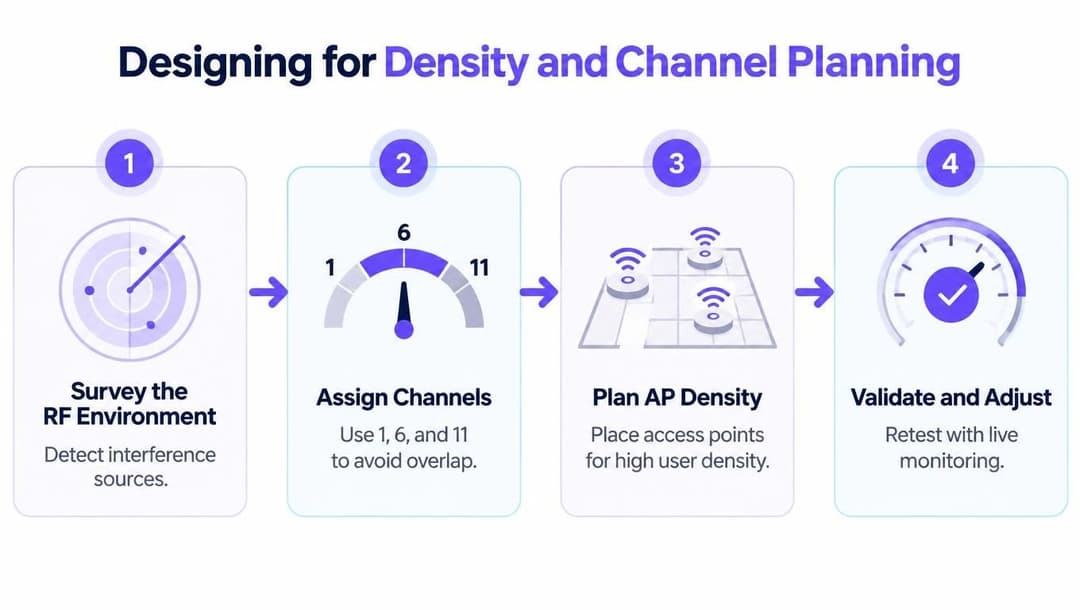
Dense WiFi doesn't break because there aren't enough access points. It breaks because access points are too close, too loud, or too willing to share the same channels. More radios can make things worse when channel reuse is sloppy.
Wider channels are not always better
Wider channels can look attractive on a spec sheet because they promise more throughput. In a dense enterprise environment, though, they can reduce the number of usable non-overlapping channels and raise the contention burden on each one. The result is often a network that looks modern but behaves sluggishly under load.
The UK planning context makes this even more important. Ofcom's data shows that 5,925 to 6,425 MHz has been made available for Wi‑Fi use, adding 500 MHz of spectrum, which gives dense sites more room for capacity design (Purple's UK access point planning article). That extra spectrum changes the design options, but it doesn't remove the need for careful channel reuse, especially where legacy devices still rely on older bands.
Compare the bands with the workload
2.4 GHz still reaches far, but it's usually the first band to suffer in crowded venues because too many devices and neighbouring systems compete there. 5 GHz gives more usable space for many enterprise deployments, but the channel plan still has to be deliberate. 6 GHz can improve the situation for supported clients, yet it doesn't magically solve congestion for older hardware.
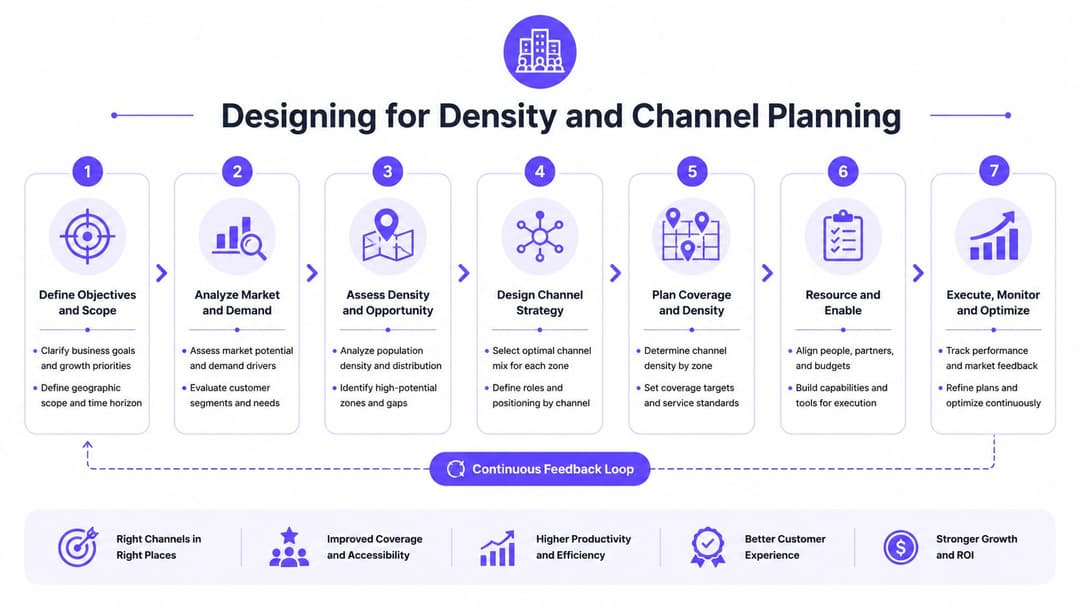
The core skill lies in spatial reuse. APs need enough separation in power and channel assignment that they're not stepping on each other's airtime while still maintaining usable roaming behaviour. That balancing act is why a clean channel plan matters more than raw AP count.
Purple's WiFi channel planner is relevant here because it supports the planning discipline around dense deployments rather than leaving channel decisions to defaults.
Integrating Analytics and Policy Enforcement
A good design can still fail if nobody watches what happens after go-live. Capacity planning only becomes trustworthy when live usage confirms the assumptions made during design, and when policy keeps one user group from trampling another.
Validate the design against real behaviour
Analytics turn guesses into evidence. If airtime spikes in one zone, or if one SSID behaves differently from the rest of the estate, the dashboard should show that quickly enough for the team to intervene before users notice. That matters most in hospitals, venues, and hospitality sites where the busiest periods are also the least forgiving.
Identity-based access adds another layer of control. Staff, guests, and devices don't all deserve the same priority or the same exposure, and policy enforcement stops uncontrolled usage from consuming capacity needed for critical work. Purple fits here as one option for passwordless access, segmentation, and usage insight, which can help validate whether the deployed network matches the design intent.
Use policy as part of capacity management
Capacity isn't only about radio engineering. It also depends on who is allowed to connect, what they're allowed to do, and how much strain their traffic places on the network. If you treat authentication, segmentation, and analytics as part of the same system, the network becomes easier to tune and easier to defend.
The practical advantage is simple. You can see where capacity is being consumed, restrict the traffic that shouldn't dominate shared resources, and adjust the design with actual behaviour instead of assumptions. That feedback loop is what keeps the wireless estate stable after the initial rollout.
Common Pitfalls in WiFi Capacity Planning
A hospital can add access points to a busy ward and still make performance worse. If neighbouring radios share congested channels, each new AP adds contention instead of usable capacity. The network becomes louder while clients wait longer for airtime.
Defaults are often the problem
Auto-channel selection is useful during an initial deployment, but it is not a substitute for deliberate channel planning in dense buildings. Purple's Wi‑Fi frequencies article reports that 40% of Wi‑Fi networks still default to auto-channel on overlapping channels, costing 25–30% throughput loss in dense urban areas. It also reports that co-channel interference on 2.4 GHz can cut throughput by 40–50% in crowded venues (Purple's Wi‑Fi frequencies article). Treat those defaults as a starting point for assessment, not as a finished design.
A channel plan should account for channel reuse, transmit power, client distribution, and the airtime each application needs. More radios help only when they reduce contention rather than create additional overlapping cells.
Vendor maxima are not design targets
Datasheet client limits describe what a platform can technically accept. They rarely describe the experience users receive when many clients are active, transmitting, roaming, or competing for the same airtime. As noted earlier, the UK workplace guidance's safer target is 50% of the vendor-recommended client count per AP radio, with about one AP per 20 users as a practical placement rule (UK workplace wireless network guidance).
That rule is a design guardrail, not a replacement for testing. Validate busy zones with active client counts, airtime utilisation, retries, and application requirements. Adding hardware without correcting RF coordination can increase cost and reduce usable performance.
More access points help only when channel reuse, transmit power, and client behaviour are engineered together.
Capacity planning therefore focuses on cooperative radios, not AP count alone.
Establishing Standards and SLAs
A capacity plan becomes useful only when operations can measure it. Define expectations for client density, airtime utilisation, and user experience before incidents occur. Otherwise, every outage becomes an argument over what “good enough” means.
Turn the design into operating rules
Apply different service targets to staff devices, guest access, and IoT endpoints. Their traffic patterns and business impact differ, so one shared experience target creates weak accountability. The SLA should state what healthy service looks like, which measurements prove it, and what action follows a breach.
The earlier UK workplace wireless network guidance provides a conservative density baseline that teams can encode in the SLA. Treat it as a starting guardrail, then adjust the engineered threshold for application demand, zone size, and channel availability.
A practical zone-level SLA can specify:
- Concurrent-device threshold: active clients in each zone remain below the capacity validated during testing.
- Airtime ceiling: utilisation stays below the agreed limit during defined busy periods, with separate expectations for critical service areas.
- Performance trigger: retries, latency, or application failures initiate investigation before users report a widespread outage.
- Channel control: new APs require a channel and transmit-power review, preventing extra radios from increasing contention.
- Review cadence: analytics are compared with the design assumptions after occupancy, application, or building changes.
These measures make the standard operational rather than theoretical. They also expose the actual bottleneck, airtime contention. Adding APs can worsen performance if channel reuse and client distribution are not engineered deliberately.
Purple gives teams tools to model density, monitor live usage, and align access policy with demand. For a congested venue, hospital floor, or mixed-use workplace, visit Purple to review its analytics and planning capabilities.