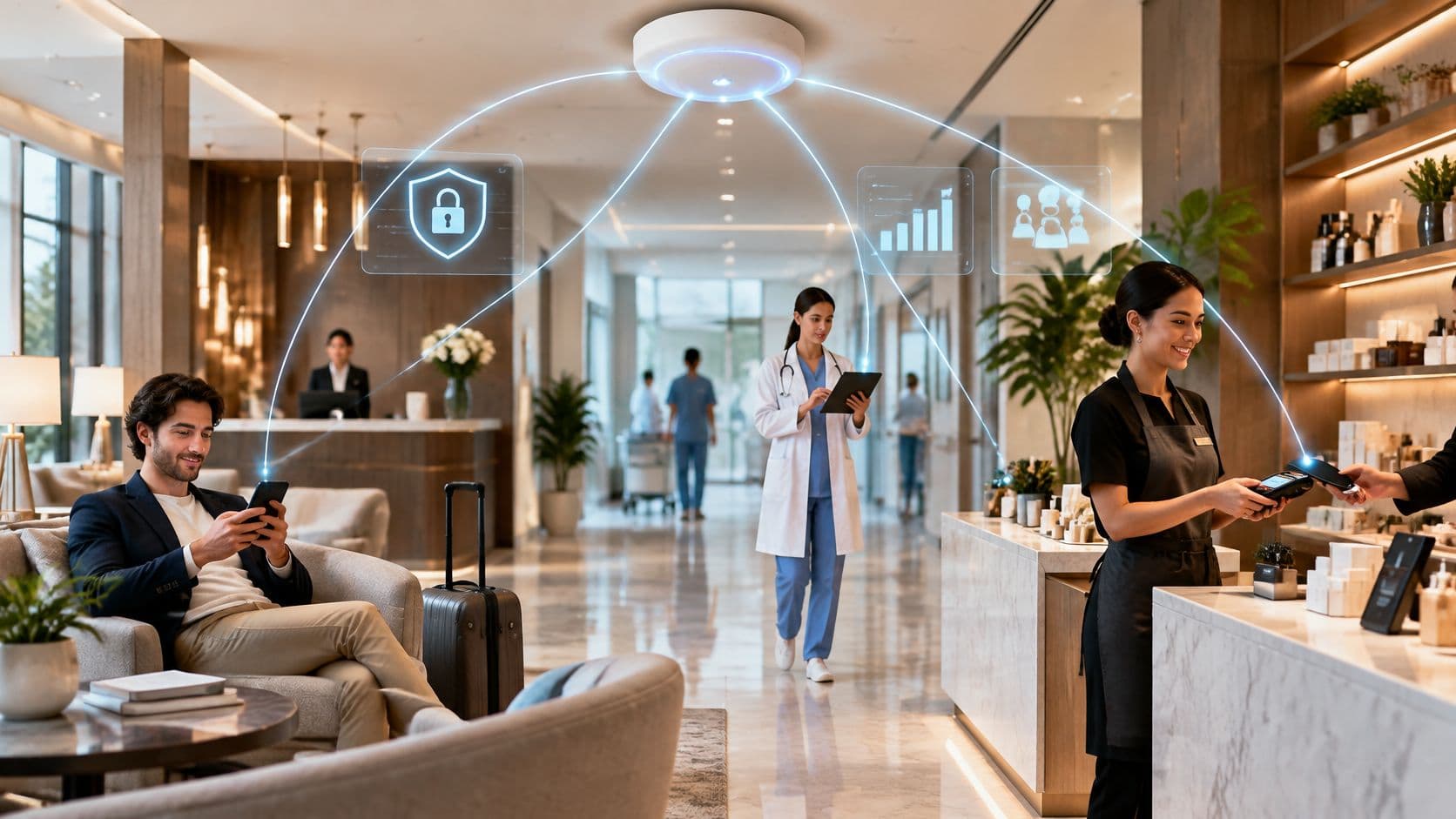
A guest checks into a hotel at 23:40 and her phone joins the network before she reaches the lift. A nurse wheels a tablet into a bay and pulls up a chart without hunting for a cable. An associate taps a card reader on the shop floor and the payment clears in under two seconds. None of those moments looks like a network event, which is exactly why they matter.
Behind each one sits the same service: the venue's wireless LAN. WiFi stopped being a perk the moment businesses started putting card payments, clinical records and booking systems on it. It now sits underneath the parts of the operation customers notice and the parts they never see.
The benefits are real, and each carries a trade-off that doesn't make it onto the datasheet. Mobility costs you roaming design. Guest access costs you consent paperwork and a support queue. Passwordless login costs you a certificate plan. What follows is eight WiFi benefits, each paired with how it plays out in an actual building, what breaks when the groundwork gets skipped, and where it pays off first in hotels, hospitals and retail floors.
1. Untethered mobility and device Flexibility
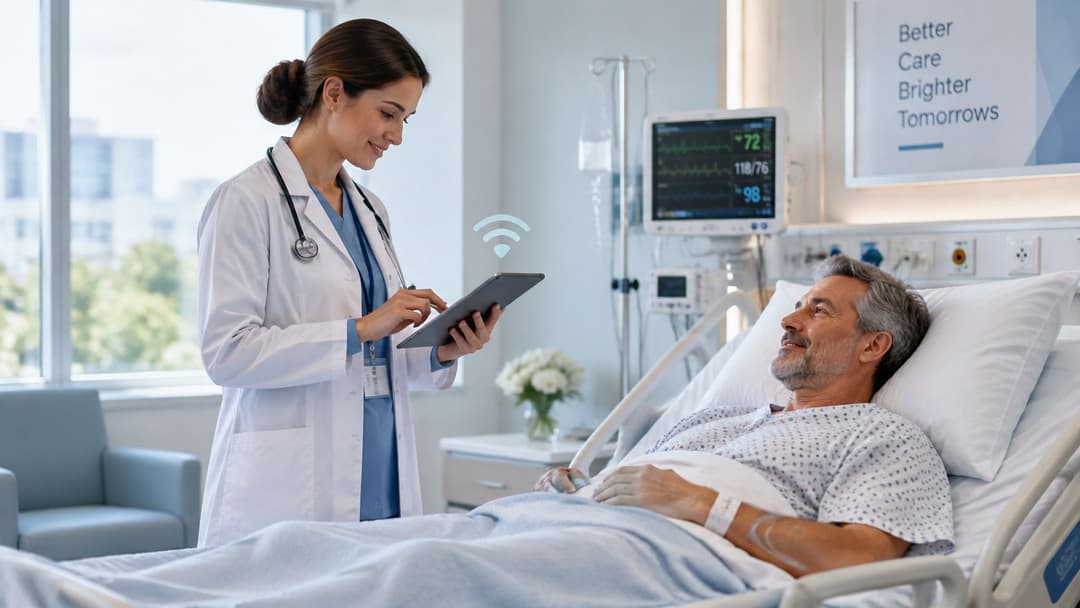
Radio replaces copper at the last hop. Devices join an 802.11 network, certified for interoperability by the Wi-Fi Alliance, and staff stop designing their work around where the wall sockets are. A clinician charts at the bedside instead of scribbling notes at a desk and retyping them four hours later. An associate takes payment mid-floor instead of walking the customer to a fixed till.
The scale isn't marginal. Evidence HPE submitted to Ofcom states that WiFi carries more than 90% of all UK data traffic, and the same filing notes that cumulative global WiFi 6 device shipments passed 5.2 billion by early 2025 (HPE's response to Ofcom's wireless telegraphy consultation). Your estate is already a wireless estate. The only question is whether anyone designed it as one.
The trade-off: coverage is easy, mobility is hard. A handset that clings to the access point it joined at reception will hold a weak signal through three walls rather than roam, and the user experiences that as a frozen app rather than a radio problem.
Design for roaming, then for coverage
- Survey before you buy: walk the building with a survey tool on the actual device types, at the actual ceiling height, with stock and shelving in place. Retail floors change with the merchandising calendar.
- Overlap cells deliberately: aim for roughly 15 to 20% overlap at the cell edge so a client has a second access point before the first becomes unusable.
- Enable fast roaming: 802.11k, 802.11v and 802.11r where the clients support them, tested on the oldest handset in the fleet rather than the newest.
- Measure what users feel: benchmark client density, channel utilisation, retransmission rates and roaming latency, not headline throughput.
A 60-second voice call walked across the floor while holding a live payment terminal tells you more about a building than any heat map.
2. Cost-Effective deployment and Scalable coverage
Wireless removes the cable run to every endpoint, which matters most where cable is expensive or impossible: listed buildings, leased floors where you can't chase walls, temporary event structures, and older residential blocks with no containment.
The economics have been measured. The UK Government's assessment of radio spectrum's impact on the economy estimated that WiFi offloading generated £1.8 billion in combined consumer and producer surplus in 2011, with about 90% of the benefit going to consumers who saved roughly £0.04 per megabyte by substituting WiFi for mobile data (the UK Government's spectrum assessment). The same assessment projected annual consumer surplus of between £3.9 billion and £4.8 billion by 2021, and put the net present value of offloading's welfare effect at £31 billion across the decade after 2011.
The trade-off: cheap to start, not cheap to run well. Access points still need a cable for backhaul and power over Ethernet, and the total cost of ownership hides in licensing, switch ports, survey time and support contracts. In a fixed, dense, static deployment, where everything sits within two metres of a wall, cable is still cheaper per port over five years.
Where wireless genuinely wins
- Heritage and leased property: chasing a cable through a listed wall can cost more than the access point that avoids it.
- Temporary and seasonal space: conference halls, pop-ups and event stands reuse the same hardware next month somewhere else.
- Phased rollout: a cloud controller lets you add a building without rebuilding the management plane, which matters when a portfolio grows by acquisition.
A hotel group standardising guest SSIDs, VLANs and firewall policy across dozens of properties from one dashboard is the clearest case. One configuration change, one maintenance window, no site visits. Size it by device density rather than floor area, and audit the automated channel and power features after commissioning instead of trusting them indefinitely.
3. Guest connectivity and customer engagement

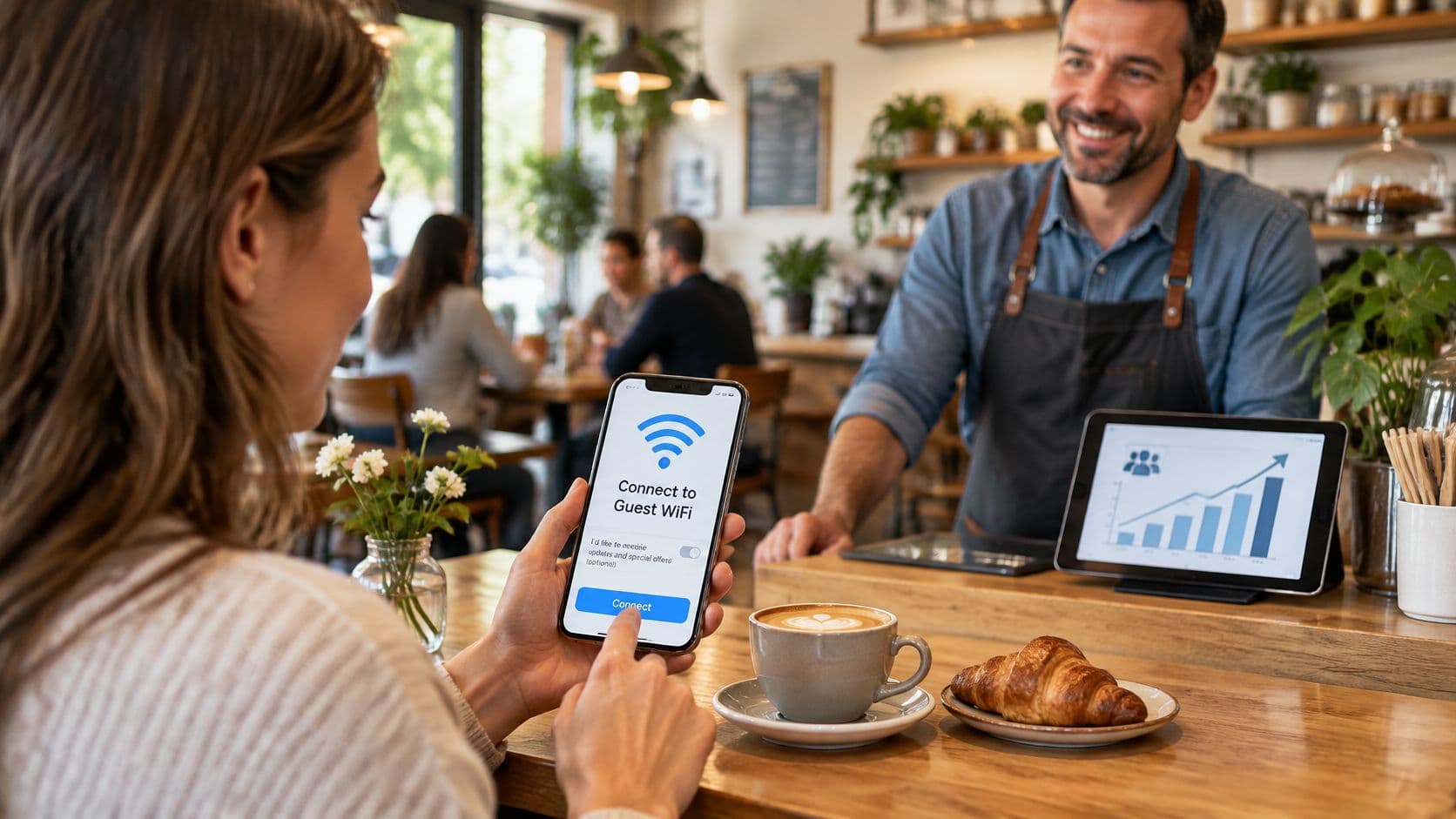
Guest WiFi is the only marketing channel a visitor opts into while standing inside your building. A captive portal gets them online in exchange for a sign-in step, and that step is where consent, loyalty sign-ups and offers live.
The behaviour is mainstream, not niche. The Wi-Fi Alliance's global economic value report cites an industry estimate of about 2.2 million free public WiFi access points and 200,000 paid sites in the UK. Drawing on Ofcom analysis, it also found users connected to an average of 1.9 unique hotspots a day, and that among consumers with a 4G handset and contract, 69% of connections to data applications used WiFi rather than cellular.
The trade-off: every field you add to the sign-in form costs you connections. A nine-field registration page is a bounce rate dressed up as a database. Everything you collect also has to survive a subject access request and a consent audit.
Make the portal earn its place
- Three taps maximum: email, consent tick box, connect. Use captive portal software that recognises the device so returning guests never see the form twice.
- Consent that stands up: keep the privacy notice separate from marketing opt-in, log the timestamp and exact wording, and make withdrawal as easy as sign-up.
- One job per screen: if the goal is a review, ask for the review. Bundling a survey, a newsletter and a booking prompt onto one page gets you none of them.
Practical rule: if the portal takes longer than the coffee queue, guests will use their mobile data and you'll collect nothing.
If you're booking rather than running a venue, put connectivity on the checklist with capacity and catering. Here's what to verify at event venues before you sign.
4. Secure, Passwordless authentication with Passpoint and OpenRoaming
Passpoint, certified by the Wi-Fi Alliance under the Hotspot 2.0 framework, lets a device authenticate with credentials it already holds. It joins automatically and encrypts from the first association, so there's no window before the portal loads where traffic travels in clear.
OpenRoaming, developed by the Wireless Broadband Alliance, extends the same model across operators. A user authenticated on one participating network connects to another without touching a keyboard, which is the difference between roaming that works and a landing page that asks for an email address in an airport at 6am.
Demand is not in question. A 2025 NordVPN survey found that 68% of UK commuters connected to public WiFi during their commute (NordVPN's UK commuter safety research). Most of them joined a network they had no technical way to verify.
The trade-off: the shared password on one side, device support on the other. A password can't be revoked per person, can't be audited, and gets forwarded to friends within a week. Passpoint isn't universal either, and a venue that promises smooth login then delivers a profile installation wizard has made the experience worse than the password did.
What actually reduces risk
- Encryption from the first packet: WPA3-Enterprise where devices allow it, WPA2-Enterprise as a documented fallback, and Enhanced Open on open guest SSIDs so traffic isn't in clear.
- Segmentation with no lateral path: guest, staff and device networks on separate VLANs. A compromised guest laptop should reach a portal, not the till system.
- Revocation in minutes: losing a device should kill the credential through your identity provider, not wait for the next password rotation.
Eduroam is the proof this scales. A researcher authenticates at their home university and connects at a partner institution abroad with the same credentials and the same encryption, no guest voucher involved. Verify that your infrastructure supports Passpoint before you promise it in a guest journey.
5. Zero-Trust staff Access with directory integration
Enterprise WiFi can authenticate employees against the identity system you already run, such as Microsoft Entra ID, Google Workspace or Okta, using 802.1X with certificates or single sign-on. Access follows the directory. A joiner gets in on day one, a leaver loses access when HR closes the account, and a role change moves someone between network segments without a ticket.
The trade-off: the certificate lifecycle. Running your own PKI means a certificate authority to protect, profiles to deploy, renewals to track, and devices that stop working without warning when a certificate expires on a Sunday. It's the part of the project that gets underestimated most often, and the bit that generates the helpdesk calls.
Getting the rollout right
- Map directory groups to network roles before you touch a controller. Clinical, finance, shop floor and contractors should never inherit the same policy by accident.
- Test revocation, not just provisioning. Disable a test account and time how long the session survives. If the answer is "until the lease expires", your revocation window is wrong.
- Pilot with one department and a written support script. Most rollouts fail at the supplicant, not the RADIUS server: a stale profile, or a user who tapped "forget network" and can't get back on.
Running RADIUS as a service removes the server maintenance, not the directory mapping or the revocation test. Those stay with you, and they're the parts that determine whether staff trust the system.
A multi-site retailer is the classic case: store managers need corporate access without a shared password that half the district knows. 802.1X tied to Entra ID gives each manager a personal credential and gives IT a single place to end it. Hospitals use the same design so a clinician authenticates once and moves between wards without re-entering anything.
6. Actionable insights from First-Party WiFi Data
A wireless network records more about visitor behaviour than most marketing teams can access anywhere else: connection events, dwell time by zone, return visits, peak hours, and which parts of a building people occupy. It's first-party, it's consented, and it doesn't depend on a third-party cookie surviving the next browser update.
The trade-off: raw logs are not insight. MAC address randomisation, multiple devices per person, staff handsets that look like guest devices, and dwell times inflated by a laptop left on a table all distort the picture. Analytics with no decision attached is a dashboard nobody opens after week three.
Define the question before the report
- Pick three metrics: repeat visit rate, median dwell time per zone, and first-attempt authentication success. Everything else is context.
- Compare like with like: a Tuesday morning and a Saturday afternoon are different populations. Segment before you conclude anything about the venue.
- Aggregate where you can: report at zone or cohort level unless individual identification is required, and say so in the privacy notice.
A shopping centre comparing footfall by zone finds that a corridor near the car park entrance carries heavy traffic and almost no dwell, while a seating area by the anchor tenant holds people for twenty minutes. That single finding changes where pop-up space is sold, where signage goes, and which tenant gets the corner unit next renewal.
WiFi marketing works best when connection data lands in the CRM with a venue name and a timestamp, so an offer can be timed to a second visit instead of blasted at the whole list.
A heat map that changes nobody's rota, layout or staffing plan is decoration.
Connect it to CRM and marketing tooling, and connection data becomes a measurable outcome: did the offer bring someone back, and how long did they stay when it did.
7. Connectivity for multi-tenant and Residential Environments
Build-to-rent, student housing and serviced apartments now compete on connectivity. Residents arrive with consoles, smart TVs, printers, doorbells and a work laptop, and they expect all of it to be online in the first ten minutes without calling a helpdesk.
The device profile explains why. In a February 2024 YouGov survey commissioned by NETGEAR, 89% of UK home-broadband users surveyed said they had between 1 and 20 WiFi-connected devices at home (UK Tech News on the NETGEAR-commissioned survey). Treat that as the baseline for a one-bedroom flat, not a family home.
The trade-off: enterprise authentication excludes exactly the devices residents care about most. A console or a cheap smart plug can't do 802.1X with a certificate. Individual pre-shared keys solve it, giving each resident a private network across every device they own, but the key lifecycle becomes an operational task: issue at move-in, revoke at move-out, reissue when a device changes.
Where managed residential WiFi pays
- Fair use needs teeth: set per-unit bandwidth limits and QoS for shared amenity space before the first complaint about a neighbour's downloads.
- Isolation by default: one resident's smart TV should never see another resident's laptop.
- Plan for the excluded: Ofcom found that 5% of people aged 16 and over had no home internet access in 2025 and 1% relied on access only outside the home, while 74% of UK homes, 22.5 million, could access full-fibre services by January 2025 (Ofcom's research on barriers to household connectivity). Fast incoming lines make the indoor wireless layer the weak link, not the connection itself.
If you run serviced accommodation, connectivity belongs in the booking decision rather than the welcome pack. Guests researching how to book serviced accommodation ask about the internet before they ask about the view.
8. Support for IoT, Medical devices, and operational technology
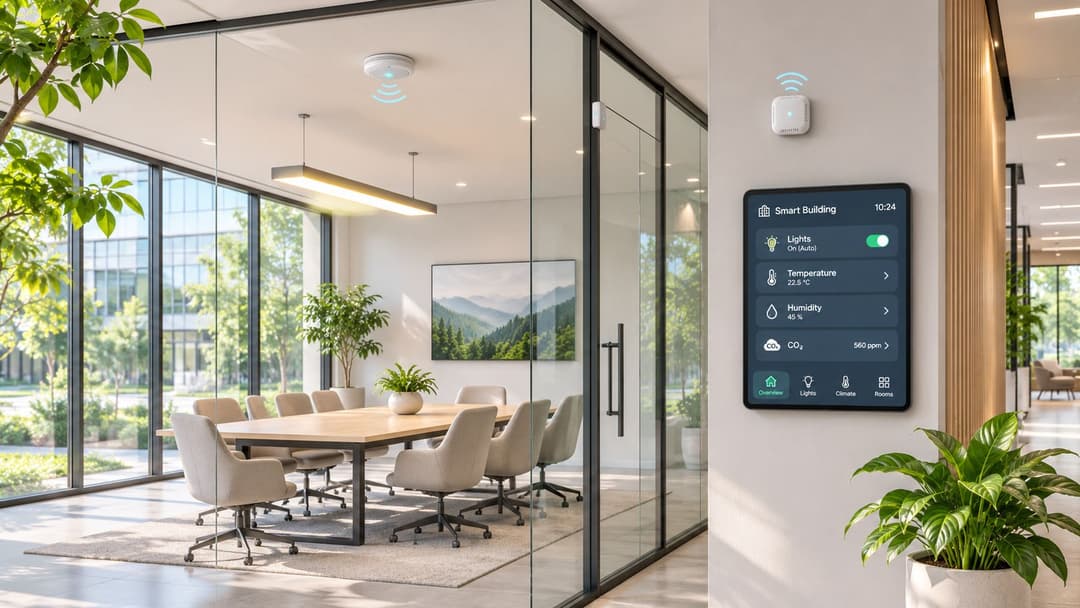
Sensors, building controls, infusion pumps, patient monitors, payment terminals and digital signage all want a wireless link. WiFi gives them one network to join and one place to manage, which is why so much operational technology now runs over it.
The trade-off: a large share of those devices are old, cheap and unpatched, and they were certified against standards two generations behind. Ookla data reported for EE's UK fixed-broadband routers put WiFi 7 median download speeds at 665.01 Mbps at the end of 2024, more than four times the WiFi 6 median, with median latency of 17 ms, 12% lower than WiFi 6 (ISPreview's summary of the Ookla data). Yet WiFi 7 accounted for just 0.35% of UK WiFi connections, while WiFi 5 held 51.35%, WiFi 6 31.02% and WiFi 4 17.29%. Your new access point isn't the constraint. The client population is.
Segment before you optimise
- One SSID per purpose: clinical devices, guest, staff and building controls each on their own VLAN with explicit rules between them.
- Plan for legacy radios: if 2.4 GHz-only sensors are in the estate, keep a channel plan that accommodates them, and don't let a WiFi 6 or 7 tuning exercise strand them.
- Firmware discipline: an inventory with firmware versions and an update schedule for every device class is worth more than a faster access point.
A hospital puts infusion pumps and patient monitors on a clinical VLAN with no route to the guest network, and validates roaming behaviour before the first ward goes live rather than after an incident. A hotel runs room sensors for energy management and maintenance alerts on a similarly segmented design, so a compromised sensor can't reach the property management system.
Eight business WiFi benefits at a glance
| Benefit | Primary value | Best for | Main trade-off |
|---|---|---|---|
| Untethered Mobility and Device Flexibility | Enables connected devices to move across covered areas | Hospitals, retail floors, and mobile workforces | Coverage and speed can suffer from obstacles and congestion |
| Cost-Effective Deployment and Scalable Coverage | Reduces cabling costs and supports phased expansion | Older buildings, temporary venues, and multi-site organizations | Requires ongoing capacity planning and spectrum management |
| Guest Connectivity and Customer Engagement | Improves visitor access and enables opt-in customer engagement | Hospitality, retail, and event venues | Sign-in friction and privacy compliance require attention |
| Secure, Passwordless Authentication with Passpoint and OpenRoaming | Provides automatic, encrypted access across participating networks | Venues and organizations seeking seamless, secure roaming | Depends on compatible devices, infrastructure, and federation adoption |
| Zero-Trust Staff Access with Directory Integration | Ties network access to employee identity and status | Enterprises with centralized identity systems and multiple locations | Integration and certificate management can be complex |
| Actionable Insights from First-Party WiFi Data | Turns aggregated visitor patterns into operational and marketing insights | Retail, hospitality, and multi-site venues | Privacy requirements and device randomization can limit data accuracy |
| Connectivity for Multi-Tenant and Residential Environments | Provides isolated, convenient connectivity for residents and devices | Student housing, build-to-rent, and managed residential properties | Managing access and shared bandwidth adds operational work |
| Support for IoT, Medical Devices, and Operational Technology | Connects devices for monitoring, control, and operations | Healthcare, hospitality, and smart buildings | Requires device isolation and careful management of capacity and security |
Turning WiFi benefits into business outcomes
Each of the eight benefits turns into a business result only when someone owns the design decision behind it. Mobility without a roaming plan is a support queue. Guest access without a consent model is a compliance exposure. Analytics without a defined question is a report nobody reads. The venues that get value from wireless treat it as an identity and engagement layer sitting on top of connectivity, not as a box on the maintenance contract.
The pattern repeats across sectors. Hotels measure success in dwell time and repeat bookings, so guest onboarding and analytics matter more than peak throughput. Hospitals measure it in clinical continuity, so zero-trust staff access and device segmentation come first. Retailers want conversion, which makes mobile payment reliability and footfall data the priority. Student housing needs isolation and a key anyone can use on a console. In every case, the network that delivers is the one designed against a named outcome.
My recommendation for anyone planning the next refresh: choose your priority before you choose your hardware. If guest experience leads, invest in a short sign-in flow and clean data capture. If staff security leads, invest in directory integration and a tested revocation window. If analytics leads, decide which three metrics will change a decision, then build backwards from there. The radio standard you buy matters far less than whether the identity, onboarding and measurement layers were thought through.
That's where a platform approach earns its keep. Purple runs guest WiFi, staff 802.1X security and xPSK private area networks on a single cloud platform. Guest plans span the free Connect tier through Capture and Engage, and staff WiFi runs on the access points a venue already owns with zero PKI to build, working with Entra ID, Google and Okta. Map your priority benefit, then judge any platform on whether it solves that one properly.
If you want guest WiFi that encrypts from the first packet and staff access that follows your directory instead of a shared password, Purple does both from one platform. Guests can start on the free Connect plan, and staff WiFi runs on the access points you already own, with no certificate authority to build and support. Visit Purple to see how the guest, staff and multi-tenant products map to the benefit you've decided to chase first.