
Complete WiFi security, identity and protective filtering for schools and MATs
Meet the DfE digital standards and KCSIE with one cloud platform. Purple Access ties every connection to a named pupil, member of staff or device. Purple Shield filters every network at the DNS layer. No on-premise hardware, on the access points you already own.
- KCSIE and DfE filtering standards
- IWF and CTIRU lists blocked at DNS
- Google Workspace and Entra ID sign-in
- Friendly WiFi accredited filtering
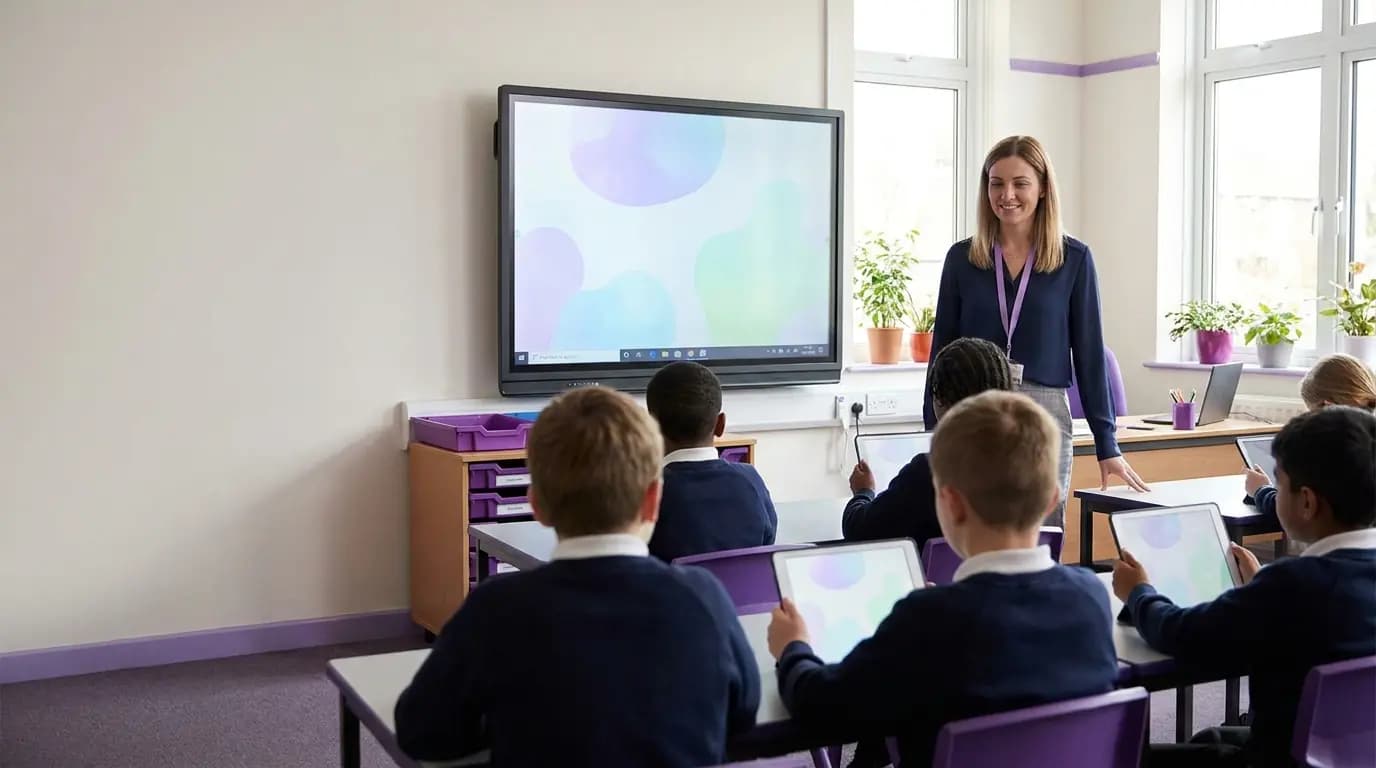
Safeguarding is everyone's job. Knowing who was on the network is usually nobody's.
KCSIE makes online safety part of safeguarding, and the DfE filtering and monitoring standards set out what should be in place. Yet MAC address randomisation on iOS and Android and a shared WiFi password mean most schools cannot say who was behind a blocked domain or a network alert. The gaps tend to show up in the same four places.
A typical school today
- One staff WiFi password, shared with personal phones and unchanged for years
- A blocked domain or alert that points at a random MAC address and nobody's name
- One filtering policy for sixth formers, Year 3 and visiting contractors alike
- Interactive panels, printers and door controllers sharing one key with the staffroom
With Purple
- Staff and pupils sign in with their school account over EAP-TLS or a key of their own, so there is no password to pass around
- Every Shield block names the pupil, the device, the time and the access point, for your DSL and IT team
- Directory groups set the VLAN, and Shield applies the matching filtering profile with no firewall changes
- One RADIUS Change of Authorisation disconnects a compromised or suspended device across every site in seconds
Everyone and everything in school, on the right network with the right filtering
Access decides who gets on and where they land. Shield decides what they can reach. Both run from one dashboard for one school or every academy in the trust.
Identity on every connection
Google Workspace or Microsoft Entra ID sign-in over 802.1X EAP-TLS, so every session maps to a named person and device.
02 · SafeguardingFiltering that meets the DfE standards
Purple Shield blocks the IWF and CTIRU lists, enforces Safe Search and applies an age-appropriate profile per network.
03 · DevicesManaged devices only, a key for the rest
MDM certificates gate curriculum networks. xPSK gives panels, printers and door controllers a key each, revoked in one click.
04 · VisitorsSafe guest and community WiFi
A branded portal with your acceptable use policy and Friendly WiFi accredited filtering, kept apart from teaching and admin.
Every connection tied to a real name, not a random MAC address
MAC address randomisation on iOS and Android and shared WiFi passwords make it almost impossible to know who is behind a blocked domain or a network alert. Purple Access ties every connection to your school's identity provider, Google Workspace for Education or Microsoft Entra ID, over 802.1X EAP-TLS or a unique per-device xPSK key. When Shield flags a domain or a threat, your designated safeguarding lead and IT team know the exact pupil, device, time and access point.
- Single sign-on with Google Workspace for Education or Microsoft Entra ID, synced over SCIM
- Directory groups decide whether someone lands on the staff, sixth form, primary or admin VLAN
- Every block and alert resolves to a named pupil or member of staff, their device, the time and the access point
- Leavers lose access the moment their account is disabled, and live sessions end with RADIUS CoA
Access ends the moment an account is disabled in Entra ID or Google Workspace. No shared password to change, nothing to chase.
Explore identity-based WiFi Access
Filtering that meets the DfE standards and KCSIE from day one
Purple Shield filters at the DNS layer, before a connection is made, so one engine protects pupil, staff and guest networks with no appliance and no firewall changes. Access puts each directory group on its own VLAN, and Shield applies the matching profile: stricter for primary pupils, lighter for sixth formers, threat-first for staff.
- IWF and CTIRU lists blocked at the DNS layer, before a connection is established
- Safe Search enforced on Google and Bing, YouTube Restricted Mode on, with category blocks for adult content, gambling, self-harm and violence
- Age-appropriate profiles per VLAN for staff, sixth formers, primary pupils and guests, with time schedules for the school day
- Phishing, zero-day malware and malicious infrastructure blocked up to 10 days before standard blocklists update
Every block is logged against a named pupil, device, time and access point, which gives your DSL the evidence the DfE filtering and monitoring standards ask for.
Ask about filtering for schools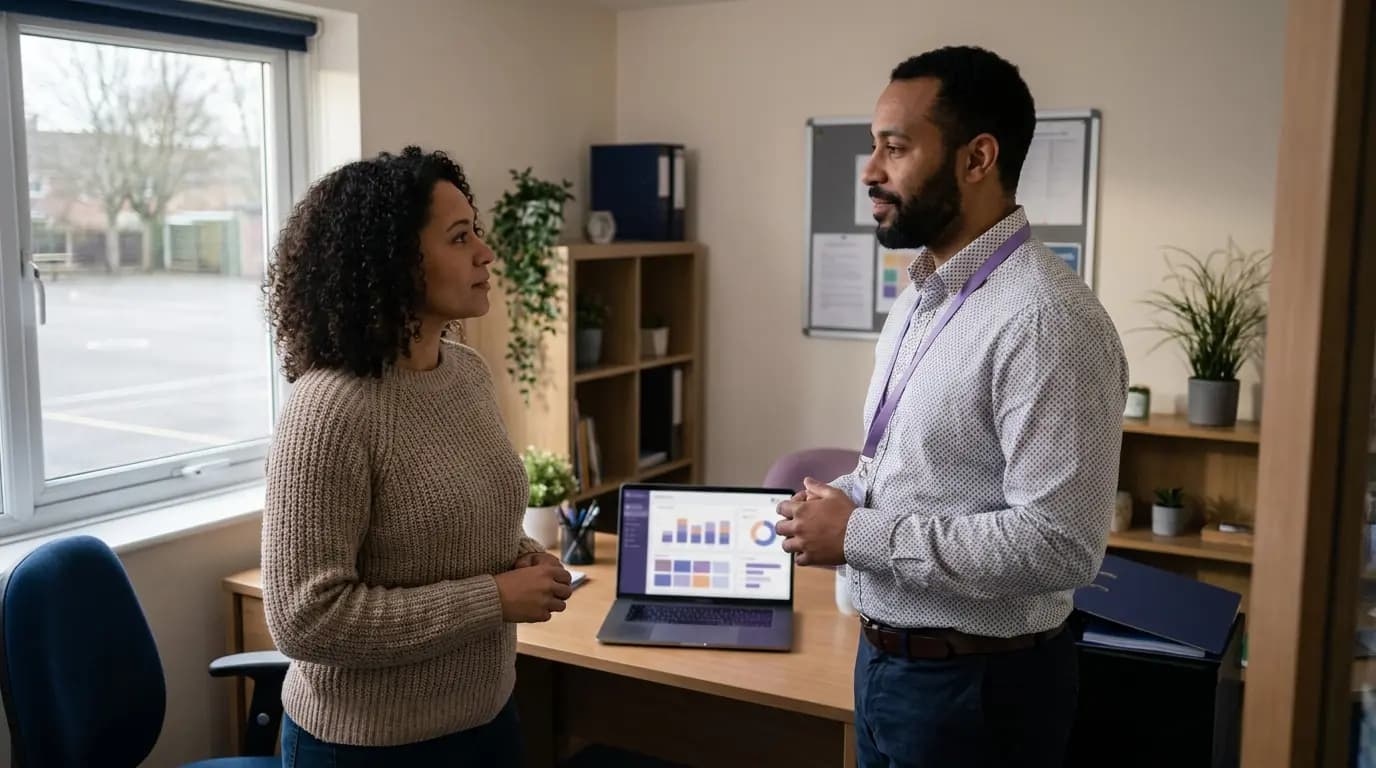 Shield
No unmanaged devices on curriculum networks, and a key for everything else
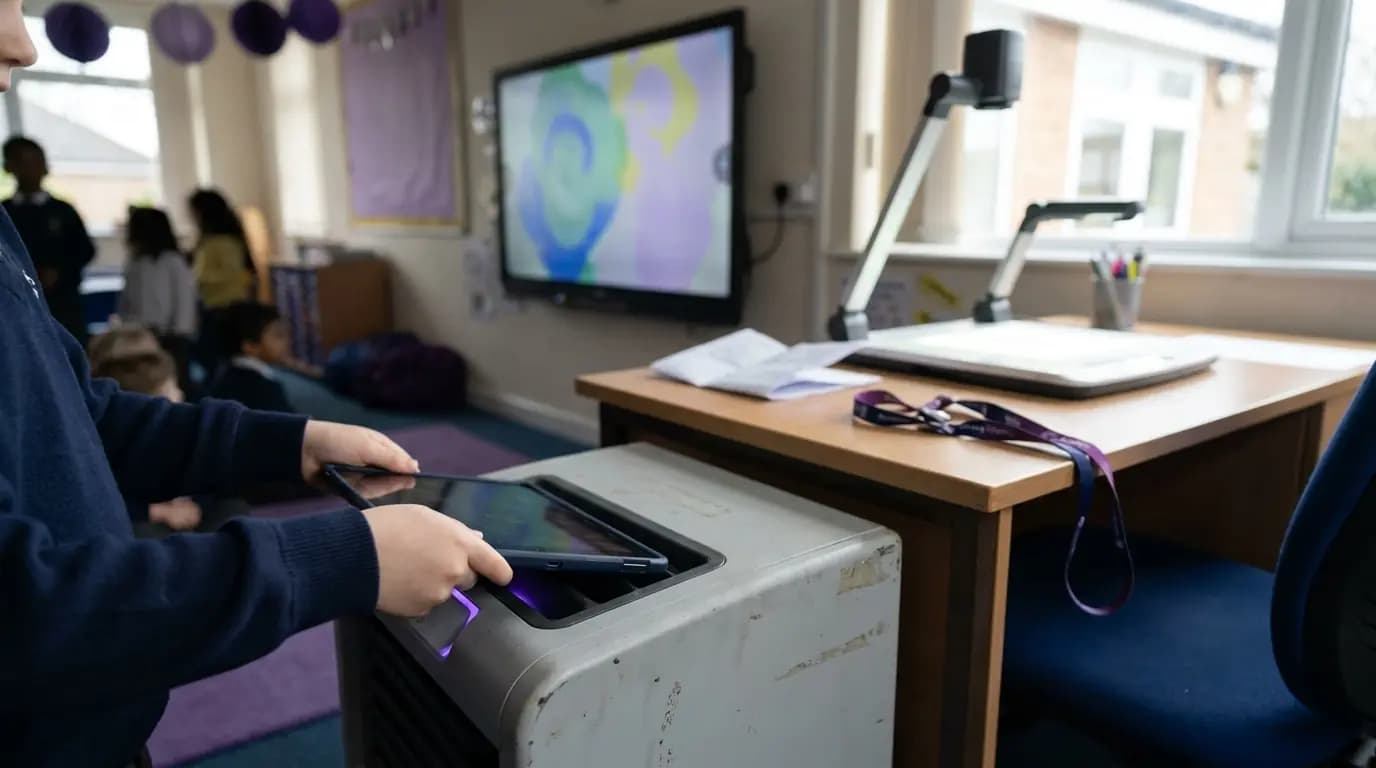
Purple works with your MDM, Intune, Jamf, Kandji or the Google Admin console for Chromebooks, to put EAP-TLS certificates on school-owned laptops, Chromebooks and iPads. A device without a valid certificate or safeguarding profile cannot join the curriculum network. Interactive panels, printers, door controllers and tablet trolleys that cannot sign in get an xPSK key each, bound to the device, so a leaked key affects one device and not the whole school.
- Devices missing a certificate, or with the safeguarding profile removed, are kept off curriculum networks
- Individual, revocable credentials end password sharing to personal phones and unmonitored devices
- MAC-bound xPSK keys for panels, printers, cameras and door controllers, with no per-device licence
- One Change of Authorisation disconnects a compromised, lost or suspended device across every site in seconds
 xPSK
Frictionless, safe WiFi for visitors, supply staff and community lettings
Parents at open evenings, governors, exam invigilators, supply staff and the clubs that hire your sports hall all need to get online. Purple gives them a branded welcome page on a network kept entirely apart from teaching and admin. Guests accept your digital acceptable use policy, and Shield applies Friendly WiFi accredited filtering automatically.
- Branded captive portal with your acceptable use policy, UK GDPR consent and a full audit trail
- Friendly WiFi accredited filtering on the guest network, with nothing to install
- Supply staff and contractors get time-limited xPSK keys that expire on their last booked day
- Each academy in the trust carries its own name and colours on the welcome page
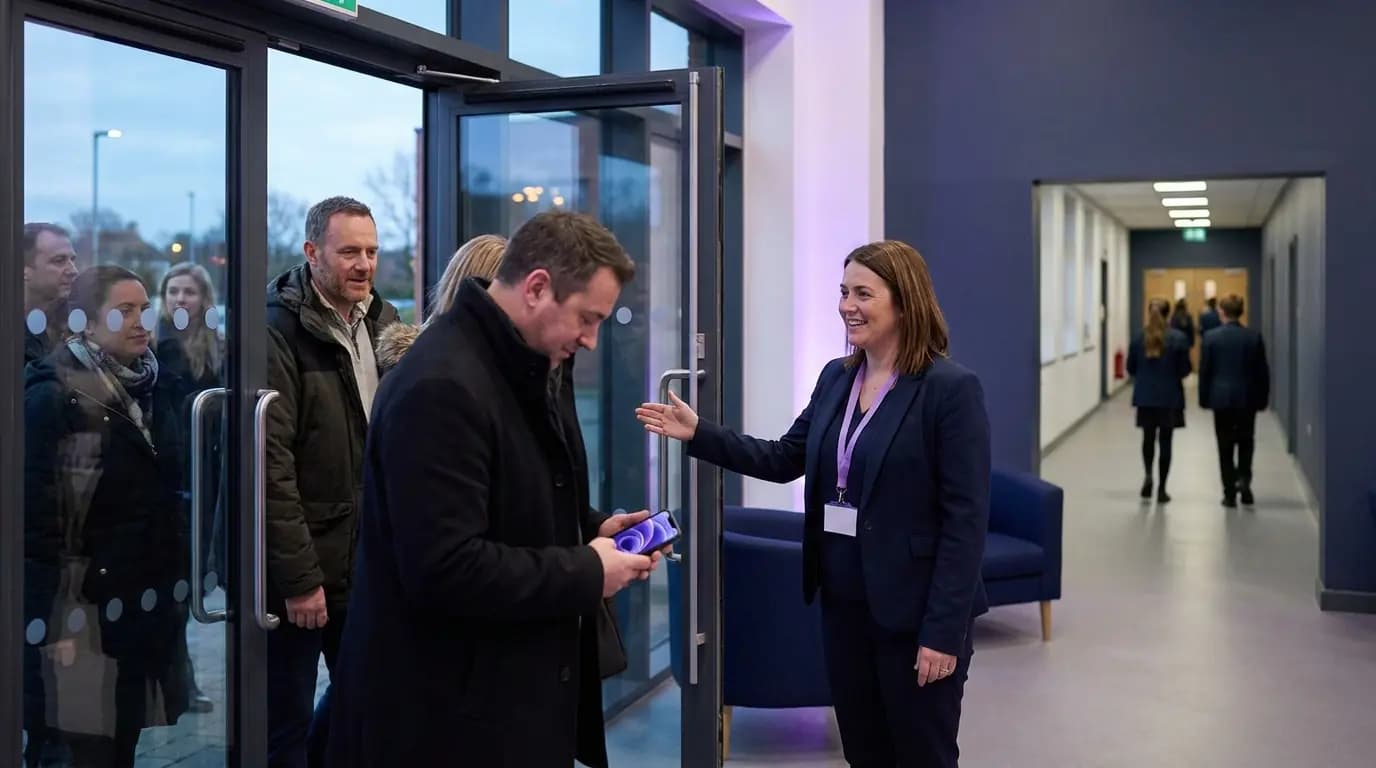 Visitors
What it takes to build it yourself, and what it takes with Purple
Everything a large network and safeguarding team would build and run, delivered as a service on the hardware your schools already have.
Run every school's WiFi and filtering with the team you already have
School IT teams look after everything from the MIS to the hall projector, often across several sites. Purple takes network sign-in, filtering and attribution off their list, from one dashboard that covers every academy, so the WiFi stops generating tickets and safeguarding questions get an answer in minutes.
Figures from Purple platform data, service terms and the Purple Shield product page.
Free brochure
Take this page into your next budget meeting
Everything on this page as an eight-page PDF brochure, ready to share with the people who sign off your network spend.
Get the brochure
Your name and email is all we need. The download appears straight away.
What your DSL, governors and inspectors can tick off
The standards schools in England are assessed against, and where Purple Access and Purple Shield sit in each.
- Aligns with Keeping Children Safe in Education (KCSIE)
- Meets the DfE digital and technology standards for filtering and monitoring
- Internet Watch Foundation (IWF) and CTIRU list integration
- Friendly WiFi accredited filtering
- 100% cloud-managed, zero on-premise appliances
Live in the summer holidays, without new hardware
- 1
Connect your directory and MDM
Link Google Workspace or Microsoft Entra ID and your MDM. Staff and pupil groups sync over SCIM, and certificates reach managed devices over SCEP.
- 2
Point your access points at Purple
We configure the staff, pupil, device and visitor networks, each VLAN's Shield filtering profile and your block page, on the access points you already own.
- 3
Switch on, school by school
Roll out one academy or one network at a time with our onboarding team, starting wherever the pain is greatest.
Pricing
See the price before you book a demo
Compare plans, what each one includes and the add-ons on one page. You do not need a sales call to see the numbers.
See your schools on one platform for identity and filtering
Tell us about your school or trust and we will show you how Access and Shield would run staff, pupil, device and visitor access, with filtering per network, on your hardware.
- Works with Cisco Meraki, HPE Aruba, Ruckus, Juniper Mist, Ubiquiti UniFi, Cambium, Extreme and Fortinet
- Single sign-on with Google Workspace for Education, Microsoft Entra ID and Okta
- ISO 27001 certified, UK GDPR compliant, UK RADIUS region
Book a schools demo
A 30-minute call with someone who knows school and trust networks.
School WiFi questions, answered
What school IT leads, DSLs, business managers and trust IT directors ask us most
Do we need to replace our access points?
No. Purple runs on the access points you already own, including Cisco Meraki, HPE Aruba, Ruckus, Juniper Mist, Ubiquiti UniFi, Cambium, Extreme and Fortinet. There is no on-premise RADIUS server or filtering appliance to install.
Does it help with KCSIE and the DfE filtering and monitoring standards?
Yes. Purple Shield blocks the IWF and CTIRU lists at the DNS layer, enforces Safe Search and YouTube Restricted Mode, and applies category rules per network with time schedules. Because Purple Access ties every connection to a named pupil or member of staff and their device, every block is attributable, which is the evidence the DfE standards ask your DSL for.
How do you know which pupil was behind a blocked domain when phones randomise their MAC address?
Because attribution does not rely on the MAC address. Each person authenticates against Google Workspace for Education or Microsoft Entra ID over 802.1X EAP-TLS, or holds a unique xPSK key bound to their device. Every DNS request and session therefore maps to a named person, device, time and access point.
Can we filter sixth formers, primary pupils, staff and guests differently?
Yes. Purple Access assigns each person to a VLAN or role from their directory group, and Purple Shield applies the matching filtering profile to that VLAN automatically. There is no firewall reconfiguration and no second appliance. A new year-group policy is a profile in the dashboard.
What stops a pupil putting the school WiFi password on a personal phone?
There is no shared password. Managed laptops, Chromebooks and iPads hold an EAP-TLS certificate from Intune, Jamf, Kandji or the Google Admin console, and a device without one does not join the curriculum network. Everything that cannot sign in gets an individual, revocable xPSK key bound to that device.
What happens when an account is compromised or a pupil is suspended?
Disable the account once in your directory. Purple issues a RADIUS Change of Authorisation that disconnects the device across every site in seconds, and SCIM keeps it off until the account is re-enabled. Supply staff and contractors hold time-limited keys that expire on their own.
Can we run every academy in our trust from one place, and where is our data held?
Yes. Every school sits in one dashboard, filterable by site, with trust-wide rules for sign-in and filtering and each academy's own name on its visitor welcome page. Purple has RADIUS regions in the UK, EU and US, is ISO 27001 certified and UK GDPR compliant, and has had zero data breaches since 2012.
Featured products for Schools
The Purple platform pieces most Schools venues deploy on day one.
Guest WiFi platform for Schools
Captive Portals, analytics, and marketing automation as a cloud overlay.
Captive Portal software for Schools
Modern Captive Portals with social login, SSO, and marketing consent.
Passwordless WiFi for Schools
EAP-TLS, iPSK, and Passpoint - replace shared passwords with identity.
Recommended solution for Schools
WiFi for IT & network teams. Cloud Captive Portals, RADIUS, and analytics layered on top of Cisco, Aruba, Juniper Mist, Meraki, and Ubiquiti.
See WiFi for IT & network teams →Related pillar guides
The topical pillars most relevant to Schools. Each guide is the canonical hub for that area of the platform.
Further reading for Schools
Technical guides, articles and customer stories for teams running WiFi in this sector.
Guides for Schools
- School WiFi procurement: staff 802.1X, pupil devices, visitors and filtering in one specification
- KCSIE and school WiFi: combining secure access with content filtering
- Best Practices for Securing K-12 School Networks with NAC
- CIPA compliance: compliance checklist for venue operators
- Enterprise SCEP Setup Guide: Certificate-Based WiFi Authentication for Higher Education and Large Networks
- Eduroam and 802.1X: secure WiFi authentication for higher education | Purple
Related industries
Other verticals running on the same Purple platform.
Speak to an expert
Tell us about your venues and we'll show you how Purple fits.