
One safe network for every school in your trust
Staff sign in with their school account, every device gets its own key, content filtering runs on every network and visitors stay on their own. One platform for primary and secondary schools, run on the access points you already own.
- Microsoft Entra ID and Google Workspace sign-in
- DNS content filtering with Safe Search
- xPSK for every device
- 99.9% RADIUS uptime SLA
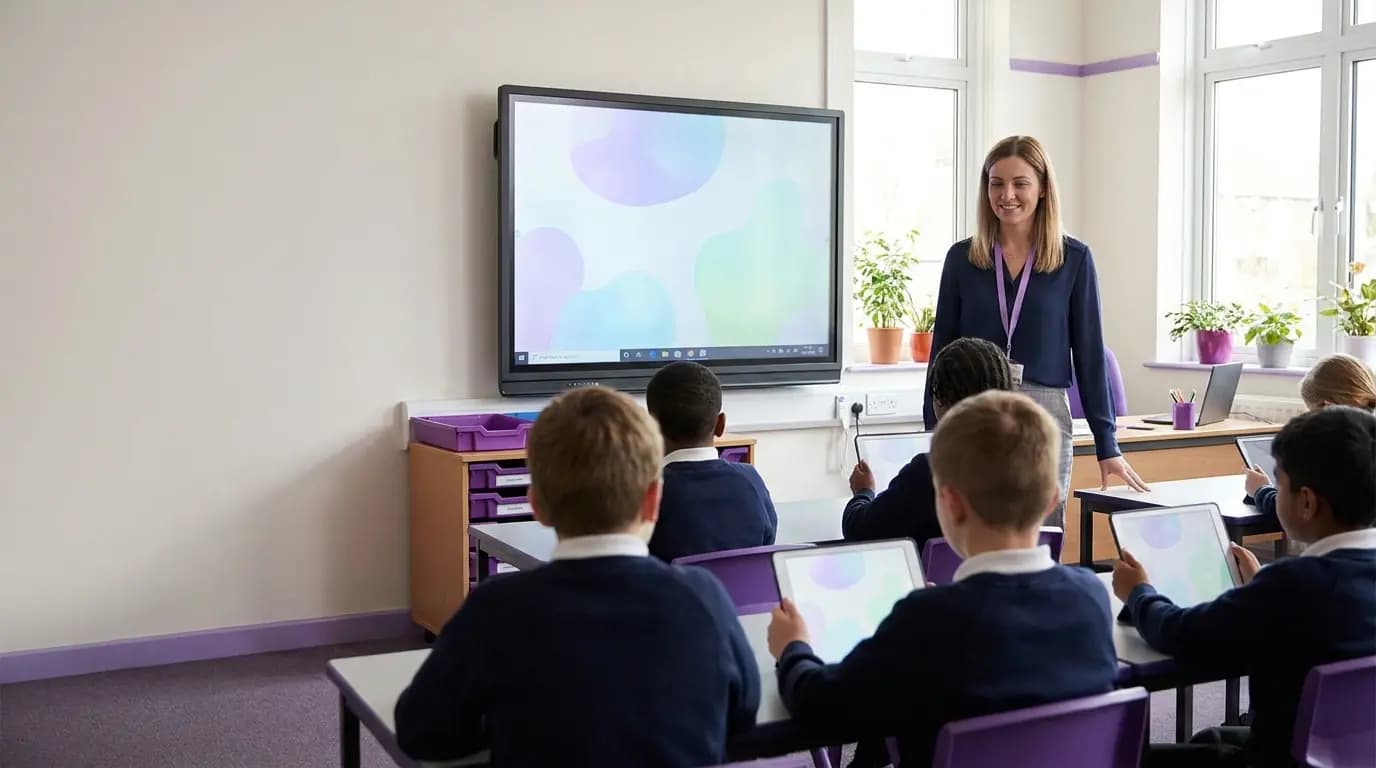
Safeguarding is everyone's job. The school network is usually nobody's.
KCSIE makes online safety part of safeguarding, and the DfE filtering and monitoring standards for schools and colleges set out what should be in place. Yet most schools run their WiFi with one IT technician, or a contractor who visits on Tuesdays. The gaps tend to show up in the same four places.
A typical school today
- One staff WiFi password, taped inside the staffroom cupboard and unchanged for years
- Supply teachers and leavers who can still connect long after their last day
- Interactive panels, visualisers, printers and door controllers sharing one key
- Parents, governors and contractors asking at reception for the password
With Purple
- Staff sign in with their own school account, so there is no password to pass around
- Access ends the moment an account is disabled in Entra ID or Google Workspace
- Content filtering on every network, with each session logged against a named person and device
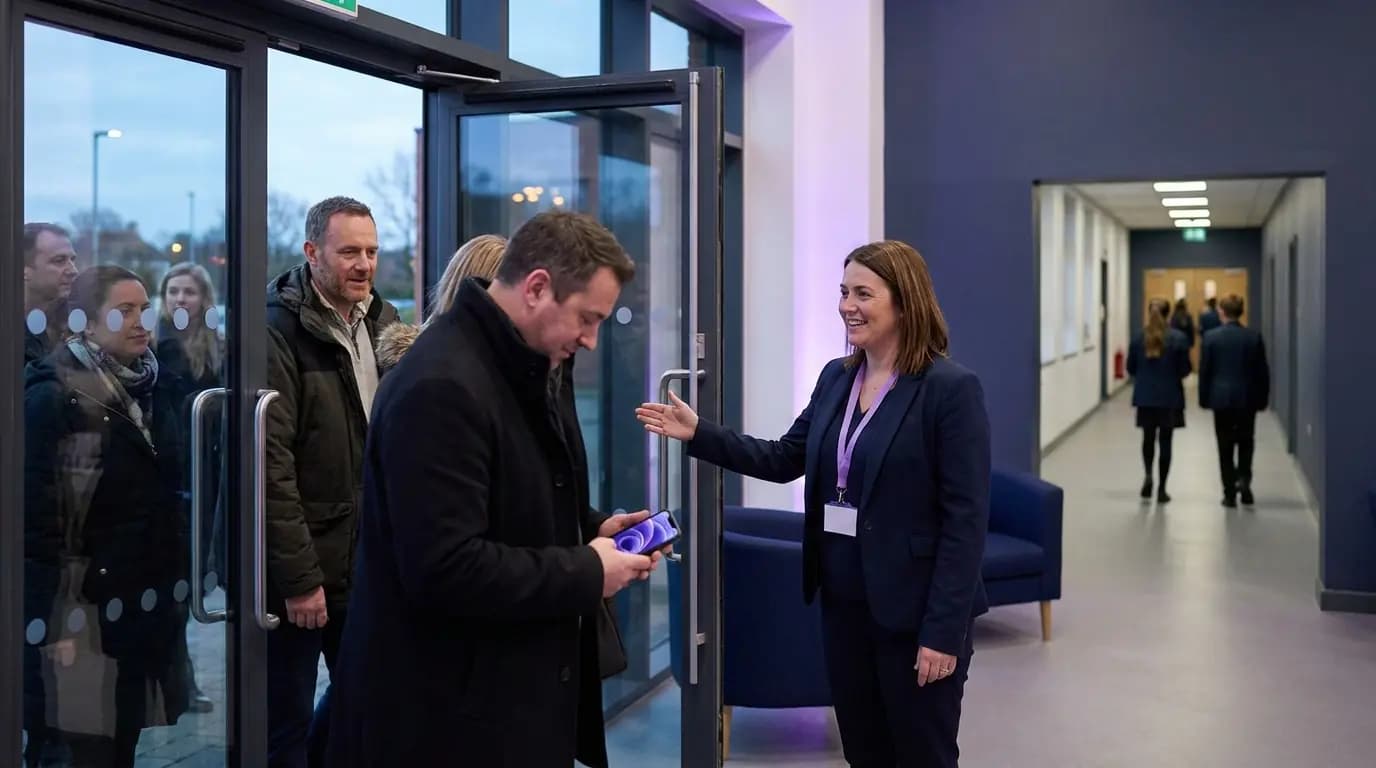
- Visitors get a branded welcome page on a network kept apart from teaching and admin
Everyone and everything in school, on the right network
Four jobs that usually mean four suppliers, run from one dashboard for one school or every academy in the trust.
Sign in with the school account
Single sign-on through Microsoft Entra ID or Google Workspace. Joiners get access, leavers lose it.
02 · SafeguardingFiltering on every network
Purple Shield DNS content filtering, Safe Search and time schedules, with sessions logged to a named person.
03 · DevicesA private key for every device
xPSK gives panels, printers, tablet trolleys and door controllers their own key and VLAN.
04 · VisitorsParents, governors and contractors
A branded welcome page for parents' evenings, governors and lettings, kept apart from teaching networks.
One login for email, Teams, Classroom and WiFi
Teachers, teaching assistants and office staff connect with the account they already use for email and lessons. Purple syncs with Microsoft Entra ID, Google Workspace, Okta and JumpCloud over SCIM, and group membership decides whether someone lands on the staff, pupil or admin network.
- Leavers lose access automatically when their account is disabled
- Staff, pupils and the school office land on separate VLANs with their own rules
- School-owned laptops and iPads get EAP-TLS certificates through Intune or Jamf
- Staff phones and laptops are onboarded in about 60 seconds with the Purple app
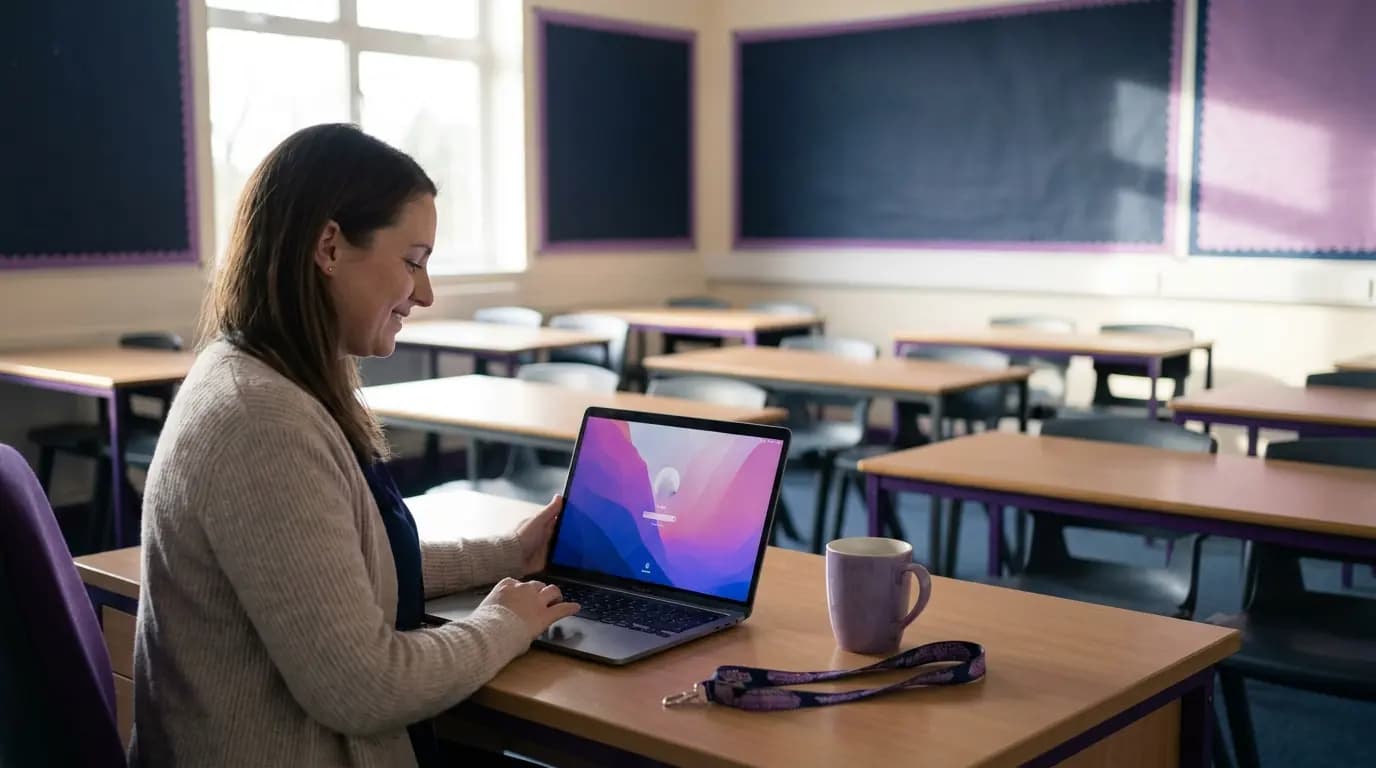 Staff and pupils
Filtering your safeguarding lead can stand behind
Purple Shield filters at the DNS layer, so the same rules apply on pupil, staff and guest networks without new hardware or firewall changes. Because every connection belongs to a named person and device, your designated safeguarding lead can see who was online, where and when.
- Allow or block categories, apps and domains, with Safe Search on search engines
- Different rules for pupils, staff and visitors, with time schedules for the school day
- Malware and known phishing sites blocked, with threats identified up to 10 days before standard databases
- Blocked sites reported in the dashboard, with your own school-branded block page
Every session is logged against a named person, device, time and location, which helps you evidence the DfE filtering and monitoring standards for schools and colleges.
Ask about filtering for schools Shield
A private key for everything that cannot sign in
Interactive panels, visualisers, shared tablet trolleys, printers, door controllers and cameras cannot type a username and password. xPSK gives each one its own key and its own VLAN, so a key written on the back of a panel affects one device, not the whole school.
- Revoke a single key without re-keying every device in the building
- MAC binding ties each key to the first device that uses it
- Time-limited keys for supply staff and contractors, with no device management needed
- Works under your vendor's name: iPSK on Cisco, DPSK on Ruckus, MPSK on HPE Aruba and Juniper Mist, PPSK on Extreme and UniFi
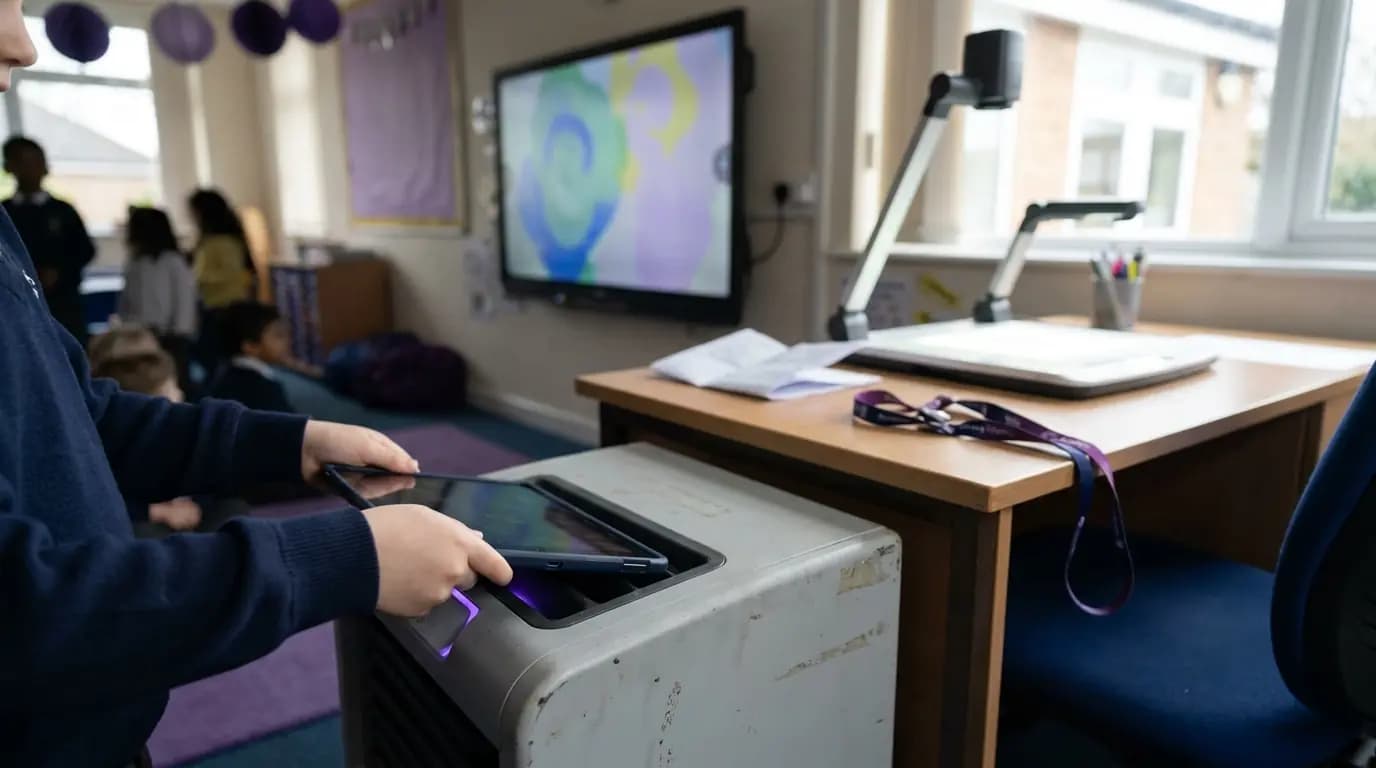 xPSK
xPSKGuest WiFi for parents' evenings, governors and lettings
Parents, governors, exam invigilators, peripatetic music teachers, contractors and the clubs that hire your sports hall in the evening all need to get online. Purple gives them a branded welcome page on a network kept entirely apart from teaching and admin.
- Branded captive portal with CCPA/CPRA consent and a full audit trail
- The same Shield filtering on the guest network as on pupil networks
- Each academy in the trust can carry its own name and colors on the welcome page
- Open evening sign-ups can flow to your existing systems through 400+ data connectors
 Visitors
What it takes to build it yourself, and what it takes with Purple
Everything a large network team would build and run, delivered as a service on the hardware your schools already have.
Run every school's WiFi with the team you already have
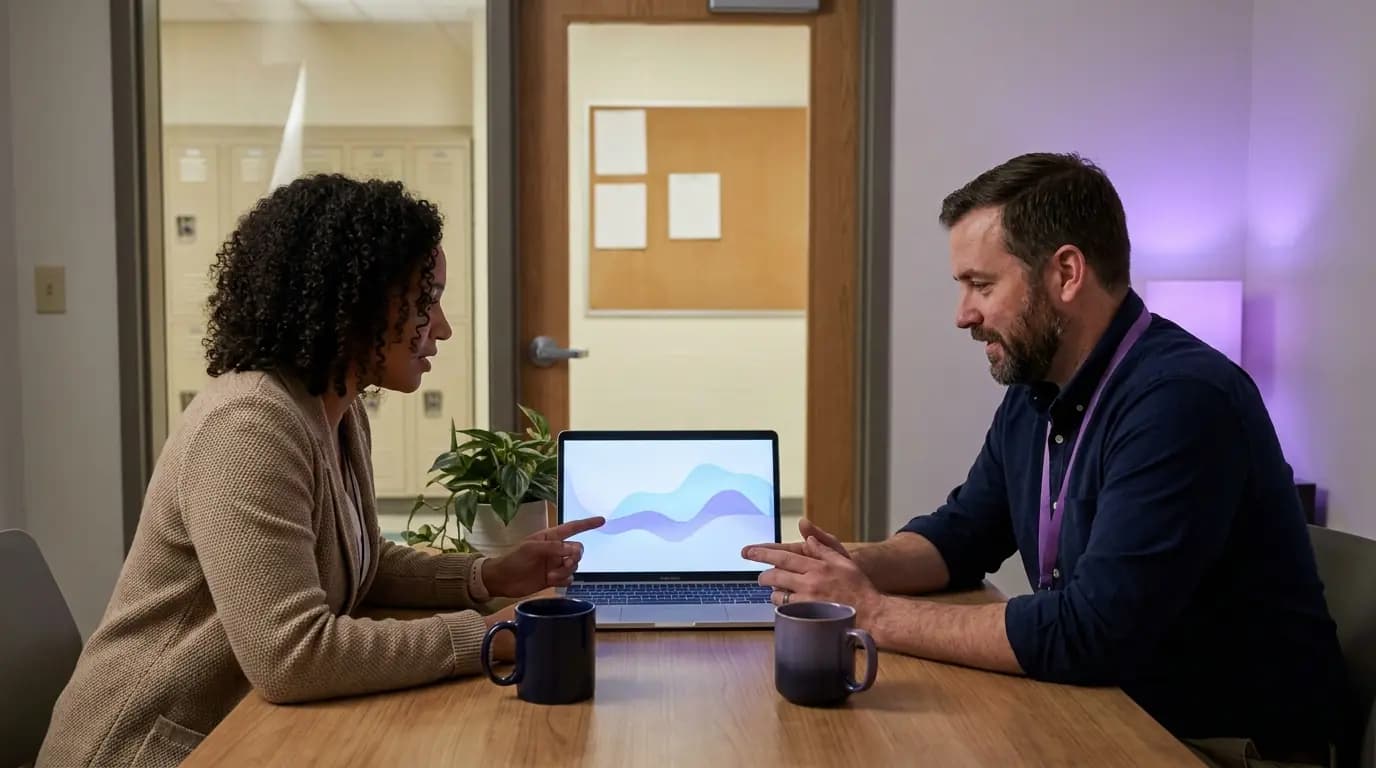
School IT teams look after everything from the MIS to the hall projector, often across several sites. Purple takes network sign-in and filtering off their list, from one dashboard that covers every academy, so the WiFi stops generating tickets.
Figures from Purple platform data, service terms and the Purple Shield product page.
Free brochure
Take this page into your next budget meeting
Everything on this page as an eight-page PDF brochure, ready to share with the people who sign off your network spend.
Get the brochure
Your name and email is all we need. The download appears straight away.
Live in the summer holidays, without new hardware
- 1
Connect your directory
Link Microsoft Entra ID or Google Workspace. Staff and pupil groups sync over SCIM.
- 2
Point your access points at Purple
We configure the staff, pupil, device and visitor networks, and your filtering rules, on the access points you already own.
- 3
Switch on, school by school
Roll out one academy or one network at a time with our onboarding team, starting wherever the pain is greatest.
See your schools on one network platform
Tell us about your school or trust and we will show you how staff, pupil, device and visitor access, with filtering, would work on your hardware.
- Works with Cisco Meraki, HPE Aruba, Ruckus, Juniper Mist, Ubiquiti UniFi, Cambium, Extreme and Fortinet
- Single sign-on with Microsoft Entra ID, Google Workspace and Okta
- ISO 27001 certified, CCPA/CPRA compliant, US RADIUS region
Book a schools demo
A 30-minute call with someone who knows school and trust networks.
School WiFi questions, answered
What school IT leads, business managers and trust IT directors ask us most
Do we need to replace our access points?
No. Purple runs on the access points you already own, including Cisco Meraki, HPE Aruba, Ruckus, Juniper Mist, Ubiquiti UniFi, Cambium, Extreme and Fortinet. There is no on-premise RADIUS server to install.
Does it help with KCSIE and the DfE filtering and monitoring standards?
Purple Shield provides DNS content filtering with category, app and domain rules, Safe Search and time schedules on every network. Every session is logged against a named person, device, time and location, which gives your designated safeguarding lead the evidence the DfE filtering and monitoring standards for schools and colleges ask for.
Which identity providers do you support?
Microsoft Entra ID, Google Workspace, Okta and JumpCloud sync over SCIM, and SAML and LDAP directories are supported too. Group membership decides which network and policy each person gets.
What happens when a member of staff leaves, or a supply teacher's placement ends?
When an account is disabled in your directory, SCIM revokes WiFi access automatically and there is no shared password to change. Supply staff and contractors can be given time-limited keys that expire on their own.
How do interactive panels, printers and tablet trolleys connect?
With xPSK. Each device gets its own key and VLAN, bound to the first device that uses it. You can revoke one key without touching any other device, and there is no per-device license.
Can we run every academy in our trust from one place?
Yes. Every school sits in one dashboard, filterable by site, with trust-wide rules for sign-in and filtering and each academy's own name on its visitor welcome page. A school joining the trust is added to the same platform.
Where is our data held?
Purple has RADIUS regions in the UK, EU and US, is ISO 27001 certified and CCPA/CPRA compliant, and has had zero data breaches since 2012.
Featured products for Schools
The Purple platform pieces most Schools venues deploy on day one.
Guest WiFi platform for Schools
Captive Portals, analytics, and marketing automation as a cloud overlay.
Captive Portal software for Schools
Modern Captive Portals with social login, SSO, and marketing consent.
Passwordless WiFi for Schools
EAP-TLS, iPSK, and Passpoint - replace shared passwords with identity.
Recommended solution for Schools
WiFi for IT & network teams. Cloud Captive Portals, RADIUS, and analytics layered on top of Cisco, Aruba, Juniper Mist, Meraki, and Ubiquiti.
See WiFi for IT & network teams →Related pillar guides
The topical pillars most relevant to Schools. Each guide is the canonical hub for that area of the platform.
Further reading for Schools
Technical guides, articles and customer stories for teams running WiFi in this sector.
Guides for Schools
- Best Practices for Securing K-12 School Networks with NAC
- CIPA compliance: compliance checklist for venue operators
- Enterprise SCEP Setup Guide: Certificate-Based WiFi Authentication for Higher Education and Large Networks
- Eduroam and 802.1X: secure WiFi authentication for higher education | Purple
Related industries
Other verticals running on the same Purple platform.
Speak to an expert
Tell us about your venues and we'll show you how Purple fits.