

One SSID. A key for everyone and everything on it.
Traditional WiFi is one SSID with one password that everybody shares. xPSK keeps the single SSID but gives every person and every device its own key - issued separately, revoked separately, and carrying its own network policy. It is not tied to one kind of venue or user: any person, any device with a WiFi radio, on the hardware you already run. Different hardware vendors call it iPSK, EasyPSK, MPSK, DPSK or PPSK.

















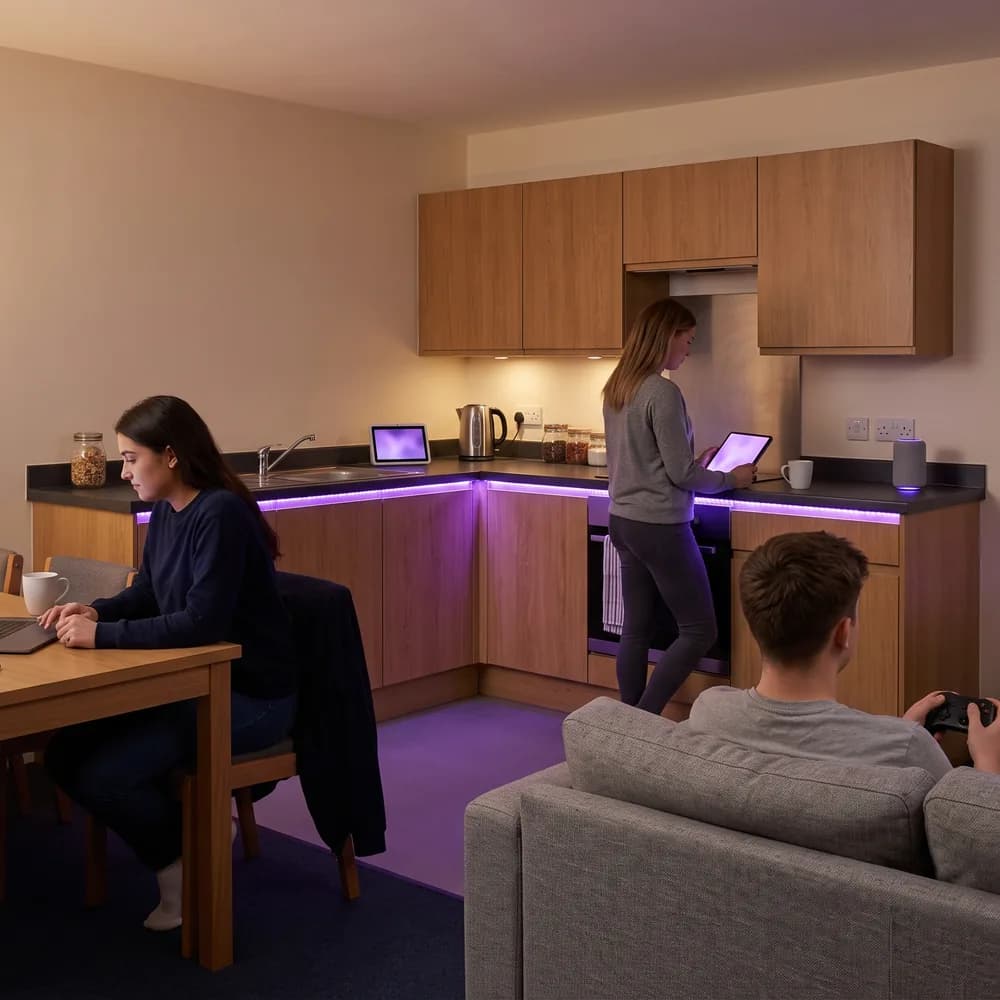
A key for every person, whoever they are
- Staff, residents, students, guests, contractors, patients and pupils each hold their own key on the same SSID, so there is no shared passphrase to leak
- Keys are bound to a named identity in Entra ID, Okta or Google Workspace, so a joiner has a key without a ticket and a leaver's devices drop off automatically
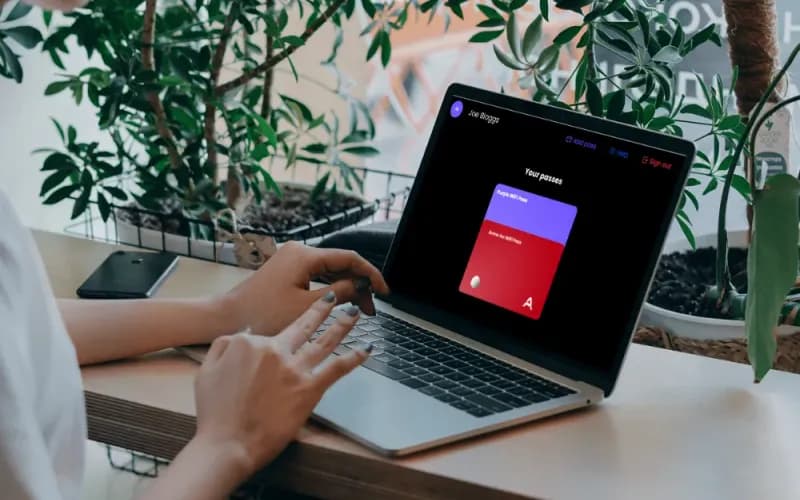
- People collect their own key from a branded self-service portal, so nobody on your team issues credentials by hand or fields a ticket per device
- Contractors and visitors get a time-limited key with no MDM enrolment and nothing to install
A key for every device, including the ones with no browser
- Printers, sensors, door controllers, cameras, EPOS, smart TVs, consoles, speakers and AV kit join with a key instead of a certificate, which is how xPSK reaches the devices 802.1X cannot
- No cap on devices per key and no per-device license, so a person with nine devices is licensed the same as one with two
- MAC binding ties a key to the device that first used it, so a key cannot quietly become a second shared password
- Each key lands in its own VLAN with its own firewall policy, bandwidth limit and role, so IoT, staff, tenant and guest traffic share one SSID without mixing
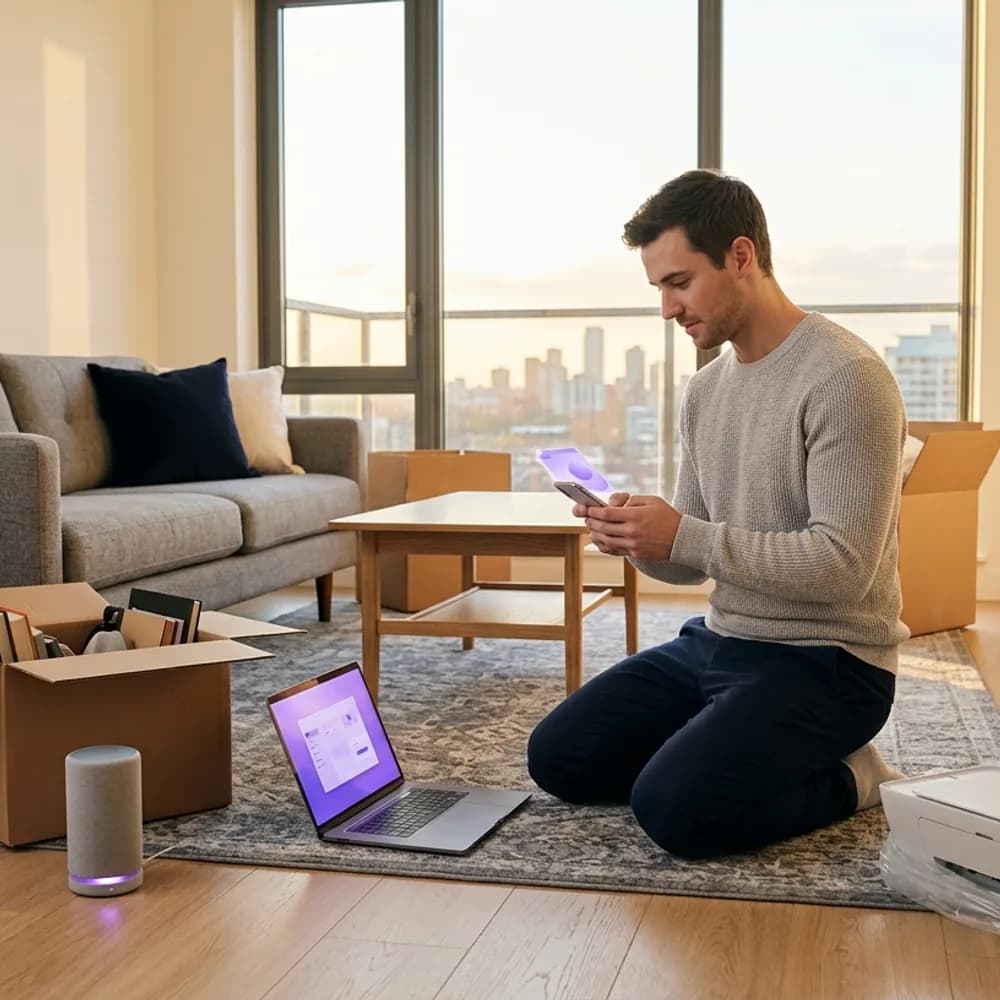

Any venue, any vendor, one cloud RADIUS
- Offices, build-to-rent, student accommodation, hotels, hospitals, schools, stadiums, retail and co-working all run the same way: one SSID, a key per person and per device
- Runs on the hardware you already own across Cisco Meraki, HPE Aruba, Ruckus, Juniper Mist, Ubiquiti UniFi, Cambium, Extreme and Fortinet, with no rip and replace
- Keys are held in Purple's cloud RADIUS with a 99.9% uptime SLA, so there is no on-site RADIUS server to maintain and no per-SSID key ceiling
- Every person, apartment, tenant or department sits in its own Private Area Network, so nobody can see a neighbor's TV, printer or laptop
The same mechanism, a different name per vendor
xPSK is an umbrella term. Your vendor almost certainly ships it already, under its own name and with its own RADIUS attributes. Purple speaks all of them from one cloud RADIUS, so a mixed estate behaves the same everywhere.
Cisco (Catalyst)
Identity PSK, and the industry standard term for this method. Purple is the RADIUS that issues each key and returns its VLAN.
Cisco Meraki
Identity PSK, often used with Meraki Cloud Authentication or RADIUS. Purple is that RADIUS, assigning the VLAN per key from the Meraki Dashboard.
Ruckus
Dynamic PSK. Ruckus pioneered this and generates complex keys for users. Purple provisions them through the API with per-key isolation and VLAN routing.
Extreme Networks
Private PSK, functionally identical to iPSK. Purple issues them per user, per group or per IoT device class in ExtremeCloud IQ.
Aruba (HPE)
Multiple PSK, sometimes referred to as Cloud Auth MPSK. Purple issues each key and maps it to its own Aruba user role and VLAN.
Ubiquiti (UniFi)
Private PSK, a newer feature in the UniFi ecosystem. Purple authenticates each key and maps it to its own VLAN on a single broadcast SSID.
Juniper Mist
Multi-PSK, using cloud-based key management. Purple provisions keys over the Mist API with per-client roles.
Cambium and Fortinet are supported too, along with anything else that speaks RADIUS. Tell us what you run and we will confirm the attribute set before you commit to anything.
Want to see a key issued and revoked?



xPSK FAQs
What is xPSK?
xPSK is an umbrella term for per-user and per-device pre-shared keys: a network where every person and every device holds its own WiFi key on a single SSID, instead of one passphrase shared by everybody. It applies to anyone and anything that joins WiFi, in any venue. Vendors ship it under different names, but the mechanism is the same. RADIUS returns a unique passphrase for each key, along with the VLAN and policy that key should land in.
What is the difference between xPSK, iPSK, DPSK, MPSK and PPSK?
Nothing structural. They are vendor names for the same capability: iPSK and EasyPSK on Cisco Catalyst and Meraki, DPSK on Ruckus, MPSK on Aruba and Juniper Mist, and PPSK on Extreme Networks and Ubiquiti UniFi. The RADIUS attributes differ per vendor. Purple issues keys for all of them from one cloud RADIUS, so a mixed estate is configured once rather than per controller.
How is xPSK different from WPA2/3-Enterprise and 802.1X?
802.1X authenticates with a certificate or a directory login and is the stronger option wherever devices can support it. xPSK authenticates with a key, which is why it reaches the devices 802.1X cannot: printers, sensors, consoles, smart TVs and contractor laptops with no MDM enrolment. Most estates run both, with 802.1X for managed endpoints and xPSK for everything else.
Does xPSK work on our existing hardware?
Yes. Purple is hardware agnostic and layers on top of your existing infrastructure, including Cisco Meraki, HPE Aruba, Ruckus, Juniper Mist, Ubiquiti UniFi, Cambium, Extreme and Fortinet. No rip and replace required.
How does a user actually get their key?
Through a branded self-service portal. The user onboards themselves, collects their own key and adds their devices to their own Private Area Network, so nobody on your team is issuing credentials by hand or fielding a ticket for every printer. Keys can also be provisioned automatically from your directory, or minted through the Purple API for a system that already owns the user relationship.
What happens when someone joins, moves or leaves?
All three are automatic, because the key is bound to an identity rather than to a place. A joiner is provisioned over SCIM from Entra ID, Okta or Google Workspace and has their key without a ticket. A mover keeps the same identity, so changing room, building or role carries their access with them and no key is re-issued. A leaver is revoked once, and every device they ever registered drops off across the whole estate.
Is there a limit on how many keys or devices we can have?
No. Keys are held in Purple's cloud RADIUS rather than in an access point controller's local key store, which is where per-SSID key ceilings usually come from, so the number of keys is not the constraint it is on-box. There is no cap on devices per key either, and licensing is per access point and per venue, with no per-device taxes and no per-authentication meter, so a user with nine devices is licensed the same as one with two.
What happens if someone shares their key?
MAC binding ties a key to the device that first used it, so it cannot quietly become a second shared password. Keys can also carry an expiry date, and any single key can be revoked on its own without rotating a passphrase across the site or disconnecting anyone else.
Can each key have its own VLAN and policy?
Yes. RADIUS returns the VLAN with the key (Tunnel-Type, Tunnel-Medium-Type and Tunnel-Private-Group-ID), so each key lands in its own segment. Firewall policy, bandwidth limits and user roles are applied per key as well, which is how one SSID carries staff, tenant, contractor and IoT traffic without mixing them.
How secure and compliant is xPSK?
Every key is tied to a named identity rather than to a shared password, so each authentication is attributable and each revocation is surgical. Purple never stores user passwords, runs RADIUS regions in the US, EU and UK, is ISO 27001 certified and CCPA/CPRA compliant, and has had zero data breaches since 2012.
Get more from your WiFi
Guides and real results to help you plan a network with a key for everyone and everything on it.




xPSK for your industry
See how xPSK works in venues like yours, and how Purple compares to alternatives.
Give everyone and everything their own key
Ready to get started? Speak to an expert to see how xPSK fits your hardware, your venues, your people and your devices.