

Um único SSID. Uma chave diferente para cada utilizador.
O WiFi tradicional consiste num único SSID com uma palavra-passe partilhada por todos. xPSK é o nome da família de tecnologias que mantém o SSID único, mas atribui a cada pessoa (ou dispositivo) a sua própria palavra-passe - cada uma emitida e revogada separadamente, e com a sua própria política de rede. Diferentes fabricantes de hardware chamam-lhe iPSK, EasyPSK, MPSK, DPSK ou PPSK.

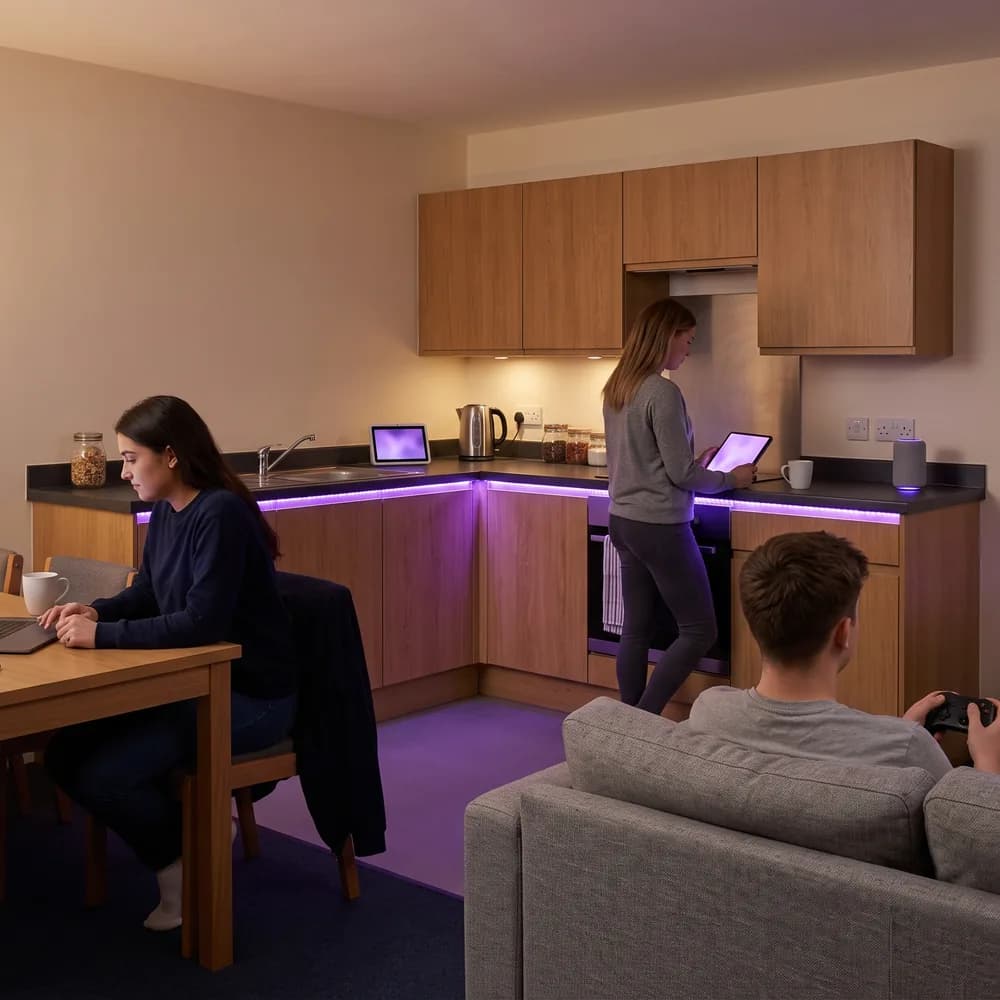
Uma chave para cada pessoa, quem quer que seja
- Colaboradores, inquilinos, estudantes, visitantes, prestadores de serviços, pacientes e alunos têm a sua própria chave no mesmo SSID, pelo que não há uma palavra-passe partilhada que possa ser divulgada
- As chaves estão associadas a uma identidade nominal no Microsoft Entra ID, Okta ou Google Workspace, pelo que quem entra recebe uma chave sem precisar de suporte e os dispositivos de quem sai são desligados automaticamente
- As pessoas obtêm a sua própria chave a partir de um portal de self-service personalizado, pelo que ninguém na sua equipa precisa de emitir credenciais manualmente ou gerir pedidos de suporte por dispositivo
- Os prestadores de serviços e visitantes recebem uma chave com limite de tempo, sem necessidade de registo em MDM e sem nada para instalar
Uma chave para cada dispositivo, incluindo os que não têm navegador
- Impressoras, sensores, controladores de portas, câmaras, EPOS, smart TVs, consolas, colunas e equipamentos de AV ligam-se com uma chave em vez de um certificado, que é a forma como o xPSK chega aos dispositivos que o 802.1X não consegue alcançar
- Sem limite de dispositivos por chave e sem licença por dispositivo, pelo que uma pessoa com nove dispositivos tem o mesmo licenciamento que uma com dois
- A associação de MAC vincula uma chave ao dispositivo que a utilizou primeiro, pelo que uma chave não se pode tornar silenciosamente numa segunda palavra-passe partilhada
- Cada chave fica na sua própria VLAN com a sua própria política de firewall, limite de largura de banda e função, pelo que o tráfego de IoT, colaboradores, inquilinos e visitantes partilha um único SSID sem se misturar
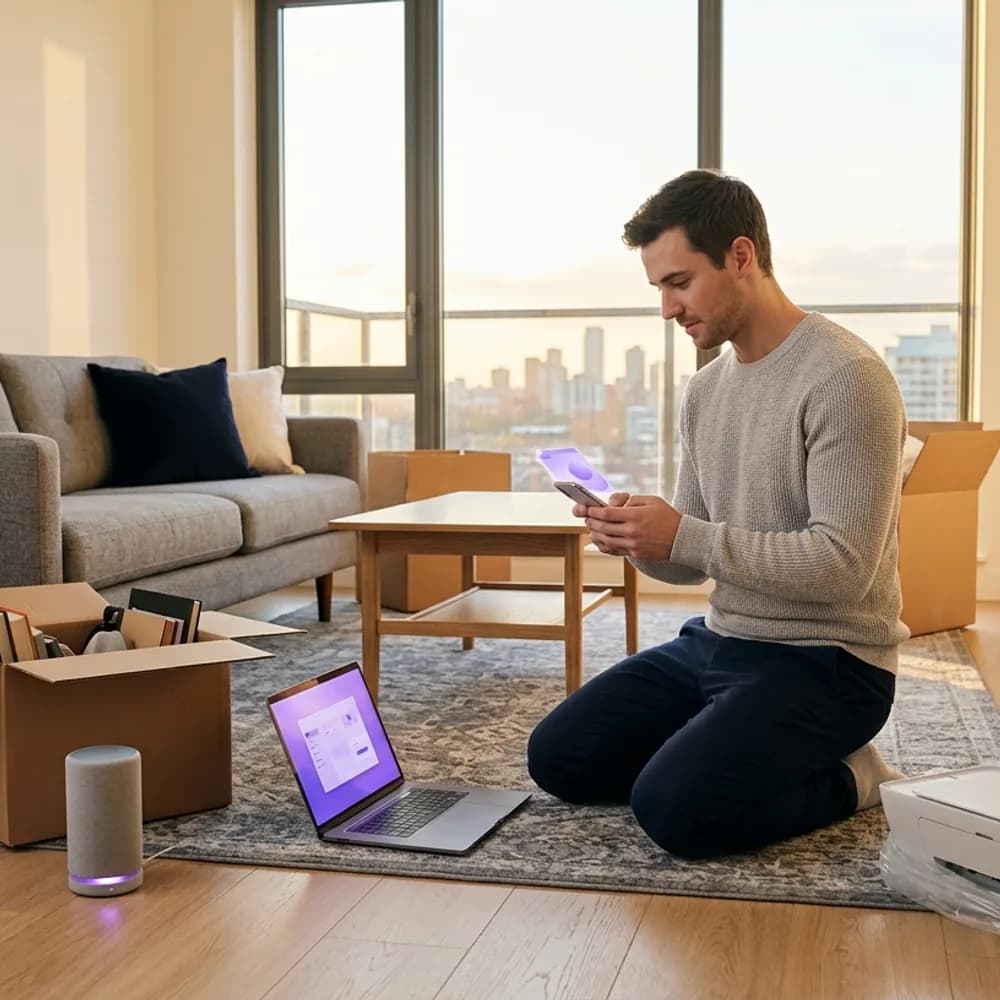

Qualquer local, qualquer fornecedor, um único RADIUS na nuvem
- Escritórios, BTR, alojamento de estudantes, hotéis, hospitais, escolas, estádios, comércio e co-working funcionam todos da mesma forma: um SSID, uma chave por pessoa e por dispositivo
- Funciona no hardware que já possui da Cisco Meraki, HPE Aruba, Ruckus, Juniper Mist, Ubiquiti UniFi, Cambium, Extreme e Fortinet, sem necessidade de substituir equipamentos
- As chaves são alojadas no RADIUS na nuvem da Purple com um SLA de 99,9% de tempo de atividade, pelo que não há servidores RADIUS locais para manter nem limite de chaves por SSID
- Cada pessoa, apartamento, inquilino ou departamento fica na sua própria Private Area Network, pelo que ninguém consegue ver a TV, impressora ou portátil de um vizinho
O mesmo mecanismo, um nome diferente por fabricante
xPSK é um termo genérico. O seu fabricante quase de certeza que já o disponibiliza, sob um nome próprio e com os seus próprios atributos RADIUS. A Purple suporta todos a partir de um único cloud RADIUS, garantindo que uma infraestrutura mista se comporte da mesma forma em qualquer lugar.
Cisco (Catalyst)
Identity PSK, o termo padrão da indústria para este método. A Purple é o RADIUS que emite cada chave e devolve a respetiva VLAN.
Cisco Meraki
Identity PSK, frequentemente utilizado com Meraki Cloud Authentication ou RADIUS. A Purple é esse RADIUS, atribuindo a VLAN por chave a partir do Meraki Dashboard.
Ruckus
Dynamic PSK. A Ruckus foi pioneira nisto e gera chaves complexas para os utilizadores. A Purple aprovisiona-as através da API com isolamento por chave e encaminhamento de VLAN.
Extreme Networks
Private PSK, funcionalmente idêntico ao iPSK. A Purple emite-as por utilizador, por grupo ou por classe de dispositivo IoT no ExtremeCloud IQ.
Aruba (HPE)
Multiple PSK, por vezes referido como Cloud Auth MPSK. A Purple emite cada chave e mapeia-a para a sua própria função de utilizador Aruba e VLAN.
Ubiquiti (UniFi)
Private PSK, uma funcionalidade mais recente no ecossistema UniFi. A Purple autentica cada chave e mapeia-a para a sua própria VLAN num único SSID de transmissão.
Juniper Mist
Multi-PSK, utilizando gestão de chaves baseada na nuvem. A Purple aprovisiona chaves através da API do Mist com funções por cliente.
A Cambium e a Fortinet também são suportadas, juntamente com qualquer outro sistema compatível com RADIUS. Diga-nos o que utiliza e confirmaremos o conjunto de atributos antes de se comprometer com qualquer decisão.
Quer ver uma chave ser emitida e revogada?


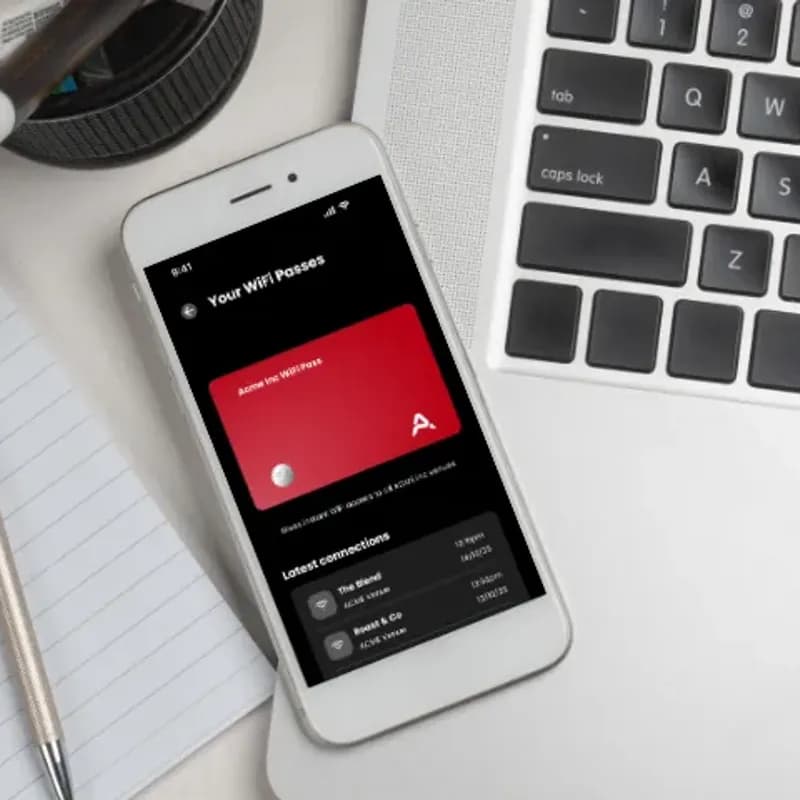

FAQs sobre xPSK
O que é o xPSK?
xPSK é um termo genérico para chaves pré-partilhadas por utilizador: uma rede onde cada pessoa possui a sua própria chave WiFi num único SSID, em vez de uma palavra-passe partilhada por todos. Ligam todos os dispositivos que possuem a essa única chave. Os fabricantes disponibilizam-na sob diferentes nomes, mas o mecanismo é o mesmo. O RADIUS devolve uma palavra-passe única para cada chave, juntamente com a VLAN e a política onde essa chave deve ser integrada.
Qual é a diferença entre xPSK, iPSK, DPSK, MPSK e PPSK?
Nada estrutural. São nomes de fabricantes para a mesma funcionalidade: iPSK e EasyPSK em Cisco Catalyst e Meraki, DPSK em Ruckus, MPSK em Aruba e Juniper Mist, e PPSK em Extreme Networks e Ubiquiti UniFi. Os atributos RADIUS diferem consoante o fabricante. A Purple emite chaves para todos eles a partir de um único RADIUS na nuvem, pelo que uma infraestrutura mista é configurada apenas uma vez, em vez de por controlador.
Qual é a diferença entre o xPSK e o WPA2/3-Enterprise e 802.1X?
O 802.1X autentica com um certificado ou um início de sessão de diretório e é a opção mais forte sempre que os dispositivos o suportem. O xPSK autentica com uma chave, razão pela qual chega aos dispositivos que o 802.1X não consegue alcançar: impressoras, sensores, consolas, smart TVs e portáteis de prestadores de serviços sem registo em MDM. A maioria das infraestruturas executa ambos, com o 802.1X para terminais geridos e o xPSK para tudo o resto.
O xPSK funciona no nosso hardware existente?
Sim. O Purple é agnóstico em relação ao hardware e funciona sobre a sua infraestrutura existente, incluindo Cisco Meraki, HPE Aruba, Ruckus, Juniper Mist, Ubiquiti UniFi, Cambium, Extreme e Fortinet. Sem necessidade de substituição total de equipamentos.
Como o utilizador obtém a sua chave?
Através de um portal de self-service personalizado. O utilizador faz o seu próprio registo, recolhe a sua chave e adiciona os seus dispositivos à sua própria Private Area Network. Assim, ninguém na sua equipa precisa de emitir credenciais manualmente ou responder a pedidos de suporte para cada impressora. As chaves também podem ser aprovisionadas automaticamente a partir do seu diretório ou geradas através da Purple API para sistemas que já gerem a relação com o utilizador.
O que acontece quando alguém entra, muda de local ou sai?
Os três processos são automáticos, porque a chave está associada a uma identidade e não a um local. Um novo colaborador é aprovisionado via SCIM a partir do Microsoft Entra ID, Okta ou Google Workspace, recebendo a sua chave sem necessidade de suporte. Quem muda de local mantém a mesma identidade, pelo que a alteração de sala, edifício ou função transfere o seu acesso sem reemissão de chave. O acesso de quem sai é revogado uma única vez, removendo todos os dispositivos registados em toda a infraestrutura.
Existe um limite para o número de chaves ou dispositivos que podemos ter?
Não. As chaves são guardadas no RADIUS na nuvem do Purple e não no armazenamento local de chaves de um controlador de ponto de acesso (onde normalmente surgem os limites de chaves por SSID). Assim, o número de chaves não é uma limitação física do equipamento. Também não há limite de dispositivos por chave, e o licenciamento é feito por ponto de acesso e por local, sem taxas por dispositivo ou custos por autenticação. Um utilizador com nove dispositivos tem o mesmo custo de licença que um com dois.
O que acontece se alguém partilhar a sua chave?
O MAC binding vincula uma chave ao primeiro dispositivo que a utilizou, impedindo que esta se torne silenciosamente numa segunda palavra-passe partilhada. As chaves também podem ter uma data de expiração, e qualquer chave individual pode ser revogada de forma independente, sem necessidade de alterar a palavra-passe de todo o local ou desligar outros utilizadores.
Cada chave pode ter a sua própria VLAN e política?
Sim. O RADIUS devolve a VLAN juntamente com a chave (Tunnel-Type, Tunnel-Medium-Type e Tunnel-Private-Group-ID), pelo que cada chave fica no seu próprio segmento. As políticas de firewall, limites de largura de banda e funções de utilizador também são aplicados por chave. É assim que um único SSID suporta tráfego de colaboradores, inquilinos, prestadores de serviços e IoT sem os misturar.
Quão seguro e em conformidade está o xPSK?
Cada chave está associada a uma identidade nominal e não a uma palavra-passe partilhada, pelo que cada autenticação é rastreável e cada revogação é cirúrgica. O Purple nunca armazena palavras-passe de utilizadores, opera regiões RADIUS no Reino Unido, UE e EUA, possui certificação ISO 27001, está em conformidade com o GDPR e a CCPA, e regista zero violações de dados desde 2012.
Aproveite ao máximo o seu WiFi
Guias e resultados reais para o ajudar a planear uma rede com uma chave para cada dispositivo.
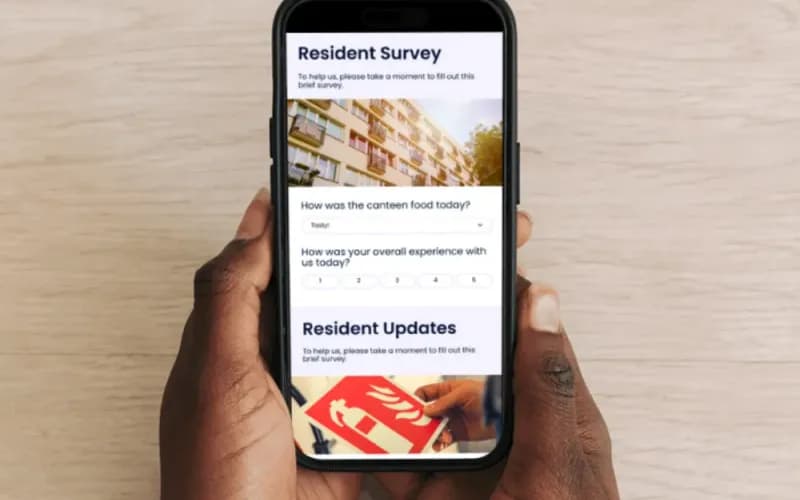




xPSK for your industry
See how xPSK works in venues like yours, and how Purple compares to alternatives.
Atribua a cada dispositivo a sua própria chave
Pronto para começar? Fale com um especialista para ver como o xPSK se adapta ao seu hardware, aos seus edifícios e ao seu orçamento.