

Autenticação WiFi simples e segura
O Passpoint, também conhecido como Hotspot 2.0, transfere a autenticação da página de início de sessão para o dispositivo. Um perfil que contém um certificado e as suas próprias credenciais permite que o dispositivo identifique a sua rede e se autentique no RADIUS. Em seguida, liga-se automaticamente, encriptado desde o momento em que se associa. Sem palavra-passe partilhada, sem portal cativo e sem alterações nos pontos de acesso que já opera.

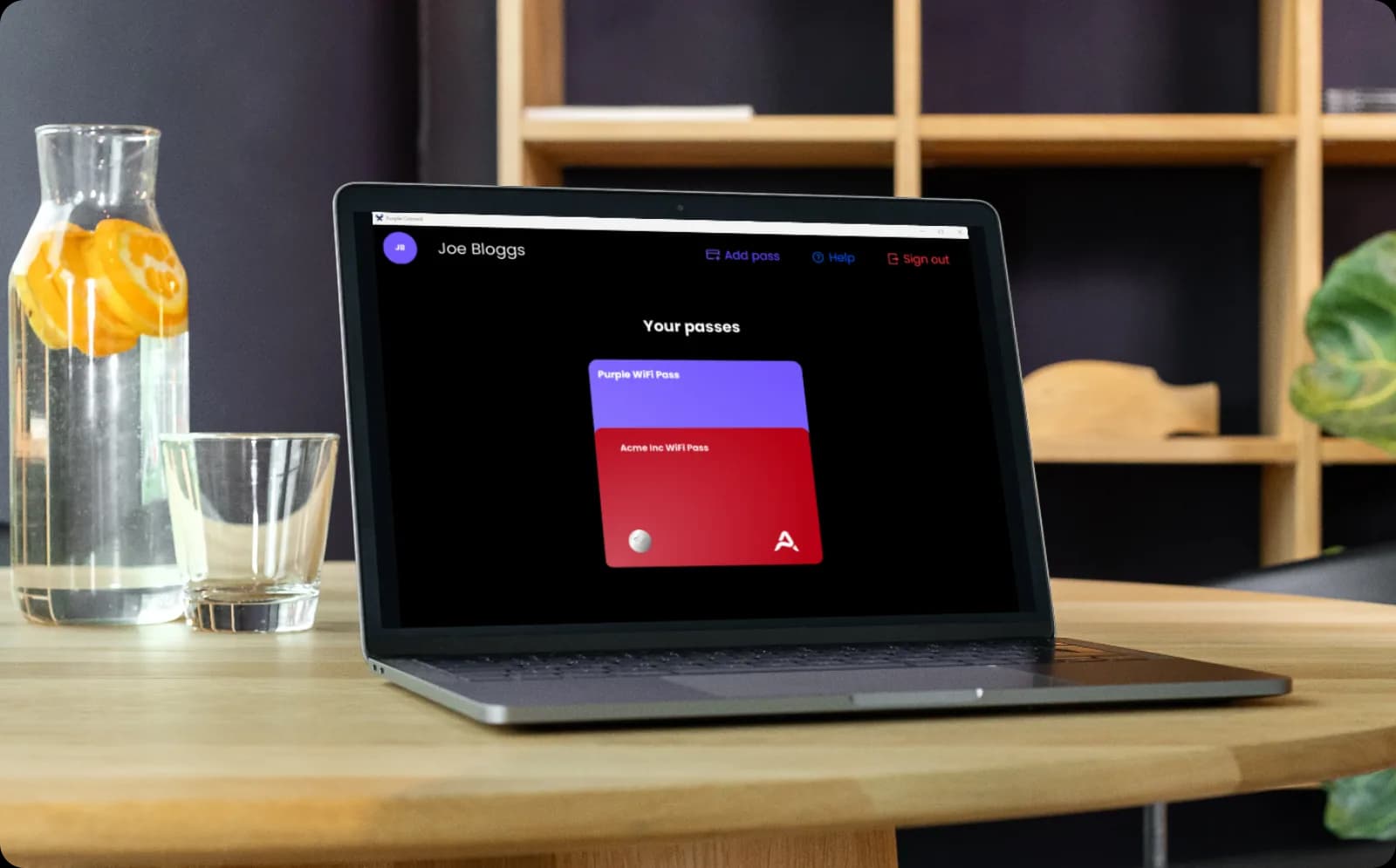
Autenticação baseada em certificados para todos os dispositivos dos colaboradores
- Os colaboradores instalam o perfil uma única vez e depois ligam-se de forma fluida em todos os locais que opera, sem necessidade de iniciar sessão novamente
- O mesmo perfil abrange BYOD, pelo que um colaborador no seu próprio telemóvel se autentica exatamente da mesma forma que um portátil da empresa
- A Purple associa o acesso à identidade no seu diretório. Revogue um utilizador que saiu uma vez e todos os dispositivos que registou perdem o acesso à rede.
- A arquitetura 802.1X e WPA3-Enterprise permanece intacta, com cada utilizador isolado de todos os outros numa rede partilhada
Os visitantes autenticam-se uma vez e depois voltam a ligar-se automaticamente
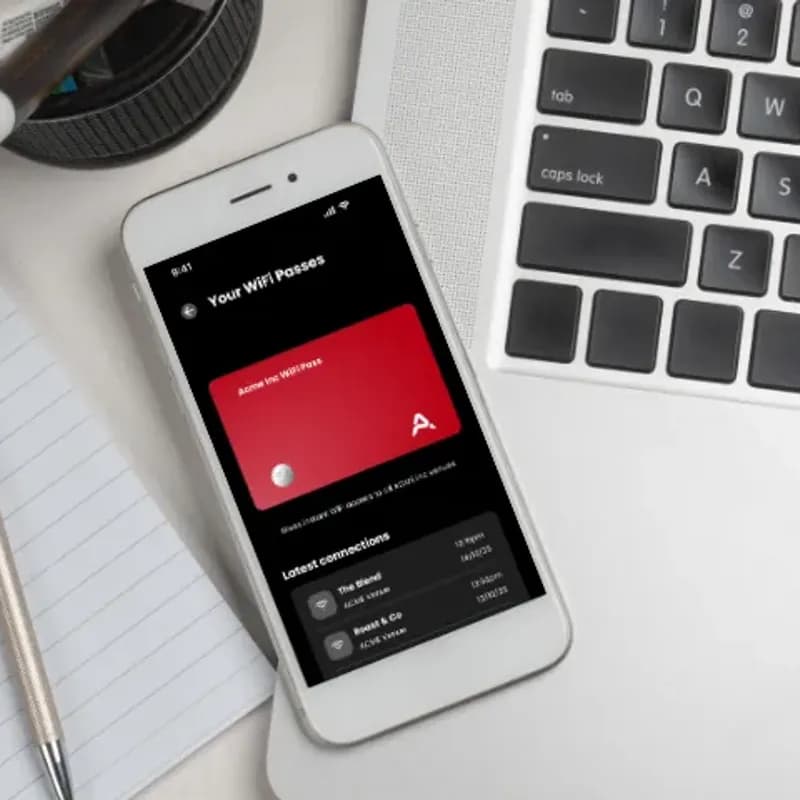
- O perfil Passpoint pode ser instalado através da Purple App ou da sua própria aplicação, autenticando depois o dispositivo em todos os locais que opera
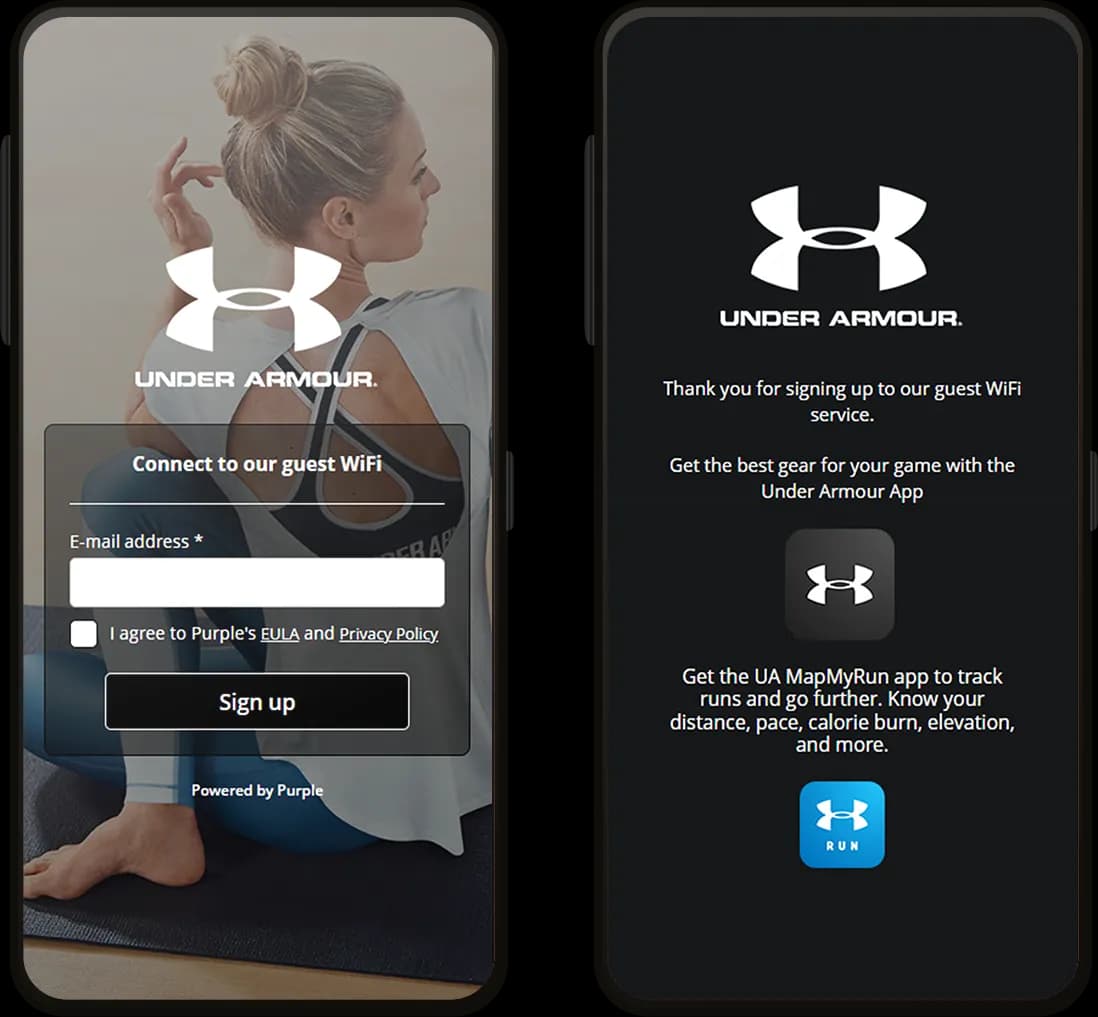
- Sem portal cativo, sem formulário de registo e sem repetição de autenticação numa visita de regresso
- A autenticação associa-se ao perfil em vez de ao endereço MAC, pelo que os dispositivos permanecem identificáveis após o iOS 18 o rodar
- As taxas de retorno, o tempo de permanência e a contagem de visitas mantêm-se precisos, alimentando dados próprios através de mais de 400 conectores

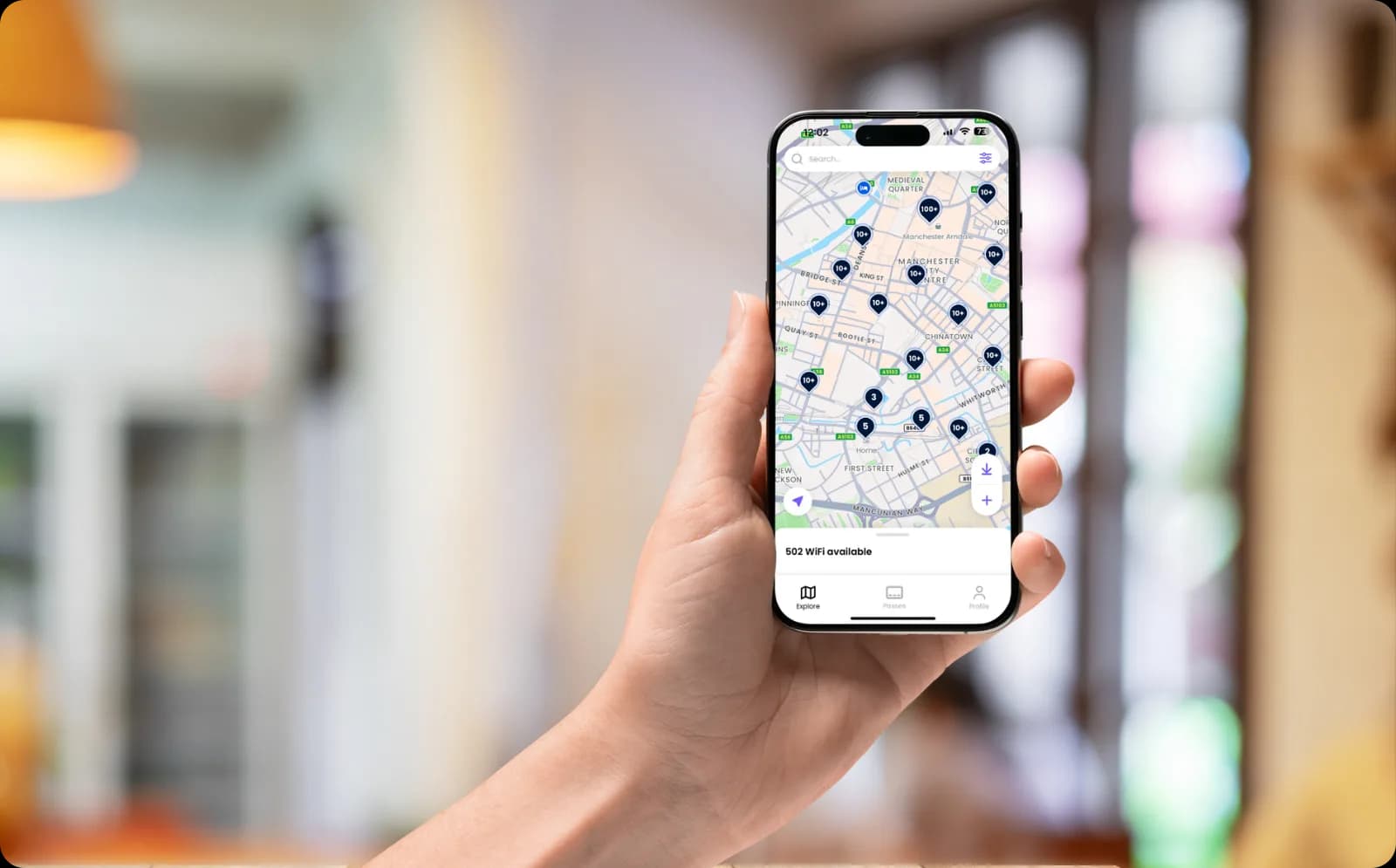
Ligações fluidas em toda a rede OpenRoaming
- Adira à rede OpenRoaming através da Purple, ativando perfis Passpoint na sua rede
- Os dispositivos autenticam-se então de forma fluida nos seus próprios locais e na rede alargada OpenRoaming de mais de 5 milhões de hotspots em todo o mundo
- Ligações seguras e fluidas em todo o percurso, encriptadas desde o momento em que o dispositivo se associa e sem qualquer palavra-passe partilhada
Veja o Passpoint a autenticar um dispositivo em tempo real


Perguntas frequentes sobre o Passpoint
O que é o Passpoint?
O Passpoint é um programa de certificação do setor para integração de WiFi segura e automática, sendo o mesmo que Hotspot 2.0. Em vez de direcionar o utilizador para uma página de início de sessão, a rede instala um perfil no dispositivo que contém um certificado e as suas próprias credenciais. O dispositivo reconhece então a rede, autentica-se no RADIUS e liga-se automaticamente, com o tráfego encriptado desde o momento em que se junta. A Purple disponibiliza o Passpoint através do SecurePass.
O Passpoint é o mesmo que o Hotspot 2.0?
Sim. Hotspot 2.0 é o nome da especificação técnica e o Passpoint é o programa de certificação baseado nela, pelo que os dois termos são utilizados indistintamente na prática. Se um fornecedor indicar que um dispositivo ou ponto de acesso é compatível com Hotspot 2.0, este funcionará com o Passpoint.
Como é que o perfil é instalado num dispositivo?
Depende de quem é o proprietário do dispositivo. Os laptops e smartphones geridos pela empresa recebem-no de forma silenciosa através de MDM, utilizando o Intune ou o Jamf. Os dispositivos que a Purple não gere instalam-no autonomamente, seja através da sua própria aplicação ou no final de um início de sessão único. Em ambos os casos, isto acontece apenas uma vez e todas as conexões subsequentes são automáticas.
Qual é a diferença entre o Passpoint e o OpenRoaming?
O Passpoint é a tecnologia que permite a um dispositivo ligar-se a uma rede automaticamente. O OpenRoaming é uma federação que a utiliza, onde um perfil emitido por um membro é confiado por todos os outros membros. O Passpoint, por si só, abrange os seus próprios locais. A adição do OpenRoaming estende essa cobertura a mais de 5 milhões de hotspots em todo o mundo. A Purple opera na federação, pelo que ambas as opções estão disponíveis.
O Passpoint resolve o problema da aleatorização de MAC?
Em grande parte, sim. O iOS 18 e o macOS rodam os endereços MAC dos dispositivos, pelo que um dispositivo que já esteve na rede anteriormente parece totalmente novo, fazendo com que a sua taxa de retorno pareça baixa. O Passpoint autentica o perfil em vez do endereço MAC, pelo que o dispositivo continua a ser reconhecido na visita seguinte, mantendo a precisão das taxas de retorno, do tempo de permanência e da contagem de visitas.
Quais os dispositivos que suportam o Passpoint?
As versões atuais do iOS, iPadOS, macOS, Android e Windows suportam-no, o que abrange a grande maioria dos smartphones e laptops. Dispositivos sem navegador e sem armazenamento de perfis, como consolas de jogos e smart TVs, não o podem utilizar. Esses casos são geridos com um iPSK, no mesmo SSID.
O Passpoint funciona nos nossos pontos de acesso existentes?
Sim, em qualquer hardware compatível com Passpoint ou Hotspot 2.0, o que inclui equipamentos atuais da Cisco Meraki, HPE Aruba, Ruckus, Juniper Mist, Ubiquiti UniFi, Cambium, Extreme e Fortinet. A Purple funciona sobre a infraestrutura que já possui, pelo que não há necessidade de substituição total de equipamentos.
Quão seguro é o Passpoint em comparação com uma palavra-passe de WiFi partilhada?
Consideravelmente mais seguro. Uma palavra-passe partilhada é conhecida por todos os que já a utilizaram e não pode ser revogada para apenas uma pessoa, e uma rede aberta envia o tráfego sem encriptação. O Passpoint atribui a cada dispositivo as suas próprias credenciais sob WPA2-Enterprise ou WPA3-Enterprise, encripta o tráfego a partir do momento em que se liga e permite revogar o acesso de uma pessoa sem afetar as restantes. A Purple possui certificação ISO 27001, está em conformidade com o GDPR e o CCPA, e registou zero violações de dados desde 2012.
Obtenha mais do seu WiFi
Guias e resultados de clientes para o ajudar a planear a autenticação de dispositivos em todo o seu património.





Passpoint for your industry
See how Passpoint works in venues like yours, and how Purple compares to alternatives.
Used in these industries
Compare alternatives
Read the complete guide to enterprise WiFi security
WPA3-Enterprise, 802.1X, cloud RADIUS, EAP-TLS, iPSK and Passpoint for staff and corporate networks.
Autentique todos os dispositivos sem uma palavra-passe partilhada
Pronto para começar? Fale com um especialista para ver como o Passpoint se adapta aos seus locais, aos seus dispositivos e aos seus pontos de acesso existentes.