

Seamless and secure WiFi authentication
Passpoint, also known as Hotspot 2.0, moves authentication from the sign-in page onto the device. A profile carrying a certificate and its own credentials lets the device identify your network and authenticate against RADIUS. It then connects automatically, encrypted from the moment it associates. No shared passphrase, no captive portal, and no change to the access points you already operate.

















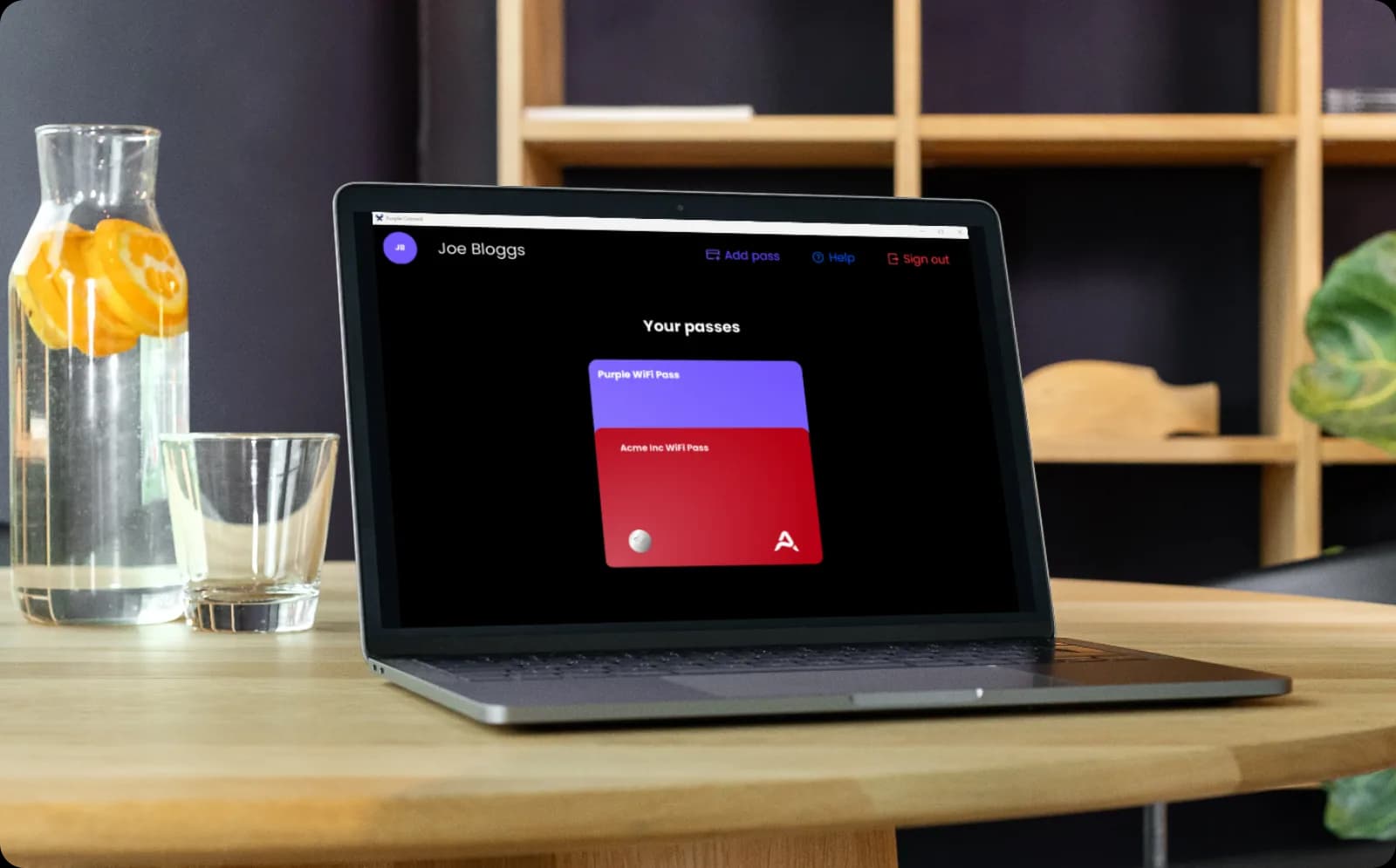
Certificate-based authentication for every staff device
- Staff install the profile once, then connect seamlessly at every site you operate, with no repeat sign-in
- The same profile covers BYOD, so a member of staff on their own phone authenticates exactly as a company laptop does
- Purple binds access to the identity in your directory. Revoke a leaver once and every device they registered drops off the network.
- The 802.1X and WPA3-Enterprise architecture remains intact, with each user isolated from every other user on a shared network
Visitors authenticate once, then reconnect automatically
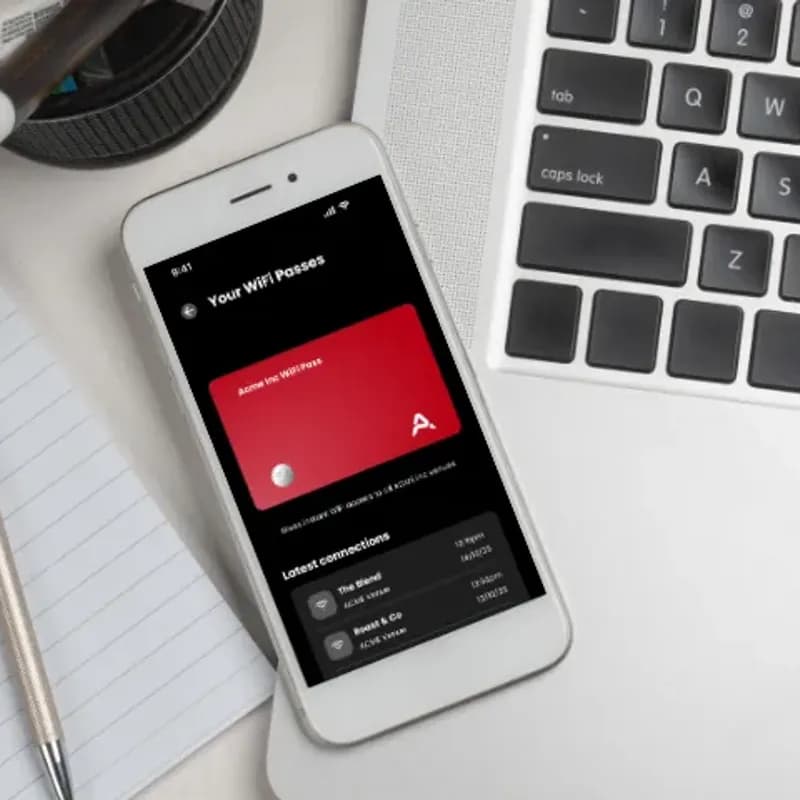
- The Passpoint profile can be installed through the Purple app or your own app, then authenticates the device at every site you operate
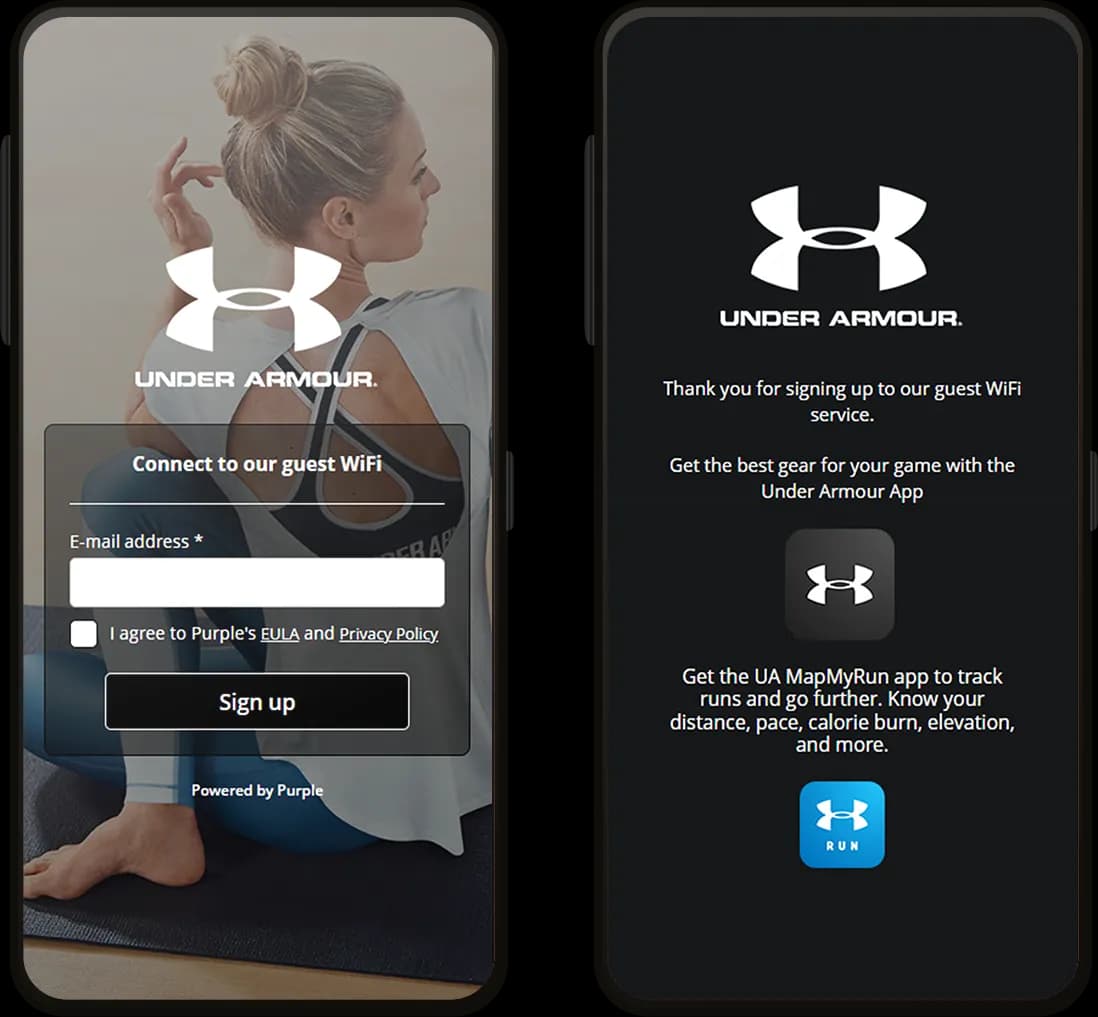
- No captive portal, no registration form, and no repeat authentication on a return visit
- Authentication binds to the profile rather than the MAC address, so devices stay identifiable after iOS 18 rotates it
- Return rates, dwell time and visit counts stay accurate, feeding first-party data through more than 400 connectors

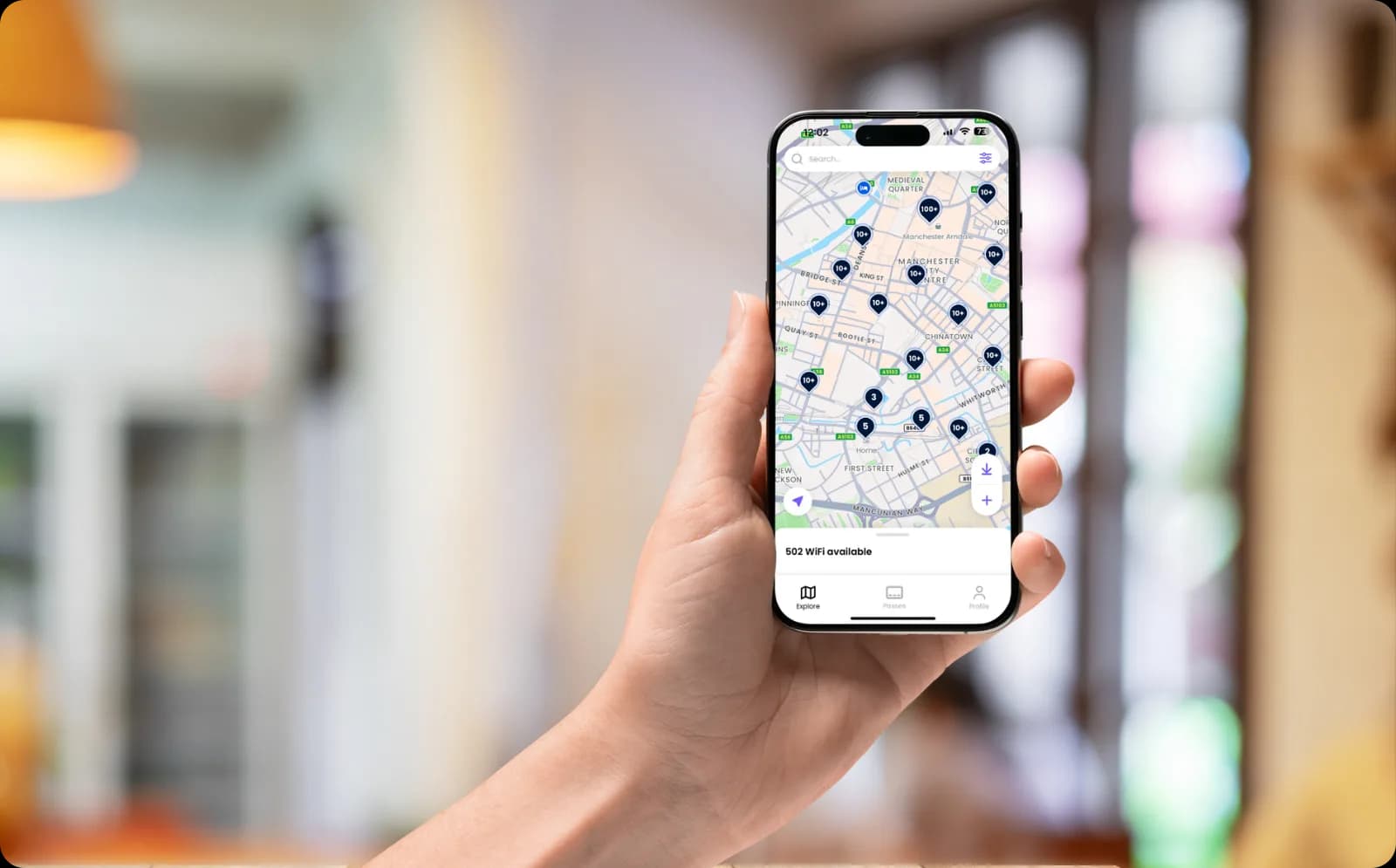
Seamless connections across the OpenRoaming network
- Join the OpenRoaming network through Purple by enabling Passpoint profiles on your network
- Devices then authenticate seamlessly across your own sites and the wider OpenRoaming network of more than 5 million hotspots worldwide
- Secure, seamless connections throughout, encrypted from the moment a device associates and with no shared password anywhere
See Passpoint authenticate a live device


Passpoint FAQs
What is Passpoint?
Passpoint is an industry certification programme for secure, automatic WiFi onboarding, and it is the same thing as Hotspot 2.0. Rather than sending someone to a sign-in page, the network installs a profile on their device holding a certificate and its own credentials. The device then recognises the network, authenticates against RADIUS and connects on its own, with traffic encrypted from the moment it joins. Purple delivers Passpoint through SecurePass.
Is Passpoint the same as Hotspot 2.0?
Yes. Hotspot 2.0 is the name of the technical specification and Passpoint is the certification programme built on it, so the two terms are used interchangeably in practice. If a vendor says a device or access point is Hotspot 2.0 capable, it will work with Passpoint.
How does the profile get onto a device?
It depends who owns the device. Company-managed laptops and phones receive it silently through MDM, using Intune or Jamf. Devices Purple does not manage install it themselves, either through your own app or at the end of a one-off sign-in. In both cases it happens once, and every subsequent connection is automatic.
How is Passpoint different from OpenRoaming?
Passpoint is the technology that lets a device join a network automatically. OpenRoaming is a federation that uses it, where a profile issued by one member is trusted by every other member. Passpoint on its own covers your own sites. Adding OpenRoaming extends that to over 5 million hotspots worldwide. Purple runs on the federation, so either is available.
Does Passpoint solve the MAC randomisation problem?
Largely, yes. iOS 18 and macOS rotate device MAC addresses, so a device that has been on the network before looks brand new and your return rate reads low. Passpoint authenticates the profile rather than the MAC address, so the device is still recognized on its next visit and return rates, dwell time and visit counts stay accurate.
Which devices support Passpoint?
Current iOS, iPadOS, macOS, Android and Windows releases all support it, which covers the overwhelming majority of phones and laptops. Devices with no browser and no profile store, such as games consoles and smart TVs, cannot use it. Those are handled with an iPSK instead, on the same SSID.
Does Passpoint work on our existing access points?
Yes, on any hardware that is Passpoint or Hotspot 2.0 capable, which includes current Cisco Meraki, HPE Aruba, Ruckus, Juniper Mist, Ubiquiti UniFi, Cambium, Extreme and Fortinet kit. Purple layers on top of the infrastructure you already own, so there is no rip and replace.
How secure is Passpoint compared with a shared WiFi password?
Considerably more secure. A shared passphrase is known to everyone who has ever used it and cannot be revoked for one person, and an open network sends traffic unencrypted. Passpoint gives each device its own credentials under WPA2-Enterprise or WPA3-Enterprise, encrypts traffic from the moment it connects, and lets you revoke one person without touching anyone else. Purple is ISO 27001 certified, CCPA/CPRA compliant, and has had zero data breaches since 2012.
Get more from your WiFi
Guides and customer results to help you plan device authentication across your estate.





Passpoint for your industry
See how Passpoint works in venues like yours, and how Purple compares to alternatives.
Used in these industries
Compare alternatives
Read the complete guide to enterprise WiFi security
WPA3-Enterprise, 802.1X, cloud RADIUS, EAP-TLS, iPSK and Passpoint for staff and corporate networks.
Authenticate every device without a shared password
Ready to get started? Speak to an expert to see how Passpoint fits your sites, your devices and your existing access points.