
Free, filtered library WiFi that keeps your community connected
Safe public WiFi for every member and visitor, a sign-in page that promotes your events and services, single sign-on for library staff and a private key for every kiosk and public PC. One platform, run on the access points you already own.
- DNS content filtering on the public network
- OpenRoaming across council buildings
- Microsoft Entra ID sign-in for staff
- xPSK for kiosks and public PCs
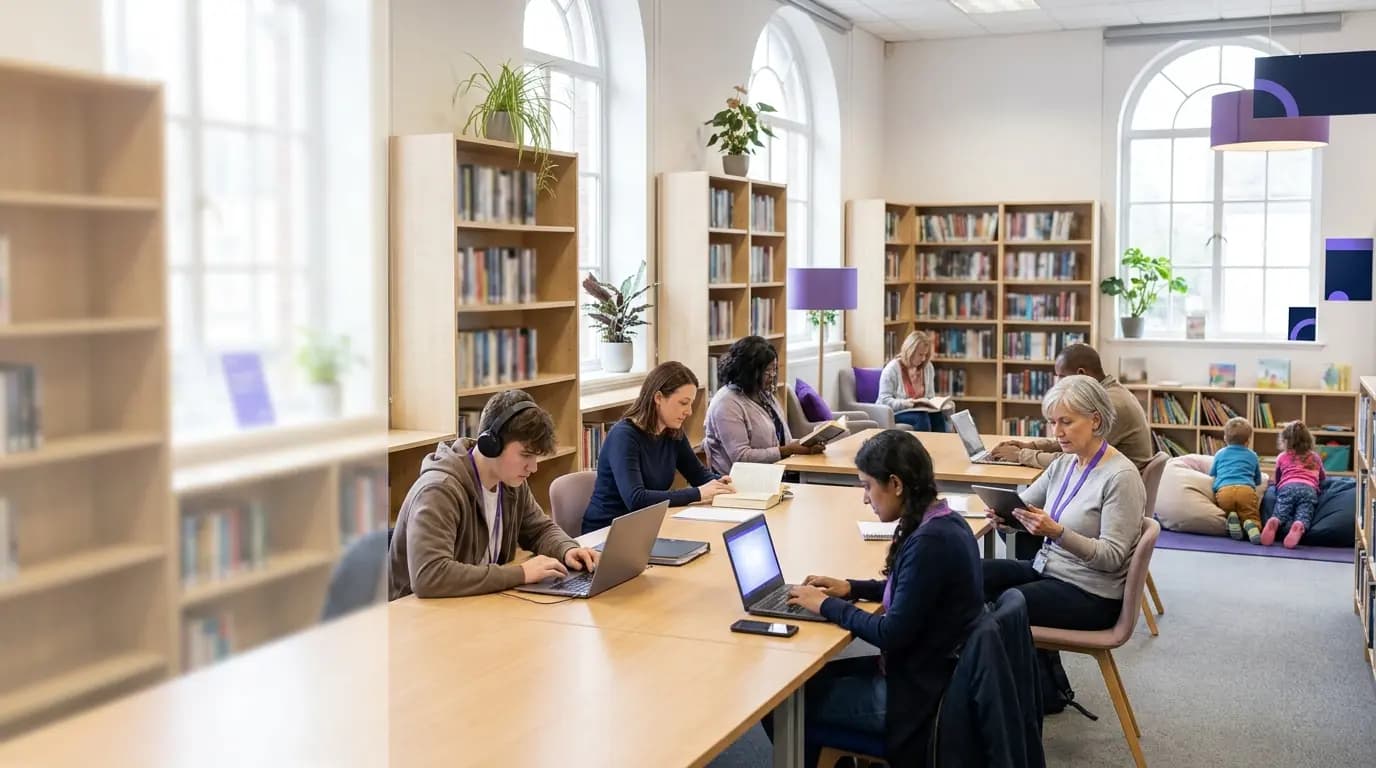
Your library is where people come to get online. The WiFi rarely shows what that is worth.
For many people the library is the only free, safe place to apply for jobs, claim benefits, study or video call family. Library teams carry that digital inclusion role on stretched budgets, while staff, self-service kiosks and public PCs share networks set up years ago. The gap usually shows up in four places.
A typical library today
- An open network or a password on the counter, with no control over what loads
- No evidence for councillors and funders of who the WiFi serves or how often
- Library staff on a shared password across every branch
- Self-service kiosks, public PCs and printers sharing one key that never changes
With Purple
- Filtered public WiFi that blocks harmful content, phishing and malware by category
- Visitor numbers, dwell time, repeat visits and short surveys from every branch
- Staff sign in with their own account, and leavers lose access when it is disabled
- Every device gets its own key and VLAN, kept apart from public and staff traffic
Members, visitors, staff and library kit, each on the right network
Four networks that would normally mean four projects, run from one dashboard by the team you already have.
Free WiFi that is safe for everyone
A filtered public network for readers, students, job seekers and families, joined once and reconnected automatically.
02 · Events and servicesA noticeboard on every phone
Promote rhyme times, digital skills sessions and membership at sign-in, and ask the one question your service needs answered.
03 · Library staffSign in with the work account
Single sign-on through Microsoft Entra ID, Google Workspace or Okta, at every branch. Joiners get access, leavers lose it.
04 · Kiosks and public PCsA private key for every device
xPSK gives self-service kiosks, public PCs, printers and displays their own key and VLAN, revocable one at a time.
Free public WiFi that is safe for every age
Libraries welcome everyone, from toddlers at rhyme time to students revising and residents applying for jobs. Purple Shield filters the public network at DNS level, so you decide which categories, apps and sites load, and harmful content is blocked before it reaches a screen. Newcastle City Council runs the same approach across its libraries, gyms and high streets.
- Block content by category, app or domain, with custom allow and block lists
- Phishing and malware protection, with Internet Watch Foundation integration
- Limit streaming at busy times so everyone gets a fair share of bandwidth
- Sign in once, then OpenRoaming and Passpoint reconnect people at every council hotspot
Newcastle City Council's public WiFi connects council buildings, libraries, gyms and high streets under one sign-on, and 96% of visitors come back.
Explore guest WiFi Filtered WiFi
Turn every sign-in into a reason to come back
The WiFi sign-in page is the noticeboard everyone reads. Use it to promote author talks, code clubs, digital skills sessions and membership, ask a short question that shapes your service plan, and invite people to hear about what is on. Answers arrive with consent and flow to the platforms you already use.
- Micro-surveys at sign-in: Halton Council asks visitors to its leisure center why they came, to decide where to invest
- Tameside Council promoted Community Champion sign-ups on its sign-in page, viewed 4,000 times
- Opt-ins sent to GovDelivery, as East Riding of Yorkshire Council does, or to your CRM through 400+ data connectors
- Branded sign-in with CCPA/CPRA consent and a full audit trail
Visitor numbers, dwell time and repeat visits for every branch give you the evidence for your next report to councillors and funders.
Explore WiFi first-party data Events and services
One login for email, the library system and WiFi
Library staff and volunteers move between branches, mobile libraries and council offices. Purple syncs with Microsoft Entra ID, Google Workspace, Okta and JumpCloud over SCIM, so staff connect with the account they already use and group membership decides which network and policy each person gets.
- Leavers are revoked automatically when their account is disabled
- Staff, volunteers and contractors land on separate VLANs with their own rules
- Library laptops get EAP-TLS certificates through Intune or Jamf
- Cloud RADIUS with a 99.9% uptime SLA and no on-premise server to patch
Every staff session is logged against a named person, device, time and location, ready for your next information governance review.
Explore staff WiFi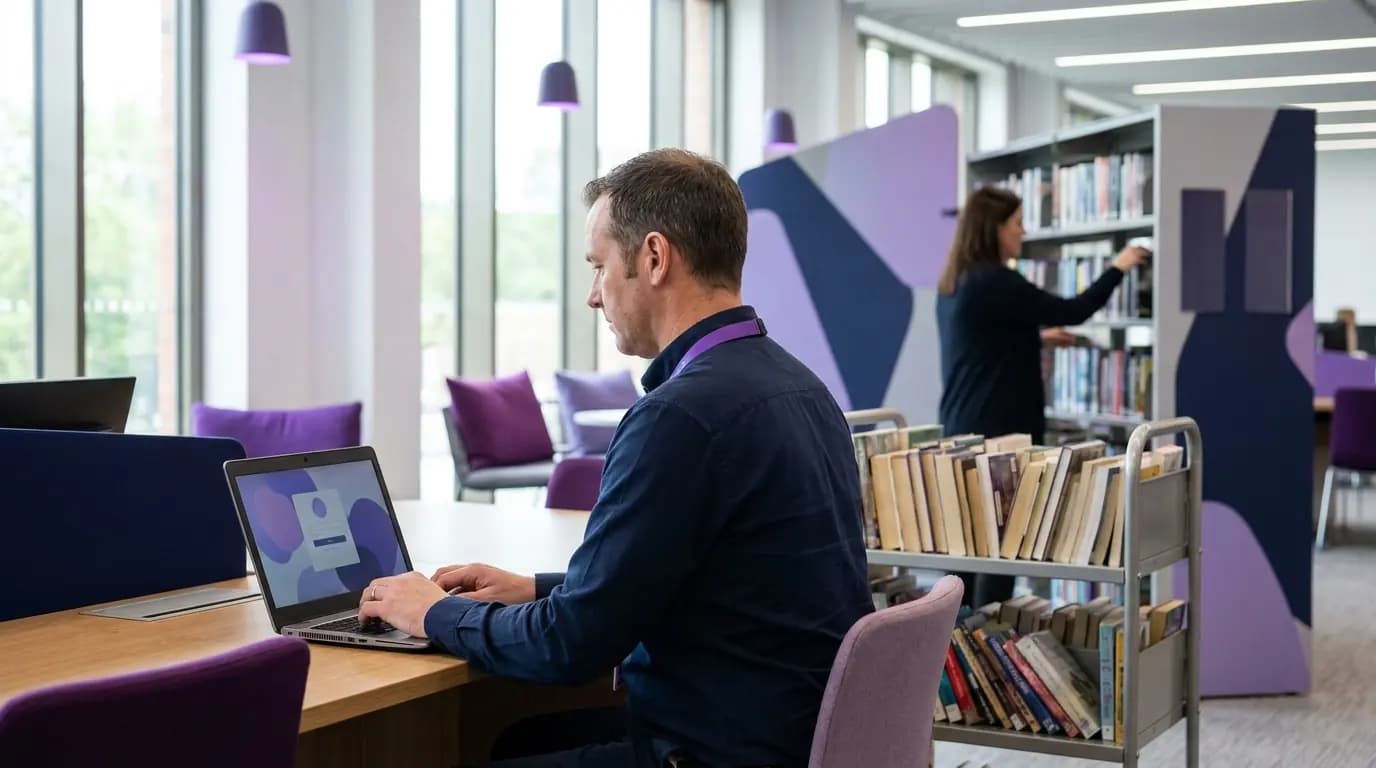 Staff WiFi
A private key for every kiosk, PC and printer
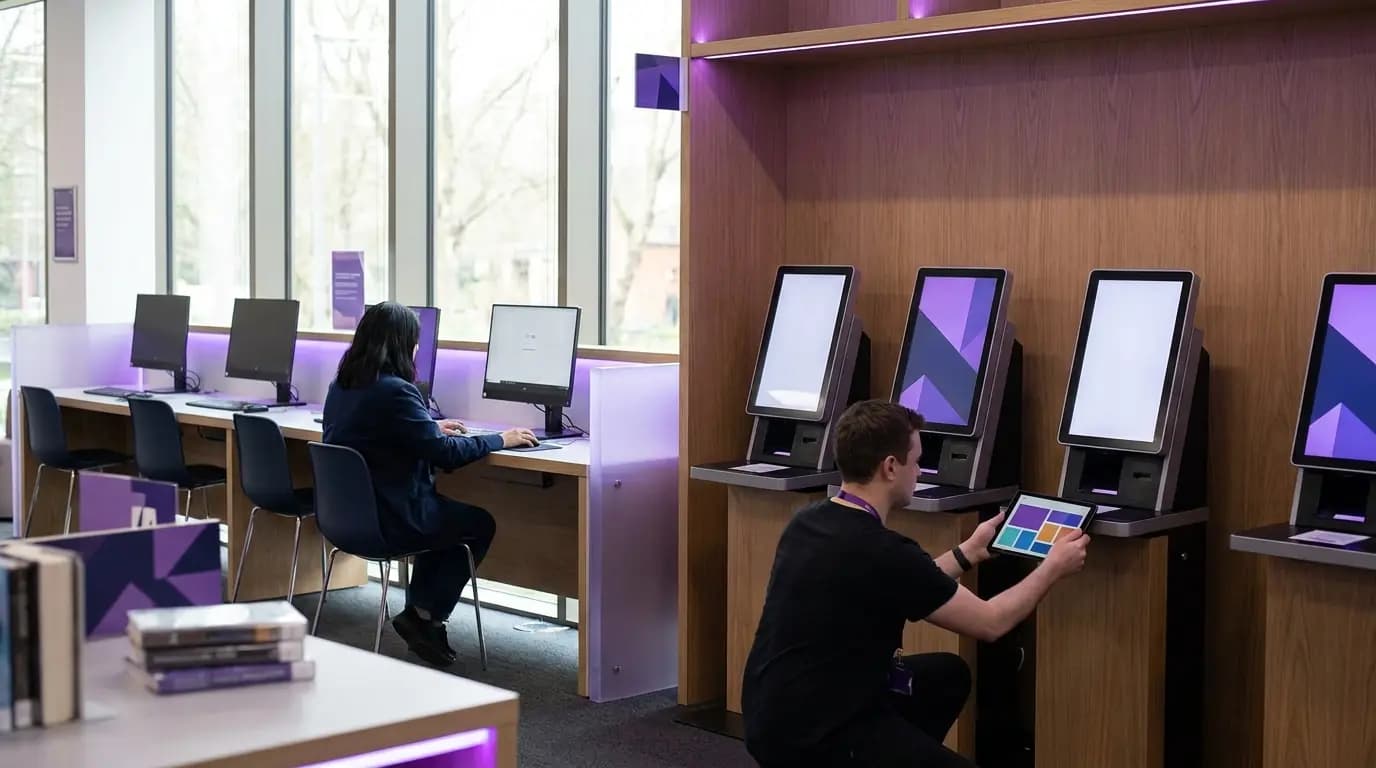
Self-service kiosks, public PCs, print release stations, digital signage and meeting room AV cannot sign in with a username and password. xPSK gives each one its own key and its own VLAN, so a leaked key affects one device, not every branch.
- Revoke a single key without re-keying every device
- MAC binding ties each key to the first device that uses it
- Time-limited keys for contractors and visiting engineers, with no MDM needed
- Works under your vendor’s name: iPSK on Cisco, DPSK on Ruckus, MPSK on HPE Aruba and Juniper Mist, PPSK on Extreme and UniFi
 xPSK
xPSKHow libraries usually run WiFi, and how it runs with Purple
Everything a library service needs from its WiFi, delivered as a service on the hardware you have.

Public WiFi that people come back to
Newcastle City Council connected its libraries, council buildings, gyms and high streets on one public network with Purple, built around digital inclusion, economic growth, placemaking and civic engagement. Residents keep coming back, and the network returns more than four times its annual cost.
Figures from Purple customer results (Newcastle City Council, 2025) and Purple platform data.
Free brochure
Take this page into your next budget meeting
Everything on this page as an eight-page PDF brochure, ready to share with the people who sign off your network spend.
Get the brochure
Your name and email is all we need. The download appears straight away.
Live without new hardware
- 1
Point your access points at Purple
We configure the public, staff and device networks on the Cisco Meraki, HPE Aruba, Ruckus or other access points you already own.
- 2
Set your filtering and sign-in
Choose the content categories to block, add your branding, events and consent wording, and connect Entra ID or Google Workspace for staff.
- 3
Switch on, branch by branch
Roll out with our onboarding team, starting with your busiest branch or wherever the need is greatest.
See your library service on one WiFi platform
Tell us about your branches, mobile libraries and devices and we will show you how filtered public, staff and device access would work on your hardware.
- Works with Cisco Meraki, HPE Aruba, Ruckus, Juniper Mist, Ubiquiti UniFi, Cambium, Extreme and Fortinet
- DNS content filtering with Internet Watch Foundation integration
- ISO 27001 certified, Cyber Essentials, CCPA/CPRA compliant, US RADIUS region
Book a library demo
A 30-minute call with someone who knows public sector networks.
Library WiFi questions, answered
What library, IT and digital inclusion teams ask us most
Do we need to replace our access points?
No. Purple runs on the access points you already own, including Cisco Meraki, HPE Aruba, Ruckus, Juniper Mist, Ubiquiti UniFi, Cambium, Extreme and Fortinet. There is no on-premise RADIUS server to install.
Is the public network safe for children and families?
Yes. Purple Shield filters at DNS level, blocking content by category, app or domain, with phishing and malware protection and Internet Watch Foundation integration. You set the policy to match your library's acceptable use policy, including the filtering US libraries adopt to meet CIPA.
How does library WiFi support digital inclusion?
It removes cost and complexity. People get online free and safely, sign in once and reconnect automatically with OpenRoaming at participating council sites. The sign-in page can then point them to digital skills sessions, council services and local information.
How do we show councillors and funders what the WiFi delivers?
Purple reports visitor numbers, dwell time and repeat visits for every branch, and micro-surveys at sign-in ask people what you need to know. Newcastle City Council uses this to evidence a 96% repeat-visitor rate and a 4.2x return on its annual investment.
How do self-service kiosks and public PCs connect?
With xPSK. Each device gets its own key and VLAN, bound to the first device that uses it. You can revoke one key without touching any other device, in any branch.
Does it work for university and college libraries?
Yes. Students and staff sign in with their institution account through Microsoft Entra ID, Google Workspace or Okta, and Purple can run managed eduroam on the same platform, so visiting academics connect on arrival.
Where is visitor data held?
Purple has RADIUS regions in the US, EU and UK, is ISO 27001 certified and CCPA/CPRA compliant, and records consent with a full audit trail. There have been zero data breaches since 2012.
Featured products for Libraries
The Purple platform pieces most Libraries venues deploy on day one.
Guest WiFi platform for Libraries
Captive Portals, analytics, and marketing automation as a cloud overlay.
Captive Portal software for Libraries
Modern Captive Portals with social login, SSO, and marketing consent.
Passwordless WiFi for Libraries
EAP-TLS, iPSK, and Passpoint - replace shared passwords with identity.
Recommended solution for Libraries
WiFi for IT & network teams. Cloud Captive Portals, RADIUS, and analytics layered on top of Cisco, Aruba, Juniper Mist, Meraki, and Ubiquiti.
See WiFi for IT & network teams →Related pillar guides
The topical pillars most relevant to Libraries. Each guide is the canonical hub for that area of the platform.
Guest WiFi
The master guide to delivering guest WiFi: models, layers, compliance, and how to choose a provider.
Captive portal
How the WiFi sign-in works, the eight authentication methods, and the join surface technical detail.
WiFi analytics
Presence and engagement analytics, footfall, dwell, and GDPR-defensible measurement.
Related industries
Other verticals running on the same Purple platform.
Speak to an expert
Tell us about your venues and we'll show you how Purple fits.