
WiFi that feels like home for residents and works like a hospital network for your staff
A private network in every resident’s room for video calls with family, identity-based sign-in for nurses and aides on electronic charting, a private key for every nurse call system and sensor, and filtered WiFi for visiting families. One platform, on the access points you already own.
- A Private Area Network for every resident
- Microsoft Entra ID and Google Workspace sign-in for staff
- xPSK for nurse call systems and sensors
- 99.9% RADIUS uptime SLA
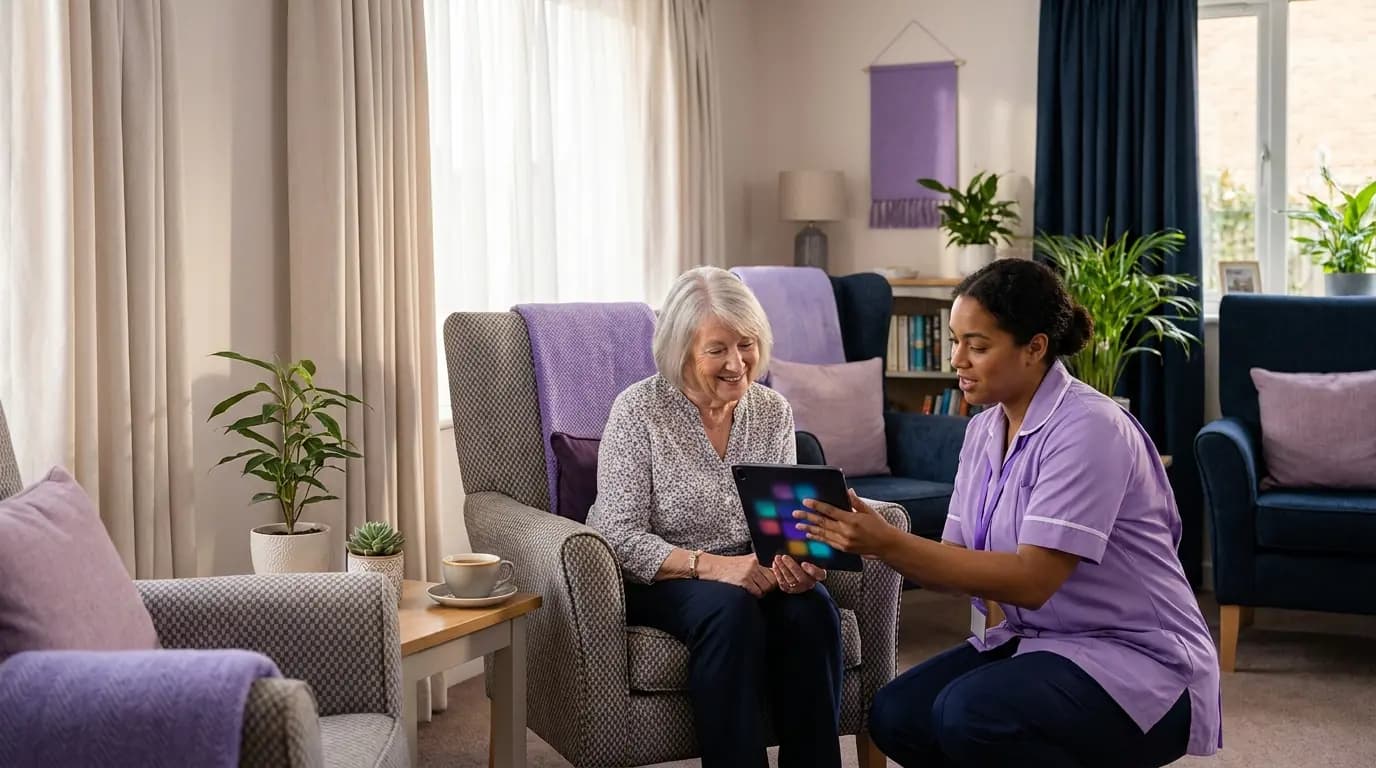
A resident’s room is their home. Most nursing home networks treat it like a waiting room.
Residents want to see their grandchildren on a video call and watch their own shows. Nurses and aides record medications and care notes on handheld devices as they go. Nurse call systems, sensors and door controllers all need the network too. In most facilities they share one or two passwords, and that gap shows up in four places.
A typical facility today
- One resident password shared across the building, so a family member has to sign in a new tablet for every visit
- A staff key passed between permanent, per diem and agency staff and never changed
- Nurse call systems, sensors and smart TVs on the same flat network as staff tablets
- Visiting families and physicians given the staff password because it is quicker
With Purple
- Each resident has their own Private Area Network, and their devices stay connected room to room
- Nurses and aides sign in with their own account, and access ends when the account is disabled
- Every device has its own key and VLAN, revocable one at a time
- Families and visiting professionals get a filtered, branded sign-in kept apart from care systems
Residents, staff, care systems and families, each on the right network
Four networks that would normally mean four suppliers, run across every facility in your group from one dashboard by the IT team you already have.
A private network in every room
Each resident gets their own Private Area Network, so their tablet, phone and TV connect the way they would at home.
02 · Nursing staffSign in with the staff account
Identity-based WiFi through Microsoft Entra ID, Google Workspace or Okta. New hires get access, leavers lose it.
03 · Care systemsA private key for every device
xPSK gives nurse call systems, sensors, door controllers and printers their own key and VLAN.
04 · Families and visitorsFiltered WiFi for visits
A branded sign-in for families, physicians and visiting professionals, with DNS content filtering, kept off care networks.
Their own network, the way it works at home
Every resident gets a Private Area Network, a private network bubble that follows them around the building. A son or daughter sets up the tablet once, and it reconnects every time without anyone typing a password. Their smart TV and speaker are visible only to their own devices, not to the room next door.
- One key per resident, with each resident on their own iPSK Private Area Network
- Casting to their own TV works, and no other resident can see it
- Room changes and new devices handled from one dashboard, without a site visit
- Devices reconnect automatically on every visit, with no password typed and no sign-in page
No captive portal to sign in to again. Residents who are less confident with technology stay connected without having to ask a caregiver for help.
Explore multi-tenant WiFi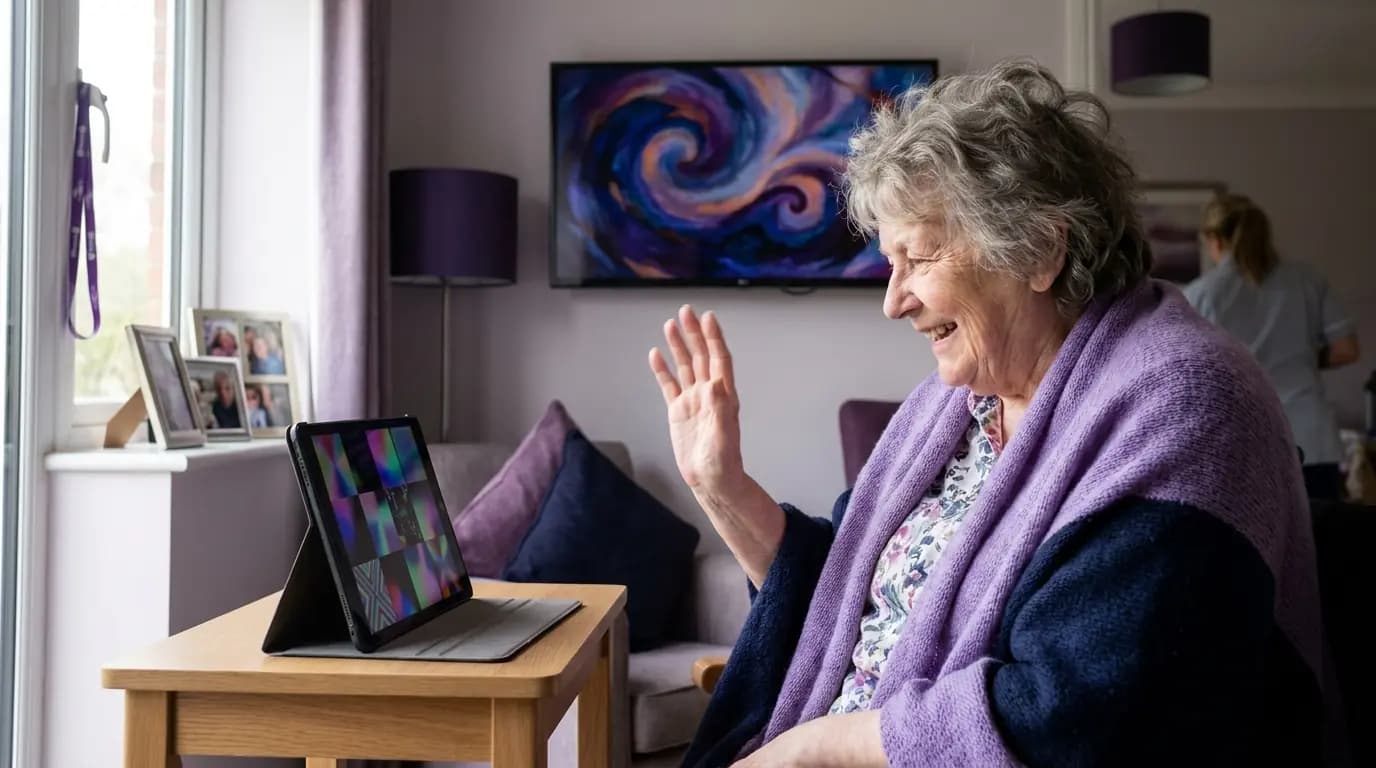 Resident WiFi
Every nurse and aide on their own login, including per diem and agency staff
Electronic health records and eMAR only work if the tablet in a nurse’s hand stays connected on every floor. Purple puts nursing staff on identity-based WiFi through Microsoft Entra ID, Google Workspace, Okta or JumpCloud over SCIM, so each person signs in with their own account and lands on the right network with the right policy.
- Leavers are revoked automatically when their account is disabled
- Time-limited keys for agency staff and contractors, with no MDM required
- Facility-owned tablets get EAP-TLS certificates through Intune, Jamf, Kandji or Hexnode
- Personal phones are onboarded in about 60 seconds with the Purple app
Every session is logged against a named person, device, time and location, which gives you evidence of network access controls for your HIPAA documentation.
Explore staff WiFi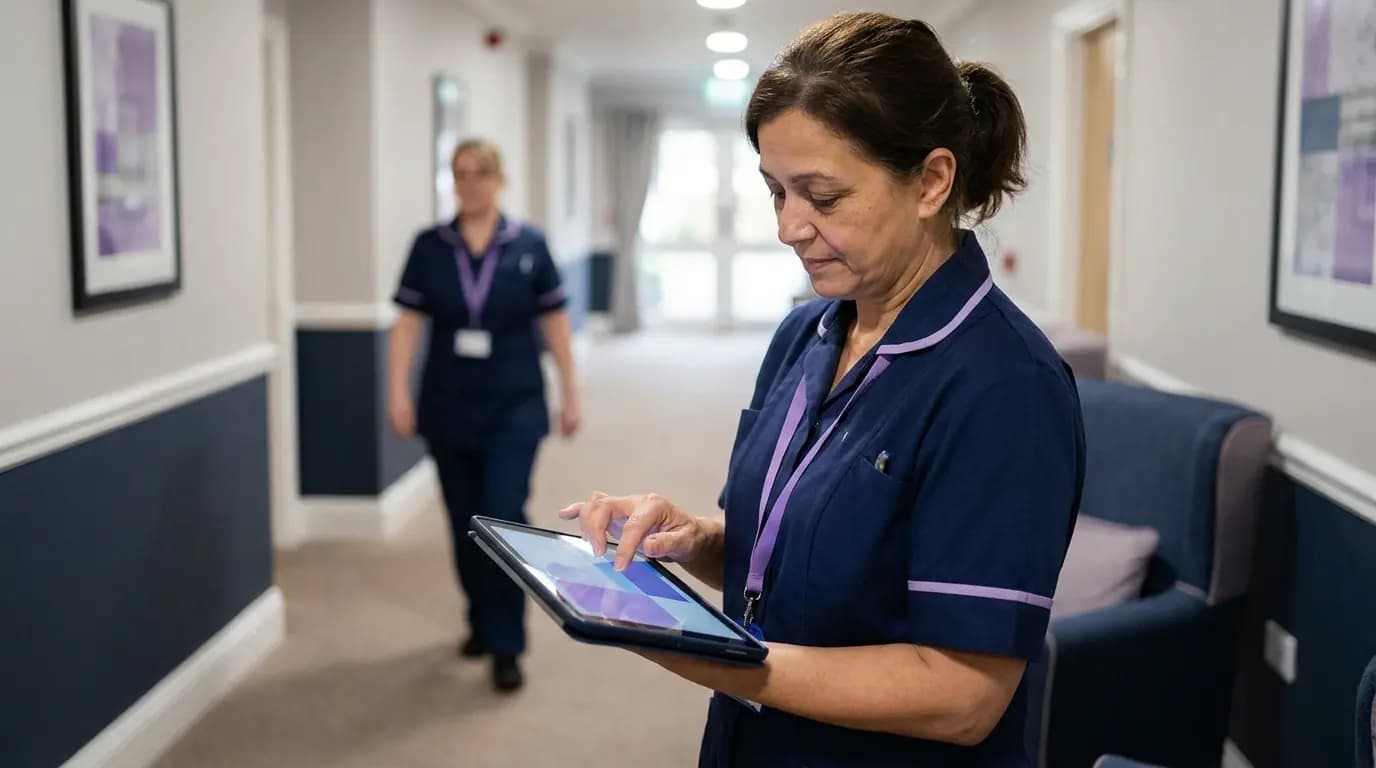 Staff WiFi
A private key for everything that keeps residents safe
Nurse call systems, bed and door sensors, door controllers, cameras, printers and the TVs in residents’ lounges cannot sign in with a username and password. xPSK gives each one its own key and its own VLAN, so a key that leaks affects one device, not the care systems your residents rely on.
- Revoke a single key without re-keying every device in the facility
- MAC binding ties each key to the first device that uses it
- Works under your vendor’s name: iPSK on Cisco, DPSK on Ruckus, MPSK on HPE Aruba and Juniper Mist, PPSK on Extreme and UniFi
- No per-device license and no cap on devices per key
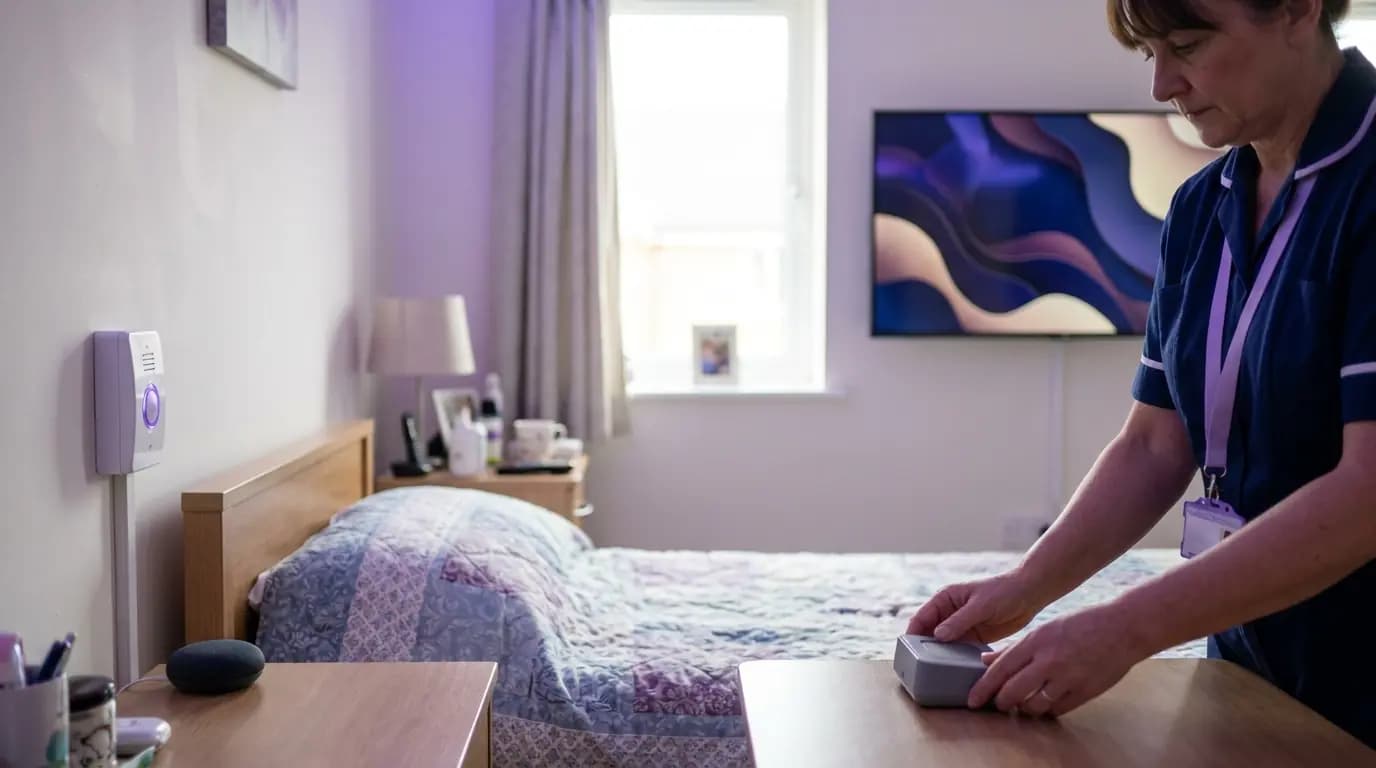 xPSK
WiFi for visiting families, kept away from care systems
Grandchildren on a Sunday afternoon, physicians and home health nurses on their rounds, and contractors on a service call all need to get online. Purple gives them a branded sign-in on a separate guest network, with DNS content filtering that blocks malicious and unsuitable sites before they load, and keeps their traffic off every resident, staff and care systems VLAN.
- Captive portal with consent capture and a full audit trail
- DNS content filtering with Purple Shield, set per network
- Visitor traffic kept off every resident, staff and care tech VLAN
- Family contact details sent to your CRM through 400+ data connectors, with consent
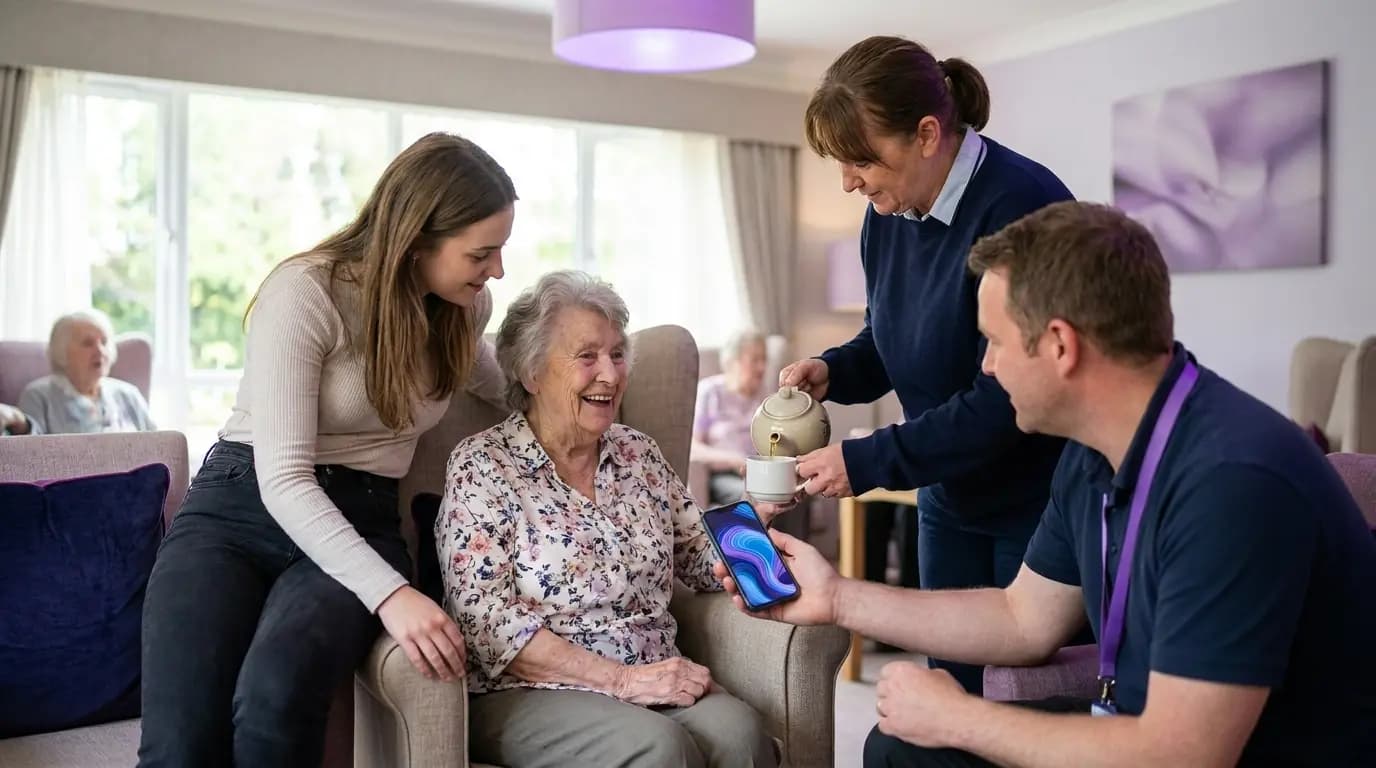 Visitor WiFi
What it takes to build it yourself, and what it takes with Purple
Everything a hospital network team would build and run, delivered as a service across every facility in your group.
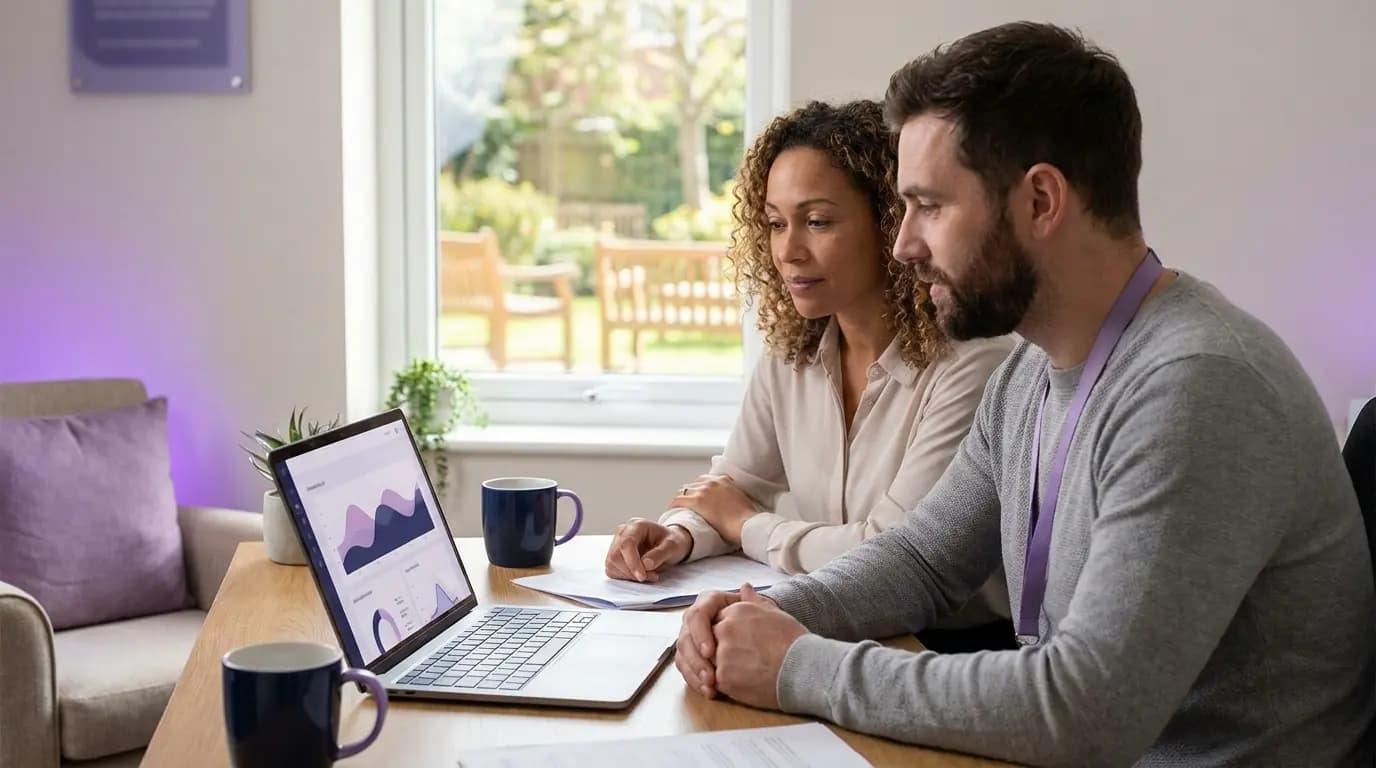
Run four networks across every facility with the team you already have
Senior living IT teams are small and look after dozens of sites, from charting systems to the TV in the lounge. Purple takes network access off their list, so the WiFi stops generating calls from facility administrators.
Figures from Purple platform data and service terms.
Free brochure
Take this page into your next budget meeting
Everything on this page as an eight-page PDF brochure, ready to share with the people who sign off your network spend.
Get the brochure
Your name and email is all we need. The download appears straight away.
Live across your facilities without new hardware
- 1
Connect your directory
Link Microsoft Entra ID or Google Workspace. Nursing staff groups sync over SCIM.
- 2
Point your access points at Purple
We configure the resident, staff, care systems and visitor networks on the access points you already own.
- 3
Roll out facility by facility
Switch on one facility at a time with our onboarding team, at a pace that suits residents and staff.
Pricing
See the price before you book a demo
Compare plans, what each one includes and the add-ons on one page. You do not need a sales call to see the numbers.
See your facilities on one network platform
Tell us about your facilities and we will show you how resident, staff, care systems and visitor access would work on your hardware.
- Works with Cisco Meraki, HPE Aruba, Ruckus, Juniper Mist, Ubiquiti UniFi, Cambium, Extreme and Fortinet
- Single sign-on with Microsoft Entra ID, Google Workspace and Okta
- ISO 27001 certified, CCPA compliant, US RADIUS region
Book a senior living demo
A 30-minute call with someone who knows senior living networks.
Nursing home WiFi questions, answered
What senior living IT and operations teams ask us most
Do we need to replace our access points?
No. Purple runs on the access points you already own, including Cisco Meraki, HPE Aruba, Ruckus, Juniper Mist, Ubiquiti UniFi, Cambium, Extreme and Fortinet. There is no on-premise RADIUS server to install in any facility.
How do residents who are less confident with technology get connected?
Each resident has their own Private Area Network with its own key. A family member or caregiver enters it once on the resident’s tablet, phone or TV, and from then on the device reconnects automatically, with no sign-in page to repeat.
Can other residents see a resident’s devices?
No. Each resident’s devices sit inside their own private network bubble. Their TV and speaker are discoverable only by their own phone or tablet, not by anyone else in the building.
How do per diem and agency staff get online?
Permanent staff sign in with their own Entra ID, Google Workspace or Okta account. Agency staff and contractors can be given time-limited keys that expire on their own, with no MDM needed on their devices.
How do nurse call systems and sensors connect?
With xPSK. Each device gets its own key and VLAN, bound to the first device that uses it. You can revoke one key without touching any other device.
Is visitor WiFi filtered?
Yes. Visitors sign in through a branded captive portal with consent capture and a full audit trail, and DNS content filtering blocks malicious and unsuitable sites.
Where is our data held?
Purple has RADIUS regions in the US, EU and UK, is ISO 27001 certified and CCPA compliant, and has had zero data breaches since 2012.
Featured products for Senior living and skilled nursing
The Purple platform pieces most Senior living and skilled nursing venues deploy on day one.
Guest WiFi platform for Senior living and skilled nursing
Captive Portals, analytics, and marketing automation as a cloud overlay.
Captive Portal software for Senior living and skilled nursing
Modern Captive Portals with social login, SSO, and marketing consent.
Passwordless WiFi for Senior living and skilled nursing
EAP-TLS, iPSK, and Passpoint - replace shared passwords with identity.
Recommended solution for Senior living and skilled nursing
WiFi for IT & network teams. Cloud Captive Portals, RADIUS, and analytics layered on top of Cisco, Aruba, Juniper Mist, Meraki, and Ubiquiti.
See WiFi for IT & network teams →Related pillar guides
The topical pillars most relevant to Senior living and skilled nursing. Each guide is the canonical hub for that area of the platform.
Further reading for Senior living and skilled nursing
Technical guides, articles and customer stories for teams running WiFi in this sector.
Guides for Senior living and skilled nursing
- HIPAA-Compliant Staff WiFi: How to Deploy Secure Wireless Networks in Healthcare
- Patient WiFi: A Complete Guide for Healthcare Systems and Hospital Operators
- Healthcare guest WiFi platforms: patient onboarding, content filtering and VLAN isolation compared
- NAC for Healthcare: Securing Medical Devices and Patient Data
- Healthcare WiFi: HIPAA, HIPAA and WiFi Compliance Explained
- HIPAA-compliant guest WiFi for healthcare providers
- HIPAA Technical Safeguards for Hospital Staff WiFi: What the Security Rule Actually Requires
- The compliance case for passwordless WiFi: HIPAA, PCI, ISO 27001
From the blog
- Why iPSK is the Future of Senior Living WiFi: Balancing Resident Privacy with Medical Security
- Healthcare WiFi compliance guide: standards, security & patient experience
- Healthcare RTLS design: asset tracking, patient flow & hospital WiFi
- Healthcare RTLS: hospital asset tracking & digital wayfinding
Related industries
Other verticals running on the same Purple platform.
Speak to an expert
Tell us about your venues and we'll show you how Purple fits.