

Nahtlose und sichere WiFi-Authentifizierung
Passpoint, auch bekannt als Hotspot 2.0, verlagert die Authentifizierung von der Anmeldeseite auf das Gerät. Ein Profil mit einem Zertifikat und eigenen Anmeldedaten ermöglicht es dem Gerät, Ihr Netzwerk zu identifizieren und sich gegenüber RADIUS zu authentifizieren. Die Verbindung erfolgt dann automatisch und ist ab dem Zeitpunkt der Zuordnung verschlüsselt. Kein gemeinsames Passwort, kein Captive Portal und keine Änderungen an den Access Points, die Sie bereits betreiben.

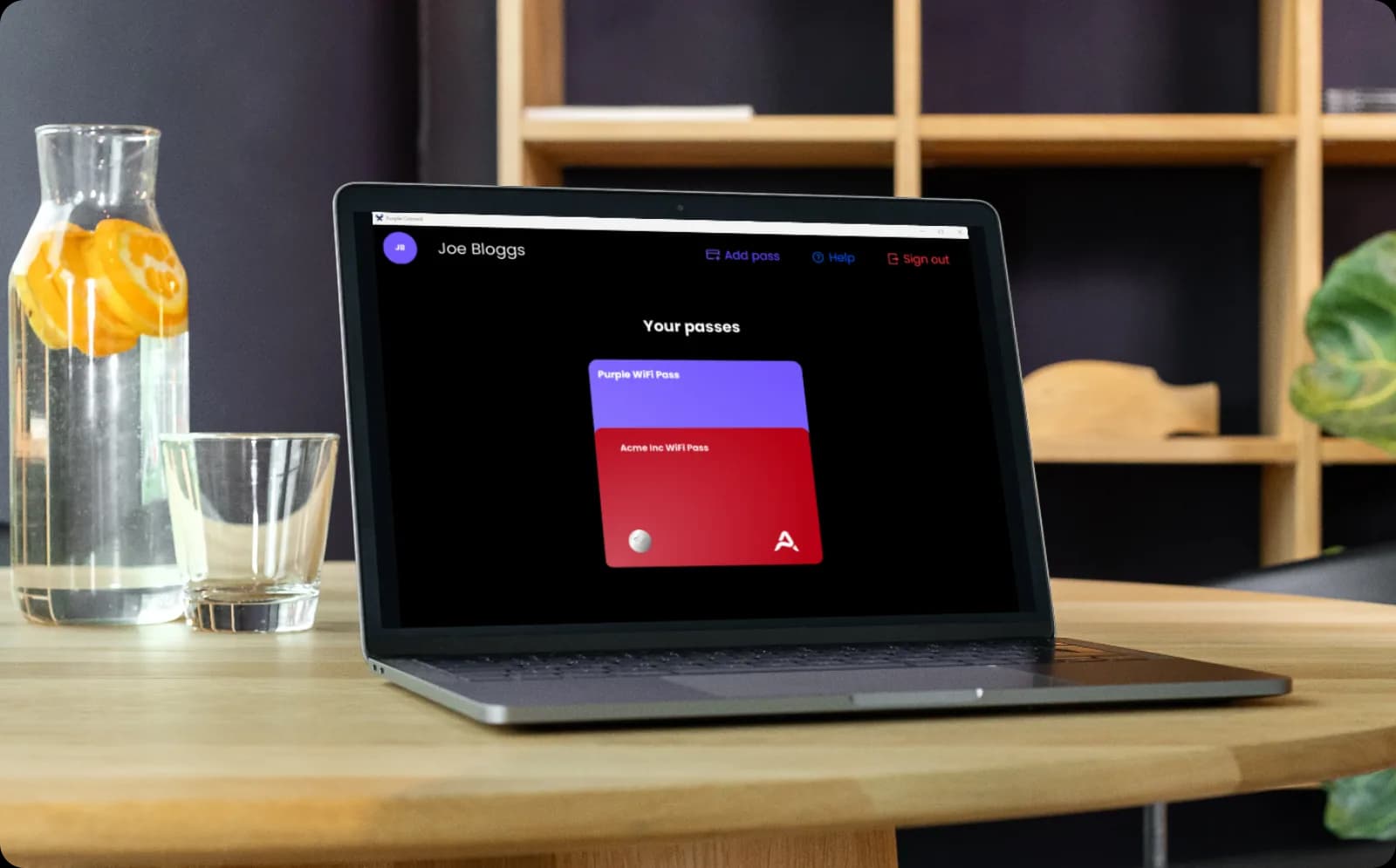
Zertifikatsbasierte Authentifizierung für jedes Mitarbeitergerät
- Mitarbeiter installieren das Profil einmalig und verbinden sich an jedem Ihrer Standorte nahtlos, ohne erneute Anmeldung
- Dasselbe Profil deckt BYOD ab. So authentifiziert sich ein Mitarbeiter auf dem eigenen Smartphone genauso wie auf einem Firmen-Laptop
- Purple verknüpft den Zugriff mit der Identität in Ihrem Verzeichnis. Entziehen Sie einem ausscheidenden Mitarbeiter einmal die Berechtigung, und jedes von ihm registrierte Gerät verliert den Netzwerkzugriff.
- Die 802.1X- und WPA3-Enterprise-Architektur bleibt intakt, wobei jeder Benutzer in einem gemeinsamen Netzwerk von allen anderen isoliert ist
Besucher authentifizieren sich einmal und verbinden sich danach automatisch wieder
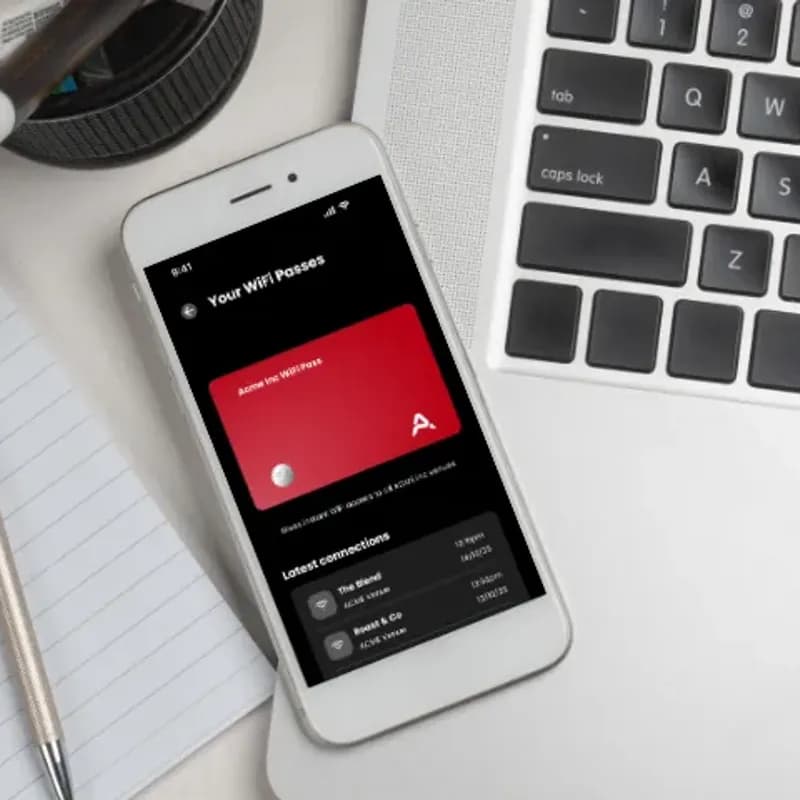
- Das Passpoint-Profil kann über die Purple App oder Ihre eigene App installiert werden und authentifiziert das Gerät an jedem Ihrer Standorte
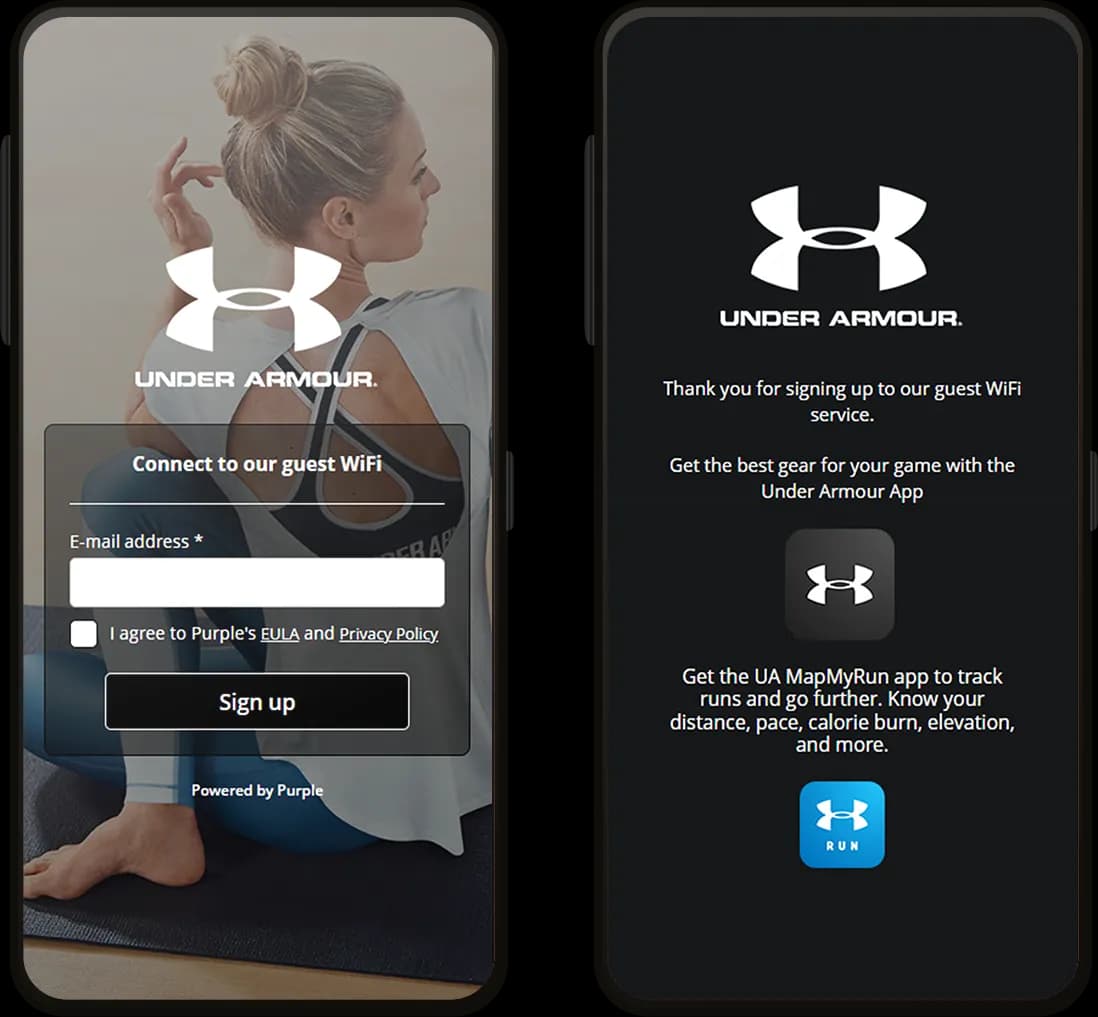
- Kein Captive Portal, kein Registrierungsformular und keine erneute Authentifizierung bei einem erneuten Besuch
- Die Authentifizierung ist an das Profil und nicht an die MAC-Adresse gebunden. So bleiben Geräte auch dann identifizierbar, wenn iOS 18 diese rotiert
- Wiederkehrraten, Verweildauer und Besuchszahlen bleiben präzise und speisen First-Party-Daten über mehr als 400 Konnektoren ein

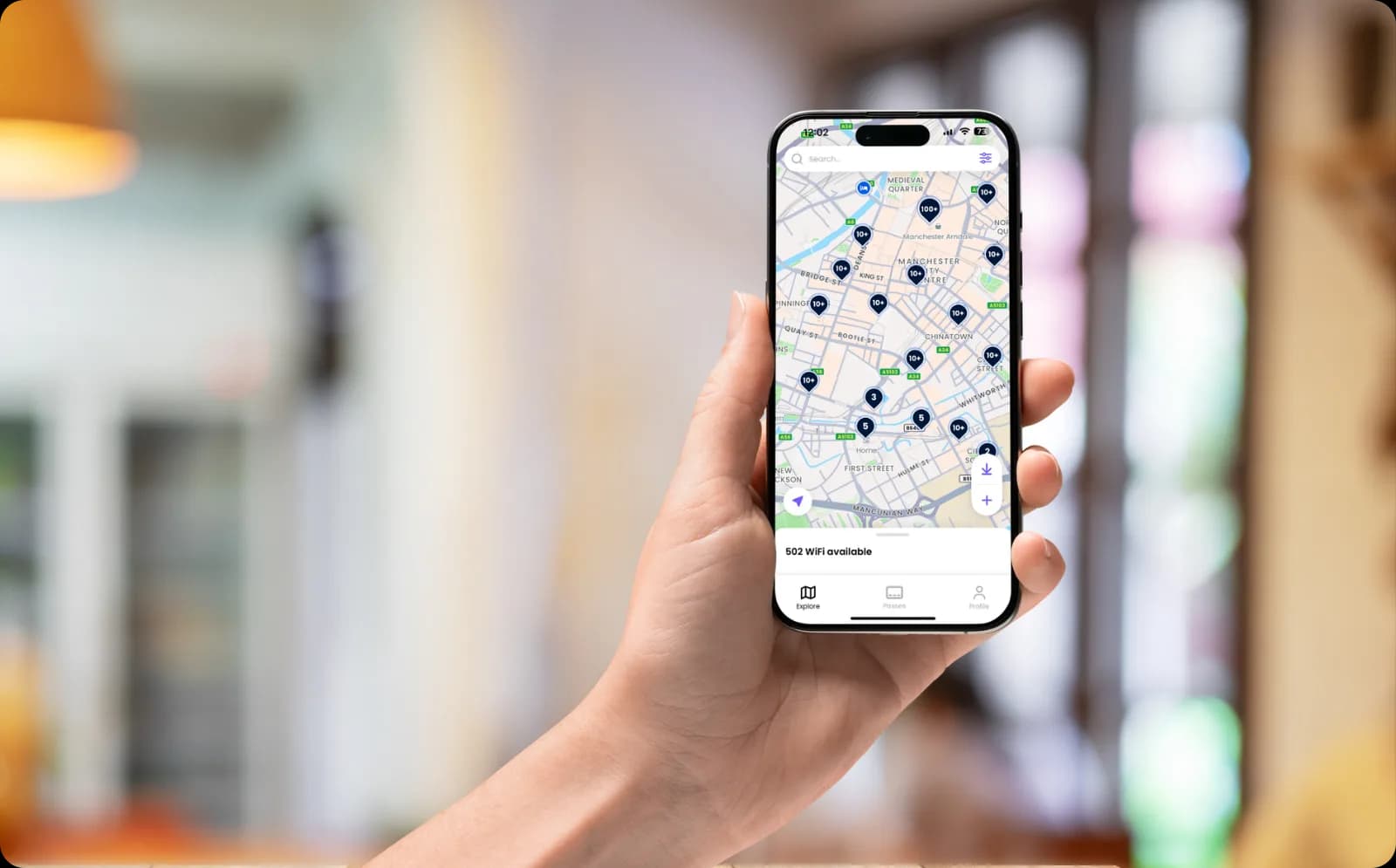
Nahtlose Verbindungen im gesamten OpenRoaming-Netzwerk
- Treten Sie dem OpenRoaming-Netzwerk über Purple bei, indem Sie Passpoint-Profile in Ihrem Netzwerk aktivieren
- Geräte authentifizieren sich dann nahtlos an Ihren eigenen Standorten und im gesamten OpenRoaming-Netzwerk mit weltweit über 5 Millionen Hotspots
- Durchgehend sichere, nahtlose Verbindungen, die ab dem Zeitpunkt der Gerätezuordnung verschlüsselt sind - ganz ohne gemeinsames Passwort
Erleben Sie die Passpoint-Authentifizierung an einem Live-Gerät


Häufige Fragen zu Passpoint
Was ist Passpoint?
Passpoint ist ein Branchen-Zertifizierungsprogramm für sicheres, automatisches WiFi-Onboarding und entspricht Hotspot 2.0. Anstatt Nutzer auf eine Anmeldeseite weiterzuleiten, installiert das Netzwerk ein Profil auf ihrem Gerät, das ein Zertifikat und eigene Anmeldedaten enthält. Das Gerät erkennt dann das Netzwerk, authentifiziert sich gegenüber RADIUS und verbindet sich selbstständig, wobei der Datenverkehr ab dem Moment des Beitritts verschlüsselt ist. Purple stellt Passpoint über SecurePass bereit.
Ist Passpoint dasselbe wie Hotspot 2.0?
Ja. Hotspot 2.0 ist der Name der technischen Spezifikation und Passpoint ist das darauf aufbauende Zertifizierungsprogramm, weshalb beide Begriffe in der Praxis synonym verwendet werden. Wenn ein Hersteller angibt, dass ein Gerät oder Access Point Hotspot 2.0-fähig ist, funktioniert es mit Passpoint.
Wie gelangt das Profil auf ein Gerät?
Das hängt davon ab, wer Eigentümer des Geräts ist. Vom Unternehmen verwaltete Laptops und Telefone erhalten es im Hintergrund über MDM mit Intune oder Jamf. Geräte, die nicht von Purple verwaltet werden, installieren es selbst, entweder über Ihre eigene App oder am Ende einer einmaligen Anmeldung. In beiden Fällen geschieht dies nur einmal, und jede weitere Verbindung erfolgt automatisch.
Wie unterscheidet sich Passpoint von OpenRoaming?
Passpoint ist die Technologie, mit der sich ein Gerät automatisch mit einem Netzwerk verbinden kann. OpenRoaming ist ein Verbund, der diese Technologie nutzt, wobei ein von einem Mitglied ausgestelltes Profil von allen anderen Mitgliedern als vertrauenswürdig eingestuft wird. Passpoint allein deckt Ihre eigenen Standorte ab. Die Erweiterung um OpenRoaming dehnt dies auf über 5 Millionen Hotspots weltweit aus. Purple läuft auf diesem Verbund, sodass beide Optionen verfügbar sind.
Löst Passpoint das Problem der MAC-Randomisierung?
Weitgehend ja. iOS 18 und macOS rotieren die MAC-Adressen von Geräten. Ein Gerät, das bereits im Netzwerk war, erscheint daher wie neu, was Ihre Wiederkehrerrate niedrig aussehen lässt. Passpoint authentifiziert das Profil anstelle der MAC-Adresse. So wird das Gerät beim nächsten Besuch wiedererkannt, und Wiederkehrerraten, Verweildauer sowie Besuchszahlen bleiben präzise.
Welche Geräte unterstützen Passpoint?
Aktuelle Versionen von iOS, iPadOS, macOS, Android und Windows unterstützen es, was die überwiegende Mehrheit der Telefone und Laptops abdeckt. Geräte ohne Browser und Profilspeicher, wie Spielekonsolen und Smart-TVs, können es nicht nutzen. Diese werden stattdessen mit einer iPSK auf derselben SSID verwaltet.
Funktioniert Passpoint auf unseren vorhandenen Access Points?
Ja, auf jeder Hardware, die Passpoint- oder Hotspot 2.0-fähig ist. Dazu gehören aktuelle Geräte von Cisco Meraki, HPE Aruba, Ruckus, Juniper Mist, Ubiquiti UniFi, Cambium, Extreme und Fortinet. Purple setzt auf der Infrastruktur auf, die Sie bereits besitzen, sodass kein Austausch der Hardware erforderlich ist.
Wie sicher ist Passpoint im Vergleich zu einem gemeinsam genutzten WiFi-Passwort?
Erheblich sicherer. Ein gemeinsam genutztes Passwort ist jedem bekannt, der es jemals verwendet hat, und kann nicht für eine einzelne Person widerrufen werden. Zudem überträgt ein offenes Netzwerk den Datenverkehr unverschlüsselt. Passpoint weist jedem Gerät eigene Anmeldedaten unter WPA2-Enterprise oder WPA3-Enterprise zu, verschlüsselt den Datenverkehr ab dem Moment der Verbindung und ermöglicht es Ihnen, den Zugang für eine einzelne Person zu sperren, ohne andere zu beeinträchtigen. Purple ist ISO 27001-zertifiziert, GDPR- und CCPA-konform und verzeichnet seit 2012 null Datenpannen.
Holen Sie mehr aus Ihrem WiFi heraus
Leitfäden und Kundenergebnisse, die Ihnen bei der Planung der Geräteauthentifizierung in Ihrem gesamten Bestand helfen.





Passpoint for your industry
See how Passpoint works in venues like yours, and how Purple compares to alternatives.
Used in these industries
Compare alternatives
Read the complete guide to enterprise WiFi security
WPA3-Enterprise, 802.1X, cloud RADIUS, EAP-TLS, iPSK and Passpoint for staff and corporate networks.
Authentifizieren Sie jedes Gerät ohne ein gemeinsames Passwort
Bereit loszulegen? Sprechen Sie mit einem Experten, um zu erfahren, wie Passpoint zu Ihren Standorten, Ihren Geräten und Ihren bestehenden Access Points passt.