

Blog
Insights and updates from the Purple team on guest WiFi, analytics, and venue technology.
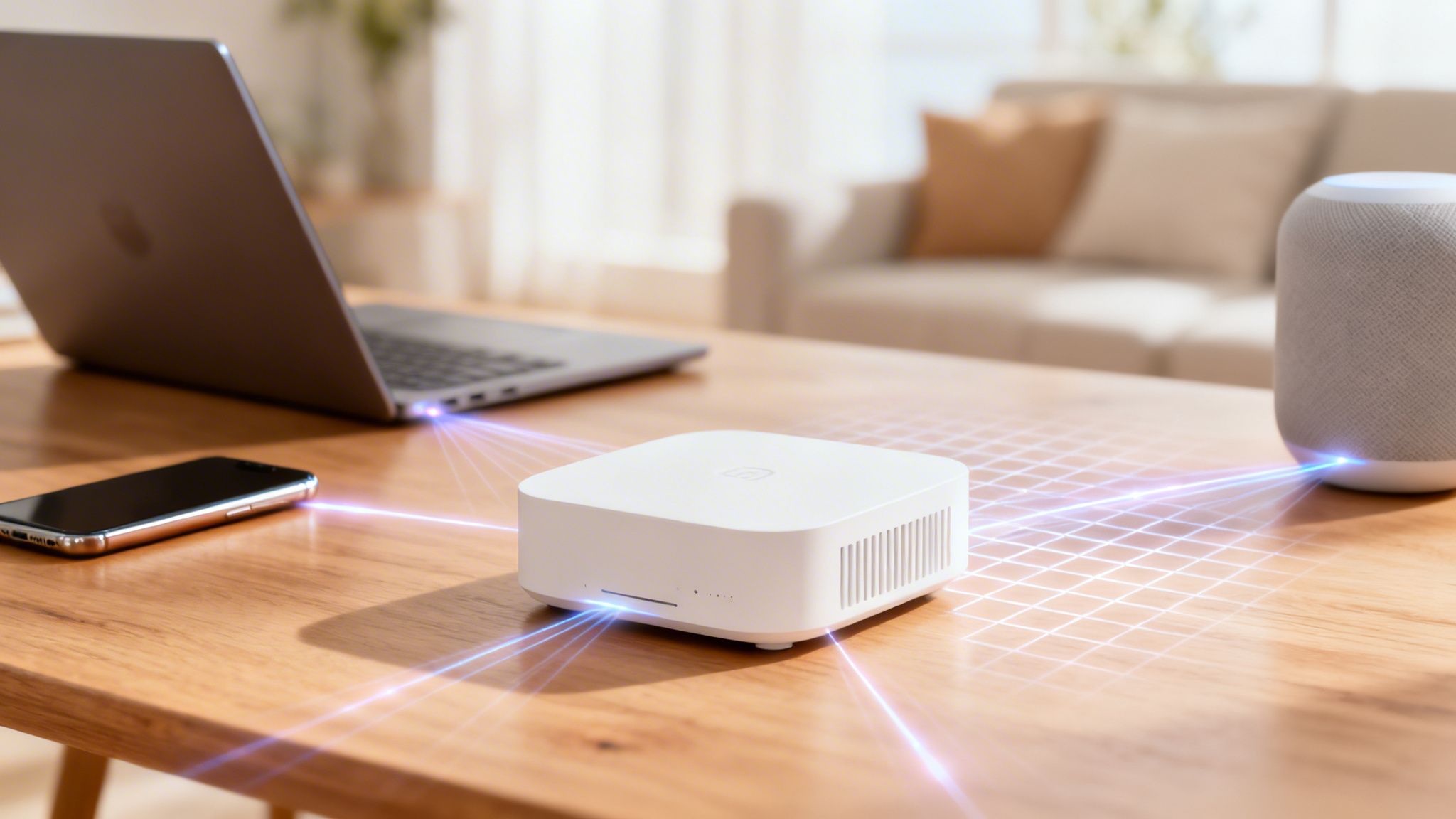
Finding the Best Home Access Points for 2026
Discover the best home access points for 2026. Our guide demystifies Wi-Fi 6E, mesh systems, and network design for fast, secure home connectivity.

A Complete Guide to Making Your Wi Fi Secure
Learn how to make your wi fi secure. Our guide for IT admins covers WPA3, passwordless access, and zero-trust principles for ultimate network protection.

How to Create and Use a Heat Map for WiFi
Learn how to create a heat map for WiFi to visualize coverage, identify dead zones, and optimize your network. Our guide covers key metrics and best practices.
The Captive Portal Login Explained A Modern Guide
Tired of confusing captive portal login screens? Our guide explains how they work, the hidden risks, and why modern, seamless Wi-Fi access is taking over.
What Is a Captive Portal A Guide to Secure Guest Wi-Fi
What is a captive portal? Discover how it works, its role in secure guest Wi-Fi, and how it transforms network access into a powerful business tool.

Networking as a Service: Simplify IT with Flexible Cloud Networking
Discover networking as a service and how it simplifies IT, with scalable architecture, business benefits, and guidance to choose the right cloud partner.
.png)
Seamless Connectivity, Total Compliance: A Guide to Purple Unified Accounts.
With Purple Unified Accounts, we’ve replaced forms with a frictionless "One-Click" experience. Discover how global brands are seeing a 40% spike in marketing opt-ins while reducing legal risk through automated DSAR handling and cleaner, higher-quality CRM data.
.png)
Purple Appoints Commercial Leader Tom Smith as Regional Growth Director to Lead North East Expansion and Social Impact Strategy
Purple has appointed Tom Smith as Regional Growth Director to lead its North East expansion, focusing on scaling revenue while tackling digital exclusion through the company’s B Corp-certified WiFi technology.
.png)
More Than a Blocker: Strategic Use Cases for Modern Content Filtering
Beyond just blocking: Discover how a DNS filter can optimize bandwidth, protect brand loyalty, and automate compliance. See 6 ways a WiFi content filter transforms your guest network into a strategic business utility.

Mastering the Wifi Channels Scan to Eliminate Interference
Perform a wifi channels scan to diagnose and eliminate network interference. This guide provides actionable tips to boost your Wi-Fi performance.
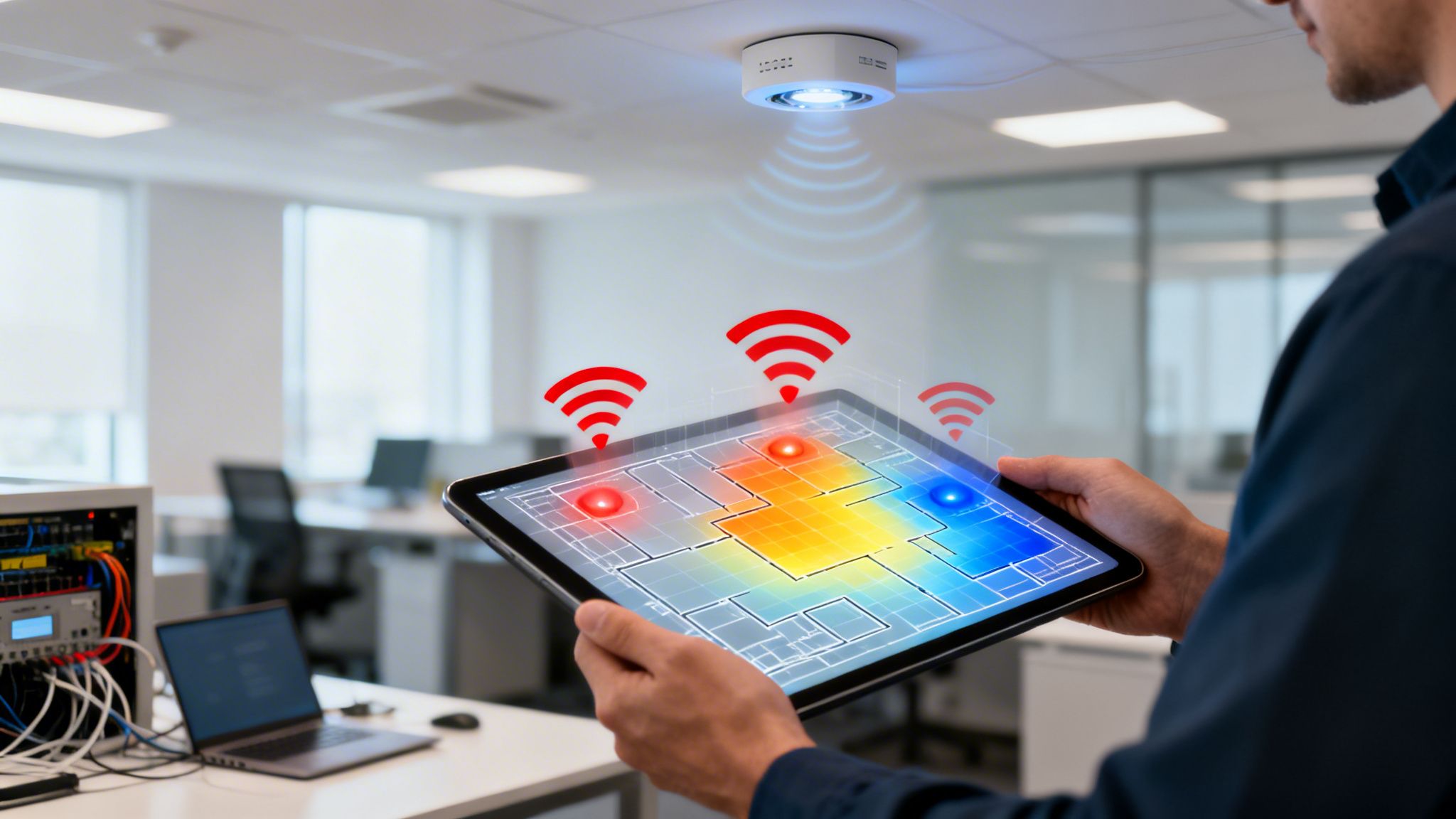
A Practical Guide to WiFi Heat Mapping and Network Optimization
Master WiFi heat mapping with our guide. Learn to conduct surveys, interpret results, and eliminate dead zones for perfect wireless coverage.

A Modern Guide to Securing Wi Fi in Your Enterprise
Discover how to move beyond outdated security. Our guide to securing Wi Fi covers WPA3-Enterprise, passwordless access, and threat response for your network.
What Does Fi in WiFi Mean and How Was It Named
Ever wonder what does Fi in WiFi mean? Discover the true marketing story behind the name, debunk the 'Wireless Fidelity' myth, and learn how it was created.

A Practical Guide to Security in Networking
Discover the essentials of security in networking. Learn how to protect your enterprise with Zero Trust, identity-based access, and modern defense strategies.
Wifi Protected Setup: wifi protected setup Risks and Safer Network Alternatives
Explore wifi protected setup, its security flaws, and practical, safer alternatives to protect your network.

How to Change WiFi Channel for Faster, More Reliable Internet
Learn how to change WiFi channel on your network to reduce interference and boost performance. A step-by-step guide for 2.4GHz and 5GHz bands on any router.
.png)
Seamless Stays: How iPSK is Redefining the Guest WiFi Experience for Hotels
Discover why iPSK is the new standard for hotel WiFi. Eliminate captive portals, support guest Chromecasts, and automate security with identity-based networking.
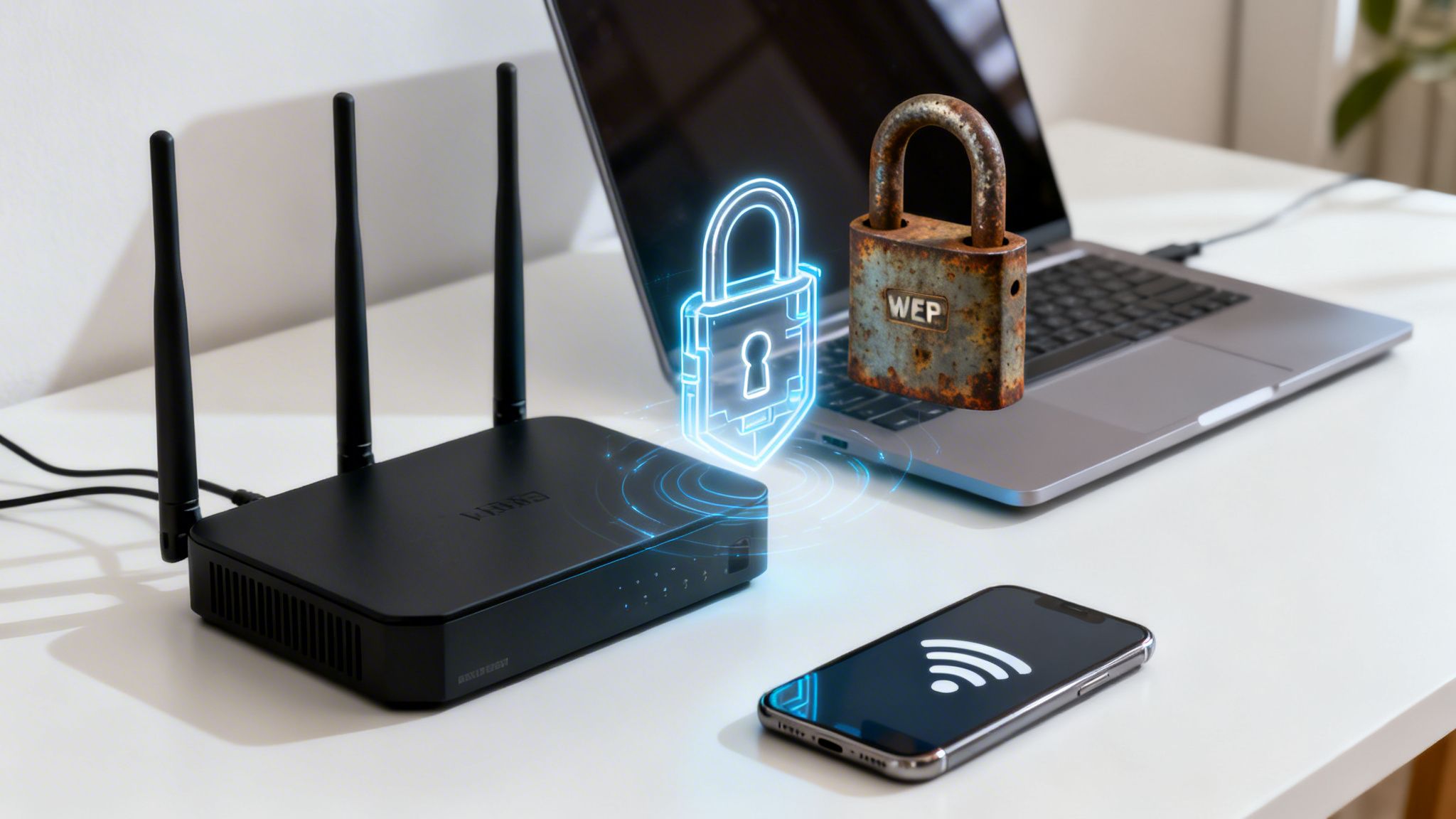
What Is My WiFi Security Type and How Do I Improve It?
Confused about your network? This guide helps you answer 'what is my WiFi security type' and shows you how to upgrade from WEP or WPA2 to stronger protection.




