
Staff WiFi guides
How to give employees secure WiFi that connects on its own and stops when they leave.
In short
Staff WiFi is the employee network, kept separate from guests. The secure pattern replaces the shared password with per-user authentication: WPA2- or WPA3-Enterprise with 802.1X, a certificate on each device, and your identity provider as the source of truth. Staff connect automatically, and access stops when they leave.
All 23 guides
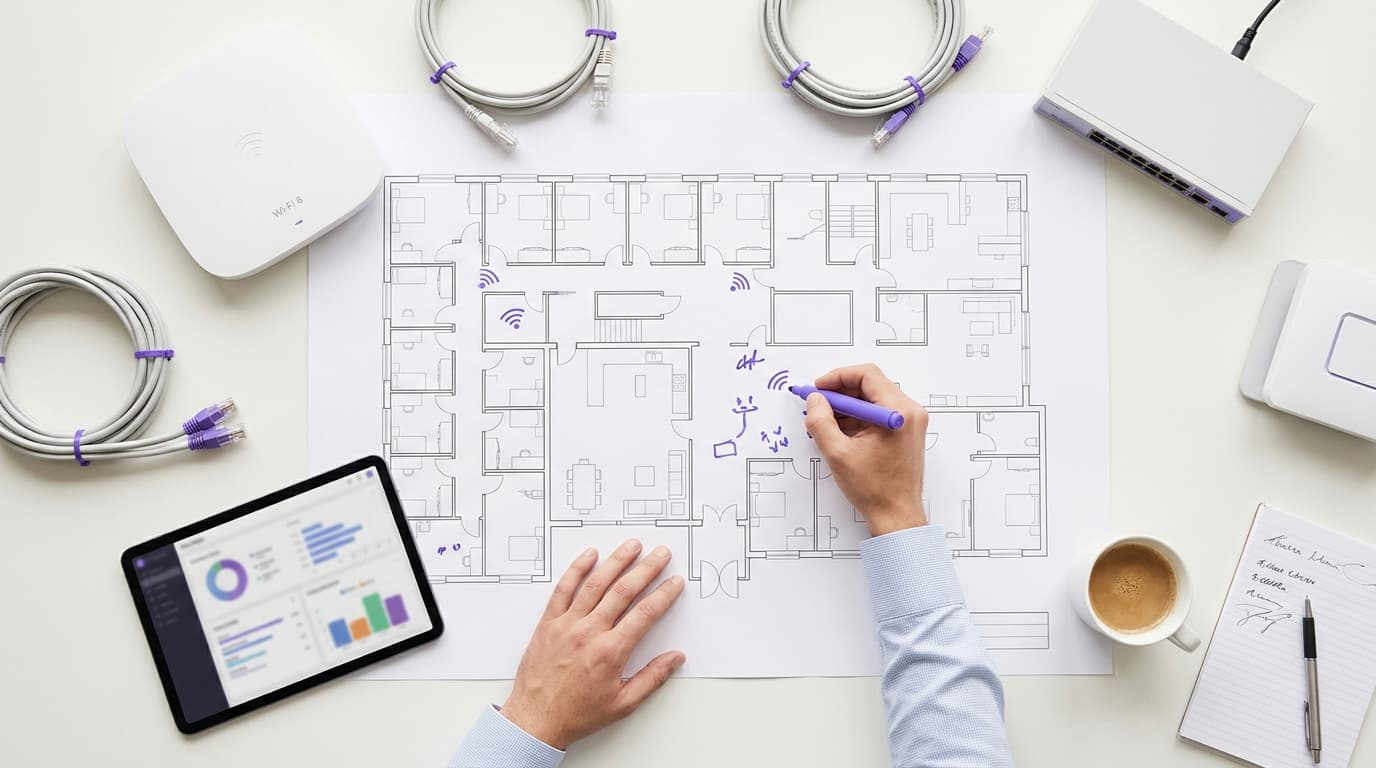
Senior living WiFi provider checklist: residents, visitors, staff and safeguarding filters
You will be able to specify, test and contract a senior living WiFi provider that runs four separate networks for residents, visitors, staff and clinical devices on your existing access points. You can also set safeguarding filters per network that protect vulnerable adults under the Mental Capacity Act 2005 without blocking family video calls.
14 min read
Nightclub and late-night venue WiFi providers: content filtering, peak capacity and staff access
Use this guide to shortlist nightclub WiFi providers against five late-night requirements: first-hour sign-in capacity, license-led content filtering, hard separation for staff and devices, reporting for licensing questions and consented event lists. You can size your portal from your own door data, set a filtering policy and decide which Purple components your venue needs.
14 min read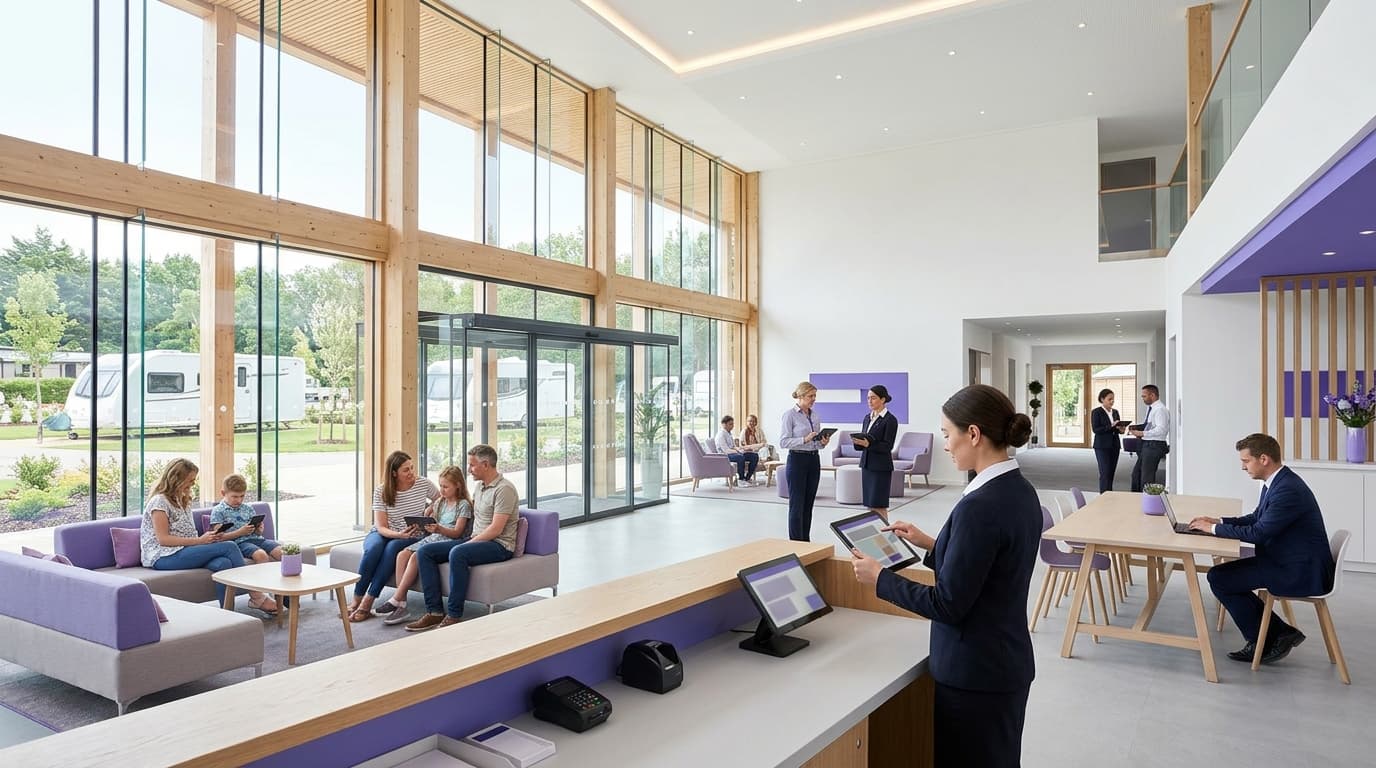
RV park and resort WiFi providers: what to look for across guests, owners and staff
You will be able to shortlist RV park WiFi providers against the questions that separate them: owner networks, family-safe filtering, staff access tied to your identity provider and hardware reuse. You can also set consent capture for rebooking and write seasonal peak, uptime and data ownership terms into the contract.
14 min read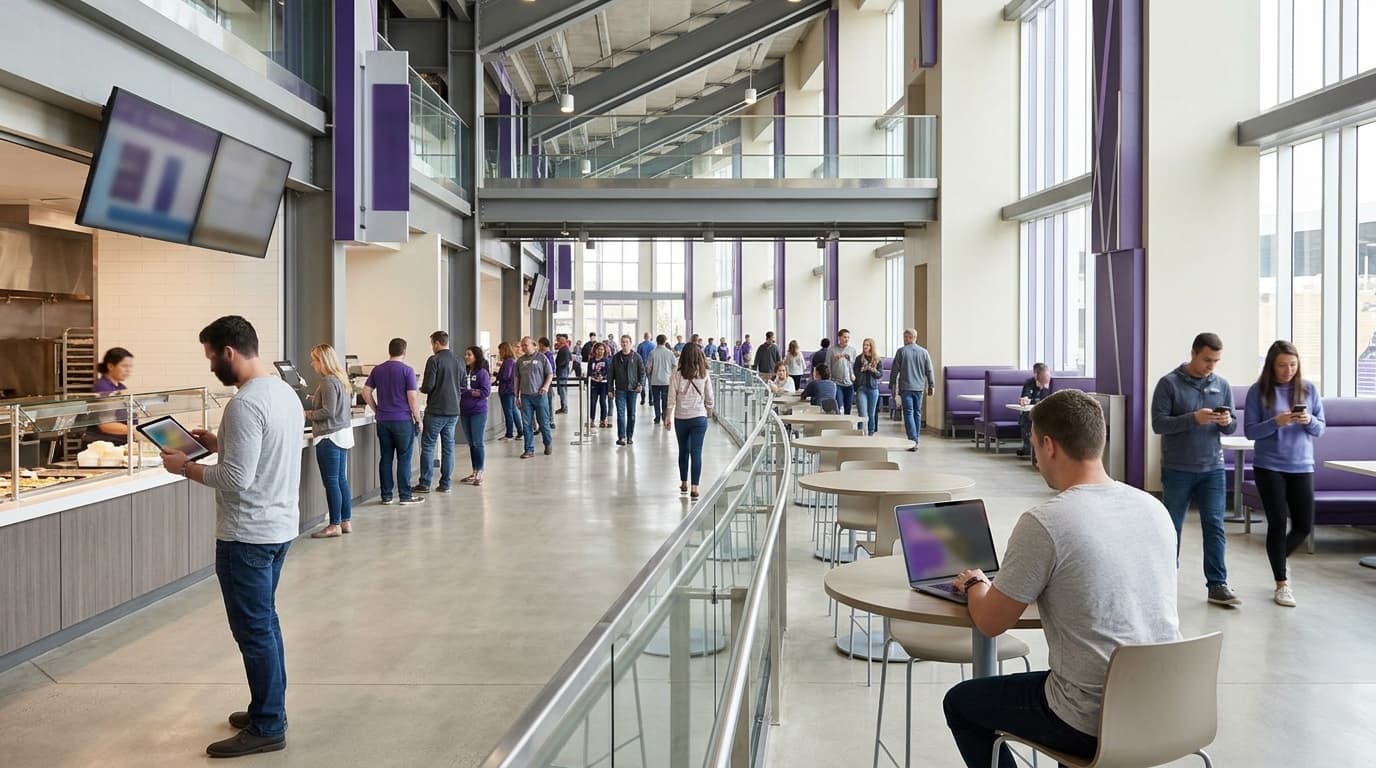
School WiFi procurement: staff 802.1X, student devices, visitors and filtering in one specification
You will be able to write one school WiFi specification covering staff, managed student devices, visitors and building devices, each with its own authentication, VLAN and filtering policy. You can then score bidders on live demonstrations, test the network against standard filtering and monitoring guidelines, and compare prices line by line.
13 min read
Staff presence analytics: who is in the building, how often, and for how long
Use this guide to decide whether your existing WiFi authentication can measure who is on site, how often they attend and how long they stay. You will be able to set up 802.1X or iPSK identities, turn on RADIUS accounting, agree session rules, complete a Privacy Impact Assessment, and report staff presence as a count while keeping guest figures as a trend.
14 min read
HIPAA Technical Safeguards for Hospital Staff WiFi: What the Security Rule Actually Requires
You will be able to map each of the five HIPAA technical safeguard standards at 45 CFR 164.312 to a specific staff WiFi control. You can then decide which SSID configurations survive an OCR audit, retire shared passphrases and assemble the evidence an auditor asks for before your next risk analysis.
14 min readHow Staff WiFi Helps You Meet ISO/IEC 27001: Mapping Annex A Controls to Your Wireless Network
You will be able to decide whether your staff WiFi can evidence 12 ISO/IEC 27001:2022 Annex A controls, including A.5.15, A.8.5 and A.8.22. You will also be able to replace a shared WPA2-PSK key with IEEE 802.1X and dynamic VLANs. Finally, you can assemble the RADIUS logs, segregation tests and supplier records an auditor accepts at stage 2.
14 min readSOC 2 Type II and Staff WiFi: Passing the Key Controls on Your Wireless Network
You will be able to map each of the key SOC 2 Type II controls to your staff WiFi and close the gaps auditors find. You can then choose between 802.1X, iPSK and a segregated WPA2-PSK network for each device class. Finally, you will know how to prepare access points, controllers and BYOD for a SOC 2 Type II audit.
14 min read
How to revoke WiFi access when an employee leaves
This guide shows IT and venue operations teams how to remove Staff WiFi access when an employee leaves without disrupting the rest of the workforce. It compares certificate-based 802.1X, identity-specific iPSK and SCIM-driven deprovisioning, then provides a same-day runbook, test method and audit evidence model.
12 min read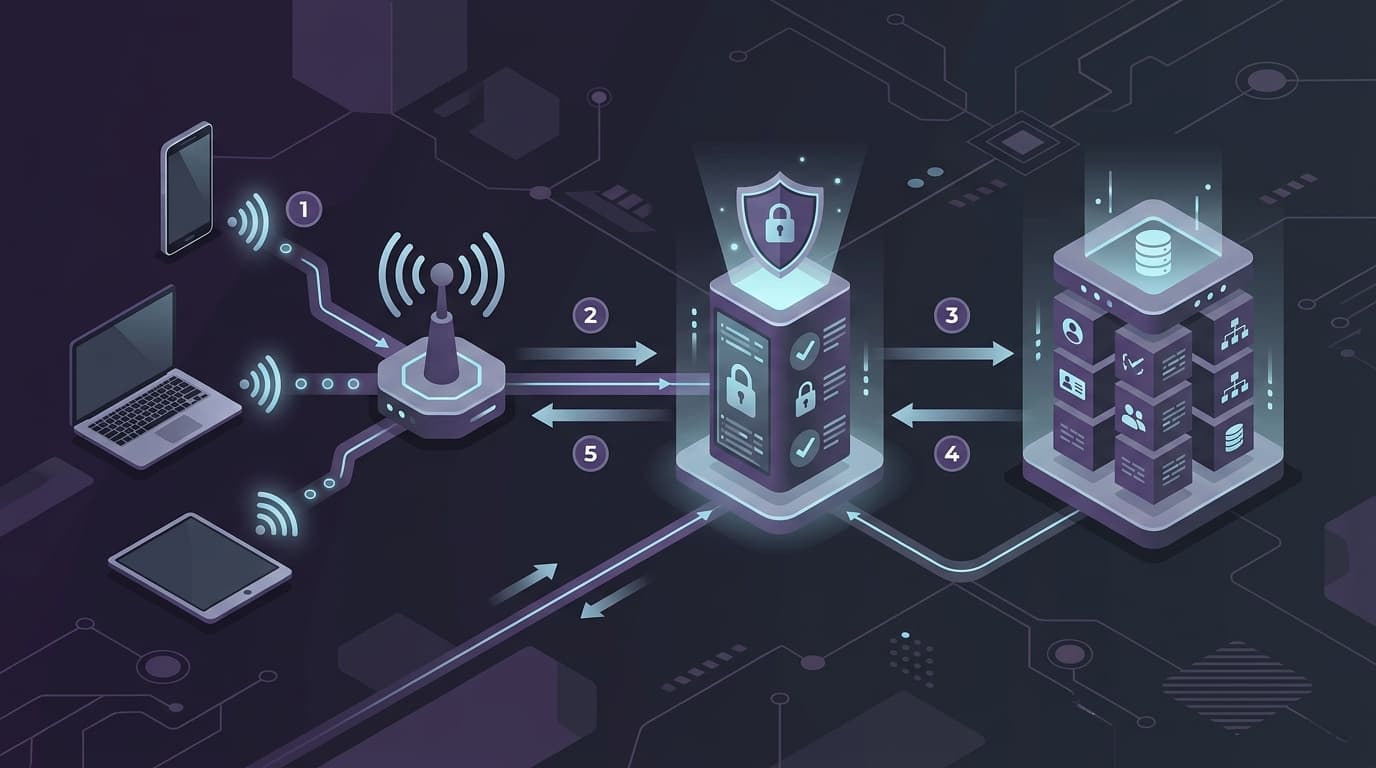
Configuring RADIUS Authentication for Guest and Staff WiFi Networks
This technical reference guide outlines the architecture, configuration, and deployment of RADIUS authentication for enterprise guest and staff WiFi networks. It provides network architects and IT managers with the exact protocols, security standards, and troubleshooting methodologies required to build secure, scalable wireless access control systems.
8 min read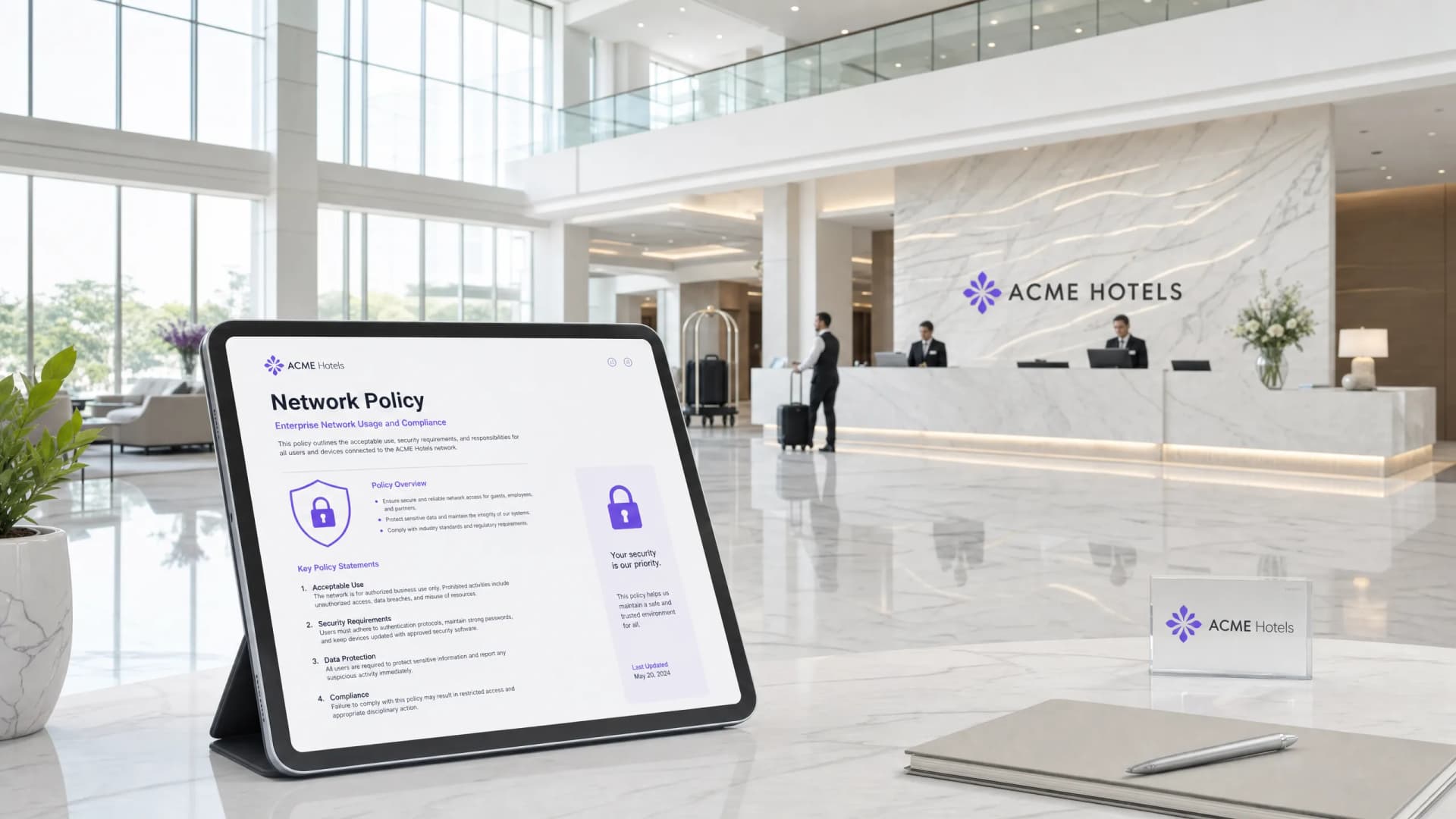
Staff WiFi Terms and Conditions: Legal and Compliance Essentials
This guide covers the legal and technical essentials of drafting and enforcing staff WiFi terms and conditions for enterprise venues. It details what to include in an Acceptable Use Policy (AUP), how to meet GDPR and PCI DSS requirements, and how to deploy identity-based authentication and network segmentation to protect corporate assets. IT managers, HR teams, and operations directors at hotels, retail chains, stadiums, and public-sector organisations will find actionable guidance they can implement this quarter.
8 min read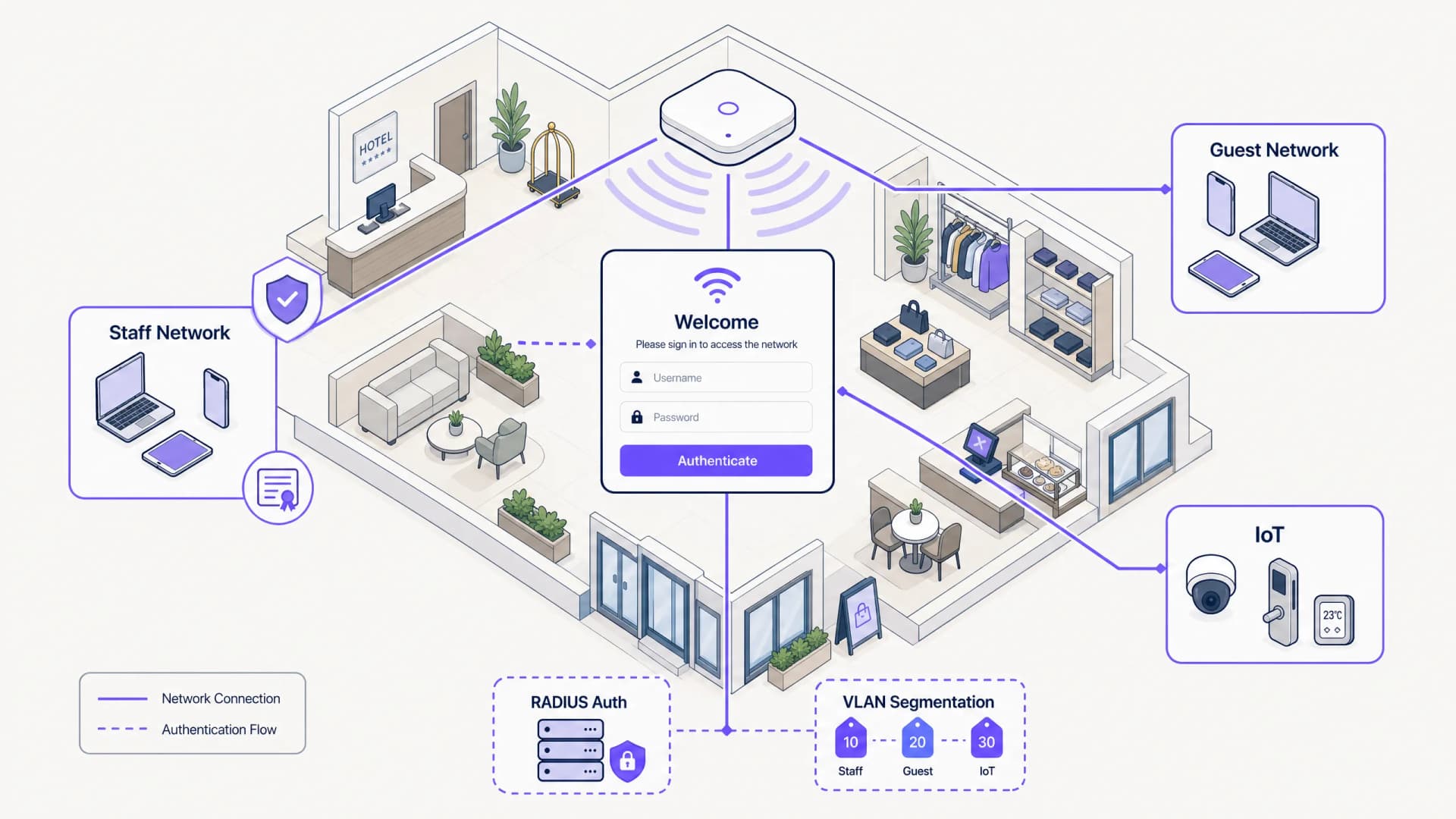
Staff WiFi Captive Portal: Onboarding and Authenticating Employees
A comprehensive technical reference for IT leaders on designing and deploying staff WiFi captive portals. This guide covers EAP-TLS authentication, BYOD onboarding, VLAN segmentation, and bandwidth management to enhance operational efficiency and mitigate security risks.
6 min read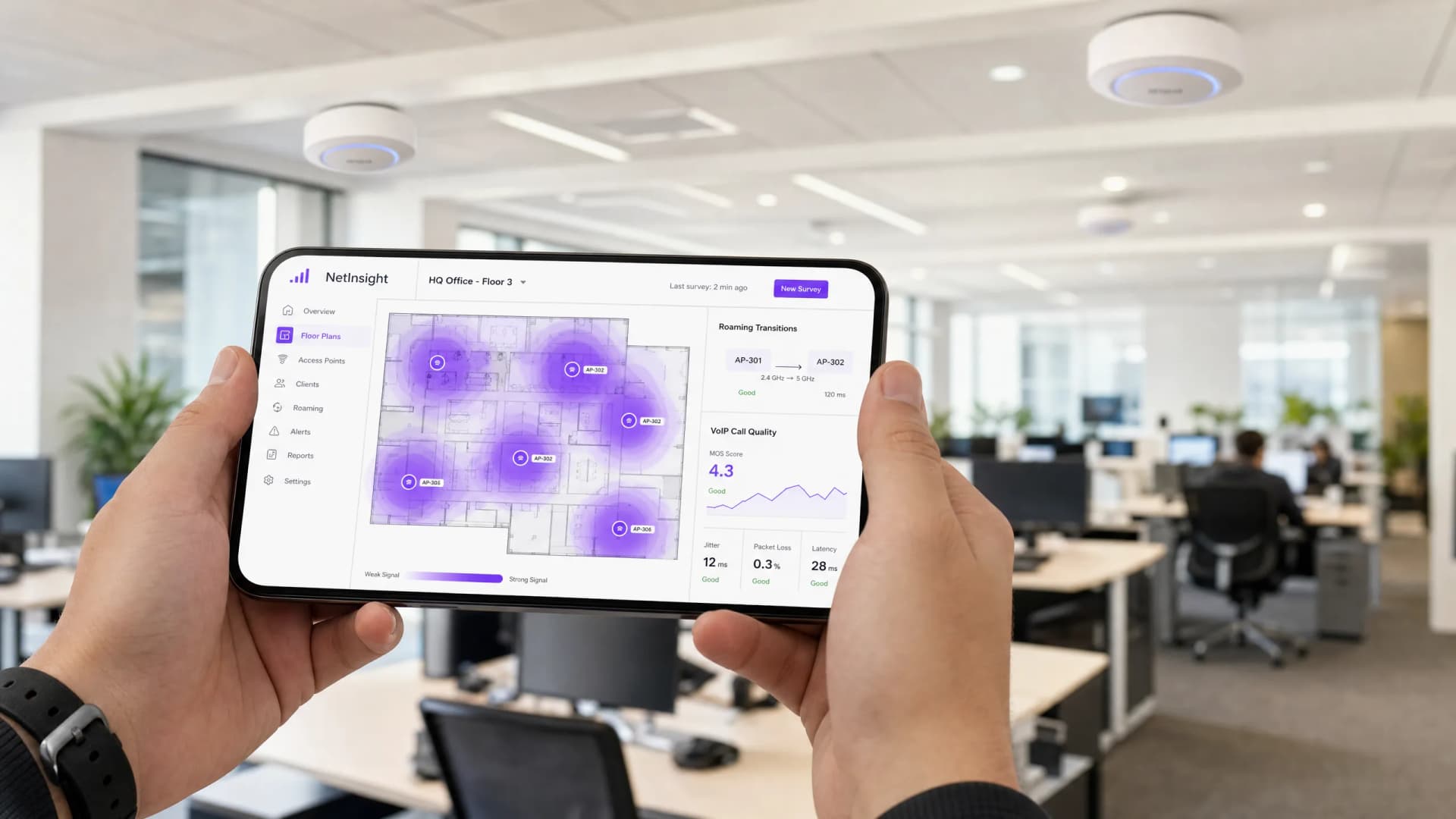
Roaming Optimization for VoIP and Video Calls on Corporate WiFi
This guide provides IT managers, network architects, and CTOs with a comprehensive, vendor-neutral blueprint for optimizing WiFi roaming to support seamless VoIP and video calls on corporate staff networks. It covers the IEEE 802.11k/r/v protocol stack, WMM QoS configuration, RF cell design, and end-to-end wired QoS mapping required to achieve sub-50ms handoff latency. Applicable across hospitality, retail, healthcare, and large-venue environments, this reference includes real-world implementation scenarios, troubleshooting frameworks, and a measurable ROI analysis.
10 min read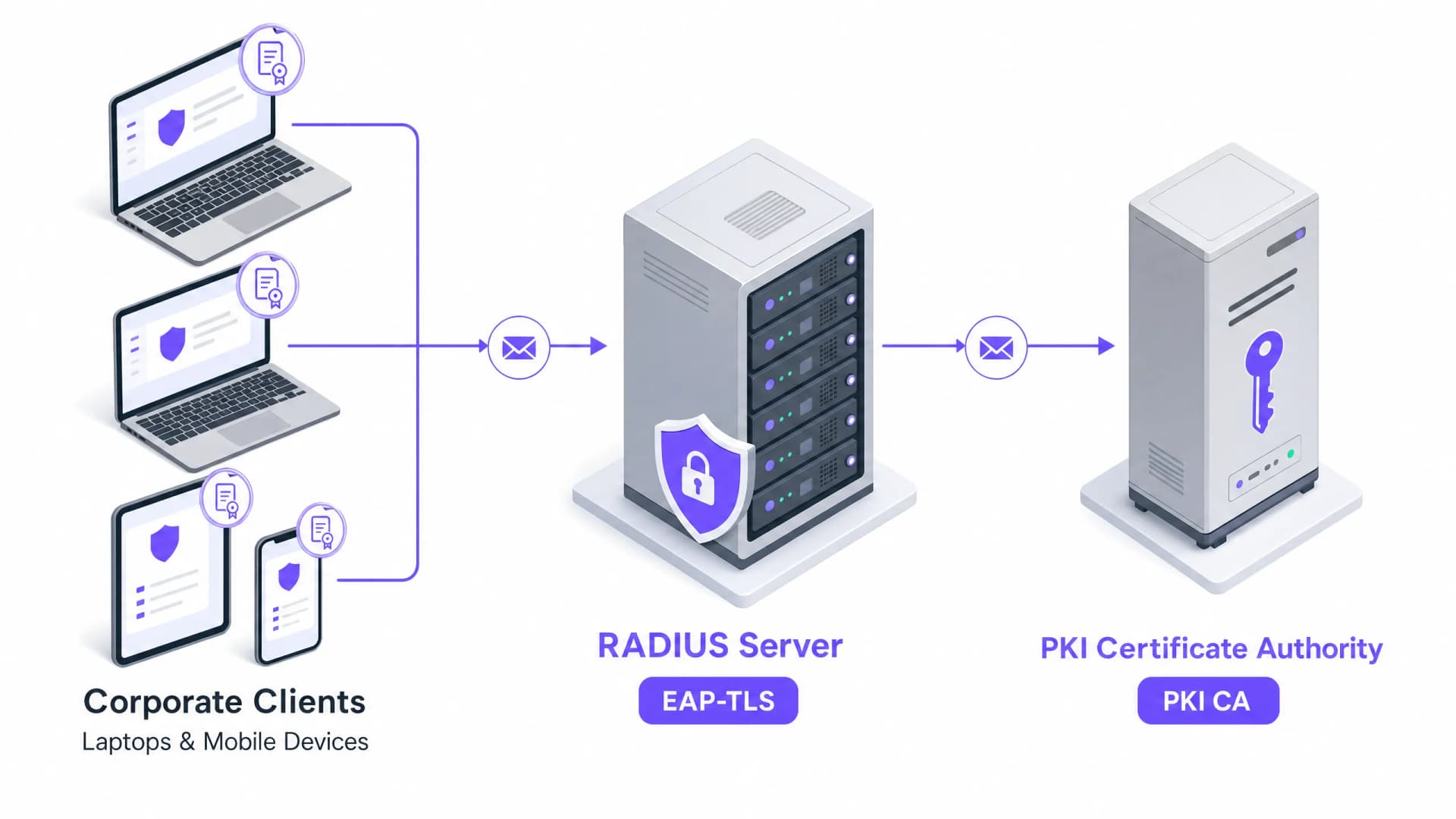
Certificate-Based Authentication for Corporate Devices (EAP-TLS)
This authoritative technical reference guide covers the architecture, deployment, and operational best practices of EAP-TLS certificate-based authentication for corporate devices. Designed for IT architects and venue operations leaders, it provides a practical roadmap to eliminate password-based credential risks and achieve robust 802.1X network access control across multi-site enterprise environments.
13 min read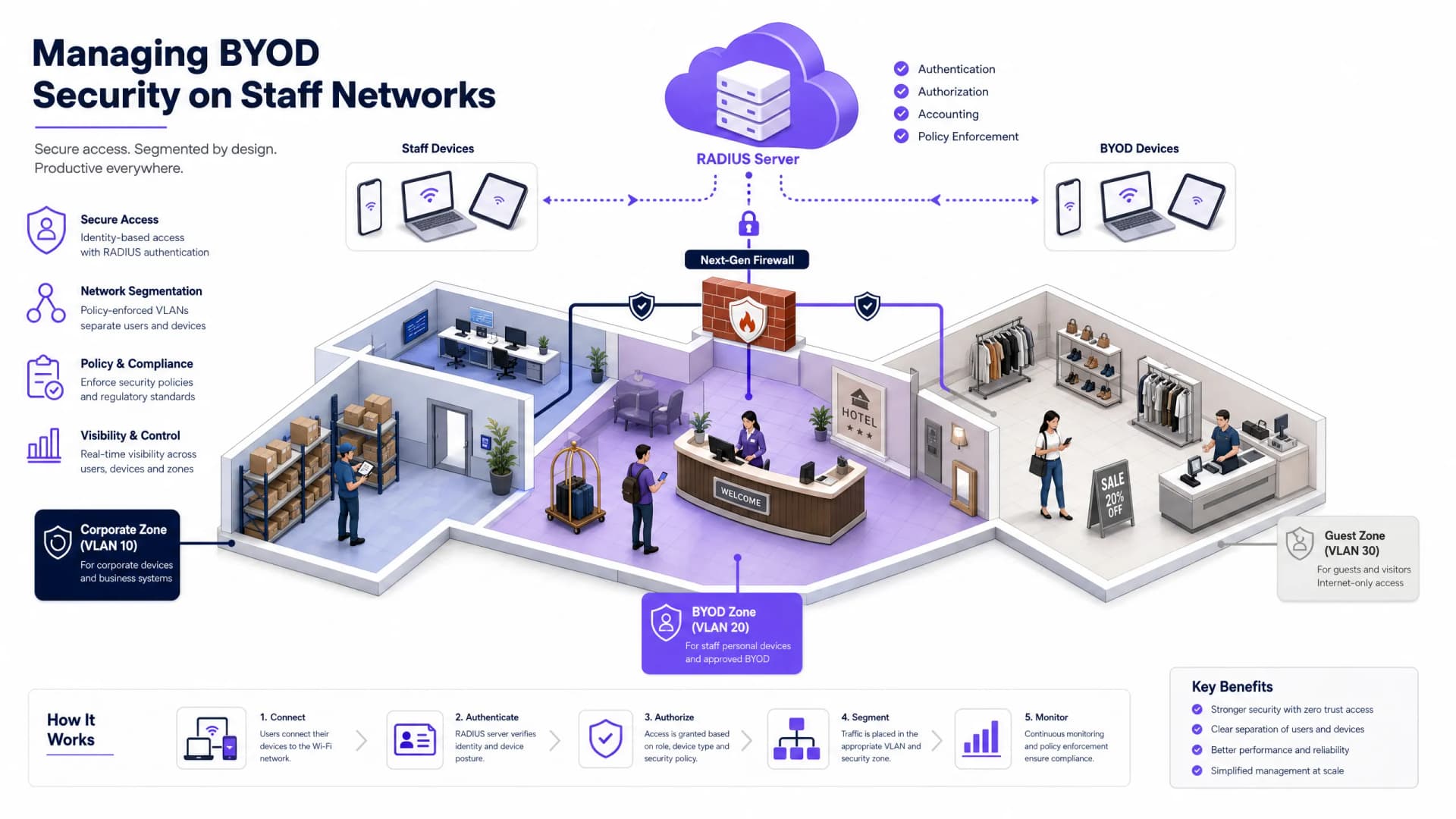
Managing BYOD (Bring Your Own Device) Security on Staff Networks
An authoritative, technical reference guide for enterprise IT managers and network architects on securing Bring Your Own Device (BYOD) access on staff networks. This guide outlines the exact network architecture, authentication protocols, and MDM integration workflows required to mitigate data leakages and maintain regulatory compliance across high-footfall venues.
9 min read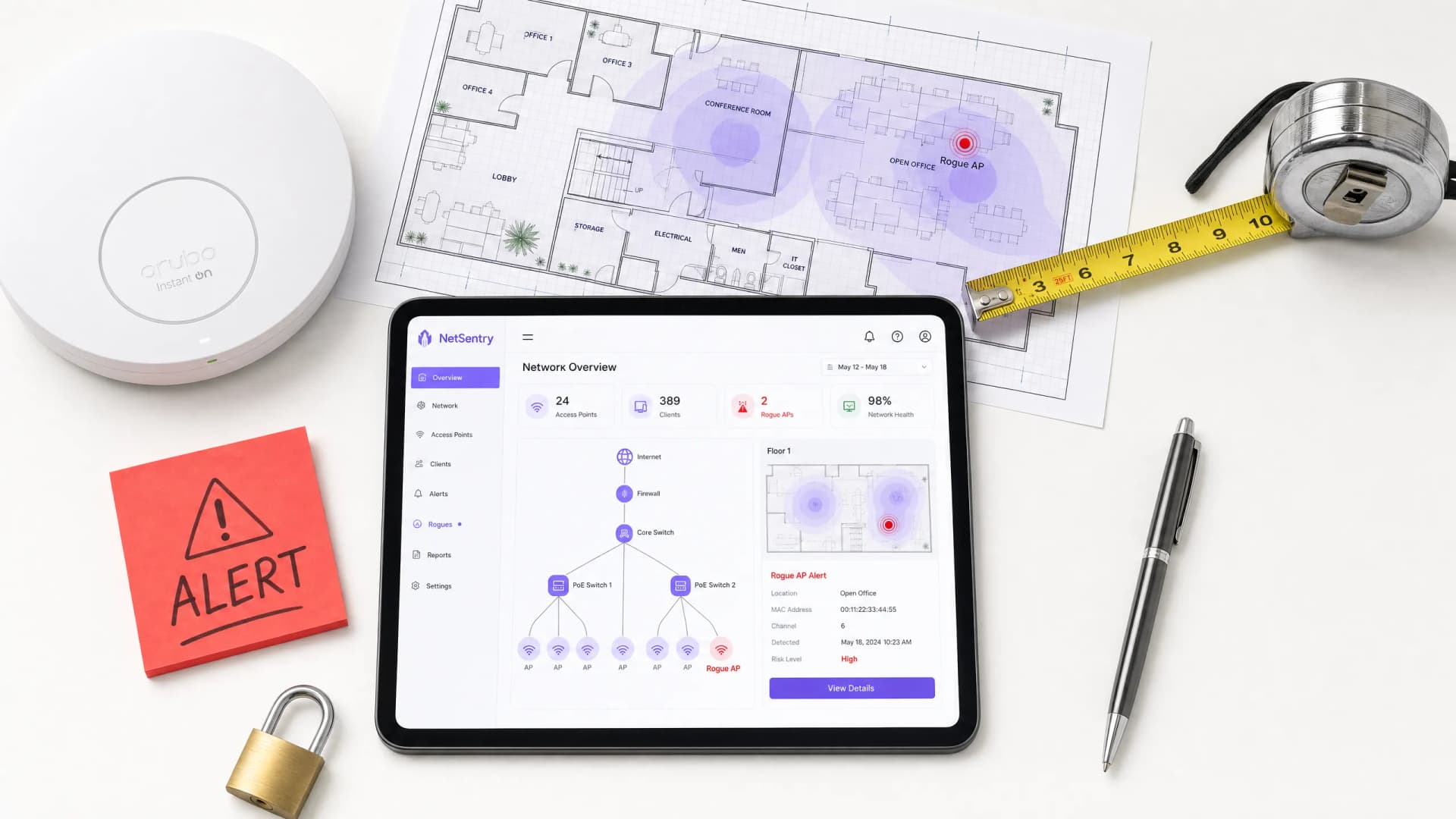
Mitigating Rogue Access Points on Enterprise Networks
This technical reference guide details the architecture, deployment, and operational procedures for mitigating rogue access points on enterprise networks using Wireless Intrusion Prevention Systems (WIPS) and Wireless Intrusion Detection Systems (WIDS). It provides actionable frameworks for IT security administrators to detect, classify, and neutralize unauthorized APs across complex physical environments including hospitality, retail, healthcare, and public sector venues. The guide covers threat classification, automated containment mechanisms, compliance implications (PCI-DSS, CCPA/CPRA, HIPAA), and measurable business outcomes.
9 min read
Secure BYOD Policies for Staff WiFi Networks
This authoritative guide provides IT leaders with a vendor-neutral framework for securely onboarding staff personal devices. It details the critical architecture decisions - including network segmentation, EAP-TLS authentication, and MDM integration - required to support BYOD without compromising core corporate infrastructure.
6 min read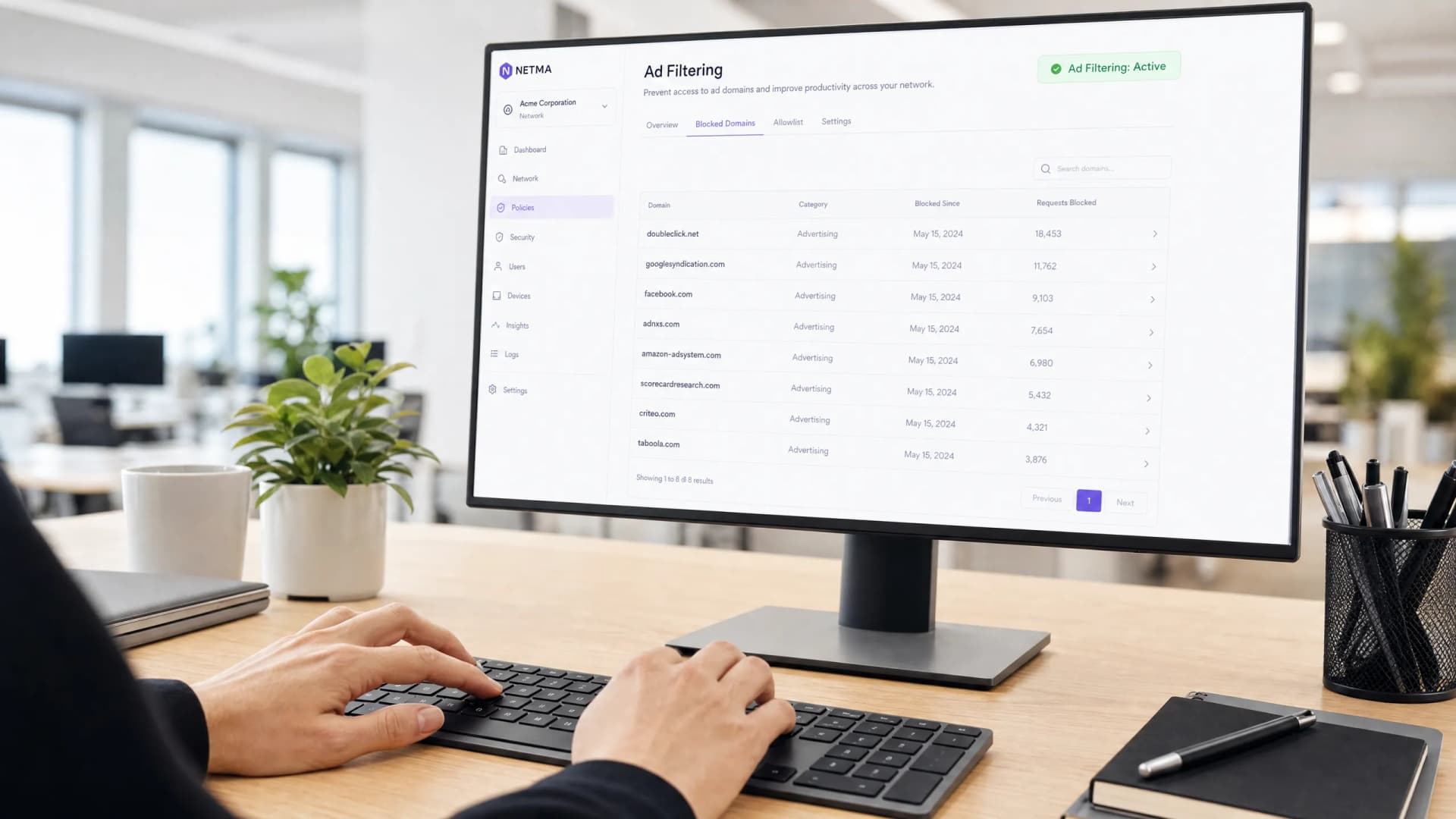
Boosting Staff Productivity by Filtering Intrusive Ads and Trackers
This technical reference guide provides actionable strategies for IT managers and network architects to deploy DNS-level filtering on corporate networks. It explores how blocking intrusive ads and trackers mitigates security risks like malvertising while significantly reclaiming bandwidth and boosting staff productivity.
5 min read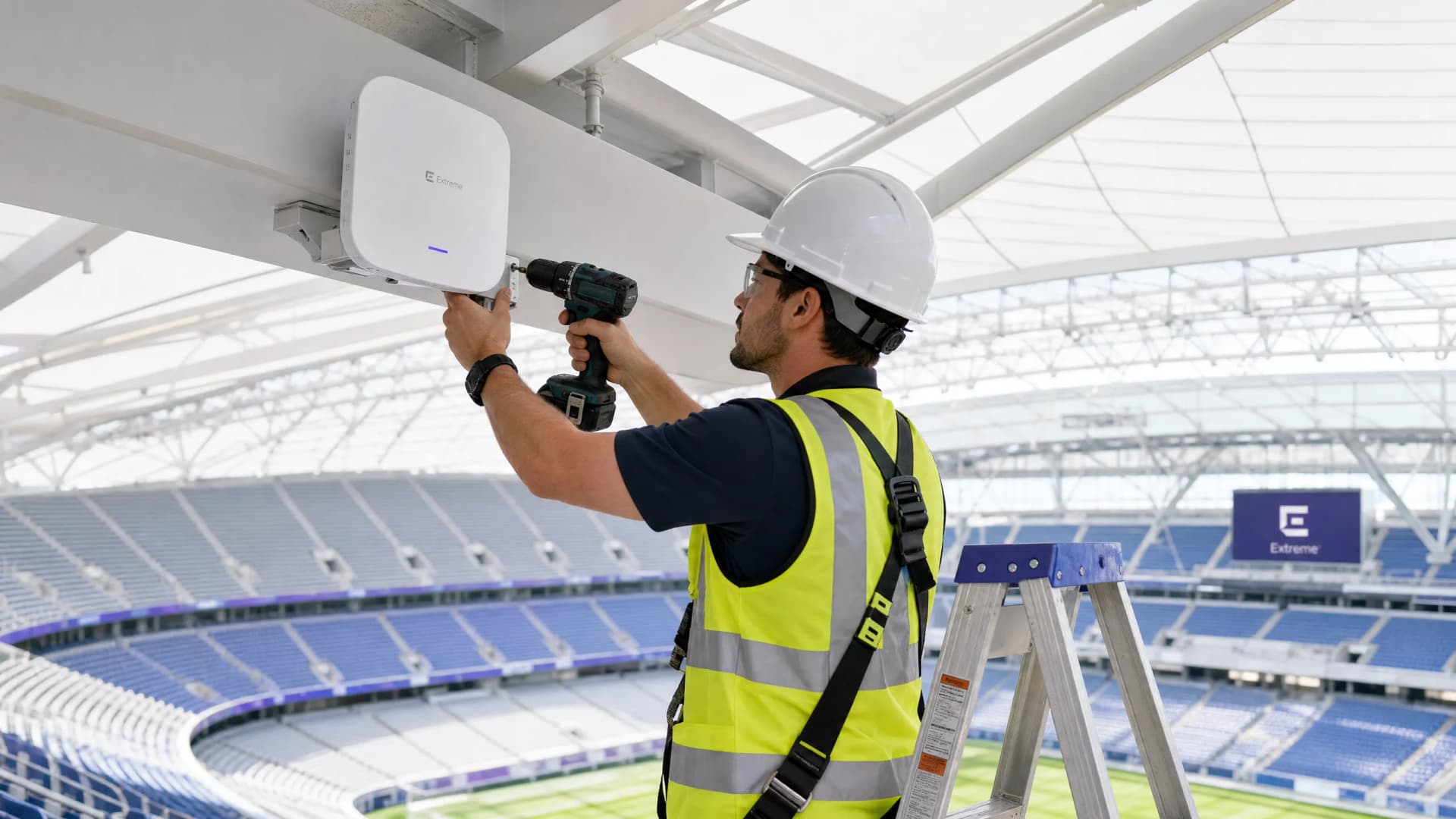
Fixing High Latency and Jitter on Staff WiFi
This authoritative technical reference guide examines the root causes of high latency and jitter on enterprise staff WiFi networks, providing network architects and IT directors with actionable strategies to diagnose and resolve performance degradation affecting real-time applications such as Microsoft Teams and Zoom. It covers RF environment optimization, end-to-end QoS implementation, roaming mechanics, and client management techniques. Venue operators and IT teams will find concrete implementation guidance, real-world case studies, and measurable benchmarks to ensure their wireless infrastructure supports seamless staff mobility and collaboration.
8 min read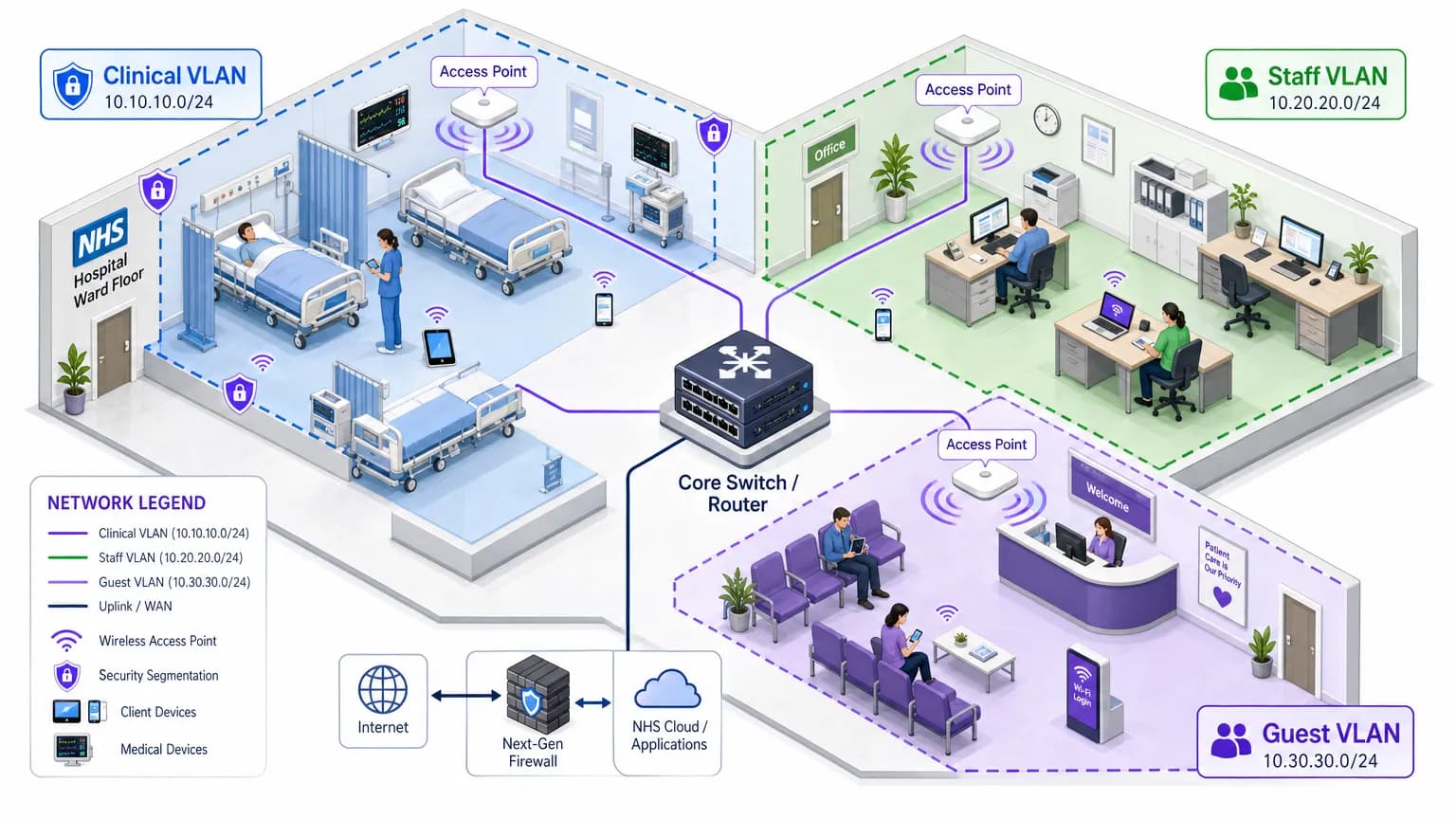
HIPAA-Compliant Staff WiFi: How to Deploy Secure Wireless Networks in Healthcare
This technical reference guide details the architecture, security protocols, and deployment strategies for hospital staff WiFi, covering 802.1X authentication, VLAN segmentation, BYOD policies, and HIPAA compliance. It provides actionable guidance for IT leaders on deploying enterprise-grade wireless networks that serve clinical, administrative, and guest users on shared physical infrastructure without compromising security. Whether you are planning a new deployment or hardening an existing estate, this guide delivers the decision frameworks and implementation steps needed to act this quarter.
8 min read
Staff WiFi security guide: 802.1X, WPA3 & RADIUS access
Technical reference for IT leaders on designing secure staff WiFi networks with 802.1X authentication, WPA3-Enterprise, cloud RADIUS, and network segmentation.
7 min read
SAML Authentication for Staff WiFi
This guide provides a technical deep-dive into leveraging SAML 2.0 for enterprise-grade staff WiFi authentication, covering protocol architecture, Identity Provider integration, and deployment best practices. It equips IT leaders and network architects with actionable guidance on connecting Azure AD or Okta to the Purple WiFi intelligence platform to replace insecure pre-shared keys with robust, identity-driven access control. The result is a measurable improvement in security posture, compliance readiness, and operational efficiency across hotels, retail chains, stadiums, and public-sector venues.
7 min read
Guest WiFi vs Staff WiFi: Network Segmentation Best Practices
This guide provides an authoritative technical reference for IT managers and network architects on the critical practice of separating guest and staff WiFi through network segmentation. It covers the security risks of running a flat, unsegmented network, the technical architecture of VLAN-based isolation, and vendor-neutral implementation guidance for hospitality, retail, and public-sector venues. The guide demonstrates how proper segmentation simultaneously mitigates data breach risk, satisfies compliance mandates such as PCI DSS and GDPR, and enables guest WiFi to become a revenue-generating business asset.
7 min read
Frequently asked questions
Why not use a shared password for staff WiFi?
Because it is written on whiteboards, shared in chat channels and never changed when people leave. Anyone who ever had it can still connect.
How do I keep staff and guest traffic apart?
Put them on separate SSIDs or VLANs with their own authentication. Guests go through a captive portal, staff through 802.1X, and firewall rules stop the two from reaching each other.
Which identity providers work with Purple staff WiFi?
Microsoft Entra ID, Okta and Google Workspace. Staff sign in once with their work account and their devices receive a certificate.
What about staff using their own phones?
Personal devices can be onboarded the same way, with a certificate or a personal key and their own network segment. The BYOD guides cover the options.
Got a question about your own network?
Our team works with IT teams and venue operators across 80,000 venues. Book a 20-minute call and we will show you how others solved it.