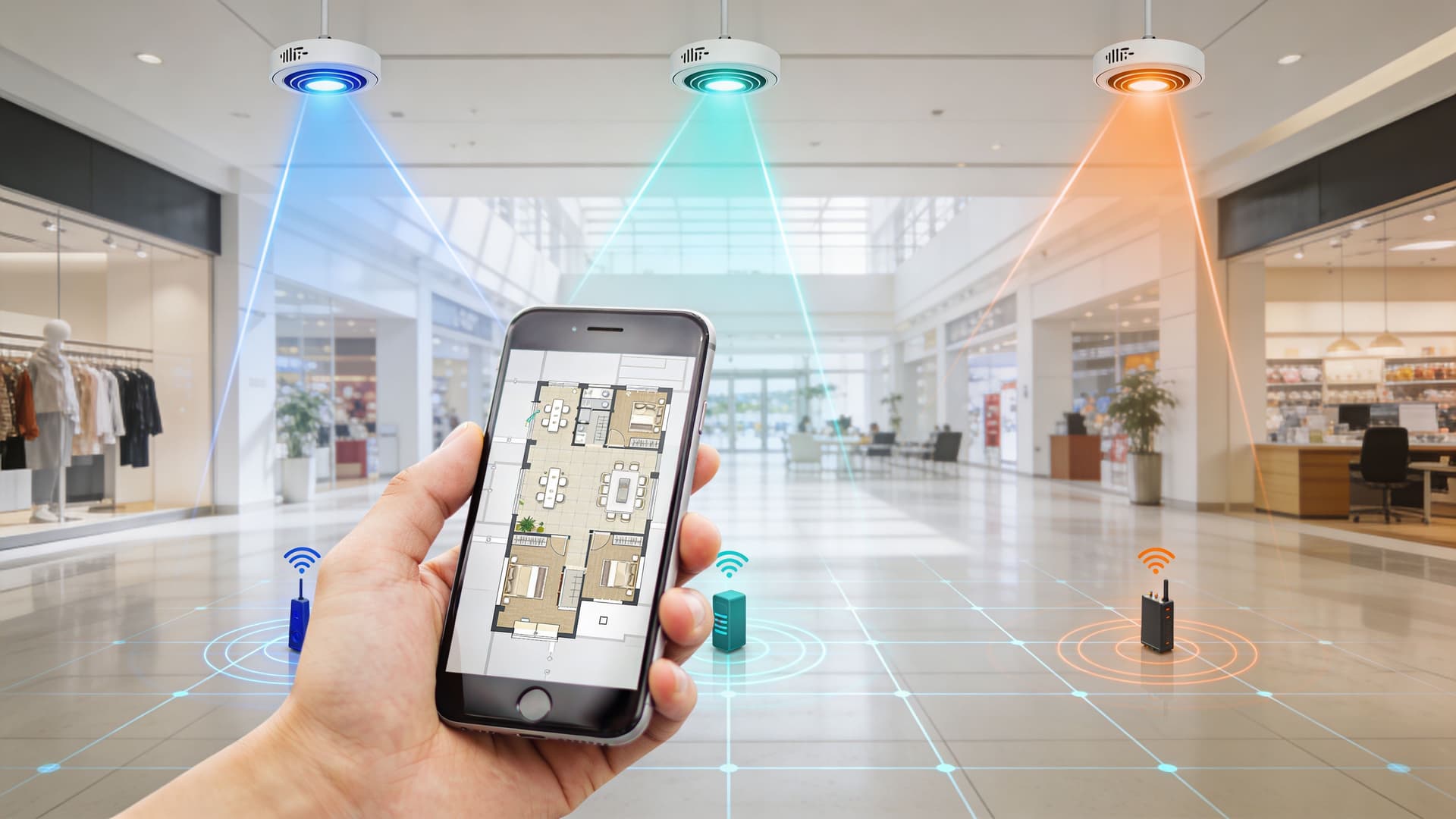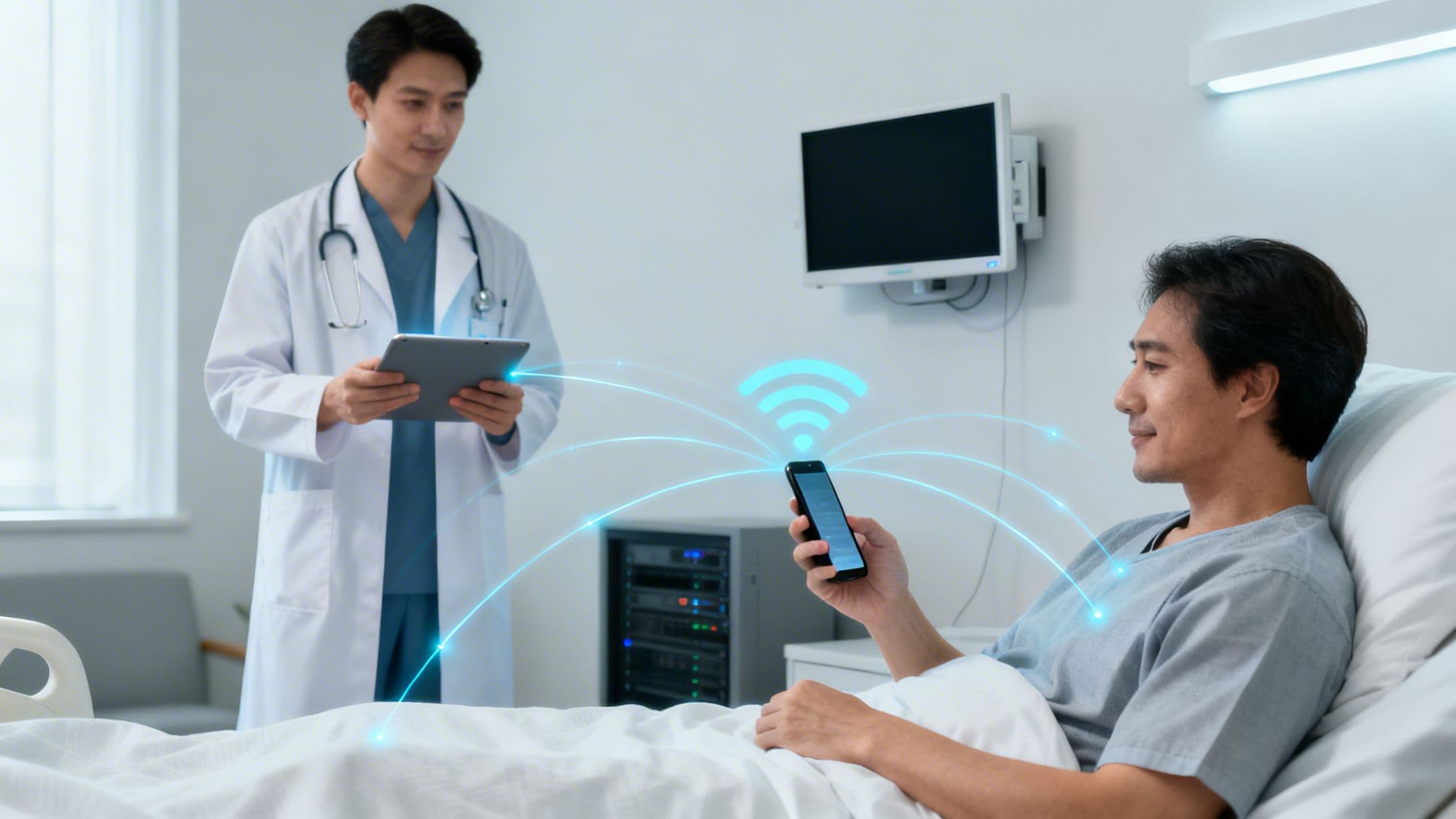
Monday morning on a hospital site often looks the same. A ward clerk is asking for the guest wifi password again. A clinician is walking toward a patient bay with a tablet that drops off just as the record needs updating. A monitor has been connected before, but no one is fully sure which network it should join now. Meanwhile, the IT team is juggling three separate SSIDs, a captive portal that frustrates visitors, and a security model built around shared credentials that should have been retired years ago.
That is the disconnected reality behind a lot of conversations about wifi in hospitals. The problem is rarely a total lack of connectivity. The problem is fragmented connectivity that creates friction everywhere.
Staff feel it first. They lose time reconnecting, reauthenticating, and working around dead spots. Patients and visitors feel it too. They ask reception for access, struggle through browser pop-ups, or give up when the login process fails on a device with strict privacy settings. Clinical engineering teams face another version of the same issue. A new device might be wireless in theory, but onboarding it safely into a live clinical environment becomes a separate project.
Older network designs make this worse because they treat wifi as an amenity rather than a core service. In hospitals, that assumption is dangerous. The wireless layer carries access to records, messaging, telemetry, voice, visitor services, and an expanding estate of connected devices. If the design is weak, every one of those services inherits the weakness.
The practical fix is not just “more access points”. It is a rethink of identity, segmentation, and operational policy. Public, staff, and medical traffic need different rules, different trust levels, and different onboarding paths, even when they share the same physical infrastructure. That is where modern healthcare wifi design starts.
For hospitals reviewing what good looks like in practice, healthcare wifi access design is a useful lens because it brings security, user experience, and operational control into the same conversation.
Introduction The Disconnected Reality of Hospital Connectivity
The hardest hospital wifi problems are not visible on a rack diagram. They show up as interruptions.
A nurse wheels a workstation into a side room and loses the signal needed to verify a medication order. A patient’s family asks a receptionist how to get online because the captive portal never loaded on their phone. A facilities team adds a connected system to support operations, but nobody wants it touching the same network zone as clinical devices. Each issue looks small on its own. Together, they create daily drag.
Where the friction really comes from
Most hospitals with persistent wireless trouble are not dealing with one bad component. They are dealing with a collection of inherited decisions:
- Too many overlapping networks: Separate SSIDs were added over time for staff, guests, contractors, and devices, but policy stayed inconsistent.
- Shared credentials: Teams still rely on passwords passed around by department, shift, or supplier.
- Portal-heavy guest access: Browser-based login flows fail often enough to create support tickets and reception queueing.
- Weak onboarding for devices: Legacy medical kit and IoT endpoints do not fit neatly into standard enterprise authentication.
The result is a network that works just well enough to avoid replacement, but not well enough to support care cleanly.
Why this is more than an IT nuisance
In hospitals, every workaround has a cost. Clinicians lose attention and time. Patients lose confidence. IT teams spend effort on repetitive access issues instead of resilience and policy. Security teams inherit blind spots because a shared password tells you almost nothing about who connected, when access should end, or what should happen if a role changes.
A hospital with unreliable wifi does not merely have a coverage issue. It has an operational design issue.
That is why modern wifi in hospitals has to be treated as a service platform. The wireless network has to know who or what is connecting, what it should reach, and how quickly access should be revoked when circumstances change.
The Dual Mandate of Modern Hospital WiFi
Hospital wifi now serves two missions at the same time. It must support clinical care, and it must support the people moving through the site who are not delivering that care but are affected by it.

The clinical side of the mandate
Think of the wireless network as the hospital’s digital nervous system. If it carries signals badly, the rest of the body compensates poorly.
Clinicians now expect mobile access to records, messaging, observations, imaging, and collaboration tools at the point of care. Biomedical and operational teams expect connected devices to stay attached long enough to do their job without constant babysitting. Voice services, telemetry, handheld terminals, and mobile carts all depend on consistent roaming and predictable performance.
This changes the design target. A hospital network is not successful because a speed test looks good in a corridor. It is successful because a critical workflow survives movement, congestion, interference, and policy enforcement without forcing staff into workarounds.
The experience side of the mandate
Patients and visitors judge a site partly by the way it handles connectivity. That is not superficial. Family communication, access to information, entertainment during long waits, and reduced anxiety during admission all sit in that experience layer.
Guest access should be simple, but not sloppy. Hospitals that bolt guest wifi onto the side of a clinical network often create the worst of both worlds. Users get a poor joining experience, and IT still carries unnecessary risk.
A good patient-facing service has a different goal from a clinical service. It should feel effortless to use, yet stay fenced away from anything sensitive. In practice that means clear identity handling, separate policy, and sensible bandwidth controls, not a single broad network with cosmetic labels.
Why boards and estates teams should care
A weak wireless estate affects more than IT operations. It affects flow, staff frustration, digital programme delivery, and the credibility of every mobile-first clinical project. If the underlying wifi is shaky, even strong applications appear unreliable.
Three realities now make hospital wifi a board-level concern:
- Digital care depends on mobility: Systems only help if they are reachable where work happens.
- Connected estates are growing: Building controls, sensors, and non-clinical operational devices add pressure to the same environment.
- User expectations have changed: Staff and visitors compare hospital access against the seamless connectivity they get elsewhere.
Good hospital wifi disappears into the background. Bad hospital wifi shows up in every complaint queue.
Designing the Digital Hospital Network Architecture and Security
At 03:00, a nurse wheels a patient monitor from assessment to a ward bay, the device drops for a few seconds, and the clinical team loses live visibility at the worst possible moment. That is the standard hospital wifi has to meet. It is not office wifi with more access points. It is shared infrastructure carrying clinical risk, operational dependency, and regulatory exposure at the same time.
A safe hospital network works like a secure hospital site. Public reception, theatres, pharmacy stores, plant rooms, and records all sit in one estate, but they do not share the same permissions. Wireless design needs the same discipline. One radio estate can support many user groups and device types, but only if policy, identity, and traffic handling are designed from the start.

Start with trust zones that match hospital reality
The mistake I see most often is a flat logical design hiding behind multiple SSIDs. Labels differ, but the enforcement behind them is too loose. In practice, that leaves too many paths open between users, devices, and systems that should never be able to talk freely.
Most hospitals need separate policy domains for four broad groups:
- Guest and visitor access: Internet only, isolated from internal services and administrative systems.
- Staff access: Identity-linked access with policies based on role, location, and device state.
- Medical and IoMT devices: Restricted communication paths based on device type, manufacturer requirements, and clinical purpose.
- Operational systems: Estates, facilities, printers, building controls, and support tools kept away from patient and staff traffic.
Segmentation is a security control, but it is also a performance control. A ward full of visitors streaming video should not affect voice handsets, mobile EPR sessions, or telemetry traffic. If all traffic lands in one broad pool, the network fails twice. It becomes harder to defend and harder to run.
Build policy around identity, not shared secrets
Shared PSKs still appear all over healthcare estates because they look easy to manage. They are not. They spread between teams, stay in service long after staff or contractors leave, and create blind spots when you need an audit trail. They also fit badly with NHS expectations around access control, accountability, and timely revocation.
Identity-based access fixes the root problem. Users and devices authenticate as named entities, policy is assigned centrally, and access changes automatically when HR records, directory groups, or device posture changes. Passwordless methods improve this further because they remove the weakest part of the process. Staff do not need to remember a network password, IT does not need to rotate a shared secret across departments, and a leaver can be cut off without touching every endpoint.
That matters in UK healthcare. Generic wifi advice often stops at “use WPA2-Enterprise” or “separate guest traffic.” NHS organisations need more than that. They need a design that stands up to DSPT scrutiny, supports auditability, and reduces the number of unmanaged exceptions that creep into a live estate over time. For teams reviewing the security model behind their wireless estate, these secure wireless networking approaches are a useful reference point for shifting from password-based access to identity-led control.
NHS DSPT changes the design brief
In a hospital, convenience cannot be separated from governance. Wireless access has to support safe care and stand up to compliance review. That changes the architecture.
The NHS Data Security and Protection Toolkit pushes the conversation away from broad shared access and toward clear ownership, controlled access, and evidence of who had access to what. Captive portals and department-level passwords may look manageable on paper, but they create support workarounds, weak revocation, and poor visibility. In a compliance review, those weaknesses are hard to defend.
The better design choice is straightforward. Tie staff access to the identity platform. Put medical devices on tightly defined policies with the minimum communications they need. Treat guest access as a separate service, not a lighter version of the staff network. Use certificate-based or other passwordless authentication wherever the device type allows it. That closes the gap between generic best practice and the actual control standard UK healthcare has to meet.
Clinical coverage needs bedside design, not office assumptions
Hospitals often inherit wireless design habits from corporate environments. That causes problems fast. Office wifi is usually designed around user density and general mobility. Clinical wifi has to account for bedside coverage, roaming behaviour, interference from medical environments, and applications that do not tolerate delay or reconnection failures.
The practical consequences are clear:
- Design for the point of care. Corridor signal is irrelevant if the device fails at the bedside, treatment room, or imaging holding area.
- Tune roaming for clinical movement patterns. A device moving between bays, wards, and departments needs predictable handoff behaviour.
- Set QoS with clinical traffic in mind. Voice, messaging, monitoring, and core applications need different treatment from guest browsing and bulk background traffic.
- Review legacy compatibility settings carefully. Old data rates and permissive radio settings can protect a few ageing devices while degrading the whole environment.
If a monitor or mobile clinical device roams poorly, the issue is not user annoyance. It is delayed data, missed alerts, and reduced trust in digital workflows.
Security failures usually start as design shortcuts
Hospitals rarely get into trouble because one control is missing. The usual problem is accumulated compromise. A temporary SSID becomes permanent. A legacy medical device goes onto a broad shared key because migration is awkward. Guest access is bolted onto infrastructure built for staff. Exceptions multiply, and each one weakens the estate.
The hospitals that handle this well keep the architecture simpler than the exceptions people ask for. Fewer SSIDs. Tighter policies. Clear ownership. Strong identity. Passwordless access where possible. Segmentation that reflects clinical and operational reality.
That is the right trade-off for a modern hospital. It reduces support burden, improves auditability, and gives clinical teams a wireless service they can trust.
Simplifying Access for Every User Type
A hospital can have a strong architecture and still frustrate everyone if joining the network is clumsy. Authentication is where design intent meets real behaviour.
People connect differently. Devices connect differently. The right approach is not one method for all, but a set of methods chosen by user type.
What each group needs
Guests want speed and clarity. They do not want to hunt for a password, complete a browser flow that fails on the first attempt, or repeat the same process on every visit.
Staff need secure access that follows identity changes automatically. If someone joins, changes role, or leaves, the network should reflect that without a manual scramble.
Medical and legacy devices need a path that respects their limitations without pushing the hospital back to weak security habits.
Hospital WiFi Authentication Methods Compared
| User Group | Method | Security Level | User Experience | IT Overhead |
|---|---|---|---|---|
| Guests and visitors | Shared guest password | Low | Simple at first, poor at scale when passwords change or spread | High, because staff must distribute and rotate access |
| Guests and visitors | Captive portal | Moderate, depends on implementation | Often inconsistent across devices and browsers | Moderate to high, with support and policy exceptions |
| Guests and visitors | Passpoint or OpenRoaming | Strong | Smooth, authenticate once and reconnect automatically | Lower after deployment, because repeat access is automated |
| Staff | Shared WPA password | Low | Familiar but brittle | High, especially during offboarding and rotation |
| Staff | 802.1X with directory-backed credentials | Strong | Good once configured, can be clunky if certificate handling is manual | Moderate |
| Staff | Passwordless, certificate-based access tied to Entra ID or Okta | Strong | Strong and low-friction after enrolment | Lower than password-heavy models because access follows directory changes |
| Medical and legacy devices | Shared PSK | Low | Easy for installers, weak for governance | High over time |
| Medical and legacy devices | iPSK per device or device class | Stronger | Good for constrained endpoints | Moderate, but much cleaner than broad shared keys |
Guest access without the usual chaos
Captive portals are common because they are easy to understand. They are also a frequent source of confusion.
The problem is not only convenience. It is the gap between joining and trusting. A browser popup is a poor substitute for proper network identity. It can break on privacy-focused devices, create support calls, and leave traffic handling weaker than it needs to be.
Passpoint and OpenRoaming solve a different problem. They let a user authenticate once, then reconnect securely on future visits without repeating the ritual. That model fits hospitals well because repeat users are common. Families return. Outpatients return. Agency staff move between sites. Friction compounds if every visit starts from scratch.
Staff access should follow the directory
For staff, the right comparison is simple. A password proves possession. A certificate tied to a managed identity proves a lot more.
When the wifi platform integrates with Entra ID or Okta, access can be issued and revoked based on directory state rather than human memory. If a user changes role, policy can change with them. If they leave, access can disappear automatically.
One option in this category is Purple, which integrates with identity providers and supports passwordless access for staff, along with OpenRoaming, Passpoint, and iPSK for mixed environments. That matters in hospitals because one platform may need to handle guests, staff, and constrained devices without falling back to a shared-key model.
The simplest test for staff wifi is this. If someone leaves today, can you remove their wireless access immediately without changing everyone else’s login path?
Legacy devices need a controlled exception
Some medical and operational devices cannot handle full enterprise authentication cleanly. That does not mean they belong on a universal shared key.
Identity Pre-Shared Keys (iPSKs) offer a practical middle ground. Instead of one password for an entire fleet, you assign a unique credential to each device or device group. That gives the security team better traceability and lets IT revoke one endpoint without breaking a whole ward.
This is one of the most useful trade-offs in hospital networking. It accepts device constraints without letting those constraints dictate the security model for everyone else.
Unlocking ROI Through Smart Integrations and Analytics
The return on hospital wifi is rarely captured by looking only at internet access. Value appears when the network becomes a reliable delivery layer for clinical systems, operational visibility, and better decision-making.

Better performance changes what the network can carry
Hospitals moving to Wi-Fi 6E gain more than a newer badge on the access point. According to this healthcare Wi-Fi 6E review , UK hospital deployments using 6GHz can deliver 2.5x faster throughput for MRI and ultrasound imaging transfers, extend wireless sensor battery life by 3 to 5 times, reduce RF contention by 70%, support telemedicine with under 50ms latency, and cut operational downtime by 25%.
Those figures matter because they translate technical improvements into operational headroom. Imaging moves faster. Sensors remain useful for longer between service interventions. Telemedicine becomes easier to support without creating constant contention on legacy bands.
Integrations that create measurable value
A modern wireless estate becomes more valuable when it feeds other systems cleanly.
Common high-value integrations include:
- EHR and clinical apps at the bedside: Faster and more reliable access reduces the temptation to batch updates later.
- RTLS and asset tracking: Hospitals can track infusion pumps, wheelchairs, and mobile equipment instead of sending staff to search physically.
- Facilities and operational systems: Connected estates data can surface occupancy patterns and room usage issues.
- Patient communications: The network can support post-visit surveys, location-aware updates, and service messaging where governance allows.
Not every hospital will deploy all of these at once. That is fine. The point is that the wifi investment should be judged by what it enables, not only by what it costs.
Analytics turns connectivity into operational insight
Authentication systems generate useful first-party data when they are set up properly and governed carefully. That data can help teams understand repeat visits, dwell patterns in outpatient areas, and where user journeys break down.
For hospitals exploring this side of the estate, wifi analytics in operational settings is worth reviewing because it shows how connection events become service insight rather than just log noise.
A few examples of where analytics helps:
- Outpatient flow: See where delays build up between arrival, waiting, and consultation.
- Visitor experience: Identify whether sign-in friction is concentrated in certain entrances or clinics.
- Space planning: Understand whether waiting areas are overloaded at predictable times.
- Service recovery: Trigger feedback requests after a visit to spot recurring pain points.
The strongest business case for hospital wifi is not “people need internet”. It is “the network supports care, reveals bottlenecks, and reduces wasted effort”.
Phased Rollouts and Effective Change Management
Hospital wifi upgrades fail when teams treat them like office refurbishments. A hospital never really closes. The network has to change while care continues.

Roll out in controlled phases
A phased approach is safer and usually faster in real terms because it limits surprise.
A practical sequence looks like this:
Survey and baseline Run a proper wireless survey, not just a passive scan. Check coverage, interference, roaming behaviour, and application performance where work happens.
Pilot one live area Choose a ward, clinic, or department with enough complexity to be useful but not so much that every exception appears at once.
Test identity and device onboarding Include staff, guests, and a representative set of legacy or constrained devices in the pilot. If you only test laptops and phones, you have not tested a hospital.
Review support load Track which issues are technical and which are instructional. Some “network problems” are really communication failures.
Expand in waves Move building by building or service by service. Keep old and new processes clearly separated during transition.
Plan the human side early
Most wireless projects are delayed by process and communication, not radio theory.
Focus on three audiences:
- Clinicians: They need to know what changes, when it changes, and what to do if a device does not reconnect as expected.
- Patients and visitors: They need simple joining instructions with minimal steps.
- Support teams: They need clear runbooks for migration, exception handling, and escalation.
A short message delivered well beats a long technical note nobody reads. Posters in waiting areas, ward briefings, QR codes for guest access, and concise service-desk scripts all help.
Protect the migration path for old devices
Legacy medical equipment can derail a rollout if it is discovered too late. Build a device register early. Confirm what each class of device supports. Separate true technical limitations from assumptions.
A useful checklist includes:
- Authentication support: Can the device use enterprise auth, certificate-based access, or only a pre-shared key?
- Roaming sensitivity: Does it move between APs or stay fixed?
- Clinical criticality: What happens if it drops?
- Ownership: Which team signs off migration and testing?
The most expensive surprise in a hospital wifi rollout is the device nobody remembered until the day before cutover.
Conclusion From Cost Centre to Clinical Asset
Hospital leaders often inherit wireless estates that were built in layers. A guest network was added here. A staff SSID there. A temporary workaround for a device fleet that became permanent. Over time, the environment becomes harder to secure and harder to use.
That is why wifi in hospitals has to be treated as a clinical and operational platform, not a background utility. The right design separates traffic cleanly, ties access to identity, supports constrained devices without broad compromises, and makes guest access simpler instead of riskier.
For UK healthcare, the compliance piece is central. Generic wifi advice is not enough when the environment must align with NHS DSPT expectations and withstand scrutiny around access control, revocation, and auditability. Passwordless models help because they remove one of the most persistent weaknesses in hospital networks. Shared secrets.
The payoff is broader than security. Clinicians get fewer interruptions. Patients and visitors get a calmer digital experience. IT teams spend less time distributing passwords and patching inconsistent access methods. Digital programmes have a network they can rely on.
Hospitals do not need more wireless complexity. They need fewer trust assumptions and better control. That is the shift from cost centre to clinical asset.
Frequently Asked Questions About Hospital WiFi
What is the biggest design mistake in hospital wifi?
Using one access model for everyone. Clinical staff, patients, visitors, contractors, medical devices, and building systems do not belong on the same trust basis. If a hospital treats them as interchangeable, faults spread further, investigations take longer, and access policy becomes harder to enforce.
In practice, the mistake usually starts with convenience. A shared password goes live for one device class, then more devices get added because it is quick. Before long, revoking access means changing credentials across an estate that was never meant to share them.
Is a captive portal enough for hospital guest access?
For simple guest access, sometimes yes. For a hospital, often no.
Captive portals are familiar, but they can be clumsy for patients with limited mobility, stressed family members, and repeat visitors returning across multiple days. Browser login pages also create avoidable support calls, especially when devices handle portals inconsistently. A hospital usually gets better results from an approach that can recognise approved users, reconnect them securely, and avoid making every visit start from scratch.
How should hospitals connect legacy medical devices that cannot use modern enterprise auth?
Use exceptions with tight boundaries. Do not weaken the whole wireless estate to accommodate a small number of older endpoints.
iPSK is often a sensible middle ground because it assigns a unique key to each device or device group instead of placing an entire fleet behind one shared credential. That makes containment easier if a key is exposed. It also gives IT a cleaner way to retire access during device replacement cycles, which matters in hospitals where legacy equipment can stay in service for years longer than anyone planned.
What does Patient Monitoring Grade mean for wireless design?
It means the WLAN has to be engineered for clinical performance, not just broad coverage. Bedside monitoring traffic has little tolerance for dead spots, sticky roaming, or interference that would be brushed off in an office.
That usually affects survey standards, AP placement, channel planning, roaming behaviour, and validation testing. If a trust is supporting real-time monitoring over WiFi, design assumptions have to be tested in wards and clinical spaces under live conditions, not accepted from a generic heatmap alone.
Should hospitals keep separate physical networks for staff, guests, and devices?
Usually not. A single physical wireless infrastructure with clear segmentation is often cheaper to run and easier to manage than multiple parallel estates.
The key is discipline. Segmentation has to be enforced through identity, policy, VLAN or role assignment, firewall controls, and monitoring. If those controls are weak, one shared infrastructure becomes a shared problem. If they are set up properly, hospitals can support different user groups without multiplying hardware, licences, and operational overhead.
How do hospitals align wifi with zero-trust principles?
Start with authentication. Shared passwords are the weak hinge on many hospital networks because they are hard to rotate, easy to share, and difficult to audit.
A zero-trust wireless model ties access to a verified identity where possible, applies device-specific policy where human login is not realistic, and removes access automatically when status changes in the directory. For UK healthcare, that lines up far better with NHS DSPT expectations around access control, least privilege, revocation, and audit trails than broad PSKs ever will. Passwordless access helps close that gap because it cuts out the recycled credentials and informal sharing that create risk in busy clinical environments.
How much should change management matter in a wifi refresh?
It often decides whether the project succeeds.
Wireless changes affect porters, ward staff, estates teams, biomedical engineering, outpatient areas, and temporary workers, not just IT. A rollout plan needs pilot groups, device inventories, support desk preparation, comms for each user type, and a clear method for handling the odd devices that only appear once cutover starts. Hospitals that skip that work usually end up blaming the platform for problems caused by poor preparation.
If your hospital is reviewing how to replace shared passwords, improve guest access, and support identity-based wireless policies, Purple is one platform to evaluate. It supports passwordless access for guests and staff, integrates with identity providers such as Entra ID and Okta, and helps hospitals bring guest, workforce, and legacy-device connectivity under a more controlled model.