
A private network for every resident, on one shared building network
Private Area Networks give each student their own isolated bubble for every device they bring, from laptop to PlayStation. Move-in runs itself, move-out revokes itself, and it all layers on the access points already in your buildings.
- A Private Area Network per resident
- Consoles and smart TVs on their own key
- Cloud RADIUS with a 99.9% uptime SLA
- No rip and replace
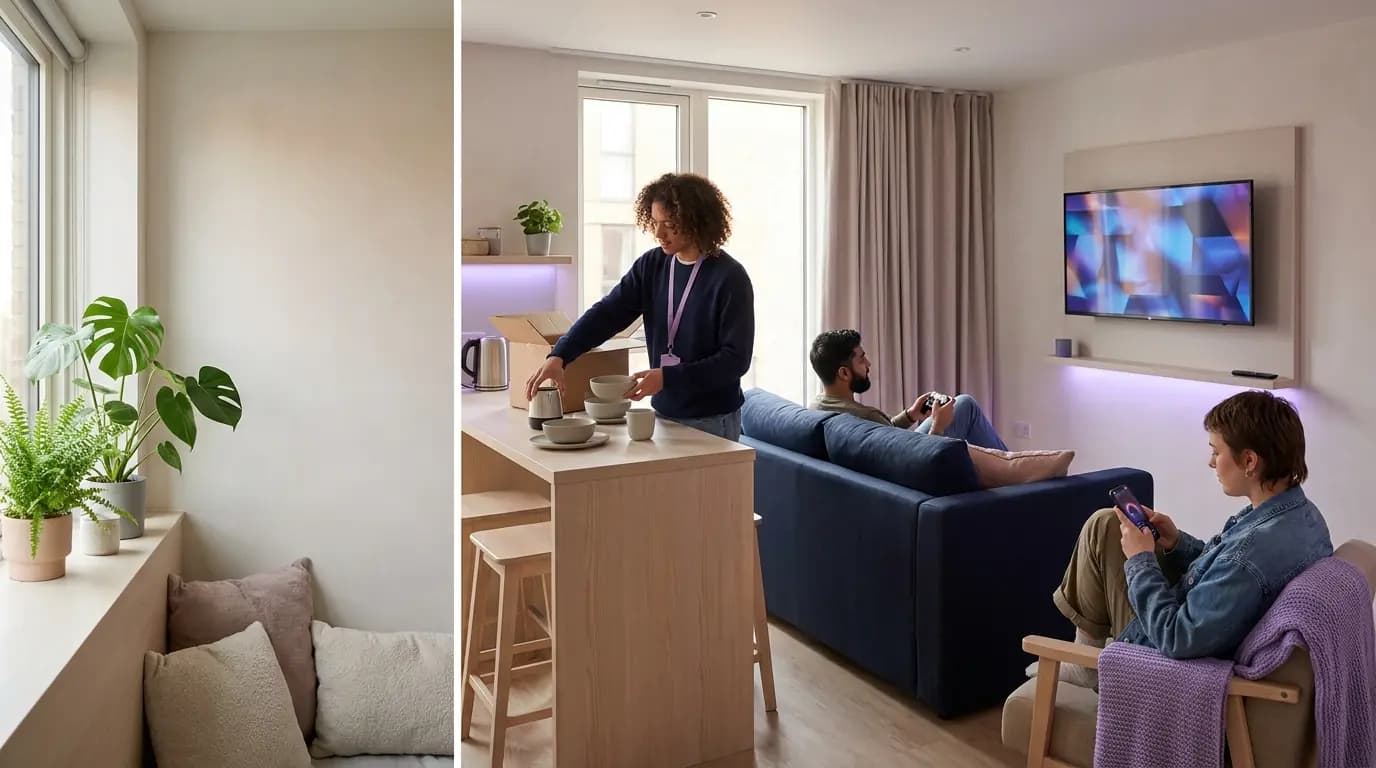
Residents expect the WiFi they had at home. Most halls give them a flat network.
A student arrives with a laptop, a phone, a console, a smart TV and a speaker, and expects them all to work together the way they did at home. On a shared building network that means every one of those devices is visible to hundreds of strangers, and the helpdesk inherits the problem in September.
A typical residence today
- One building passphrase, shared on a flat network every resident can see across
- Consoles and smart TVs that need a MAC address emailed to the helpdesk
- AirPlay and casting that find every TV on the floor, or none at all
- Former residents whose devices still connect after the tenancy ends
With Purple
- Each resident gets their own Private Area Network, invisible to their neighbours
- Browserless devices join the resident's bubble with their own iPSK, no ticket needed
- mDNS reflection keeps casting working inside the bubble, and only inside it
- Access is revoked one resident at a time, synced to a live directory
Residents, intake, staff and visitors, each on the right network
Four populations that usually mean four tools and four sets of credentials, run from a single pane of glass on the hardware you already own.
A Private Area Network per resident
Every device a student owns in one isolated bubble that follows them around the building and between your sites.
02 · IntakeMove-in week without a war room
Residents onboard themselves through the Purple app, and directory sync handles joiners and leavers at peak intake.
03 · Staff and buildingStaff sign-in and a key per device
Site teams sign in with their work account. Door controllers, cameras and sensors each get their own key and VLAN.
04 · VisitorsParents, viewings and summer guests
A branded captive portal for visitors and prospective residents, kept entirely apart from resident networks.
The at-home experience, with enterprise isolation
Purple creates a Private Area Network for each resident the moment they sign in. Their phone, laptop, console and smart TV can find and talk to each other, and stay invisible to everyone else in the building, all on a single SSID with the 802.1X and WPA3-Enterprise architecture intact.
- Micro-segmentation per resident: the student in Room 101 never sees the devices in Room 102
- The bubble follows the resident from their flat to the study room, gym and between your sites
- mDNS reflection keeps AirPlay, Chromecast and printing working inside the bubble
- Each resident's key can carry its own VLAN, firewall rules and bandwidth role
Unlike a VLAN per room, a Private Area Network is created per person at sign-in, so it moves with the resident instead of being pre-provisioned against a door number.
Explore multi-tenant WiFi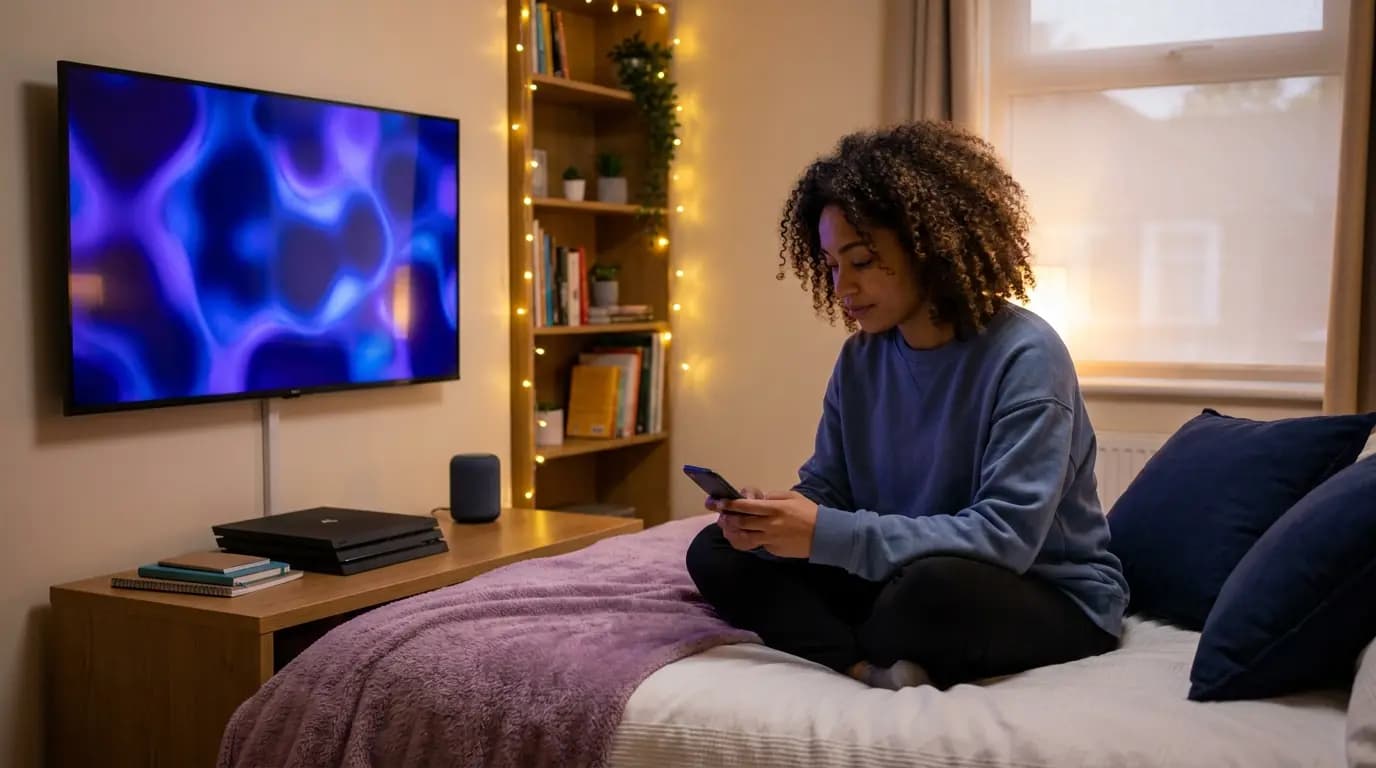 Private Area Networks
Hundreds of arrivals on one weekend, and no queue at reception
Intake is the hardest week of the year for any residence network. Residents sign in once through the Purple app, get a personal WiFi Pass, and every device they own reconnects automatically from then on. Onboarding and offboarding sync to a live directory, so access starts with the tenancy and ends with it.
- Phones and laptops onboarded in about 60 seconds with the Purple app
- Passpoint profiles reconnect automatically and survive iOS MAC address rotation
- Joiners, movers and leavers handled without manual credential management
- University halls can sync residents from Microsoft Entra ID, Google Workspace or Okta over SCIM
 Intake
Keep site teams and building devices off the resident network
Reception, maintenance and cleaning teams need their own secure access, and so does the kit that runs the building: door controllers, cameras, laundry systems and sensors. Staff sign in with their work account, and every device that cannot sign in gets a private key and VLAN of its own.
- Staff sign in with Microsoft Entra ID, Okta or Google Workspace, and leavers are revoked when their account is disabled
- Door controllers, cameras and sensors each on their own xPSK key, revocable one at a time
- Time-limited keys for contractors, with no device management needed
- Every session logged against a named person or device, time and location
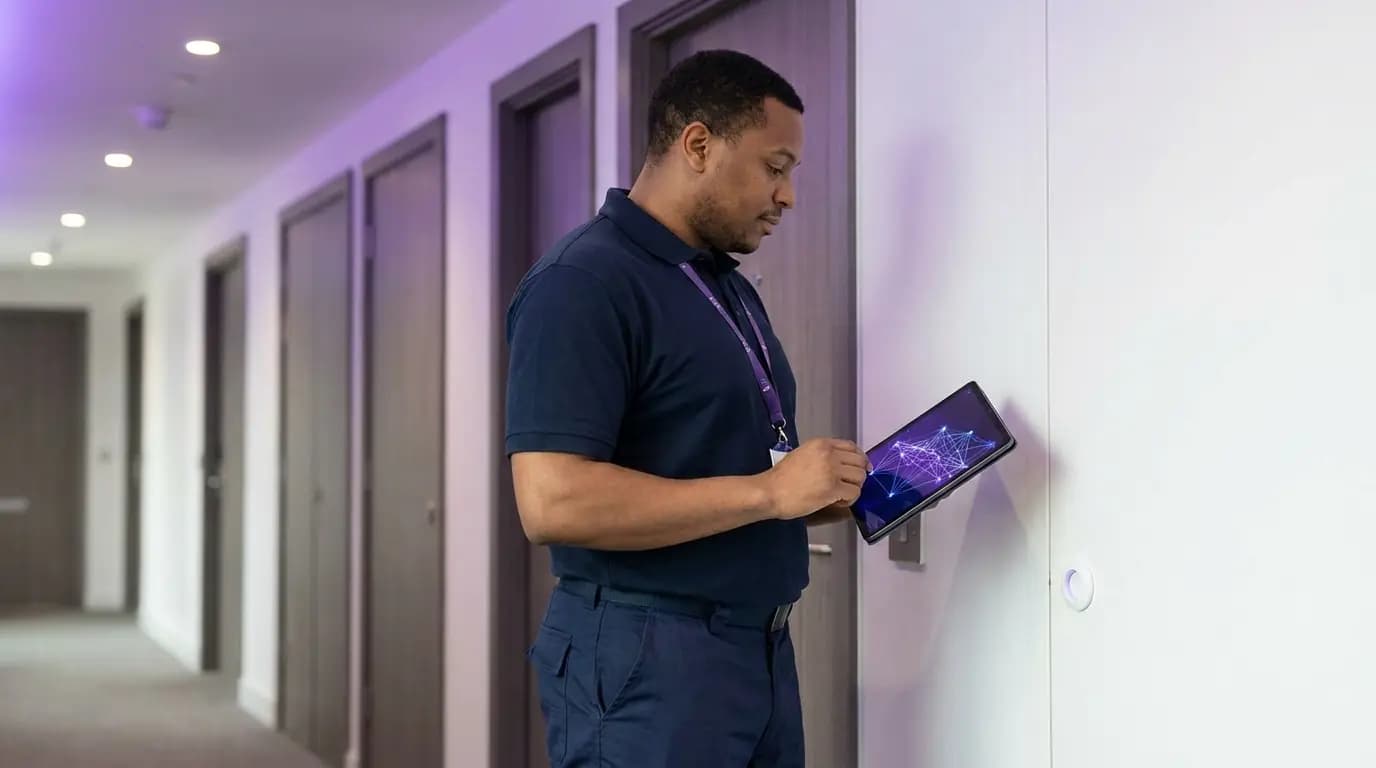 Staff and devices
Guest WiFi that helps fill next year's rooms
Parents at move-in, prospective residents on a viewing and summer guests all need to get online, and every one of them is a lead for next year's lettings. Purple gives them a branded captive portal, separate from resident networks, with the questions your lettings team wants answered. Kexgill in Hull asks visitors whether they study at the University of Hull and sends lettings offers by SMS through a Twilio connector.
- Branded captive portal with UK GDPR consent and a full audit trail
- Custom questions at sign-in, such as university or year of study, sent to your CRM
- 400+ data connectors for CRM, SMS and marketing platforms
- DNS content filtering on the guest network, IWF and Friendly WiFi certified
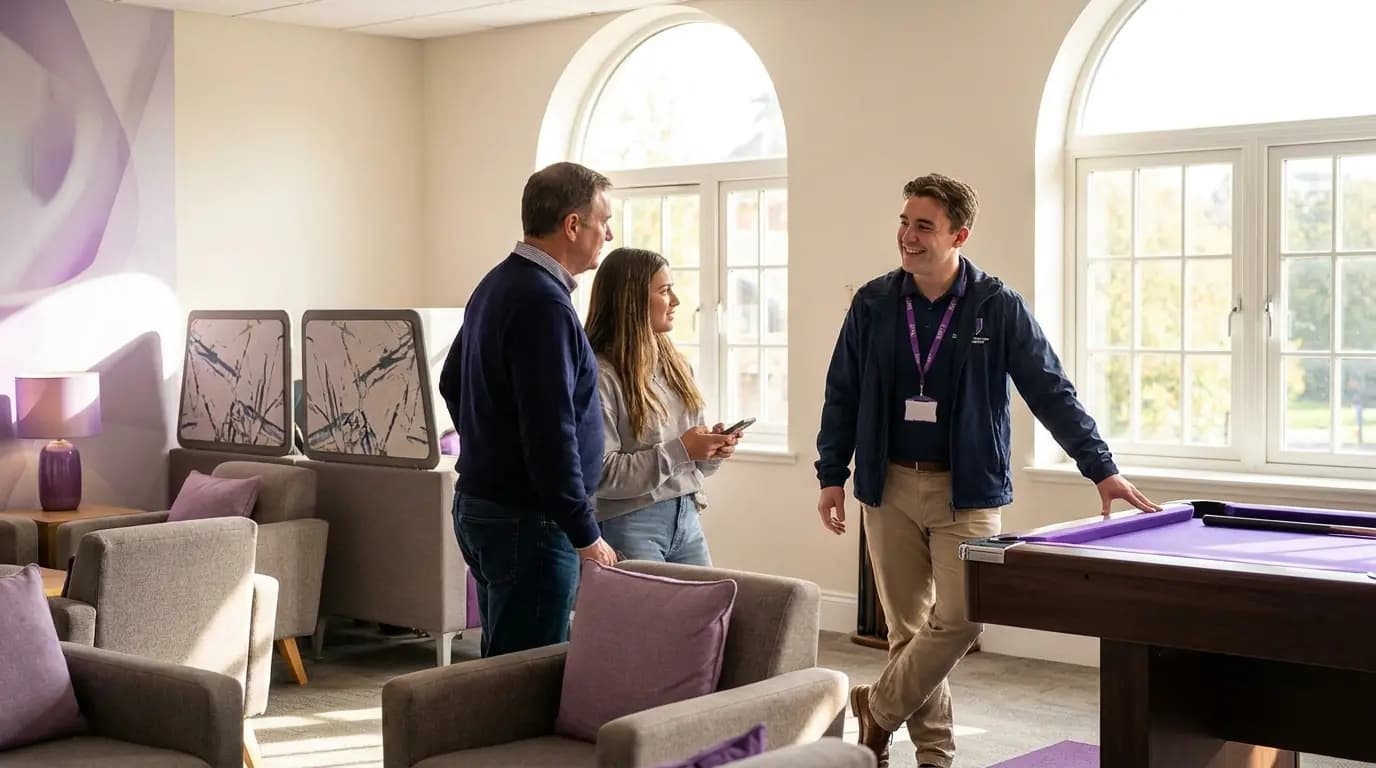 Visitors
What residence WiFi looks like built the usual way, and with Purple
Most residence networks are a passphrase on a flat network or a VLAN per room. Here is what changes when every resident gets their own bubble.
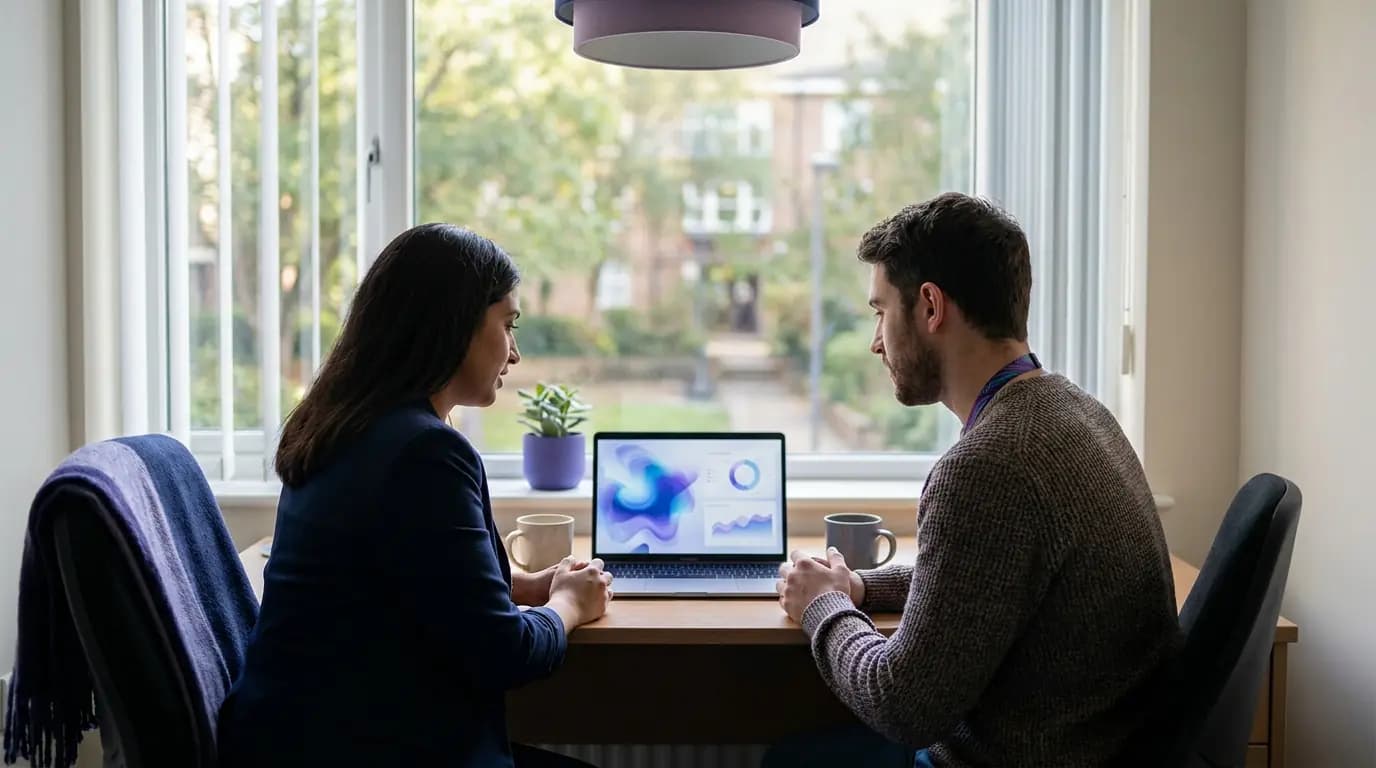
Intake without the ticket queue
In one US university housing deployment across 40 buildings, moving students onto per-resident iPSK bubbles with self-service sign-in cut move-in helpdesk tickets by 60%. Across Purple, removing shared passwords reduces IT helpdesk requests by up to 80%.
Figures from a Purple partner deployment in US university housing, Purple platform data and service terms.
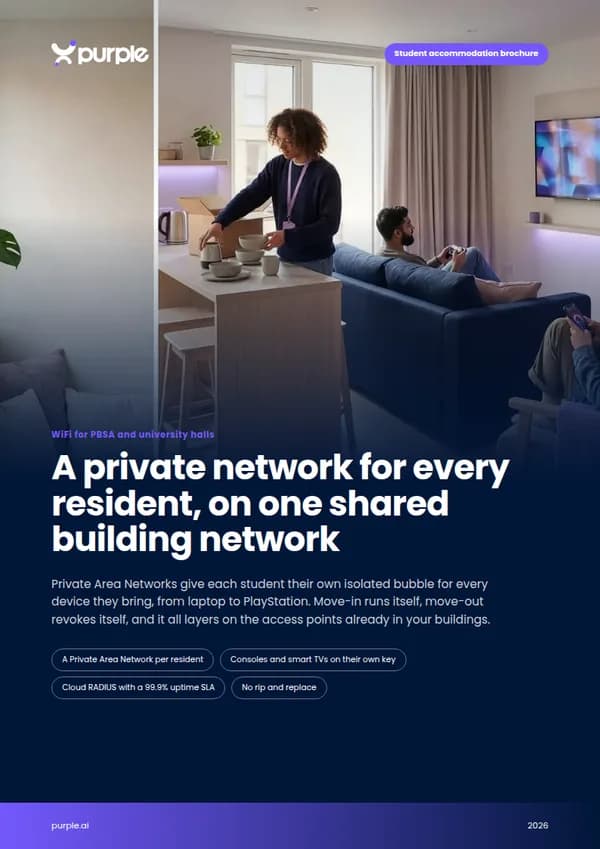
Free brochure
Take this page into your next budget meeting
Everything on this page as an eight-page PDF brochure, ready to share with the people who sign off your network spend.
Get the brochure
Your name and email is all we need. The download appears straight away.
Live before the next intake, on the hardware you have
- 1
Point your access points at Purple
We configure cloud RADIUS and the resident, staff, device and visitor networks on the access points already in your buildings.
- 2
Connect your residents and staff
Link the directory your residents and staff live in, so access starts and ends with each tenancy or contract.
- 3
Roll out building by building
Our onboarding team switches on one block or site at a time, ideally in the summer window before intake.
Pricing
See the price before you book a demo
Compare plans, what each one includes and the add-ons on one page. You do not need a sales call to see the numbers.
See your residences on one network platform
Tell us about your buildings and bed numbers, and we will show you how Private Area Networks, staff and device access and visitor WiFi would run on your hardware.
- Works with Cisco Meraki, HPE Aruba, Ruckus, Juniper Mist, Ubiquiti UniFi, Cambium, Extreme and Fortinet
- Per-resident iPSK under your vendor's name: iPSK, DPSK, MPSK or PPSK
- ISO 27001 certified, UK GDPR compliant, UK RADIUS region
Book a student housing demo
A 30-minute call with someone who knows residence networks.
Student accommodation WiFi questions, answered
What PBSA operators and university residence teams ask us most
Do we need to replace our access points?
No. Purple is hardware agnostic and layers on top of your existing infrastructure, including Cisco Meraki, HPE Aruba, Ruckus, Juniper Mist, Ubiquiti UniFi, Cambium, Extreme and Fortinet. There is no on-premise RADIUS server to install.
How is a Private Area Network different from a VLAN per room?
A VLAN per room is static: it is pre-provisioned, tied to a place rather than a person and does not follow the resident. A Private Area Network is created per resident at sign-in, applies wherever they connect in your buildings and runs on a single SSID.
How do games consoles and smart TVs connect?
Devices without a browser join with a unique iPSK the resident gets from the Purple app. The device lands inside that resident's own bubble, so their console, TV and speaker work together without being visible to anyone else.
What happens when a resident moves out?
Onboarding and offboarding sync to a live directory, so access ends with the tenancy. You revoke one resident's key without changing anything for the other residents in the building.
Can one resident use up all the bandwidth?
Each resident's key can carry its own VLAN, firewall rules and bandwidth role, so you set fair limits per person. Overall capacity still depends on your internet line and access point design, which Purple layers on top of rather than replaces.
Can staff and building systems share the same infrastructure?
Yes, on separate networks. Staff sign in with Microsoft Entra ID, Okta or Google Workspace, and door controllers, cameras and sensors each get their own xPSK key and VLAN, isolated from residents.
Where is our data held?
Purple has RADIUS regions in the UK, EU and US, is ISO 27001 certified, UK GDPR and CCPA compliant, and has had zero data breaches since 2012.
Featured products for Student accommodation
The Purple platform pieces most Student accommodation venues deploy on day one.
Guest WiFi platform for Student accommodation
Captive Portals, analytics, and marketing automation as a cloud overlay.
Captive Portal software for Student accommodation
Modern Captive Portals with social login, SSO, and marketing consent.
Passwordless WiFi for Student accommodation
EAP-TLS, iPSK, and Passpoint - replace shared passwords with identity.
Recommended solution for Student accommodation
WiFi for IT & network teams. Cloud Captive Portals, RADIUS, and analytics layered on top of Cisco, Aruba, Juniper Mist, Meraki, and Ubiquiti.
See WiFi for IT & network teams →Related pillar guides
The topical pillars most relevant to Student accommodation. Each guide is the canonical hub for that area of the platform.
Further reading for Student accommodation
Technical guides, articles and customer stories for teams running WiFi in this sector.
Guides for Student accommodation
- University Campus WiFi: eduroam, Halls of Residence, and BYOD at Scale
- Per-resident WiFi billing for MDU and student accommodation: platform options
- Managing Public IP Exhaustion in Student Housing
- Managing Bandwidth in Student Accommodation Networks
- Solving WiFi Interference in High-Density MDU Buildings
- Designing a Multi-Tenant WiFi Architecture for MDU
- Per-unit VLAN and PSK architecture: a design walkthrough for MDU networks
- Retrofit vs new build: planning MDU WiFi cabling and access point placement
From the blog
- Beyond eduroam: Why iPSK is the New Standard for Student Accommodation & Higher Education WiFi
- Student WiFi guide: fast, secure accommodation & campus access
- Single Tenant vs Multi Tenant Architecture for Enterprise IT
- Cisco MDU WiFi: private WiFi bubble for residents | Purple
Related industries
Other verticals running on the same Purple platform.
Speak to an expert
Tell us about your venues and we'll show you how Purple fits.