

Zero-touch WiFi for every managed device
Your MDM puts WiFi onto every corporate device directly. No app, no sign-in, and nothing for the person to do. Ten minutes to set up, once, for the whole organisation.

















Certificates for your WiFi, pushed in minutes
Set it up once. Every device you issue from then on arrives already connected.
Set Purple up in your MDM
Trust two certificates, add two profiles. Five to ten minutes, once, for the whole organisation.
The device asks for a certificate
It picks up the policy and calls Purple directly, carrying the user's identity.
Purple issues it
Checked against your directory first, so only people who still work for you get one.
The device connects
It authenticates to Purple's cloud RADIUS. The person does nothing.

Nothing to install, and nothing for the person to do
- The laptop is issued, the person logs in, and it is on the WiFi. That is the standard IT already gets from every other tool their MDM provisions.
- No sign-in and no pass install on a device the company already owns and already trusts.
- One certificate per device, keyed to the person, and each one revocable on its own.
A private key that cannot be lifted off the device
- The private key is generated on the device and held in its secure hardware, so the certificate cannot be copied off it and reused elsewhere.
- Nobody shares a password. A shared passphrase is known to everyone who has ever used it and cannot be revoked for one person.
- Access follows your directory, so disable a leaver and their device does not get back onto the network.
- Join the largest cloud RADIUS in the world. Customers running their own RADIUS servers for this can retire them, manage everything in one place, and still revoke centrally.

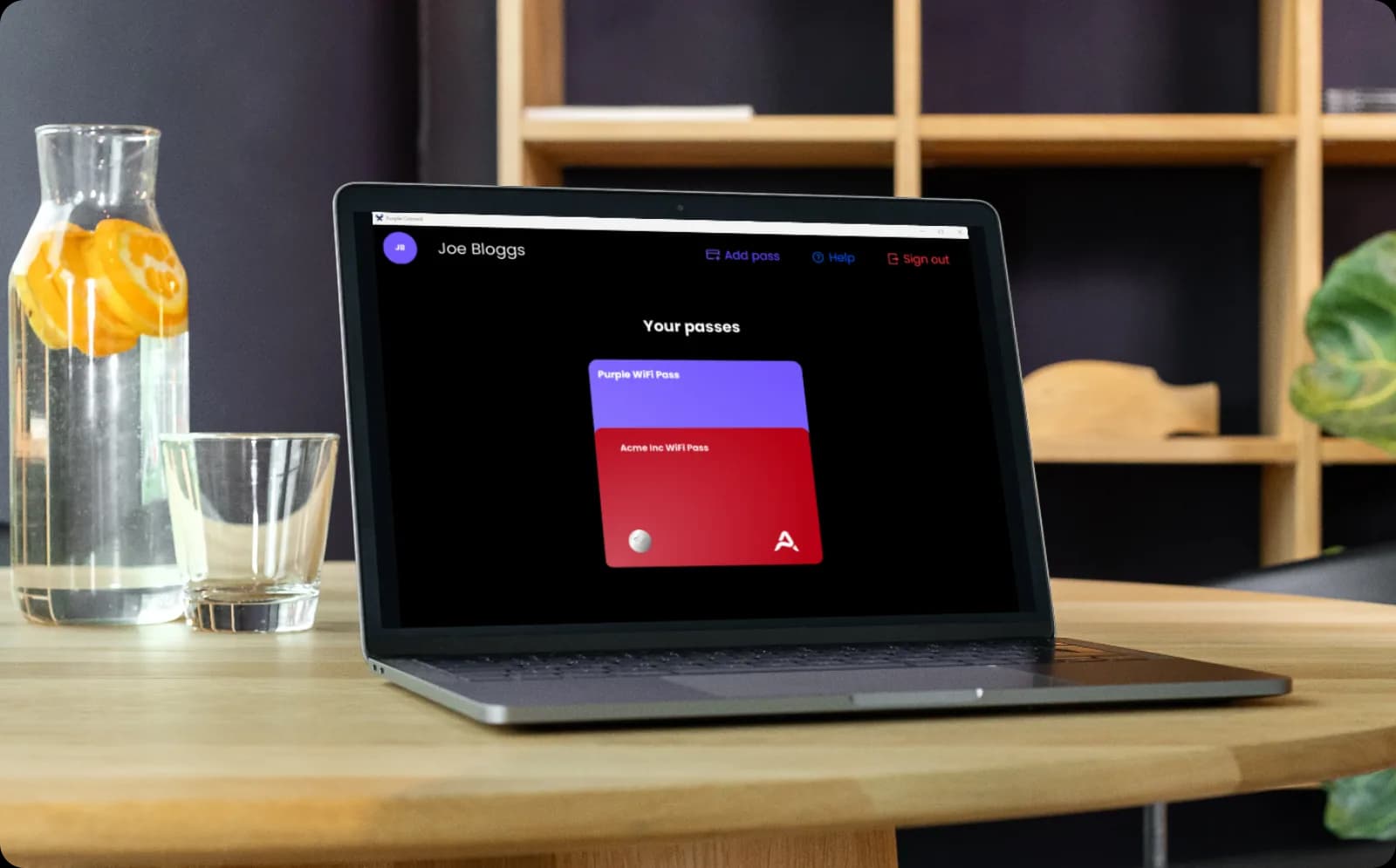
Both connection methods, one SSID
- Managed devices get a certificate through your MDM. Personal devices self-serve a certificate through the Purple app.
- Both point at the same cloud RADIUS on a single SSID. Nobody wants a two-SSID solution.
- The split is deliberate. The Purple app has little to do on a company-managed Windows laptop, and the overwhelming majority of managed devices are laptops. On someone's own phone it is exactly the right delivery mechanism.
Supported from day one
Integrates with leading MDM providers.

Microsoft Intune
Certificate profile plus WiFi profile, with a callback to your identity provider on every issue so a certificate is only minted for someone still in your directory.

JumpCloud
Device and identity in one place. Purple issues the certificate, and the JumpCloud policy installs the WiFi profile on every enrolled device.

IRU (formerly Kandji)
Apple estate management. The certificate and WiFi profiles deploy through blueprints, so Macs, iPhones and iPads arrive on the network.

Jamf Pro
The same two configuration profiles through Jamf, covering managed Macs, iPhones and iPads across every site you operate.
Microsoft and Intune are trademarks of the Microsoft group of companies. Jamf and Jamf Pro are trademarks of JAMF Software, LLC. JumpCloud is a trademark of JumpCloud Inc. IRU and Kandji are trademarks of their respective owners. This page is not endorsed by or affiliated with any of them.
See a managed device join without anyone touching it



Certificate-based WiFi FAQs
Does the user have to do anything at all?
No. That is the entire point. They log into the laptop they were issued and it is on the WiFi. There is no app to install and no sign-in step. If a demo or a document shows someone signing in, it is describing the BYOD flow, which is the separate route for personal devices.
How long does setup take, honestly?
Around 5 to 10 minutes in Microsoft Intune, once, for the whole organisation: trust two certificates, add two profiles. Intune is the most involved of the systems we support, so the others are quicker. We ship a setup guide for each provider, because zero-touch that IT cannot configure is not zero-touch.
Which device management systems do you support?
Phase one covers Microsoft Intune, JumpCloud, IRU and Jamf Pro. The mechanism is SCEP, which is an open standard, so other systems are likely to work, but we have not tested them. If you run something else, tell us: we will do the integration work and we prioritise based on customer need.
Can we use our own certificate authority?
No. Purple's RADIUS authenticates against Purple's backend, so the certificate has to be one we issued. In practice this rarely matters, because the customers asking for this are trying to get out of running their own certificate infrastructure rather than further into it.
Does this replace our MDM?
No. We provision through your device management system, we do not replace it. If you have no MDM, the route is the Purple app and BYOD onboarding instead. We also do not read from the MDM today, so Purple sees the device's MAC address, serial number and certificate details, not its name, owner, compliance state or operating system.
What happens when someone leaves?
Access follows your directory. Disable the account and the certificate stops authenticating, so the device does not get back onto the network. The directory sync runs roughly hourly, and revocation applies to the next authentication rather than cutting a live session. For a managed device you would lock or wipe it through the MDM anyway.
Does Purple check whether the device is patched or encrypted?
No. Posture checking is your MDM's job and we are not trying to take it. Purple does onboarding, lifecycle and attribution, and stops before device control.
Is this more or less secure than what we have now?
More, in the case that matters. The private key is generated on the device and held in its secure hardware, so unlike a shared password or a copied profile it cannot be lifted off and reused elsewhere. Each certificate is issued per device and revocable on its own. Purple is ISO 27001 certified, GDPR and CCPA compliant, and has had zero data breaches since 2012.
Get more from your staff network
Guides and customer results to help you plan device onboarding across your estate.



Certificate-based WiFi via MDM for your industry
See how Certificate-based WiFi via MDM works in venues like yours, and how Purple compares to alternatives.
Used in these industries
Compare alternatives
Put WiFi on every managed device you issue
Ready to get started? Speak to an expert about setting Purple up in your device management system, and about the systems and devices you need covered.