
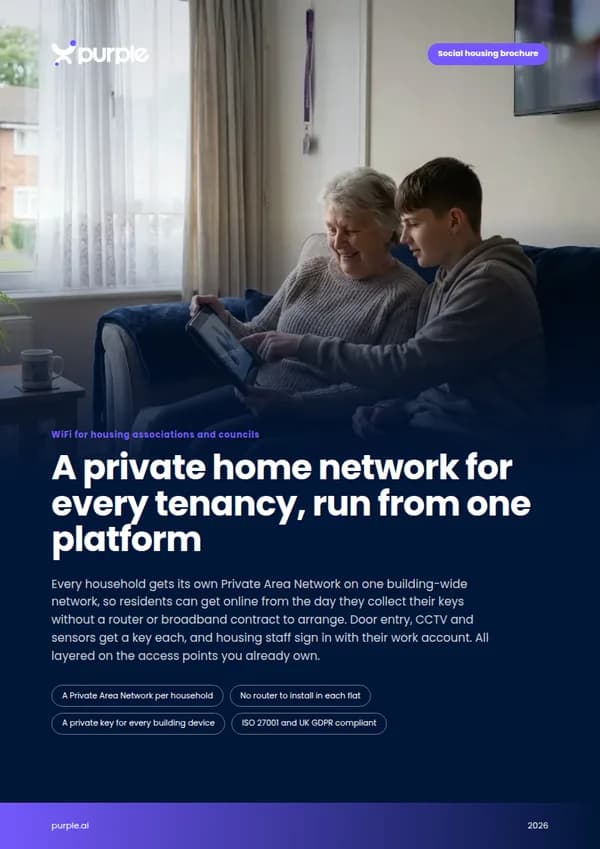
A private home network for every tenancy, run from one platform
Every household gets its own Private Area Network on one building-wide network, so residents can get online from the day they collect their keys without a router or broadband contract to arrange. Door entry, CCTV and sensors get a key each, and housing staff sign in with their work account. All layered on the access points you already own.
- A Private Area Network per household
- No router to install in each flat
- A private key for every building device
- ISO 27001 and UK GDPR compliant
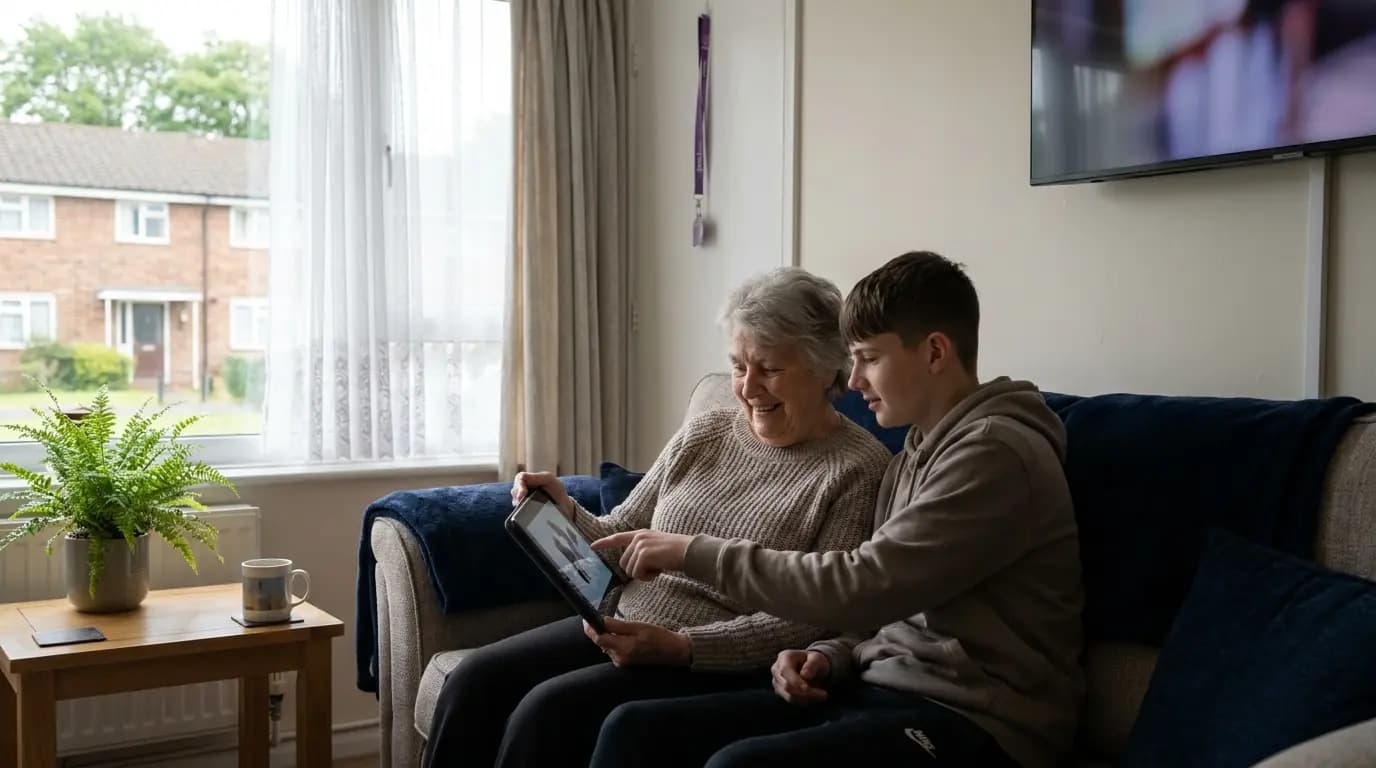
Digital inclusion is in your strategy. In most blocks the WiFi is still a shared password.
Housing providers want every household online for benefits, bills, GP appointments, job searches and repairs reporting. But a router per flat means a contract per household, and a shared communal network puts every resident, device and contractor on the same password. That gap usually shows up in four places.
A typical housing scheme today
- Households left offline because a broadband contract is one more bill to take on
- One communal WiFi password, shared between neighbours, visitors and contractors
- Door entry, CCTV and sensors on the same network residents use
- Housing officers and repairs teams who cannot get online when they visit a scheme
With Purple
- Landlord-provided WiFi with a private network for each household, ready at sign-up
- Every resident on their own Private Area Network, invisible to their neighbours
- Every building device on its own key and VLAN, revocable one at a time
- Staff sign in with their work account at any scheme, and leavers lose access automatically
Residents, community spaces, buildings and staff, each on the right network
Four networks that would normally mean four suppliers and four sets of passwords, run from a single pane of glass by the team you already have.
A Private Area Network per home
Every device a household owns in one isolated bubble, created at sign-in and removed when the tenancy ends.
02 · Community spacesLounges, hubs and visitors
Filtered WiFi for visitors and community rooms, with surveys and service updates at sign-in.
03 · Building devicesA private key for every device
xPSK gives door entry, CCTV, lift and environmental sensors their own key and VLAN.
04 · Housing staffSign in with the work account
Single sign-on through Microsoft Entra ID, Google Workspace or Okta. Joiners get access, leavers lose it.
The at-home experience, with enterprise isolation
Purple creates a Private Area Network for each household when they sign in. Their phones, tablet, laptop and smart TV can find each other and stay invisible to every other flat, all on one building-wide network secured with WPA2/3-Enterprise and 802.1X. Residents get a home network without a router, a credit check or a contract.
- Residents onboard a phone or laptop in about 60 seconds with the Purple app, with no engineer visit
- Smart TVs and consoles that cannot open a browser join with a private iPSK passcode
- mDNS reflection keeps casting and wireless printing working inside each household's bubble
- Access ends with the tenancy, so there is no router to collect and no password to change for the next household
Purple is not an internet provider. You bring the connection to the building, and Purple turns it into a private, secure network for every household.
Explore multi-tenant WiFi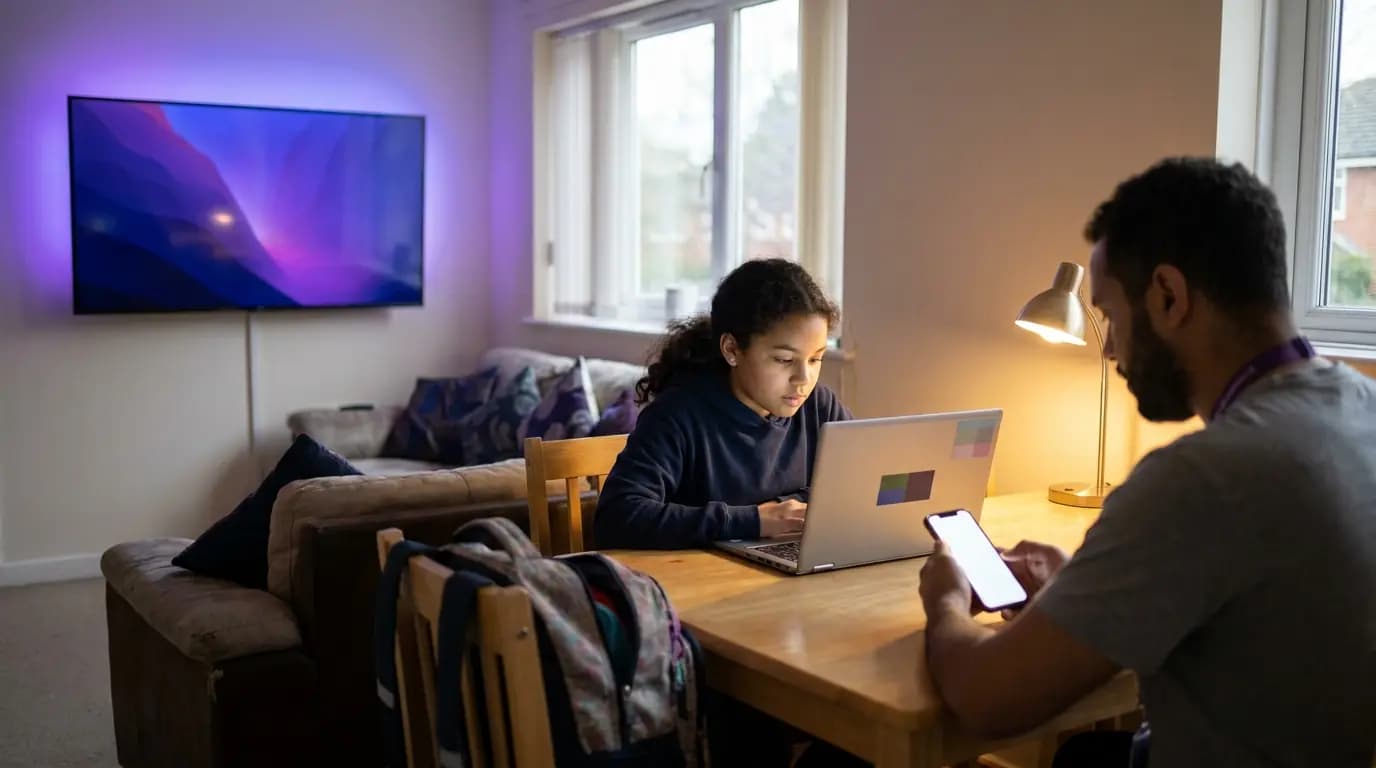 Private Area Networks
Community rooms that help people get online, and a channel to every household
Community hubs, sheltered scheme lounges and estate offices are where digital inclusion work happens. Purple gives visitors and drop-in sessions a branded captive portal with DNS content filtering, kept apart from resident and building networks, and gives you a direct line to the people using it. Newcastle City Council uses the same platform for free public WiFi and records a 96% repeat-visitor rate.
- Branded captive portal with UK GDPR consent and a full audit trail
- DNS content filtering on visitor and community networks
- Micro-surveys and service updates at sign-in, from repairs news to welfare advice sessions
- Consented contacts sent to your housing CRM through 400+ data connectors
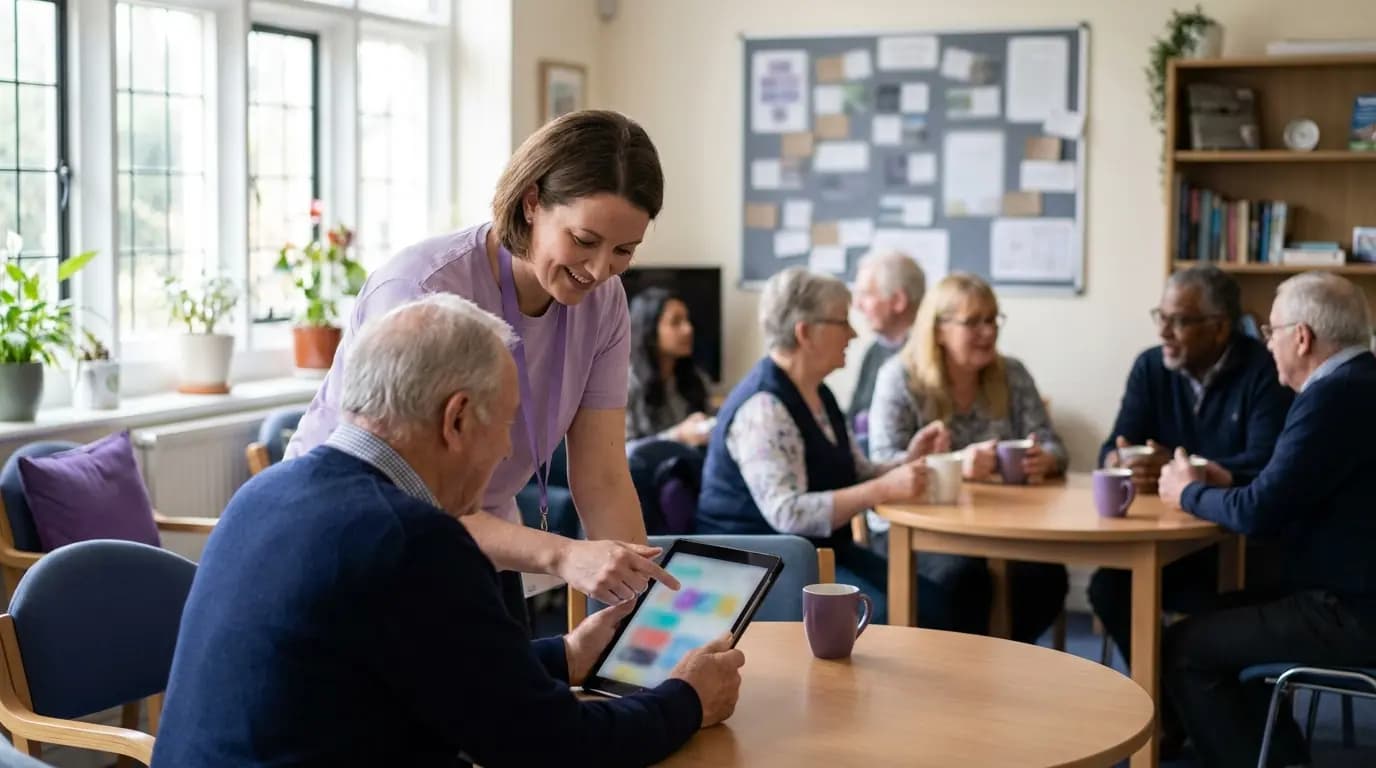 Community
A private key for every device that keeps residents safe
Door entry panels, CCTV, lift controllers, fire panel gateways and damp and humidity sensors cannot sign in with a username. xPSK gives each one its own key and its own VLAN, so a leaked key exposes one device rather than the block, and none of them sit on the network residents use.
- Works under your vendor's name: iPSK on Cisco, DPSK on Ruckus, MPSK on HPE Aruba and Juniper Mist, PPSK on Extreme and UniFi
- MAC binding ties each key to the first device that uses it, and keys can be revoked one at a time
- Time-limited keys for contractors and repairs partners, with no MDM required
- No per-device licence and no cap on devices per key
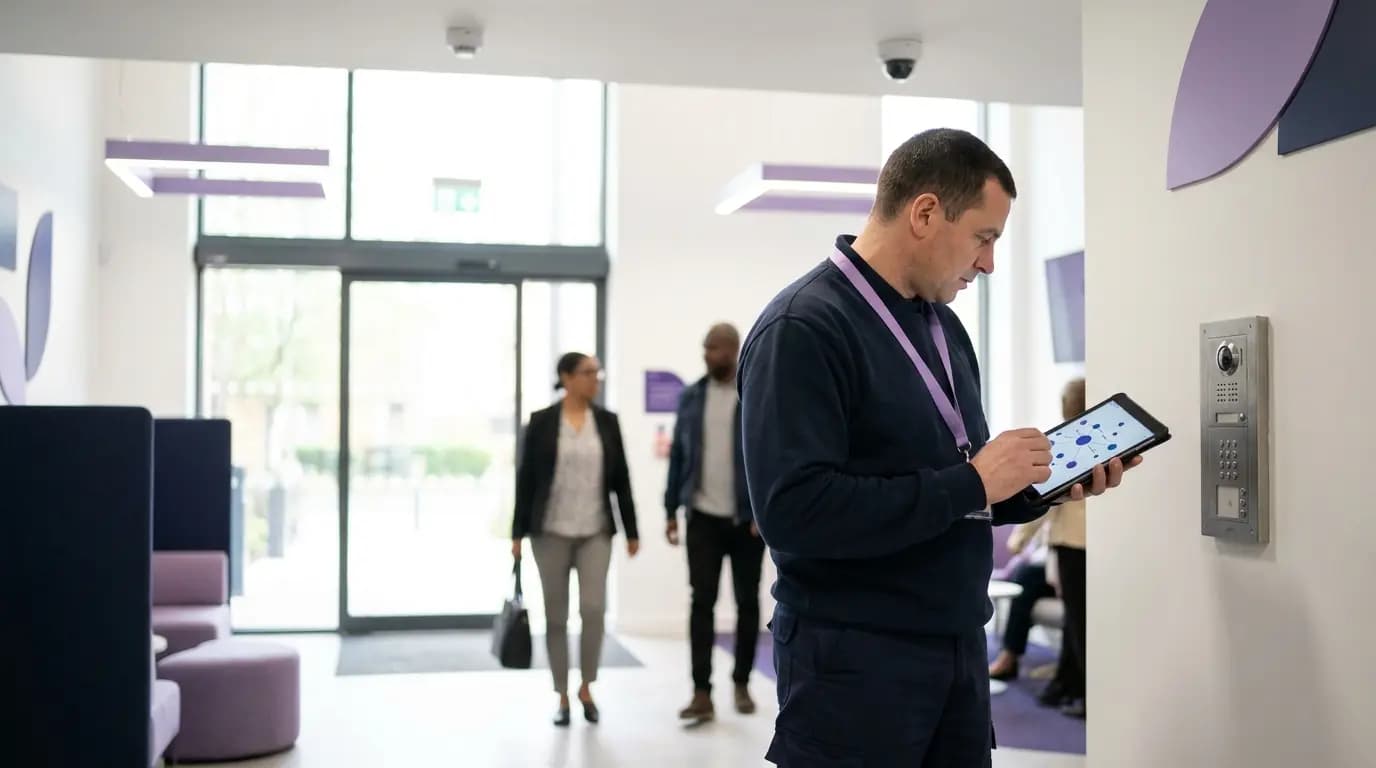 xPSK
xPSKOne login for housing officers, wherever they work
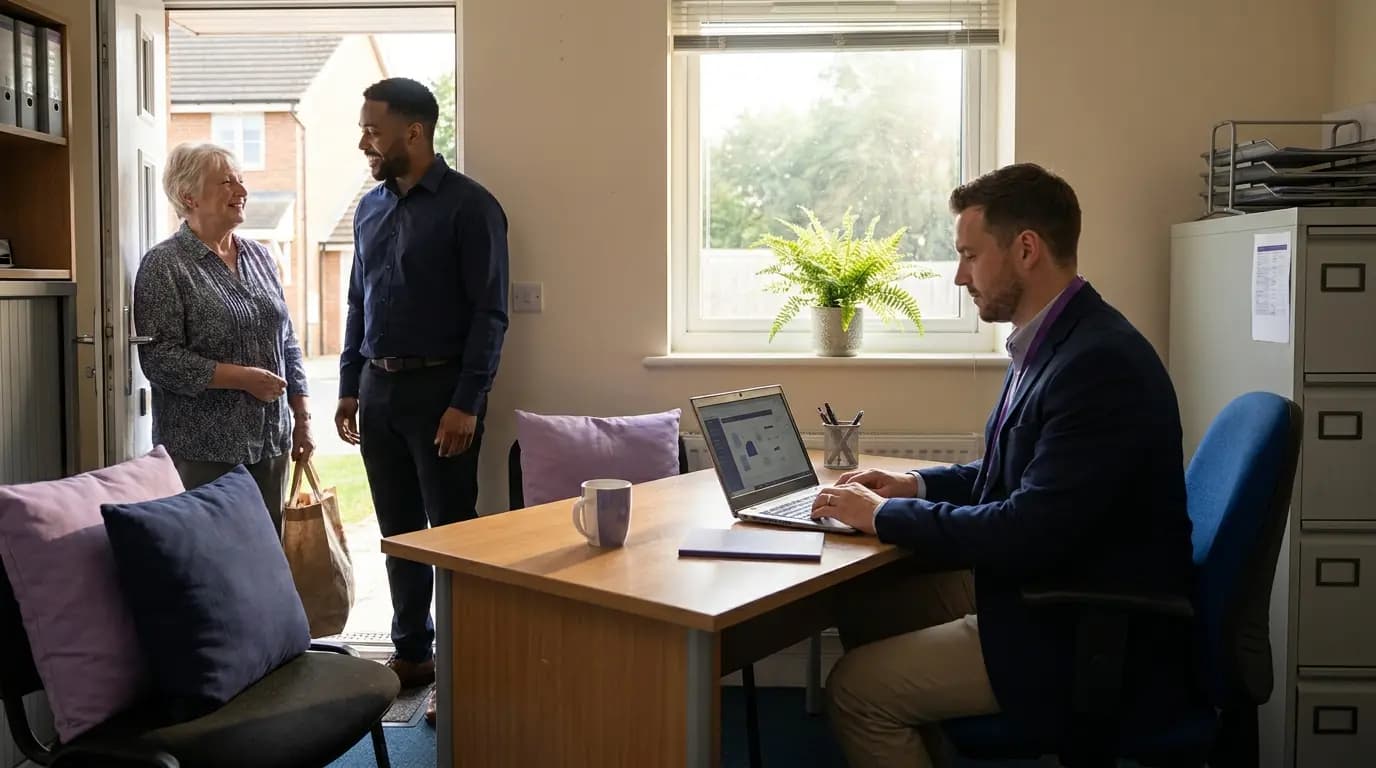
Housing officers, repairs operatives, support workers and scheme managers move between offices, community hubs and sheltered schemes every week. Purple syncs with Microsoft Entra ID, Google Workspace, Okta and JumpCloud over SCIM, so staff connect with the account they already use and group membership decides their network and policy.
- Leavers lose access automatically when their account is disabled
- Staff, agency workers and contractors land on separate VLANs with their own rules
- Work laptops get EAP-TLS certificates through Intune or Jamf
- Every session logged against a named person, device, time and location
 Staff WiFi
What it takes to connect a block flat by flat, and what it takes with Purple
A private home network for every household, delivered as one managed service across your stock.
Hundreds of homes, one network to run
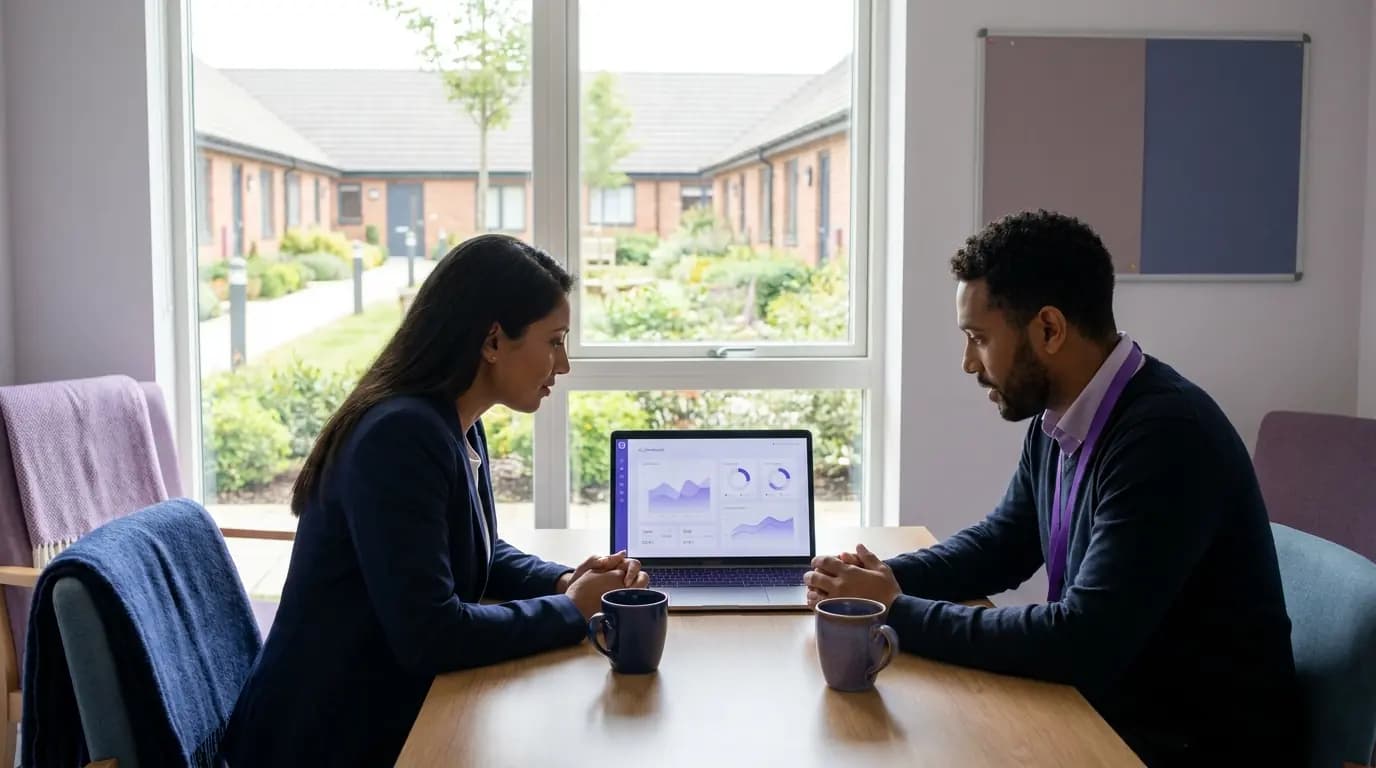
In one US multi-dwelling deployment, 500 apartments run on a single network fabric instead of 500 separately configured routers. Across Purple, replacing shared passwords with identity-based sign-in cuts IT helpdesk requests by 80%, so a small housing IT team can run resident, building and staff networks together.
Figures from a Purple partner deployment in a US multi-dwelling building, Purple platform data and service terms.
Free brochure
Take this page into your next budget meeting
Everything on this page as an eight-page PDF brochure, ready to share with the people who sign off your network spend.
Get the brochure
Your name and email is all we need. The download appears straight away.
Live without replacing your hardware
- 1
Point your access points at Purple
We configure cloud RADIUS and the resident, community, device and staff networks on the access points already in your blocks.
- 2
Set up residents, staff and devices
Residents onboard through the Purple app, staff sign in with their work account and every building device gets its own key.
- 3
Roll out scheme by scheme
Our onboarding team switches on one block or scheme at a time, starting where digital exclusion is highest.
See your homes on one network platform
Tell us about your stock and we will show you how resident, community, building and staff networks would run on your hardware.
- Works with Cisco Meraki, HPE Aruba, Ruckus, Juniper Mist, Ubiquiti UniFi, Cambium, Extreme and Fortinet
- A Private Area Network per household, with mDNS reflection for casting and printing
- ISO 27001 certified, Cyber Essentials, UK GDPR compliant and a certified B Corp
Book a housing demo
A 30-minute call with someone who knows residential networks.
Social housing WiFi questions, answered
What housing IT, asset and digital inclusion teams ask us most
Do we need to replace our access points?
No. Purple layers on the access points you already own, including Cisco Meraki, HPE Aruba, Ruckus, Juniper Mist, Ubiquiti UniFi, Cambium, Extreme and Fortinet. There is no on-premise RADIUS server to install.
Do you provide the internet connection?
No. Purple is not an internet provider. You or your connectivity partner bring the connection to the building, and Purple runs the authentication, the private household networks and the management on top of it.
Can neighbours see each other's devices?
No. Each household is placed in its own Private Area Network, so their devices can find each other but are invisible to every other flat. mDNS reflection keeps casting and printing working inside the bubble.
What happens when a tenancy ends?
The household's access is revoked and their devices can no longer connect. There is no router to recover from a void property and no shared password to change for the next residents.
How do door entry, CCTV and sensors connect?
With xPSK. Each device gets its own key and VLAN, bound to the first device that uses it and kept off the resident network. You can revoke one key without touching any other device.
Is the WiFi in community rooms filtered?
Yes. DNS content filtering is available on visitor and community networks, and every sign-in is recorded with UK GDPR consent and a full audit trail.
Where is our residents' data held?
Purple has RADIUS regions in the UK, EU and US, is ISO 27001 certified and UK GDPR compliant, and has had zero data breaches since 2012.
Featured products for Social housing
The Purple platform pieces most Social housing venues deploy on day one.
Guest WiFi platform for Social housing
Captive Portals, analytics, and marketing automation as a cloud overlay.
Captive Portal software for Social housing
Modern Captive Portals with social login, SSO, and marketing consent.
Passwordless WiFi for Social housing
EAP-TLS, iPSK, and Passpoint - replace shared passwords with identity.
Recommended solution for Social housing
WiFi for IT & network teams. Cloud Captive Portals, RADIUS, and analytics layered on top of Cisco, Aruba, Juniper Mist, Meraki, and Ubiquiti.
See WiFi for IT & network teams →Related pillar guides
The topical pillars most relevant to Social housing. Each guide is the canonical hub for that area of the platform.
Further reading for Social housing
Technical guides, articles and customer stories for teams running WiFi in this sector.
Guides for Social housing
- Why hotel-style guest WiFi fails in residential buildings
- Solving WiFi Interference in High-Density MDU Buildings
- Designing a Multi-Tenant WiFi Architecture for MDU
- Tenant Session Tracking and Abuse Attribution in MDU WiFi: Mapping Meraki Flows to Purple iPSK Identity
- Bulk internet agreement vs managed WiFi: which model fits your building
- Designing WiFi Networks for Multi-Tenant Office Buildings
- Mean time to innocence: how to prove it's not the WiFi
- Legal and Compliance Requirements for Shared WiFi Infrastructure
Related industries
Other verticals running on the same Purple platform.
Speak to an expert
Tell us about your venues and we'll show you how Purple fits.