
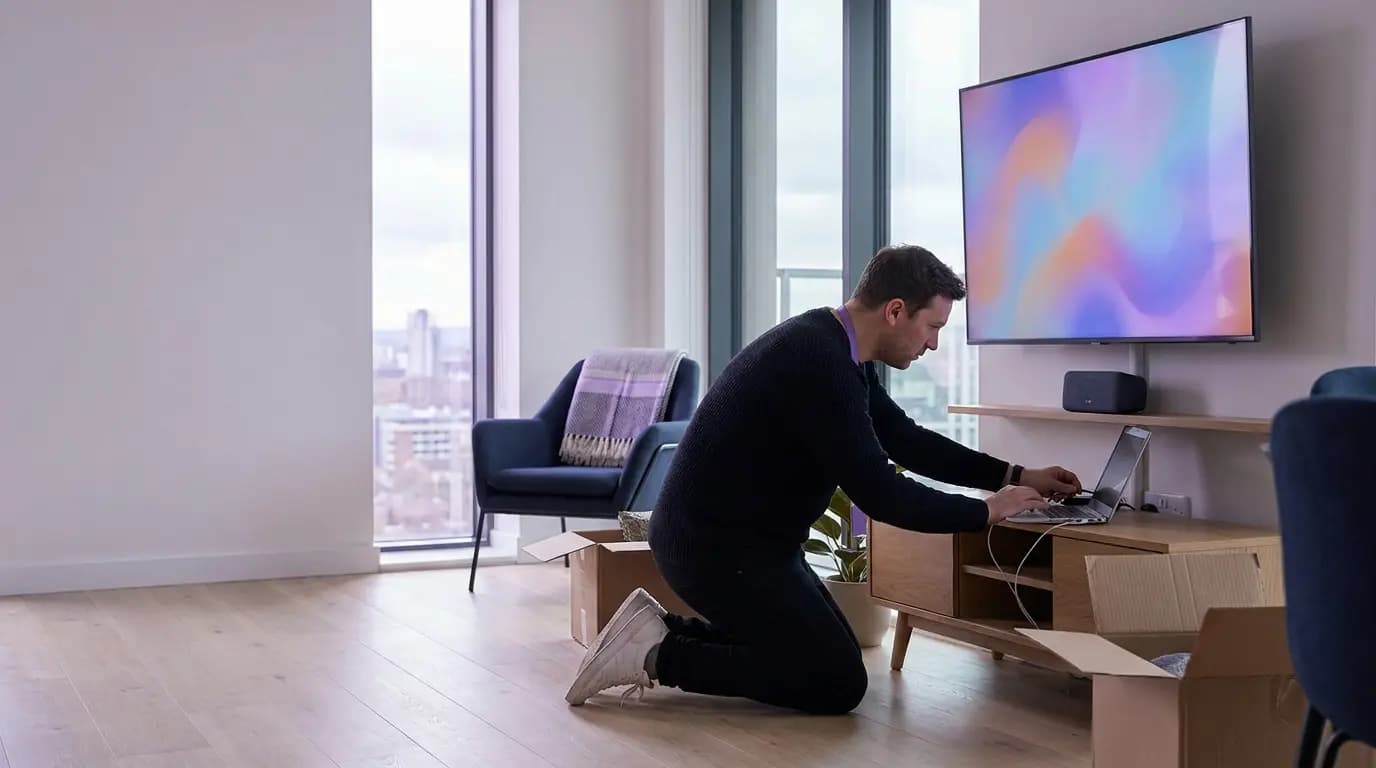
Residents expect WiFi like the home they just left. Most buildings give them a router and a wait.
Build-to-rent sells a finished home, with connectivity as an amenity rather than a utility to arrange. Yet many schemes still run a separate router or broadband contract per apartment, a shared password in the amenity spaces and building devices on whatever network was nearest. That gap shows up in four places.
A typical build-to-rent scheme today
- A router to configure, and often a broadband order to place, for every apartment
- Residents who lose their connection the moment they step into the gym or co-working lounge
- Smart locks, cameras and sensors sharing a password with residents and contractors
- Prospective residents at a viewing who cannot get online, and leave no details behind
With Purple
- One building-wide network with a private bubble per resident, ready at move-in
- The resident's bubble follows them into every amenity space and between your sites
- Every building device on its own key and VLAN, revocable one at a time
- A branded captive portal for viewings and visitors, kept apart from resident networks
Residents, amenities, building and leasing, each on the right network
Four populations that usually mean four suppliers and four sets of credentials, run from a single pane of glass by the team you already have.
A Private Area Network per home
Every device a resident owns in one isolated bubble, created at sign-in and removed at move-out.
02 · AmenitiesThe same bubble, building-wide
Residents stay on their own network in the gym, roof terrace and co-working lounge, with paid speed tiers if you want them.
03 · Building and staffA key per device, a login per person
Door controllers, cameras and sensors each get their own key. Site teams sign in with their work account.
04 · LeasingViewings, visitors and events
A branded welcome for prospective residents and guests, with consented leads sent to your CRM.
The at-home experience, with enterprise isolation
Purple creates a Private Area Network for each resident when they sign in. Their phone, laptop, smart TV, speaker and games console can find and talk to each other, and stay invisible to every other apartment, all on one building-wide network with 802.1X and WPA3-Enterprise security intact.
- Residents onboard their phone or laptop in about 60 seconds with the Purple app, with no engineer visit
- Smart TVs and consoles that cannot open a browser join with a private iPSK passcode from the app
- mDNS reflection keeps AirPlay, Chromecast and wireless printing working inside each bubble
- Access ends at move-out, with no router to collect and no shared password to change
Unlike a VLAN or router per apartment, a Private Area Network is created per person at sign-in, so it is ready the day a resident moves in and goes with them when they move flats.
Explore multi-tenant WiFi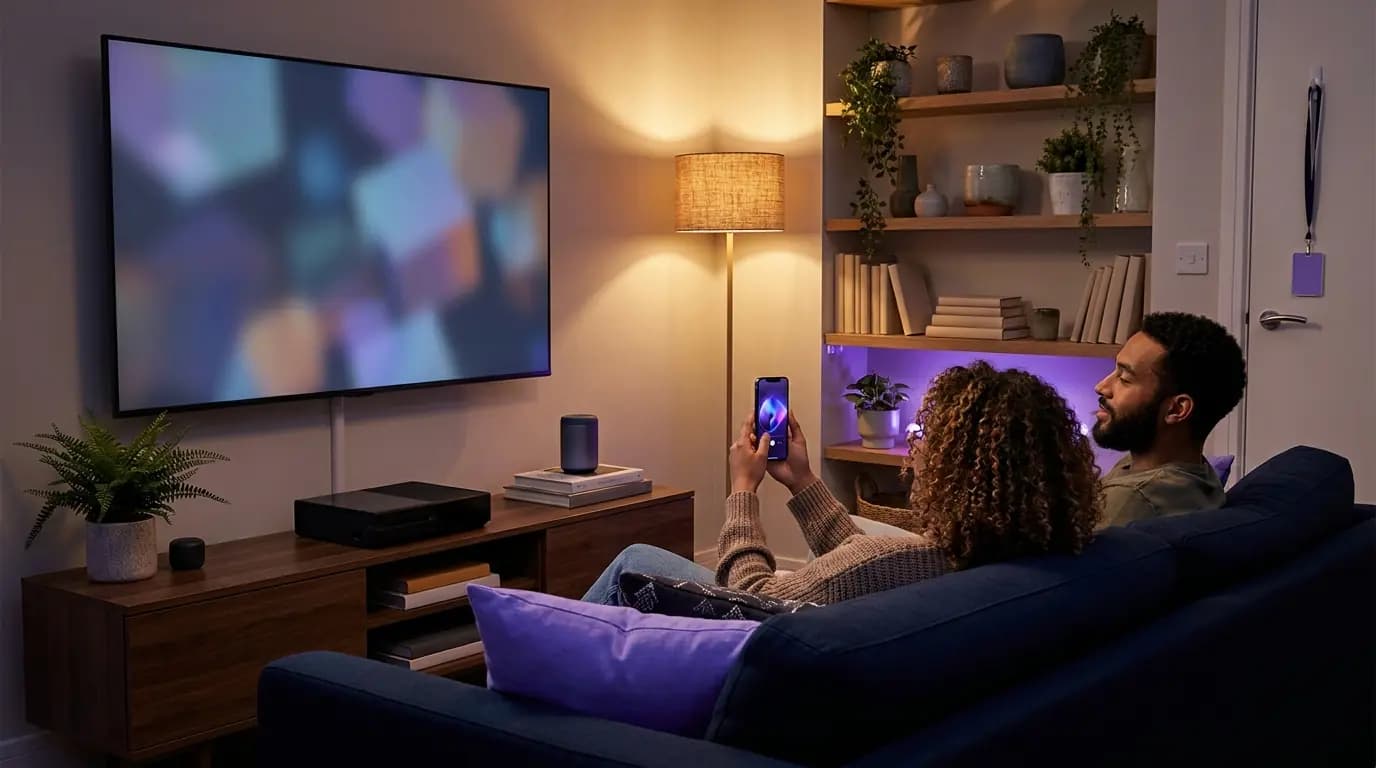 Private Area Networks
One network from the front door to the roof terrace
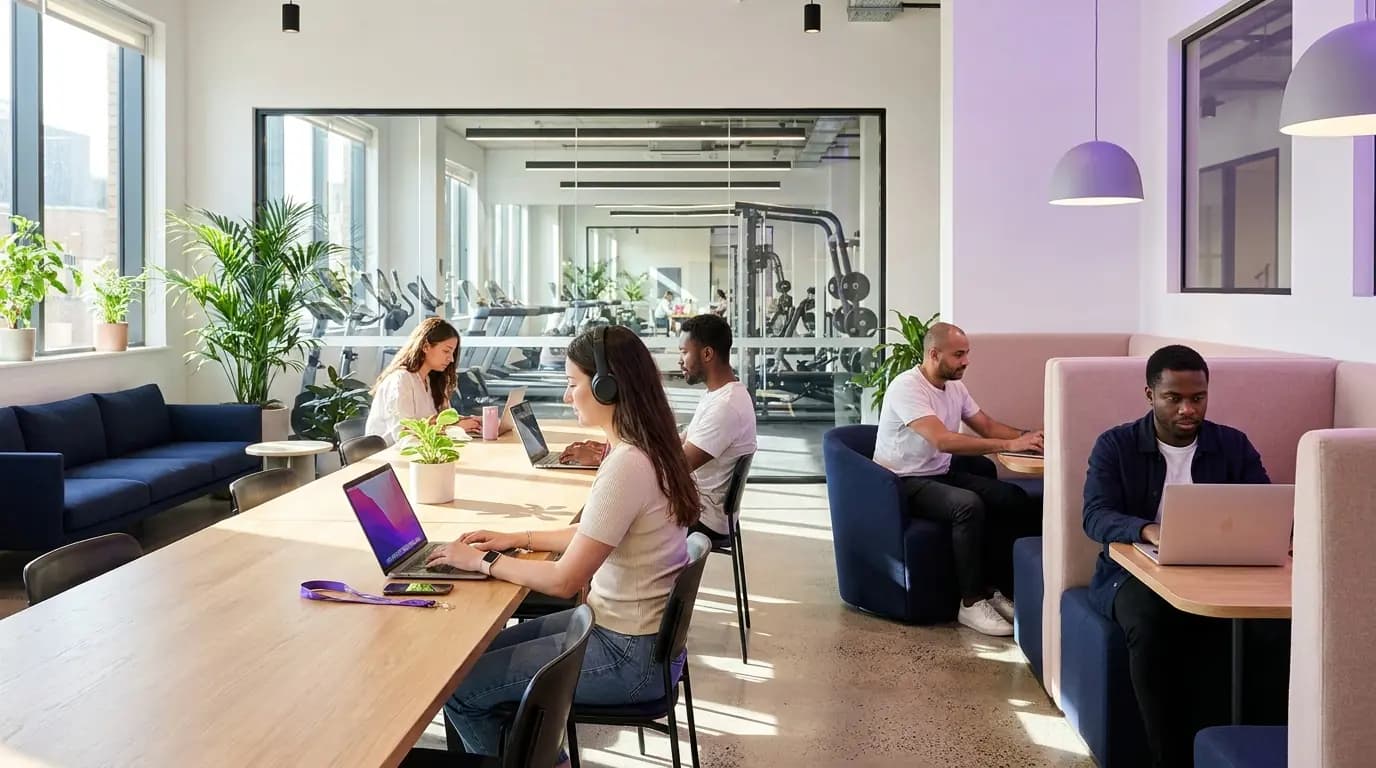
Gyms, co-working lounges, cinema rooms and roof terraces are why residents choose your building. Purple puts them on the same fabric as the apartments, so a resident who takes their laptop downstairs stays inside their own Private Area Network and can still reach the printer in their flat.
- Authenticate once, then reconnect automatically in every amenity space and at your other sites
- Base WiFi included in the rent, with premium speed tiers sold in the app through a Stripe payment gateway
- Occupancy by day and hour for each amenity, exportable for your operations and facilities teams
- Surveys and resident notifications delivered through the Purple app
 Amenities
A private key for every device that runs the building
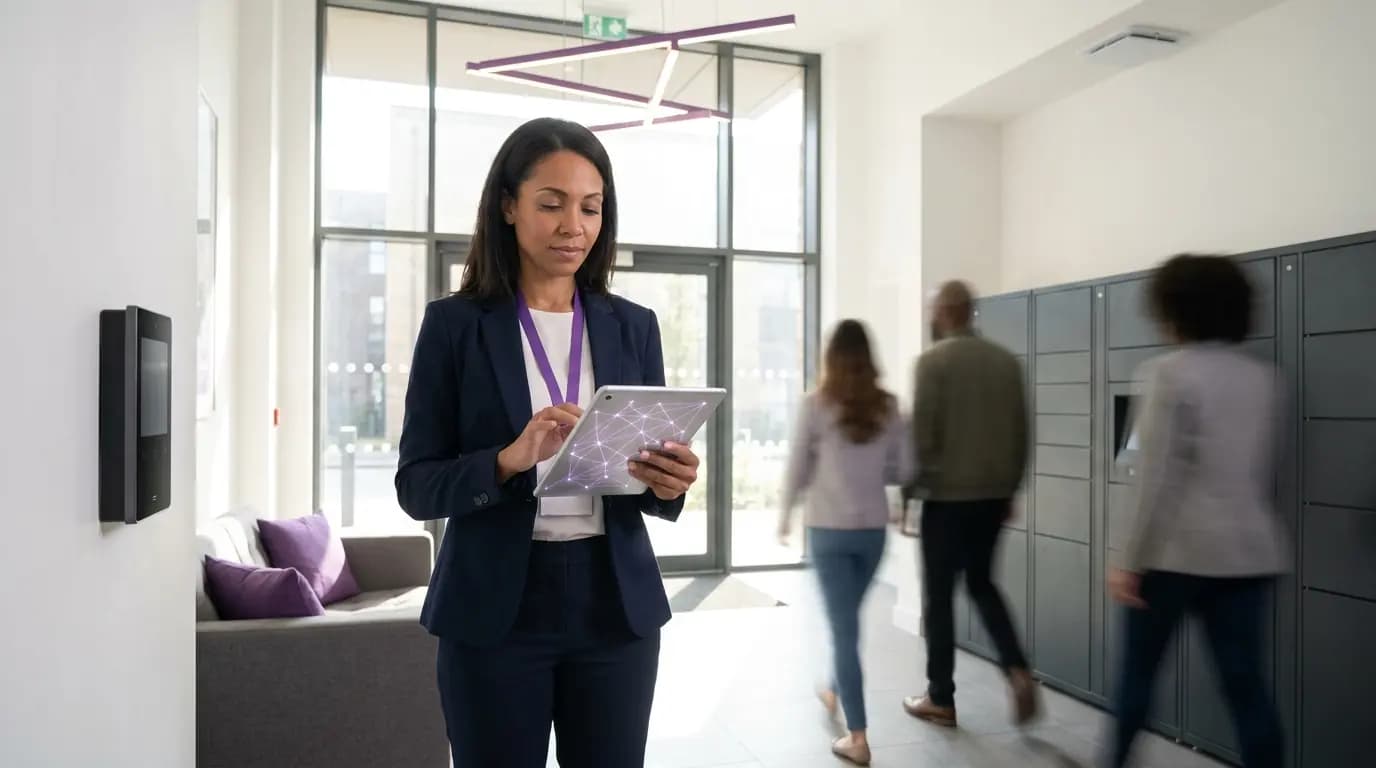
Smart locks, access control, CCTV, lift and plant sensors, parcel lockers and lobby screens cannot sign in with a username. xPSK gives each one its own key and its own VLAN, so a leaked key exposes one device rather than the building. Site and concierge teams sign in with their work account instead.
- Works under your vendor's name: iPSK on Cisco, DPSK on Ruckus, MPSK on HPE Aruba and Juniper Mist, PPSK on Extreme and UniFi
- MAC binding ties each key to the first device that uses it, and keys can be revoked one at a time
- Time-limited keys for contractors and fit-out teams, with no MDM required
- Staff sign in with Microsoft Entra ID, Okta or Google Workspace, and leavers lose access when their account is disabled
 xPSK
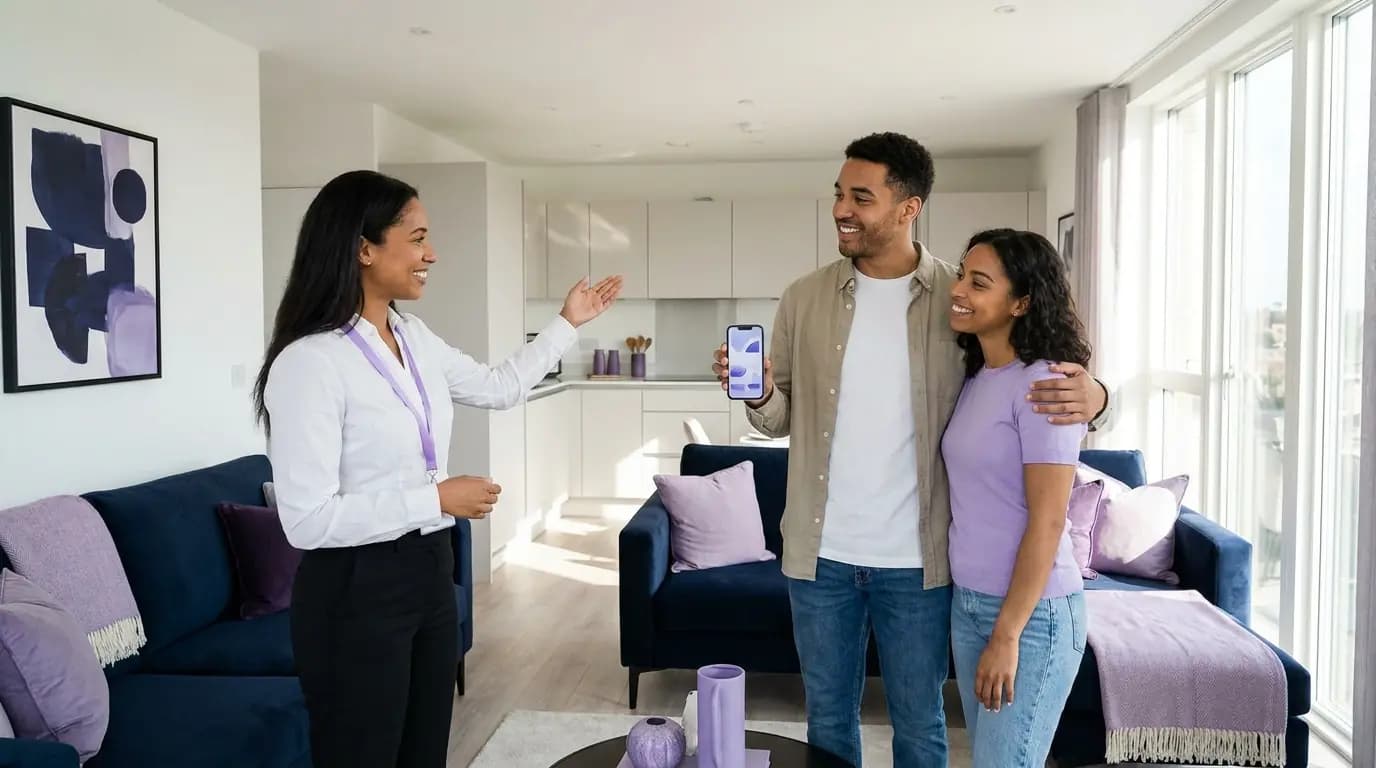
xPSKEvery viewing leaves a lead, every guest gets online
Prospective residents at a viewing, friends visiting for the weekend and guests at resident events all need WiFi. Purple gives them a branded captive portal in the lobby, show flat and amenity spaces, entirely separate from resident and building networks. Kexgill added two questions to its sign-in form and used a Twilio connector to send letting offers by SMS to the right visitors.
- Branded captive portal with UK GDPR consent and a full audit trail
- Custom fields on the sign-in form to qualify prospective residents
- Consented leads sent to your CRM through 400+ data connectors
- DNS content filtering on the visitor network
 Leasing
What it takes to run it per apartment, and what it takes with Purple
The resident experience of a home broadband line, delivered as one managed service across the whole building.

Hundreds of homes, one network to run
In one US multi-dwelling deployment, 500 apartments run on a single network fabric instead of 500 separately configured routers, with base internet included in the rent and premium tiers sold to residents as a new revenue stream. Across Purple, removing shared passwords cuts IT helpdesk requests by 80%.
Figures from a Purple partner deployment in a US multi-dwelling building, Purple platform data and service terms.
Live before your first residents move in
- 1
Point your access points at Purple
We configure cloud RADIUS and the resident, amenity, building and visitor networks on the access points already in your scheme.
- 2
Set up residents, staff and devices
Residents onboard through the Purple app, staff sign in with their work account and every building device gets its own key.
- 3
Roll out building by building
Our onboarding team switches on one block or site at a time, ideally before a new phase reaches practical completion.
See your building on one network platform
Tell us about your portfolio and we will show you how resident, amenity, building and leasing networks would run on your hardware.
- Works with Cisco Meraki, HPE Aruba, Ruckus, Juniper Mist, Ubiquiti UniFi, Cambium, Extreme and Fortinet
- A Private Area Network per resident, with mDNS reflection for casting and printing
- ISO 27001 certified, UK GDPR compliant, UK RADIUS region
Book a build-to-rent demo
A 30-minute call with someone who knows residential networks.
Build-to-rent WiFi questions, answered
What IT, operations and development teams ask us most
Do we need to replace our access points?
No. Purple layers on the access points you already own, including Cisco Meraki, HPE Aruba, Ruckus, Juniper Mist, Ubiquiti UniFi, Cambium, Extreme and Fortinet. There is no on-premise RADIUS server to install.
How do residents get online on move-in day?
They sign in once with the Purple app, which takes about 60 seconds for a phone or laptop. Smart TVs, speakers and consoles join with a private iPSK passcode from the app, and every device lands in the resident's own Private Area Network.
Can neighbours see each other's devices?
No. Each resident is placed in their own micro-segment, so their devices can find each other but are invisible to every other apartment. mDNS reflection keeps casting and printing working inside the bubble.
What happens when a resident moves out?
Their access is revoked and their devices can no longer connect. There is no router to collect and no shared password to change for the next resident.
Does WiFi work in the gym and co-working spaces?
Yes. Residents authenticate once and reconnect automatically in every amenity space and at your other sites, staying inside their own Private Area Network so they can still reach devices in their apartment.
Can we include WiFi in the rent and charge for faster speeds?
Yes. In one US multi-dwelling deployment, base internet is included in the rent and residents upgrade to premium tiers in the app through a Stripe payment gateway, across 500 apartments on a single network fabric.
Where is our residents' data held?
Purple has RADIUS regions in the UK, EU and US, is ISO 27001 certified, GDPR and CCPA compliant, and has had zero data breaches since 2012.
Built to Rent 的特色产品
大多数 Built to Rent 场所从第一天起就部署的 Purple 平台组件。
为 Built to Rent 推荐的解决方案
适用于 IT 和网络团队的 WiFi. 在 Cisco、Aruba、Juniper Mist、Meraki 和 Ubiquiti 之上分层部署的云端 Captive Portal、RADIUS 和分析。
查看 适用于 IT 和网络团队的 WiFi →Related pillar guides
The topical pillars most relevant to Built to Rent. Each guide is the canonical hub for that area of the platform.
Further reading for Built to Rent
Technical guides, articles and customer stories for teams running WiFi in this sector.
相关行业
在同一个 Purple 平台上运行的其他垂直行业。
Speak to an expert
Tell us about your venues and we'll show you how Purple fits.