কারিগরি WiFi নির্দেশিকা
গেস্ট WiFi, অ্যানালিটিক্স, Captive Portal এবং ভেন্যু প্রযুক্তির উপর গভীর, বিশেষজ্ঞ-চালিত কারিগরি নির্দেশিকা।
445 guides
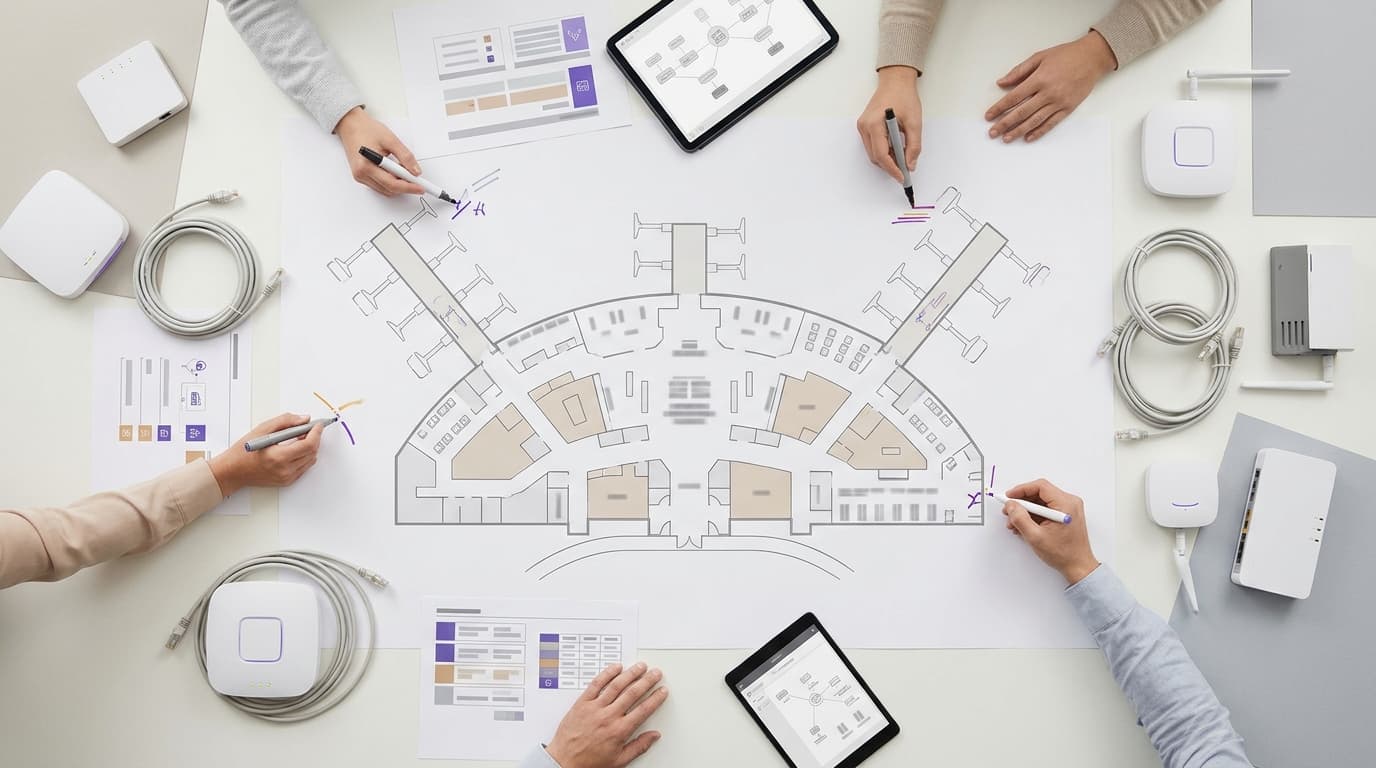
Airport WiFi প্ল্যাটফর্ম প্রদানকারী: RFP-তে যা যা থাকা আবশ্যক
আপনি স্কোরিং ক্রাইটেরিয়া লেখার আগে একটি হার্ডওয়্যার-অ্যাগনোস্টিক ক্লাউড ওভারলে, একটি বান্ডেল করা ম্যানেজড সার্ভিস এবং একটি কনসেশন মডেলের মধ্যে বেছে নিতে পারবেন। এরপর আপনি পিক কনকারেন্সি, Passpoint এবং OpenRoaming, অ্যাক্সেসযোগ্য বহুভাষিক পোর্টাল, UK এবং EU GDPR, জোন ডুয়েল অ্যানালিটিক্স, অ্যাপ ইন্টিগ্রেশন এবং সার্ভিস লেভেলের জন্য পরীক্ষাযোগ্য RFP ক্লজ নির্ধারণ করতে পারেন। একটি ওয়েটেড টেবিল কেবল ডকুমেন্টেড প্রমাণের ভিত্তিতে প্রতিটি ভেন্ডরকে স্কোর করে।
পেইড WiFi মনিটাইজেশন: ভাউচার, টায়ার্ড অ্যাক্সেস এবং পেমেন্ট গেটওয়ের তুলনা
PCI DSS এর আওতা, রিফান্ড প্রক্রিয়া, নেটওয়ার্কের প্রয়োজনীয়তা এবং পরিচালন ব্যয়ের ভিত্তিতে WiFi থেকে চার্জ নেওয়ার পাঁচটি উপায় তুলনা করুন - ভাউচার, টায়ার্ড অ্যাক্সেস, হোস্ট করা কার্ড গেটওয়ে, PMS পোস্টিং এবং স্পনসরশিপ। আপনি আপনার ভেন্যুর অর্থ প্রবাহকে একটি মডেলের সাথে মেলাতে পারবেন এবং ফার্স্ট পার্টি ডেটা ক্যাপচার সহ ফ্রি WiFi এর বিপরীতে ব্রেক ইভেন মডেল তৈরি করতে পারবেন।
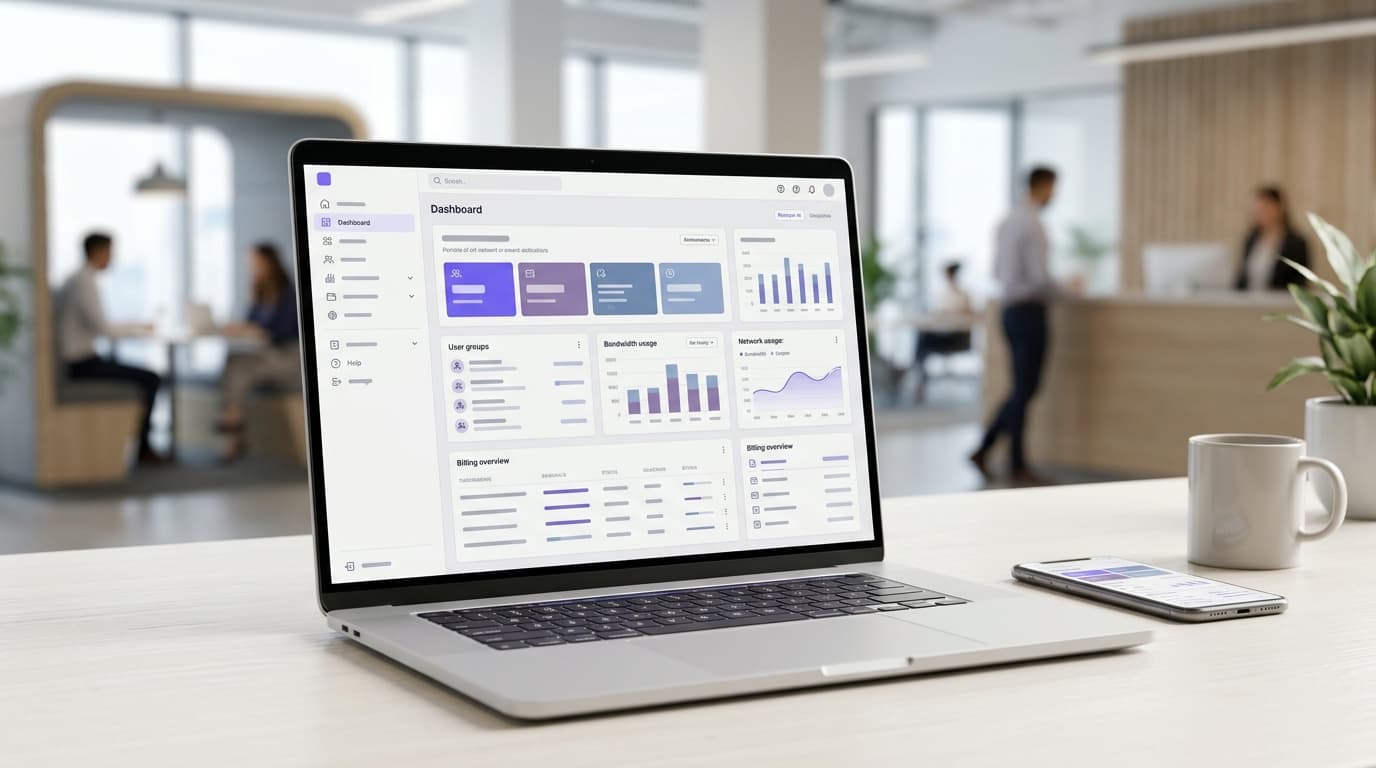
সার্ভিসড অফিস এবং কোওয়ার্কিং স্পেসের জন্য Managed WiFi: টেন্যান্ট আইসোলেশন এবং বিলিং
আপনি আপনার সার্ভিসড অফিস বা কোওয়ার্কিং স্পেসের জন্য একটি টেন্যান্ট আইসোলেশন মডেল বেছে নিতে পারবেন এবং পুরো প্রাঙ্গণে ৩টির বেশি SSID ব্যবহার করতে হবে না। এরপর আপনি এর পেছনে VLAN এবং ফায়ারওয়াল রুল ডিজাইন করতে পারবেন। আপনি নেটওয়ার্ক দ্বারা পরিচালিত বিলিং টিয়ার সেট করতে এবং আপনার ওয়ার্কস্পেস ম্যানেজমেন্ট সিস্টেম থেকে অ্যাক্সেস পরিবর্তনও ট্রিগার করতে পারবেন।
শপিং সেন্টারের জন্য ফুটফল অ্যানালিটিক্স: WiFi, ক্যামেরা এবং সেন্সরের তুলনা
আপনি সিদ্ধান্ত নিতে পারবেন আপনার শপিং সেন্টারের জন্য কোন ফুটফল পদ্ধতিটি প্রথমে প্রয়োজন: একটি ডিফেন্সেবল ডোর কাউন্টের জন্য এন্ট্রান্স কাউন্টার, অবস্থানকাল এবং জোন মুভমেন্টের জন্য WiFi প্রেজেন্স অ্যানালিটিক্স, নাকি ক্যাচমেন্টের জন্য মোবাইল ডেটা প্যানেল। আপনি প্রতি এন্ট্রান্সে প্রতিটি বিকল্পের খরচ হিসাব করতে পারবেন, UK GDPR দায়িত্ব পূরণ করতে পারবেন এবং জাতীয় ফুটফল সিরিজের সাথে বেঞ্চমার্ক করতে পারবেন।
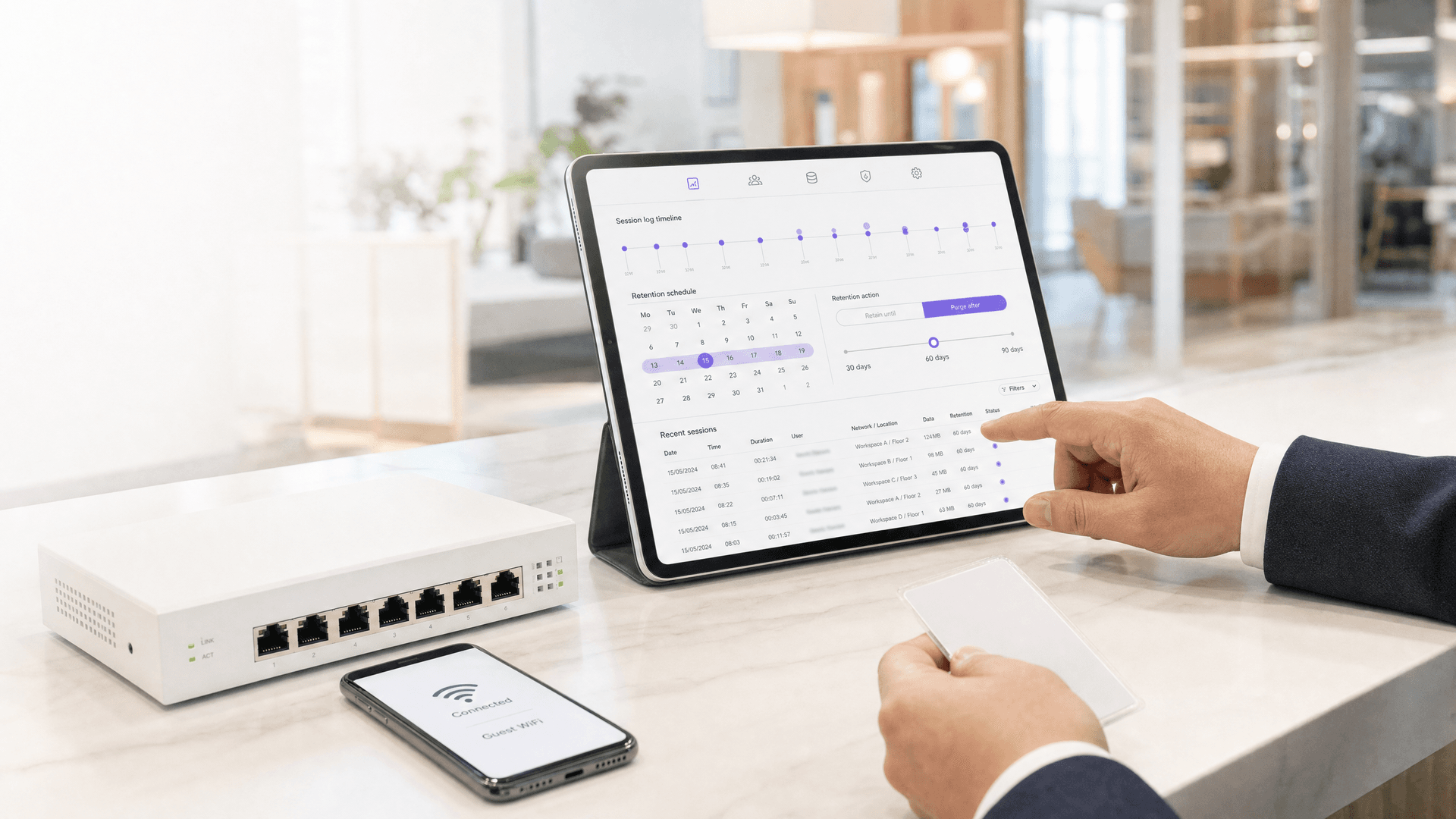
শেয়ার্ড WiFi অপারেটরদের জন্য GDPR ডেটা সংরক্ষণের নিয়ম: আপনি কতদিন গেস্ট লগইন ডেটা এবং নেটওয়ার্ক লগ সংরক্ষণ করতে পারেন
সংযোগের মেটাডেটা থেকে শুরু করে RADIUS অ্যাকাউন্টিং লগ পর্যন্ত, শেয়ার্ড WiFi ডেটার প্রতিটি বিভাগের জন্য একটি নথিভুক্ত সংরক্ষণের সময়সীমা নির্ধারণ করুন এবং GDPR Article 5(1)(e)-এর অধীনে তার যৌক্তিকতা প্রমাণ করুন। আপনি প্রতিটি টেন্যান্টের জন্য নিয়ন্ত্রক (controller) নাকি প্রসেসর (processor) তা নির্ধারণ করতে সক্ষম হবেন, এবং Investigatory Powers Act 2016 আপনাকে সত্যি ১২ মাসের জন্য রেকর্ড রাখতে বাধ্য করে কিনা তাও সিদ্ধান্ত নিতে পারবেন।
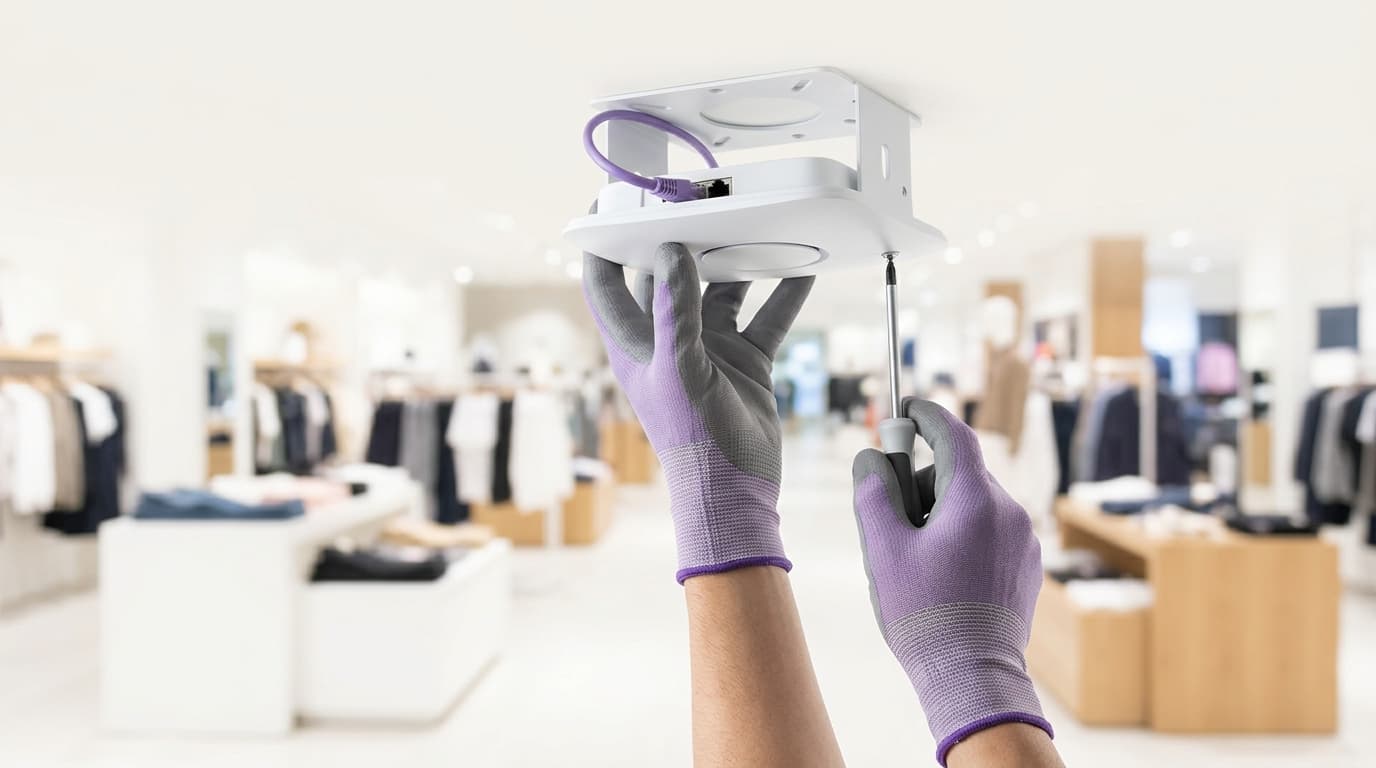
ফ্র্যাঞ্চাইজিগুলির জন্য মাল্টি-সাইট গেস্ট WiFi: স্থানীয় ব্র্যান্ডিং সহ কেন্দ্রীয় নিয়ন্ত্রণ
আপনি আপনার ফ্র্যাঞ্চাইজি এস্টেট জুড়ে গেস্ট WiFi-এর জন্য একটি অপারেটিং মডেল নির্বাচন করতে পারবেন এবং GDPR-এর অধীনে গেস্ট ডেটা কে নিয়ন্ত্রণ করবে তা নির্ধারণ করতে পারবেন। তারপর আপনি কেন্দ্রীয়ভাবে ব্র্যান্ড এবং সম্মতি লক করতে পারেন, ফ্র্যাঞ্চাইজিদের ভেন্যু-স্কোপড অ্যাক্সেস দিতে পারেন এবং একটি ভেন্ডর-গ্রুপভিত্তিক রোলআউটের পরিকল্পনা করতে পারেন। এই পদ্ধতিটি মিশ্র Cisco Meraki, HPE Aruba, Ruckus এবং Ubiquiti UniFi হার্ডওয়্যারে একটি ক্লাউড ওভারলে হিসেবে চলে।
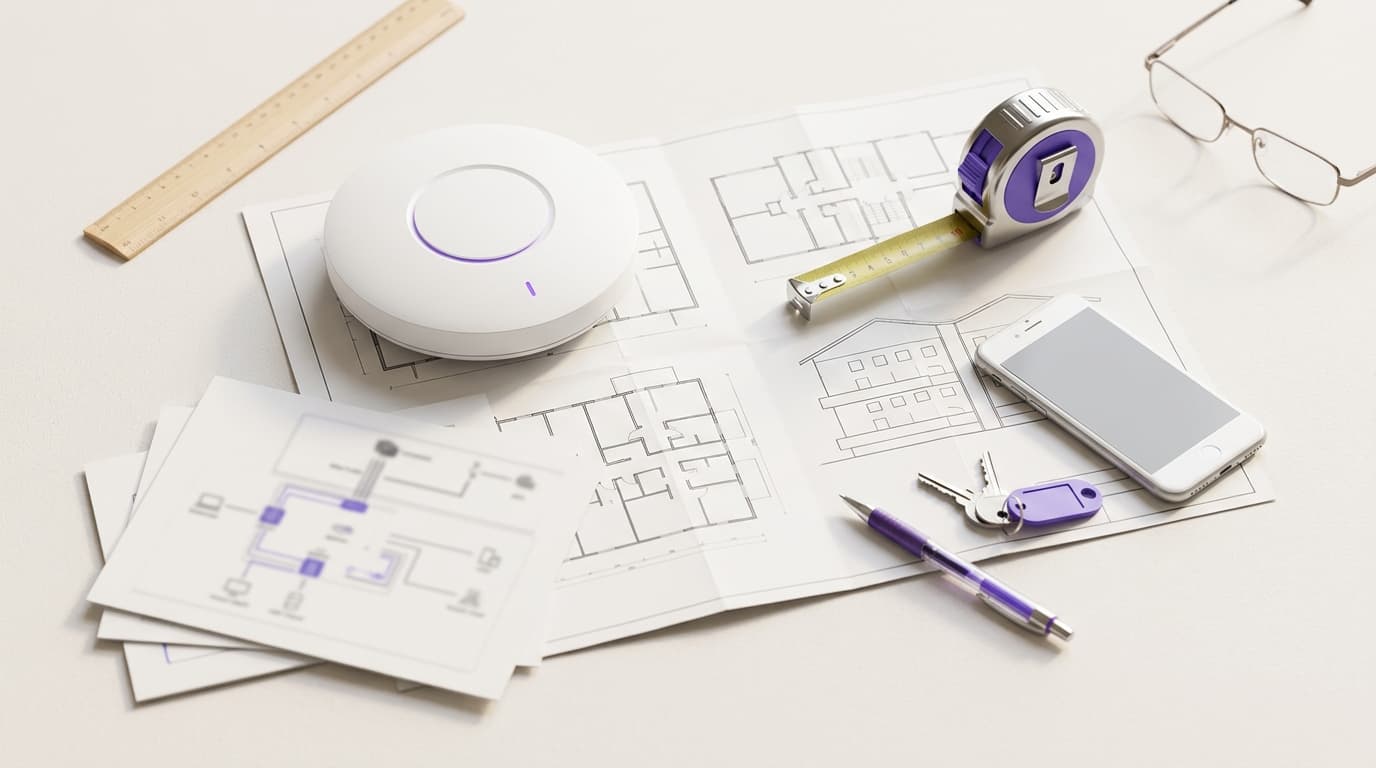
ইউনিট-প্রতি VLAN এবং PSK আর্কিটেকচার: MDU নেটওয়ার্কের জন্য একটি ডিজাইন গাইড
আপনি চারটি ফ্যাক্টর ব্যবহার করে প্রতিটি অ্যাপার্টমেন্টের জন্য একটি VLAN এবং প্রতিটি বাসিন্দার ইউনিক কী দ্বারা চালিত পলিসির মধ্যে বেছে নিতে পারবেন: ওয়ারার্ড পোর্ট, টার্নওভার বা চর্ন, সেগমেন্টের সংখ্যা এবং হার্ডওয়্যার সাপোর্ট। এরপর আপনি BTR, PBSA এবং অ্যাপার্টহোটেল সাইটগুলির জন্য DHCP স্কোপের সাইজ নির্ধারণ করতে পারবেন, আপনার আসল প্ল্যাটফর্ম সীমার বিপরীতে সেগমেন্ট গণনা করতে পারবেন এবং রানিং খরচ অনুমান করতে পারবেন।

কাউন্সিলের পাবলিক WiFi প্রদানকারী: সংগ্রহ প্রক্রিয়া এবং কী কী উল্লেখ করতে হবে
আপনি কাউন্সিলের পাবলিক WiFi-এর জন্য সঠিক সংগ্রহ প্রক্রিয়া বেছে নিতে সক্ষম হবেন, যা ফিজিক্যাল বিল্ড থেকে ক্লাউড প্ল্যাটফর্মকে আলাদা করে। এছাড়াও আপনি এমন একটি স্পেসিফিকেশন তৈরি করতে পারবেন যা দরদাতারা মূল্যায়ন করতে পারবে এবং হস্তান্তরের সময় আপনি যা পরীক্ষা করতে পারবেন। এতে কভারেজ, পিক কনকারেন্সি, IWF ফিল্টারিং, WCAG 2.2 AA, একটি UK GDPR আইনগত ভিত্তি এবং প্রমাণ ভিত্তিক সরবরাহকারী স্কোরিং অন্তর্ভুক্ত রয়েছে।
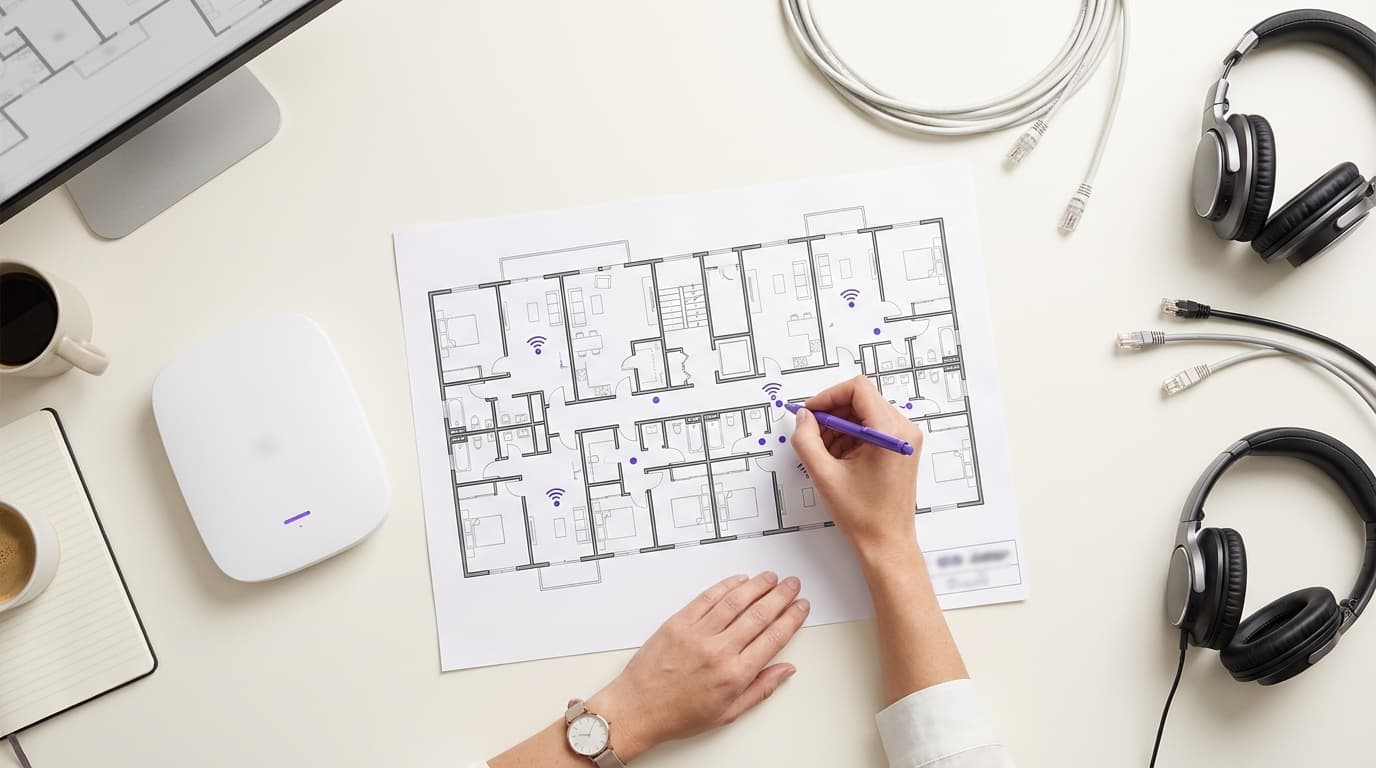
MDU এবং স্টুডেন্ট অ্যাকোমোডেশনের জন্য পার-রেসিডেন্ট WiFi বিলিং: প্ল্যাটফর্ম অপশনসমূহ
আপনি MDU, BTR এবং PBSA স্কিমগুলোর জন্য বাল্ক ইনক্লুশন, ল্যান্ডলর্ড রিটেইল, থার্ড-পার্টি ISP রিটেইল এবং বেস-প্লাস-আপগ্রেড WiFi বিলিংয়ের মধ্যে বেছে নিতে পারবেন। আপনি প্রতিটি মডেলের UK VAT অবস্থানও যাচাই করতে পারেন। এছাড়া একটি প্ল্যাটফর্ম শর্টলিস্ট করার আগে লিখিতভাবে কোন কোন পার-ইউনিট কি, PMS ইন্টিগ্রেশন এবং অটোমেটিক রিভোকেশন ফিচারগুলোর প্রয়োজন তা আপনি জানতে পারবেন।
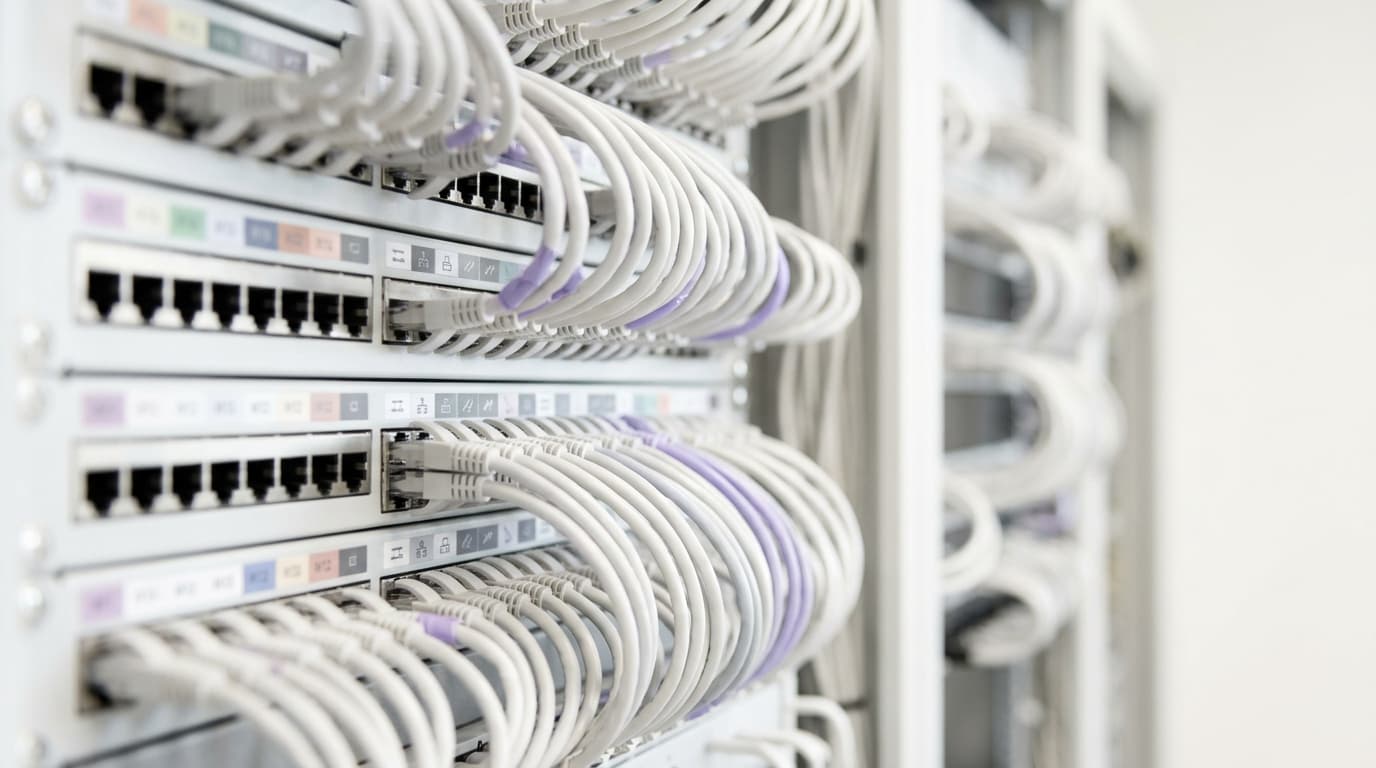
Retrofit বনাম new build: MDU WiFi কেবলিং এবং access point প্লেসমেন্ট পরিকল্পনা
একটি অ্যাপার্টমেন্ট বিল্ডিংয়ে corridor নাকি in-unit access point প্রয়োজন তা নির্ধারণ করুন, এবং কেবলিং, riser, fire-stopping এবং PoE বাজেট পরিকল্পনা করুন যা প্রতিটি পথের জন্য আবশ্যক। আপনি অ্যাক্সেস সীমা বিবেচনা করে একটি নির্দেশিত-বিল্ডিং retrofit এর জন্য স্কোপ তৈরি করতে পারবেন, অথবা RIBA Stage 3 এর মাধ্যমে একটি new build-এ নেটওয়ার্ক ডিজাইন অন্তর্ভুক্ত করতে পারবেন যাতে প্রতিটি AP 90-মিটার permanent link-এর মধ্যে থাকে।
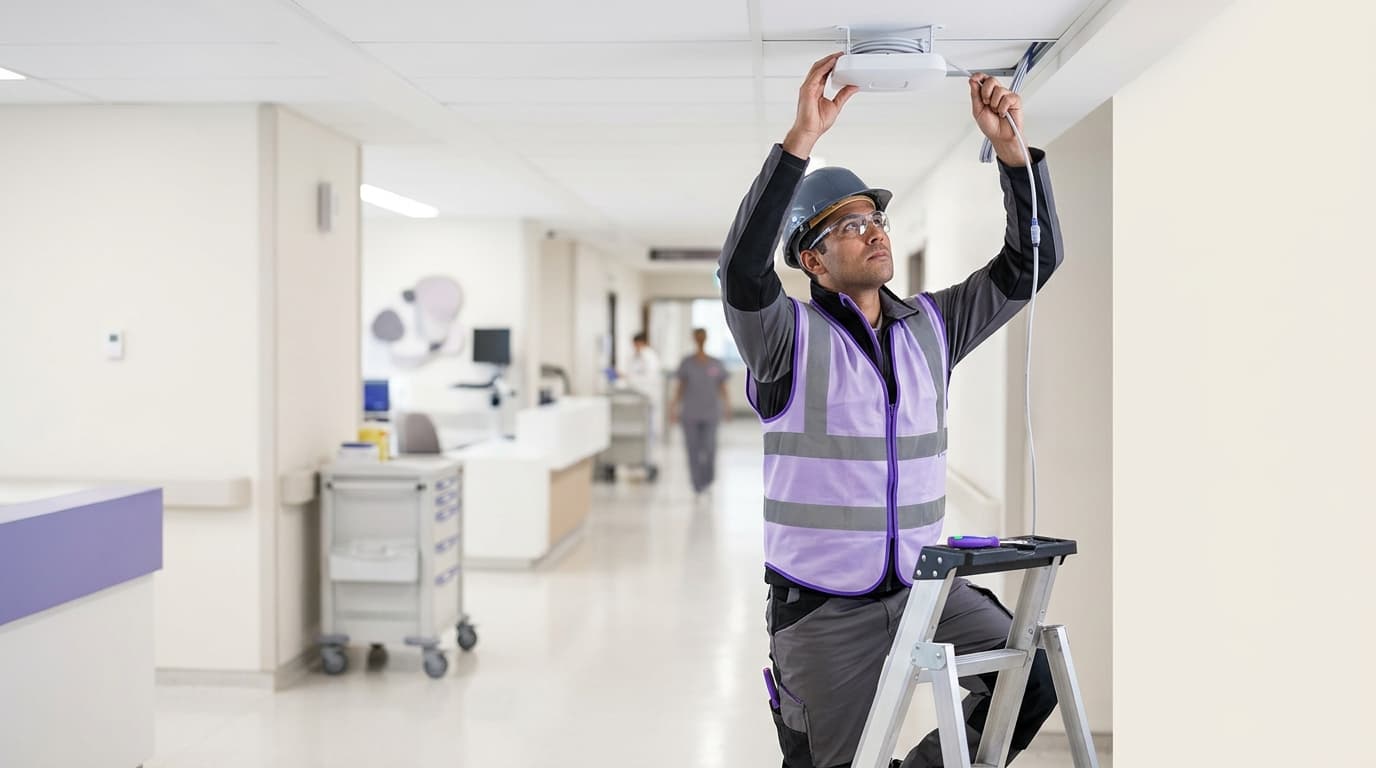
হাসপাতাল কর্মীদের WiFi এর জন্য HIPAA Technical Safeguards: Security Rule প্রকৃতপক্ষে যা চায়
আপনি 45 CFR 164.312-এর পাঁচটি HIPAA technical safeguard স্ট্যান্ডার্ডের প্রতিটিকে একটি নির্দিষ্ট কর্মী WiFi নিয়ন্ত্রণের সাথে ম্যাপিং করতে পারবেন। এরপর আপনি সিদ্ধান্ত নিতে পারেন কোন SSID কনফিগারেশনগুলো OCR অডিটে টিকে থাকবে, শেয়ার করা পাসফ্রেজগুলো বন্ধ করতে পারবেন এবং আপনার পরবর্তী ঝুঁকি বিশ্লেষণের আগেই অডিটরের চাওয়া প্রমাণগুলো সংগ্রহ করতে পারবেন।
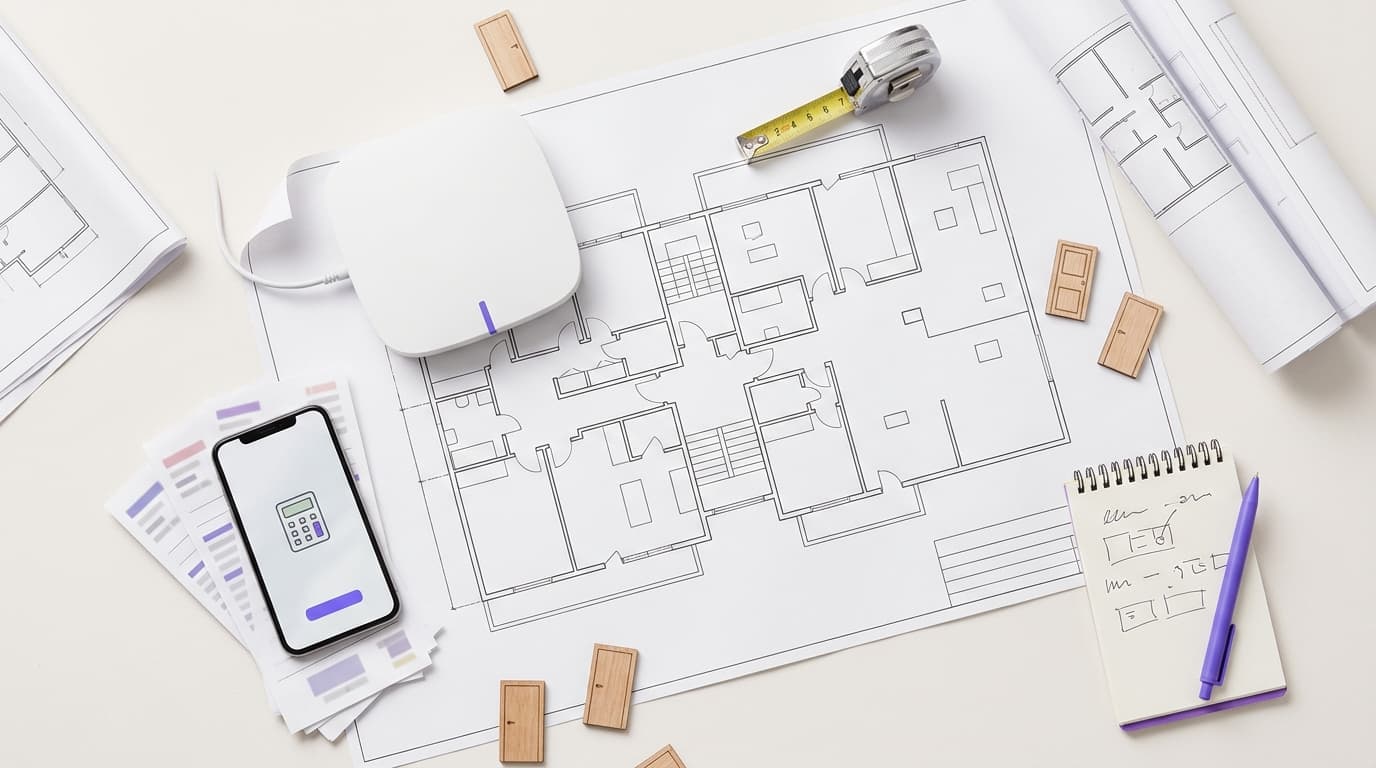
প্রতি ডোর বা ইউনিটে Managed WiFi খরচ: MDU অপারেটরদের জন্য একটি কার্যকারী মডেল
আপনি একটি MDU স্কিমের জন্য কেব্লিং, এক্সেস পয়েন্ট, সুইচিং, লাইসেন্সিং এবং সাপোর্ট জুড়ে লাইন বাই লাইন হিসাব করে প্রতি ডোর বা ইউনিটে একটি গ্রহণযোগ্য managed WiFi খরচ তৈরি করতে পারবেন। এরপর আপনি ম্যানেজড সার্ভিস বিডগুলো স্বাভাবিক পরিমাপে আনতে পারবেন, স্কেল এবং সম্পদগুলোর মেয়াদ কীভাবে এই পরিসংখ্যানে প্রভাব ফেলে তা পরীক্ষা করতে পারবেন এবং রিটেইল ব্রডব্যান্ড বেঞ্চমার্কের সাথে সম্পূর্ণ লোড করা মাসিক খরচ তুলনা করতে পারবেন।

Android-এ 802.11r এবং 802.11k: Cisco Meraki, HPE Aruba এবং Ubiquiti UniFi-তে ফাস্ট রোমিং ডেপ্লয়মেন্ট
আপনি Cisco Meraki, HPE Aruba অথবা Ubiquiti UniFi-তে আপনার Android ফ্লিটের জন্য 802.11r, 802.11k এবং 802.11v সক্ষম করবেন কিনা এবং কোন 802.11r স্ট্র্যাটেজি চালাবেন তা সিদ্ধান্ত নিতে পারবেন। আপনি নিরাপদে পরিবর্তনটি পাইলট করতে, একটি প্যাকেট ক্যাপচারে প্রতিটি হ্যান্ডসেট মডেল নিশ্চিত করতে এবং ছয়টি সবচেয়ে সাধারণ অ্যাসোসিয়েশন ব্যর্থতা সমাধান করতে পারবেন।
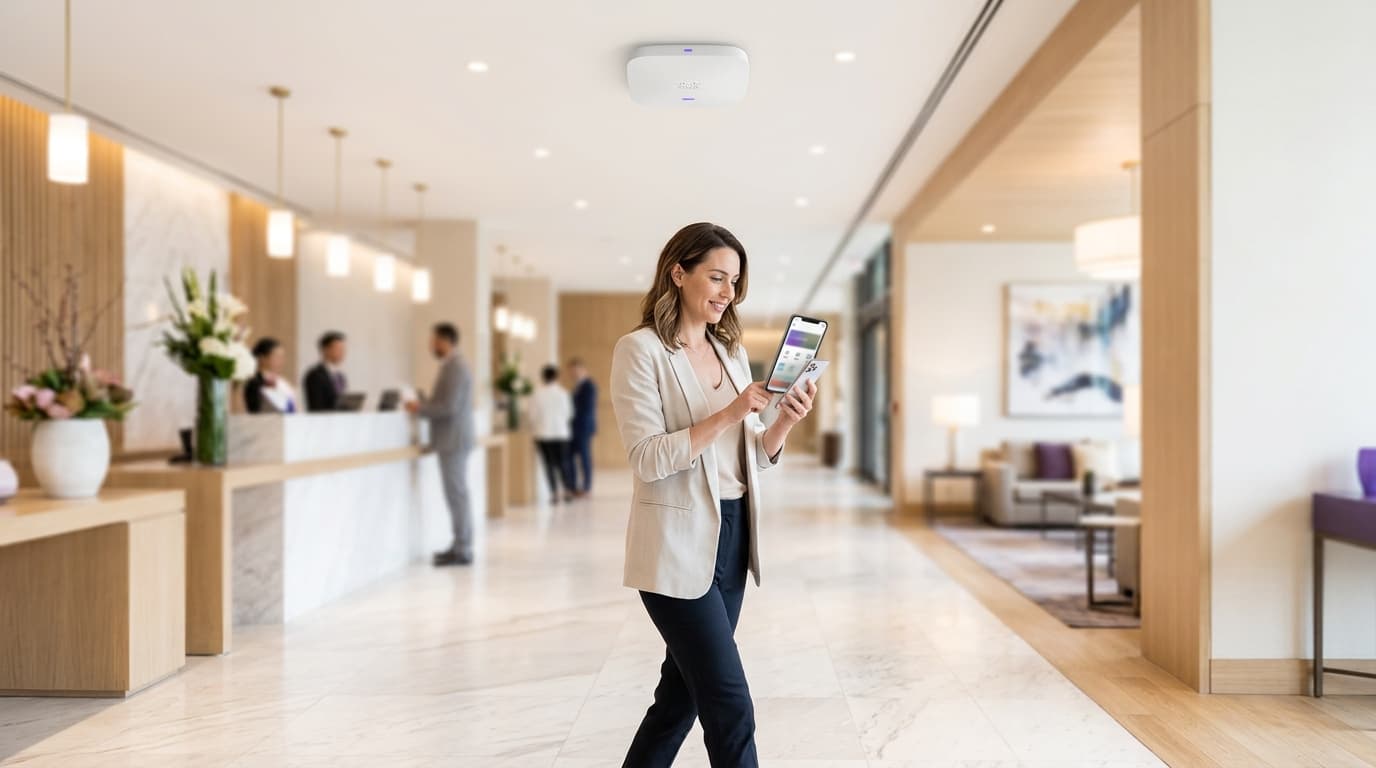
Cisco Meraki 802.11r adaptive vs enabled: MR access point-এ রোমিং সমস্যা সমাধান
আপনার ডিভাইসের ধরন এবং সিকিউরিটি মোডের উপর ভিত্তি করে আপনি প্রতিটি Cisco Meraki MR SSID-এ 802.11r ডিজেবলড, এনাবেলড এবং অ্যাডাপ্টিভের মধ্যে বেছে নিতে পারবেন। আপনি একটি টেস্ট SSID, ইভেন্ট লগ এবং প্যাকেট ক্যাপচারের মাধ্যমে জয়েন ব্যর্থতা এবং ধীরগতির রোমিং নির্ণয় করতে পারবেন, তারপর ডিভাইস ক্লাস অনুযায়ী SSID বিভক্ত করতে পারবেন।

WiFi-এর জন্য Microsoft Cloud PKI: Intune এবং Entra ID সহ EAP-TLS সার্টিফিকেট ডিপ্লয়মেন্ট
আপনি সিদ্ধান্ত নিতে পারবেন যে Microsoft Cloud PKI, একটি Cloud PKI root নাকি আপনার নিজস্ব CA (BYOCA) আনা আপনার প্রতিষ্ঠানের সাথে মানানসই। তারপর আপনি NDES ছাড়াই Intune-পরিচালিত ডিভাইসগুলিতে EAP-TLS WiFi সার্টিফিকেট ডিপ্লয় করতে পারবেন। এই নির্দেশিকাটিতে RADIUS কীভাবে চেইনকে ট্রাস্ট করায়, CRL-এর মাধ্যমে সার্টিফিকেট বাতিল করে এবং আটটি সর্বাধিক সাধারণ ত্রুটি সমাধান করে তাও অন্তর্ভুক্ত রয়েছে।
একটি বাহ্যিক পোর্টাল সার্ভারের সাথে FortiGate Captive Portal সেটআপ
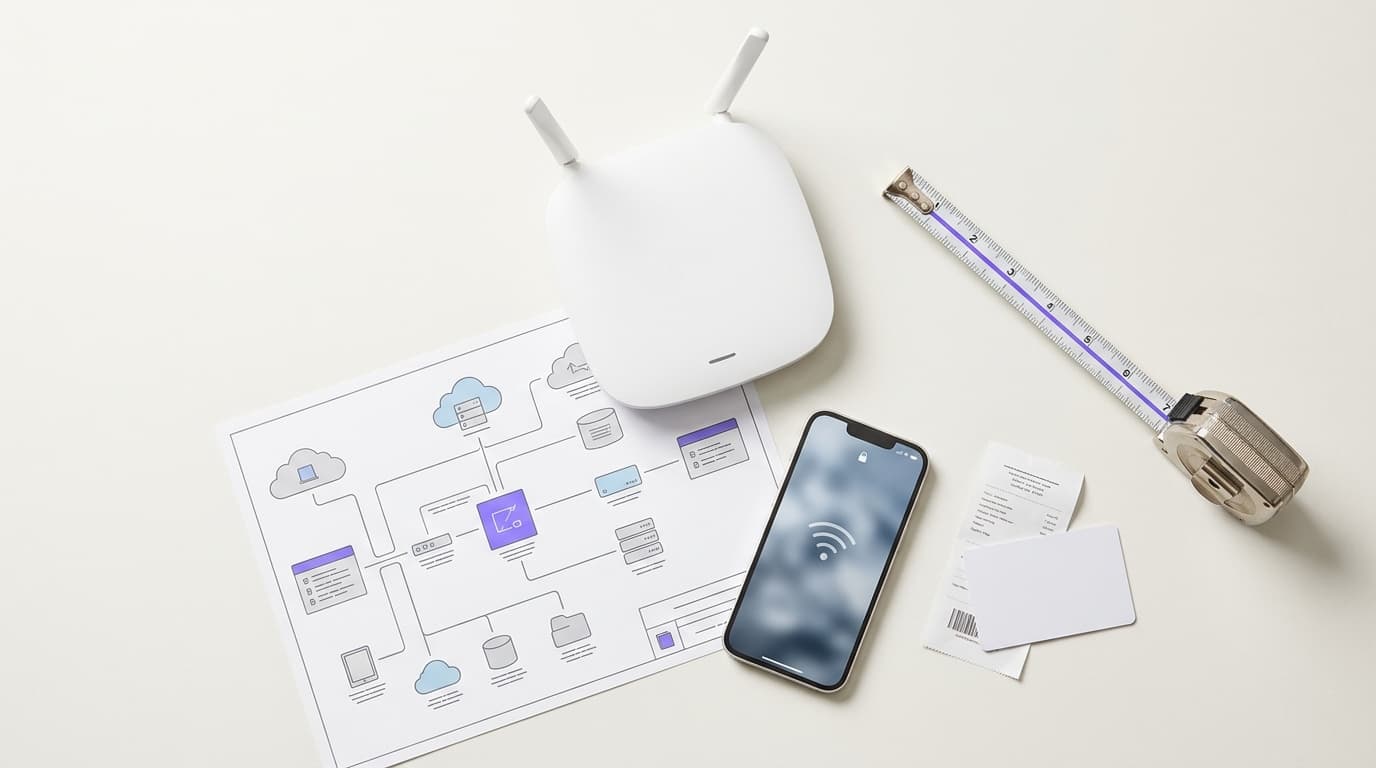
আপনি RADIUS অ্থেনটিকেশন এবং অ্যাকাউন্টিং, একটি কার্যকর এক্সেম্পট তালিকা এবং একটি ট্রাস্টেড সার্টিফিকেট সহ Purple দ্বারা হোস্ট করা একটি বাহ্যিক Captive Portal কার্যকর করতে FortiGate কনফিগার করতে সক্ষম হবেন। আপনি বিল্ট ইন এবং এক্সটার্নাল পোর্টালের মধ্যে সিদ্ধান্ত নিতে পারেন, আসল ডিভাইসে পরীক্ষা করতে পারেন এবং গেস্ট লগইনকে সবচেয়ে বেশি বাধা দেয় এমন ত্রুটিগুলি সমাধান করতে পারেন।
ক্লাউড RADIUS সহ Juniper Mist-এ 802.1X কনফিগার করা
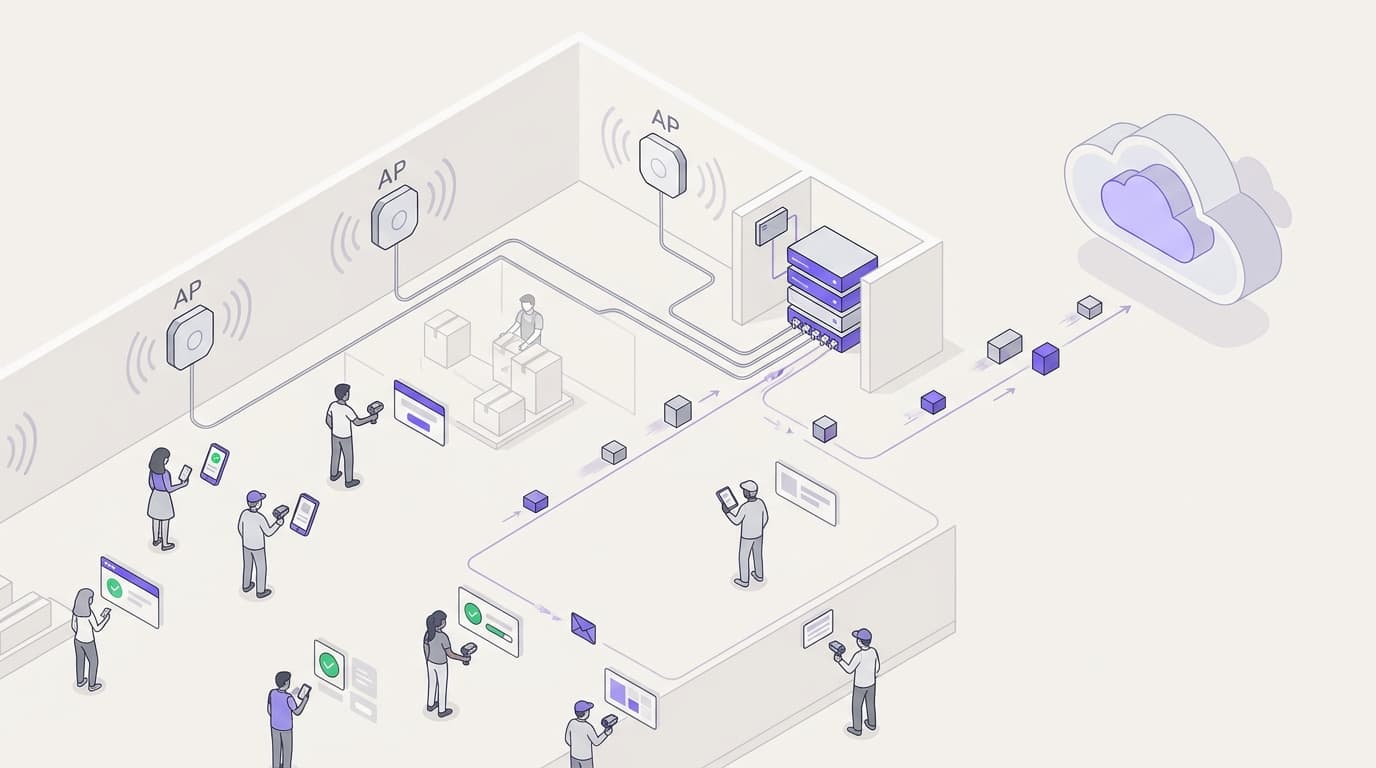
আপনি Juniper Mist-এ একটি WPA2 বা WPA3-Enterprise WLAN কনফিগার করতে পারবেন যা ক্লাউড RADIUS-এর বিরুদ্ধে প্রমানিত হয়, UDP RADIUS, RadSec এবং একটি Mist Edge প্রক্সির মধ্যে সিদ্ধান্ত নিতে পারবেন এবং RADIUS অ্যাট্রিবিউটগুলিকে ডায়নামিক VLAN-এ ম্যাপিং করতে পারবেন। আপনি এটিও জানতে পারবেন যে Mist-এর ক্লায়েন্ট ইনসাইট টাইমেলাইন এবং Marvis ঠিক কোথায় ব্যর্থ প্রমাণীকরণ হয়েছে তা দেখায়।

হোয়াইট লেবেল Captive Portal সফটওয়্যার: স্বাক্ষর করার আগে MSP এবং রিসেলারদের যা পরীক্ষা করা উচিত
আপনি সম্পূর্ণ হোয়াইট লেবেল, কো-ব্র্যান্ডেড এবং রেফারেল মডেলের মধ্যে বেছে নিতে পারবেন, তারপর মাল্টি-টেন্যান্সি, ব্র্যান্ডিংয়ের গভীরতা, হার্ডওয়্যার কভারেজ, বিলিং, GDPR সম্মতি রেকর্ড, API এবং সাপোর্ট এস্কেলেশনের ভিত্তিতে ভেন্ডরদের স্কোর করতে পারবেন। নির্দেশিকাটি ১৫টি RFP প্রশ্ন এবং একটি রেড-ফ্ল্যাগ টেবিল দিয়ে শেষ হয়েছে যা আপনি স্বাক্ষর করার আগে সংক্ষিপ্ত তালিকাভুক্ত প্রতিটি ভেন্ডরকে পাঠাতে পারেন।

Captive Portal এর মূল্য নির্ধারণের তুলনা: স্থান প্রতি, অ্যাক্সেস পয়েন্ট প্রতি এবং ব্যবহারকারী প্রতি মডেল
আপনার প্রাঙ্গণের জন্য কোন Captive Portal মূল্য নির্ধারণের মডেলটি উপযুক্ত তা নির্ধারণ করুন: স্থান প্রতি, অ্যাক্সেস পয়েন্ট প্রতি, ব্যবহারকারী বা সেশন প্রতি, অথবা হার্ডওয়্যারের সাথে বান্ডেল করা। প্রতিটি উদ্ধৃতিতে আপনার ভেন্যুর সংখ্যা, AP এর সংখ্যা এবং মাসিক লগইন প্রয়োগ করুন। তারপর SMS, সাপোর্ট, ইন্টিগ্রেশন, সম্মতি এবং এক্সিট খরচ যোগ করুন, এবং তিন বছরের মোট খরচের ভিত্তিতে ভেন্ডরদের তালিকাভুক্ত করুন।
নেটওয়ার্ক টপোলজি ম্যাপিং গাইড: CDP, LLDP এবং MTR থেকে একটি লাইভ ডিভাইস ম্যাপ তৈরি করা
আপনি CDP এবং LLDP নেবার টেবিল, MTR পাথ হপস এবং একটি LAN সাবনেট সুইপ মার্জ করে সর্বদা আপ-টু-ডেট থাকে এমন একটি নেটওয়ার্ক ম্যাপ তৈরি করতে সক্ষম হবেন। এরপর আপনি নির্ভুলতার জন্য ম্যাপটি পরীক্ষা করতে পারেন, সাধারণ ডিসকভারি ত্রুটিগুলি সমাধান করতে পারেন এবং একটি ফ্রি, পেইড নাকি ডিসকভারি-চালিত ম্যাপার আপনার এস্টেটের জন্য উপযুক্ত তা নির্ধারণ করতে পারেন।
নেটওয়ার্ক ডিভাইস ম্যানেজমেন্ট নির্দেশিকা: একটি সম্পূর্ণ NMS ছাড়াই SNMP, TFTP, এবং syslog
আপনি একটি ম্যানেজমেন্ট হোস্ট থেকে রান করা SNMP পোলিং, TFTP কনফিগ ব্যাকআপ এবং একটি syslog ও ট্র্যাপ রিসিভারের সাহায্যে একটি ছোট সুইচ এবং রাউটার এস্টেট পরিচালনা করতে পারবেন। আপনি এটিও সিদ্ধান্ত নিতে পারবেন যে কখন এই হালকা সেটআপটি যথেষ্ট এবং কখন ক্রমাগত মনিটরিং, ট্রেন্ড হিস্ট্রি বা মাল্টি-সাইট স্কেলের জন্য একটি সম্পূর্ণ NMS প্রয়োজন।
স্টাফ WiFi কীভাবে আপনাকে ISO/IEC 27001 মেনে চলতে সাহায্য করে: আপনার ওয়্যারলেস নেটওয়ার্কে Annex A কন্ট্রোলস ম্যাপিং
আপনি সিদ্ধান্ত নিতে সক্ষম হবেন যে আপনার স্টাফ WiFi ১২টি ISO/IEC 27001:2022 Annex A কন্ট্রোলস (A.5.15, A.8.5 এবং A.8.22 সহ) প্রমাণ করতে পারে কিনা। আপনি একটি শেয়ার্ড WPA2-PSK কী-কে IEEE 802.1X এবং ডাইনামিক VLANs দ্বারা প্রতিস্থাপন করতেও সক্ষম হবেন। সবশেষে, আপনি RADIUS লগ, সেগ্রিগেশন টেস্ট এবং সাপ্লায়ার রেকর্ড সংগ্রহ করতে পারবেন যা একজন অডিটর স্টেজ ২-এ গ্রহণ করেন।
Guest WiFi ROI: গণনা পদ্ধতি এবং ভেন্যু বেঞ্চমার্ক
আপনি এমন একটি guest WiFi ROI মডেল তৈরি করতে সক্ষম হবেন যা আপনার ফাইন্যান্স ডিরেক্টর সহজেই অনুমোদন করবেন - রাজস্ব এবং অ্যাট্রিবিউশনের পরিবর্তে গ্রস মার্জিন এবং হোল্ডআউট গ্রুপ ব্যবহার করে। চারটি ভ্যালু স্ট্রিম গণনা করুন, লিফট অনুমান অর্ধেক করে সেগুলিকে স্ট্রেস-টেস্ট করুন এবং দ্বিতীয় বছরের বাজেট অনুরোধ করার আগে প্রথম বছরের প্রতিটি অনুমানকে আপনার নিজস্ব ৯০ দিনের বেসলাইন দিয়ে প্রতিস্থাপন করুন।
Cyber Essentials এবং স্টাফ WiFi: আপনার ওয়্যারলেস নেটওয়ার্কে পাঁচটি কন্ট্রোল পাস করা
আপনি Cyber Essentials-এর পাঁচটি কন্ট্রোলের প্রত্যেকটি আপনার স্টাফ WiFi-এর সাথে ম্যাপ করতে এবং অ্যাসেসরদের খুঁজে পাওয়া ত্রুটিগুলো সমাধান করতে সক্ষম হবেন। এরপর আপনি প্রতিটি ডিভাইস ক্লাসের জন্য 802.1X, iPSK এবং একটি পৃথকীকৃত WPA2-PSK নেটওয়ার্কের মধ্যে থেকে বেছে নিতে পারেন। সবশেষে, একটি Cyber Essentials Plus অডিটের জন্য কীভাবে অ্যাক্সেস পয়েন্ট, কন্ট্রোলার এবং BYOD প্রস্তুত করতে হয় তা আপনি জানতে পারবেন।
আপনার নির্দিষ্ট সেটআপ নিয়ে কোনো প্রশ্ন আছে?
আমাদের টিম ৮০,০০০ ভেন্যুতে ভেন্যু অপারেটর, IT ম্যানেজার এবং নেটওয়ার্ক ইঞ্জিনিয়ারদের সাথে কাজ করে। একটি ২০ মিনিটের কল বুক করুন এবং আপনার মতো অন্যরা কীভাবে এর সমাধান করেছেন তা আমরা আপনাকে দেখাব।