Technische WiFi-Leitfäden
Tiefgehende, expertengeführte technische Leitfäden zu Gast-WiFi, Analytics, Captive Portals und Standorttechnologie.
445 guides
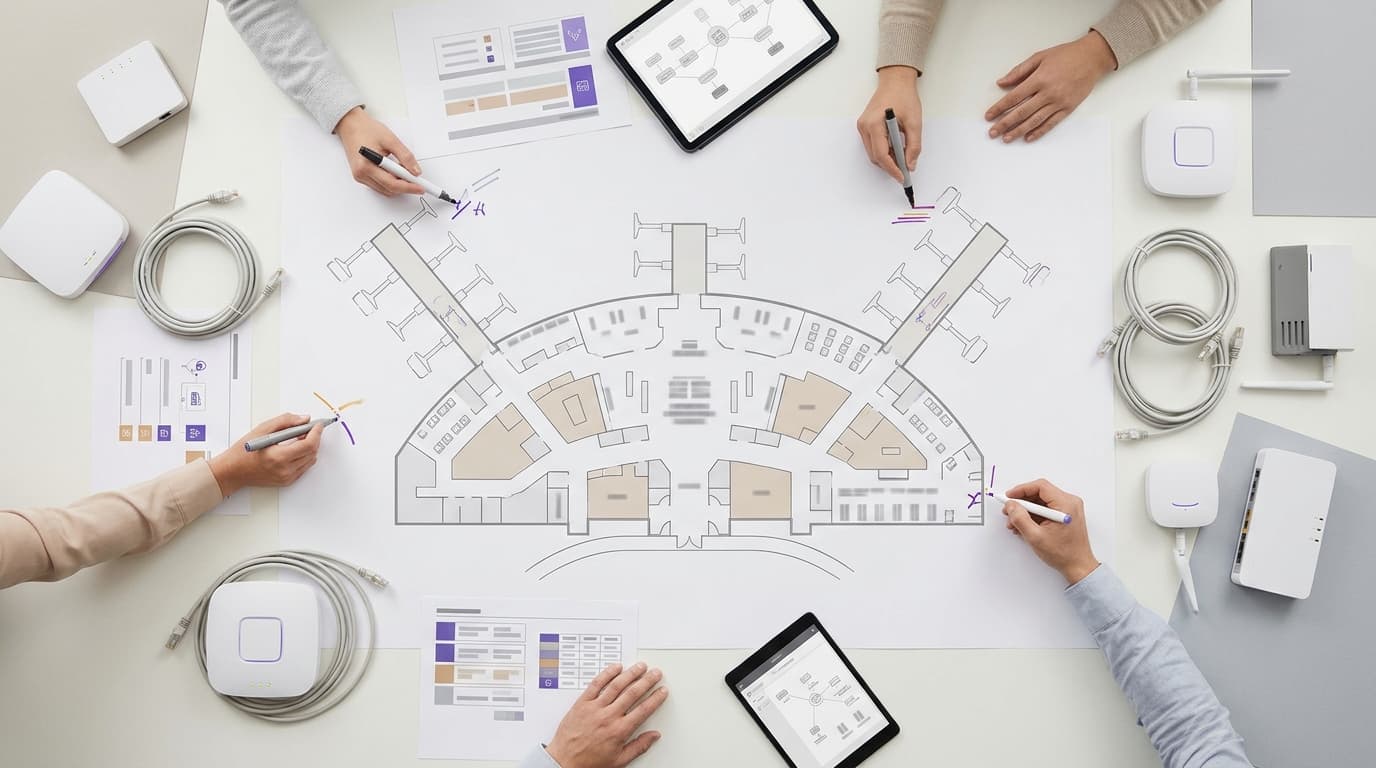
Anbieter von Flughafen-WiFi-Plattformen: Was in die Ausschreibung gehört
Sie können zwischen einem hardware-unabhängigen Cloud-Overlay, einem gebündelten Managed Service und einem Konzessionsmodell wählen, bevor Sie die Bewertungskriterien festlegen. Anschließend können Sie prüfbare Ausschreibungsklauseln für Spitzen-Gleichzeitigkeit, Passpoint und OpenRoaming, barrierefreie mehrsprachige Portale, UK GDPR und EU-GDPR, Zonen-Verweildauer-Analysen, App-Integrationen und Service Level Agreements festlegen. Eine gewichtete Tabelle bewertet jeden Anbieter ausschließlich anhand dokumentierter Nachweise.
Kostenpflichtige WiFi-Monetarisierung: Gutscheine, gestaffelter Zugang und Zahlungs-Gateways im Vergleich
Vergleichen Sie fünf Möglichkeiten, gebührenpflichtiges WiFi anzubieten - Gutscheine, gestaffelter Zugang, gehostete Karten-Gateways, PMS-Buchungen und Sponsoring - hinsichtlich PCI DSS-Umfang, Erstattungsweg, Netzwerkanforderungen und Betriebskosten. Sie werden in der Lage sein, den Geldfluss Ihres Standorts mit einem passenden Modell abzugleichen und die Gewinn-Schwelle gegenüber kostenlosem WiFi mit der Erfassung von Erstanbieter-Daten zu modellieren.
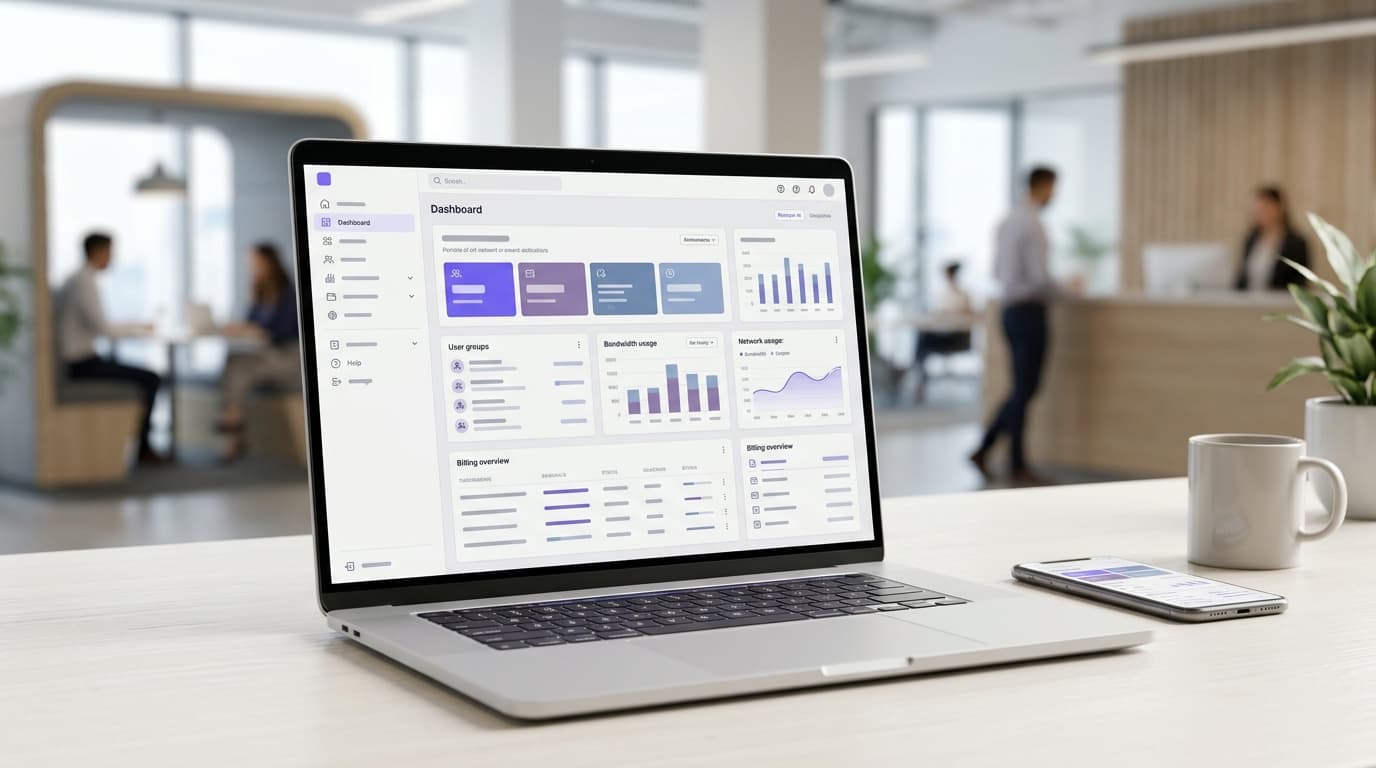
Managed WiFi für Serviced Offices und Coworking: Mieterisolierung und Abrechnung
Sie können ein Mieterisolierungsmodell für Ihr Serviced Office oder Ihren Coworking-Space auswählen und den Bestand auf drei SSIDs beschränken. Anschließend können Sie die dahinterliegenden VLANs und Firewall-Regeln entwerfen. Sie können auch Abrechnungsstufen festlegen, die das Netzwerk erzwingt, und Zugriffsänderungen über Ihr Workspace-Managementsystem auslösen.
Frequenzanalysen für Einkaufszentren: WiFi, Kameras und Sensoren im Vergleich
Sie erfahren, welche Frequenzmessungsmethode Ihr Einkaufszentrum zuerst benötigt: Eingangszähler für eine verlässliche Besucherzahl, WiFi-Präsenzanalysen für Verweildauer und Zonenbewegungen oder mobile Datenpanels für Einzugsgebiete. Sie können zudem die Kosten jeder Option pro Eingang berechnen, DSGVO-Pflichten erfüllen und Vergleiche mit nationalen Frequenzdaten anstellen.
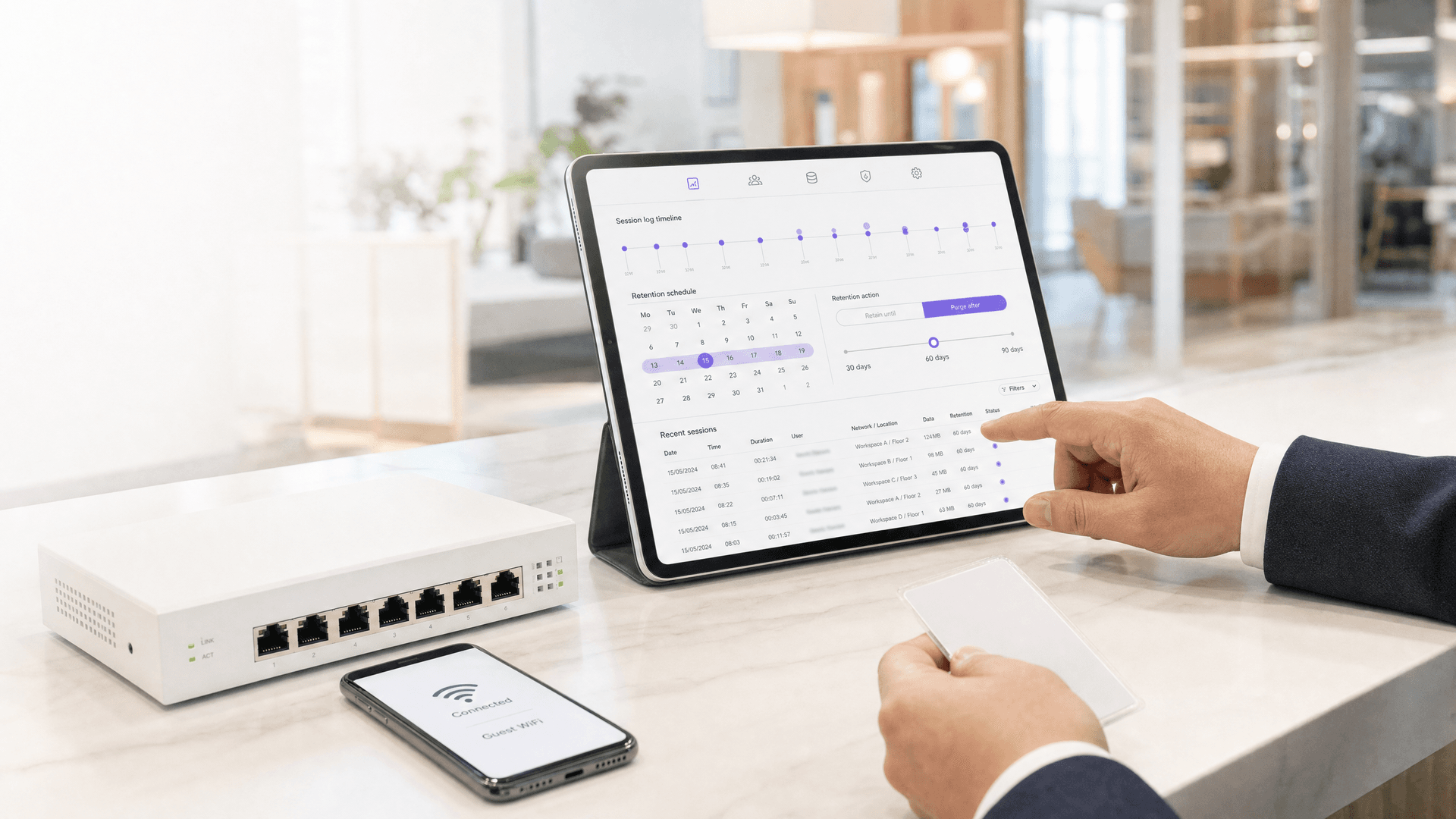
GDPR-Datenaufbewahrung für Betreiber von geteiltem WiFi: Wie lange Sie Gäste-Anmeldedaten und Netzwerk-Protokolle aufbewahren dürfen
Legen Sie eine dokumentierte Aufbewahrungsfrist für jede Kategorie von Daten im geteilten WiFi fest, von Verbindungsmetadaten bis hin zu RADIUS-Accounting-Protokollen, und begründen Sie diese gemäß GDPR Artikel 5(1)(e). Sie werden außerdem entscheiden können, ob Sie für jeden Mandanten als Verantwortlicher oder Auftragsverarbeiter agieren und ob der Investigatory Powers Act 2016 Sie tatsächlich dazu verpflichtet, Aufzeichnungen 12 Monate lang aufzubewahren.

Multi-site guest WiFi for franchises: central control with local branding
Sie können ein Betriebsmodell für Guest WiFi über Ihren gesamten Franchise-Bestand hinweg wählen und entscheiden, wer die Gastdaten gemäß GDPR verwaltet. Anschließend können Sie Marke und Einwilligung zentral festlegen, Franchisenehmern standortbezogenen Zugriff gewähren und einen nach Herstellern gruppierten Rollout planen. Der Ansatz läuft als Cloud Overlay auf gemischter Hardware von Cisco Meraki, HPE Aruba, Ruckus und Ubiquiti UniFi.
VLAN- und PSK-Architektur pro Wohneinheit: ein Design-Leitfaden für MDU-Netzwerke
Sie werden in der Lage sein, basierend auf vier Faktoren zwischen einem VLAN pro Apartment und einer über den individuellen Schlüssel jedes Bewohners übertragenen Richtlinie zu wählen: verkabelte Ports, Fluktuation, Segmentanzahl und Hardware-Unterstützung. Anschließend können Sie DHCP-Bereiche dimensionieren, Segmente gegen Ihre tatsächlichen Plattformlimits abgleichen und die Betriebskosten für BTR-, PBSA- und Aparthotel-Standorte schätzen.

Anbieter für öffentliches Kommunal-WiFi: Beschaffungswege und was Sie spezifizieren sollten
Sie werden in der Lage sein, den richtigen Beschaffungsweg für öffentliches Kommunal-WiFi zu wählen, indem Sie die Cloud-Plattform vom physischen Aufbau trennen. Sie werden auch in der Lage sein, eine Spezifikation zu verfassen, die Bieter kalkulieren können und die Sie bei der Übergabe testen können. Sie deckt Abdeckung, maximale Gleichzeitigkeit, IWF-Filterung, WCAG 2.2 AA, eine Rechtmäßigkeit nach UK GDPR und eine evidenzbasierte Lieferantenbewertung ab.
WiFi-Abrechnung pro Bewohner für MDU und Studentenwohnheime: Plattformoptionen
Sie können zwischen Pauschal-Inklusion, Vermieter-Einzelhandel, Drittanbieter-ISP-Retail und Basis-Plus-Upgrade-WiFi-Abrechnung für MDU-, BTR- und PBSA-Projekte wählen. Sie können dann die britische MwSt.-Position jedes Modells überprüfen. Sie erfahren außerdem, welche Funktionen für Schlüsselausgabe pro Einheit, PMS-Integration und automatischen Widerruf Sie schriftlich anfordern müssen, bevor Sie eine Plattform in die engere Wahl ziehen.
Nachrüstung vs. Neubau: Planung von MDU WiFi Verkabelung und Access Point Platzierung
Entscheiden Sie, ob ein Wohngebäude Access Points auf den Fluren oder in den Wohneinheiten benötigt, und planen Sie Verkabelung, Steigleiterbereiche, Brandschutzelemente sowie das PoE Budget, das jeder Pfad erfordert. Sie werden in der Lage sein, eine Nachrüstung in einem bewohnten Gebäude unter Berücksichtigung von Zugangsbeschränkungen zu planen oder das Netzwerkdesign bis zur RIBA-Stufe 3 in einen Neubau zu integrieren, sodass jeder AP innerhalb der 90-Meter-Permanent-Link-Grenze liegt.

Technologische HIPAA-Schutzmaßnahmen für das WLAN des Krankenhauspersonals: Was die Security Rule tatsächlich fordert
Sie werden in der Lage sein, jeden der fünf technologischen HIPAA-Schutzstandards unter 45 CFR 164.312 einer spezifischen WLAN-Steuerung für Mitarbeiter zuzuordnen. Anschließend können Sie entscheiden, welche SSID-Konfigurationen ein OCR-Audit überstehen, gemeinsame Passphrasen außer Betrieb nehmen und die Nachweise zusammenstellen, die ein Auditor vor Ihrer nächsten Risikoanalyse anfordert.
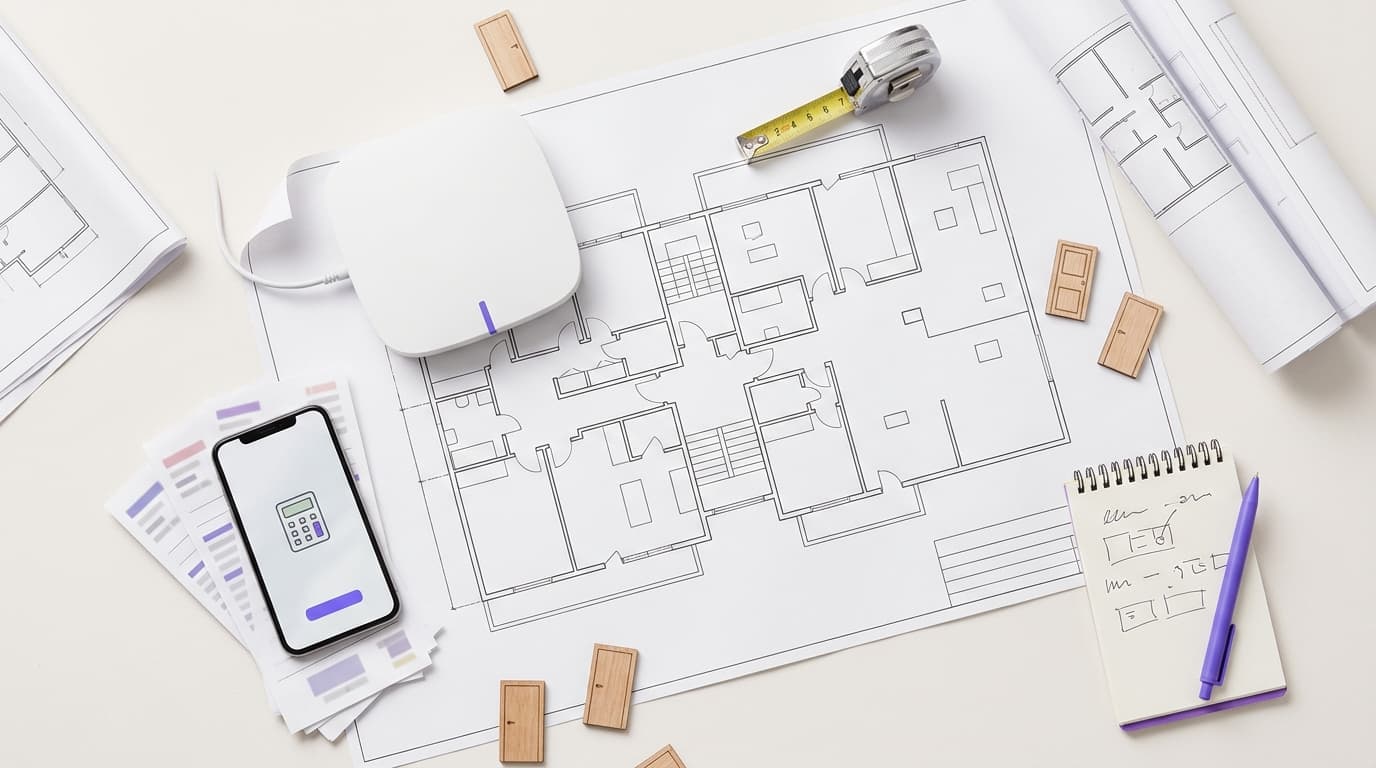
Managed WiFi Kosten pro Wohneinheit: Ein Praxismodell für MDU-Betreiber
Sie werden in der Lage sein, eine vertretbare Managed WiFi Kostenkalkulation pro Wohneinheit für ein MDU-Projekt zu erstellen - Zeile für Zeile für Verkabelung, Access Points, Switching, Lizenzierung und Support. Anschließend können Sie Angebote für Managed Services normalisieren, prüfen, wie Skalierung und Nutzungsdauer die Werte verändern, und die vollumfänglichen monatlichen Kosten mit einer Benchmark für Breitband im Einzelhandel vergleichen.

802.11r und 802.11k auf Android: Bereitstellung von Fast Roaming auf Cisco Meraki, HPE Aruba und Ubiquiti UniFi
Sie werden in der Lage sein, zu entscheiden, ob Sie 802.11r, 802.11k und 802.11v für Ihre Android-Flotte auf Cisco Meraki, HPE Aruba oder Ubiquiti UniFi aktivieren und welche 802.11r-Strategie Sie ausführen möchten. Sie werden auch in der Lage sein, die Änderung sicher zu testen, jedes Handset-Modell in einer Paketaufzeichnung zu bestätigen und die sechs häufigsten Zuordnungsfehler zu beheben.

Cisco Meraki 802.11r adaptive vs enabled: Roaming auf MR Access Points optimieren
Sie können für jedes Cisco Meraki MR SSID basierend auf Ihrem Gerätemix und Sicherheitsmodus zwischen deaktiviertem, aktiviertem und adaptivem 802.11r wählen. Diagnostizieren Sie zudem Verbindungsfehler und langsames Roaming mithilfe eines Test SSID, des Ereignisprotokolls und einer Paketaufzeichnung, um SSIDs anschließend nach Geräteklasse zu segmentieren.

Microsoft Cloud PKI für WiFi: EAP-TLS Zertifikats-Deployment mit Intune und Microsoft Entra ID
Sie werden entscheiden können, ob Microsoft Cloud PKI, eine Cloud PKI Root-CA oder Bring Your Own CA (BYOCA) am besten zu Ihrer Umgebung passt. Anschließend können Sie EAP-TLS WiFi-Zertifikate ohne NDES auf von Intune verwaltete Geräte ausrollen. Die Anleitung deckt auch die Einrichtung des Vertrauensverhältnisses in der Zertifikatskette für RADIUS, den Widerruf von Zertifikaten über die CRL und die Behebung der acht häufigsten Fehler ab.
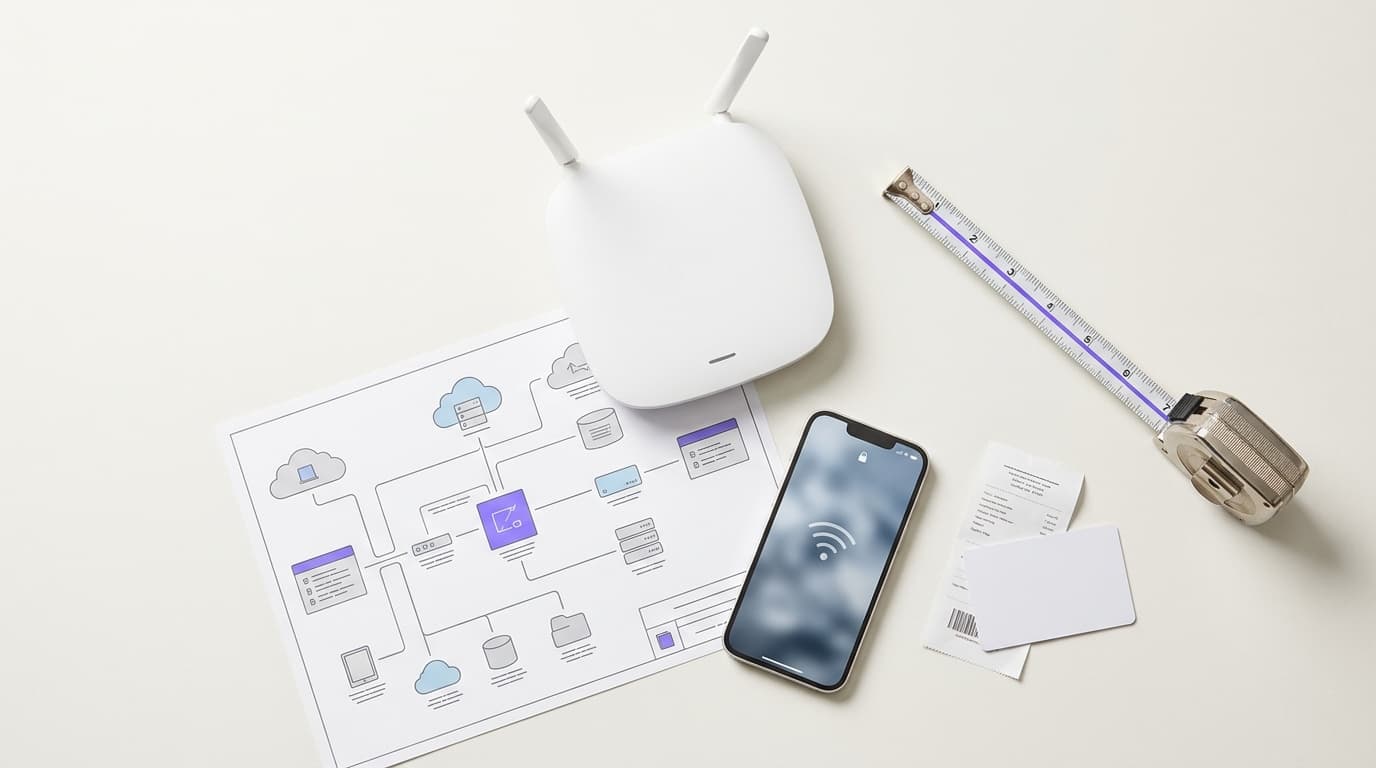
FortiGate Captive Portal Einrichtung mit einem externen Portal-Server
Sie werden in der Lage sein, ein FortiGate zur Durchsetzung eines von Purple gehosteten externen Captive Portals zu konfigurieren, mit RADIUS-Authentifizierung und Accounting, einer funktionierenden Ausnahme-Liste und einem vertrauenswürdigen Zertifikat. Sie können auch zwischen dem integrierten und dem externen Portal wählen, auf realen Geräten testen und die Fehler beheben, die Gast-Logins am häufigsten blockieren.
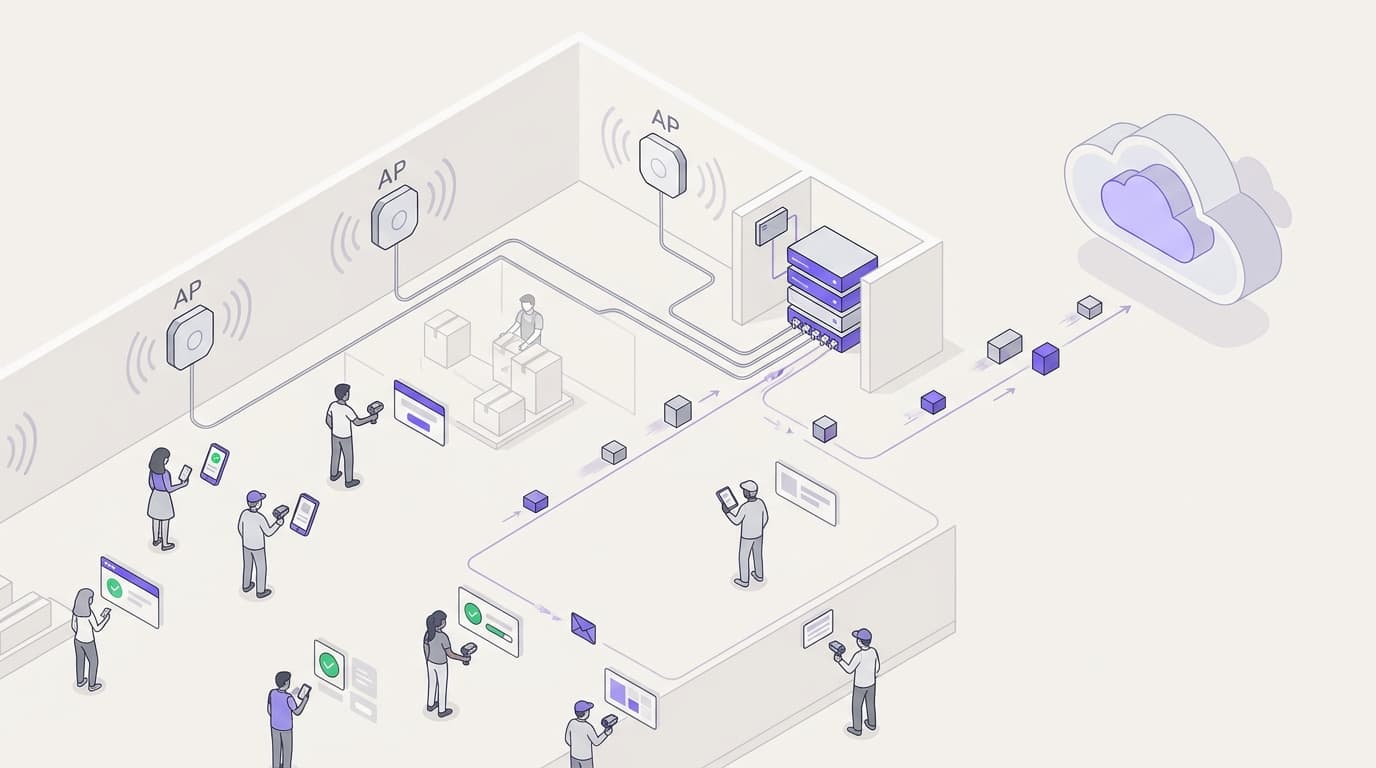
Konfiguration von 802.1X auf Juniper Mist mit Cloud-RADIUS
Sie werden in der Lage sein, ein WPA2- oder WPA3-Enterprise-WLAN auf Juniper Mist zu konfigurieren, das gegenüber Cloud-RADIUS authentifiziert, sich zwischen UDP-RADIUS, RadSec und einem Mist Edge Proxy zu entscheiden und RADIUS-Attribute dynamischen VLANs zuzuweisen. Sie werden außerdem wissen, wo die Client-Insights-Timeline von Mist und Marvis genau anzeigen, an welcher Stelle eine fehlgeschlagene Authentifizierung abgebrochen ist.

White-Label-Captive Portal-Software: Was MSPs und Wiederverkäufer vor der Unterzeichnung prüfen sollten
Sie können zwischen vollständigen White-Label-, Co-Branding- und Empfehlungsmodellen wählen und anschließend Anbieter in den Bereichen Mandantenfähigkeit, Branding-Tiefe, Hardware-Abdeckung, Abrechnung, GDPR-Einwilligungsnachweise, APIs und Support-Eskalation bewerten. Der Leitfaden endet mit 15 RFP-Fragen und einer Übersicht Warnzeichen, die Sie an jeden in die engere Wahl gezogenen Anbieter senden können, bevor Sie unterschreiben.

Captive Portal Preismodelle im Vergleich: Pro Standort, pro Access Point und pro Nutzer
Entscheiden Sie, welches Captive Portal Preismodell zu Ihrem Netzwerk passt: pro Standort, pro Access Point, pro Nutzer oder Sitzung oder im Bündel mit Hardware. Wenden Sie Ihre Anzahl an Standorten, APs und monatlichen Anmeldungen auf jedes Angebot an. Berücksichtigen Sie anschließend SMS-, Support-, Integrations-, Compliance- und Ausstiegskosten und vergleichen Sie Anbieter auf Basis der Gesamtkosten über drei Jahre.
Leitfaden zur Netzwerktopologie-Erstellung: Aufbau einer Live-Gerätekarte aus CDP, LLDP und MTR
Sie werden in der Lage sein, eine stets aktuelle Netzwerkkarte zu erstellen, indem Sie CDP- und LLDP-Nachbarntabellen, MTR-Pfadsprünge und einen LAN-Subnetz-Scan zusammenführen. Anschließend können Sie die Karte auf Genauigkeit prüfen, häufige Erkennungsfehler beheben und entscheiden, ob ein kostenloser, kostenpflichtiger oder erkennungsbasierter Mapper zu Ihrer Infrastruktur passt.
Netzwerkgeräte-Management-Leitfaden: SNMP, TFTP und Syslog ohne vollwertiges NMS
Sie können eine kleine Anzahl von Switches und Routern mit SNMP-Abfragen, TFTP-Konfigurations-Backups sowie einem Syslog- und Trap-Empfänger von einem einzigen Management-Host aus verwalten. Sie können auch entscheiden, wann diese schlanke Einrichtung ausreicht und wann eine kontinuierliche Überwachung, Verlaufstrends oder Skalierung über mehrere Standorte ein vollwertiges NMS rechtfertigen.
Wie Mitarbeiter-WiFi Ihnen hilft, ISO/IEC 27001 zu erfüllen: Zuordnung von Annex A Controls auf Ihr drahtloses Netzwerk
Sie werden in der Lage sein zu entscheiden, ob Ihr Mitarbeiter-WiFi 12 ISO/IEC 27001:2022 Annex A Controls belegen kann, einschließlich A.5.15, A.8.5 und A.8.22. Zudem erfahren Sie, wie Sie einen gemeinsam genutzten WPA2-PSK-Schlüssel durch IEEE 802.1X und dynamische VLANs ersetzen. Schließlich können Sie die RADIUS-Protokolle, Segmentierungstests und Lieferantennachweise zusammenstellen, die ein Auditor in Phase 2 akzeptiert.
Guest WiFi ROI: Berechnungsmethodik und Benchmarks für Standorte
Sie werden in der Lage sein, ein Guest WiFi ROI-Modell zu erstellen, das Ihre Finanzleitung absegnet - indem Sie die Bruttomarge und Holdout-Gruppen anstelle von Umsatz und Attribution nutzen. Berechnen Sie vier Wertströme, unterziehen Sie diese einem Stresstest, indem Sie die Lift-Annahmen halbieren, und ersetzen Sie jede Schätzung des ersten Jahres durch Ihre eigene 90-Tage-Baseline, bevor Sie das Budget für das zweite Jahr beantragen.
Cyber Essentials und Mitarbeiter-WiFi: Die fünf Kontrollen in Ihrem Wireless-Netzwerk bestehen
Sie werden in der Lage sein, jede der fünf Cyber Essentials-Kontrollen auf Ihr Mitarbeiter-WiFi zu übertragen und die Lücken zu schließen, die Auditoren finden. Sie können dann für jede Geräteklasse zwischen 802.1X, iPSK und einem segmentierten WPA2-PSK-Netzwerk wählen. Schließlich erfahren Sie, wie Sie Access Points, Controller und BYOD auf ein Cyber Essentials Plus-Audit vorbereiten.
Haben Sie Fragen zu Ihrem spezifischen Setup?
Unser Team arbeitet mit Standortbetreibern, IT-Managern und Netzwerktechnikern an über 80.000 Standorten zusammen. Buchen Sie ein 20-minütiges Gespräch und wir zeigen Ihnen, wie andere diese Herausforderungen gelöst haben.