Enterprise 802.1X authentication & RADIUS ROI advisor
Benchmark your current WiFi authentication method against 802.1X enterprise standards. Estimate annual administrative overhead, quantify credential security risk, and calculate cost savings with automated Cloud RADIUS.
Security & architecture evaluation
Posture Status: Shared passphrase vulnerability. Departing staff retain network access, and all devices share identical encryption keys without individual accountability.
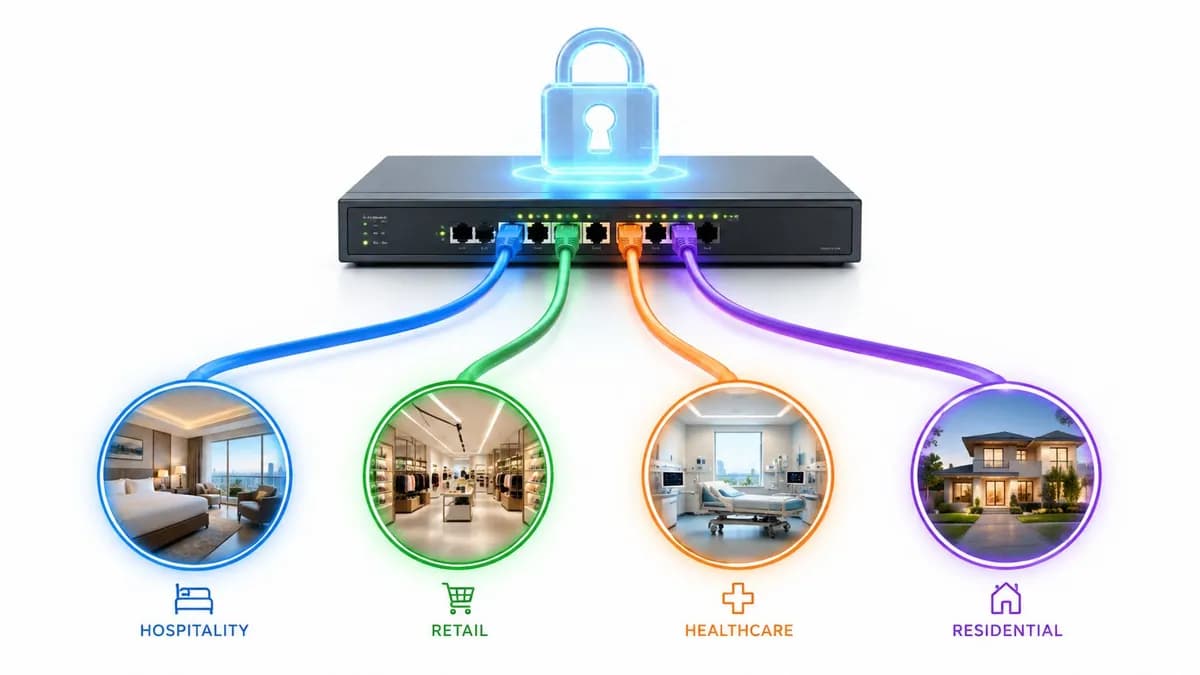
Dynamic VLAN Segmentation: With 802.1X and Cloud RADIUS, your access points broadcast a single secure SSID. When users authenticate via their Microsoft Entra ID or Google Workspace identity, the RADIUS server returns RFC 2868 attributes (Tunnel-Type, Tunnel-Medium-Type, and Tunnel-Private-Group-ID) to assign the device to its isolated VLAN automatically. This eliminates SSID clutter, preserves wireless airtime, and prevents lateral movement between guest, staff, and POS networks.
Ready to deploy 802.1X enterprise WiFi security?
Speak with Purple network security architects to evaluate Cloud RADIUS integration, plan dynamic VLAN segregation, and secure your corporate and guest WiFi infrastructure.
Connecting modern laptops, mobile devices, and IoT hardware to business networks demands rigorous identity verification. Standard pre-shared keys (WPA2/WPA3-Personal) expose corporate assets to password leaks, credential sharing, and unauthorized interception. Implementing 802.1X authentication with a RADIUS server establishes per-user identity verification, encrypted data sessions, and automated access governance across commercial environments. This article forms part of our master resource on enterprise WiFi security.
Key takeaways: 802.1X authentication benefits
- Individual user authentication: Replaces shared passwords with unique per-user credentials or digital certificates via EAP-TLS and RADIUS.
- Instant credential revocation: Offboard departing staff or compromised devices instantly without altering network passwords for remaining users.
- Session-level encryption: Generates unique dynamic encryption keys for every connected device, eliminating packet sniffing on corporate networks.
- Cloud directory integration: Connects directly with Microsoft Entra ID, Okta, and Google Workspace for centralized identity management.
Why 802.1X authentication is critical for modern business WiFi
On traditional WPA2 or WPA3 Pre-Shared Key (PSK) networks, every employee and device uses the same password to gain network access. Once a user possesses the passphrase, they can connect unauthorized personal devices, share the password with third parties, or decrypt traffic from other users on the same frequency band.
When an employee leaves the company, network administrators face a difficult choice: change the WiFi password across hundreds of endpoints or leave the corporate network vulnerable to unauthorized access. For organizations managing multiple sites or large staff teams, manual password updates are unmanageable.
802.1X authentication addresses these vulnerabilities by shifting access control from a single shared password to individual identity verification. To learn more about fundamental wireless concepts, read our introductory guide on what WiFi is and how it works.
WPA2-PSK vs 802.1X WPA3-Enterprise comparison
Evaluating wireless security protocols requires analyzing authentication methods, encryption key management, and administrative overhead across enterprise environments.
| Feature | WPA2/WPA3-Personal (PSK) | 802.1X WPA3-Enterprise | Purple Passwordless WiFi |
|---|---|---|---|
| Authentication Method | Single shared password | Per-user credentials / EAP-TLS | 802.1X EAP-TLS Digital Certificates |
| Encryption Keys | Static pre-shared key | Dynamic PMK / PTK per session | Dynamic 192-bit enterprise encryption |
| User Offboarding | Requires global password change | Instant directory disablement | Automated certificate revocation |
| Directory Integration | None | LDAP / Active Directory / RADIUS | Cloud IDP (Entra ID, Okta, Google) |
| User Experience | Manual password entry | Username & password prompt | Zero-touch automatic connection |
How 802.1X authentication works: Supplicant, Authenticator & RADIUS
The 802.1X authentication framework relies on three distinct components working together over the Extensible Authentication Protocol over LANs (EAPoL) protocol:
1. The supplicant (client device)
The supplicant is the client software running on an end-user device (laptop, smartphone, or tablet) requesting network access. The supplicant initiates authentication by sending EAPoL frames containing identity credentials or digital certificates to the network access point.
2. The authenticator (access point or switch)
The authenticator acts as an access control gateway. It blocks all non-authentication network traffic from unverified devices. When the access point receives EAPoL frames from the supplicant, it encapsulates the credentials into RADIUS packets and forwards them to the authentication server.
3. The authentication server (Cloud RADIUS)
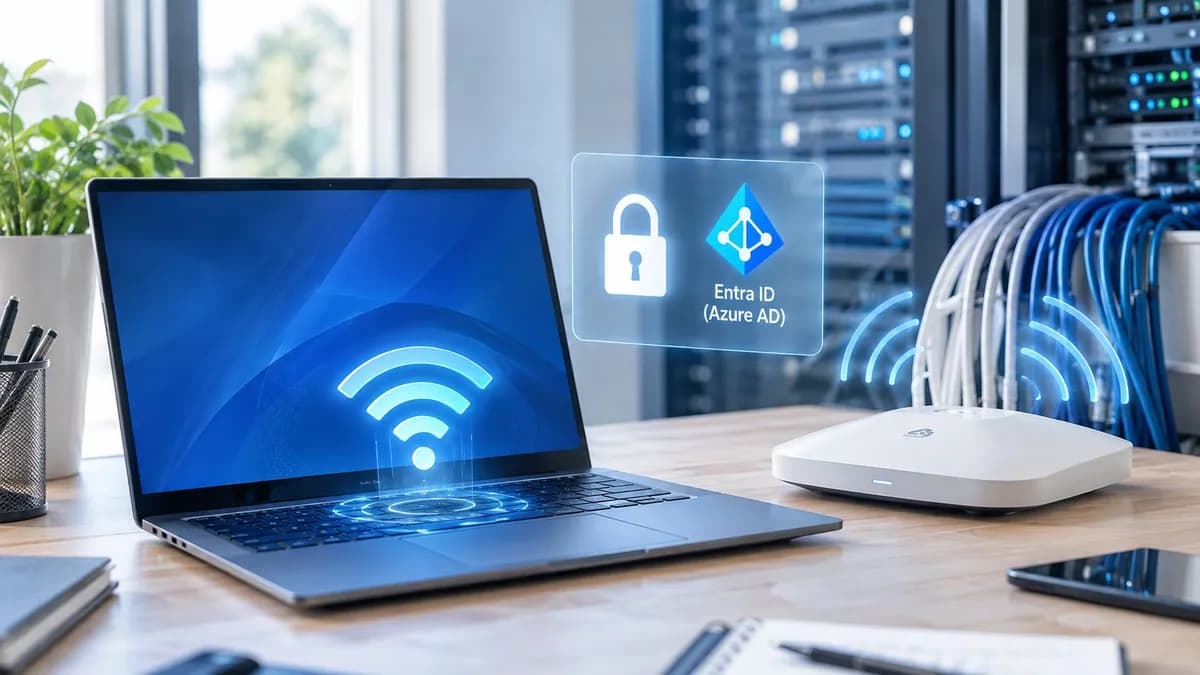
The authentication server operates an Authentication, Authorisation, and Accounting (AAA) engine running RADIUS. The server verifies client credentials against central identity databases such as Microsoft Entra ID or Google Workspace. Upon validation, the server instructs the authenticator to open the port and assign appropriate network permissions and VLAN tags to the user session.
Upgrade your business WiFi to 802.1X Cloud RADIUS
Eliminate shared passwords with Purple's hardware-agnostic Staff WiFi solution. Automate EAP-TLS certificate provisioning across Cisco Meraki, HPE Aruba, Ruckus, and Extreme Networks.
Top enterprise benefits of 802.1X WiFi authentication
Implementing 802.1X authentication delivers essential operational and security advantages for commercial networks:
Individual identity tracking and immediate access revocation
Unlike PSK networks where all devices appear identical to network monitors, 802.1X logs individual user identities for every session. IT teams gain complete visibility into active connected endpoints. If a corporate laptop is stolen or a contractor leaves the business, access is revoked instantly in the central directory without disturbing rest-of-staff connections.
Elimination of credential harvesting and brute-force attacks
802.1X combined with WPA3-Enterprise replaces vulnerable password handshakes with encrypted EAP-TLS tunnels. This architecture immunizes networks against offline dictionary attacks, key reinstallation exploits, and rogue access point spoofing.
Seamless passwordless onboarding with EAP-TLS digital certificates
Deploying digital certificates through 802.1X eliminates manual password entry for end users. Staff laptops and mobile devices authenticate automatically in the background when entering corporate facilities, reducing IT helpdesk password reset tickets.
For more detailed comparison of enterprise standards, read our analysis of WiFi solutions for IT and network teams and explore Staff WiFi onboarding options.
Frequently asked questions about 802.1X authentication
What is the difference between WPA2-PSK and 802.1X enterprise security?
WPA2-PSK uses a single shared passphrase across all connected devices, making key revocation impossible without reconfiguring every client. 802.1X enterprise security uses a RADIUS server to authenticate each user individually via unique credentials or digital certificates, generating distinct dynamic encryption keys for every session.
Does 802.1X authentication require an on-premises RADIUS server?
No. While traditional setups relied on physical Active Directory and Network Policy Server (NPS) hardware, modern cloud platforms provide Cloud RADIUS services. Cloud RADIUS integrates directly with cloud identity providers like Microsoft Entra ID, Okta, and Google Workspace without requiring local server infrastructure.
How does 802.1X support passwordless WiFi for employees?
802.1X supports passwordless access using EAP-TLS (Extensible Authentication Protocol - Transport Layer Security). During device onboarding, a unique digital certificate is issued to the client device. When connecting to corporate WiFi, the device presents the certificate to the RADIUS server for instant, passwordless cryptographic authentication.
Ready to replace shared passwords with enterprise 802.1X authentication? Speak to an expert at Purple to discover how our identity-based cloud platform delivers seamless, secure WiFi access across 80,000+ global venues.