A WiFi extender is specialized networking hardware engineered to broaden the coverage area of a wireless local area network (WLAN). When a single internet service provider (ISP) router fails to reach outer rooms, upper floors, or exterior patios, dead zones occur. Understanding how WiFi extenders work - along with their performance limitations - helps network administrators and venue owners choose the right hardware strategy to maintain consistent connection speeds.
Understanding how WiFi extenders work
A WiFi extender functions by bridging the physical gap between your primary router and wireless client devices (such as smartphones, laptops, POS terminals, and smart TVs). It contains two main internal components: a radio receiver to capture signals from the router, and a transmitter to rebroadcast those signals into surrounding spaces.
The operational sequence of a WiFi extender follows three distinct stages:
- Signal capture: The extender receives radio frequency (RF) packets transmitted from the primary router over the 2.4 GHz, 5 GHz, or 6 GHz wireless bands.
- Signal amplification: Internal circuitry processes the incoming wireless data frames and boosts signal strength to overcome attenuation caused by walls, glass, and electronic interference.
- Rebroadcast: The extender creates a secondary coverage envelope, broadcasting either the original network credentials or a newly appended network name (e.g., NetworkName_EXT).
Key takeaway: WiFi extenders do not generate new internet bandwidth. They repeat the existing signal from your router, meaning the extended network can only be as fast and stable as the connection at the extender's physical location.
WiFi extenders vs boosters vs Powerline adapters
Wireless extension hardware comes in several physical forms. While the terms booster, extender, and repeater are frequently used interchangeably in consumer retail, distinct architectural differences exist:
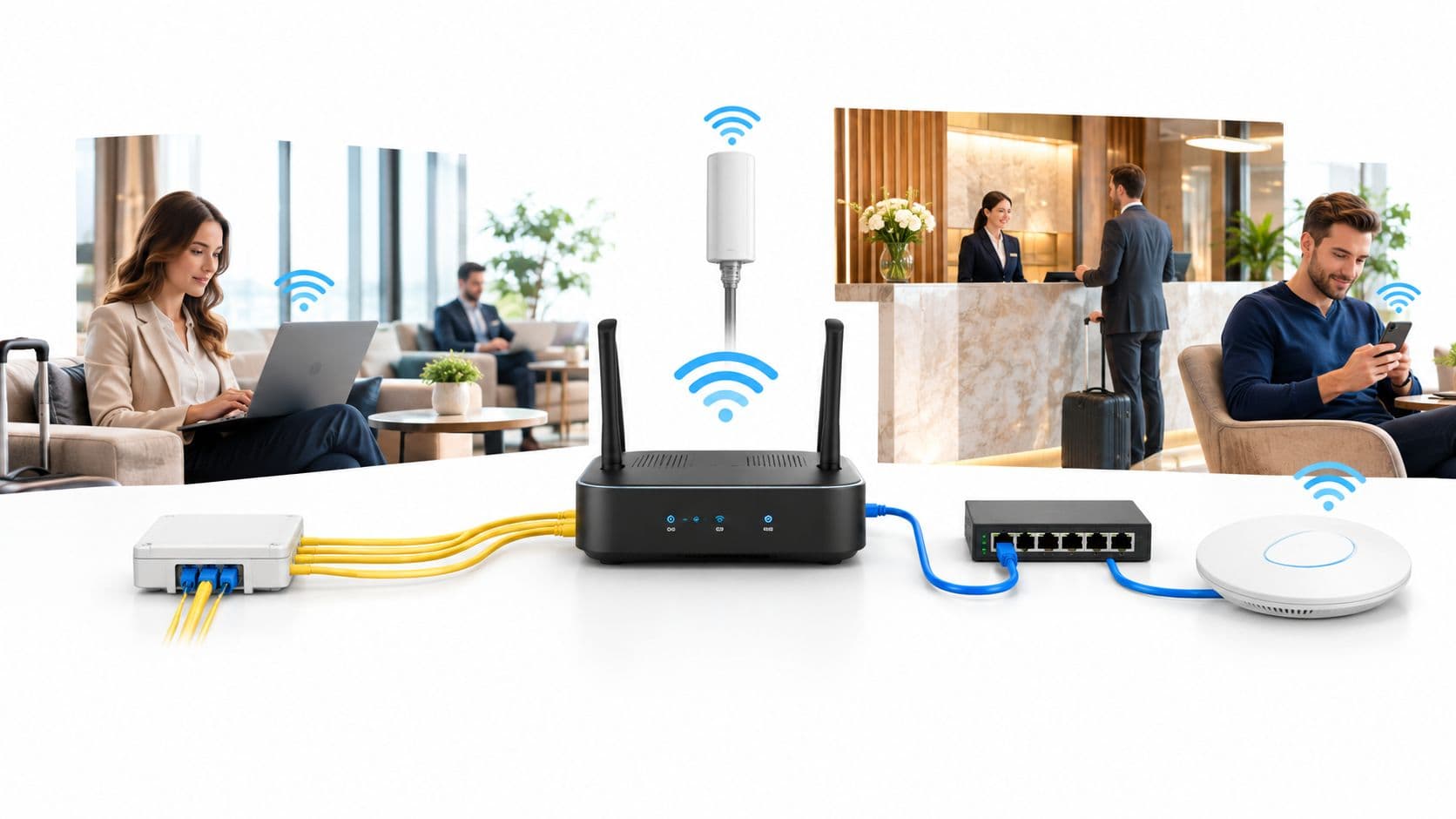
- WiFi extenders & repeaters: Standalone units that plug into standard electrical sockets. They rely purely on wireless transmission between the primary router and distant devices.
- WiFi boosters: Inline hardware components or high-gain external antennas that connect directly to a router via coaxial or Ethernet cables to increase output power.
- Powerline adapters: Modular adapter pairs that convert existing electrical wiring inside a building into network data pathways. One adapter connects to the router via Ethernet, while the second adapter plugs into a socket in a distant room to provide wired Ethernet or localized WiFi access.
Comparing wireless extension technologies for venues
Choosing the correct wireless extension method depends on physical venue size, building construction materials, and user density. The table below compares common coverage extension solutions:
Why consumer extenders fail in commercial venues
While a plug-in WiFi extender offers a quick fix for a home bedroom, installing consumer extenders in commercial business environments introduces operational vulnerabilities:
- Bandwidth degradation (Half-duplex penalty): Standard single-radio extenders cannot send and receive data simultaneously. Every data packet sent from a client device to the extender must wait before being forwarded to the main router, halving connection speed.
- Lack of seamless roaming: Client devices connected to an extender often cling to its weak signal even when moved right next to the main router. Extenders lack IEEE 802.11k, 802.11v, and 802.11r roaming protocols, resulting in dropped calls and video freezing. Read our breakdown of diagnosing WiFi roaming issues for technical details.
- Co-channel interference: Extenders rebroadcast on the same frequency channels as the main router, creating heavy RF congestion in environments with high device density.
- Zero central management or security: Plug-in extenders cannot enforce dynamic VLAN segmentation, enterprise RADIUS authentication, or guest splash page portals.
Frequently asked questions about WiFi extenders
What is the difference between a WiFi extender and a WiFi booster?
A WiFi extender is a standalone device that wirelessly receives an existing signal from a router and rebroadcasts it to expand coverage. A WiFi booster refers more broadly to any hardware - including high-gain antennas or inline amplifiers - designed to enhance signal strength directly at the transmission source.
Do WiFi extenders slow down internet speed?
Yes. Basic single-radio WiFi extenders operate in half-duplex mode, meaning they cannot transmit and receive data simultaneously. This creates a bandwidth loss of up to 50% on the extended network segment compared to connecting directly to the main router.
Where is the best place to position a WiFi extender?
Position a WiFi extender midway between your primary router and the dead zone area. Placing the extender directly inside the dead zone will result in poor performance, as it requires a strong, stable incoming signal from the router to rebroadcast effectively.
Why do client devices drop connection when moving between extenders?
Basic WiFi extenders broadcast separate access point profiles without supporting fast roaming standards like 802.11k, 802.11v, or 802.11r. As a result, client devices remain latched to a distant extender until the signal drops completely before reconnecting to the primary router.
Should businesses use WiFi extenders or enterprise access points?
Businesses should use enterprise Wireless Access Points (WAPs) connected via Power over Ethernet (PoE) backhaul. Enterprise WAPs provide full-duplex gigabit speeds, seamless roaming between access points, dynamic guest network segmentation, and centralized management.