Here’s the rewritten section, crafted to sound like a human expert while adhering to all your requirements.
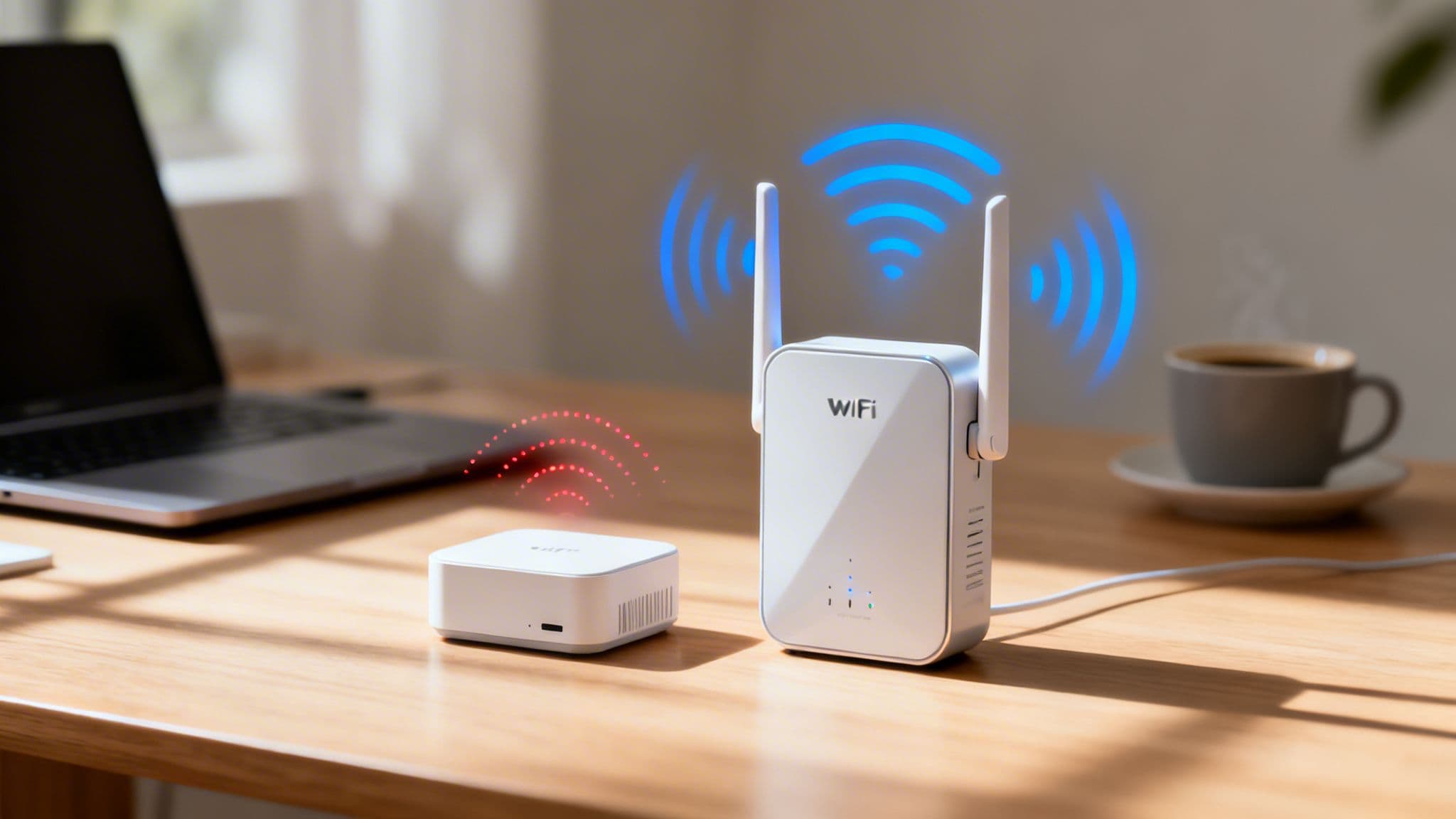
The crucial difference between a WiFi extender and a repeater often gets lost in translation, but it's a technical distinction with a massive impact. In short, extenders use two separate radios—one to receive, one to transmit—which helps preserve your internet speed. Repeaters, on the other hand, use a single radio for both jobs, a shortcut that can slash your available bandwidth by up to 50%.
Why Your WiFi Signal Fails and What to Do About It

We’ve all been there: staring at a spinning loading icon in a room that’s supposedly blanketed by WiFi. For businesses and even homeowners, these dead zones are more than just an annoyance. They represent a fundamental failure in connectivity that can stall operations, frustrate customers, and bring productivity to a grinding halt. A single router, no matter how powerful, often can't push a reliable signal across an entire property.
This challenge gets even tougher in complex buildings. Physical barriers like concrete walls, metal shelving, and even multiple floors can seriously degrade or outright block WiFi signals. Throw in interference from countless other electronic devices, and you’re left with an unreliable network experience. For a deeper dive on improving your connection, check out our guide on how to boost your WiFi signal strength .
The Growing Need for Flawless Coverage
In any modern commercial setting, from a hotel to a hospital, reliable WiFi is simply non-negotiable. The demands we place on wireless networks have grown exponentially, driven by a few key factors:
- High-Density Environments: Hospitality venues, retail centres, and transport hubs have to support hundreds or even thousands of simultaneous user connections.
- Internet of Things (IoT): Businesses increasingly depend on a whole ecosystem of connected devices, from POS systems and inventory scanners to smart lighting and security cameras.
- Guest and Staff Expectations: Customers expect seamless internet access for their devices, and staff need a dependable connection to do their jobs effectively.
The core problem is that a standard router's signal weakens over distance and through obstacles. This forces a choice: accept poor performance or find a way to extend the network's reach.
This is exactly where the WiFi extender vs repeater debate comes into play. Both devices are designed to solve the same problem—patchy coverage—but they go about it in fundamentally different ways. Understanding their unique technical approaches is the first step towards building a network that actually meets today’s high standards.
Here's a quick overview of what each device is really designed to do.
| Device | Primary Function | Best For |
|---|---|---|
| WiFi Repeater | Captures an existing WiFi signal and rebroadcasts it to a new, smaller area. | Simple, low-bandwidth needs where a drop in speed is acceptable. |
| WiFi Extender | Connects to your network and creates a new, powerful coverage bubble. | Performance-critical applications that require preserving speed. |
Understanding How Extenders and Repeaters Work
Walk into any electronics shop, and you'll see the terms "WiFi extender" and "repeater" used almost interchangeably. But while they both aim to fix your dodgy signal, the technology under the hood is worlds apart. Getting this difference is the first step to solving your coverage problems without accidentally grinding your network to a halt. The whole WiFi extender vs repeater debate isn't just about branding; it’s about how each device actually handles your data.
A WiFi repeater acts like a simple signal relay. It catches the wireless signal from your main router and then just blasts it out again to cover a wider area. The problem lies in how it does this. Most traditional repeaters use a single radio to both listen to the router and talk to your devices.
Think of it like a translator trying to listen and speak at the same time. This process, known as half-duplex communication, forces the device to split its resources. The result? It can slash your available network bandwidth by up to 50%. This performance hit introduces serious lag, making repeaters a terrible choice for anything that needs a stable connection, like video calls, online gaming, or streaming HD video.
How WiFi Extenders Preserve Network Speed
A proper WiFi extender takes a much smarter approach. Instead of forcing one radio to do two jobs, it typically uses a dual-radio or dual-band system. This allows it to use one frequency band (say, 2.4GHz) to talk to your router and a completely separate one (like 5GHz) to broadcast a new signal to your devices.
This method, called full-duplex communication, is far more efficient. It's like having a dedicated lane for incoming traffic and another for outgoing traffic. Data flows smoothly without the frustrating bottlenecks that plague repeaters. Because of this, a WiFi extender preserves most of your original network speed and keeps latency low.
This chart gives a clean visual breakdown of the performance difference.
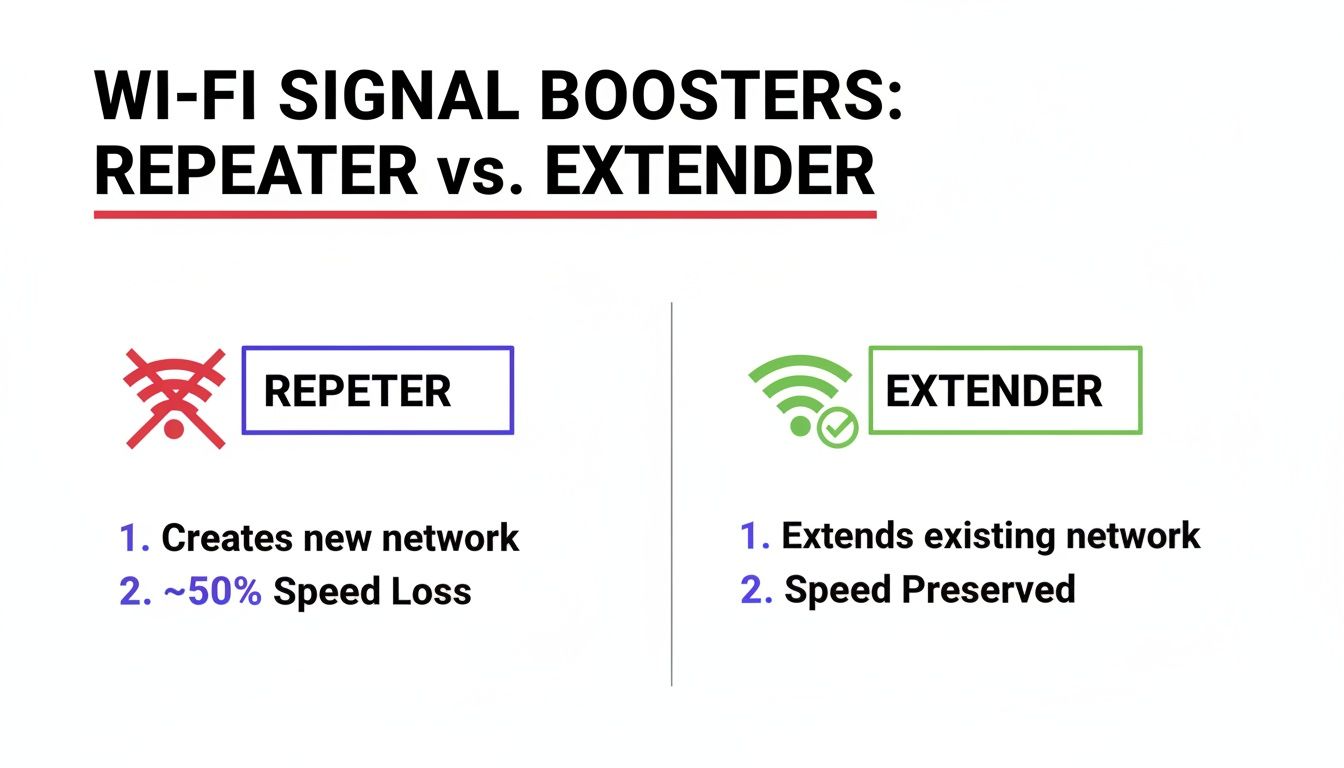
It’s a simple illustration, but it perfectly captures the core trade-off: repeaters give you more range but at a massive cost to speed, while extenders are built to deliver both.
Real-World Performance and Adoption
This performance gap has led to a clear winner in both business and home environments. Recent market data shows that in the UK, WiFi extender adoption has blown past repeaters by 45% in commercial sectors like healthcare and transport, with overall sales jumping 34%.
This trend makes sense when you consider that 62% of UK multi-storey homes and high-rises struggle with signal loss. In these real-world tests, repeaters falter, but extenders consistently maintain 75-90% of their original throughput.
The most important takeaway is this: while both devices aim to expand your network, only one does it without gutting your performance. An extender builds on your existing network's strength; a repeater just dilutes it.
This fundamental difference has huge implications for network security, management, and the overall user experience. For anyone still questioning if these gadgets are a real fix, our detailed analysis on whether WiFi extenders actually work digs even deeper. Ultimately, the choice between a WiFi extender and a repeater comes down to a simple question: can you afford to lose half your speed for a little extra range?
Performance and Security: A Head-to-Head Comparison
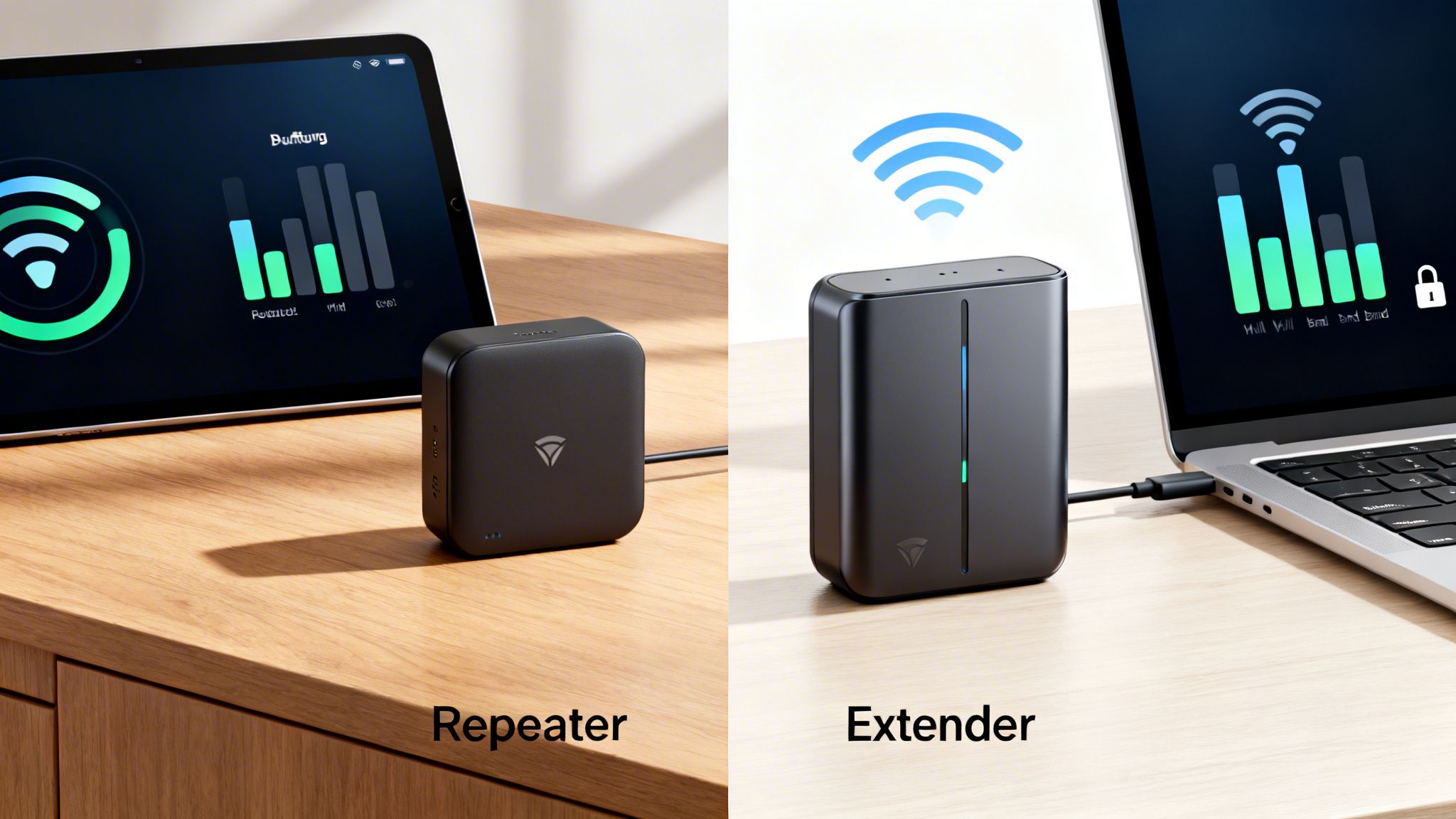
When you’re deciding between a WiFi extender and a repeater, it really boils down to two critical battlegrounds: performance and security. Both promise to get rid of those frustrating dead zones, but how they do it creates wildly different results for your network's speed, responsiveness, and safety. Let's cut through the marketing jargon and get straight to what matters.
The most glaring issue in the WiFi extender vs repeater debate is the hit to your throughput. A repeater's core design—using the same radio to both receive and rebroadcast a signal—instantly slashes your available bandwidth in half. For any modern business network, that’s a complete non-starter.
Throughput: The 50 Percent Problem
Imagine you’ve invested in a high-speed Meraki or Aruba network, engineered to deliver 1Gbps across a busy shopping centre. Now imagine that speed dropping to 500Mbps or less in certain areas. That's exactly what happens with a traditional repeater. It extends the signal's reach but cripples its speed, creating a frustrating bottleneck that customers and staff will definitely notice.
A modern dual-band WiFi extender, on the other hand, is built to avoid this massive performance drop. It uses one band to talk to the router and a completely separate band to broadcast to devices, preserving most of your original network speed. In fact, desktop models with powerful antennas can often retain over 90% of the original throughput.
This difference is becoming more critical as internet speeds climb. In the UK, Project Gigabit means over 85% of premises can now get speeds of 100Mbps or more, but a repeater simply can't keep up in dense environments like student housing or hospitals. In those scenarios, signal interference can drag a repeater’s performance down by another 40-60%, rendering it practically useless. It's no surprise that UK hospitality venues report 70% fewer connectivity complaints after swapping repeaters for modern extenders, especially when paired with a platform like Purple for seamless authentication. You can dig into these trends by reviewing findings on the Wi-Fi range extender market .
Latency: A Tale of Two Hops
Latency, the delay it takes for data to get from a device to its destination and back, is another area where repeaters just don't measure up. The very process of rebroadcasting adds an extra "hop" to every single data packet's journey.
This double-handling introduces significant lag, which is absolutely crippling for real-time applications such as:
- Video Conferencing: Leading to stuttering audio and frozen video feeds.
- Cloud-Based POS Systems: Delaying transactions and frustrating waiting customers.
- Online Gaming: Resulting in unplayable lag and a terrible user experience.
WiFi extenders, with their more direct communication path, add minimal latency. By creating a much more efficient bridge to the main router, they keep data flowing quickly and your applications running smoothly.
Security: A Unified Defence
For any business, security is non-negotiable. A WiFi extender seamlessly clones and extends your primary network’s security settings. This means your existing WPA3 encryption, firewalls, and access policies are automatically applied across the entire expanded coverage area.
For a business, a single, unified network is not just a convenience—it's a security imperative. It ensures that all guest authentication, data traffic, and device connections are governed by a consistent and centrally managed security policy.
A repeater, however, typically creates a brand-new, separate network with its own SSID. This fractures your security infrastructure and opens up a potential weak point. Not only is managing two separate networks a hassle, but it also doubles your attack surface, as the repeater’s firmware and settings have to be maintained independently. For a closer look at a similar comparison, you might find our article on repeaters vs access points insightful.
This fragmented approach makes integrating with enterprise-grade platforms a nightmare. For example, deploying a solution like Purple's Passpoint / OpenRoaming , which relies on a single, secure SSID for automatic, encrypted connections, is impossible with a repeater's separate network. It shatters the seamless experience, undermining both security and user convenience.
WiFi Extender vs Repeater Key Technical Differences
The technical nuances between these devices have a direct impact on how your network performs in the real world. This table breaks down the crucial differences that should guide your decision.
| Feature | WiFi Repeater (Traditional) | WiFi Extender (Modern Dual-Band) | Impact on Enterprise Networks |
|---|---|---|---|
| Throughput | Up to 50% reduction due to single-radio operation (half-duplex). | Minimal reduction (<10%); preserves most of the original bandwidth. | Repeaters create significant bottlenecks, while extenders maintain performance for demanding applications. |
| Latency | High; adds an extra network "hop," causing noticeable lag. | Low; minimal latency added, ensuring responsive applications. | High latency from repeaters degrades real-time services like VoIP, POS systems, and video calls. |
| Security | Creates a separate network (SSID), fragmenting security policies. | Clones the main network's SSID and security (WPA3, firewalls). | Extenders provide a unified, centrally managed security posture, which is essential for compliance and data protection. |
| Management | Requires separate configuration and firmware management. | Managed as part of the primary network; seamless integration. | A repeater's separate management adds complexity and risk, while an extender simplifies network administration. |
Ultimately, while both devices extend a signal, only one does so without compromising the speed, responsiveness, and security that a professional environment demands. For any serious application, the modern WiFi extender is the clear winner.
Choosing The Right Solution For Your Industry
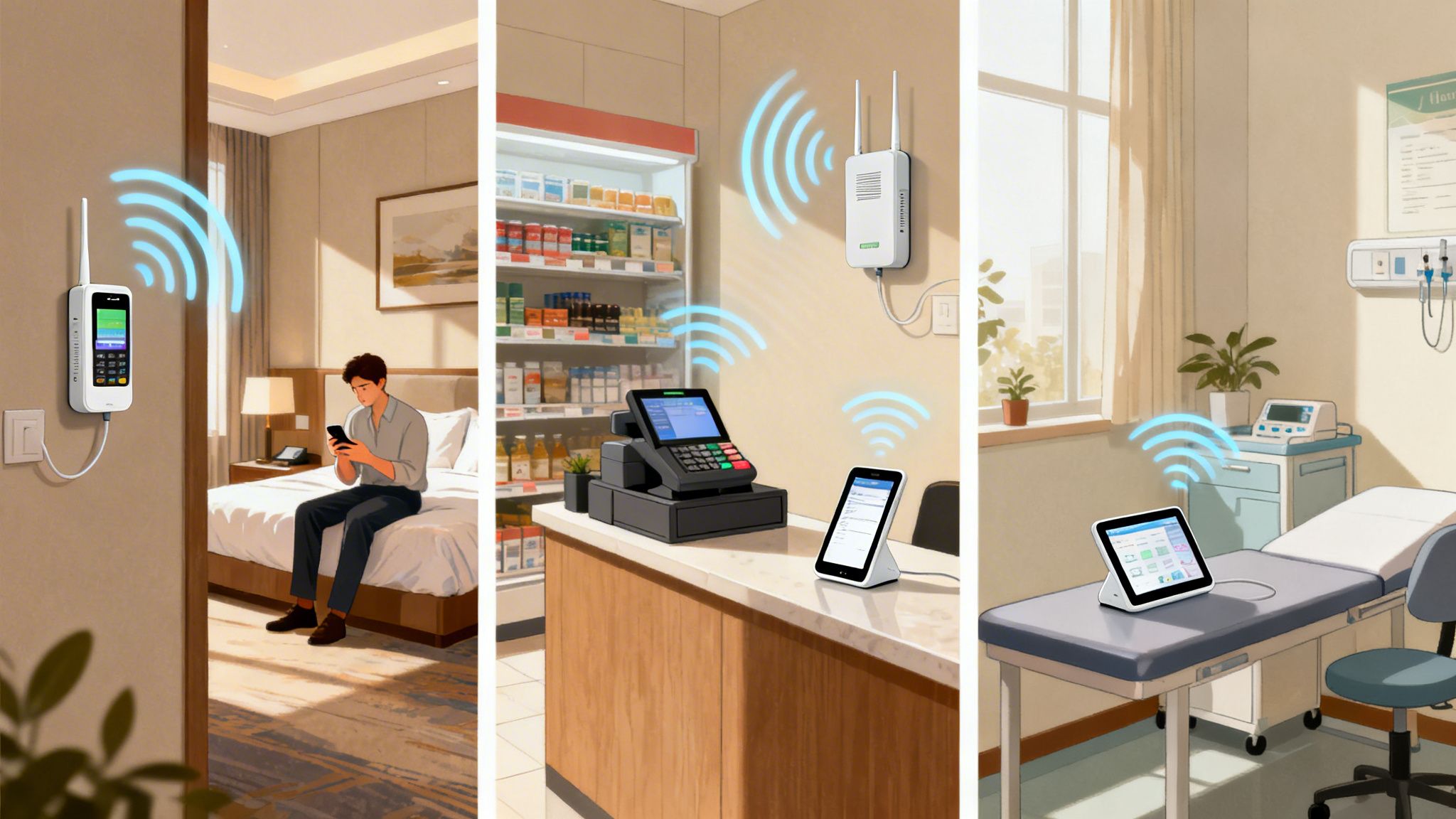
The on-paper differences between a WiFi extender and a repeater suddenly become a lot more important when you apply them to a real-world business. Getting it wrong isn't just about slow internet; it can directly hit your operations, tank customer satisfaction, and even open up security holes. The right choice comes down to the unique demands of your industry.
In the ongoing WiFi extender vs repeater debate, context is everything. A quick fix for a small back office could be a total disaster in a busy retail store or a sprawling hotel. Let's walk through some specific scenarios to give you clear, actionable advice.
Hospitality Hotels And Restaurants
In hospitality, providing seamless and secure guest WiFi isn’t a nice-to-have anymore; it's a core part of the operation. Hotels and restaurants are constantly battling to push reliable coverage into guest rooms, across large lobbies and conference halls, and out onto patios.
For these venues, a traditional repeater is simply a non-starter. The 50% bandwidth hit is a deal-breaker for guests trying to stream movies, join video calls, or get work done. What’s worse, a repeater's habit of creating a separate, less secure network is a massive liability in a multi-tenant environment like a hotel.
A WiFi extender, which keeps network speed intact and extends the primary network’s security policies, is the only practical option here. It makes sure every guest, whether they're in the lobby or the penthouse, gets a consistent and protected connection. This unified network is also crucial for integrating with advanced guest WiFi platforms.
For hospitality operators, the goal is a single, unified network that supports a frictionless guest journey. An extender achieves this by providing consistent coverage without compromising the speed or security needed for a premium experience.
Operators using secure WiFi platforms like Purple in hotels and restaurants rely on extenders to cover every corner without the security headaches of repeaters. While UK government initiatives like Project Gigabit have already connected 1.5 million premises to better broadband, extender adoption in new setups still lags by 35%. This creates a gap that platforms using passwordless, OpenRoaming-certified solutions can fill, guaranteeing seamless and encrypted access across the entire property. In fact, analytics integrations show that businesses see a clear return, with extender-enhanced networks boosting guest WiFi satisfaction by 65%. You can find more on the WiFi range extender market growth .
Retail And Shopping Centres
Modern retail floors are complex digital hubs. Solid WiFi is the engine for a whole host of critical systems, including:
- Point-of-Sale (POS) Systems: For fast, reliable transactions at every checkout.
- Inventory Scanners: So staff can manage stock in real-time, from the shop floor to the stockroom.
- Guest Analytics: To capture footfall and dwell time data for understanding customer behaviour.
- In-Store Digital Signage: For streaming marketing content to displays throughout the venue.
A repeater throws a spanner in the works. The added latency can slow down POS transactions, frustrating both customers and staff. The speed drop can make inventory scanners feel sluggish and unreliable, while the separate network complicates the deployment of guest analytics platforms.
WiFi extenders are a much better fit for retail. By maintaining high throughput and low latency, they keep business-critical systems running smoothly. The single, unified network they create also makes security management simpler and allows for the effective rollout of guest WiFi services that capture valuable marketing data.
Healthcare Clinics And Hospitals
In a healthcare setting, network reliability is tied directly to patient care and safety. A stable connection is non-negotiable for everything from a clinician accessing electronic health records (EHRs) at a patient’s bedside to ensuring internet-connected medical devices work without a hitch.
The performance and security flaws of a repeater make it completely unsuitable for any clinical environment. A dropped connection or high latency could delay access to critical patient data or interfere with vital monitoring equipment. The security gaps in a repeater’s separate network are also an unacceptable risk when dealing with sensitive patient information.
WiFi extenders are the clear winner, with their ability to maintain performance and extend a single, secure network. They ensure clinicians can roam throughout a facility with uninterrupted access to the systems they depend on, all while upholding the strict security posture required in healthcare.
However, for larger facilities, even extenders have their limits. Sprawling hospitals or massive retail centres often need something more robust, like a professionally installed mesh system or additional wired access points, to guarantee flawless coverage and performance everywhere.
Of course. Here is the rewritten section, crafted to match the expert, natural tone of the provided examples while meeting all other requirements.
Integrating Extenders with Enterprise WiFi Platforms
Choosing the right hardware is just the start. The real magic happens when you pair that hardware with intelligent software. A network built with modern WiFi extenders is the foundation you need to get the most out of an enterprise-grade platform like Purple . The choice you make in the WiFi extender vs repeater debate has a direct impact on your ability to deliver a secure, seamless user journey and capture valuable business insights.
Repeaters, with their fragmented networks and performance hits, are a dead end for any serious software integration. The unified, high-performance network created by WiFi extenders, on the other hand, is exactly what platforms like Purple need to do their job properly. This seamless coverage is the key to creating a frictionless experience for both your guests and staff.
Enabling a Frictionless User Journey
One of the biggest wins of using WiFi extenders is their ability to support advanced authentication and roaming features. Because they maintain a single, unified network (SSID) across your entire property, they create the perfect environment for technologies like Passpoint and OpenRoaming .
With this kind of setup, a visitor authenticates once, and their device will automatically and securely connect every time they return. It even works when they visit other venues in the same network. This is only possible when the network is consistent. A repeater’s separate network would break this journey completely, forcing users to manually reconnect and shattering that seamless experience.
The goal is to make connecting to WiFi invisible. A unified network built with extenders allows platforms like Purple to automatically authenticate users via Passpoint or OpenRoaming, delivering secure connectivity from the first packet without clunky portals or passwords.
This hands-off access is a game-changer for large venues like shopping centres, airports, and hotel chains, where a positive digital experience has a direct line to customer loyalty and spending.
Unifying Security and Simplifying Access
Beyond the guest experience, a unified network drastically simplifies security and access management for your own team. WiFi extenders simply stretch the primary network’s security protocols, creating a single, centrally managed security posture. This is a non-negotiable for integrating with modern identity providers.
For example, a business can use a platform like Purple to integrate its network with directories like Entra ID (formerly Azure AD) or Okta . This lets staff connect to the WiFi using their normal corporate credentials, paving the way for a zero-trust security model.
This integration brings some major advantages:
- Automated Provisioning: New employees get access automatically based on their directory status. No manual setup needed.
- Instant Revocation: If an employee leaves, their access is cut off the moment they’re removed from the directory. This closes a huge, common security risk.
- Device-Specific Policies: In places like student housing or multi-tenant business centres, you can deploy features like Individual Private Shared Keys ( iPSK ). This gives each tenant—or even each device—its own unique password for the shared network, offering home-like simplicity with enterprise-grade security.
Connecting Coverage to Business ROI
Finally, the consistent coverage from WiFi extenders translates directly into a higher return on investment from your analytics platform. To get accurate data on footfall, dwell times, and user behaviour, the platform needs to "see" devices consistently as they move through a venue.
The patchy coverage from repeaters creates data blackouts, which means your analytics will be incomplete and unreliable. Every time a device drops off the network, you lose a piece of that customer's journey. Extenders ensure there are no gaps, feeding the analytics engine a constant stream of high-quality data.
This allows you to build a much more accurate and complete picture of how your space is actually being used—critical information for making smart decisions to boost visits, personalise journeys, and ultimately prove the ROI of your WiFi investment.
Got Questions? We’ve Got Answers
When you're dealing with network hardware, it's easy to get bogged down in the details. The WiFi extender vs repeater debate is full of them, and getting the small things right can make a world of difference to your network's performance. Here are some straightforward answers to the questions we hear most often.
Can I Use a WiFi Extender with a Different Brand of Router?
Yes, you absolutely can. Modern WiFi extenders are built to be universally compatible, meaning they’ll work with just about any standard WiFi router, no matter who made it. They all follow the same WiFi standards, like 802.11ac (WiFi 5) or 802.11ax (WiFi 6/6E), which ensures they can talk to and extend any existing network.
This means you don't have to worry about matching the brand of your extender to your existing router from Virgin, BT, or any other provider. You can add an extender to your setup without having to replace everything else.
Will a WiFi Extender Create a New Network Name (SSID)?
Most current WiFi extenders will give you a choice during the setup process. For the best, most seamless experience, you should always configure the extender to use the same network name (SSID) and password as your main router.
A unified network is the gold standard for both homes and businesses. By using the same SSID, you allow devices like phones and laptops to intelligently ‘roam’ between the router and the extender, automatically latching onto the strongest signal without you having to do a thing.
Creating a separate network (like "MyNetwork_EXT") just adds a layer of complication you don't need. It breaks that seamless roaming and forces people to manually switch between networks as they move around, which is a clunky and frustrating experience for everyone.
Is There Any Good Reason to Still Use a Repeater?
While a proper WiFi extender is hands-down the better option for anything that needs decent speed and low latency, a traditional repeater might be an acceptable budget choice in a few very specific, non-critical situations. For instance, if you just need to get a faint signal to a low-bandwidth smart device where performance is an afterthought.
You could consider a repeater for things like:
- Smart plugs tucked away in a distant corner of a building.
- A smart speaker in a garage that's only used for occasional music streaming.
- A weather station in the garden that sends out tiny packets of data once an hour.
It's vital to remember the trade-offs, though. For any activity that involves streaming video, making video calls, online gaming, or supporting business tools like POS systems, the 50% speed reduction and high latency of a repeater make it a terrible choice. In almost every scenario, spending a little more on a proper dual-band WiFi extender will pay for itself with a far better and more reliable network.
Ready to build a network that just works? Purple replaces clunky passwords with secure, passwordless access for guests and staff. Learn more about our identity-based networking platform .