

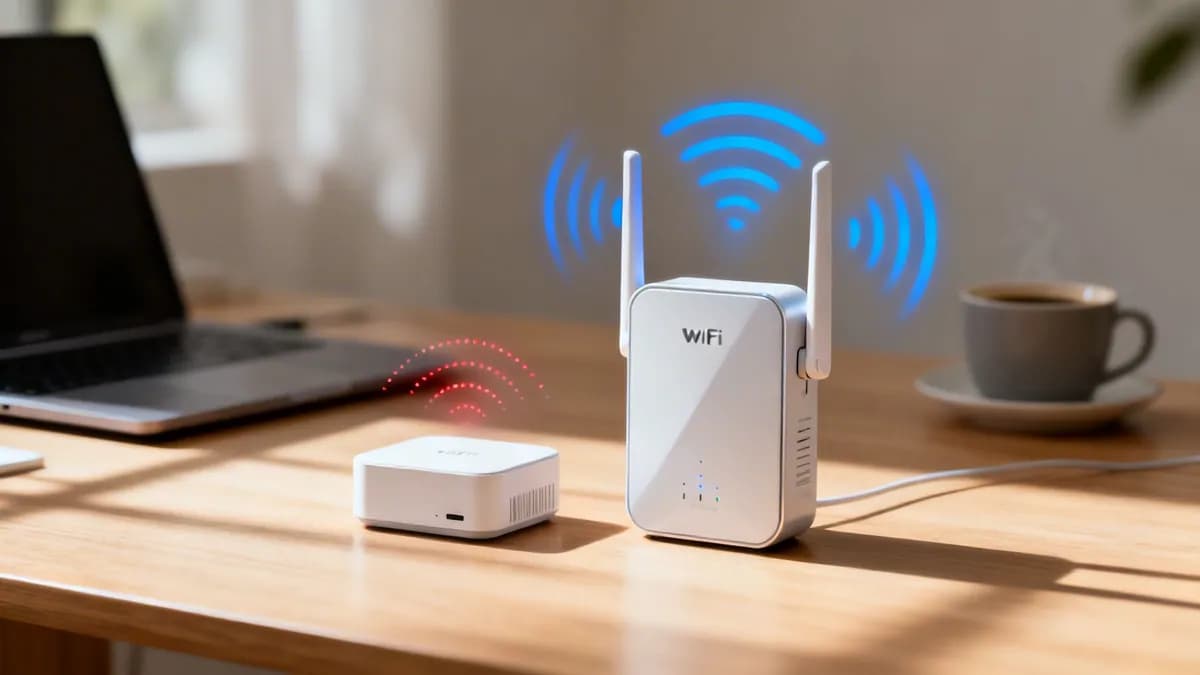
WiFi extender vs repeater coverage advisor
Evaluate bandwidth loss, latency multiplication, roaming handoff behaviour, and network segmentation risks when comparing consumer wireless repeaters, dual-band range extenders, and Ethernet-wired access points.
Public customers streaming, POS card machines, guest logins, and constant pedestrian turnover.
A wireless repeater listens to packets from the router and re-transmits them on the exact same radio channel. Because WiFi radios operate in half duplex, this instantly cuts available throughput by 50% and doubles airtime contention for every client.
Verdict for this venue: Oversubscribed: 45 devices against a comfortable ceiling of 15 on wireless repeater, and adding a second hop subtracts airtime rather than adding capacity. Retail store or cafe brings continuous public demand alongside card payments, and airtime load is 300% of the comfortable ceiling.
Technical comparison: throughput loss, roaming stickiness, and enterprise architecture
Why wireless repeaters cut speed in half (the half-duplex trap)
All standard WiFi communication is half duplex: a radio can either transmit or receive on a specific channel at any single instant, but never both simultaneously.
A packet from the internet travels from the router to the repeater over the airwaves (50% airtime). The repeater then switches into transmit mode and repeats that exact packet to your laptop on the same channel (50% airtime). This halves available throughput and doubles channel airtime congestion.
Dual-band extenders reduce this penalty by receiving on 5 GHz and repeating on 2.4 GHz (or vice versa). While this mitigates the half-duplex speed cut, client airtime is still constrained by interference, additional wireless hops, and weak backhaul signal penetration through structural walls.
Wired access points bypass wireless backhaul entirely via Cat6 Ethernet cabling directly to a PoE+ switch. All wireless airtime is 100% reserved for client devices with zero hop delay, zero re-transmission penalty, and wire-speed 1 Gbps or 2.5 Gbps backbone capacity.
Need an enterprise wireless coverage audit?
Purple partners with leading WiFi hardware vendors (Cisco Meraki, HPE Aruba, Ruckus, Juniper Mist) to deploy high-density, secure guest networks with captive portals and visitor analytics.
Choosing between a WiFi extender and a WiFi repeater is a fundamental decision when eliminating wireless dead zones in homes, offices, and commercial venues. While both devices aim to expand wireless coverage, their underlying hardware architectures produce vastly different results for network speed, latency, and security. Explore our comprehensive guest WiFi guide to understand how modern wireless networks manage coverage and performance.
Quick summary: WiFi extender vs repeater key takeaways
- Repeater throughput penalty: Traditional single-radio repeaters receive and rebroadcast data on the same channel, resulting in an immediate 50% loss of available network bandwidth.
- Extender full-duplex efficiency: Dual-band WiFi extenders use separate radio frequencies for backhaul communication to the main router and client device connections, preserving up to 90% of original speed.
- Latency and stability: Repeaters introduce a secondary wireless hop that increases packet latency and causes buffering in real-time applications like voice calls and video streaming.
- Enterprise recommendation: Commercial venues, multi-tenant properties, and public spaces should deploy cloud-managed enterprise access points (APs) rather than consumer extenders or repeaters.
Understanding how WiFi extenders and repeaters work
Although the terms "WiFi extender" and "WiFi repeater" are frequently used interchangeably in consumer retail listings, they refer to two distinct network extension methods.
A WiFi repeater is a wireless relay device that contains a single radio module. It connects wirelessly to your existing router, captures the transmitted signal, and rebroadcasts it to surrounding areas. Because the single radio must alternate between receiving data from the router and transmitting data to client devices - operating in half-duplex mode - total available throughput is cut by 50% across the repeated zone.
A WiFi extender uses a dual-radio or dual-band architecture (or a wired Ethernet backhaul). By using one dedicated frequency band (such as 2.4 GHz) to communicate with the primary router and a separate frequency band (such as 5 GHz) to serve client devices, a dual-band extender operates in full-duplex mode. This separation avoids the 50% bandwidth bottleneck and maintains low latency across the extended network.
WiFi repeater vs WiFi extender vs enterprise access point comparison
| Feature | WiFi Repeater | WiFi Extender | Enterprise Access Point (AP) |
|---|---|---|---|
| Communication mode | Half-duplex (single radio) | Full-duplex (dual radio) | Full-duplex (dedicated wired/wireless backhaul) |
| Speed impact | 50% bandwidth reduction | 10% to 25% throughput loss | Zero backhaul loss (gigabit Ethernet) |
| Latency impact | High latency (double hop) | Low to moderate latency | Ultra-low latency (< 2 ms) |
| SSID management | Creates secondary broadcast SSID | Extends primary or creates new SSID | Unified seamless roaming SSID |
| Security compliance | Basic WPA2/WPA3 personal | WPA2/WPA3 personal | WPA3-Enterprise, 802.1X RADIUS, VLAN isolation |
| Best use case | Small residential dead zones | Home offices, small shops | Commercial venues, hotels, retail, healthcare |
Performance breakdown: throughput, latency, and coverage
Evaluating wireless coverage hardware requires analyzing three primary metrics: throughput, packet latency, and structural signal attenuation.
1. Throughput performance
In real-world tests across multi-room facilities, single-radio repeaters degrade performance significantly. For example, on a 1 Gbps fiber broadband connection, a repeater positioned two walls away from the main router yields maximum speeds of approximately 200 Mbps to 250 Mbps due to half-duplex retransmissions and RF signal decay. Conversely, a dual-band WiFi extender under identical conditions preserves between 750 Mbps and 850 Mbps.
2. Packet latency and jitter
Every wireless retransmission adds a processing delay. Repeaters introduce additional latency (often adding 15 ms to 40 ms per ping), which leads to voice dropping on VoIP calls, video stutter during web conferences, and delays in cloud Point-of-Sale (POS) transaction processing. Extenders with dedicated backhaul maintain near-baseline latency metrics.
3. Coverage and signal dead zones
While repeaters extend physical range, the extended area receives a lower quality signal. For business environments requiring high-density device connectivity, repeaters create congested co-channel interference. Detailed guidance on wireless coverage and signal metrics is available in our enterprise WiFi security guide and WiFi analytics guide.
Managing guest WiFi across multiple access points?
Purple integrates with leading enterprise access point vendors - including Cisco Meraki, HPE Aruba, Ruckus, and UniFi - to provide branded splash pages, secure guest onboarding, and real-time footfall analytics.
Security implications for business and guest networks
Network security differs markedly between consumer extension hardware and enterprise wireless deployments.
Consumer repeaters often require users to manually switch to a separate extended network name (SSID), such as "Home_Network_EXT". This split architecture prevents seamless client roaming and complicates network management. In commercial venues, unmanaged repeaters plugged into office wall jacks introduce unauthorized rogue access points that bypass firewall filtering and corporate security policies.
Enterprise WiFi architectures replace repeaters and extenders with centralized Wireless LAN Controllers (WLCs) or cloud-managed access points. This design enforces central security policies, 802.1X RADIUS authentication, role-based VLAN segmentation, and automated Protected Management Frames (PMF / 802.11w).
When to choose an extender, repeater, or enterprise AP
- Choose a WiFi repeater: Only for quick, low-cost coverage extension in small residential settings where reduced bandwidth is acceptable.
- Choose a WiFi extender: For home offices or small retail shops that need reliable full-duplex speeds without installing structured Ethernet cabling.
- Choose Enterprise Access Points: For commercial venues, hotel properties, healthcare centers, universities, and multi-tenant facilities where security, seamless roaming, and high user capacity are mandatory.
Upgrade your venue WiFi with Purple
Turn your physical venue wireless infrastructure into an enterprise marketing, security, and analytics asset. Purple provides seamless guest authentication, compliance logging, and visitor insights across all major access point manufacturers.
Frequently asked questions
What is the difference between a WiFi extender and a WiFi repeater?
A WiFi repeater uses a single wireless radio operating in half-duplex mode to receive and rebroadcast signals, which reduces network bandwidth by 50%. A WiFi extender uses dual radios or an Ethernet cable backhaul to operate in full-duplex mode, preserving higher speed and maintaining lower latency.
Why do WiFi repeaters reduce internet speed by 50%?
Because a single-radio repeater cannot send and receive data at the exact same instant, it must split its transmission time between communicating with the main router and talking to client devices. This half-duplex operation cuts total available throughput in half.
Is a WiFi extender better for business and guest networks?
Yes. A dual-band WiFi extender is superior to a repeater because it maintains higher throughput and lower latency. However, for commercial venues, deploying dedicated enterprise access points managed by a central platform like Purple is recommended for security, roaming, and scalability.
Should I use a WiFi extender, repeater, or enterprise Access Point (AP)?
Repeaters suit simple low-cost home coverage needs. Extenders suit single-user home offices. Commercial businesses, hotels, retail stores, and multi-tenant venues should install enterprise access points connected via Power over Ethernet (PoE) for optimal performance and central management.



