Passpoint planner
Hotspot 2.0 offload and capacity planner
Estimate how much traffic Passpoint moves off cellular at your venue, the peak load on your APs and RADIUS, and the 802.11u settings to configure.
2Visitors and usage
250,000 visits
30%
Carrier SIM profiles, OpenRoaming and app-installed profiles you accept. Public venues typically start at 15-35%.
2.0 h
150 MB/h
Browsing and messaging sit around 50 MB/h; HD video streaming is 1-3 GB/h.
Your venue, per month
Data moved off cellular
22.5 TB
22,500 GB a month
Passpoint visits
75,000
Connected with no splash page
Busiest hour
Concurrent clients
500
Passpoint devices on air
EAP authentications
6/min
Size RADIUS / RadSec for this
Average throughput
167 Mbps
Across the venue
ANQP queries
1/s
Answered by the APs
Cisco Meraki and Catalyst 9800: Meraki: Hotspot 2.0 settings on the SSID access control page. Catalyst 9800: an ANQP server profile mapped to the WLAN.
How this is worked out
- Passpoint visits = footfall × profile share. Data = visits × dwell × MB per hour (1 GB = 1,000 MB).
- Busiest hour = 10% of daily arrivals (footfall ÷ 30). Concurrent clients = peak Passpoint arrivals × dwell (Little's law), capped at one day's Passpoint arrivals.
- EAP load = one full authentication per arrival plus 50% for roams without 802.11r fast transition. ANQP assumes three APs queried per arrival.
Want a Passpoint plan for your Cisco Meraki and Catalyst 9800 network?
A Purple wireless specialist can check these numbers against your site, confirm Passpoint and OpenRoaming support on your APs and walk through the identity provider set-up.
Talk to a Passpoint specialist
Useful? Link to this tool
## Executive summary
Hotspot 2.0 (also known as Passpoint or IEEE 802.11u) is a public and enterprise WiFi standard developed by the WiFi Alliance. It enables mobile devices to automatically discover, authenticate, and connect to secure WiFi networks without user intervention or manual splash screen logins. By leveraging WPA2/3-Enterprise encryption and EAP-based authentication, Hotspot 2.0 transforms open venue WiFi into a zero-click, carrier-grade network experience.
## What is Hotspot 2.0 (IEEE 802.11u Passpoint)?
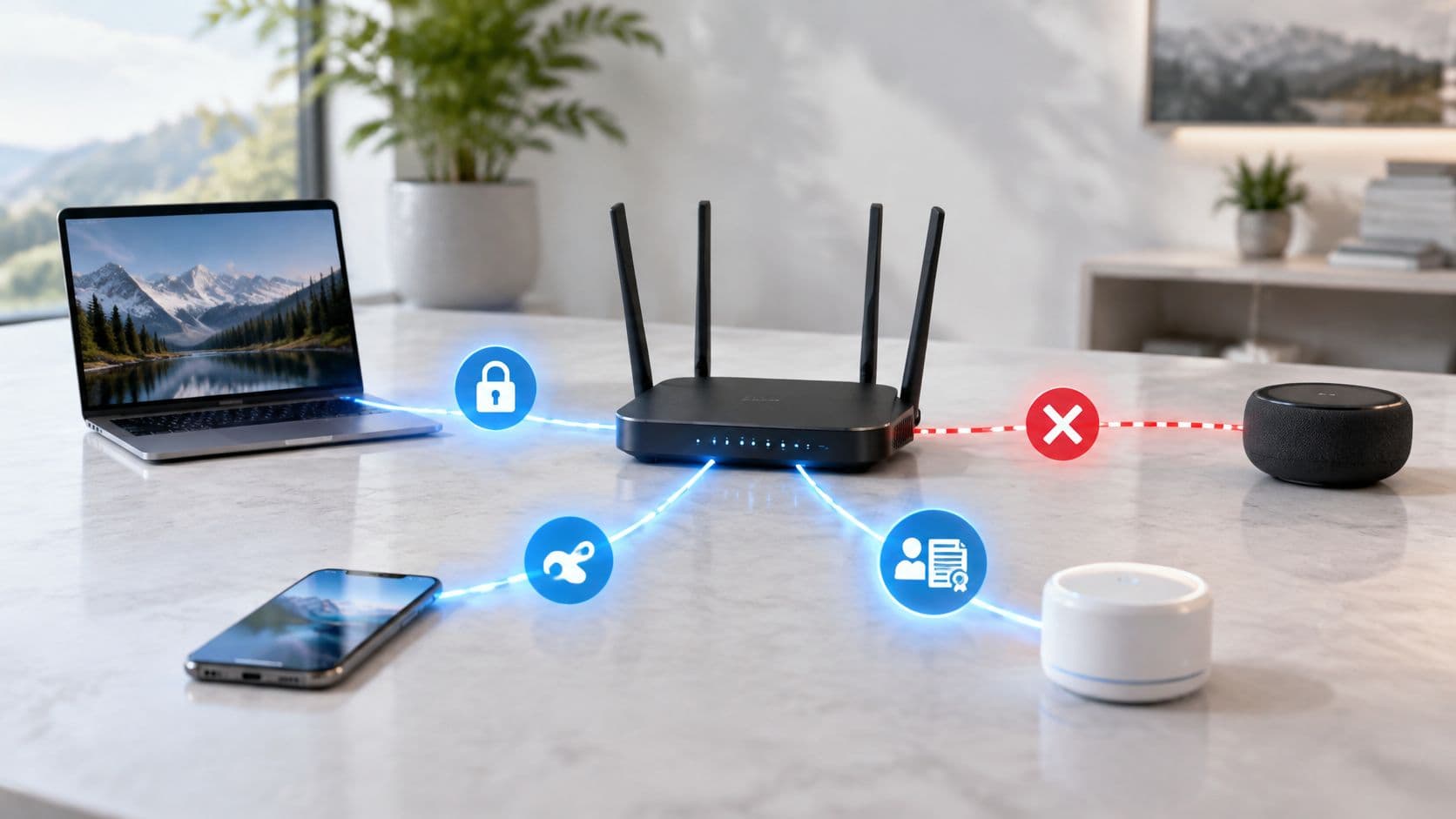
Hotspot 2.0 establishes a technical framework for seamless roaming between cellular networks and WiFi access points. Built upon the IEEE 802.11u amendment, Hotspot 2.0 allows mobile devices to query available access points for network services, realm capabilities, and roaming agreements before initiating a connection.
Unlike traditional open guest WiFi networks that require manual SSID selection and web portal authentication, Hotspot 2.0 provisions secure digital profiles directly on client devices. When a user enters a supported venue, their device authenticates automatically via enterprise-grade RADIUS servers.
### Key technical pillars of Hotspot 2.0
* **Access Network Query Protocol (ANQP):** Enables client devices to discover network capabilities, carrier roaming partners, and Internet connectivity status prior to association.
* **WPA2/3-Enterprise security:** Replaces open, unencrypted WiFi networks with mandatory AES encryption, eliminating eavesdropping and man-in-the-middle attacks.
* **EAP-TLS / EAP-TTLS authentication:** Utilizes digital certificates or SIM card credentials to verify device identity without pre-shared keys or passwords.
* **Cellular offloading:** Allows mobile network operators (MNOs) to offload data traffic from congested LTE/5G towers to high-speed venue WiFi.
## Hotspot 2.0 vs traditional public WiFi networks
The transition from unencrypted legacy hot spots to Hotspot 2.0 eliminates login friction while dramatically strengthening security posture across venue estates.
| Feature & Capability | Legacy Open Public WiFi | Hotspot 2.0 (Passpoint) Network |
| :--- | :--- | :--- |
| **Authentication method** | Manual web captive portal login | Automatic background 802.1X handshake |
| **Over-the-air encryption** | None (Unencrypted Open / OWE optional) | WPA2-Enterprise / WPA3-Enterprise (AES) |
| **User experience** | Frictional (Redirects, forms, re-logins) | Zero-click (Instant automatic connection) |
| **Repeat visit connection** | Requires portal re-authentication | Seamless automatic roaming across locations |
| **Cellular offload support** | Not supported | Native SIM-based EAP-SIM / EAP-AKA offloading |
| **Rogue AP prevention** | Vulnerable to Evil Twin AP attacks | Protected via mutual certificate authentication |
## Key benefits of Hotspot 2.0 for enterprise venues
### 1. Frictionless guest experience
Visitors no longer need to search for network names, ask staff for passwords, or fill out repetitive web forms. Devices automatically connect upon entering the venue, providing immediate Internet connectivity.
### 2. Enterprise-grade wireless security
Public open WiFi networks expose user traffic to packet sniffing and session hijacking. Hotspot 2.0 enforces individual encryption keys for every connected session using WPA2/3-Enterprise protocols, securing user data even on public networks.
### 3. Multi-site roaming across venue estates
For enterprise chains, retail malls, hotel groups, and transit hubs, a single Hotspot 2.0 profile enables devices to roam across hundreds of physical locations without re-authenticating.
### 4. SIM-based cellular offloading for telecom carriers
Mobile operators deploy Passpoint profiles to offload data traffic from saturated cellular towers inside high-density venues like stadiums, airports, and shopping centers. Venues can partner with carriers to monetize infrastructure and improve indoor coverage.
## Hotspot 2.0 technical architecture: IEEE 802.11u and ANQP
The technical foundation of Hotspot 2.0 relies on pre-association discovery. Standard WiFi requires a device to associate with an AP before discovering network services. Hotspot 2.0 uses Access Network Query Protocol (ANQP) frames to exchange capability information while the device is still in the probing state.
### ANQP information elements exchange
* **Domain Name:** Identifies the network operator and realm information.
* **Roaming Consortium Unique Identifier (OI):** Matches carrier roaming agreements to verify if a user's subscription allows free access.
* **NAI Realm List:** Specifies supported authentication methods (e.g., EAP-TLS, EAP-TTLS, EAP-SIM).
* **IP Address Type Availability:** Confirms whether IPv4 or IPv6 addresses are assigned upon connection.
## How to deploy Hotspot 2.0 and Passpoint networks
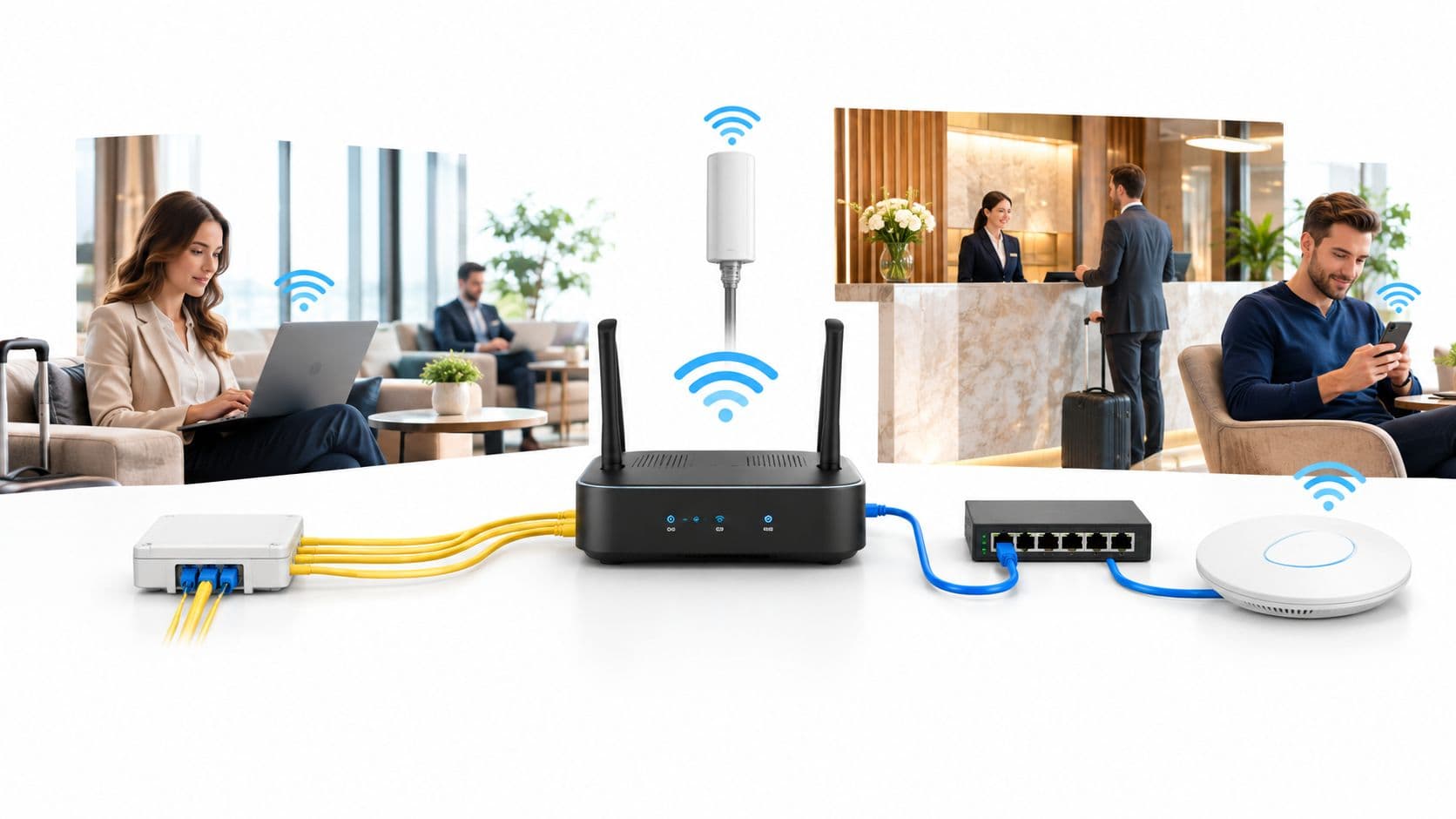
Deploying Hotspot 2.0 across an enterprise access point estate requires compatible wireless infrastructure and a cloud RADIUS authentication service.
### 1. Verify hardware and firmware compatibility
Ensure your wireless access points and WLAN controllers support Hotspot 2.0 Release 2 or Release 3. Leading Enterprise AP vendors including Cisco Meraki, HPE Aruba, Ruckus Wireless, Juniper Mist, Ubiquiti UniFi, and Fortinet provide native Passpoint configuration modules.
### 2. Configure RADIUS identity and EAP servers
Hotspot 2.0 requires an 802.1X RADIUS server to validate device certificates or identity tokens. Cloud-native platforms like Purple integrate directly with existing identity providers (Entra ID, Okta, Google Workspace) and RADIUS clusters without requiring on-premises server hardware.
### 3. Publish OSU (Online Sign-Up) and Passpoint profiles
An Online Sign-Up (OSU) server allows new users to download secure Passpoint WiFi profiles via a web portal, QR code, or mobile application. Once installed, the profile remains active for automatic future connections.
## Checking device compatibility for Hotspot 2.0
Modern mobile operating systems provide built-in Passpoint support:
* **iOS and iPadOS:** Apple devices have supported Hotspot 2.0 natively since iOS 7. Passpoint profiles can be deployed via MDM or web download.
* **Android:** Android devices running Android 6.0+ include native Passpoint (HS2.0) settings under advanced WiFi preferences.
* **Windows and macOS:** Windows 10/11 and macOS Monterey+ support 802.11u pre-association discovery and enterprise profile management.
## Frequently asked questions about Hotspot 2.0
### What is the difference between Hotspot 2.0 and Passpoint?
Hotspot 2.0 is the underlying technical standard developed by the WiFi Alliance based on IEEE 802.11u. Passpoint is the official brand and certification program managed by the WiFi Alliance to verify hardware interoperability across vendors.
### Is Hotspot 2.0 more secure than open guest WiFi?
Yes. Legacy open guest WiFi transmits data unencrypted across the air. Hotspot 2.0 enforces WPA2/WPA3-Enterprise encryption, generating unique encryption keys for every device to prevent eavesdropping.
### Does Hotspot 2.0 require hardware replacement?
In most cases, no. Enterprise access points from Cisco, Aruba, Ruckus, Mist, and UniFi support Hotspot 2.0 via standard firmware updates. Cloud management platforms like Purple manage Passpoint RADIUS profiles on existing hardware.
## Accelerate Hotspot 2.0 deployment with Purple
Purple provides a cloud-native Guest WiFi and Passpoint platform that replaces friction-heavy splash screens with zero-click, identity-driven 802.1X authentication. Compatible with all major enterprise WLC and access point vendors, Purple enables venues to deploy Passpoint, secure guest access, and location analytics.