Zero Trust network architecture and sizing advisor
Model identity-driven 802.1X authentication, dynamic VLAN segregation, and attack surface reduction for enterprise WiFi and campus switching networks.
Identity-driven 802.1X & Cloud RADIUS architecture
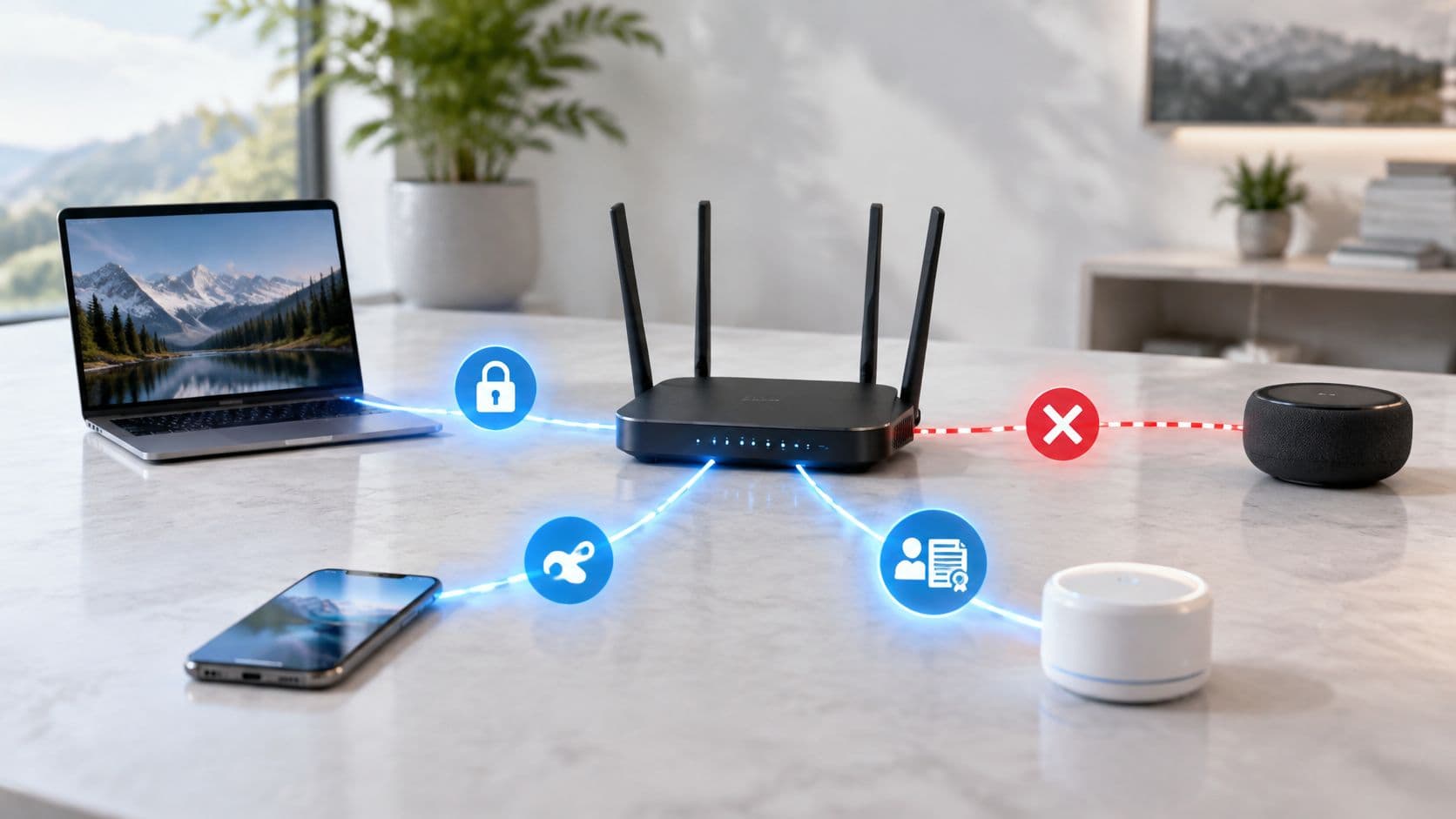
Eliminate shared network passwords across all corporate SSIDs. With 802.1X EAP-TLS, each device authenticates using a unique client certificate bound to the user identity in Microsoft Entra ID. Certificates are issued through Intune SCEP or PKCS profile against an NDES connector, and withdrawn through Conditional Access revocation plus CRL publication.
! Zero Trust 802.1X policy, Catalyst 9800 / IOS-XE
! Identity source: Microsoft Entra ID
! Credential: 802.1X EAP-TLS with per-device client certificates
! RADIUS endpoints shown as RFC 5737 documentation addresses

radius server ZT-RADIUS-PRIMARY
 address ipv4 198.51.100.10 auth-port 1812 acct-port 1813
 key 0 <RADIUS_SHARED_SECRET>

radius server ZT-RADIUS-SECONDARY
 address ipv4 198.51.100.11 auth-port 1812 acct-port 1813
 key 0 <RADIUS_SHARED_SECRET>

aaa group server radius ZT-RADIUS-GROUP
 server name ZT-RADIUS-PRIMARY
 server name ZT-RADIUS-SECONDARY

aaa authentication dot1x default group ZT-RADIUS-GROUP
aaa authorization network default group ZT-RADIUS-GROUP
aaa accounting identity default start-stop group ZT-RADIUS-GROUP
aaa server radius dynamic-author
 client 198.51.100.10 server-key 0 <COA_SHARED_SECRET>
 client 198.51.100.11 server-key 0 <COA_SHARED_SECRET>
 auth-type all

dot1x system-auth-control

wlan ZT-CORP 1 ZT-CORP
 security wpa wpa2 wpa3
 security dot1x authentication-list ZT-DOT1X
 no shutdown

wireless profile policy ZT-CORP-POLICY
 aaa policy-override
 ! Honours RFC 2868 Tunnel-Private-Group-ID from the RADIUS reply
 aaa-override
 accounting-list default
 no shutdown

! key 0 is cleartext in the running config. Type 7 is reversible
! obfuscation, not encryption, so neither protects the secret at rest:
! hold it in a configuration manager and rotate it on exposure.
Ready to deploy Zero Trust across your wireless and wired campus?
Purple provides enterprise Cloud RADIUS, seamless 802.1X certificate provisioning, and dynamic VLAN segmentation for Cisco, Aruba, Ruckus, Extreme, and Meraki architectures.
In the UK, 98% of organisations say they plan to or already have implemented zero trust, yet only 15% report full implementation. The gap isn't awareness. It's execution. UK zero-trust research shows that many teams have started planning, segmentation or isolated identity projects without connecting those controls into one operating model.
The practical question isn't whether zero trust matters. It's how to implement zero trust without breaking live services, frustrating users or creating another collection of disconnected security products. The answer is to sequence the migration around identity, device posture, directory lifecycle, secure WiFi, segmentation and continuous verification.
Why Zero Trust Implementation Stalls in Enterprises
51% of organisations remain at an early planning stage, while only 15% claim full implementation, and 80% have faced technical or operational barriers. The UK organisations report shows the gap between selecting a direction and operating the required controls. Teams often begin with isolated projects, then discover that identity, devices, directories, applications and networks depend on one another.
Zero trust removes inherent trust from systems, networks and services. An internal connection should not provide broad access. An old account should not retain permissions after the person or supplier no longer needs them. A service should not remain trusted indefinitely because it passed one authentication check.
The UK National Cyber Security Centre frames zero trust as a staged migration, not a product purchase. Its architecture guidance defines eight design principles, including identity-led access decisions and protected communications. The NCSC zero-trust collection was published in 2021, with implementation guidance expanded in September that year. The NCSC architecture design principles are useful because they require teams to settle architecture and trust decisions before choosing technology.

The product-first failure mode
The failure pattern usually begins with a platform purchase. A team deploys an identity product, segmentation tool or ZTNA gateway, then finds that service accounts, unmanaged devices, legacy applications, wireless authentication and directory offboarding were never mapped.
The result is a growing exception list. Users receive workarounds, administrators preserve shared credentials, and security teams cannot tell whether policy is being enforced consistently. WiFi exposes this weakness quickly. Network segmentation can separate traffic, but it does not create identity-based access if users still join through shared passwords or devices remain unknown. Passwordless WiFi with certificate-based authentication, tied to device records and directory status, gives policy a reliable identity signal. Automatic directory revocation should then remove access when an account is disabled, rather than waiting for a manual cleanup.
Traditional perimeter controls still have a role, but they cannot answer every access question. why traditional IT security fails explains how cloud services, remote access and distributed devices weaken the assumption that an internal network is automatically safe.
Practical rule: Do not write enforcement policy until you know which identity, device, WiFi and service dependencies the policy could interrupt.
A workable migration follows this order:
- Discover the estate: Identify users, devices, applications, services and data flows.
- Define boundaries: Decide which resources require isolation and which access paths are legitimate.
- Build the control plane: Connect identity, MFA, certificate-based device access, posture checks and directory lifecycle.
- Enforce at the edge: Apply policy to applications, networks and WiFi, not only VPN sessions.
- Observe and expand: Start with controlled workloads, review access decisions and extend the model gradually.
This sequence makes zero trust an operating model rather than a collection of tools. It also lets operations teams protect availability while identity controls, secure WiFi and segmentation mature.
Laying the Groundwork with Discovery and Trust Boundaries
Start with an inventory that reflects how the organisation works, not how the network diagram says it works. The NCSC recommends identifying users, required permissions, devices and services, then designing identity and access management around those findings. The NCSC migration guidance also points teams towards mapping legacy dependencies and threat-modelling the proposed architecture before rollout.
The output should be a working catalogue, not a static spreadsheet. Record the owner, business purpose, authentication method, dependencies, data sensitivity, expected users and failure impact for each important resource.

Build four inventories
Users and identities come first. Include employees, contractors, privileged administrators, service accounts and automation identities. Separate a person's employment status from their access need. A contractor may need access to one application for a defined period, while a service account may require machine authentication but no interactive login.
Devices need their own classification. Record managed laptops, mobile devices, shared terminals, printers, cameras, building systems and other IoT equipment. Note which devices support certificates, modern encryption and posture reporting. Legacy equipment often can't meet staff authentication requirements, so it needs an explicit containment strategy rather than an untracked exception.
Applications and services should be mapped to their identity and transport requirements. Document whether each application supports SSO, MFA, modern protocols, certificates, proxy access or only a legacy username and password. Identify upstream directories, databases, DNS services, APIs and logging dependencies.
Data flows and business journeys reveal trust boundaries. Map how a staff member reaches a clinical system, how a contractor accesses a maintenance portal, or how a point-of-sale device communicates with approved services. A segment isn't meaningful if an undocumented dependency forces unrestricted access across it.
Define boundaries before policies
A trust boundary should answer three questions: what is being protected, who needs access, and under which conditions. Conditions can include identity assurance, device health, network context, application sensitivity and time-limited approval.
Guest WiFi, IoT and multi-tenant sites deserve special attention. Guests should never depend on staff network credentials. IoT devices should communicate only with the services required for their function. Tenants may share physical infrastructure while retaining logical isolation and separate identity administration.
Secure transport matters across every boundary. If the team needs a plain-language refresher on certificates, encryption and browser trust, Adwave Digital's guide to SSL is a useful reference before documenting application and WiFi transport assumptions.
Finish discovery with a threat model. Test what happens if a directory account is compromised, a managed device becomes unhealthy, a certificate is revoked, a wireless controller is unavailable or a legacy service can't authenticate against the new identity provider. Those failure paths should shape the rollout order.
Building Identity and Device Posture as Your Control Plane
Zero trust decisions need a source of truth. In most estates, that means selecting the directory that governs people, groups and lifecycle events, such as Entra ID, Google Workspace or Okta. The important design choice isn't the brand alone. It's whether every access system can consume the same identity state and react when that state changes.
A user who leaves the organisation should lose access everywhere that matters. A contractor whose assignment ends shouldn't remain active in a wireless system because an administrator forgot to remove a separate account. Automatic provisioning and revocation make directory changes operational controls rather than administrative reminders.

Authenticate the person and the device
Begin with SSO and MFA for workforce applications. MFA raises assurance, while SSO reduces the number of credentials users and service desks must manage. The NCSC specifically recommends designing IAM around MFA and considering passwordless authentication where suitable. Passwordless methods can improve both security and usability, but they need recovery procedures, device enrolment controls and support for users who lose access to their primary authenticator.
For staff WiFi, certificate-based authentication is usually stronger operationally than shared passwords. With WPA2 or WPA3-Enterprise and 802.1X, the network can bind access to an enrolled identity or device certificate. That removes the need to distribute a common key and makes revocation precise.
Device posture adds the second half of the decision. Check whether the device is managed, encrypted, patched, compliant and using an approved certificate. A valid user on an unmanaged laptop shouldn't automatically receive the same access as that user on a healthy corporate device.
Identity proves who is requesting access. Device posture determines whether that access request is safe enough to approve.
Design lifecycle events, not just login
Onboarding should create the directory identity, assign the right groups, enrol the device and issue the required certificate through an automated workflow. Offboarding should disable the identity, revoke sessions and certificates, and remove network access without waiting for a separate WiFi administrator.
Contractors need a different path. Give them narrowly scoped group membership, an expiry or approval process, and access only to the applications and network segments their work requires. Don't solve contractor convenience by placing them on a broad staff network.
Legacy devices need containment. Where a printer, sensor or specialist terminal can't use certificate-based authentication, use a dedicated segment, tightly scoped firewall rules and a controlled identity mechanism such as an individual pre-shared key. That keeps the exception visible and limits its blast radius.
Teams evaluating identity-bound network access can review identity-based networking as one implementation pattern. The architectural principle remains the same, regardless of platform: directory status, authentication strength and device state must influence the access decision together.
Segmentation and Secure WiFi That Enforces Policy
Segmentation is necessary, but it cannot enforce identity-based access on its own. 92% of surveyed UK organisations say they segment their networks to some degree, while 98% say they plan to or already have implemented zero trust. The UK research indicates that network zoning is widespread, but identity assurance, continuous verification and policy enforcement still need attention.
A VLAN separates traffic. It does not decide whether a person, device or session should retain access. If a user moves from a compliant laptop to an unmanaged device, the device may remain in the same segment unless the access system evaluates identity and posture again.
Compare the maturity levels
| Control Area | Partial Implementation | Zero Trust Maturity |
|---|---|---|
| Network design | VLANs or broad zones separate guests, staff and devices | Fine-grained policies restrict access to specific resources and flows |
| WiFi authentication | Shared passwords, captive portals or static keys | WPA2 or WPA3-Enterprise, 802.1X and certificate or identity-based access |
| User lifecycle | Administrators create and remove accounts manually | Directory changes provision and revoke access automatically |
| Device assurance | A device connects if it has the right network credential | Device health and certificate state influence every access decision |
| Policy response | Access remains active until a session or account is manually changed | Context changes trigger re-evaluation, restriction or revocation |
| Visibility | Controller logs show connection events | Identity, device, policy and resource events are correlated for review |
Treat WiFi as an identity boundary
WiFi is often the first enterprise access decision a device encounters. Leaving it until late in the programme creates a gap between directory policy and physical connectivity.
For staff, use WPA2 or WPA3-Enterprise with 802.1X, backed by certificates or another strong identity method. Passwordless WiFi removes shared secrets from the user experience, while certificate-based authentication binds connectivity to an enrolled identity and device. Passpoint and OpenRoaming can support secure roaming by allowing an enrolled device to authenticate without repeatedly entering a password.
The goal is encrypted, identity-bound connectivity from the first packet. A captive portal that grants broad access after a user accepts terms does not provide that control.
For a practical review of enterprise WiFi security, assess certificate distribution, identity provider integration, revocation handling and controller compatibility. The design must work across the estate, including Meraki, Aruba, Ruckus, Mist or UniFi equipment.
Guests require a separate experience and policy. Provide internet access without staff privileges. IoT devices need restricted policies that permit only the destinations and services required for operation.
Re-evaluate access continuously
The NCSC highlights continuous re-evaluation, observability and resilience as explicit zero-trust requirements. Its ZTNA implementation guidance supports changing access when context changes, rather than leaving permissions fixed for the life of a session.
Directory integration must support automatic revocation. A disabled account, removed group membership or revoked certificate should trigger policy updates without waiting for a separate WiFi administrator to intervene. The result may be step-up authentication, movement to a restricted network, application blocking or immediate access revocation.
Segmentation contains the incident. Identity, device posture and current telemetry determine whether access continues. That combination closes the gap between network separation and genuine identity-based control.
Rolling Out Monitoring and Verifying Every Access Decision
A safe rollout is controlled, observable and reversible. Don't begin by enforcing a new policy across every user, site and device category. Select a low-risk group or location that still contains enough real complexity to expose problems, then prove the access path before expanding it.
Start in monitor mode where the technology supports it. Capture what the policy would allow and deny, compare those decisions with business requirements, and investigate unknown dependencies. Monitor mode isn't a substitute for enforcement. It's a way to remove avoidable surprises before enforcement affects production.

Use a staged migration
A practical sequence looks like this:
- Choose a bounded pilot: Select a low-risk application, site or user group with a known owner and clear support route.
- Record the baseline: Capture successful and failed authentication, device posture, certificate status, network placement, policy result and application outcome.
- Test the deny paths: Confirm that failed MFA, revoked certificates, disabled directory identities and non-compliant devices are blocked.
- Enforce narrowly: Apply the policy to the pilot, with a documented rollback condition and an administrator who can reverse the change.
- Expand by dependency: Add groups, sites or services only after the previous stage has stable logs and an agreed support process.
The pilot should include failure testing. Disable a test identity, remove its group membership, mark a device non-compliant and revoke its certificate. Confirm that network access, application access and active sessions respond as designed.
Make telemetry useful
Collect events that explain decisions, not just events that prove a connection occurred. At minimum, correlate the requesting identity, device identifier, authentication result, certificate state, posture result, network segment, destination resource, policy version and final decision.
Look for patterns that need human review:
- Unexpected identity use: A user accesses a resource outside their normal role or approved group.
- Posture changes: A previously compliant device loses management, encryption or certificate status.
- Repeated failures: Authentication or posture failures occur across multiple accounts or locations.
- Policy exceptions: A legacy device or service repeatedly depends on a broad rule.
- Revocation delays: A disabled directory identity continues to receive network or application access.
Use Purple's data and security overview when assessing how an identity-based WiFi platform handles access data, security controls and operational visibility. Whatever tools you select, dashboards should support decisions. A log that nobody reviews won't improve enforcement.
Rollback condition: Reverse a policy when it blocks a critical business journey, creates an unsafe dependency or produces unexplained access failures. Preserve the evidence, fix the design and retest. Don't leave an emergency exception permanently open.
Protect availability as part of security
Zero trust depends on directories, certificate services, policy engines, network controllers and connectivity. Build resilience into each dependency. Define what happens if the identity provider is unreachable, certificates can't be validated, a controller fails or a policy service becomes unavailable.
Use fail-safe service design carefully. Some environments need existing sessions to continue briefly during an identity-service outage. Others should restrict access immediately for sensitive resources. The right choice depends on the resource, the threat model and the operational consequence.
Communicate before enforcement. Tell users what will change, which sign-in methods they'll use, how device enrolment works and where to report failures. Track helpdesk themes and access analytics after each phase. Reduced manual account administration, fewer shared credentials and faster revocation are practical indicators that the operating model is improving.
Your Zero Trust Implementation Checklist and Next Steps
A workable implementation plan should fit on the agenda for the next architecture meeting:
- Discover: Inventory people, service accounts, devices, applications and services.
- Map dependencies: Document data flows, authentication methods, legacy constraints and operational owners.
- Define boundaries: Separate staff, guest, IoT and tenant access according to resource need.
- Harden identity: Select a directory source of truth, enforce MFA and introduce SSO.
- Adopt stronger authentication: Move suitable users and devices towards passwordless and certificate-based access.
- Automate lifecycle: Provision from directory groups and revoke access when identities or certificates change.
- Assess posture: Check management, health and compliance before granting sensitive access.
- Secure WiFi: Use identity-bound enterprise authentication instead of shared staff passwords.
- Contain legacy devices: Place exceptions on restricted segments with narrowly scoped policies.
- Monitor first: Run pilot policies in observation mode, then enforce them with rollback criteria.
- Verify continuously: Test denied access, revocation, posture changes and service failures.
- Expand deliberately: Add sites and workloads only when logs, ownership and support processes are ready.
The most important implementation decision is sequencing. Don't start with the most visible product or the largest network segment. Start with a journey you can understand, measure and reverse. For hospitality and retail, that may mean separating staff, guest and operational devices across a live venue. For healthcare, it may mean prioritising identity and device controls around a sensitive application. For multi-tenant housing, it may mean delivering simple resident access while preserving isolation between tenants and building systems.
Choose a platform when it removes a genuine migration barrier. If your estate needs passwordless WiFi, directory-integrated staff access, automatic revocation and less dependence on on-premises RADIUS, evaluate whether a platform such as Purple fits the existing identity and network architecture. Keep the decision tied to your control objectives, integration requirements and operational ownership.
Measure progress through evidence, not deployment announcements. You should be able to show which identities have access, which devices are trusted, which policies denied requests, how quickly revocation took effect and where exceptions remain. That is how zero trust becomes an operating capability rather than another stalled security programme.
Purple provides identity-based WiFi and networking that connects staff and devices to existing directories, supports passwordless and certificate-grade access, and can automate provisioning and revocation as directory status changes. Visit Purple to assess how its WiFi authentication, device posture and network integrations could support a phased zero-trust rollout.