The usual advice is to post a warning, set a longer password, and add a visitor SSID. That advice mistakes decoration for control. A poster can't prove a network is genuine, a shared password can't be taken back from one person, and an SSID name can't prove trust. WiFi access management works only when identity, encryption, and revocation are built into the join itself.
What WiFi Access Management Actually Controls
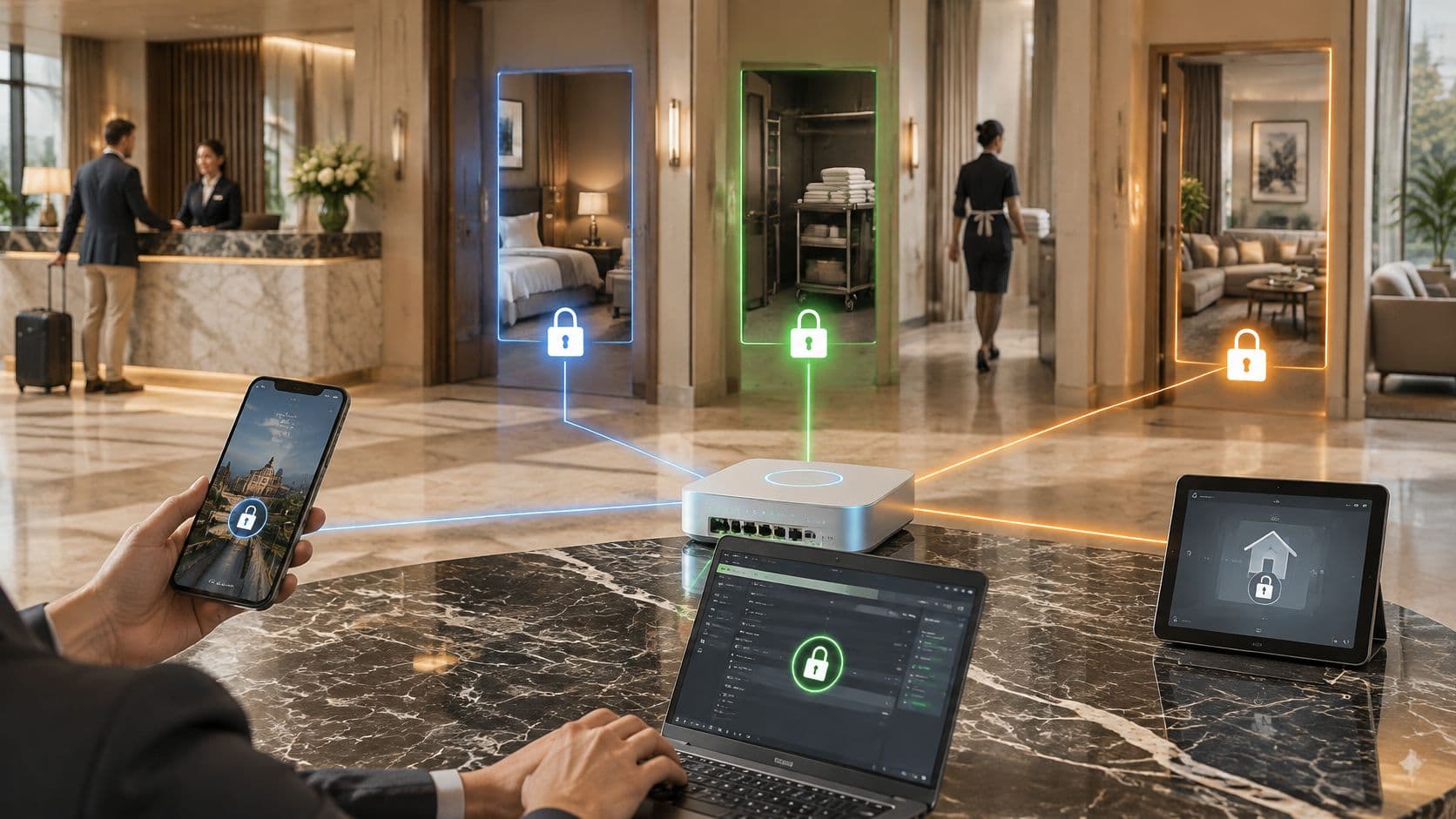
Say a hotel hands every guest and cleaner the same front-door key. The key opens bedrooms, the office, and the plant room, and nobody can tell who used it last Tuesday. That's a shared passphrase. Identity-based access replaces it with a named key that opens only agreed rooms and can be cancelled on its own.
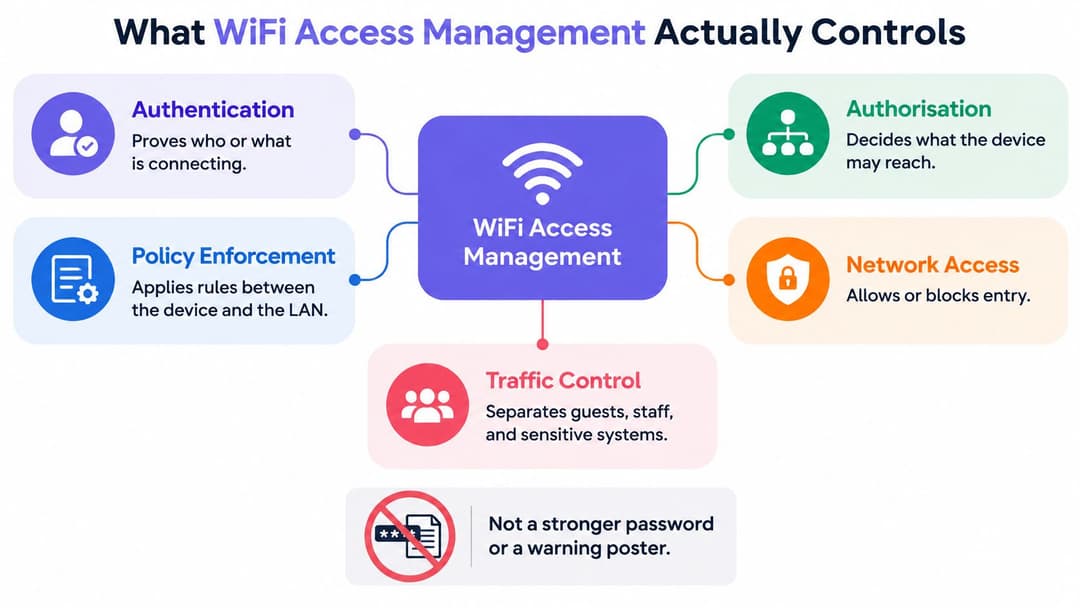
WiFi access management is the policy and enforcement sitting between a device and your local area network. It doesn't just provide a signal. It decides whether a connection happens, what that connection can reach, and what record remains afterwards.
Three controls in sequence
- Authentication proves identity: The network checks who or what is connecting, using a credential, certificate, profile, or unique key tied to that user or device.
- Authorisation assigns reach: Once identity is proved, policy places the device in a VLAN, role, or firewall group that can reach only permitted systems.
- Accounting creates the record: The system logs the user, device, time, and place, so you can investigate an incident and prove who held access on a given date.
Miss one control and the others weaken. Authentication without authorisation lets a genuine guest wander toward staff systems. Authorisation without accounting leaves you guessing after a complaint. A splash page that collects an email address but puts everyone on one flat network isn't access management. It's a form in front of an open door.
The load behind those decisions has changed. In 2025, 86% of UK homes and businesses had access to a gigabit-capable broadband connection, according to the UK Government's State of the Nation data using Ofcom's Connected Nations 2025 figures. Hotels, hospitals, shops, and multi-tenant buildings now backhaul far more simultaneous sessions, cloud authentication, and device traffic than a basic splash page was built to govern.
Keep three populations separate in your thinking. Guests need a fast, encrypted join they can complete under pressure. Staff and contractors need rights that follow joiners, movers, and leavers. Residents and IoT devices need isolation that works without a helpdesk call every time someone adds a television.
A password shared by 200 people has 200 owners and no accountable owner.
The audience table in the next section turns those groups into concrete controls. Read each row as a complete path, from how someone joins to how their access ends.
How Guests Staff and Tenants Get On
| Audience | Join method | Trust proof | Network reach | How access ends |
|---|---|---|---|---|
| Guest | Captive portal, Passpoint or venue app | Email, one-time profile or federated credential | Isolated guest VLAN only | Session timeout or portal policy |
| Staff | 802.1X with EAP-TLS or directory enterprise WiFi | Certificate or identity-provider account | Role-based VLANs and apps | Directory disable, no shared-secret rotation |
| Contractor | Time-boxed 802.1X or sponsored account | Sponsor-approved identity | Least-privilege VLAN only | Expiry date or sponsor removal |
| Resident or tenant | Unique PSK or private network per tenancy | Per-tenant key | Own phones, consoles and TVs only | Key retired at move-out |
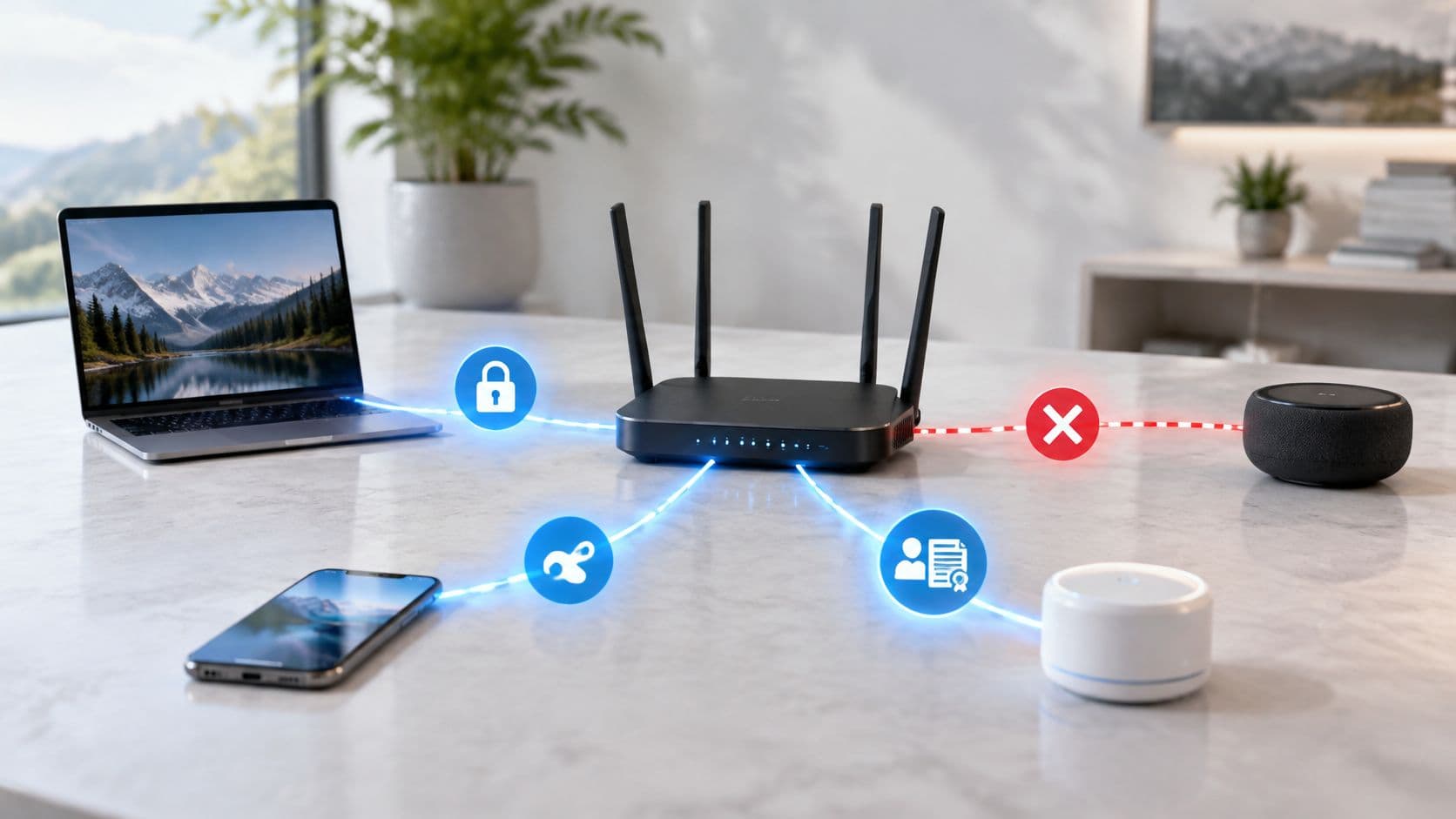
| IoT and legacy devices | Device-specific PSK, not a user password | Device identity | Dedicated IoT segment | Key revoked per device |
Guests and staff
A guest proves very little, so the network should grant very little. The portal, Passpoint profile, or app gets them online, and the isolated VLAN keeps them away from tills, printers, and clinical systems. Access ends automatically because nobody will remember to delete yesterday's visitors.
Venues that register people for operational reasons face the same discipline in another form. Global's guide to registering guests is useful context for why the record matters, but registration data shouldn't widen network rights. A completed form proves a visit happened. It doesn't make a phone trustworthy. Our guest WiFi guide covers the onboarding side, while the network rule stays simple. Guests get internet access, not your LAN.
Staff sit at the opposite end. A certificate or directory-backed account proves a person and, ideally, a managed device. Reach follows role, so a reception laptop and a finance laptop don't land in the same place just because both passed the same door. When someone leaves, disabling the directory account ends WiFi access without rotating a secret on every remaining device.
Contractors, residents, and devices
Contractors need staff-like proof with guest-like restraint. Give them a named, sponsored identity, the smallest VLAN that lets them do the job, and an expiry date set before work starts. If the sponsor can't name the end date, the account isn't ready.
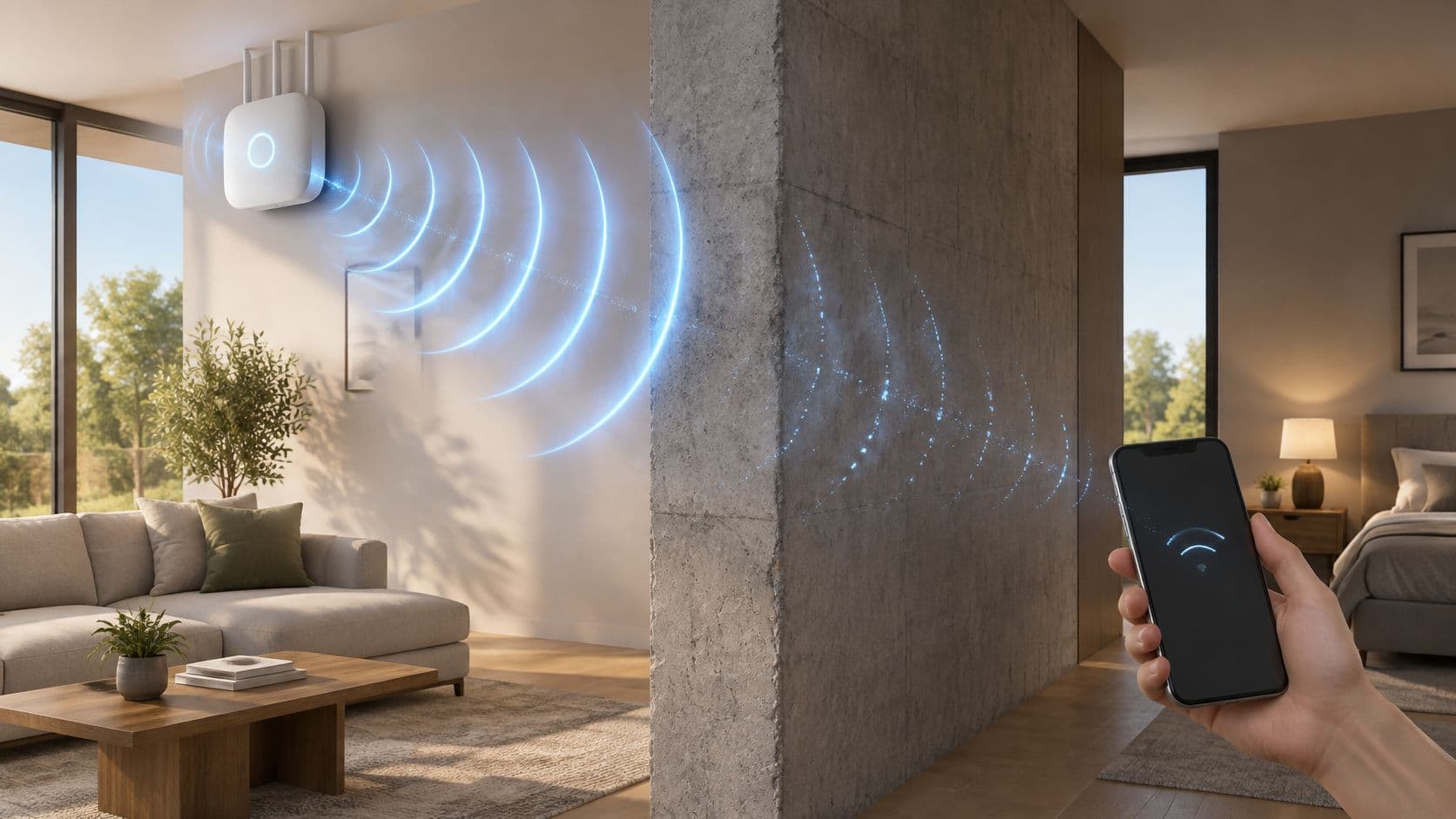
Residents in build-to-rent, student housing, or apartments need something different again. A unique key or private network per tenancy lets phones, consoles, and TVs see each other without seeing the flat next door. At move-out, you retire one key. You don't rekey the building.
IoT and browserless kit can't type passwords or complete portals. Each device gets its own key on a dedicated segment, never the staff passphrase. If a camera or sensor is replaced, you revoke that one key.
Edge cases test whether you've understood the table. A clinician using a personal phone in the café is a guest on that device, even on a hospital site. A retailer with a managed tablet is staff. The device identity decides the policy, not the SSID name or the building.
A separate visitor network is only the container. The row is the control.
Security Rules UK Networks Must Meet
Start with the baseline, then handle exceptions. For ordinary users, the UK Government's Wireless Network Security Standard requires IEEE 802.1X with EAP authentication and prohibits pre-shared keys, permitting device-specific PSKs only for IoT devices. The same standard requires WPA2 or successor standards such as WPA3, certified WPA-Enterprise products, and CCMP using AES to protect confidentiality and integrity.
The baseline checklist
- WPA2/3-Enterprise: Authenticate staff through the enterprise method. A shared passphrase with an enterprise label is still a shared passphrase.
- 802.1X with EAP: Authenticate each user or device at connection time, before it reaches internal systems.
- Central AP management: Manage access points centrally so policy doesn't drift between buildings, floors, or sites.
- Directory or certificate identity: Bind access to an identity you can disable or revoke for one person or device.
- Separate guest service: Keep guests on a controlled, isolated service. Never put a shared corporate password on the guest SSID.
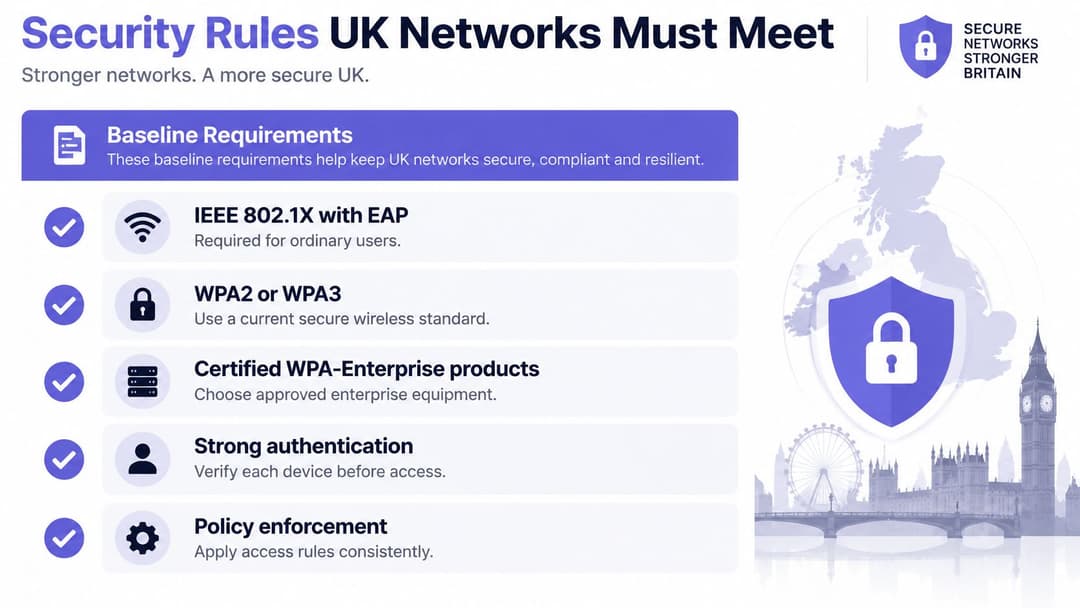
Each item on that list exists to fix a specific failure. Per-user authentication means a policy applies to a person, so removing one leaver never becomes a site-wide maintenance job. Central management means a fix reaches every access point at once, rather than only the ones an engineer happened to visit. Our enterprise WiFi security guide covers implementation in more depth, though the standard itself leaves little room for a shared staff password.
Why certificates beat MAC lists
Certificates give a device stronger identity than any list of hardware addresses. An X.509 certificate binds a public key to an authorised user, computer, or service identity. The network validates it cryptographically at every join and can revoke it the moment a laptop is lost, retired, or removed from management.
A MAC allowlist can't do that. MAC addresses are comparatively easy to discover and spoof, so the list proves someone copied an address, not that the device is yours. Treat MAC filtering as housekeeping if you use it at all. Don't treat it as identity.
Certificates do cost effort. Someone has to handle enrolment at device handover, renewal before expiry, revocation, and a recovery path for a user locked out before a shift. Small teams feel that work. You can carry it in-house, or hand it to a service that runs certificate authentication on the access points you already own with no PKI to build: Purple's Staff WiFi, for example, onboards employee devices with managed EAP-TLS certificates, so there is no shared passphrase to rotate.
Practical rule: If revoking one person's access means touching everyone else's device, you don't have revocation. You have a password change project.
Pair trusted devices that join automatically with a separate, logged, isolated guest service. Low friction for managed staff kit and strict isolation for everything else are the same policy applied to different levels of proof.
Where to Run Access Policy
Own the servers only if you already operate network access control well. Otherwise, put policy in the cloud and keep isolation per role or tenancy. The choice is where the decision is made, not which radio vendor is on the ceiling.
| Model | Where policy lives | Best fit | Expertise required | Isolation |
|---|---|---|---|---|
| On-prem RADIUS | Local servers and PKI | Single campus with an existing NAC team | High, uptime, certificates and failover in-house | VLANs the team designs |
| Cloud RADIUS or identity platform | Provider cloud, existing access points | Multi-site hospitality, retail, healthcare, transport | Low, no PKI to build | Central policy with per-site VLANs |
| Multi-tenant private networks | Cloud plus a unique key per tenancy | BTR, student housing, apartments | Low for residents | Tenant isolated from other tenants |
| Shared passphrase SSID | The password itself | Not a target state | Low until the password leaks | None |
On-premises control and its cost
On-premises RADIUS suits a single campus that already runs NAC and can own PKI, uptime, patching, and failover. You keep full control of authentication decisions and logs. You also keep the pager. When sites multiply, configuration drift becomes the quiet failure, because each site gets fixed at a different time by a different person.
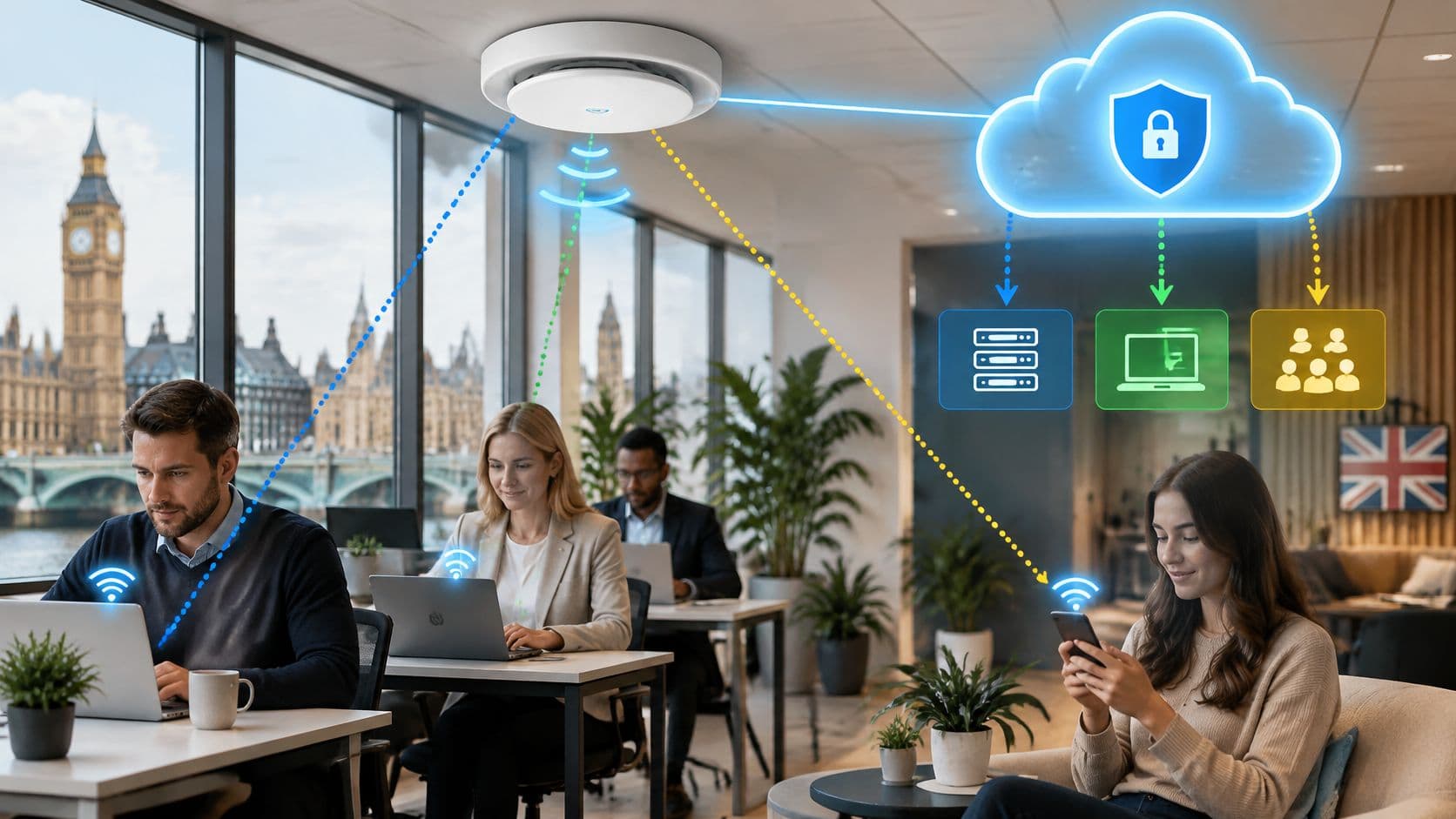
Cloud RADIUS, or an identity platform in front of existing access points, suits hospitality groups, retail estates, healthcare sites, and transport operators. The same rule applies in central London and at a rural property. Your team doesn't build a PKI, and a directory change can revoke a user centrally instead of waiting for a site visit.
Why geography changes the answer
Backhaul isn't uniform across the UK. Ofcom's Connected Nations 2024 nations reports reported that by July 2024 full-fibre availability reached 69% of residential premises in England and 62% in Scotland, with approximately 760,000 homes in Northern Ireland. Superfast fixed-line broadband was available to 98% of residential premises in Northern Ireland, and England had gigabit-capable coverage at 84%, equal to 21.1 million premises.
Read those figures as a governance warning, not a league table. Site bandwidth and density will differ across an estate. Authentication, role separation, and central visibility have to stay consistent anyway.
Multi-tenant private networks answer a narrower problem. Each resident gets an isolated network across their own devices, including browserless ones, without seeing neighbours. That's the right model for build-to-rent and student housing, and the wrong model for staff systems.
The shared passphrase row is the one to retire. It requires little expertise until the password leaks, at which point every device needs attention and you still can't say who used it.
Access Management in Three UK Venues
A hospital waiting area
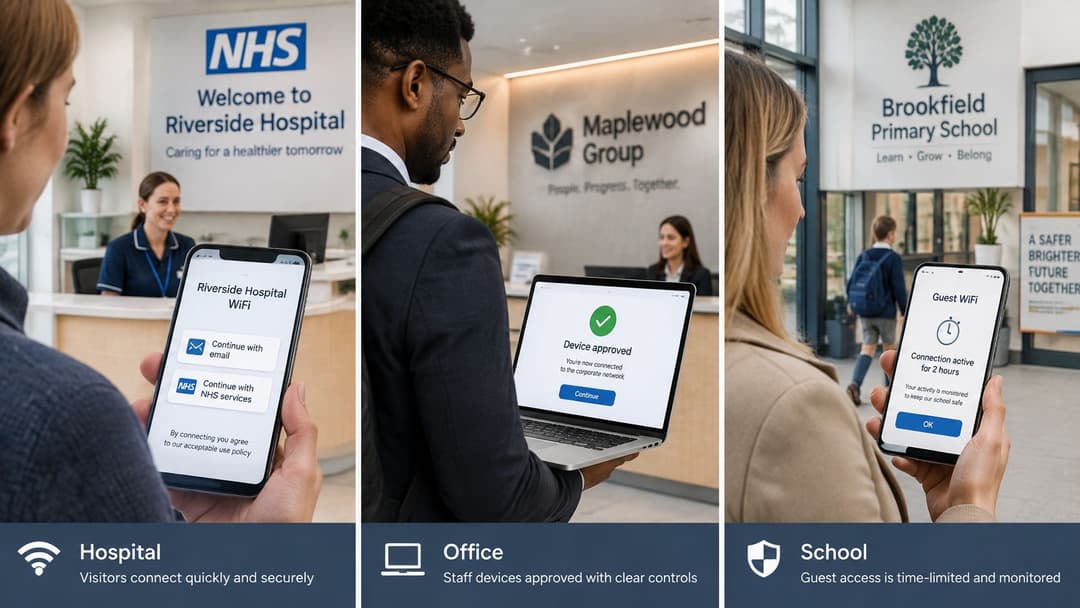
A visitor arrives worried, running late, and needs to message family or open an appointment email. They see two similarly named networks and tap one. Asking that person to judge certificates, SSIDs, and encryption in the moment is asking for failure.
The 2026 survey of 3,000 UK adults reported by ISPreview found that 32% were not confident they could distinguish secure public WiFi from a spoofed network, 20% took no precautions before joining, and 16% did not know what signs indicated a suspicious network.
Another poster won't close that gap. The genuine network should present a verifiable identity and encrypt from the first packet, while clinical systems stay off the guest path entirely. Passpoint-style onboarding fits here because the device can recognise a trusted network after setup instead of asking a stressed visitor to spot the safe option. Design the safe choice to be the easy choice.
A hotel or shopping centre
A guest who won't complete a long form gives up or uses mobile data. A short captive portal works for a first visit, but Passpoint-style onboarding, once provisioned, brings repeat visitors back without a second splash page. The journey feels like roaming, not registration.
Consented first-party data can support visit understanding and follow-up once the network path is isolated. Keep the order right. Marketing value comes after the guest VLAN, session policy, and logging are already correct.
Student and build-to-rent housing
A student arrives with a phone, laptop, console, and smart TV. Half that kit has no browser for a portal. Each flat needs a private network where those devices work together, invisible to other flats, with the key dying when the tenancy ends. Purple's multi-tenant WiFi guide covers that residential pattern in more depth.
The same building logic fails for employees. The nurse, hotel manager, and housing officer belong on enterprise authentication tied to their work identity, with directory-linked revocation when a role changes, even in the building where they're also surrounded by visitors.
Why Separate SSIDs Are Not Enough
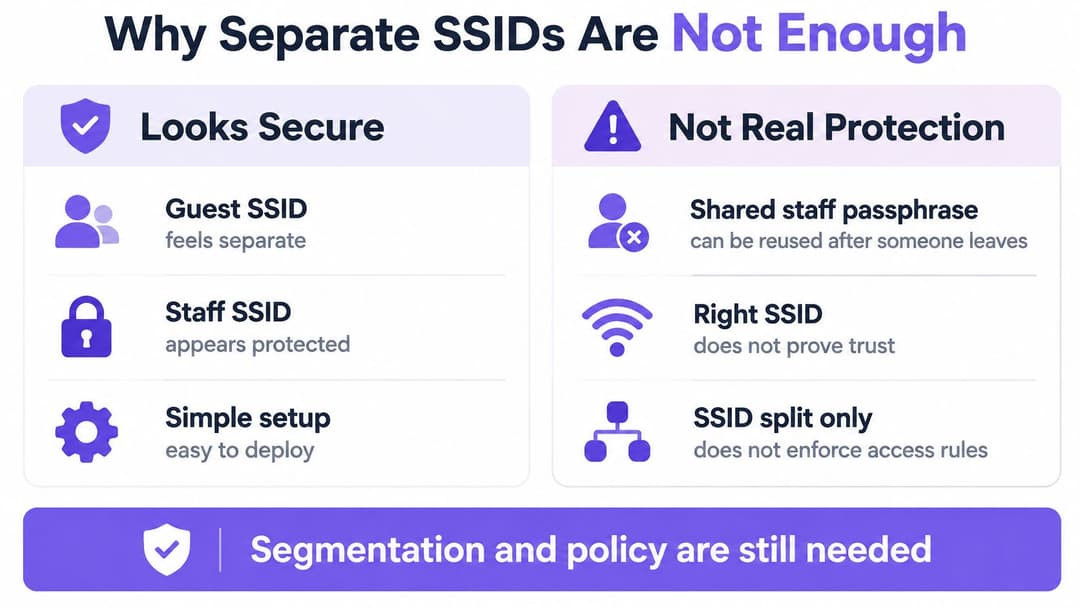
Splitting a site into "Staff" and "Guest" networks feels like access control. It is closer to sorting. The broadcast name decides which door a device walks through, then stops asking questions. Whoever holds the staff passphrase keeps it on the day they leave, and a device that lands on the right SSID can still reach far more of the building than its role justifies.
Year after year, the UK Government's Cyber Security Breaches Survey finds that a large share of UK businesses experience a breach or attack, while separate staff and visitor networks remain standard advice in UK network best practices. Segmentation is hygiene. It is not identity.
Four pitfalls and their fixes
- A shared key that can't be revoked for one person: Fix it with directory-linked 802.1X, so disabling a leaver's account ends their WiFi access the same day.
- Contractors parked on the staff VLAN: Fix it with least-privilege access, a named sponsor, and an expiry date, so temporary work doesn't become permanent reach.
- MAC allowlists treated as identity: Fix it with certificates, because a MAC address can be copied while a certificate can be validated and revoked.
- One SSID per device type: Fix it with one enterprise SSID plus per-device keys for IoT, before beacons, passwords, and support calls multiply.
Notice what each fix changes. The broadcast name stays the same. What changes is who can prove an identity, what that proof opens, and how fast the proof stops working.
An SSID is a label on a door. It tells you nothing about who holds a key or which rooms that key opens.
The sites most likely to stay on a shared key are the ones without on-premises RADIUS skills: housing providers, smaller healthcare sites, and hospitality groups where WiFi is run by operations staff rather than network specialists. Their barrier is rarely understanding the risk. It is the imagined cost of running servers, certificates, and failover alone.
That cost has fallen. A managed RADIUS service can now run on the access points a venue already owns, with no PKI to build and no shared passphrase to rotate. Identity-based access stops being a specialist project, and the noticeboard password loses its last excuse. It only ever looked cheap because the bill arrived later, as an incident, an audit finding, or a frantic rekeying exercise.
Best Practices for Running Access Over Time
Good access management is mostly routine. The design gets attention, but leavers, expired certificates, and forgotten contractor accounts cause the failures.
| Practice | Action | Trigger |
|---|---|---|
| Leaver removal | Disable directory account | Last working day |
| Contractor access | Set end date and sponsor | At onboarding |
| Certificate lifecycle | Enrol, renew, revoke | Before expiry or on loss |
| Resident keys | Issue per tenancy, retire at move-out | Tenancy change |
| IoT keys | One key per device on own segment | Decommission |
| Guest isolation | Test guest VLAN cannot reach staff systems | After each change |
| Access review | Review SSIDs and key inventory | Quarterly |
Connect WiFi identity to your joiner, mover, and leaver feed. A leaver's account should close on the last working day, not at the next audit. If HR, IT, and the network team use different lists, reconcile them until there's one trigger everyone trusts.
The checks people skip
- Test guest isolation after changes: After any VLAN, firewall, or access point change, join as a guest and confirm you can't reach staff systems, printers, or clinical services.
- Match keys to registers: Each quarter, compare resident keys against the tenancy register and IoT keys against the asset list. Retire anything nobody can explain.
- Record exceptions properly: Every exception needs an owner and an expiry date. An exception without an end date is just undocumented policy.
- Keep logs usable: Log each authentication with user, device, time, and location, and let your compliance owner set retention.
Push one central configuration to every access point across sites. Local improvisation feels helpful during an outage and becomes invisible risk afterwards. Review the SSID list quarterly too. SSIDs accumulate unnoticed, and each one is a policy somebody has to own.
Choose Identity-Based Access Next
Pick the audience still using a shared secret and replace that path first. For most venues, that's staff. Bind WiFi to Entra ID, Google Workspace, or Okta, issue managed certificates so there's no passphrase to rotate, and log each authentication with user, device, time, and location.
You don't need three unrelated tools to cover the audiences in this article. Purple is a WiFi platform with Guest WiFi, Staff WiFi, and Multi-Tenant WiFi, delivering guest access, staff 802.1X, and xPSK private area networks on a single cloud platform. Staff devices onboard with managed EAP-TLS certificates on the access points already installed, with no PKI for your team to build.
Check the hardware you already own before budgeting for replacement. Supported vendors include Cisco Meraki, HPE Aruba, Ruckus, Juniper Mist, Ubiquiti UniFi, Cambium, Extreme, and Fortinet. Keeping existing access points turns an estate-wide rip-and-replace into a policy migration.
Consented guest data can feed analytics and CRM once the network path is isolated. Analytics never substitute for revocation, so sequence the work correctly.
A 30-day starting plan
- List every SSID: Mark each shared staff or resident key and name an owner for it.
- Map leavers to directory disable: Confirm the exact trigger that ends WiFi access when employment ends.
- Pilot on one site: Run certificate or unique-key access with a small group and test revocation before rollout.
- Check vendor fit: Confirm your access points support the model, then plan the estate cutover.
Start with the audience whose shared secret worries you most. Everything else gets easier once one path proves that revocation works in minutes, not weekends.
Purple replaces shared passwords with identity-based access for guests, staff, and residents on the access points you already own, with central policy, per-user revocation, and isolated private networks where you need them. If you're ready to retire the shared staff passphrase and give every audience the right level of trust, visit Purple to check vendor fit and plan your first site.