

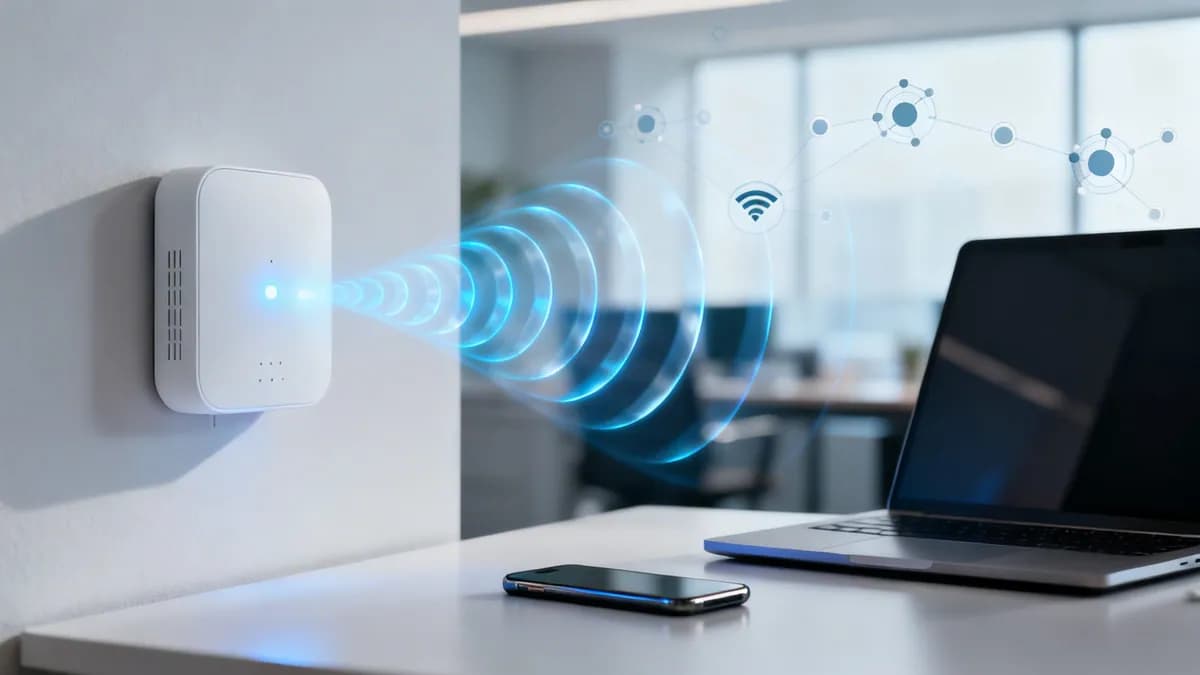
Wireless access point deployment and capacity planner
Calculate the number of enterprise access points, PoE switch power requirements, backhaul bandwidth, and RF channel architecture for your venue or commercial space.
1Venue parameters and workload
Drywall, acoustic ceiling tiles, glass meeting rooms, and high density of laptops and smartphones.
Continuous Zoom/Teams video calls, webinars, and rich media collaboration.
2Calculated AP density and infrastructure sizing
Switch backhaul provides multi-gigabit mGig bandwidth and adequate PoE power headroom.
In dense deployments (high AP density), avoiding co-channel interference (CCI) on 5 GHz takes precedence over 80 MHz channel bonding.
Need enterprise WiFi architecture validation?
Purple pairs with the leading access point vendors (Cisco Meraki, HPE Aruba, Ruckus, Juniper Mist, Ubiquiti UniFi) to provide guest WiFi captive portals, dynamic network access control, and spatial visitor analytics.
Enterprise wireless access point architecture recommendations
RF cell sizing, attenuation and roaming boundaries
Access point placement balances spatial RF propagation against wall attenuation and co-channel contention.
Design a 15% to 20% cell boundary overlap at -67 dBm to support seamless 802.11k/r/v client handoffs for voice and video roaming.
Mount omnidirectional APs horizontally between 2.8m and 4.2m above floor level. In warehouses over 6m, deploy directional patch antennas to focus RF energy downward.
Budget 3 dB of loss per internal wall for enterprise office & open plan. Subtract it from the -65 dBm design target before deciding how far a cell can reach.
A wireless access point (WAP) is a dedicated networking device that connects wireless client devices - including laptops, smartphones, tablets, handheld barcode scanners, and IoT sensors - to a wired local area network (LAN). By transmitting and receiving radio frequency (RF) signals across standardized frequency bands, a WAP creates a local wireless coverage zone (WLAN) that enables users to roam freely throughout a physical space while maintaining continuous network connectivity.
In residential environments, wireless functionality is typically packaged into an all-in-one broadband gateway provided by an ISP. However, in enterprise environments, commercial hospitality venues, healthcare systems, university campuses, and logistics warehouses, standalone enterprise access points are indispensable. They distribute network load across dozens or hundreds of synchronized radios, handling thousands of concurrent client connections without performance degradation.
Wireless access point vs home router: what is the difference?
Although both devices provide wireless connectivity to client devices, a WAP and a router perform fundamentally different architectural roles within an enterprise network:
A router operates at Layer 3 of the OSI model, acting as the gateway for your network. It assigns IP addresses via DHCP, inspects traffic through network address translation (NAT) and firewalls, and routes data packets between internal subnets and the internet. In contrast, an access point operates primarily as a Layer 2 network bridge. It translates physical Ethernet frames arriving over structured copper or fiber cables into modulated radio waves broadcast over the air.
For an in-depth breakdown of how network layers interconnect, read our comparison of LAN vs WAN network architecture.
How a wireless access point works
An enterprise WAP connects directly to a managed network switch using Cat6 or Cat6A Ethernet cabling. When data packets flow from an application server or internet gateway across the switch, the access point translates that digital binary stream into high-frequency radio frequency (RF) waves transmitted through its internal antenna arrays.
When client devices respond by transmitting data back over the air, the WAP receives the RF signal, demodulates it into digital Ethernet frames, and sends it across the wired backbone. In high-density deployments, this bidirectional conversion process occurs millions of times per second across multiple spatial streams.
Radio frequency bands: 2.4 GHz, 5 GHz, and 6 GHz
Modern wireless access points transmit across three distinct spectrum bands defined by IEEE 802.11 specifications:
- 2.4 GHz band (802.11b/g/n/ax): Offers wide physical propagation and penetration through walls, but provides only three non-overlapping 20 MHz channels (1, 6, and 11) in North America and Europe. It is susceptible to interference from Bluetooth, microwaves, and legacy IoT hardware.
- 5 GHz band (802.11a/n/ac/ax/be): Delivers up to 25 non-overlapping 20 MHz channels (including UNII-2/2C Dynamic Frequency Selection channels), supporting wider channel bonding (40 MHz and 80 MHz) for high-throughput enterprise applications.
- 6 GHz band (WiFi 6E & WiFi 7): Provides up to 1,200 MHz of contiguous, pristine spectrum with fourteen 80 MHz or seven 160/320 MHz channels, completely free from legacy WiFi contention.
Types of wireless access points
Different physical venues and operational environments require distinct access point form factors and deployment architectures:
1. Cloud-managed enterprise access points
Cloud-managed WAPs (such as Cisco Meraki, HPE Aruba Central, Ruckus One, and Extreme Networks) are the standard for multi-site enterprises, hotels, healthcare systems, and retail venues. Configuration, firmware upgrades, RF channel planning, and security policies are pushed automatically from a central cloud management console without requiring physical on-premises wireless controller hardware.
2. Controller-based (lightweight) access points
Lightweight access points utilize the Control and Provisioning of Wireless Access Points (CAPWAP) protocol to tunnel client traffic back to a centralized on-premises Wireless LAN Controller (WLC). This architecture is common in mission-critical financial and defense facilities requiring centralized packet inspection and localized airtime management.
3. Standalone / autonomous access points
Autonomous access points maintain their own independent configuration and security databases. While suitable for single-room clinics or small retail shops with one or two APs, standalone devices do not scale to enterprise venues because each access point must be configured and monitored individually.
4. Ruggedized outdoor access points (IP67 / IP68)
Engineered with weatherproof enclosures, NEMA ratings, integrated surge protectors, and temperature-tolerant internal components, outdoor WAPs deliver high-performance coverage to stadium concourses, shipping yards, golf resorts, and municipal plazas.
5. Hospitality wall-plate access points
Compact wall-plate access points are installed directly over existing Ethernet gang boxes in hotel guestrooms, student dormitories, and multi-dwelling units (MDUs). They combine a low-profile WiFi radio with integrated downstream Ethernet switch ports and PoE pass-through for VoIP phones and Smart TVs.
Power over Ethernet (PoE) requirements for access points
Commercial access points rely on Power over Ethernet (PoE) to receive electrical power and high-speed data across a single standard Category 6/6A network cable. Selecting the appropriate PoE switch standard is critical to prevent brownouts, radio throttling, or degraded MIMO antenna performance:
Enterprise security and captive portal onboarding on WAPs
In commercial environments, broadcasting an unsecured open WiFi network or sharing a single static WPA2 passphrase creates severe cybersecurity and liability risks. Enterprise WAP architectures enforce multi-layered segmentation:
- 802.1X / EAP-TLS Authentication: Corporate staff and managed endpoints authenticate against a RADIUS server (such as Microsoft Entra ID, Cisco ISE, or FreeRADIUS) using unique digital certificates or user credentials, eliminating shared passwords.
- Identity PSK (iPSK / DPSK / MPSK): Allows network managers to assign unique, device-specific pre-shared keys to headless IoT devices, smart TVs, and medical equipment while isolating them into dedicated VLANs on a single broadcast SSID. Learn more in our complete guide to Identity PSK (iPSK) security.
- Dynamic VLAN Assignment: Automatically places connecting clients into isolated network subnets based on their authentication role, preventing lateral movement and securing internal company resources.
- Cloud Captive Portals: Guest visitors connect via an isolated guest SSID and complete a branded splash page with GDPR, CCPA, and terms-of-service compliance before receiving internet access.
For a detailed breakdown of enterprise security standards, review our master Enterprise WiFi Security Guide.
Unlock first-party insights and security across your access points
Whether you operate Cisco Meraki, HPE Aruba, Ruckus, Ubiquiti, or Extreme Networks access points, Purple provides a hardware-agnostic cloud overlay. Automate branded captive portals, secure guest onboarding, ensure legal data privacy compliance, and capture real-time footfall intelligence across all your physical venues.



