Evil Twin WiFi Attack Risk and Defense Advisor
Evaluate how vulnerable your venue is to rogue access points, BSSID spoofing, and deauthentication hijacking. Model enterprise defenses including WIPS, 802.11w PMF, Passpoint, and client isolation.
Detailed Attack Vector Vulnerability Analysis
Attacker injects forged 802.11 management frames using your BSSID to forcibly disconnect users so they re-associate with the evil twin.
A rogue access point serves a replica splash page mimicking your venue branding to capture visitor email addresses, social logins, and payment details.
Without client isolation, an attacker associated to the genuine guest network can sniff unencrypted peer packets and conduct ARP poisoning attacks.
Read our comprehensive architectural blueprint in the Enterprise WiFi Security Guide, or speak with our engineers to audit your wireless threat posture.
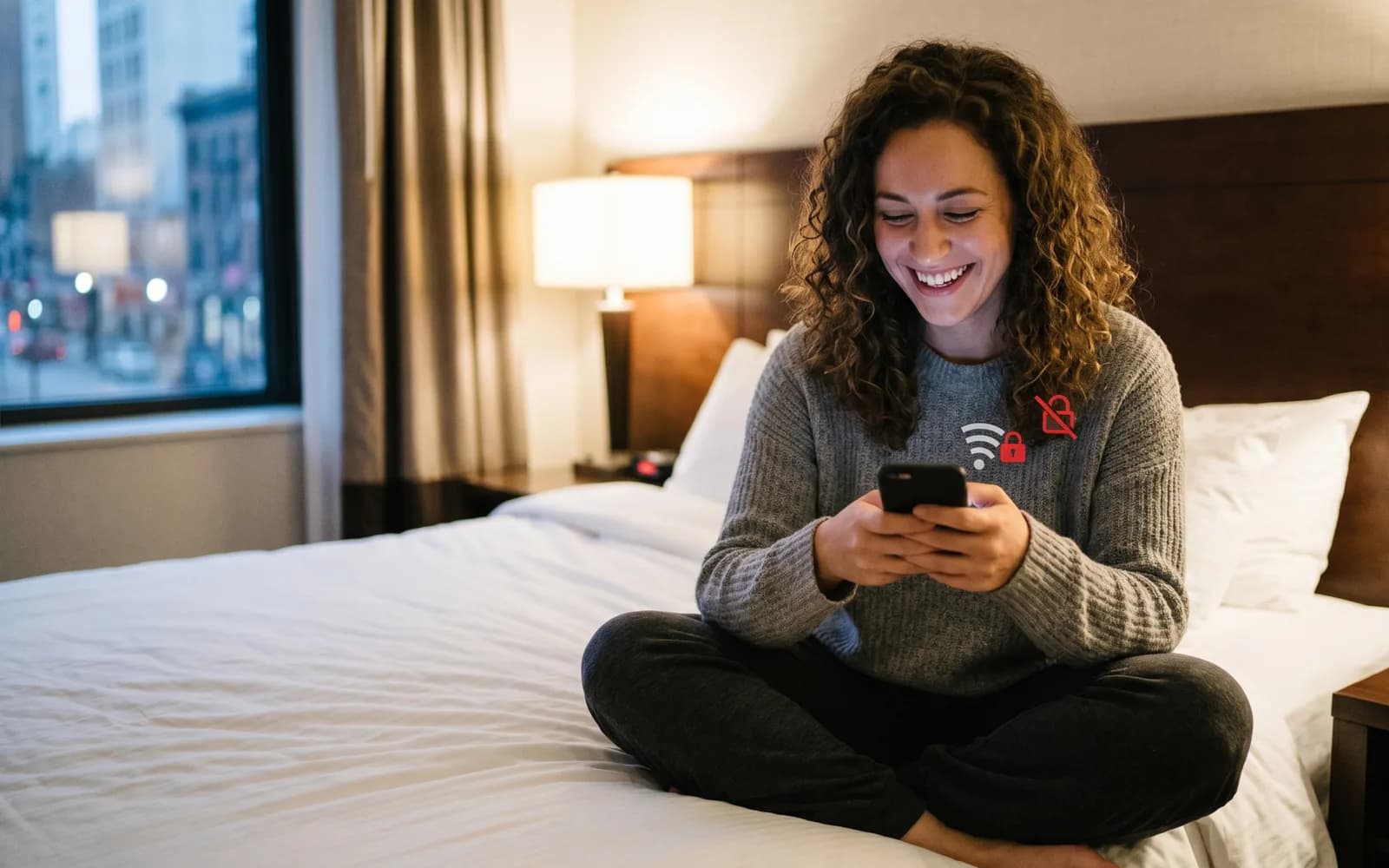
Every summer, millions of travelers connect to free WiFi in airports, hotels, cafes, and conference centers without a second thought. And every summer, criminals are waiting for them. Security researchers and consumer-protection groups are once again warning travelers about "evil twin" attacks - one of the simplest and most effective ways to steal personal data over public WiFi.
For the venues that offer that WiFi - hotels, restaurants, retailers, and event spaces - the threat is also a reputation risk. If a guest is compromised on a network that looks like yours, the damage to trust is real. The good news is that an authenticated, branded guest network closes the exact gap that evil twin attacks rely on.
What is an evil twin attack?
An evil twin is a rogue wireless access point that impersonates a legitimate one. An attacker sets up a hotspot broadcasting a familiar network name - "Hotel_Guest_WiFi," "Airport Free WiFi," or the name of the cafe you are sitting in - and waits for devices to connect. Because the network name looks trusted and the signal is often stronger, cell phones and laptops connect automatically, sometimes without the user noticing at all.
Once a victim is connected, the attacker sits between the user and the internet. They can harvest login credentials, capture payment details, redirect users to convincing fake login pages, and monitor everything that is not properly encrypted. As one security write-up on public WiFi risks put it, public WiFi is far more dangerous than most people realize - precisely because the attack is invisible to the average user.
Why open networks make it easy
Evil twin attacks thrive on one weakness: open networks that ask for nothing. When any device can join "any open network" with no authentication, there is no way for a user to tell the real hotspot from the fake one. The network name is the only signal of trust, and a network name is trivially easy to clone.
This is where the security conversation is shifting. The wider industry is moving toward identity-based, zero-trust approaches to WiFi, where access is tied to a verified identity and continuous authentication rather than a network name anyone can spoof. For venues, the practical version of that principle is straightforward: stop offering a nameless open network and start offering an authenticated, branded one.
How authenticated guest WiFi protects your visitors
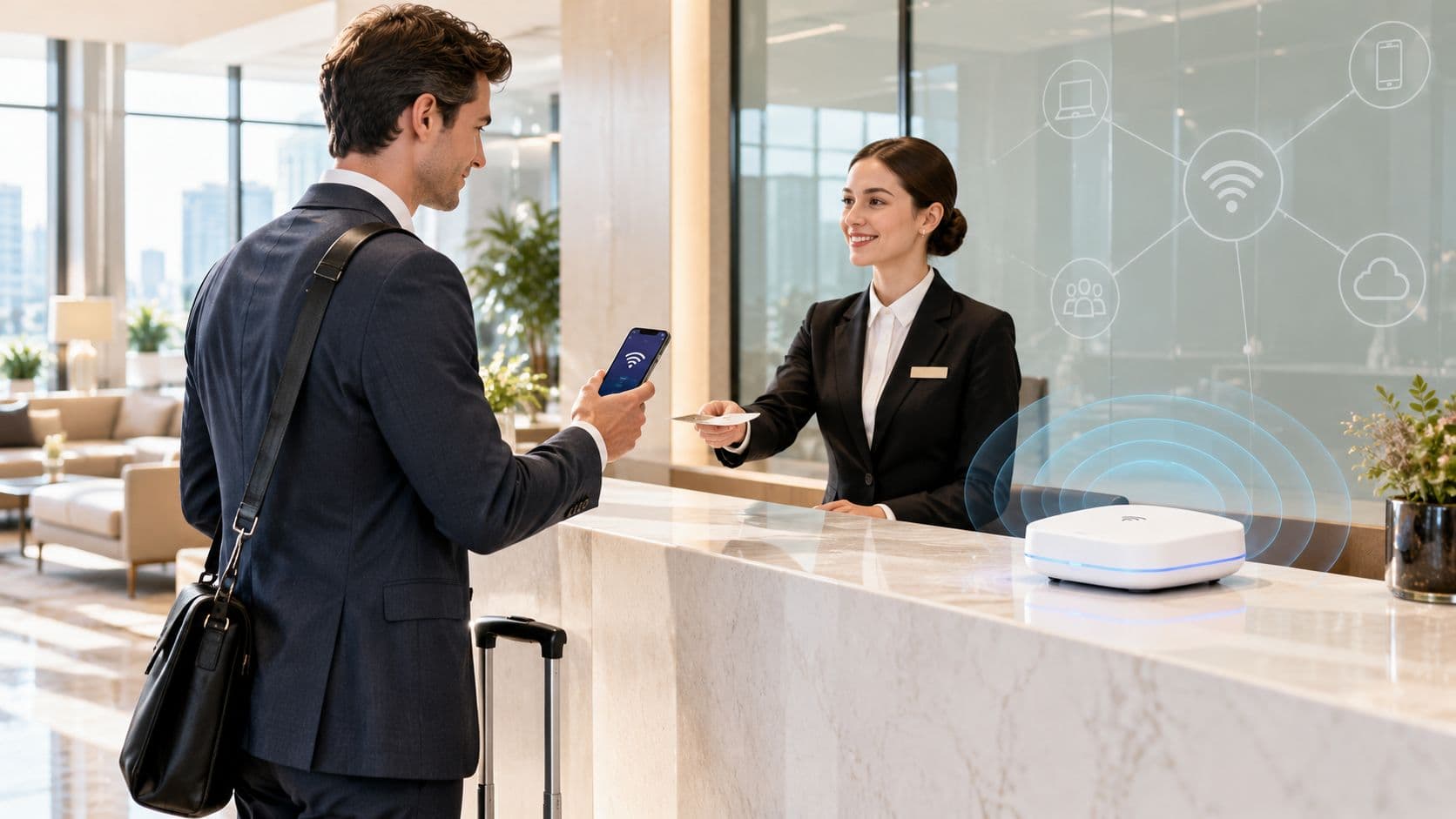
A managed captive portal changes the dynamic. Instead of an anonymous open network, guests connect through a branded, recognizable sign-in experience that you control. That gives visitors a consistent, trusted touchpoint they can verify - and it gives you a network you can secure, monitor, and manage centrally.
A well-configured guest WiFi platform helps in several ways: it provides a single, branded login page guests learn to recognize; it supports modern encryption and secure authentication rather than wide-open access; it lets you monitor for rogue access points operating nearby; and it keeps guest sessions managed under one system rather than scattered across uncontrolled connections. The network becomes part of your brand experience instead of an afterthought attackers can hijack.
Practical advice you can share with guests
Venues that get ahead of this build trust. Alongside a secure network, share a few simple habits with visitors: connect only to the official, branded network and confirm the exact name with staff; avoid accessing banking or entering passwords on unfamiliar open networks; look for HTTPS and be wary of unexpected login prompts; and keep automatic WiFi connection turned off when traveling so devices do not silently join a rogue hotspot.
Turn WiFi security into a guest-experience advantage
As summer travel peaks, the venues that treat WiFi as a managed, secure service - not a free-for-all - will protect their guests and their reputation at the same time. If you run a hotel or hospitality venue or a retail space, an authenticated guest network is the single most effective answer to the "any open network" problem.
Want to see how branded, secure guest WiFi works in practice? Book a Purple demo and we will walk you through it.