WiFi frequency and spectrum planner
Configure your venue profile, client mix, and airspace environment to model optimal spectrum allocation across 2.4 GHz, 5 GHz, and 6 GHz bands. Calculate co-channel interference risk and UK DFS regulatory constraints.
Airtime allocation by frequency band
Upgrading enterprise venue WiFi or planning multi-band deployment?
Spectrum management and channel planning work hand in hand with identity-based access. Purple provides enterprise captive portals, Passpoint onboarding, and cloud venue analytics across Cisco Meraki, HPE Aruba, Ruckus, and UniFi networks.
Your access points are online. The internet circuit looks healthy. The dashboard says clients are connected. Yet guests at reception are asking why video calls keep freezing, card terminals in the café are stalling, and staff are stepping into the corridor to get a better signal.
That usually means the problem isn't whether WiFi exists. It's which part of the airspace your network is using, how crowded that airspace is, and whether your channel plan matches US rules.
For a hotel, shop, hospital, or mixed-use venue, WiFi frequencies are not an academic detail. They shape guest experience, roaming stability, device compatibility, and how much time your team spends firefighting radio issues that don't show up neatly in a switch log.
Why Your WiFi Performance Hinges on Frequencies
A busy venue can have excellent wired infrastructure and still deliver poor wireless service. I see this often in hotels and retail sites where the instinct is to blame broadband first. In reality, the WAN is fine. The air is the bottleneck.
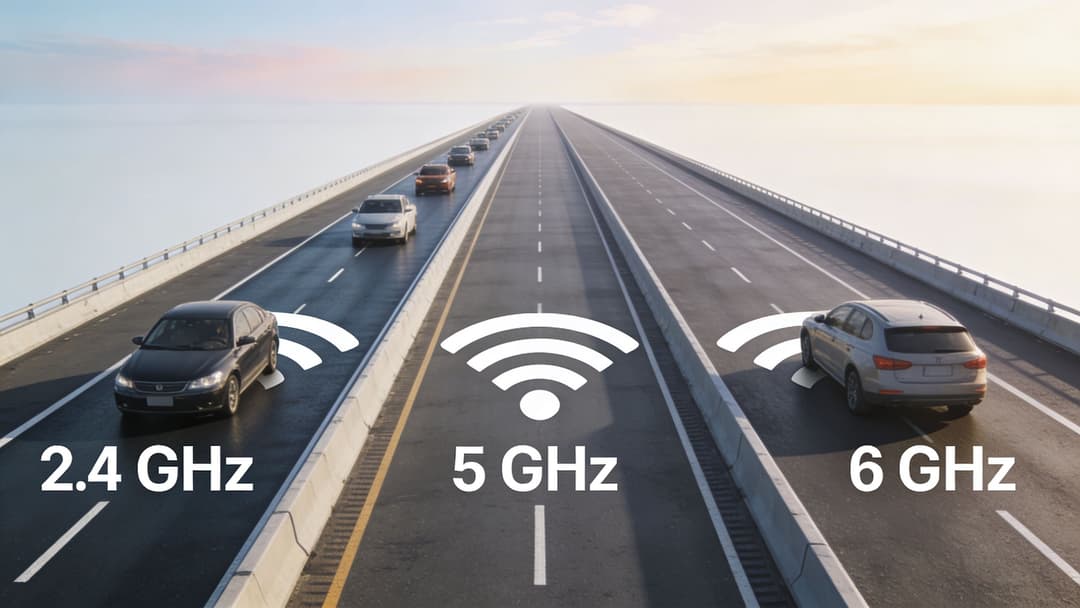
Think of WiFi as a road system. Your internet connection is the destination. Frequency bands and channels are the roads that devices use to get there. If too many devices are pushed onto the same road, traffic slows even when the destination is wide open.
That matters even more because channel availability isn't identical to what many global guides describe. Advice written for North America often assumes 11 channels in 2.4 GHz. While the US permits channels 1 to 11, different regions permit different configurations in dense venues. A 2025 FCC spectrum report summary discussed by NetAlly notes that 40% of US WiFi networks still default to auto-channel on overlapping channels, causing 25-30% throughput loss in dense urban areas.
What that looks like in practice
In hospitality, this usually shows up as:
- Guest complaints at peak times: Check-in, breakfast, and evening streaming hours push many devices onto the same few channels.
- Roaming issues: A phone appears connected, but voice and app sessions hesitate while the client fights interference.
- Unfair blame on the ISP: The circuit is fine, but local RF conditions are poor.
- Inconsistent experiences by floor or unit: One part of the building works well, another feels unusable, even with similar signal strength.
A strong signal doesn't guarantee a good connection. A loud, crowded channel is still a bad channel.
Why IT managers get caught out
Most wired problems are visible. Wireless problems are often invisible until users complain. A venue can have all APs up, all SSIDs broadcasting, and still suffer because radios are competing on the same frequencies.
That's why WiFi frequencies deserve board-level attention in customer-facing environments. Poor frequency planning doesn't just slow devices down. It affects guest reviews, staff productivity, payment reliability, and confidence in every digital service layered on top of the network.
The Three Main WiFi Bands Explained
The easiest way to understand WiFi frequencies is to picture three kinds of road.
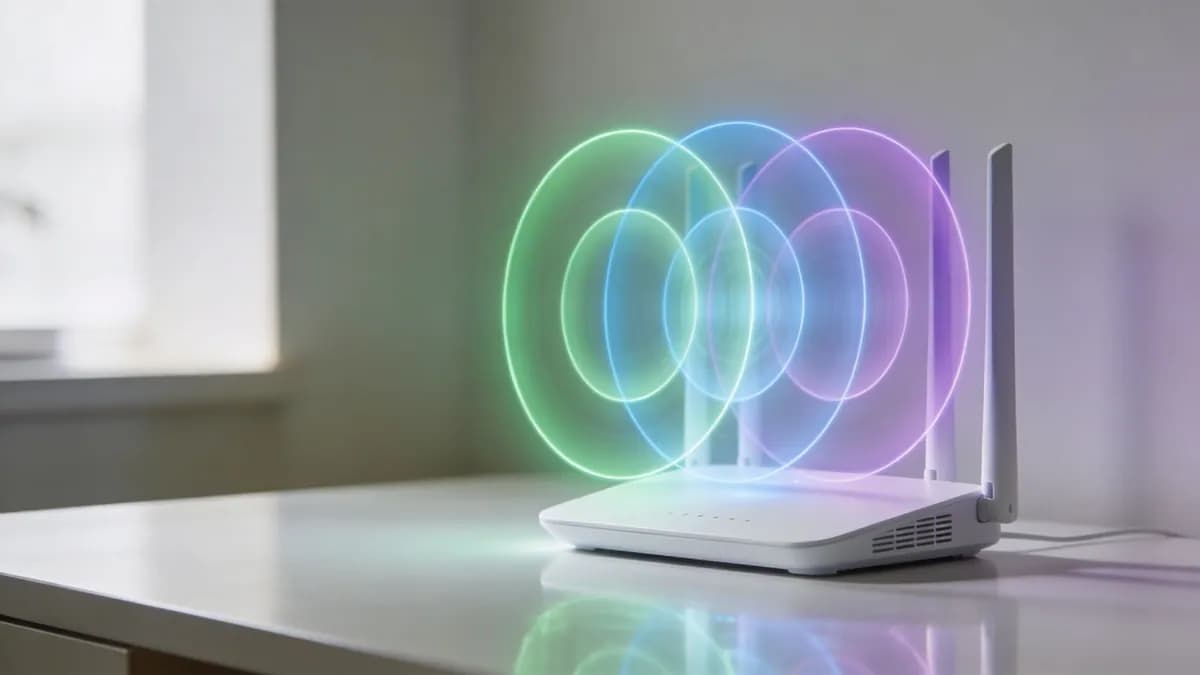
The 2.4 GHz band is like an older A-road. It travels further and gets through walls more easily, but it's crowded and slow under pressure. The 5 GHz band is more like a modern highway. It has more room for traffic and supports higher speeds, but it doesn't reach as far. The 6 GHz band is the newest expressway. It's cleaner and designed for modern traffic, but only newer devices can use it.
2.4 GHz
This band remains useful because it reaches further indoors and copes better with walls and obstacles. In many US sites, it's still where printers, older handhelds, IoT devices, and some building systems end up living.
But that reach comes with trade-offs. More devices can hear each other, which increases contention. In a large hotel or store, that often means the band is best reserved for compatibility and long-range coverage rather than high-performance guest access.
5 GHz
This is the workhorse band for most modern enterprise WiFi. It offers more channels and supports wider channels, so devices can move more data without colliding with neighbors as often.
In business terms, 5 GHz is where you want most guest cell phones, staff laptops, and modern handhelds to land. It gives you the best balance of speed, capacity, and broad device support.
6 GHz
6 GHz is the cleanest option because it was opened for newer WiFi use rather than carrying years of legacy baggage. In US deployments, it's attractive for dense spaces where modern devices need reliable, low-contention airtime.
The catch is straightforward. Not every client supports it, and its shorter reach means coverage design matters more. You can't assume a 6 GHz deployment will behave like 2.4 GHz just because the SSID name is the same.
The trade-off that matters
Here is the rule users typically remember once they have seen it on site:
- Lower frequency: Better reach, weaker capacity under load
- Higher frequency: Better speed and capacity, shorter useful range
- Newest frequency: Cleanest environment, but only for supported devices
Practical rule: Use 2.4 GHz for reach and legacy support. Use 5 GHz for mainstream business traffic. Use 6 GHz for modern high-performance capacity where device support and coverage design allow it.
Navigating 2.4 GHz Congestion and Interference
The 2.4 GHz band causes more confusion than any other part of WiFi because it seems forgiving. Devices can still connect from far away, and signal bars often look healthy. But in dense venues, healthy bars can hide a poor user experience.
The reason is simple. 2.4 GHz is crowded both by WiFi and by other devices using the same part of the spectrum.
Why overlap is such a problem
In the US, 2.4 GHz offers channels 1 to 11. That sounds generous until you look at channel width. The channels sit close together, so many of them overlap. If neighboring APs use overlapping channels, they don't behave like separate roads. They behave like traffic trying to merge into the same lane.
That's why enterprise teams usually standardize around channels 1, 6, and 11 for 20 MHz operation. It isn't because the other channels are broken. It's because those three keep contention more manageable in real deployments.
A poor 2.4 GHz plan is common in mixed-use buildings. One tenant leaves the controller on defaults, another installs a consumer router, a third adds a smart TV network, and suddenly the whole floor is shouting over itself.
Non-WiFi interference is real
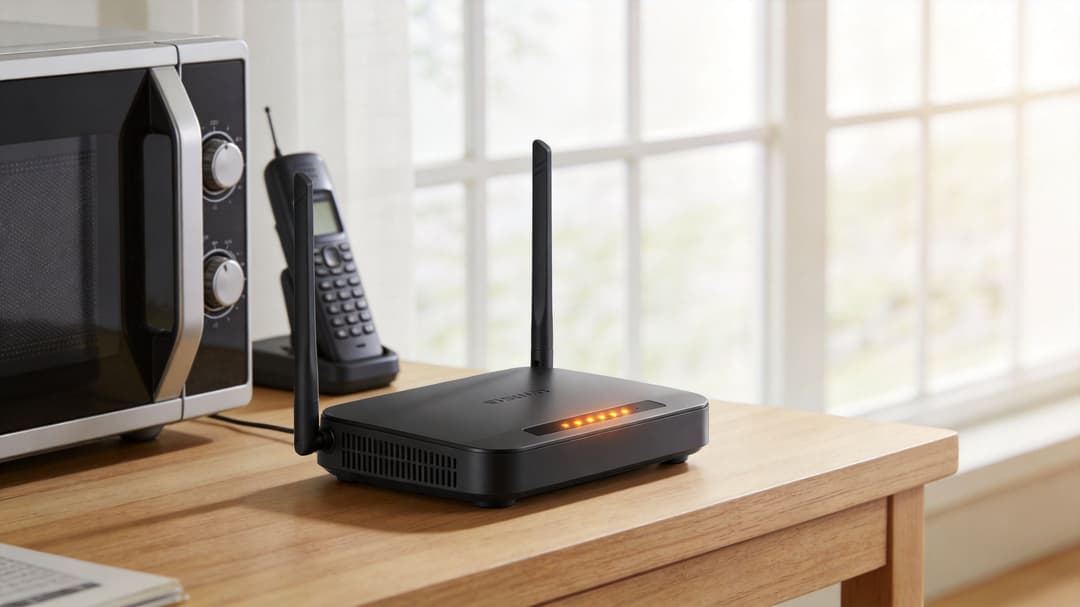
The other trap is assuming only WiFi causes WiFi problems. In 2.4 GHz, that isn't true. Bluetooth devices, microwaves, and other electronics can interfere with service. A 2023 FCC report summary discussed by Reolink notes that 2.4 GHz interference from non-WiFi sources like Bluetooth and microwaves affects 45% of US urban networks, with average throughput dropping to 50–100 Mbps amidst heavy channel utilization.
For hospitality and retail, that's highly relatable. Headsets, scanners, kitchen equipment, guest devices, and back-office electronics often sit close together in exactly the places where staff need stable connectivity most.
Where 2.4 GHz still makes sense
That doesn't mean you should turn it off everywhere. It still has a clear role:
- Legacy device support: Older clients and simple IoT devices often depend on it.
- Longer indoor reach: Useful in awkward spaces where higher bands struggle.
- Operational segregation: Keeping low-demand devices on 2.4 GHz can free cleaner bands for users who notice latency and delay.
If a payment terminal, printer, or sensor only needs modest bandwidth, 2.4 GHz can be a good home for it. Just don't expect that same band to carry dense guest traffic gracefully.
The mistake is treating 2.4 GHz as the default for everyone. In most enterprise venues, it's the compatibility band, not the performance band.
Unlocking Performance with 5 GHz and 6 GHz
If 2.4 GHz is the crowded road through town, 5 GHz and 6 GHz are where capacity planning starts to work in your favor.
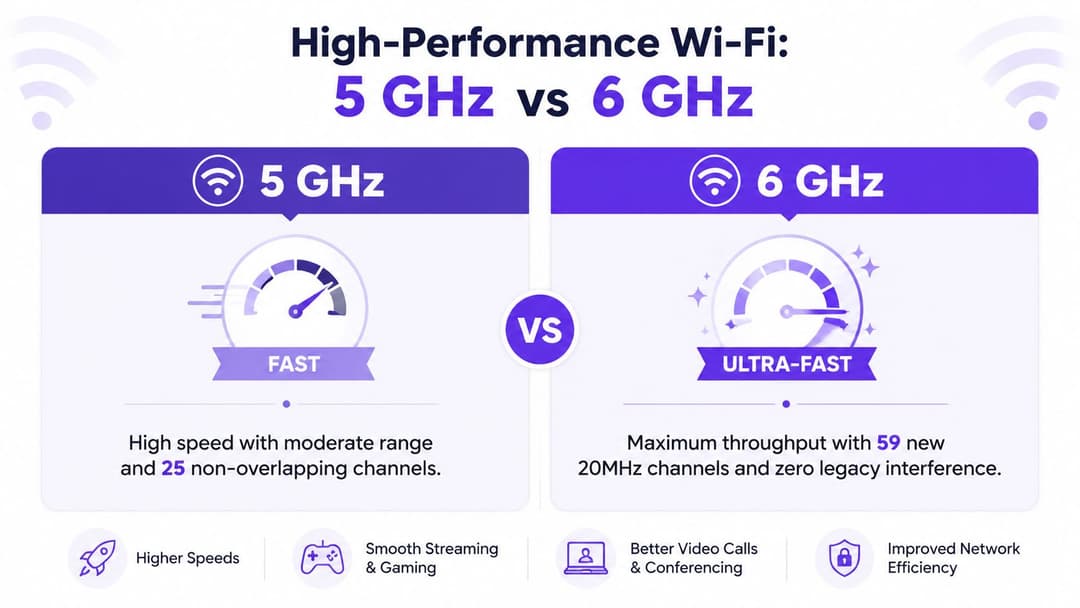
The main reason is channel availability. You have more room to separate neighboring access points and more options for wider channels where the environment supports them. In the US, the 5 GHz band offers up to 23 non-overlapping channels and carries 75% of enterprise traffic in cities, while WiFi 6 with 160 MHz channels can reach theoretical peaks of 2.4 Gbps.
Why these bands feel faster
Higher bands improve user experience for two practical reasons.
First, there are more non-overlapping channels, so adjacent APs can work without constantly stepping on one another. Second, they support channel bonding, which combines narrower channels into wider ones. That's the highway analogy in action. One lane becomes two, four, or more usable lanes for data.
In real environments, the right width depends on density, client mix, and interference. Wider isn't automatically better. But the option to use 40 MHz, 80 MHz, or in some designs 160 MHz gives you flexibility that 2.4 GHz does not offer.
WiFi frequency bands compared
| Characteristic | 2.4 GHz | 5 GHz | 6 GHz (WiFi 6E) |
|---|---|---|---|
| Typical role | Legacy support and reach | Main enterprise client band | Clean high-performance band for supported devices |
| Range behavior | Longer reach indoors | Shorter than 2.4 GHz | Shortest of the three |
| Interference profile | Heavy congestion and non-WiFi interference | Lower interference than 2.4 GHz | Minimal legacy interference |
| Channel flexibility | Limited by overlap | More non-overlapping options | Best conditions for wide channels |
| Device compatibility | Broadest compatibility | Widely supported on modern devices | Requires 6 GHz-capable clients |
The important caveat in 5 GHz
5 GHz isn't just “turn it on and enjoy speed”. Some channels are subject to Dynamic Frequency Selection, or DFS. That means an access point must monitor for radar use and move away if radar is detected.
For an IT manager, that introduces an operational decision. DFS channels can provide extra capacity, but they can also create disruption if the AP has to vacate the channel. That trade-off matters far more in a hotel, hospital, or payment-heavy retail space than it does in a small office.
If you're weighing whether a move to 6 GHz is worth it, Purple has a useful explainer on 6 GHz WiFi in enterprise environments.
The Reality of US WiFi Channel Regulations
Generic WiFi advice often falls apart for US businesses at this stage.
A global article may say “use 5 GHz for performance” and leave it there. In the US, that's incomplete because channel choice is shaped by FCC rules, indoor restrictions, and DFS requirements. Those details affect whether your network feels stable to the people using it.
What a DFS event actually means
Some 5 GHz channels require DFS in the US to avoid weather radar. If an AP detects radar activity, it can't just ignore it. It must move. A summary of FCC-linked DFS behavior referenced in the WLAN channel listing says that 52% of surveyed enterprise APs in urban areas experience DFS events monthly, causing 1-10 second channel switches that disrupt connectivity.
From a user's perspective, that feels like random WiFi instability. A guest on a video call sees a freeze. A roaming handset pauses. A cloud-based register can hesitate at exactly the wrong time.
Why this hits hospitality and retail hard
DFS events are more than a technical nuisance in customer-facing venues:
- Hotels: Guests don't care that radar protection rules are working correctly. They only notice the stream buffering or the call dropping.
- Retail: Payment and handheld workflows can feel erratic if clients are forced through frequent channel changes.
- Healthcare and mixed-use property: A disrupted roaming session can be harder to diagnose than an outright outage because the client reconnects after the event.
The planning implication
Non-DFS channels are attractive because they reduce surprise. But they're also finite, especially in dense buildings with many APs. That forces a design choice between stability and channel availability.
In the US, using every available 5 GHz channel isn't automatically smart. Stable service often comes from selective channel use, not maximum channel use.
That's why enterprise WiFi design in New York, Chicago, Los Angeles, or any dense urban site needs local channel planning rather than a copied template from a generic deployment guide.
Building a Strategic WiFi Channel Plan
A strong channel plan doesn't start in the controller. It starts by looking at the building and asking how radio behaves there.
A city-center hotel with reinforced walls, elevators, Bluetooth peripherals, conference traffic, and neighboring APs from other tenants needs a different plan from a retail park unit or a student housing block. The goal isn't to maximize signal everywhere. The goal is to create predictable cells with manageable overlap.
Start with measurement, not guesswork
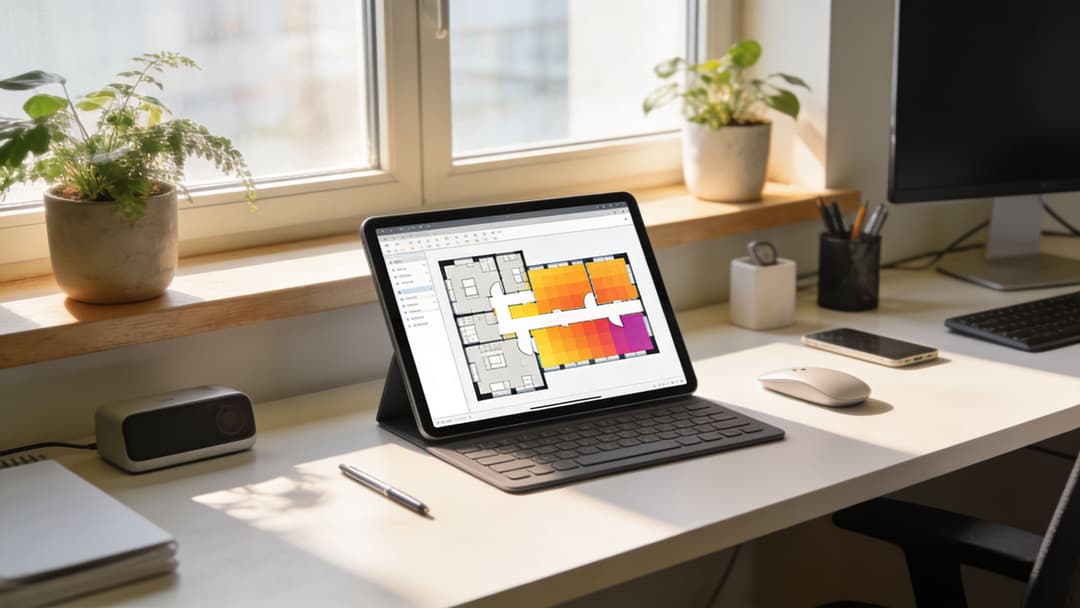
Use a WiFi analyzer or survey tool before changing channels. Ekahau, AirMagnet, NetAlly tools, and vendor dashboards from Meraki or Aruba can show which channels are already congested, where co-channel contention is happening, and how far each AP cell is bleeding.
A heat map helps because it turns invisible RF into something a facilities manager or operations lead can understand. If one AP is covering far beyond its intended area, that's often a power problem, not a coverage success. If two adjacent floors are stacked on clashing channels, that's a planning problem.
If you want a visual way to think about that process, Purple has a practical overview of how a WiFi heat map helps diagnose coverage and interference.
The core planning rules
For 2.4 GHz, keep things conservative. EnGenius guidance for US 2.4 GHz planning recommends using auto-channel selection with Radio Resource Management limited to channels 1, 6, and 11, because co-channel interference in dense venues can cause 40-50% throughput loss.
For 5 GHz and 6 GHz, the decision is less rigid, but the operating principles are clear:
- Use non-overlapping channels deliberately: Don't let neighboring APs drift onto poor combinations without review.
- Treat channel width as a capacity choice: Wider channels can help throughput, but they also consume more spectrum.
- Tune transmit power: Too much power expands cell size and creates unnecessary contention.
- Use band steering: Push capable devices toward cleaner bands so 2.4 GHz can serve devices that truly need it.
A practical decision pattern
In many hospitality and retail estates, a sensible pattern looks like this:
- Reserve 2.4 GHz for compatibility rather than bulk client traffic.
- Prioritize lower-risk 5 GHz channels where stability matters more than absolute capacity.
- Use 6 GHz for supported devices in dense, high-value spaces such as conference areas or premium guest zones.
- Review after deployment because channel plans drift as nearby networks change.
This is also where tools and platforms matter. Controllers from Aruba, Meraki, Mist, and others can automate parts of this, and platforms such as Purple can sit above the network for authentication, identity-based access, and policy decisions while the wireless layer handles band steering and RF management.
Automating WiFi Optimization and Security
Manual RF tuning still matters, but it doesn't scale well across multi-site estates. That's especially true when the wireless network is also carrying guest access, staff identity, IoT devices, and tenant traffic with different security needs.
The better model is to combine sound radio design with automation. Band steering can nudge modern clients onto cleaner 5 GHz or 6 GHz channels. Identity-based onboarding can keep staff off shared credentials. Device-specific policies can isolate legacy hardware that still needs 2.4 GHz without exposing the rest of the network.
Why optimization and security belong together
A lot of organizations separate performance from security. On real networks, they're tied together. If a venue relies on open or poorly segmented guest access, troubleshooting becomes messy because every unknown device shares the same operational space.
That's one reason many IT teams now move away from shared passwords and basic captive portal thinking. They want onboarding that's simpler for users and cleaner for policy enforcement. If you're reviewing the security side of guest and staff access, this guide to public WiFi risks for business data is a useful companion read.
What good automation looks like
A modern approach usually includes:
- Band-aware onboarding: Capable devices are encouraged toward the cleaner bands.
- Roaming-friendly access: Passpoint and OpenRoaming reduce repeated prompts and help sessions persist more cleanly across APs.
- Per-device isolation: Legacy devices can be segmented without forcing everyone onto the same weak security model.
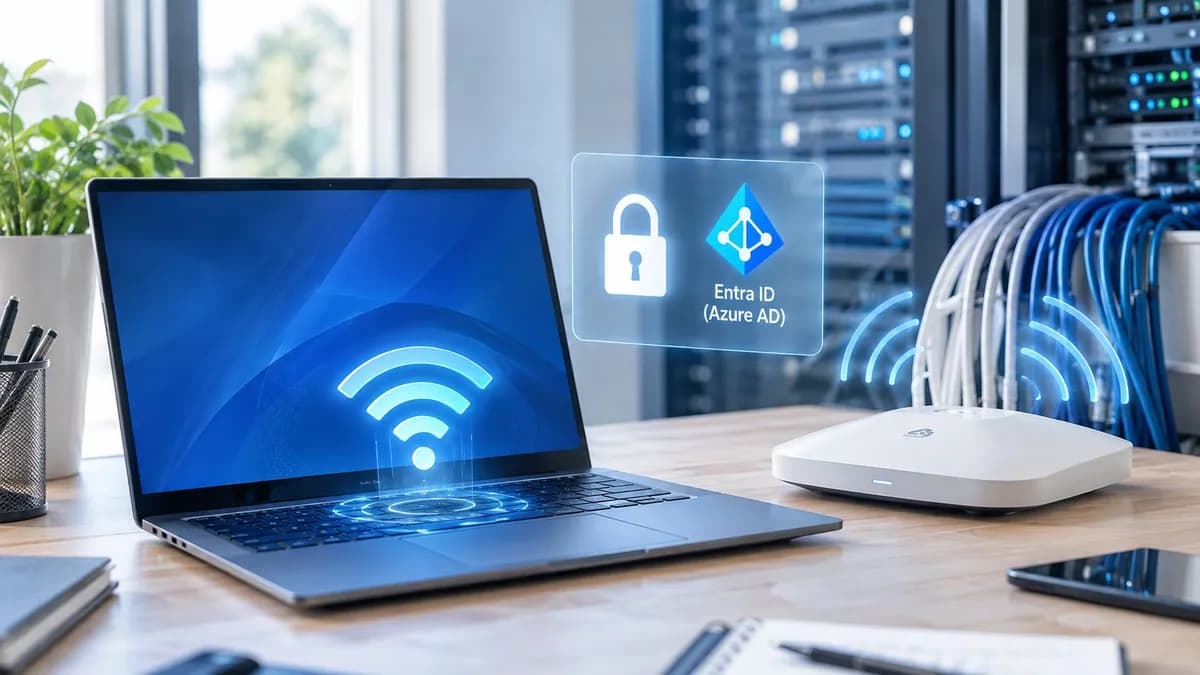
- Directory-led staff access: SSO and identity integration reduce admin burden and improve revocation.
Secure WiFi isn't just encrypted airtime. It's knowing which user or device joined, how they authenticated, and what they should be allowed to reach.
If you're comparing authentication models, Purple also has a clear explainer on what WPA2 means in business WiFi environments.
The main point is simple. WiFi frequencies determine what your network can do. Automation determines how consistently and securely it does it. When those two pieces are aligned, guest access feels effortless, staff workflows stabilize, and the wireless network becomes something your team can manage strategically rather than reactively.
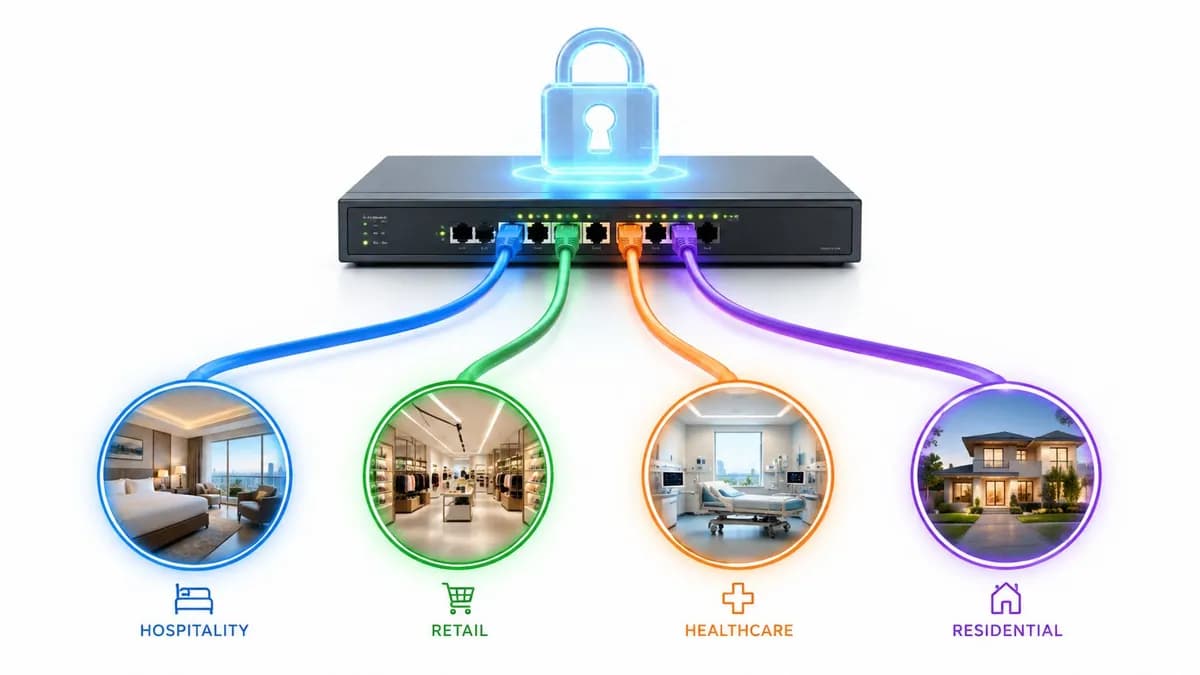
If you're reviewing guest WiFi, staff onboarding, or multi-tenant wireless across hospitality, retail, healthcare, or residential sites, Purple is worth evaluating as part of that architecture. It provides passwordless access, identity-based policies, OpenRoaming and Passpoint support, plus options for iPSK and SSO, so you can pair better frequency planning with cleaner authentication and segmentation.