Student accommodation & PBSA WiFi architecture planner
Calculate concurrent device loads, symmetrical fibre uplink requirements, access point density, and private personal area network (PAN) isolation architecture for Purpose-Built Student Accommodation (PBSA) and university halls.
Dictates acoustic drywall RF attenuation and in-room wall AP density vs corridor placement.
Phone, laptop, tablet, 4K smart TV, console or PC, and smart speaker.
RF deployment & hardware specifications
- Deliver a true at-home wireless experience where smart speakers, printers, and Apple TVs pair without manual configuration.
- Ensure students cannot view or accidentally cast YouTube/Netflix to adjoining studio TVs.
- Integrate with property management systems (StarRez, TCAS, Kinetic) for zero-touch move-in onboarding.
iPSK / MPSK Private Area Network (PAN)
Each student receives a unique personal WiFi password that automatically maps all their personal devices (smart TVs, consoles, laptops, smart lights) into an isolated private micro-VLAN.
Purple integrates directly with enterprise wireless hardware (Cisco, Aruba, Meraki, Ruckus, CommScope) to deliver automated Passpoint onboarding, self-service student iPSK registration, branded visitor captive portals, and resident footfall analytics across higher education campuses and PBSA estates.
Planning or upgrading student accommodation WiFi?
Copy your calculated sizing blueprint or connect with our multi-tenant network solutions engineers to review AP placement, StarRez integration, and QoS shaping.
For modern university students and residents in Student Housing, fast, secure student WiFi is no longer a bonus perk - it is a fundamental utility as critical as water or electricity. High-density connectivity powers academic lectures, research collaboration, video calls, streaming entertainment, and gaming. Delivering an exceptional wireless experience requires network infrastructure engineered specifically for dense multi-device environments.
Key Takeaways: High-density student WiFi for campus & housing
- Device density benchmark: Plan for 6 active connected devices per student resident (laptop, smartphone, tablet, gaming console, smart TV, smart speaker) in Student Housing.
- Modern authentication: Replace shared PSKs and clunky captive portals with Passpoint (Hotspot 2.0), 802.1X Enterprise, or Identity PSK (iPSK) for zero-touch, seamless onboarding.
- Traffic management: Implement intelligent QoS and bandwidth allocation to prioritize academic resources and video calls over heavy background peer-to-peer downloads during peak evening hours.
- Private student VLANs: Provide private personal area networks (PANs) so students can discover their personal Chromecasts and wireless printers without exposing devices to the wider building network.
- Hardware integration & analytics: Purple integrates with Cisco Meraki, HPE Aruba, Ruckus, Juniper Mist, and UniFi to turn student WiFi networks into managed assets. Explore our Multi-Tenant WiFi Guide for details.
Why high-density student WiFi dictates accommodation demand
Providing robust student WiFi is not about ticking a basic maintenance box. For university housing officers and commercial Student Housing property managers, reliable connectivity directly impacts resident satisfaction, online review scores, and property occupancy rates.
Recent digital connectivity surveys show that over 97% of higher education students cite high-speed, reliable WiFi as their primary requirement when selecting housing. Getting network architecture right creates a distinct competitive advantage:
- Attract and retain residents: Superior connectivity seals leasing decisions for prospective students and parents.
- Enhance academic productivity: Removing connection drops and slow load times supports online coursework and collaborative research.
- Protect property reputation: Positive resident feedback regarding fast internet drives word-of-mouth referrals and high rating scores.
- Reduce IT support overhead: Automated onboarding eliminates manual password resets and recurring helpdesk tickets.
Designing high-density WiFi networks for student life
Engineering wireless networks for student residences requires abandoning legacy coverage models. Rather than planning for one device per user, modern Student Housing designs must account for extreme device concurrency.
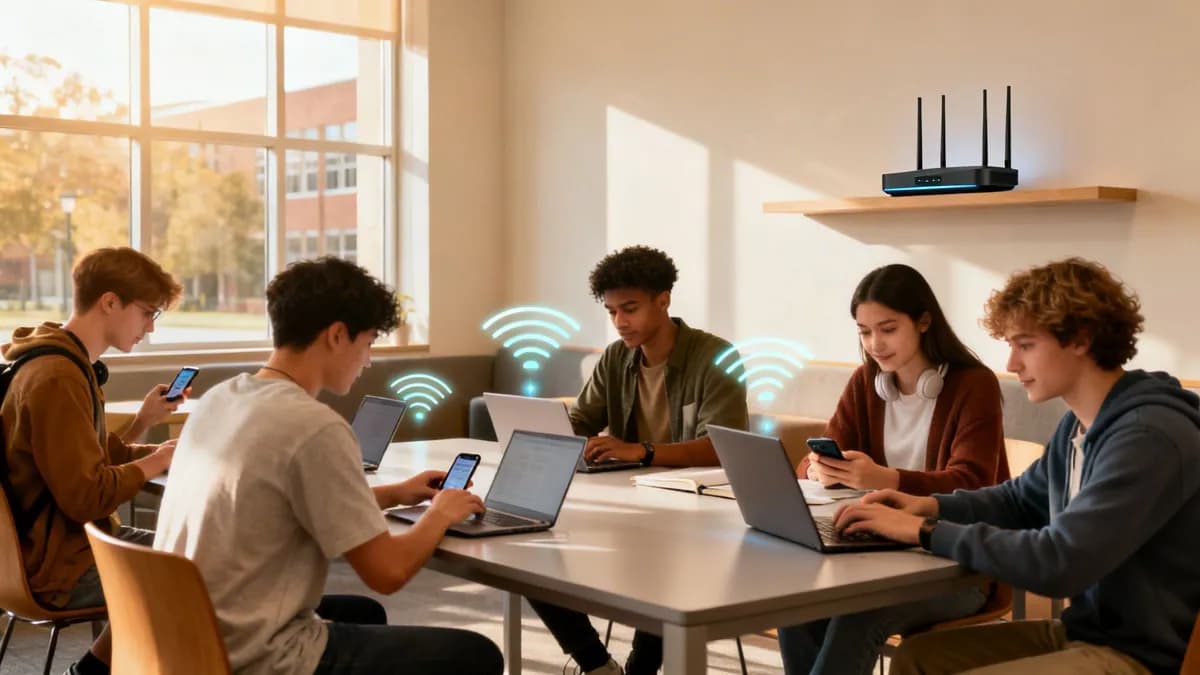
A single student resident typically connects up to 6 wireless endpoints simultaneously: a primary laptop, smartphone, tablet, gaming console, smart TV, and smart speaker. In a 500-bed student housing building, the network must support over 3,000 active concurrent connections without latency degradation.
Conducting a comprehensive RF site survey
Student housing buildings present complex radio frequency (RF) environments. Reinforced concrete walls, elevator shafts, dense insulation, and physical building layouts create severe signal attenuation.
A professional RF site survey maps the building before hardware deployment:
- RF Spectrum Analysis: Identifies external interference from neighboring networks, microwave units, and building electronics.
- Structural Attenuation Mapping: Measures signal loss across interior walls, fire doors, and multi-floor ceilings.
- Optimal Access Point (AP) Placement: Determines exact AP positioning and channel assignments to avoid co-channel interference (CCI).
Hardware vendor compatibility
Purple operates as a hardware-agnostic management platform, integrating seamlessly with enterprise wireless hardware vendors including Cisco Meraki, HPE Aruba, Ruckus Wireless, Juniper Mist, Ubiquiti UniFi, Cambium Networks, and Extreme Networks. Network administrators can also verify path health using our Netforge Network Multi-Tool.
Modern authentication: moving beyond shared passwords
Traditional login methods in student housing - such as pre-shared keys (PSKs) written on bulletin boards or repetitive web splash portals - create severe security vulnerabilities and poor user experience.
Shared WPA2/WPA3 passwords allow any resident to intercept unencrypted traffic from neighbors, while compromised passwords require changing the key for the entire building. Modern student onboarding uses automated, encrypted authentication protocols.
Comparing student WiFi authentication methods
Evaluate the security, user experience, and administrative overhead of common student authentication protocols:
| Authentication Method | Security Level | Student Experience | IT Management Effort |
|---|---|---|---|
| Passpoint (Hotspot 2.0) | Enterprise (WPA3 802.1X) | Zero-touch / Auto-connect | Automated profile provisioning |
| Identity PSK (iPSK) | High (Unique key per user) | One-time password entry | Low (Auto-generated keys) |
| 802.1X Enterprise (RADIUS) | Enterprise (802.1X EAP) | Student ID / Single sign-on | Medium (Directory sync) |
| Captive Portal / Splash Page | Moderate (Web sign-in) | Requires web browser login | Low (Self-service portal) |
| Shared WPA2/WPA3 Pre-Shared Key | Low (Shared key risk) | Manual entry from bulletin board | High (Frequent password resets) |
Implementing Passpoint and Identity PSK (iPSK)
To eliminate onboarding friction, leading Student Housing operators deploy Passpoint (Hotspot 2.0) or Identity PSK (iPSK):
1. Passpoint (Hotspot 2.0) zero-touch connectivity
Passpoint enables students to download an encrypted WiFi profile once during enrollment. Upon entering any campus facility or housing building, their device automatically connects to the secure SSID using WPA3-Enterprise encryption - with zero manual passwords required. Explore our Enterprise WiFi Security Guide to learn more about 802.1X protocols.
2. Identity PSK (iPSK) with personal VLANs
iPSK assigns a unique, dedicated password to each individual student. When connected, the network dynamically assigns the student's devices to a private Virtual Local Area Network (VLAN). This personal area network (PAN) enables students to cast to their own Chromecast or print to their personal wireless printer without exposing their devices to the rest of the building.
Bandwidth management & traffic shaping
Managing peak demand during evening hours is essential for maintaining network stability. Between 7:00 PM and 11:00 PM, hundreds of residents stream high-definition video, join online multiplayer games, and upload academic assignments simultaneously.
Network administrators employ intelligent Quality of Service (QoS) and traffic shaping policies:
- Application Prioritization: Prioritize academic portals, web browsing, and voice/video calls over bulk file transfers.
- Per-Device Rate Limiting: Enforce fair bandwidth limits (e.g., 50 Mbps down / 20 Mbps up per device) to prevent a single user from consuming total building backhaul.
- Dynamic Airtime Fairness: Prevent legacy 802.11n devices from delaying faster WiFi 6/6E (802.11ax) and WiFi 7 (802.11be) endpoints.
Security, compliance, and data privacy
Student housing networks handle sensitive personal data and must comply with international privacy regulations including CCPA/CPRA and ISO 27001 standards. Key compliance factors include:
- Client Isolation: Restrict peer-to-peer communication on open or shared networks to block unauthorized network scanning.
- Content Filtering: Enforce DNS-level web filtering to block malicious websites, malware distribution, and illegal content.
- Audit Trails: Maintain compliant connection logs for legal security auditing while protecting student personal information.
Frequently asked questions about student WiFi
Direct technical answers to common questions regarding student housing and campus WiFi deployment.
How many devices does each student bring to accommodation?
Modern students bring an average of 6 connected devices to student housing, including smartphones, laptops, tablets, gaming consoles, smart TVs, and smart speakers. Network design must account for this multi-device density per resident.
What is the best WiFi authentication method for student housing?
Passpoint (Hotspot 2.0) and Identity PSK (iPSK) are the premier authentication methods for Student Housing. They offer encrypted WPA3 connections, zero-touch auto-connection upon arrival, and individual device isolation.
How do you stop student devices from seeing each other on campus WiFi?
Private student VLANs and client isolation ensure that student traffic is securely segmented. Utilizing iPSK or Passpoint allows students to connect personal devices within a private Virtual Local Area Network (VLAN) while preventing unauthorized access from neighbors.
How do Student Housing operators manage bandwidth during peak student hours?
Intelligent Quality of Service (QoS) and dynamic bandwidth allocation prioritize academic tools, video calls, and essential browsing over background peer-to-peer applications, ensuring consistent network performance during peak evening hours.
Can Purple integrate with existing campus WiFi hardware?
Yes. Purple is completely hardware-agnostic and integrates natively with leading network infrastructure providers including Cisco Meraki, HPE Aruba, Ruckus Wireless, Juniper Mist, Ubiquiti UniFi, Cambium Networks, and Extreme Networks. Learn more in our WiFi Analytics Guide.
Elevate your student housing WiFi architecture
Upgrade your Student Housing or campus network with zero-touch Passpoint onboarding, automated personal VLANs, and hardware-agnostic cloud management. Contact Purple's higher education team for a tailored network audit and demo.