> [!NOTE]
> **Key Takeaways: WBA
OpenRoaming at a glance**
> - **Zero-friction connection**: WBA OpenRoaming allows mobile users to auto-connect to participating enterprise WiFi networks without splash pages or manual passwords.
> - **Enterprise security**: Built on
Passpoint (Hotspot 2.0) and IEEE 802.1X
WPA3-Enterprise protocols, encrypting all wireless traffic end-to-end.
> - **Carrier offload & analytics**: Enables venues to offload cellular traffic, reduce network congestion, and capture verified footfall analytics across 80,000+ live venues.
> - **Hardware-agnostic**: Integrates directly with existing enterprise access points from Cisco Meraki, HPE Aruba, Ruckus, Juniper Mist, and Ubiquiti UniFi.
OpenRoaming is a global wireless roaming standard governed by the Wireless Broadband Alliance (WBA). It allows mobile devices to automatically discover, authenticate, and connect to enterprise WiFi networks without requiring users to enter passwords or complete
captive portal web forms.
By combining Passpoint (Hotspot 2.0) technology with RadSec federated authentication, OpenRoaming transforms public and commercial WiFi into a seamless utility similar to cellular roaming.
## WBA OpenRoaming vs Passpoint vs legacy captive portal
Understanding the difference between guest WiFi connection methods helps IT and venue managers choose the right onboarding strategy.
| Feature | WBA OpenRoaming | Passpoint (Hotspot 2.0) | Legacy Captive Portal |
| :--- | :--- | :--- | :--- |
| **Authentication protocol** | Federated WPA3-Enterprise (802.1X) | IEEE 802.11u / 802.1X | Web form / Unencrypted PSK |
| **User onboarding friction** | Instant (zero clicks) | One-time profile installation | Manual form entry every visit |
| **Wireless encryption** | End-to-end WPA2/3-Enterprise | End-to-end WPA2/3-Enterprise | Often open / unencrypted HTTP |
| **Cross-venue roaming** | Global federation across venues | Venue-specific or domain-specific | No roaming support |
| **Identity verification** | Cryptographically verified IdP | Certificate / SIM credential | Self-declared email or form |
| **Protection against evil twins** | Built-in identity validation | Built-in identity validation | None (vulnerable to spoofing) |
## How OpenRoaming works: technical workflow
OpenRoaming establishes a secure bridge between WiFi access points and identity providers (IdPs) through a federated RADIUS architecture.
1. **Beacon discovery**: Access points broadcast 802.11u / Passpoint capability frames containing WBA Network Access Identifier (NAI) realm information.
2. **Credential matching**: When a smartphone or laptop comes within range, its operating system checks stored credentials (such as a SIM card, cloud identity profile, or Google/Microsoft ID).
3. **RadSec authentication**: The access point routes an
EAP-TLS or EAP-TTLS authentication request over TLS-encrypted RADIUS (RadSec) to the matching identity provider.
4. **Encrypted session key exchange**: Upon successful identity confirmation, the access point issues unique pairwise master keys (PMK) to encrypt all airborne data frames between client and access point.
## Enterprise venue benefits of deploying OpenRoaming
For high-footfall venues - including shopping centres, transport hubs, stadiums, and university campuses - OpenRoaming solves key operational and marketing challenges.
### 1. Eliminating guest onboarding drop-off
Traditional
captive portals experience drop-off rates when visitors encounter slow form loads or mandatory fields. OpenRoaming connects eligible visitors automatically the moment they enter the building.
### 2. High-fidelity location analytics and footfall tracking
OpenRoaming enables venues to track dwell times, repeat visit rates, and cross-venue movement patterns without relying on unverified form entries. With over 29 billion data points processed across the Purple network, venues gain accurate operational intelligence.
### 3. Cellular offloading for dense crowds
In large venues like stadiums or airport terminals, cellular towers experience severe congestion. OpenRoaming enables mobile carriers to offload data traffic onto local high-capacity enterprise WiFi networks without interrupting user sessions.
> [!TIP]
> **Deploy OpenRoaming on your existing WiFi infrastructure**
> Purple enables enterprise venues to launch WBA OpenRoaming and Passpoint profiles across Cisco Meraki, HPE Aruba, Ruckus, and Juniper Mist hardware without physical upgrades.
> [Speak to a WiFi security specialist](https://www.purple.ai/speak-to-an-expert) or explore our [Guest WiFi Guide](/guest-wifi-guide).
## Technical requirements for WBA OpenRoaming deployment
Deploying OpenRoaming across enterprise venues requires four core components:
* **Passpoint-compatible access points**: Enterprise hardware supporting IEEE 802.11u and Passpoint Release 2 or 3.
* **RadSec RADIUS gateway**: A
cloud RADIUS service capable of proxying authentication requests to WBA RadSec hubs. Purple provides cloud-managed
RADIUS-as-a-Service with 99.999% uptime.
* **Identity provider federation**: Integration with recognised identity providers, carrier SIM databases, or custom venue profile distributors.
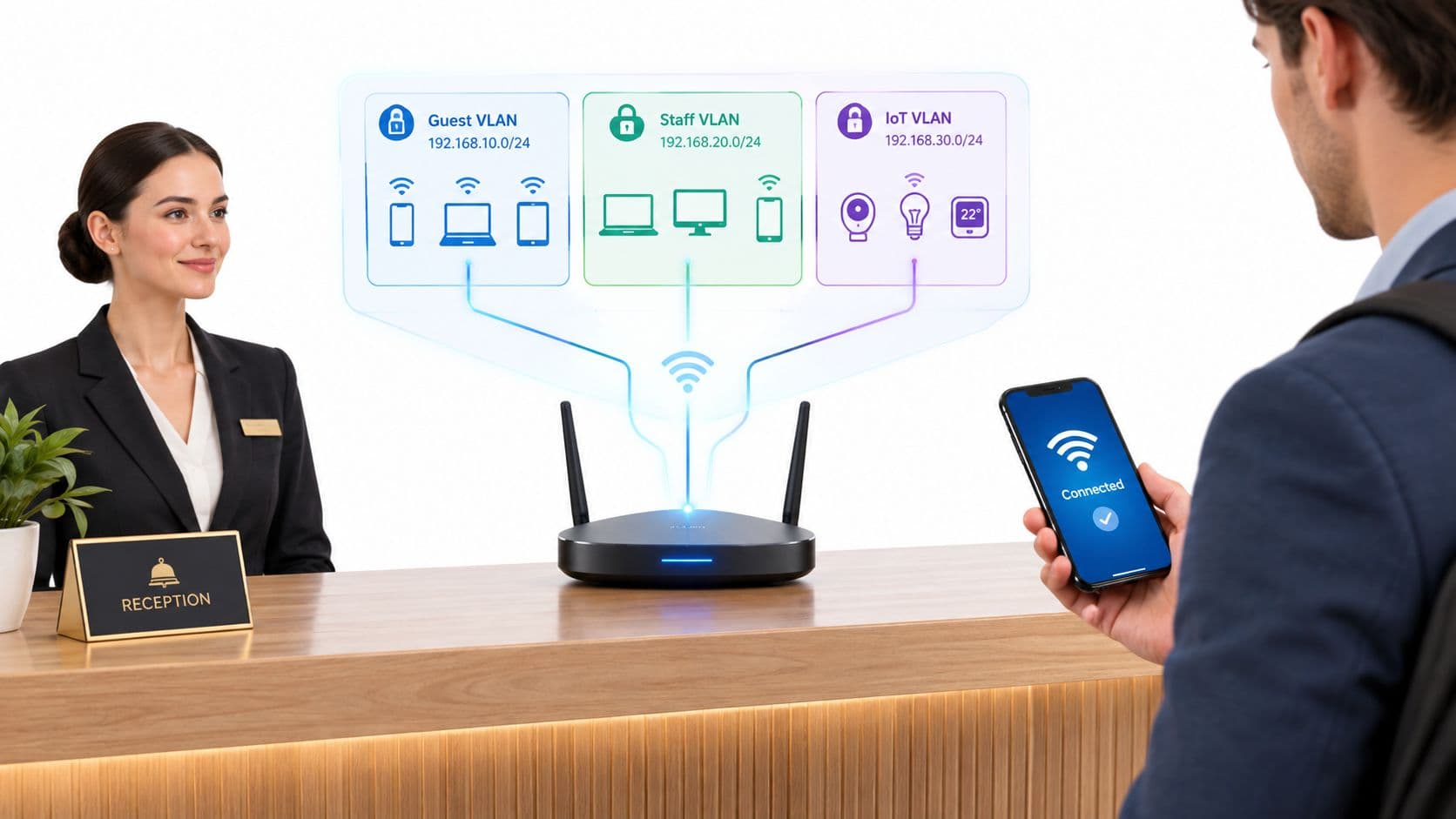
* **Network segmentation**: Isolated VLAN routing ensuring guest traffic remains completely separated from internal corporate networks.
## Passpoint and OpenRoaming: how they work together
While terms like Passpoint and OpenRoaming are often used interchangeably, they represent distinct layers of the connectivity stack:
* **Passpoint (Hotspot 2.0)** is the technical standard developed by the WiFi Alliance that enables device-level automatic discovery and 802.1X encryption.
* **OpenRoaming** is the global policy and authentication federation created by the WBA that allows Passpoint-enabled devices to authenticate across different venue networks.
To learn more about implementing passwordless identity authentication, read our detailed [
Enterprise WiFi Security Guide](/enterprise-wifi-security-guide) and [WiFi Marketing Guide](/wifi-marketing-guide).
## Frequently asked questions about OpenRoaming
### What is WBA OpenRoaming?
WBA OpenRoaming is a global wireless roaming federation established by the Wireless Broadband Alliance. It allows users to connect automatically and securely to WiFi networks at participating venues worldwide without passwords or splash pages.
### Is OpenRoaming safe for public WiFi networks?
Yes. OpenRoaming uses WPA3-Enterprise and WPA2-Enterprise 802.1X encryption. Every connection is authenticated against an identity provider and encrypted over the air, protecting client devices against eavesdropping and evil twin access points.
### What is the difference between OpenRoaming and a captive portal?
A captive portal requires users to manually select a SSID, open a browser window, and submit details or accept terms. OpenRoaming authenticates the device automatically in the background using encrypted certificates or SIM credentials.
### Do venues need hardware upgrades to support OpenRoaming?
Most modern enterprise access points from vendors like Cisco Meraki, HPE Aruba, Ruckus, and Juniper Mist support Passpoint and OpenRoaming via firmware configuration without requiring new hardware.
---
### Ready to upgrade your guest WiFi experience?
Purple helps enterprise venues deploy OpenRoaming, Passpoint, and secure guest analytics effortlessly. [Book a demo with our team today](https://www.purple.ai/book-a-demo) or read our [
Captive Portal Guide](/captive-portal-guide).

-65fe6463d8a5.webp&w=1920&q=75)