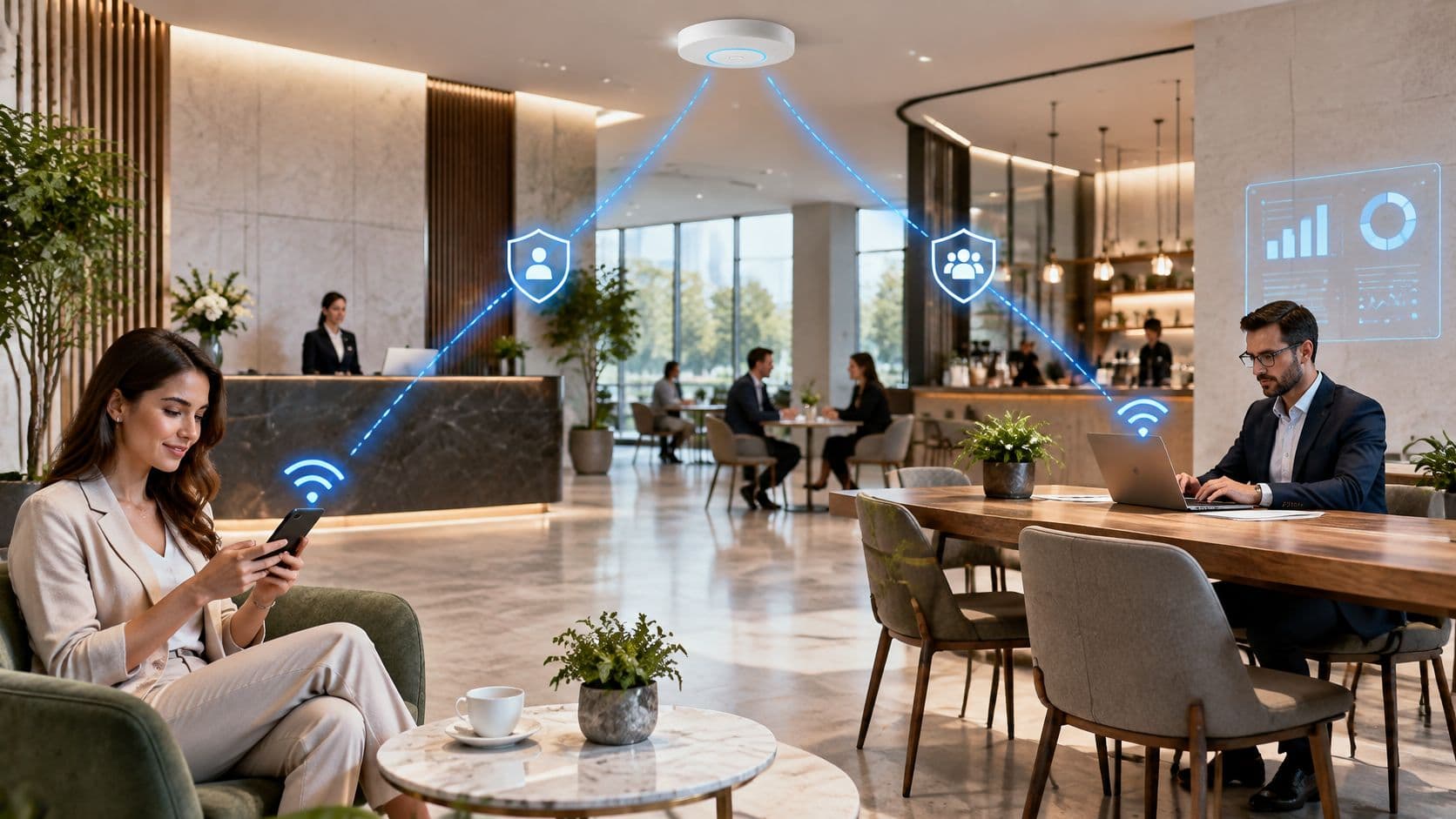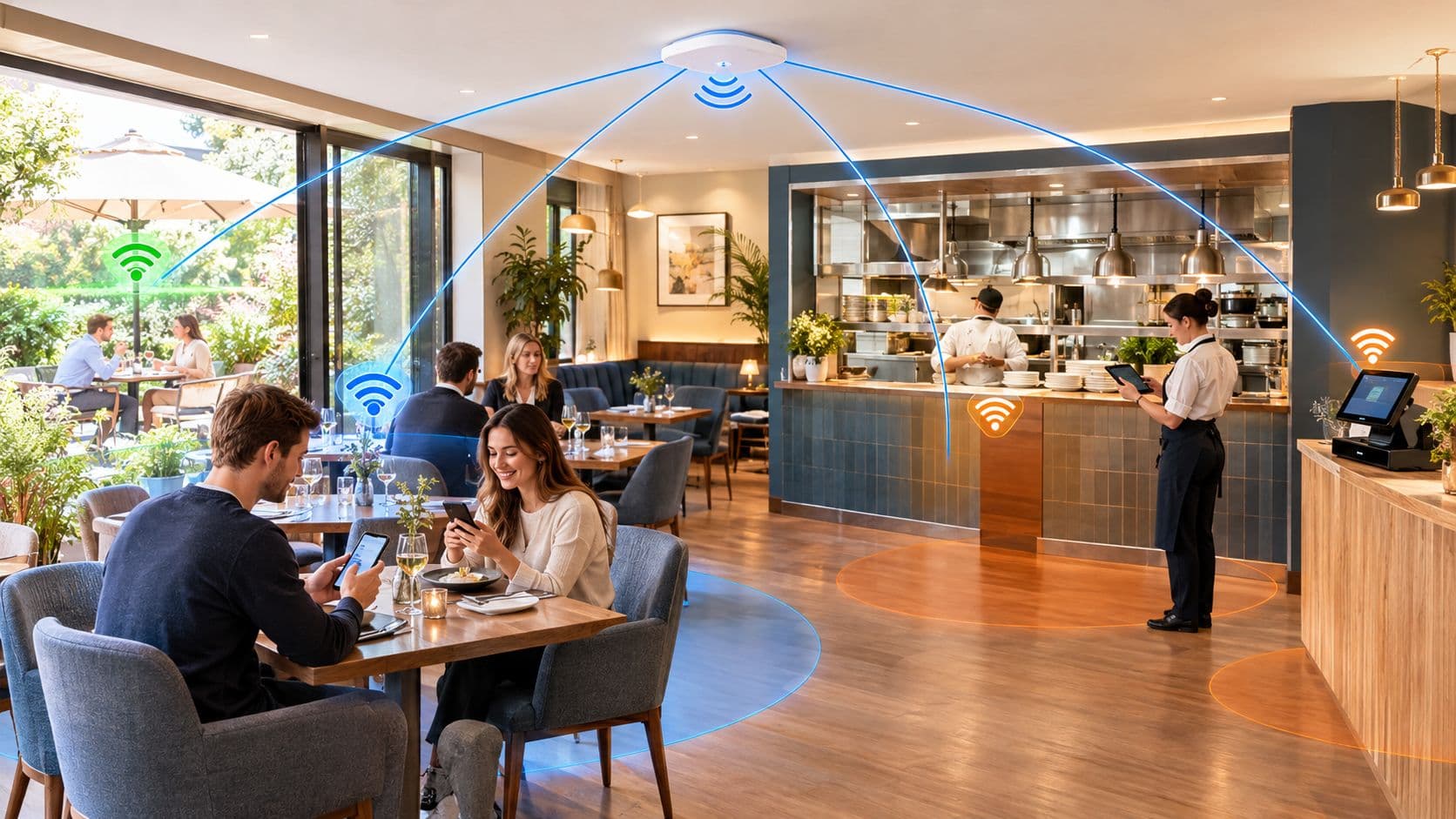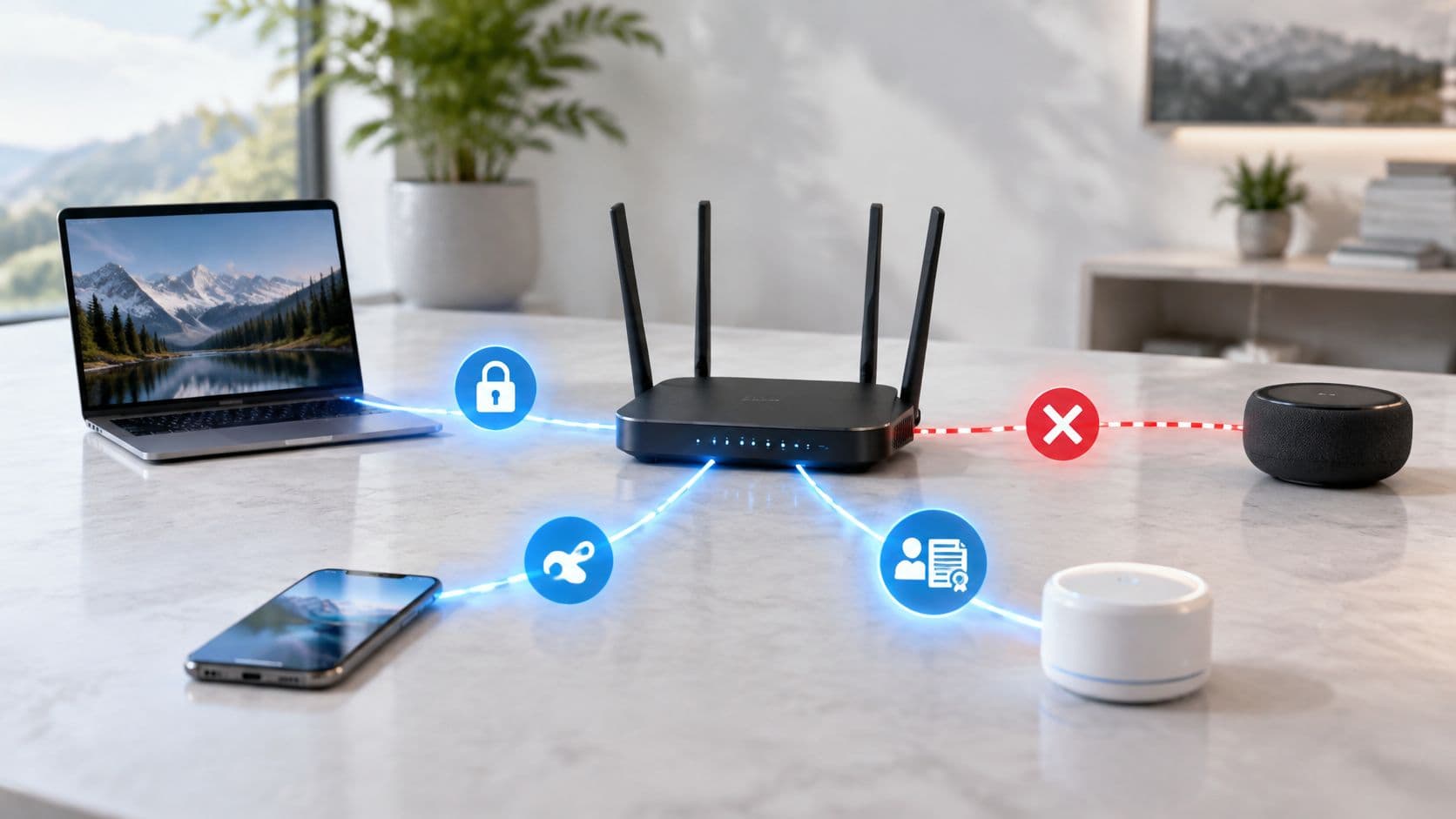
The most popular advice on Wi-Fi is also the least useful. "Turn on WPA3" tells you nothing about who can still get in, what they can reach once they're connected, or how quickly you can remove them when a contract ends or a resident moves out.
WiFi security types matter, and some old ones need switching off today. But a WPA3 label or a separate guest SSID doesn't prove secure access on its own. Judge every network by three questions instead. Who or what authenticated, what can that identity reach, and how fast can you revoke it?
WiFi Security Types Compared by Protection and Status
In 2016 the UK Government advised organisations never to deploy WEP, describing it as cryptographically weak, and advised against original WPA because its TKIP protocol was vulnerable to published Beck-Tews and Ohigashi-Morii attacks, which made WPA2 the practical workplace baseline in UK Government guidance on sharing workplace wireless networks. WEP, WPA with TKIP, WPA2 and WPA3 aren't variations of the same thing. They're successive generations with materially different protection.
| Security type | Protection level | Status in 2026 | Typical fit |
|---|---|---|---|
| Open (no encryption) | None, traffic readable over the air | Not acceptable | Nowhere for business traffic |
| WEP | Cryptographically broken | Disable | Legacy hardware only, if at all |
| WPA with TKIP | Known published attacks | Disable | None |
| WPA2-Personal (PSK, AES-CCMP) | Strong with a long passphrase, one key shared by all users | Baseline | Small offices, homes, mixed legacy clients |
| WPA3-Personal (SAE) | Resists offline passphrase guessing | Preferred where clients support it | Modern homes and small offices |
| WPA2/WPA3-Enterprise (802.1X) | Per-user or per-device credentials | Standard for organisations | Staff and managed devices |
| Passpoint / OpenRoaming | Encrypted automatic sign-in via EAP | Growing, certification-based | Venues, transit, carrier offload |
| iPSK | Unique key per device on one SSID | Practical for legacy and IoT | Hospitality, residential, IoT |
| Captive portal on open SSID | Web login, radio link not encrypted | Weak on its own | Guest access, only with isolation and TLS |
Broken Protocols to Remove First
Open, WEP and WPA with TKIP sit in the same practical category, even though they fail in different ways. An open network encrypts nothing over the air. WEP encrypts badly, and TKIP keeps a set of published attacks in play long after better ciphers became standard.
UK consumer and public-sector guidance points the same way. WPA2 or WPA3 is recommended, WEP and WPA shouldn't be used, and a network shouldn't be set to Open without encryption, as set out in Information Commissioner's Office advice on Wi-Fi security. If you find any of these three on a live SSID, the decision isn't which one to tune. It's which modern type replaces it, and what you do with the devices that depended on it.
Shared-Key Types for Homes and Small Sites
WPA2-Personal with AES-CCMP and WPA3-Personal with SAE both rest on a passphrase everyone shares. That model is workable where the user group is small, stable and trusted, such as a home or a small office with few joiners and leavers. It gets weaker as an operating model, not as cryptography, when dozens of staff, contractors, guests or residents know the same secret.
A long, unique passphrase helps WPA2-Personal a lot. It doesn't give you individual accountability. When someone leaves, your only clean revocation is changing the key for everybody and reconnecting every legitimate device.
Identity-Based Types for Organisations and Venues
WPA2/WPA3-Enterprise with 802.1X, Passpoint and OpenRoaming tie access to an identity or a provisioned profile instead of one reusable password. iPSK sits between the two worlds. Each device gets its own key on one SSID, so you can remove one television, lock or scanner without disturbing the rest.
Treat a captive portal differently. It's a login method, not encryption. A portal on an open SSID can identify a guest, show terms and expire a session, but it doesn't encrypt the radio link, so it still needs TLS at the application layer and network isolation behind it.
Practical rule: Check the status column first. Remove anything marked disable or not acceptable, then choose the strongest remaining row your actual device and user mix can support.
That last point prevents a common audit failure. Teams pick a preferred protocol, discover a door controller or scanner can't use it, then downgrade the whole network. Keep the strong default for modern clients and contain the exception separately.
How WPA2 and WPA3 Differ in Practice
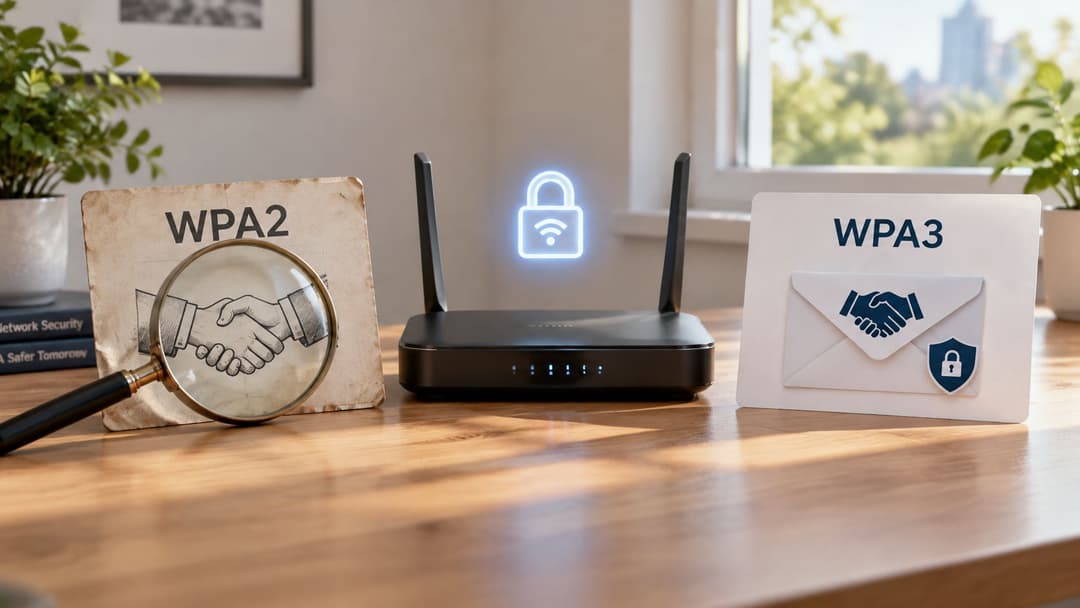
The core difference between WPA2-Personal and WPA3-Personal is what an attacker can do after listening to a connection attempt. WPA2 uses a pre-shared key handshake. An attacker who captures that handshake can take it away and guess the passphrase offline, at whatever speed their hardware allows, without talking to your access point again.
WPA3-Personal replaces that exchange with Simultaneous Authentication of Equals, or SAE. Each guess needs a fresh interactive exchange with the access point. That removes the practical offline guessing attack against a captured handshake and makes weak passphrases harder to exploit, although a strong passphrase is still the right choice.
What WPA3 Adds Beyond the Handshake
WPA3 requires Protected Management Frames, which makes certain forged management traffic harder to use against connected clients. It also provides forward secrecy. If the passphrase leaks later, that leak doesn't by itself expose traffic captured earlier.
There are hard constraints. WPA3 is required for Wi-Fi devices operating in the 6 GHz band, a point raised in IEEE 802 LAN/MAN Standards Committee evidence to Ofcom on its 2025/26 plan of work. If you're planning 6 GHz coverage, WPA3 support isn't an optional preference. It's part of the client and access point requirement.
Mixed WPA2/WPA3 transition mode is the usual bridge. It keeps older clients connected while newer ones use SAE, but it also keeps a downgrade path open because WPA2 remains enabled. Use it as a migration state with an exit condition, then move to WPA3-only once your client inventory allows it.
Why a WPA2 Label Is Not Proof
WPA2 still needs careful configuration and patching. In October 2017 the UK National Cyber Security Centre reported disclosure of the KRACK vulnerability affecting WPA2 networks, while stressing that WPA2 remained more secure than WEP or WPA. KRACK affected WPA2-Personal and WPA2-Enterprise alike, so the label alone never proved a client or access point was safe.
The NCSC response is still the right operational template. Patch clients and infrastructure, replace deprecated TKIP with AES-CCMP, and keep firmware vendor-supported, as described in National Cyber Security Centre guidance on the KRACK vulnerability. An unpatched WPA2 network on abandoned firmware is a weaker real-world position than its settings page suggests.
WPA3 doesn't fix the shared-secret problem either. It protects the radio link better, but a WPA3-Personal passphrase known by every former employee still gives you no per-person accountability and no individual switch to turn off.
Shared Keys, Identity and Certificates Compared
A WPA label does not tell you who can get onto the network or what they can reach. Access control depends on the identity method, network policy and how quickly credentials can be revoked. A shared passphrase may encrypt traffic, but removing one former employee can require changing it for every device. With identity-based access, an administrator can disable an account, certificate or device key while leaving other connections intact.
| Access model | Revocation | Per-person accountability | Onboarding effort | Legacy device support |
|---|---|---|---|---|
| Shared PSK (WPA2/WPA3-Personal) | Site-wide password change | None | Low | Good |
| iPSK | Revoke one device key | Per device, not per person | Medium | Good |
| 802.1X with certificates | Revoke certificate or device | Per device | High at first | Limited for older clients |
| 802.1X with directory login (Entra ID, Google Workspace, Okta) | Disable the directory account | Per user | Medium | Limited where EAP is unsupported |
| Passpoint / OpenRoaming | Revoke identity at the provider | Per user, via identity provider | Low for users | Needs Passpoint-capable devices |
| Captive portal | Expire session or voucher | Per voucher or account, weak device control | Low | Good |
What Each Model Costs You Day to Day
Shared PSK is quick to deploy, but costly to manage when access needs to change. Devices connect with the same passphrase, so a departing employee, contractor or leaked credential can trigger a site-wide change. Every legitimate device then needs the new password.
iPSK gives each device a separate key while retaining a familiar passphrase setup. It suits televisions, building controls and other equipment that cannot use enterprise authentication. An administrator can revoke one device key, but the key identifies the device, not the person using it.
802.1X with certificates authenticates a managed device. Setup takes more work because certificates must be issued, renewed and revoked correctly. Once deployed, a lost or retired device can be removed without changing users' passwords or rekeying the whole site.
Directory-linked 802.1X through Entra ID, Google Workspace or Okta ties network access to a person's account. Disable that account during offboarding, and its access can be removed without disrupting other users. The relationship between identity lifecycle and network policy is central to identity-based networking for staff, guests and tenants. Authentication alone still does not define reach: apply network policy and segmentation so each identity can access only the systems it needs.
The Hospital Contractor Test
Consider a 300-bed hospital as a worked example. A contractor needs wireless access for a fixed project, clinical devices need uninterrupted connectivity, and facilities equipment shares the physical network infrastructure. When the contract ends, the contractor's access should be removed without rekeying infusion pumps, workstations on wheels or building sensors.
A shared staff passphrase makes that difficult unless the hospital changes it across the site. A directory account lets administrators remove the contractor's access by disabling the identity. Device certificates address a different need: clinical equipment authenticates as a device and remains connected when a staff member leaves. Separate network policies must still control what each account or device can reach.
The UK Government wireless network security standard SS-019 is a reference for wireless security requirements. As practical guidance, choose WPA3-Enterprise when clients support it, or WPA2-Enterprise with AES-CCMP where older clients require it. Treat that choice as one part of the design, not proof that access is properly controlled.
Client support sets a real limit. EAP and certificate-based access require capable supplicants and reliable provisioning on every device. Older handsets, embedded controllers and many IoT devices may not support them. Put those devices on a separate segment with an appropriate key, and restrict what that segment can reach, rather than weakening access for the whole network.
Encryption answers whether traffic can be read over the air. Identity answers whether this person or device should be here at all.
Recommended Security Types by Industry
Start with the sector row closest to your operation, then apply the fallback logic to your oldest device class. The pattern is consistent. Staff and managed devices move to identity-based access, guests get encrypted but isolated access, and legacy equipment gets its own key or segment instead of forcing a network-wide downgrade.
| Sector | Primary type | Fallback for legacy devices | Key control |
|---|---|---|---|
| Hotels and bars | Passpoint or 802.1X for staff, WPA3 or WPA2 with iPSK for guests | iPSK keys for TVs and door systems | Guest network isolated from property systems |
| Retail and shopping centres | 802.1X for staff devices, Passpoint or portal for shoppers | iPSK for scanners and point-of-sale | Payment systems kept off guest networks |
| Healthcare | 802.1X with device certificates for clinical devices | Dedicated segment for medical and building IoT | Segmentation and patch cycles |
| Transport hubs and stadiums | Passpoint and OpenRoaming with carrier offload | Captive portal over TLS | Capacity and roaming, not encryption alone |
| Residential, BTR and student housing | WPA3-Personal or iPSK per resident | iPSK for smart locks and older TVs | Keys revoked at move-out |
| Corporate offices | WPA3-Enterprise or WPA2-Enterprise with 802.1X | Separate guest SSID with client isolation | Directory-linked revocation |
| Multi-tenant venues | iPSK per tenant with SSO for staff | Separate SSID per tenant where hardware allows | Tested tenant isolation |
Applying the Fallback Without Weakening the Default
Hotels show why one answer rarely fits a whole site. Staff need revocable access, guests need low-friction encrypted access, and in-room TVs or door systems may only handle a passphrase. Use Passpoint or 802.1X for staff, keep guest traffic away from property management systems, and put room hardware on individually revocable iPSK keys.
Retail has a sharper boundary. Staff handhelds belong on 802.1X where they support it, scanners and point-of-sale terminals can use iPSK on a restricted segment, and shopper access must never become a route towards payment systems. The convenience of the shopper network is irrelevant if its firewall policy is wrong.
For offices, the strongest operational gain comes from linking wireless access to the directory people already use for email and applications. A dedicated design for staff Wi-Fi with directory-based access and revocation makes offboarding one action rather than a separate network ticket that someone might forget.
Healthcare and residential sites sit at opposite ends of the same device problem. Hospitals can't casually replace clinical or building equipment, so certificates cover managed clinical devices and a dedicated segment contains the rest. Student housing and build-to-rent schemes change occupants often, so a per-resident key that dies at move-out matters more than squeezing everyone onto an enterprise login their games console won't support.
When to Re-Check the Choice
Revisit the mapping when any of these change:
- New device classes: A new payment terminal, lock system or medical device may need its own segment or key model.
- High staff turnover: Seasonal hiring or heavy contractor use makes shared passphrases expensive to control.
- Unpatched legacy equipment: Devices that never receive updates need tighter containment, not broader network access.
- Tenancy change: New tenants or residents should trigger fresh keys and an isolation test.
Replacing every endpoint to reach a perfect protocol diagram isn't realistic in most venues. Map each device class to the strongest model it can support in practice, then use segmentation to limit what a weak or unmanageable class can reach.
Audit Your Current Wi-Fi Setup
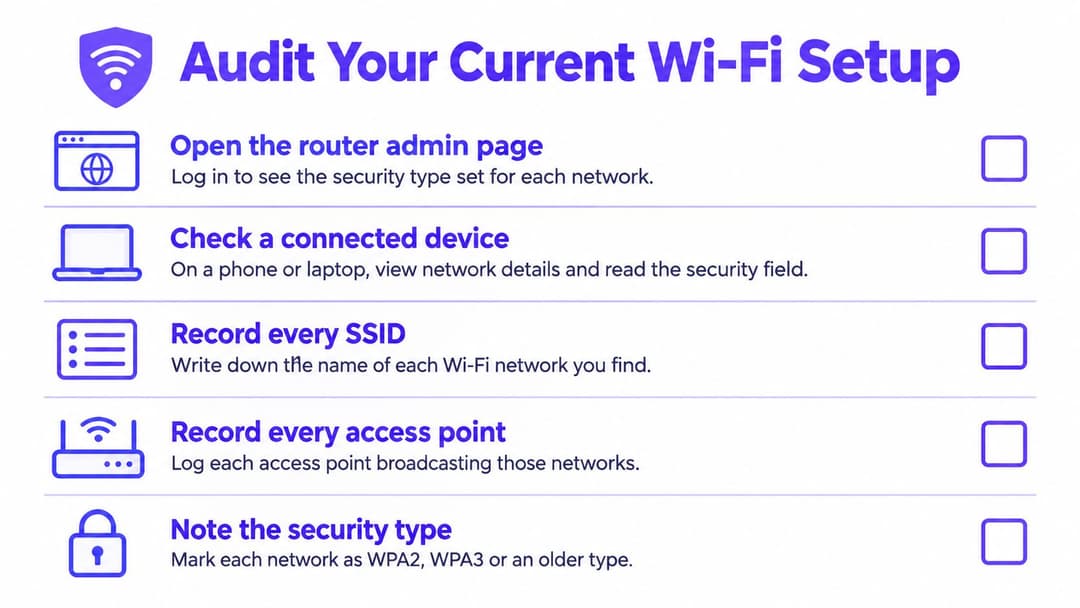
A WPA label and a guest SSID do not prove that access is controlled. Audit each network for its encryption, the identities it accepts, the systems its clients can reach, and how quickly you can revoke access. Start with the router or controller configuration, then check the connection from a phone or laptop.
Build the Inventory Before Changing Anything
Record every SSID and access point, including forgotten test networks and WEP or TKIP settings left for devices no one can identify. Group connected devices by class: staff laptops and phones, guest devices, payment terminals, clinical equipment, building management and general IoT. A device class that cannot support modern authentication may need a restricted fallback, not access to the staff network.
On the access point or controller, record the configured security mode for each SSID. On a connected device, open the network details and check the displayed security type: WEP or TKIP indicates legacy security; WPA2-Personal or WPA2-Enterprise identifies WPA2, while WPA3-Personal or WPA3-Enterprise identifies WPA3. Labels vary by operating system, so use the controller configuration to confirm ambiguous results. Record firmware versions for access points, controllers and representative clients too. A correct protocol on stale firmware is not a finished control.
The Five Checks That Set Your Priorities
- Internal access is encrypted: Remove open, WEP or TKIP networks used to reach internal systems. An open guest SSID can remain only if TLS protects traffic and testing confirms guest isolation.
- Firmware is current: Check access points, controllers and representative clients, not just one device.
- Guest isolation works: Connect as a guest and test access to staff, payment and building systems, as well as visibility of other guest clients.
- Staff access follows identity: Disable a test account and verify that its user loses Wi-Fi access promptly.
- IoT access is contained: Confirm the device inventory is current, unknown devices are visible, and IoT devices use a separate key or restricted segment.
A guest SSID alone does not prove isolation. Pass the check only when a guest device cannot reach internal addresses or other clients it should not see. Record who or what authenticates to each SSID, what those connections can reach, and how access is revoked. Rank failures by exposure, then use that inventory to set migration priorities.
Migrating Legacy Networks Without Breaking Devices
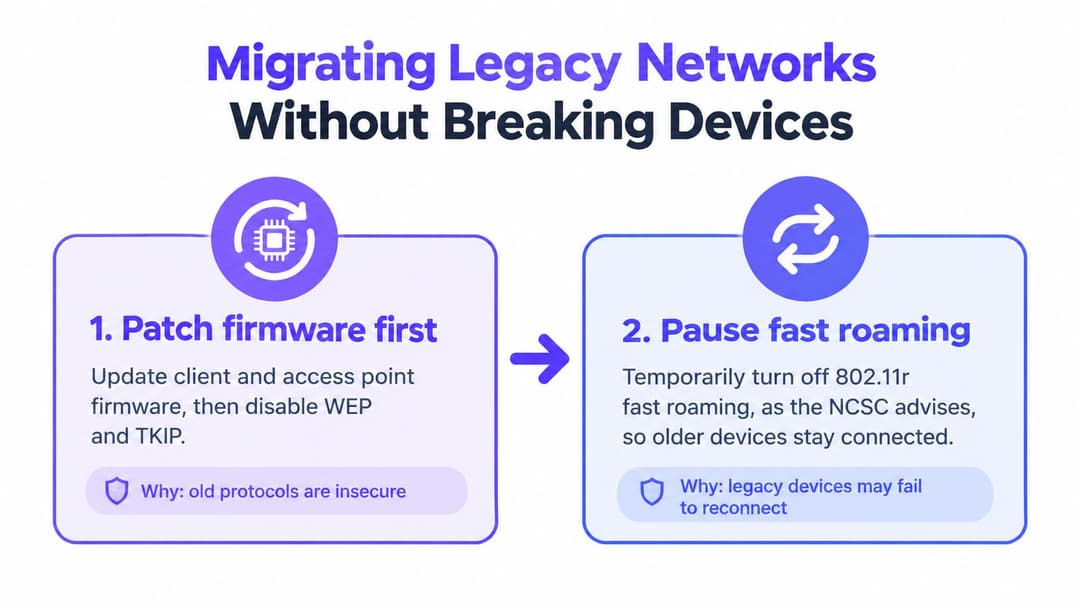
A WPA3 label does not prove that a network is secure, and a separate guest SSID does not guarantee isolation. Migrate in an order that removes weak settings, contains devices that cannot support modern authentication, and then changes how staff and guests connect. Test access and revocation throughout. This sequence protects fragile equipment while making failures visible before they become a reason to restore a shared network.
Six Steps in Order
- Patch firmware and disable WEP and TKIP: Update client and access point firmware before changing authentication. Check vendor guidance for your firmware before changing 802.11r fast roaming or repeater settings. Protocol settings cannot compensate for vulnerable or unsupported software.
- Contain legacy device classes: Move equipment that cannot use modern authentication onto iPSK or a dedicated SSID with strict destination rules. xPSK for individual device keys on shared infrastructure lets a television or lock use a passphrase without sharing one secret across the estate. Set a separate key for each device where possible, so you can revoke access without interrupting others.
- Move staff to directory-linked 802.1X: Connect access to Entra ID, Google Workspace or Okta so normal offboarding also removes network access. Purple and other vendor-native or directory-based options can provide the authentication layer. Verify that disabling an account actually blocks Wi-Fi access, rather than assuming the directory connection handles revocation.
- Move guests to encrypted, isolated access: Use Passpoint or OpenRoaming where the venue and client devices support them. Otherwise, provide a captive portal over TLS, enable client isolation, and treat guest devices as untrusted. Confirm the access policy limits what guests can reach.
- Test transition mode, then remove it: Enable WPA2/WPA3 transition mode and test each device class. Move to WPA3-only where clients allow it. Record which specific device class prevents that change, and set a plan to address it rather than leaving transition mode in place by default.
- Test isolation from a guest device: Join as a guest and attempt to reach internal addresses, other guests, access point management interfaces, and operational systems. Adjust firewall and VLAN rules until each prohibited route fails. A blocked connection is meaningful only if the network policy, not a temporary client issue, caused the failure.
A 60-Room Hotel Worked Example
A 60-room hotel has one shared guest passphrase known around town, a till on the same network, and older TVs that cannot use enterprise login. The hotel moves guest rooms to per-room or per-device iPSK, places the till on a restricted segment, and keeps staff on directory-linked access. Each TV retains a key it can use, while a lost key can be revoked without changing access across the property.
The project is complete only after testing the controls. Join the guest network and confirm that the till and staff systems are unreachable. Revoke a room key and verify that it no longer grants access. Keep the test results as evidence that segmentation and identity controls work.
A separate SSID is a name. Isolation is a tested firewall and routing outcome.
The UK Government's 2025 Cyber Security Breaches Survey reported that 93% of organisations had separate Wi-Fi for staff and visitors, according to the Cyber Security Breaches Survey 2025 results on GOV.UK. A separate network name does not establish that VLAN rules block unwanted traffic, that clients cannot reach one another, or that former contractors have lost access.
If your audit checklist found gaps, start with weak settings and work through the migration steps, recording which devices and access paths still need attention. If the checks passed, keep testing: schedule a quarterly review, retest isolation after network changes, and update the device inventory when new equipment classes appear. Configuration drift can undo a sound design, whatever WPA version the network advertises.
If shared passphrases, slow offboarding, or untested guest isolation still hold your network together, Purple offers identity-based access for staff and guests, per-device keys for legacy equipment, and directory-linked revocation through Entra ID, Google Workspace, or Okta. Review how it works with your existing access points before planning a migration.