-f98d442f2a5e.webp&w=1920&q=75)
What your captive portal is really costing you
Put a number on the contacts lost to abandoned logins and the staff hours spent on WiFi support, then see how much a lower drop-off rate would recover.
Front-of-house staff lose table-service time explaining login codes or clearing stuck splash screens during busy periods.
4,200 login attempts a month
Guests who start the login but never finish it.
Only opted-in contacts can be marketed to under UK GDPR and PECR.
Use your own figure: annual email revenue divided by list size is a good start.
£0.53 for every guest who tries to connect. 91% lost data, 9% staff time.
How this is worked out
Assumes the support-time saving is 50% and that opt-in rates stay the same after a redesign. Excludes licence, hardware and bandwidth costs, which are the visible part of the bill.
The captive network assistant is not a full browser
iOS and macOS probe captive.apple.com, Android probes a generate_204 URL. When the probe is intercepted the device opens a cut-down mini-browser. It handles pop-ups and new windows poorly, so social logins that open a second window can hang, and it closes as soon as internet access works.
Fix: Keep the whole login in one page, test it inside the assistant on iOS and Android, and support the Captive Portal API (RFC 8908 / RFC 8910, DHCP option 114) so iOS 14+ and Android 11+ can find the portal without interception.
Certificate warnings and walled garden gaps
Redirecting HTTPS traffic to the splash page triggers certificate errors guests will not click through. Missing walled garden entries for social login, SMS or payment domains leave the login spinning.
Fix: Redirect only plain HTTP probes, serve the splash page from a real domain with a valid TLS certificate, and keep the walled garden list in step with every login method you offer.
Too many form fields
Every required field is another reason to leave on a small screen. Asking for name, email, postcode and date of birth on the first visit costs completions before any value has been offered.
Fix: Ask for one identifier (email or mobile) plus consent on the first visit, and collect more on return visits.
Short sessions that force re-login
Sessions that expire every hour, combined with randomised MAC addresses, mean regular guests see the splash page again and again and staff hear about it.
Fix: Match session length to dwell time and recognise returning guests by their verified profile rather than by MAC address alone.
Main risks for restaurants and bars
- Staff pulled away during rush hours
- Lost repeat-visit opt-ins
- Slower table turns while guests wait to connect
Want the drop-off measured on your own portal?
The captive portal guide covers login design, walled gardens and consent in detail.
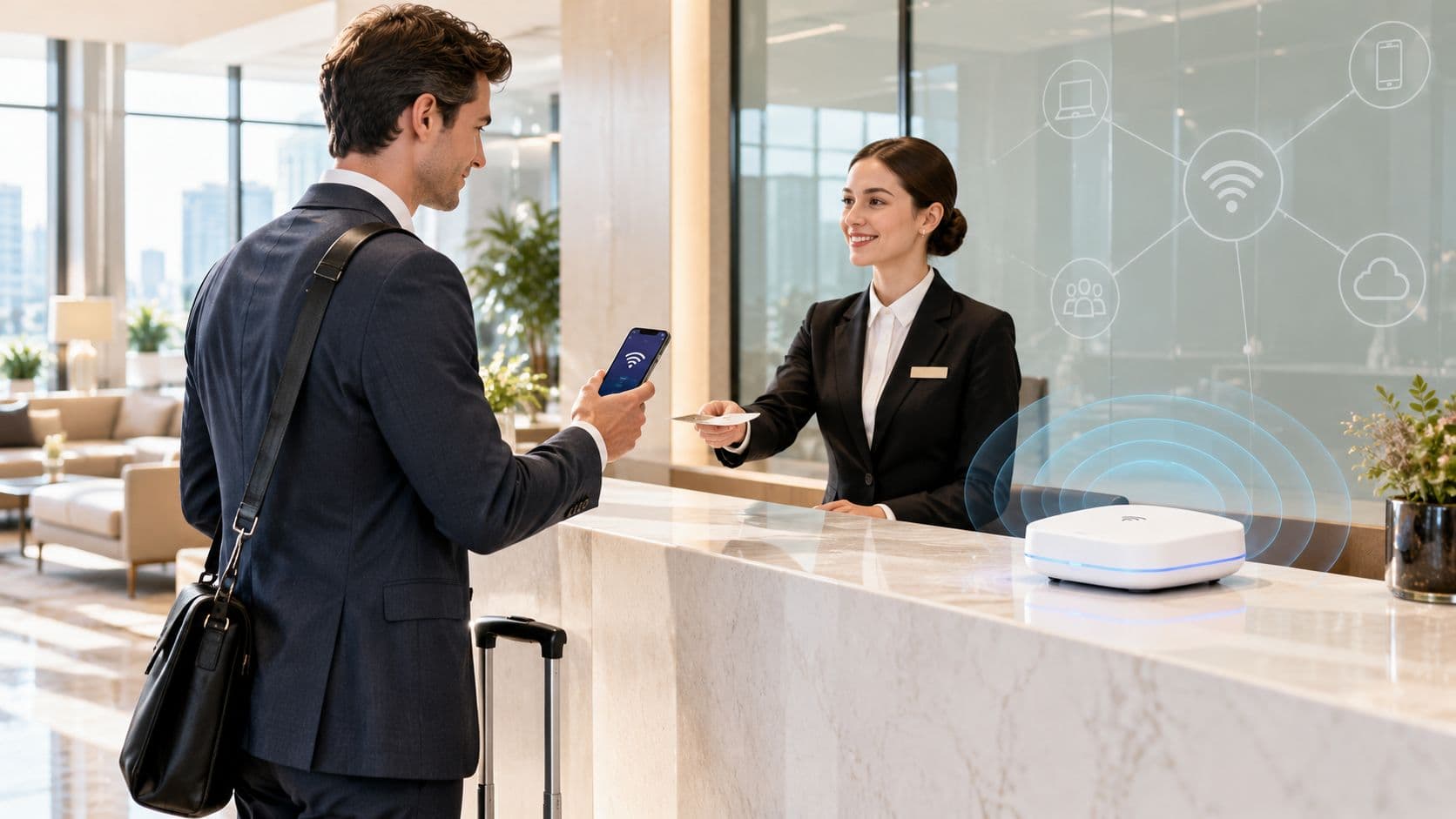
In hospitality, retail, healthcare, and public venues, offering complimentary WiFi is often treated as a basic utility - similar to lighting or running water. Venue operators set up a router, enable a standard splash page, and consider the task complete. However, when Guest WiFi relies on a high-friction setup with forgotten passwords, failing browser pop-ups, and lengthy sign-up forms, it ceases to be a free perk. It becomes a hidden tax on your brand reputation, customer retention, and operational efficiency.
For venue leaders and network administrators evaluating Guest WiFi architecture, the true expense of a clunky captive portal is rarely the monthly software bill. The true cost lies in lost customer lifetime value, compromised marketing data, and inflated staff support overhead. Implementing a modern, hardware-agnostic solution like Purple Guest WiFi eliminates connection friction while transforming public wireless networks into high-performing revenue engines.
Key takeaways: The hidden cost of free WiFi & captive portal ROI
- The hidden "brand tax": High-friction password shuffles and failing captive splash pages create negative first impressions for up to 60% of café and venue guests. Learn more in our Guest WiFi guide.
- Data quality vs junk sign-ups: Mandatory 10-field sign-up forms force frustrated users to enter burner emails, polluting marketing databases with up to 40% invalid profiles. Explore our WiFi marketing guide.
- Staff labour burden: Every minute baristas, waitstaff, or front-desk teams spend troubleshooting connection issues inflates operational labor costs and distracts from core guest service.
- Zero-friction login & repeat visits: Replacing complex forms with single-click social authentication or Passpoint auto-connect increases data capture rates by up to 3x and boosts repeat visit frequency by 24%. Read our captive portal guide.
- Quantify your venue risk: Use our interactive Captive Portal ROI Calculator to measure how much high-friction Guest WiFi costs your business annually.
The brand tax: frustration as a digital first impression
Your Guest WiFi splash page is frequently the very first digital touchpoint a customer interacts with upon entering your venue. When that initial experience starts with an awkward password search, a slow-loading captive portal, or an unclickable terms-and-conditions checkbox, guests immediately associate your brand with friction and inconvenience.
Research indicates that up to 60% of café and hospitality patrons will choose an alternative venue if wireless connectivity is unreliable or frustrating to join. That initial digital handshake establishes whether a visitor turns into a loyal brand advocate or a one-time customer who never returns.
The abandonment gap: lost contact data and missed revenue
Every unnecessary field added to a Guest WiFi registration form directly increases connection abandonment. When faced with complex forms requesting home addresses, job titles, or excessive personal details, a significant portion of visitors close the portal window and stay offline.
This connection drop-off creates four major commercial penalties for venue operators:
- Lost marketing reach: If guests abandon sign-in due to form fatigue, you miss the opportunity to capture verified email profiles for future automated campaigns. For details on maximizing opt-in rates, consult our WiFi marketing guide.
- Distorted venue analytics: When only a fraction of visitors connect to your network, footfall measurement and dwell-time reports become skewed, preventing accurate operational decision-making. Learn more in our WiFi analytics guide.
- Missed digital promotions: Offline guests cannot see real-time splash page announcements, digital menus, birthday rewards, or event notifications while on-site.
- Depressed repeat visit rates: Seamless onboarding with verified data collection drives up to a 24% increase in customer return frequency over traditional static sign-in methods.
The staff support burden: hidden operational labour costs
In busy hospitality and retail environments, staff time must be focused on customer service and driving transactions. Every minute a barista, waiter, receptionist, or floor team member spends troubleshooting Guest WiFi passwords or fixing connection glitches is a minute lost to core operations.
When front-line employees are repeatedly asked for WiFi credentials or notified that "the network isn't loading," your complimentary wireless service inflates operational labour costs. A properly designed Guest WiFi architecture should function invisibly in the background without requiring human intervention from venue staff.
The data quality trap: how forced sign-ups pollute your CRM
Many marketing teams mistakenly assume that adding mandatory sign-up fields yields richer customer data. In practice, high-friction captive portals produce widespread data pollution. Frustrated visitors who want quick internet access routinely enter invalid information - such as fake names, temporary burner email accounts, or false dates of birth - just to bypass the portal guardrail.
Storing databases populated with fake records wastes marketing budgets and distorts campaign metrics. In contrast, implementing single-click social sign-in or verified SMS onboarding ensures high data accuracy, giving your business a clean, first-party data asset. To evaluate your current portal setup, explore our comprehensive captive portal guide.
Comparing traditional captive portals vs zero-friction Guest WiFi
Review the comparison table below to evaluate how legacy captive portal configurations compare against modern zero-friction Guest WiFi solutions across critical operational metrics:
| Performance Metric | Legacy High-Friction Captive Portal | Modern Zero-Friction Guest WiFi (Purple) | Commercial Business Impact |
|---|---|---|---|
| Onboarding Speed | Slow (60+ seconds, multi-field forms) | Instant (<5 seconds, 1-click or Passpoint) | Higher connection rate & guest satisfaction |
| Data Accuracy | Poor (up to 40% fake or burner emails) | High (95%+ verified via OAuth / SMS) | Clean CRM profiles & actionable marketing insights |
| Staff Support Burden | High (Frequent password & login questions) | Zero (Fully automated, cloud-managed) | Reduced staff distraction & lower operating costs |
| Repeat Visit Frequency | Baseline (No automated re-engagement) | +24% increase via automated CRM triggers | Direct boost in customer lifetime value (LTV) |
The emotional shift: from connection dread to guest delight
Wireless connectivity has evolved from a premium amenity into an essential, zero-friction baseline expectation. When venues replace multi-step sign-in barriers with automated, secure Guest WiFi onboarding, the guest experience transforms instantly:
- From connection dread: The frustration of needing to send a quick work email while struggling through a 10-field captive portal form.
- To customer delight: Entering a venue and having your personal device automatically connect to secure, fast WiFi with zero manual intervention.
By removing friction from the login process, venue operators transform a basic utility into an active driver of customer loyalty and long-term brand equity.
Frequently asked questions about captive portal costs and ROI
What are the main hidden costs of offering free guest WiFi?
The primary hidden costs of free guest WiFi include lost marketing reach from form abandonment, polluted CRM databases filled with fake email profiles, inflated staff support costs when employees must troubleshoot connections, and lower customer retention rates caused by high-friction splash page experiences.
How does a zero-friction captive portal improve ROI?
A zero-friction captive portal improves ROI by enabling rapid 1-click or social sign-in, which increases guest opt-in rates, collects verified first-party data, and triggers automated post-visit email and SMS marketing campaigns that drive up to 24% higher repeat visit frequency.
Does Purple Guest WiFi require replacing existing hardware?
No. Purple is a hardware-agnostic cloud software solution that overlays seamlessly onto your existing wireless access points, including Cisco Meraki, HPE Aruba, Ruckus, Juniper Mist, Ubiquiti UniFi, and Ruckus, eliminating the need for expensive infrastructure upgrades.
How does modern Guest WiFi ensure data privacy compliance?
Modern Guest WiFi platforms like Purple ensure full compliance with GDPR, CCPA, and global privacy standards by offering unbundled consent checkboxes, clear opt-in management, and encrypted data transfers that protect both guest privacy and enterprise network security.
Transform your Guest WiFi into a revenue engine with Purple
Eliminate captive portal friction, capture verified first-party guest data, and automate marketing re-engagement across all your venue locations.