
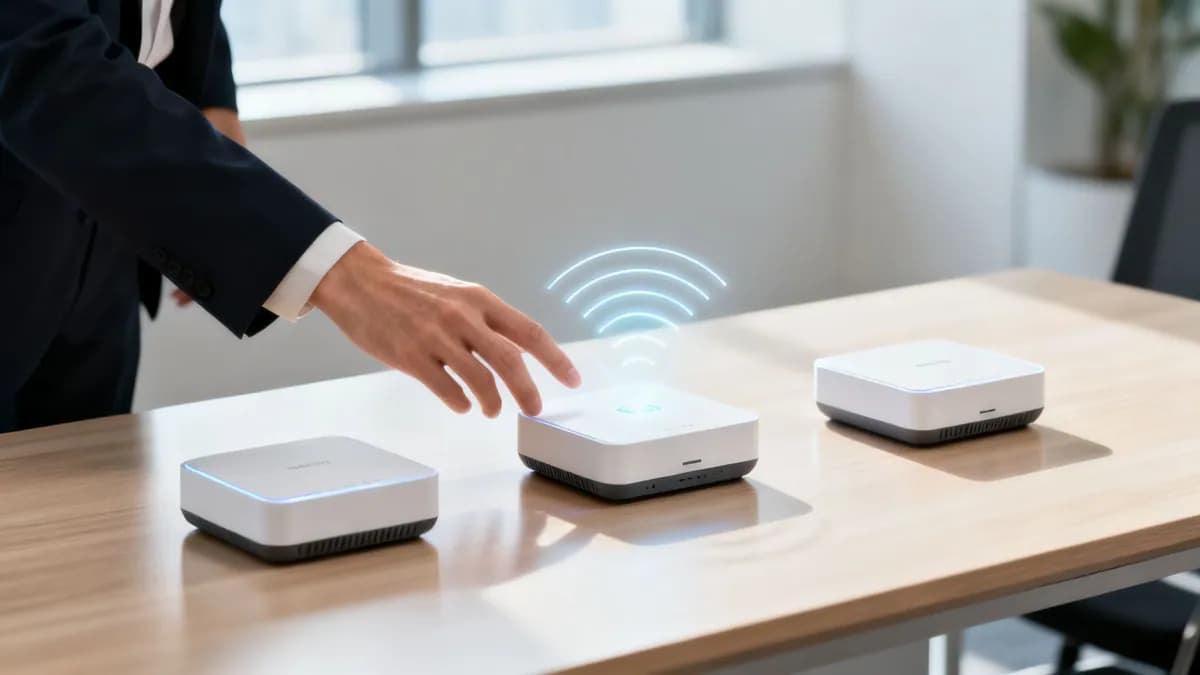
Enterprise wireless access point sizing and vendor advisor
Model required AP counts, PoE+ wattage budgets, multi-gigabit uplinks, and compare top networking vendors (Cisco Meraki, HPE Aruba, Juniper Mist, Ruckus, Fortinet, Ubiquiti) for your physical venue.
Environment characteristic: High client density, video conferencing traffic, seamless 802.11r/k/v fast roaming, and strict 802.1X identity authentication.
Architectural breakdown for Corporate office / multi-floor HQ
Access point distribution and coverage
- Total venue area:15,000 sq ft
- Cell radius (approx):~18 feet
- Average AP spacing:~37 ft grid
- Connected devices:~550 devices
- RSSI target threshold:-65 dBm (Primary) / -67 dBm (Overlap)
Wired backhaul and switching infrastructure
- Ethernet switch capacity:24 Managed PoE+ Ports
- Total PoE power draw:~308W continuous
- Switch port type:2.5G mGig (802.3bz) Ethernet
- Structured cabling:Cat6A (10 Gbps)
- Leased line target:~625 Mbps synchronous
Cisco Meraki - MR57 / Catalyst CW9166
Distributed multi-site retail, corporate branches, and lean IT teams prioritising ease of management.
Need a validated predictive RF survey or hardware quote?
Our wireless network architects will model your venue floorplan in Ekahau, calculate exact AP placements, and provide vendor-agnostic hardware recommendations for Cisco Meraki, HPE Aruba, Ruckus, Juniper Mist, Ubiquiti UniFi, Cambium, Extreme or Fortinet.
When evaluating the best wireless access points for business, enterprise network managers must look beyond advertised speeds and compare cloud management, client density, 802.1X security, and hardware compatibility. Top vendors including Cisco Meraki, HPE Aruba, Ruckus Wireless, Ubiquiti UniFi, and Juniper Mist offer distinct architectures for handling high-density environments, guest traffic, and enterprise security policies.
Key takeaways: Enterprise wireless access points
- Hardware Agnostic: Enterprise access points (APs) from Cisco Meraki, HPE Aruba, Ruckus, and Ubiquiti UniFi provide varying levels of density, WiFi 6E/7 support, and cloud management options.
- Essential Standards: Prioritize WiFi 6/6E (OFDMA, MU-MIMO), WPA3-Enterprise, 802.1X identity authentication, and central RADIUS integration over raw peak speeds.
- Platform Synergy: Purple connects to any enterprise AP vendor, delivering guest captive portal analytics, automated 802.1X onboarding, and location intelligence without replacing existing hardware.
Understanding modern enterprise WiFi needs
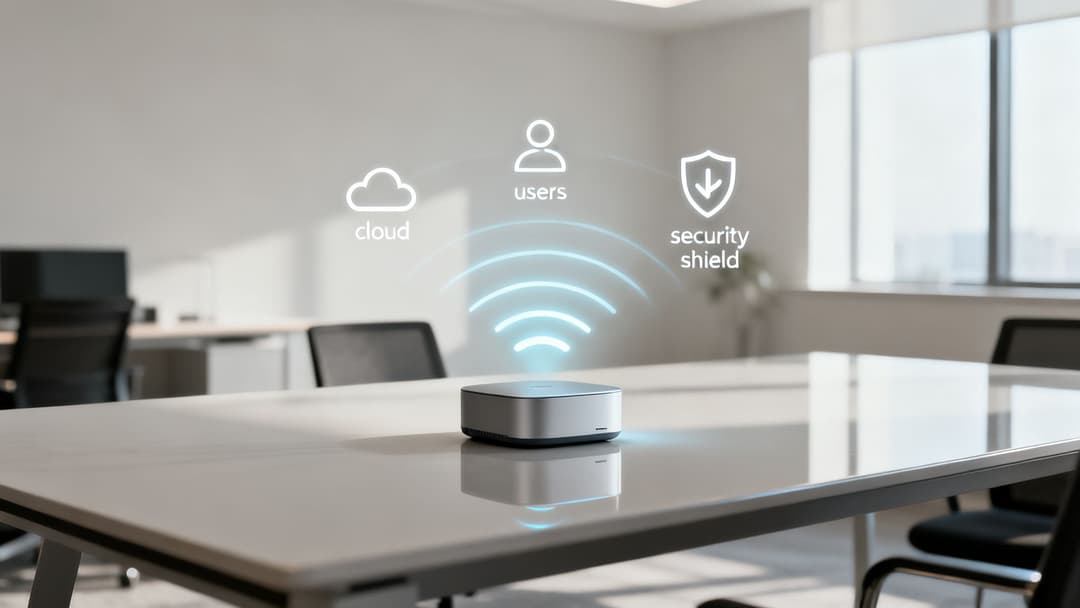
Selecting the right wireless access point (WAP) requires matching hardware specifications to specific venue requirements. Modern access points serve as the intelligent boundary of an enterprise network, enforcing security policies, managing radio frequency (RF) channels, and providing a foundation for location analytics.
User density, security requirements, and application bandwidth dictate hardware selection. For multi-family buildings, retail venues, and corporate offices, scalable cloud management and WiFi 6/6E support are fundamental requirements. For more details on underlying security standards, see our Enterprise WiFi Security Guide.
Core technologies at a glance
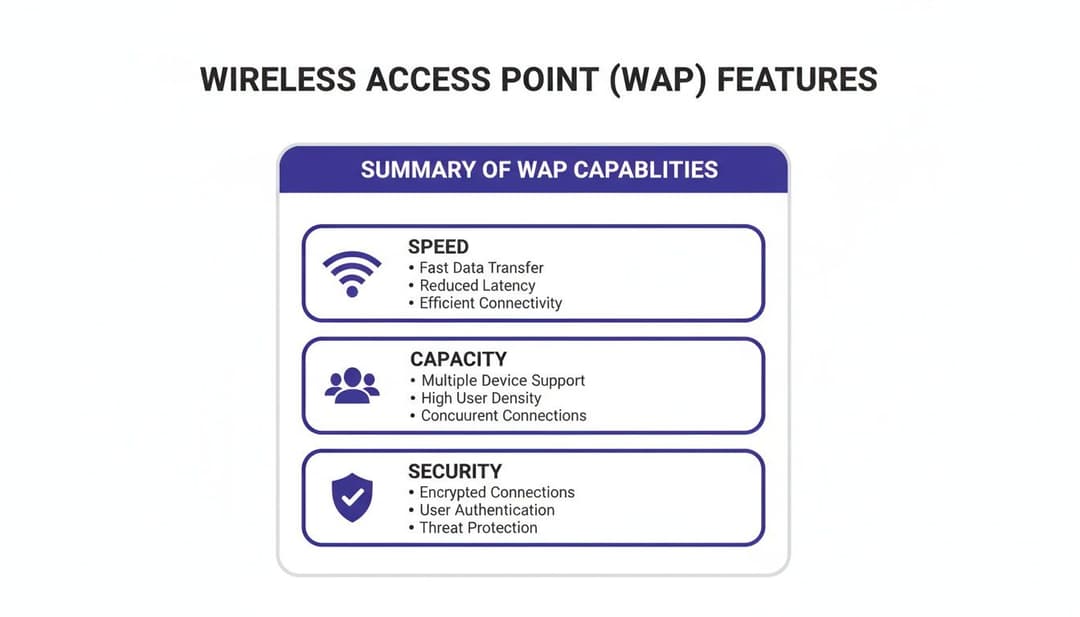
A modern enterprise WAP must provide reliable client throughput, identity-based security, and simplified management across multi-site deployments.
Decoding essential tech in high-performance WAPs
Evaluating wireless access points requires looking beyond maximum theoretical throughput. The defining characteristics of enterprise WAPs lie in spectrum management, MU-MIMO channel allocation, and identity integration.
WiFi 6 (802.11ax) and WiFi 6E introduce fundamental improvements over legacy WiFi 5 (802.11ac). WiFi 6E opens up the 6 GHz frequency band, adding up to 1,200 MHz of clean, non-overlapping spectrum reserved exclusively for WiFi 6E clients. This removes legacy 2.4 GHz and 5 GHz interference, making 6 GHz ideal for high-density venues, healthcare facilities, and corporate headquarters.
MU-MIMO and OFDMA efficiency
WiFi 6 access points rely on MU-MIMO (Multi-User, Multiple Input, Multiple Output) and OFDMA (Orthogonal Frequency Division Multiple Access) to handle congested RF environments:
- MU-MIMO: Allows an access point to transmit to multiple clients concurrently using separate spatial streams.
- OFDMA: Divides individual channels into smaller subcarriers called Resource Units (RUs), enabling the AP to send data packets to dozens of devices simultaneously in a single transmission window.
Together, these technologies eliminate queue latency when hundreds of smartphones, cell phones, laptops, and IoT devices compete for airtime. To learn how AP diagnostic data informs RF optimization, read our guide on WiFi analyzer applications.
Critical WAP technology breakdown
Comparing top wireless access point vendors
Choosing the best wireless access points for business requires evaluating the management philosophy and hardware ecosystem of each major networking vendor.
Cisco Meraki: Cloud-managed simplicity
Cisco Meraki pioneered cloud-native network management. The Meraki dashboard provides single-pane-of-glass visibility across APs, switches, security gateways, and cameras. Zero-touch provisioning allows IT teams to ship pre-configured APs directly to remote offices for instant deployment.
HPE Aruba: Security and granular policy control
HPE Aruba offers deep policy enforcement through Aruba Central and ClearPass Policy Manager. Aruba APs excel in zero-trust corporate environments, using role-based firewall rules to restrict network access based on user identity, device posture, and location.
Ruckus Wireless: High-density RF performance
Ruckus (CommScope) focuses on RF engineering. Featuring patented BeamFlex+ adaptive antenna technology, Ruckus access points dynamically adjust signal patterns per packet to mitigate co-channel interference in challenging physical environments like arenas, auditoriums, and warehouses.
Juniper Mist: AI-driven network operations
Juniper Mist integrates machine learning into wireless operations. The Marvis virtual network assistant automates troubleshooting, identifies root causes of client disconnections, and monitors Service Level Expectations (SLEs) in real time.
Ubiquiti UniFi: Cost-effective scaling
Ubiquiti UniFi provides cloud-managed performance without recurring license fees. UniFi access points are popular among small-to-medium businesses, boutique hotels, and multi-family units requiring central management on a clear budget.
Vendor comparison matrix
Finding the right WAP for your space
Hospitality and venues
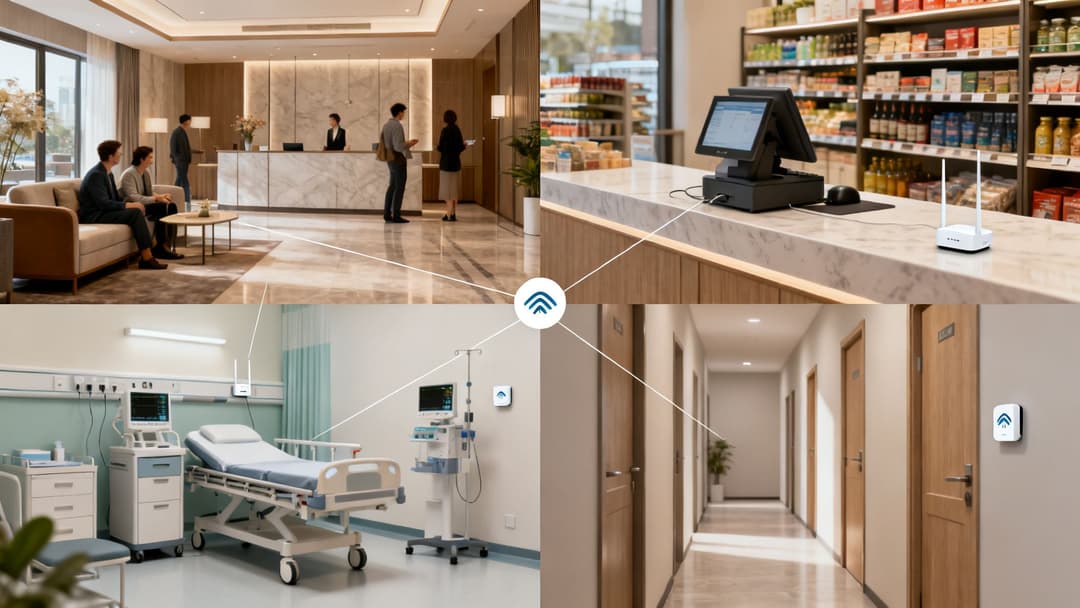
Hotels, conference centers, and venues require seamless guest onboarding combined with high client capacity. Combining enterprise APs with guest WiFi management ensures fast captive portal rendering, automated Passpoint roaming, and detailed foot traffic analytics.
Corporate offices
Corporate environments require passwordless 802.1X authentication to protect company data. Deploying Identity-Based Pre-Shared Keys (iPSK) or digital certificates eliminates shared PSKs, tying every connected laptop or mobile device to an active directory record.
Retail chains
Retail deployments leverage access point data for both store operations (mobile POS, inventory scanners) and customer engagement. Integrating WAPs with WiFi analytics software delivers presence metrics, dwell times, and repeat visit insights across store networks.
Planning a successful wireless network deployment
Deploying enterprise wireless access points requires evaluating power requirements, switch backhaul bandwidth, and authentication infrastructure:
- Power over Ethernet (PoE): WiFi 6 and WiFi 6E APs typically require PoE+ (802.3at, 30W) or PoE++ (802.3bt, 60W) switch ports to run all spatial streams and auxiliary radios.
- Multi-Gigabit Backhaul: Connecting multi-gigabit WiFi 6E APs to 2.5 Gbps or 5 Gbps Ethernet switch ports prevents wired bottlenecks.
- RADIUS Integration: Connecting APs to centralized RADIUS servers guarantees secure 802.1X authentication across all venue locations.
Unify your enterprise access points with hardware-agnostic WiFi intelligence
Whether you deploy Cisco Meraki, HPE Aruba, Ruckus, or Ubiquiti access points, Purple integrates with your existing hardware. Enable automated 802.1X onboarding, guest captive portal analytics, and location insights without extra controllers or hardware replacement.
Frequently asked questions
What is the best wireless access point for business in 2026?
The best wireless access point for business depends on deployment scale and management preference. Cisco Meraki is ideal for multi-site retail, HPE Aruba for security-focused enterprises, Ruckus for high-density stadiums, Juniper Mist for AI-driven operation, and Ubiquiti UniFi for budget-conscious SMBs.
What is the difference between WiFi 6, WiFi 6E, and WiFi 7 access points?
WiFi 6 (802.11ax) introduces MU-MIMO and OFDMA efficiency on 2.4 GHz and 5 GHz bands. WiFi 6E adds access to the clean 6 GHz frequency band for lower latency and 1,200 MHz of additional spectrum. WiFi 7 (802.11be) expands channel widths to 320 MHz and adds Multi-Link Operation (MLO) for higher throughput.
Do I need to replace existing access points to install Purple?
No. Purple is a cloud-based, hardware-agnostic platform that integrates directly with existing Cisco Meraki, HPE Aruba, Ruckus, Ubiquiti, Juniper Mist, Fortinet, and Extreme access points without requiring new hardware.
How does WPA3-Enterprise protect business access points compared to WPA3-Personal?
WPA3-Personal uses Simultaneous Authentication of Equals (SAE) with a shared password. WPA3-Enterprise implements 192-bit cryptographic suites and 802.1X authentication, requiring unique user credentials or digital certificates verified against a central RADIUS server.



