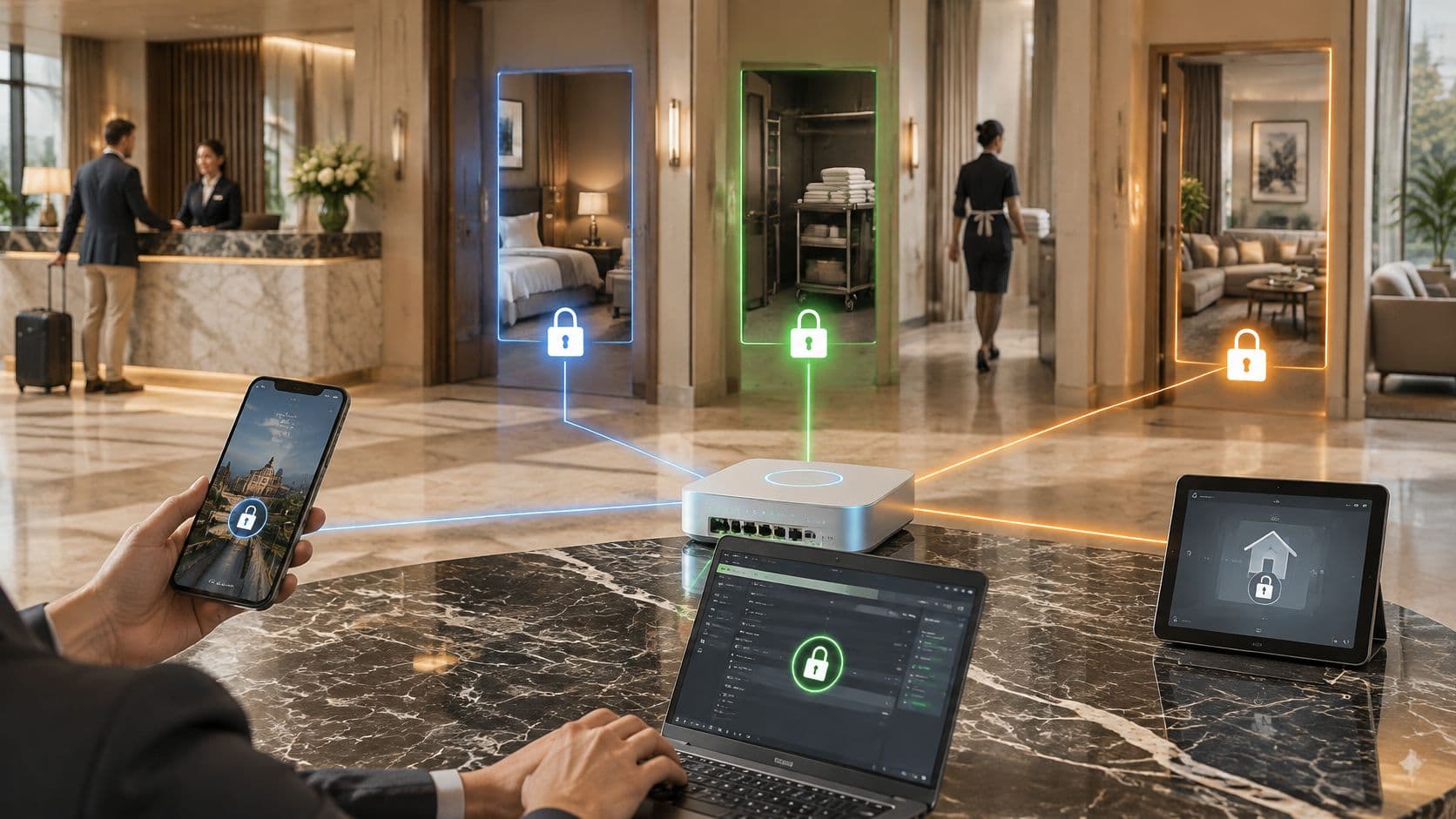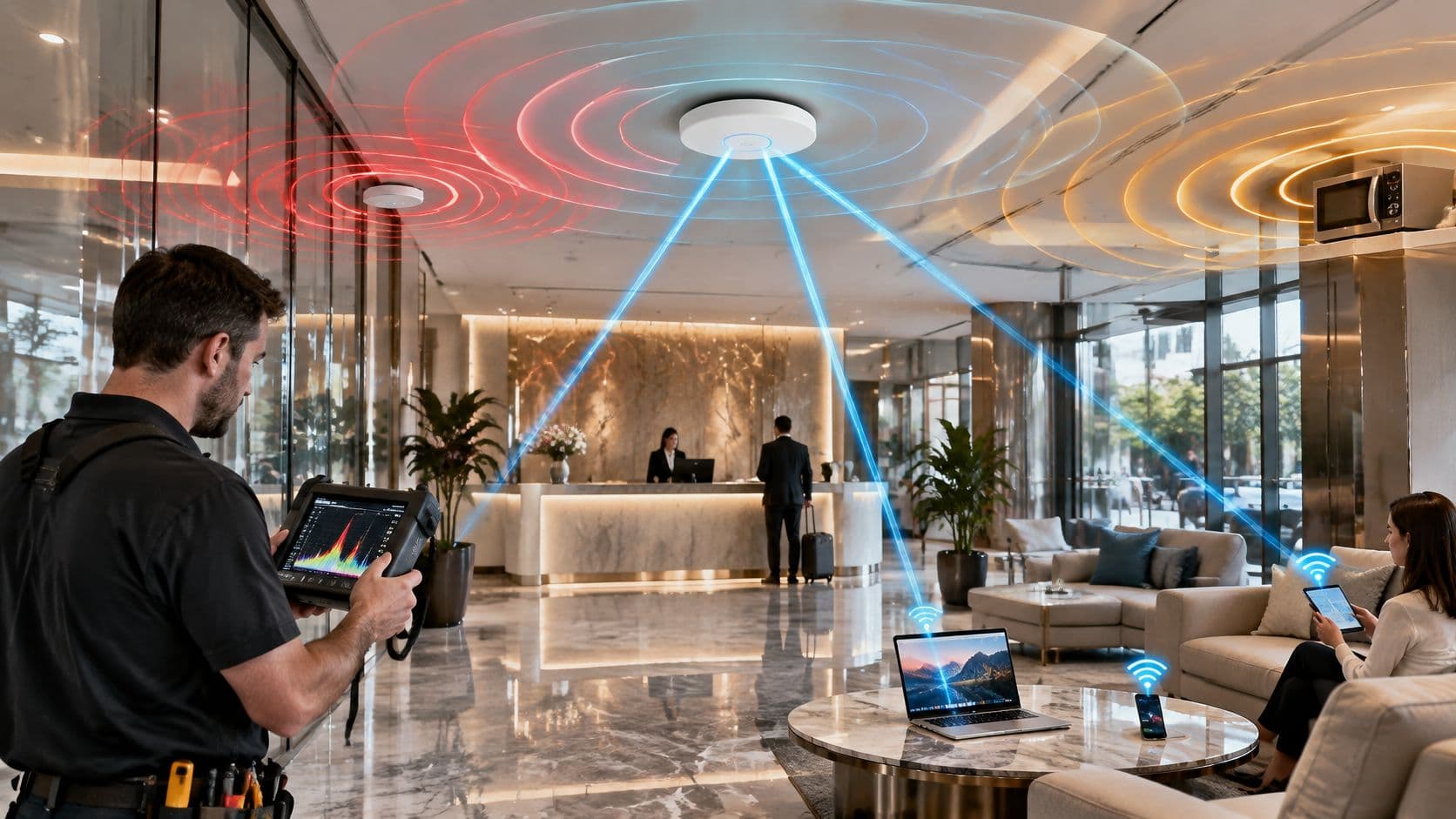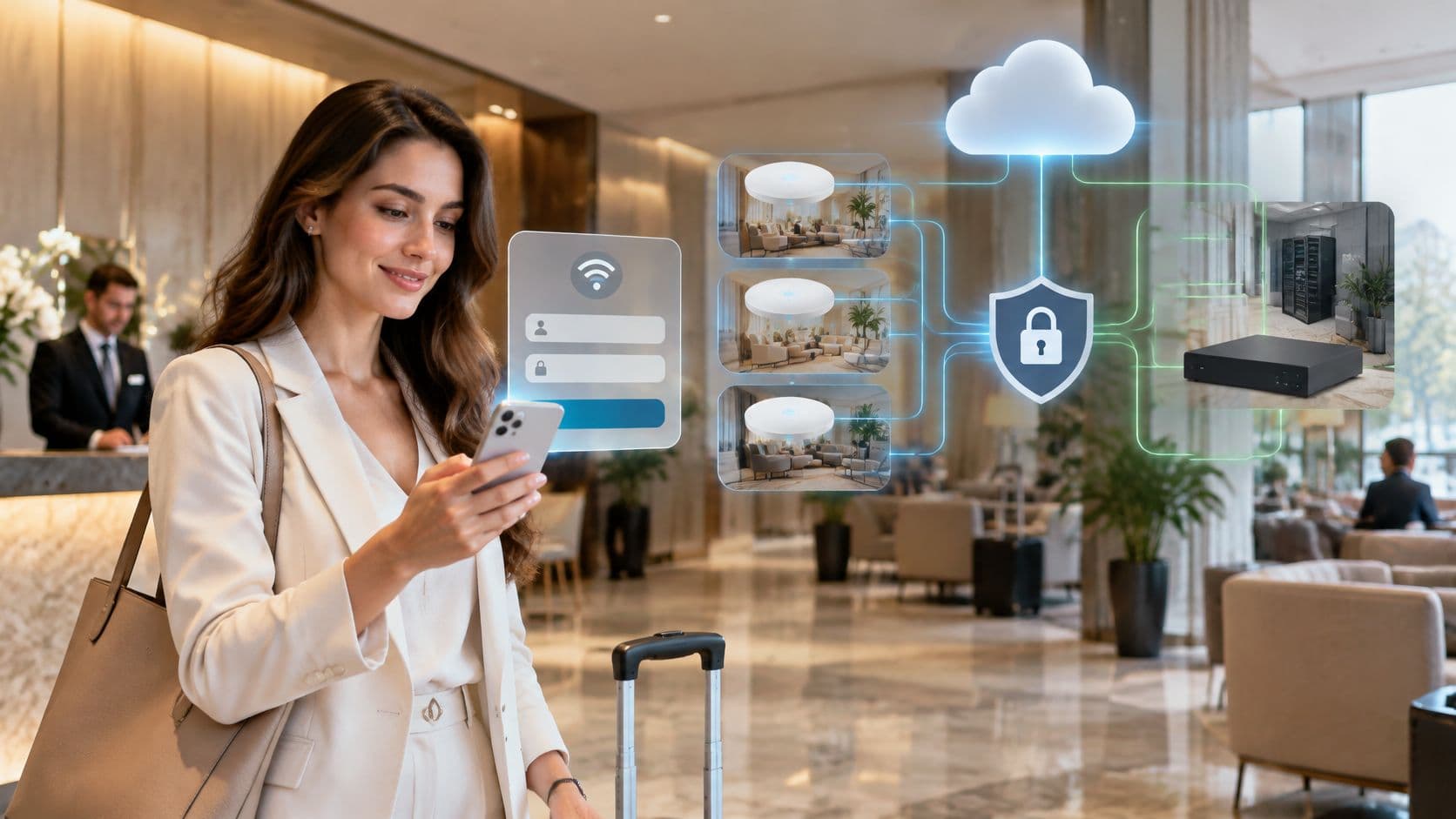
The usual advice on captive portal software starts with the wrong screen: choose a branded login page, add social sign-in and connect your CRM. Start instead with what a guest device can reach before anyone logs in. A polished splash page won't fix an exposed staff network, an unencrypted wireless link or marketing permission bundled into internet access.
For US venue operators, the right choice combines workable onboarding with enforceable network policy and proportionate data collection. Judge the software by its integration with your controller, its failure behavior and the evidence you can collect during a pilot. Design the page after those decisions.
Captive Portal Options at a Glance
There are five deployment models to consider. Four host a conventional portal somewhere; the fifth, identity-based access, can remove repeated browser logins altogether. Each changes who operates authentication, where guest information is processed and how much maintenance your team inherits.
Captive portal deployment models compared
| Model | Where the portal runs | Who maintains it | Typical fit |
|---|---|---|---|
| Hosted cloud portal | Vendor cloud, reached through the venue's controller | Vendor | Multi-site chains needing fast roll-out and central analytics |
| Controller-native portal | Wireless controller or access point | Venue IT | Single-site estates with an existing controller |
| On-premise gateway or appliance | Local server or firewall on site | Venue IT | Sites that must keep guest data on premises |
| Self-hosted open-source portal | Server the operator manages | Operator or integrator | Technical teams with capacity to patch and troubleshoot |
| Identity-based access (Passpoint, OpenRoaming) | Cloud identity or RADIUS back end | Vendor and identity provider | Repeat visitors and managed staff devices |
Hosted cloud trades infrastructure control for deployment speed. Central templates and reporting suit chains, but you must examine data location, controller dependencies and what happens when the cloud service becomes unreachable.
A controller-native portal avoids another management platform. It's a sensible starting point when the existing controller already provides the access methods and session controls you need. Its limits usually become apparent when different sites need consistent journeys or consolidated reporting.
Ownership matters more than hosting labels
An on-premise gateway can keep guest records local, provided its logging, backups and integrations are configured accordingly. Your team then owns patching, certificates, capacity and recovery. Self-hosted open-source software offers similar control, but a free license doesn't supply an incident responder.
A conventional portal typically presents terms, collects whatever identification the access policy requires, authorizes the session and redirects the visitor. Terms acceptance isn't proof of identity, and the redirect isn't proof that the controller applied the correct policy.
Identity-based access changes that journey. The important operational question becomes who issues, maintains and revokes access credentials rather than who edits the splash page.
Buying rule: Choose the model whose failure your team can diagnose and recover from, not the one with the longest feature list.
Before shortlisting captive portal software, write down:
- Your sites: Identify shared policies and genuine local exceptions.
- Your controllers: Record models, firmware and management arrangements.
- Your support owner: Name whoever answers when guests can associate but can't get online.
Where a Captive Portal Leaves You Exposed
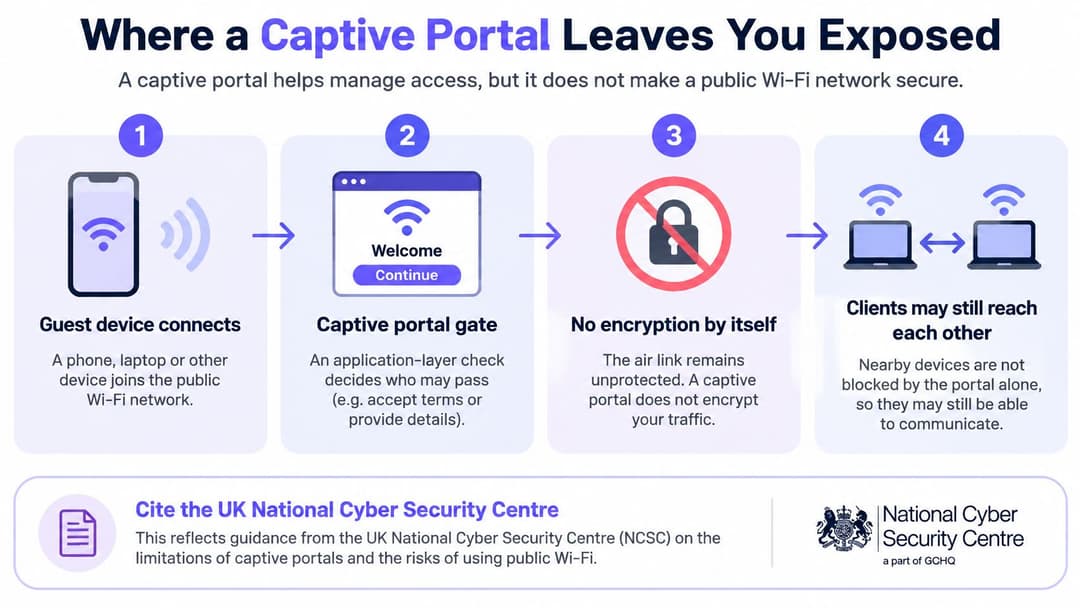
A captive portal is an application-layer gate, not an encryption mechanism. It decides whether a session may proceed. It doesn't, by itself, protect the radio link or prevent neighboring clients from communicating.
Purple's smart WiFi guidance highlights cybersecurity guidance warnings that captive-portal public WiFi can expose privileged-assurance workstations through an unsecured path to a local authentication service. Such devices need compensating controls, not an assumption that completing a login makes the connection safe.
Restrict access before asking for identity
Build the access path deliberately:
Create a restricted pre-authentication VLAN. Put unauthenticated devices somewhere with no route to operational networks. Don't place them on a general guest segment and rely solely on the browser redirect.
Allow only onboarding dependencies. Permit DHCP, controlled DNS and the portal endpoint, plus narrowly scoped dependencies that the chosen authentication flow requires. Broad walled-garden exceptions can accidentally provide useful internet access before authorization.
Authenticate through the intended service. Use the portal or identity provider appropriate to the visitor. Check that a failed or abandoned login leaves the device restricted.
Apply the authorized policy. Move the session into its assigned VLAN or equivalent role, with explicit firewall rules and client isolation where required. Successful authentication must not grant access to internal systems by default.
Record the transition. Log the authentication outcome, session identifier and policy assignment. These records should let an administrator distinguish a login failure from a controller enforcement failure.
The common mistake is testing only whether the splash page loads. A perfectly functioning page can sit in front of a pre-authentication network that still reaches printers, staff subnets or controller administration.
Test the path an attacker would use
Use a fresh client with no remembered authorization. Attempt connections to representative internal services before login, after failed login and after session expiry; test neighboring guest devices separately.
For an MSP reviewing interception risks alongside these checks, GoSafe Dark Web monitoring's MITM prevention strategies for MSPs provide a complementary review resource. Keep that review separate from the evidence that your own firewall and controller enforce isolation.
The acceptance criterion is unambiguous: an unauthenticated guest must not reach the staff subnet, printers or management interface. If it can, stop the deployment and fix the access policy.
Encryption and Identity Controls Compared
Encryption and identity answer different questions. Encryption protects communication over the wireless link; identity establishes which person, account or device should receive access. A convenient login journey can perform well on neither.
SQ Magazine's public WiFi security overview draws on Jisc's distinction between OWE, which encrypts wireless frames without user authentication, and WPA3-Enterprise for enterprise authentication. Use that distinction when comparing options, rather than treating every login method as an equivalent security control.
Encryption and identity controls by access option
| Access option | Encrypts the wireless link | Identifies the user | Browser credentials exposed |
|---|---|---|---|
| Open click-through portal | No | No | No |
| Portal on open WiFi with OWE | Yes, per-user encryption | No | No for click-through |
| WPA3-Enterprise with 802.1X | Yes | Yes, per user or device | No |
| Passpoint or OpenRoaming | Yes | Yes, through the identity provider | No during automatic network authentication |
| Portal with email or social sign-in | Only if the underlying WLAN supplies encryption | Partly, according to verification | Yes, if an identity-provider password is typed |
An open click-through portal offers a short journey, but accepting terms doesn't establish who holds the device. OWE adds confidentiality without resolving that identity gap.
WPA3-Enterprise with 802.1X supports access tied to a person or device. Its value depends on properly configured authentication, trusted server validation and a lifecycle for credentials or certificates.
Passpoint and OpenRoaming support identity-based connection through a provider. Initial enrollment still needs scrutiny, even when subsequent connections don't require browser credentials.
Email capture is not necessarily verified identity. For social sign-in, distinguish a legitimate redirect to the provider from a portal that asks visitors to type their provider password into the venue's own form. Reject unnecessary password collection.
Measure enforcement as well as convenience
Use the same client mix and network conditions when comparing suppliers. Include older devices and test concurrent arrivals, not just an administrator's laptop on an empty network.
- Median access time: Measure from association to authorized data-plane access, not merely page rendering.
- Failed-authentication rate: Separate user abandonment, identity rejection and controller errors.
- Roaming reauthentication success: Walk between access points while maintaining an active session.
- Pre-authentication isolation: Verify blocked paths, including alternative address families.
- Policy-application latency: Check how quickly the controller enforces a new role under concurrent demand.
Use the enterprise WiFi security guide to frame the wider architecture review, then require pilot evidence for your own estate.
A secure browser connection to the login page doesn't replace encryption and identity controls on the wireless connection.
Passpoint and OpenRoaming for Repeat Visitors
A returning guest shouldn't have to complete the same browser journey on every visit. Passpoint lets a compatible, provisioned device discover and authenticate to an appropriate network automatically. OpenRoaming extends that approach through federated identity across participating networks.
The benefit isn't just fewer clicks. You can offer a repeatable access policy without training visitors to enter credentials into whichever page appears after joining WiFi. Boldyn's public WiFi overview reinforces the underlying distinction: greater connectivity capacity doesn't resolve weak onboarding, segmentation or legacy-device exceptions.
Our Guest WiFi connection methods are Captive Portal, Passpoint and The Purple app. Engage includes all Capture features, plus customized access journeys, personalized communications, advanced WiFi analytics, full-suite integrations, Passpoint and profile authentication, and fully managed service options. Evaluate those capabilities against a defined returning-visitor journey, not as interchangeable plan labels.
Verify the controller integration
Our hardware-agnostic platform runs on access points venues already own. Compatibility still rests on the controller's RADIUS, change-of-authorization and walled-garden support.
- RADIUS: Verify authentication and accounting exchanges, including the policy attributes your controller honors.
- Change-of-authorization: Test whether an active session can be disconnected or assigned a revised policy. A directory change is only useful if enforcement follows.
- Walled garden: Allow the enrollment and authentication dependencies without permitting unrelated browsing before authorization.
For staff deployments, put Entra ID, Google Workspace and Okta on the integration checklist where relevant. Verify provisioning and revocation for your chosen identity source, including disabled users, removed group membership and already-connected devices.
Our Passpoint overview is a useful starting point for defining the connection journey. The proof remains a successful enrollment, return visit and revocation test on your controller.
Keep a deliberate fallback
Some visitors won't have a compatible profile or device. Provide a clearly identified portal fallback with its own guest policy, rather than weakening the identity-based network to accommodate every exception.
For example, a hotel can offer automatic reconnection to enrolled returning guests while directing first-time visitors to a short onboarding journey. Conference equipment and older devices need an explicit support route, not an undocumented shared password.
Before committing, confirm controller support, exercise the walled garden and test a revoked account. Include controller restarts and interrupted enrollment so front desk staff know what to do when automatic connection doesn't complete.
Privacy, Consent and Analytics Under US Rules
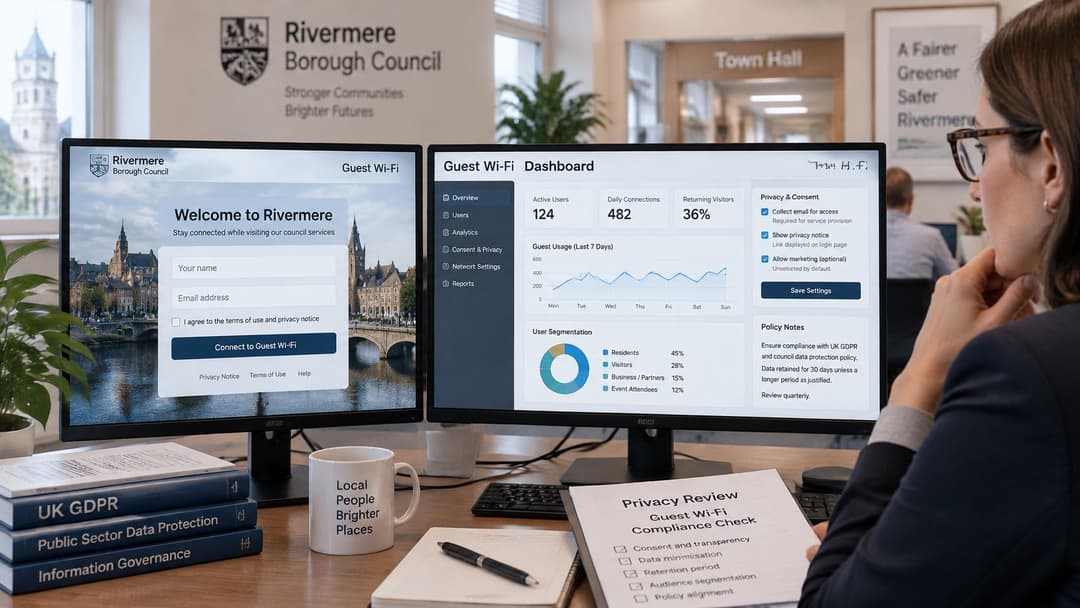
A municipality measuring WiFi use and downtown foot traffic may be systematically monitoring a publicly accessible area, potentially requiring a Data Protection Impact Assessment, as explained in the council public WiFi procurement guide. That guidance also identifies the need to separate the TCPA and CAN-SPAM marketing consent from service acceptance.
Don't make the internet-access button double as marketing permission. Where consent is required, present a separate, optional choice that isn't pre-checked, and let the visitor understand what communications they're agreeing to receive.
Give every field a defined purpose
Apply these rules before connecting the portal to a CRM:
Connectivity records: Distinguish terms acceptance and session timing from optional profile information. Document the lawful basis for each processing purpose rather than labeling everything consent.
Optional marketing information: Keep email marketing opt-in separate from authentication. An email address needed for an access workflow isn't automatically permission to send promotions, and a CRM destination doesn't itself establish a lawful basis.
Anonymous or aggregated measurement: Prefer these where they answer the operational question. Don't assume that removing a name makes a repeat-visit history anonymous.
Retention by purpose: Write down how long each field is needed and configure deletion accordingly. Include exports, backups and connected marketing systems in the review.
Rights and supplier responsibilities: Assign ownership for access, correction and deletion requests. Document which supplier processes which records and how requests reach downstream systems.
Our portal sends weekly KPIs covering WiFi use, including user demographics. During evaluation, establish whether the demographic outputs are aggregated, which source fields support them and which collection or reporting controls are available.
Use our guest WiFi data privacy guidance alongside your privacy team's assessment. A product setting doesn't replace a documented decision about necessity and proportionality.
Visitor test: Explain, in one sentence, why you're collecting each field and what happens if the visitor declines.
If that explanation needs a long defense, remove the field or redesign the journey. Public access shouldn't become an excuse to build identifiable behavioral histories that visitors wouldn't reasonably expect.
Sector Requirements for Hotels, Retail and Offices
Find your venue type, test the must-have column first, then exercise the watch-for risks during the pilot. Nice-to-have features should earn their place by solving an operational problem.
Portal requirements by venue type
| Venue type | Must-have | Nice-to-have | Watch for |
|---|---|---|---|
| Hotels | Branded portal, returning-guest roaming, separate guest and staff networks | Multi-language splash pages | Legacy devices that cannot run modern security |
| Bars and restaurants | Fast click-through or social login, time-limited sessions | Opt-in CRM capture | Session limits that frustrate regulars |
| Retail and shopping centers | Foot-traffic analytics with appropriate consent | Marketing journeys by visit frequency | Analytics beyond the consent given |
| Transportation hubs | Fast onboarding for short sessions, multi-language pages | Passpoint for commuters | Access-point handover at peak times |
| Enterprise offices | Staff 802.1X or certificate access, separate visitor portal | Directory synchronization and immediate revocation | Staff passwords entered into the guest portal |
| Healthcare | Pre-authentication isolation and segmented clinical networks | Guest analytics separated from clinical data | Any route from an open portal to clinical systems |
Hotels need recognizable onboarding and reliable movement between rooms and shared areas. Bars and restaurants should prioritize short entry journeys and avoid timeouts that repeatedly interrupt regular customers.
Retail teams need to agree what their foot traffic measurements mean before commissioning marketing journeys. Transit operators should test moving clients and short visits, not just stationary connections beside an access point.
Match the journey to the user
Our Connect plan includes a secure captive portal and branded splash pages in 25 supported languages. Multi-language presentation is particularly useful for hotels and transportation venues, provided the terms and privacy information remain understandable too.
Our portal can use the venue's logo, colors and login options. That makes the page recognizable, but staff should never describe branding as proof that a network is genuine.
Offices need a staff authentication process that doesn't direct employees into a visitor form. Healthcare operators should treat any reachable clinical service from the guest path as a failed pilot, regardless of how well the visitor journey performs.
Use scenarios to settle competing priorities
Consider a hypothetical hotel with a convention center. The must-have column drives the decision: test room-to-conference roaming, staff separation and simultaneous guest arrivals before choosing marketing extras. Put older presentation equipment through the fallback process.
For a hypothetical shopping center with multiple independent units, the watch-for column deserves particular attention. Define whether tenants receive aggregate reports or identifiable contacts, establish the permitted purpose for each transfer and verify that declining marketing doesn't prevent basic access.
Choose the Right Portal Model for Your Venue
Choose captive portal software by the riskiest traffic on the site, not the appearance of its splash page. Use the venue requirements to set your rejection criteria before comparing plans.
A single-site venue with a suitable controller and straightforward guest needs can start controller-native. A chain needing consistent journeys and consented CRM capture has a stronger case for hosted cloud. Managed staff devices call for identity-based access alongside a separate visitor service; clinical and payment environments need their network boundaries resolved before portal customization.
Compare the commercial commitment
Our Guest WiFi plans are Connect, Capture and Engage. Capture adds first-party data capture, CRM integration, detailed analytics, behavioral insights, email verification and support to Connect's features.
Guest WiFi plans and pricing
| Plan | Cost | Free trial | Best fit |
|---|---|---|---|
| Connect | Free | Ongoing free plan, not a timed trial | Entry-level guest WiFi |
| Capture | Customized to requirements | 30 days | Guest capture with consented data |
| Engage | Customized to requirements | 30 days | Marketing journeys and Passpoint |
| Staff WiFi and xPSK | Custom priced by portfolio, access points and identity-provider needs | Confirm in the proposal | Managed staff devices and identity-based access |
After the Capture or Engage trial, you can continue with the chosen package or move to Connect. Include integration effort, operational ownership and recovery procedures in the decision, not just the subscription.
Put dates and evidence against the pilot
Before starting, list your sites, controller models, firmware, identity provider and proposed data fields. Assign a named owner and an actual calendar date to each acceptance test.
- Before configuration: Record existing network boundaries and agree prohibited destinations.
- At pilot activation: Test pre-authentication isolation and every intended login method.
- During representative demand: Capture access time, failures, roaming results and policy-enforcement behavior.
- Before sign-off: Exercise walled-garden restrictions, revoke an active account and check the resulting logs.
- Before the trial ends: Review each collected field using the visitor test and document the selected plan.
Keep screenshots of settings, authentication records and test outcomes together so another administrator can reproduce the result. Record unresolved exceptions explicitly rather than hiding them in a general approval email.
Confirm isolation before going live. If the login succeeds but the wrong network policy follows, the portal isn't ready for visitors.
Purple offers guest captive portals, identity-based access and staff WiFi on a single cloud platform. Visit Purple to evaluate the right access model for your controllers and plan a trial around isolation, authentication, revocation and consent, not just splash-page design.