As redes sem fio usam sinais de radiofrequência (RF) - normalmente nas faixas de espectro de 2,4 GHz, 5 GHz e 6 GHz - para transmitir dados entre pontos de acesso (APs) e dispositivos clientes móveis sem cabeamento físico. Para diretores de TI, arquitetos de rede e gerentes de locais, projetar uma arquitetura sem fio escalável exige equilibrar alcance de cobertura, densidade de clientes, atenuação de sinal e padrões de segurança zero-trust.
Principais conclusões: arquitetura de rede sem fio empresarial
- Classificação de rede: A arquitetura sem fio abrange quatro camadas principais - WPAN (Bluetooth/Zigbee), WLAN (WiFi 6/6E/7), WMAN (micro-ondas metropolitana) e WWAN (descarregamento de celular 5G/LTE).
- Alocação de espectro RF: 2.4 GHz oferece propagação de longo alcance com 3 canais sem sobreposição; 5 GHz fornece 25 canais com regras de radar DFS; 6 GHz libera 1.200 MHz de espectro limpo para latência inferior a 2ms.
- Controle de acesso ao meio: O WiFi opera como um meio compartilhado half-duplex usando prevenção de colisão CSMA/CA e modulação de até 4096-QAM para taxa de transferência de gigabits.
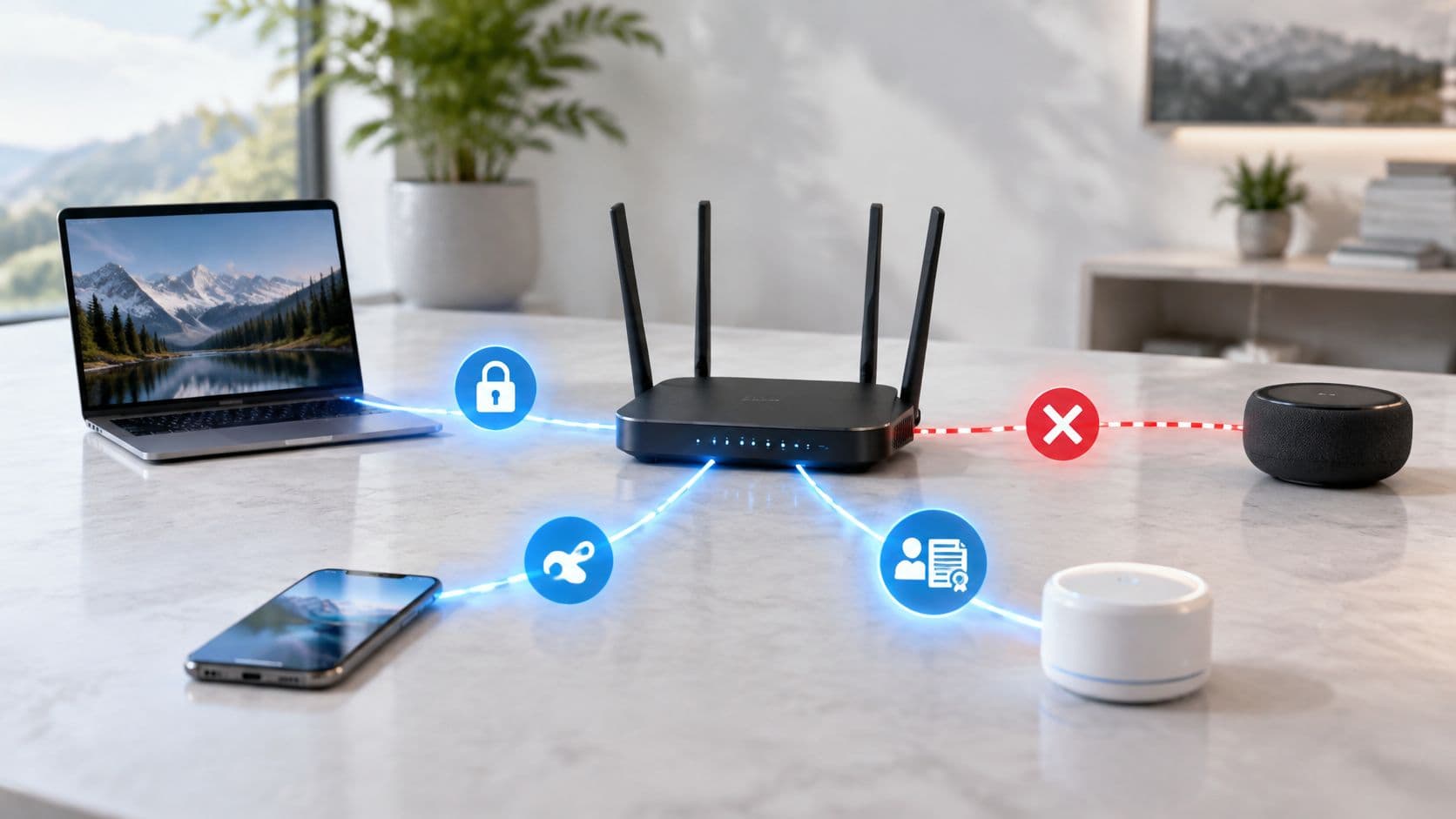
- Segurança empresarial zero-trust: Ambientes modernos substituem redes abertas e PSKs por WPA3-Enterprise 802.1X, Opportunistic Wireless Encryption (OWE) e autenticação de perfil Passpoint.
Entendendo os principais tipos de arquitetura de rede sem fio
As redes sem fio são categorizadas por escala geográfica, alcance de propagação de rádio e protocolo de transmissão. A seleção da arquitetura correta depende da área de cobertura do local e das demandas de aplicação do cliente.
| Categoria de rede | Alcance de cobertura | Espectro de frequência primário | Largura de banda típica | Casos de uso corporativos |
|---|---|---|---|---|
| WPAN (Área Pessoal) | < 10 metros | 2.4 GHz (Bluetooth / Zigbee) | 1 - 3 Mbps | Periféricos, sensores de IoT, scanners de ponto de venda sem fio. |
| WLAN (Área Local / WiFi) | 10 - 100 metros por AP | 2.4 GHz, 5 GHz, 6 GHz | 100 Mbps - 5.8 Gbps | Escritórios corporativos, hotéis, hospitais, lojas de varejo, campi universitários. |
| WMAN (Metropolitana) | 1 - 10 quilômetros | 5 GHz / Micro-ondas Licenciado | 100 Mbps - 1 Gbps | Campi universitários com vários edifícios, redes municipais de cidades inteligentes. |
| WWAN (Área Ampla) | Global / Celular | Sub-6 GHz & mmWave 5G | 10 Mbps - 1 Gbps | Monitoramento remoto de frotas de logística, conexões de failover de WAN de backup. |
Espectro de radiofrequência: comparação entre 2.4 GHz, 5 GHz e 6 GHz
As redes locais sem fio contam com o espectro de radiofrequência não licenciado definido pelo padrão IEEE 802.11. Compreender as características do espectro é essencial para a alocação de canais e gerenciamento do piso de ruído.
- Espectro de 2.4 GHz (802.11b/g/n/ax): Abrange de 2.412 GHz a 2.472 GHz. Oferece penetração de parede superior, mas fornece apenas 3 canais de 20 MHz não sobrepostos (1, 6 e 11). Alto risco de interferência de canal compartilhado por fornos de micro-ondas e dispositivos Bluetooth.
- Espectro de 5 GHz (802.11a/n/ac/ax): Abrange de 5.150 GHz a 5.850 GHz, oferecendo 25 canais de 20 MHz não sobrepostos. Suporta união de canais (40 MHz e 80 MHz), mas requer Seleção Dinâmica de Frequência (DFS) para monitorar atividades de radar nos canais 52 a 144. Leia o nosso guia sobre planejamento de canais WiFi de 5 GHz.
- Espectro de 6 GHz (WiFi 6E & WiFi 7): Abrange de 5.925 GHz a 7.125 GHz, fornecendo até 1.200 MHz de espectro contínuo. Suporta 59 canais de 20 MHz não sobrepostos ou 14 canais de 80 MHz com zero contenção de dispositivos legados.
Como as redes sem fio corporativas transmitem dados
A transmissão de dados em uma rede sem fio envolve ondas de rádio moduladas que transportam quadros binários entre os chips de rádio do cliente e as antenas do ponto de acesso:
1. Transmissão e beaconing de Ponto de Acesso (AP)
Os pontos de acesso transmitem quadros de beacon periódicos (normalmente a cada 100 milissegundos) anunciando o SSID, taxas de dados suportadas e recursos de criptografia. Em locais com múltiplos SSIDs, a transmissão excessiva de SSIDs consome um tempo de transmissão valioso. Saiba como o gerenciamento de SSID afeta a capacidade em nosso guia sobre projeto de rede WiFi multi-tenant.
2. Carrier Sense Multiple Access (CSMA/CA)
Como a rede sem fio é um meio compartilhado half-duplex, os dispositivos usam Carrier Sense Multiple Access with Collision Avoidance (CSMA/CA) antes de transmitir. Os dispositivos escutam o canal de RF; se o canal estiver ocupado, eles iniciam um temporizador de back-off aleatório antes de tentar novamente a transmissão.
3. Esquemas de modulação e codificação (QAM)
Os padrões de WiFi modernos usam Quadrature Amplitude Modulation (QAM) para compactar dados em sinais de rádio. O WiFi 6 usa 1024-QAM, enquanto o WiFi 7 introduz o 4096-QAM. Taxas de QAM mais altas oferecem velocidades mais rápidas, mas exigem Relações Sinal-Ruído limpas (SNR > 30 dB).
Projetando uma rede sem fio corporativa?
Veja como o Purple se integra à sua infraestrutura Meraki, Aruba, Ruckus ou Cisco para fornecer acesso seguro para visitantes com WPA3, autenticação Cloud RADIUS e análise de fluxo de pessoas em tempo real no local.
Melhores práticas para segurança em redes WiFi corporativas
Garantir a segurança de uma rede sem fio empresarial exige o isolamento do tráfego de gerenciamento administrativo, da equipe corporativa e de convidados:
- Implante WPA3-Enterprise 802.1X: Substitua chaves pré-compartilhadas (PSK) por autenticação baseada em identidade integrada ao Entra ID ou Active Directory. Leia nosso guia sobre como verificar padrões de segurança WiFi.
- Implemente Opportunistic Wireless Encryption (OWE): Proteja redes WiFi de convidados abertas contra interceptação passiva de pacotes sem exigir senhas de usuários. Explore soluções de WiFi para convidados empresariais.
- Automatize a integração Passpoint / Hotspot 2.0: Permita que visitantes recorrentes e usuários móveis se conectem automaticamente usando perfis de celular criptografados.
- Isole o tráfego de convidados com Cloud RADIUS: Aplique isolamento estrito de VLAN para que os dispositivos de convidados não possam acessar servidores corporativos ou controles de edifícios IoT. Leia mais no guia de padrões de segurança WiFi empresarial.
Perguntas frequentes sobre redes sem fio
Qual é a diferença entre WiFi e uma rede sem fio?
Uma rede sem fio é um termo abrangente para qualquer rede que transmite dados via ondas de rádio sem cabos físicos (incluindo Bluetooth, 5G e satélite). O WiFi (IEEE 802.11) é um tipo específico de padrão de Rede Local Sem Fio (WLAN) usado para transmissão de dados de alta velocidade de curto a médio alcance.
De quais hardwares eu preciso para montar uma rede sem fio empresarial?
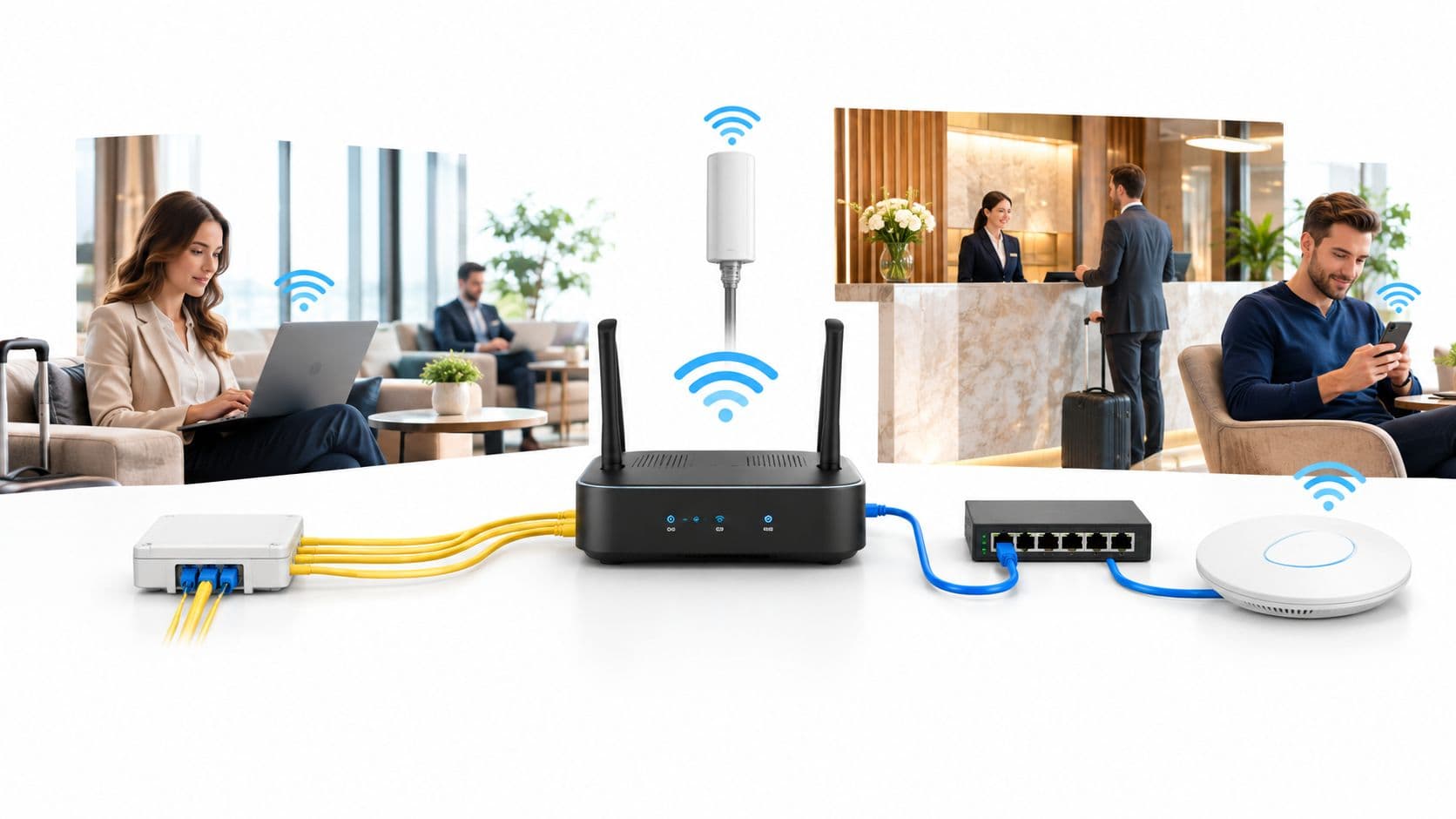
Uma rede sem fio corporativa exige um modem de banda larga, um roteador ou gateway multi-gigabit, switches Power over Ethernet (PoE+), pontos de acesso (APs) sem fio dedicados e um painel de controle centralizado em nuvem Wireless LAN Controller (WLC).
Quantos pontos de acesso são necessários para um local comercial?
Os requisitos de AP dependem da metragem quadrada do local, dos materiais de construção das paredes e da densidade de usuários. Como base de referência, implante um AP corporativo a cada 1.500 a 2.500 pés quadrados em escritórios corporativos, ou um AP por quarto de hóspedes em ambientes de hospitalidade.
Por que o WiFi de 5 GHz ou 6 GHz é mais rápido do que o de 2.4 GHz?
As bandas de 5 GHz e 6 GHz oferecem larguras de banda de canal mais amplas (40 MHz, 80 MHz e 160 MHz) e capacidade de dados significativamente maior do que a de 2.4 GHz. Além disso, as frequências de 5 GHz e 6 GHz sofrem menos ruído de RF de fundo e interferência de co-canal.