WPA2 security auditor and enterprise migration matrix
Compare WPA2-Personal (PSK) against WPA2-Enterprise (802.1X / RADIUS), simulate exposure to cryptographic threats (KRACK, dictionary attacks, packet sniffing), and plan your zero-trust network migration.
WPA2-Personal relies on a static pre-shared key across all clients. Because the master key is shared, any user with the passphrase who captures a client four-way handshake can decrypt that client’s unicast traffic over the air. It is also vulnerable to offline PMKID dictionary cracking and KRACK key reinstallation.
Vulnerable to Message 3 replay during 4-way handshake, resetting nonce counter to zero.
The PMKID can be requested straight from the AP and cracked offline on a GPU rig, without waiting for a client to join.
Anyone with the shared PSK can calculate other clients pairwise keys and decrypt unicast airtime packets.
Rogue APs broadcasting the same SSID and PSK easily trick clients into association without mutual auth.
Upgrade your wireless network to zero-trust security
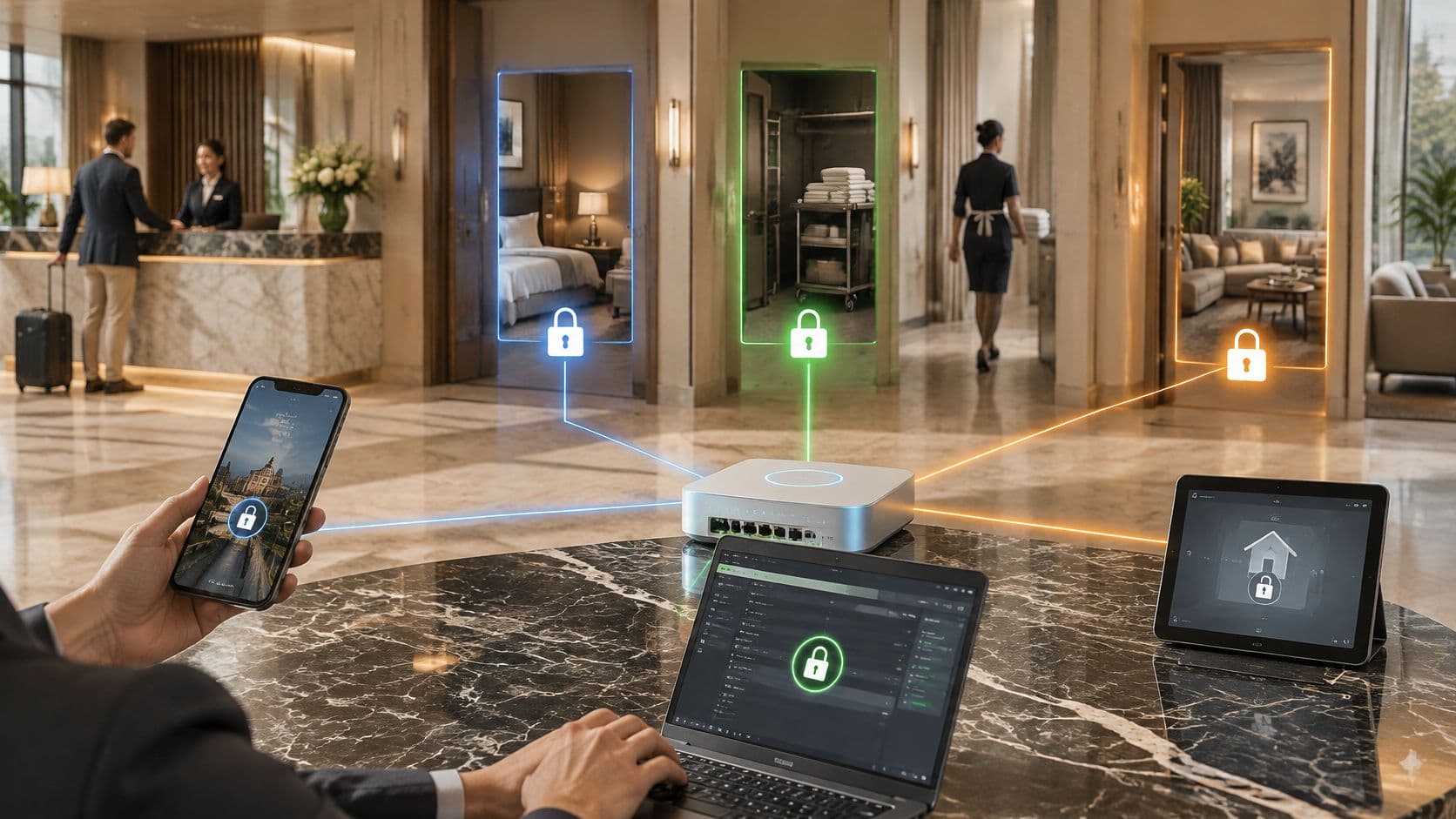
Purple integrates with leading enterprise wireless access points (Cisco Meraki, HPE Aruba, Ruckus, Juniper Mist) to deliver seamless 802.1X RADIUS, Passpoint onboarding, and captive portal segmentation without replacing your hardware.
WPA2 is a long-standing WiFi security standard that became mandatory for WiFi certified devices from 2006 to 2020, and it still underpins 65% of public sector WiFi in US healthcare and transportation. It uses strong AES-based encryption to protect traffic, but its reliance on older authentication models, especially shared passwords, makes it a legacy protocol in 2026.
If you're managing WiFi for a hotel, retail estate, hospital, transit hub, or multi-family property, WPA2 isn't automatically an emergency. However, relying on shared Pre-Shared Keys (PSK) introduces operational and security risks that need modern remediation.
What is WPA2 WiFi security?
WPA2 (WiFi Protected Access 2) was designed to replace WEP and WPA. It introduced CCMP (Counter Mode Cipher Block Chaining Message Authentication Code Protocol), which uses 128-bit AES encryption. For two decades, CCMP provided robust data confidentiality across wireless networks.
WPA2 operates in two main modes:
- WPA2-Personal (WPA2-PSK): Uses a single shared password for every connected client. It is easy to deploy but creates a single point of failure when credentials are shared among staff, guests, or contractors.
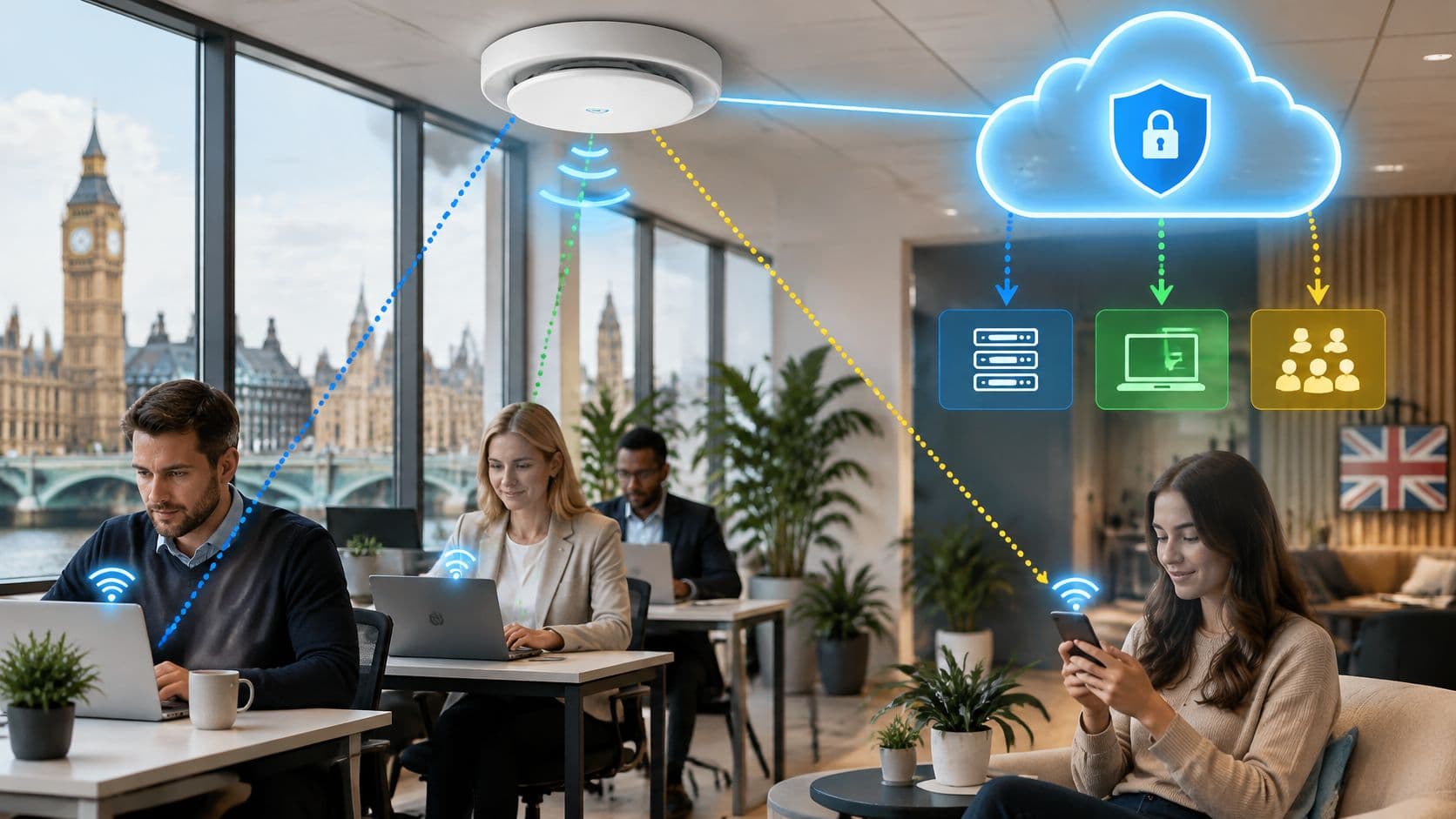
- WPA2-Enterprise (802.1X): Authenticates every user individually via a RADIUS server and EAP protocols (such as EAP-TLS or PEAP), issuing unique session keys per client.
Is WPA2 WiFi still secure for enterprise networks?
While AES encryption in WPA2 remains unbroken cryptographically, the protocol suffers from two major structural vulnerabilities:
- Offline Dictionary Attacks: WPA2-Personal uses a 4-way handshake exposed to passive capture. Attackers who capture the handshake can brute-force the shared passphrase offline without alerting network administrators.
- KRACK (Key Reinstallation Attacks): Discovered in 2017, KRACK targets the 4-way handshake to force nonce reuse, allowing attackers to decrypt packets, inject malicious data, or hijack TCP connections.
In enterprise venues, the primary challenge is often authentication risk rather than pure encryption risk. Managing shared PSK passwords across hundreds of employees or venue guests leads to credential leaks, manual password resets, and admin overhead.
What is the difference between WPA2 and WPA3 security?
WPA3 introduces SAE (Simultaneous Authentication of Equals) to replace the vulnerable 4-way handshake in password-based connections, offering forward secrecy and protection against offline dictionary attacks even with weak passwords.
| Feature | WPA2 Personal (PSK) | WPA2 Enterprise (802.1X) | WPA3 Enterprise | Passpoint / OpenRoaming |
|---|---|---|---|---|
| Encryption | AES-CCMP (128-bit) | AES-CCMP (128-bit) | AES-GCMP-256 | AES-256 + WPA3 Enterprise |
| Authentication | Shared Pre-Shared Key | RADIUS / EAP Certificates | 192-bit EAP Suite | Identity Provider / Passpoint 3.0 |
| Credential Leak Risk | High (shared secret) | Low (per-user / cert) | Low (per-user / cert) | Zero (certificate-based) |
| Legacy Compatibility | Universal (100% of devices) | Broad | Modern APs & clients | Broad (80,000+ venues worldwide) |
| Operational Overhead | High password reset churn | Moderate RADIUS maintenance | Moderate RADIUS maintenance | Zero manual password resets |
How do you upgrade WPA2 security without replacing network hardware?
Replacing every access point across a multi-site property is rarely practical or necessary. Instead, progressive IT leaders modernize the authentication architecture while retaining existing hardware:
- Eliminate shared PSKs for staff: Move corporate authentication to certificate-based access tied to Entra ID, Okta, or Google Workspace.
- Isolate legacy IoT devices: Segment older scanners, printers, or legacy endpoints onto isolated VLANs with strict firewall rules.
- Adopt Passpoint 3.0 and OpenRoaming: Replace captive portals and shared passwords for guests with automatic, encrypted Passpoint profile onboarding.
- Automate lifecycle revocation: Ensure network access is automatically revoked when an employee leaves or a device is unmanaged.