WPA2 security auditor and enterprise migration matrix
Compare WPA2-Personal (PSK) against WPA2-Enterprise (802.1X / RADIUS), simulate exposure to cryptographic threats (KRACK, dictionary attacks, packet sniffing), and plan your zero-trust network migration.
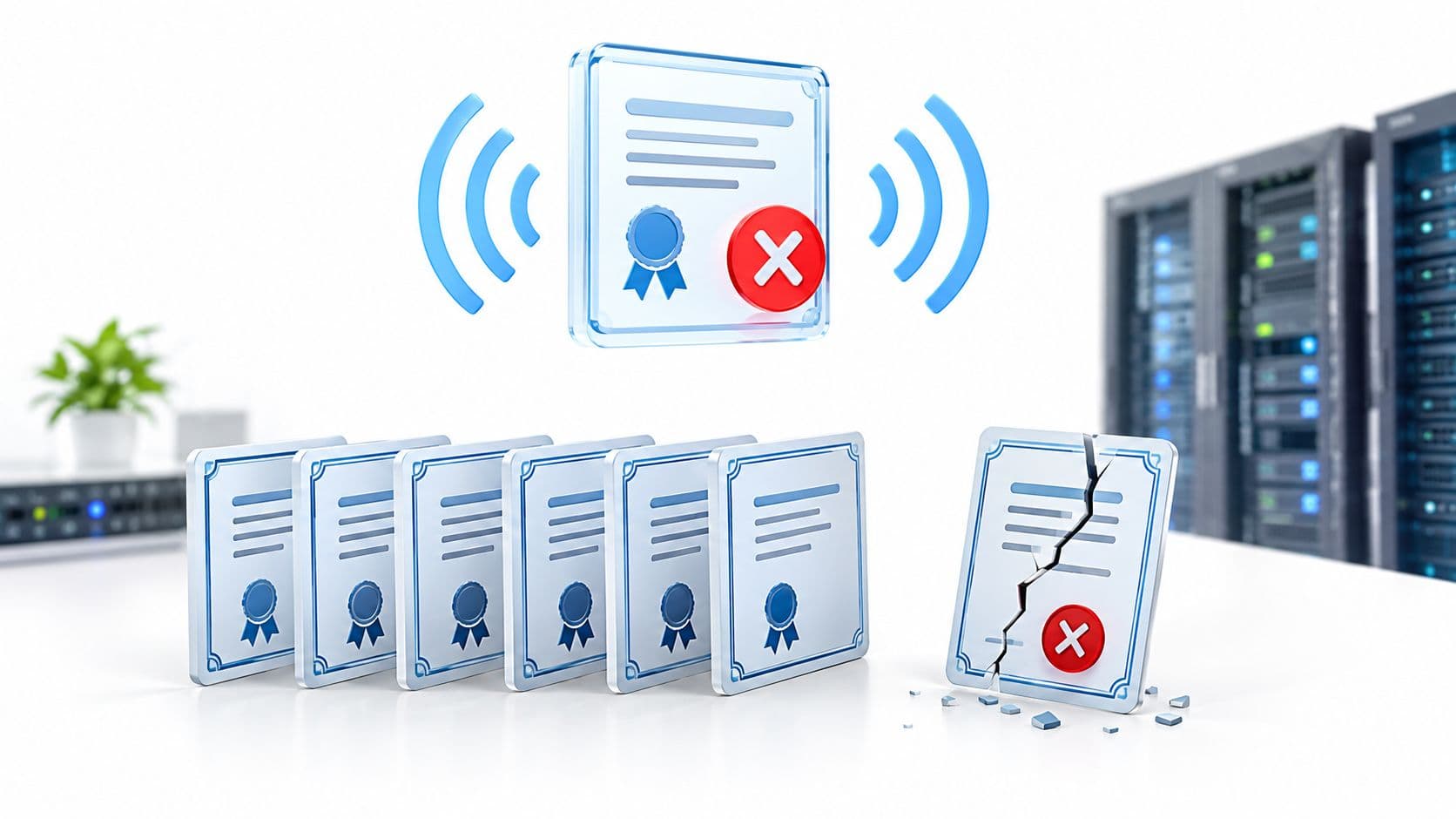
WPA2-Personal relies on a static pre-shared key across all clients. Because the master key is shared, any user with the passphrase who captures a client four-way handshake can decrypt that client’s unicast traffic over the air. It is also vulnerable to offline PMKID dictionary cracking and KRACK key reinstallation.
Vulnerable to Message 3 replay during 4-way handshake, resetting nonce counter to zero.
The PMKID can be requested straight from the AP and cracked offline on a GPU rig, without waiting for a client to join.
Anyone with the shared PSK can calculate other clients pairwise keys and decrypt unicast airtime packets.
Rogue APs broadcasting the same SSID and PSK easily trick clients into association without mutual auth.
Upgrade your wireless network to zero-trust security
Purple integrates with leading enterprise wireless access points (Cisco Meraki, HPE Aruba, Ruckus, Juniper Mist) to deliver seamless 802.1X RADIUS, Passpoint onboarding, and captive portal segmentation without replacing your hardware.
WPA2 是一項歷史悠久的 WiFi 安全標準,在 2006 年至 2020 年間成為 WiFi 認證裝置的強制標準,且至今仍支援 65% 的英國醫療與交通公共部門 WiFi。它使用強大的 AES 加密來保護流量,但由於其依賴較舊的驗證模式(特別是共享密碼),使其在 2026 年已成為舊式協定。
如果您正在為飯店、零售物業、醫院、交通樞紐或多租戶物業管理 WiFi,WPA2 並不代表會立即發生緊急狀況。然而,依賴共享的預共用金鑰(PSK)會帶來營運與安全風險,需要透過現代化手段進行補救。
什麼是 WPA2 WiFi 安全性?
WPA2(WiFi Protected Access 2)旨在取代 WEP 和 WPA。它引進了使用 128 位元 AES 加密的 CCMP(計數器模式密碼區塊鏈結訊息鑑別碼協定)。二十年來,CCMP 在無線網路中提供了強大的資料機密性保護。
WPA2 主要以兩種模式運作:
- WPA2-Personal (WPA2-PSK):為每個連線的用戶端使用單一的共享密碼。此模式易於部署,但當員工、訪客或承包商共享憑證時,會造成單一故障點。
- WPA2-Enterprise (802.1X):透過 RADIUS 伺服器和 EAP 協定(例如 EAP-TLS 或 PEAP)對每位使用者進行單獨驗證,並為每個用戶端發行唯一的工作階段金鑰。
WPA2 WiFi 對於企業網路而言仍然安全嗎?
雖然 WPA2 中的 AES 加密在密碼學上仍未被破解,但該協定存在兩個主要的結構性漏洞:
- 離線字典攻擊:WPA2-Personal 使用的 4 向握手協定極易受到被動擷取。攻擊者一旦擷取到握手資訊,即可在離線狀態下對共享密碼進行暴力破解,而不會觸發網路管理員的警報。
- KRACK(金鑰重新安裝攻擊):於 2017 年發現,KRACK 鎖定 4 向握手協定以強制重用 Nonce,使攻擊者能夠解密封包、植入惡意資料或劫持 TCP 連線。
在企業場域中,主要的挑戰通常是驗證風險,而非單純的加密風險。在數百名員工或場域訪客之間管理共享的 PSK 密碼,會導致憑證外洩、繁瑣的手動密碼重設以及管理負擔。
WPA2 與 WPA3 安全性有何不同?
WPA3 引入了 SAE (Simultaneous Authentication of Equals) 來取代密碼連接中易受攻擊的 4 向握手,即使在使用弱密碼的情況下,也能提供正向保密性並防止離線字典攻擊。
| 功能 | WPA2 Personal (PSK) | WPA2 Enterprise (802.1X) | WPA3 Enterprise | Passpoint / OpenRoaming |
|---|---|---|---|---|
| 加密 | AES-CCMP (128-bit) | AES-CCMP (128-bit) | AES-GCMP-256 | AES-256 + WPA3 Enterprise |
| 身分驗證 | 共享預共用金鑰 | RADIUS / EAP 憑證 | 192-bit EAP Suite | 身分提供者 / Passpoint 3.0 |
| 憑證洩露風險 | 高 (共享密鑰) | 低 (每用戶 / 憑證) | 低 (每用戶 / 憑證) | 零 (基於憑證) |
| 舊版相容性 | 通用 (100% 裝置) | 廣泛 | 現代化 AP 與用戶端 | 廣泛 (全球 80,000+ 個場域) |
| 營運開銷 | 密碼重設頻繁造成的高流失率 | 中等 RADIUS 維護 | 中等 RADIUS 維護 | 零手動密碼重設 |
如何在不更換網路硬體的情況下升級 WPA2 安全性?
在多站點物業中更換每一個無線基地台通常不切實際,也無此必要。相反地,先進的 IT 主管會在保留現有硬體的同時,將驗證架構進行現代化升級:
- 消除員工共享的 PSK: 將企業身分驗證轉移到與 Entra ID、Okta 或 Google Workspace 綁定的憑證型存取。
- 隔離舊版 IoT 裝置: 將較舊的掃描器、印表機或舊版端點劃分到具有嚴格防火牆規則的隔離 VLAN 中。
- 採用 Passpoint 3.0 與 OpenRoaming: 使用自動且加密的 Passpoint 設定檔上線,取代訪客的 Captive Portal 與共享密碼。
- 自動化生命週期撤銷: 確保在員工離職或裝置不受管理時,自動撤銷網路存取權限。