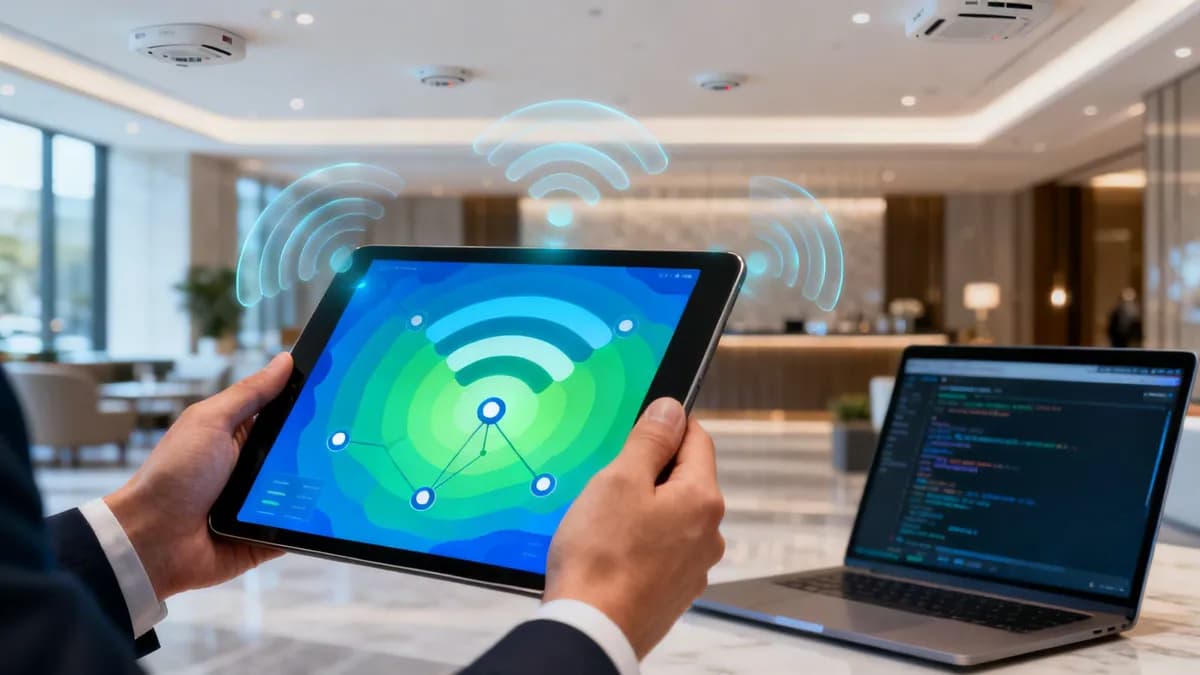
A professional WiFi scan is far more than a simple signal check. It is a vital diagnostic procedure that uncovers hidden RF congestion, security vulnerabilities, and coverage dead zones across enterprise and public venues.
## Why a professional WiFi scan is essential
Understanding why regular spectrum scans matter is the foundation of dependable wireless architecture. Viewing a WiFi scan as an ad-hoc troubleshooting task overlooks its strategic value. Proactive RF scanning establishes the baseline data needed to prevent connection drops, optimize roaming handovers, and secure network perimeters.
### Uncover critical security threats
An unmonitored wireless environment exposes enterprise infrastructure to severe security risks. A disciplined WiFi scan reveals every broadcasting radio in your facility:
* **Detecting rogue access points (APs):** Unauthorized access points plugged into switch ports bypass corporate firewalls. Regular scans identify any BSSID not registered in your wireless LAN controller (WLC).
* **Spotting evil twin attacks:** Attackers broadcast identical SSIDs to trick client devices into connecting to malicious proxies. A scan exposes conflicting BSSIDs, mismatched MAC vendor OUIs, and unusual signal levels.
* **Auditing outdated encryption protocols:** Scans flag legacy WEP or WPA-TKIP networks that fail compliance mandates, allowing rapid migration to [
WPA3-Enterprise security](/enterprise-wifi-security-guide).
### Troubleshoot performance and interference
When users report sluggish speeds or intermittent disconnects, a WiFi scan pinpoints the root cause:
* **Co-channel interference (CCI):** Multiple access points operating on the same frequency contend for airtime, driving up latency and reducing throughput.
* **Adjacent channel overlap:** In the 2.4 GHz band, using channels other than 1, 6, and 11 causes severe sideband bleeding.
* **Spectrum saturation:** High-density venues experience elevated airtime utilization from background beacons and management traffic.
### Plan for seamless
captive portal and guest roaming
Enterprise guest networks require solid RF foundations. High-performance [
captive portals](/captive-portal-guide) and frictionless [
WiFi marketing solutions](/wifi-marketing-guide) depend on smooth roaming handovers and clean signal boundaries to prevent login drops.
-
## WiFi scanning toolkit comparison
Choosing the appropriate tool depends on whether you need an instantaneous CLI spot-check or a comprehensive calibrated RF survey.
| Tool Category | Primary Use Case | Key Metrics Provided | Ideal Audience |
|---|
| Native OS Commands | Zero-install quick diagnostics | SSID, BSSID, RSSI (dBm), Channel, Security Cipher | IT admins on laptop spot-checks |
| Mobile Diagnostic Apps | Walk-around floor testing | Live channel graphs, overlap visualization, signal drop alerts | Field technicians and facility managers |
| Dedicated RF Hardware | Full enterprise site surveys & predictive validation | Raw spectrum analysis (2.4/5/6 GHz), non-WiFi interference, packet captures | WLAN architects and RF survey engineers |
| Cloud WiFi Analytics | Continuous venue monitoring & guest insights | Dwell time, visitor footfall, device density, session stability | Operations directors & network executives |
---
## Native operating system commands for immediate diagnosis
You can perform immediate wireless environment audits using built-in terminal utilities without installing third-party software.
### Windows 11 and 10 command line
Open PowerShell or Command Prompt as Administrator and run:
```shell
netsh wlan show networks mode=bssid
```
This returns all nearby wireless networks, individual access point BSSIDs, channel numbers, and signal strength percentages. To convert signal percentage to approximate dBm:
$$\text{dBm} \approx \frac{\text{Signal Percentage}}{2} - 100$$
For example, an 80% signal reading equals approximately -60 dBm.
### macOS terminal utility
Apple includes a comprehensive wireless diagnostic tool in macOS. Run this command in Terminal:
```shell
/System/Library/PrivateFrameworks/Apple80211.framework/Versions/Current/Resources/airport -s
```
The output displays SSID names, BSSID MAC addresses, exact RSSI in dBm, channel allocations with width markers (such as 20, 40, or 80 MHz), and security ciphers. Alternatively, hold the **Option** key while clicking the WiFi icon in the macOS menu bar to inspect the current AP BSSID, RSSI, Noise, and Tx rate.
---
## Step-by-step methodology for an enterprise WiFi survey
A rigorous WiFi scan follows four structured phases to ensure accurate data collection:
1. **Pre-survey preparation:** Obtain scaled architectural CAD floor plans and document critical coverage zones, high-density auditoriums, and structural RF barriers like elevator shafts or concrete load-bearing walls.
2. **Passive walk survey:** Walk continuous paths through the venue while recording beacon frames from all broadcasting access points to measure true signal attenuation and channel overlap.
3. **Active throughput and roaming verification:** Connect a test client device and maintain a continuous data stream (such as an ICMP ping series or active VoIP call) while walking between AP boundaries to verify [802.11k/v/r fast handover performance](/blogs/why-does-my-wi-fi-disconnect).
4. **Spectrum analysis:** Measure raw radio frequency activity to detect non-802.11 interference sources, including microwave ovens, wireless cameras, Bluetooth beacons, and radar transmissions on Dynamic Frequency Selection (DFS) channels.
---
## Target RF benchmarks for enterprise deployments
When analyzing WiFi scan results, compare your measured values against standard enterprise performance thresholds:
| Metric | Target Value | Minimum Acceptable | Action Required if Outside Range |
|---|
| Primary Signal (RSSI) | -65 dBm or stronger | -70 dBm | Add supplementary APs or increase Tx power |
| Secondary Overlap RSSI | -72 dBm (15-20% cell overlap) | -75 dBm | Adjust AP spacing to prevent coverage holes |
| Signal-to-Noise Ratio (SNR) | 25 dB or higher | 20 dB | Mitigate RF noise sources or relocate APs |
| Channel Airtime Utilization | < 35% during peak hours | < 50% | Disable low legacy data rates; switch to 20/40 MHz width |
| Co-Channel AP Count (@ -82 dBm) | <= 1 other AP | 2 APs | Reassign channels; reduce AP transmit power |
---
## Turning WiFi scan data into venue intelligence
A clean RF environment is the prerequisite for modern venue technology. Once your access points are properly spaced and configured, platforms like Purple unlock high-value capabilities:
* **Hardware-agnostic
guest WiFi:** Deliver consistent, branded captive portal onboarding across Cisco, Aruba, Meraki, Ruckus, and Fortinet hardware.
* **Location analytics:** Monitor foot traffic, dwell time, and repeat visitor loyalty without intrusive hardware additions.
* **
Passpoint and
OpenRoaming:** Provide automatic, passwordless, encrypted onboarding that eliminates captive portal friction for recurring guests.
Regular WiFi scanning ensures your network infrastructure delivers peak reliability for both operational systems and visitor engagement.