Technical Guides
Deep, expert-led technical guides on guest WiFi, analytics, captive portals, and venue technology.
501 guides
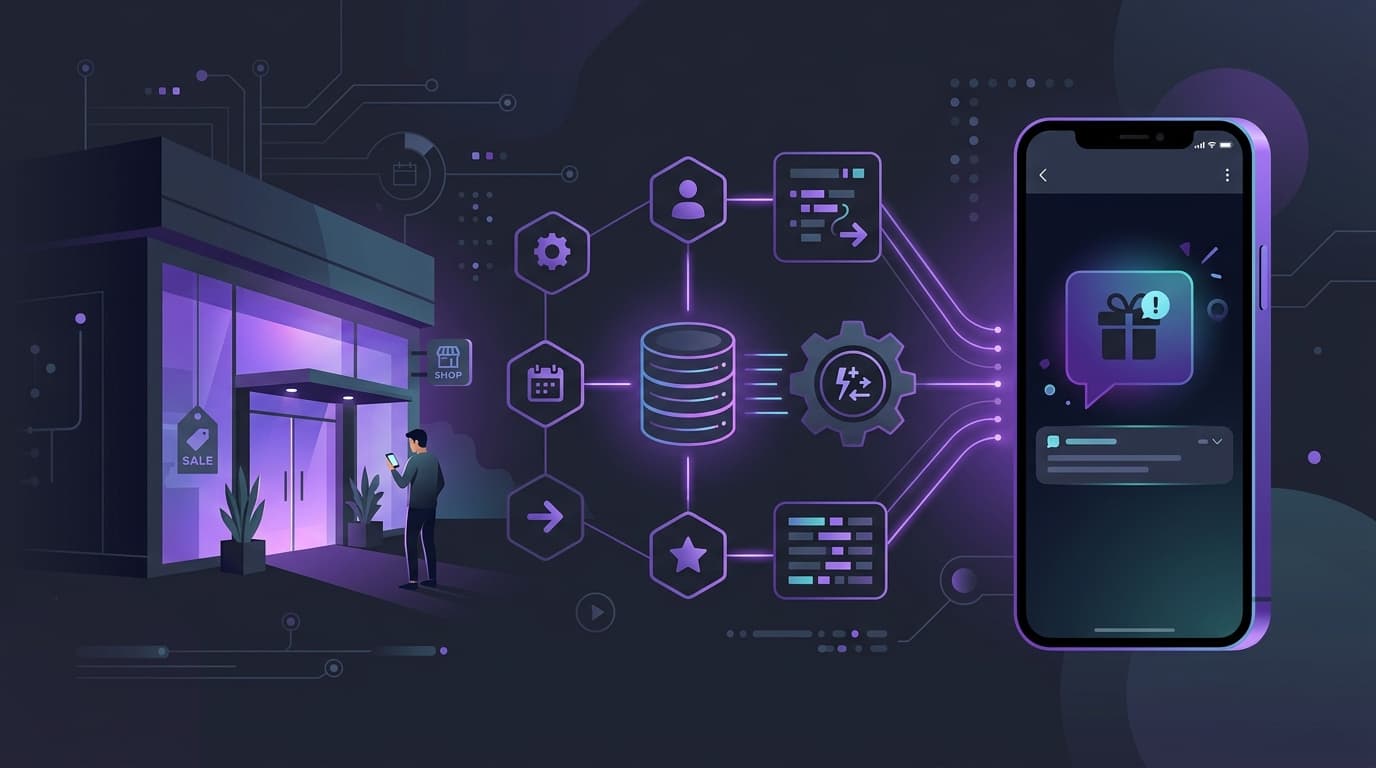
How to leverage SMS in marketing to increase return visits
This technical reference guide outlines how enterprise venues can integrate WiFi analytics with SMS marketing engines to drive repeat visits. It details the architecture required to capture real-time presence data, trigger automated SMS campaigns based on physical behaviour, and measure the direct impact on return rates. By aligning network infrastructure with marketing automation, IT and operations teams can establish a high-yield channel for customer retention.
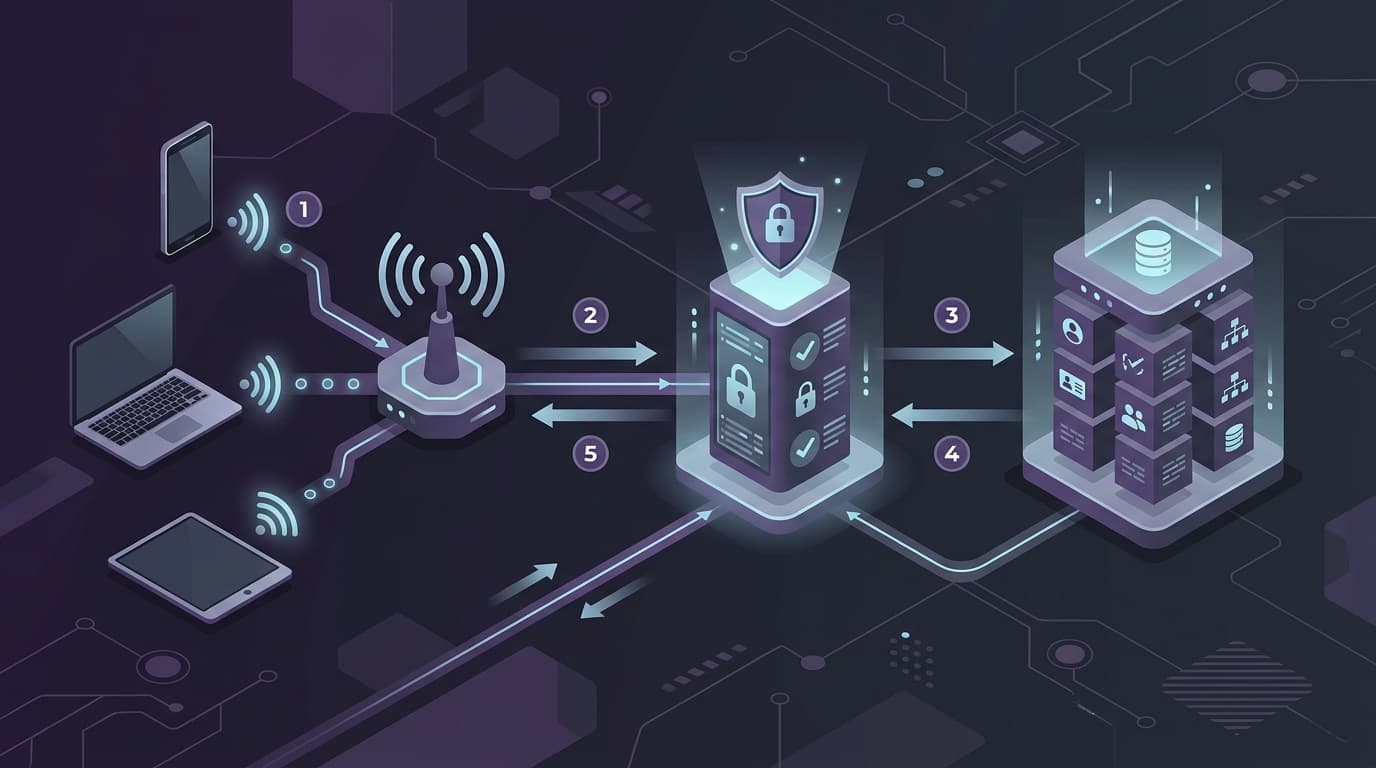
Configuring RADIUS Authentication for Guest and Staff WiFi Networks
This technical reference guide outlines the architecture, configuration, and deployment of RADIUS authentication for enterprise guest and staff WiFi networks. It provides network architects and IT managers with the exact protocols, security standards, and troubleshooting methodologies required to build secure, scalable wireless access control systems.

How to build an email list from your WiFi (without buying one)
This guide outlines how physical venues can turn their guest WiFi into their largest source of first-party data. It provides a step-by-step framework for capturing compliant email addresses, segmenting audiences based on physical behaviour, and driving repeat visits without spending money on third-party lists.
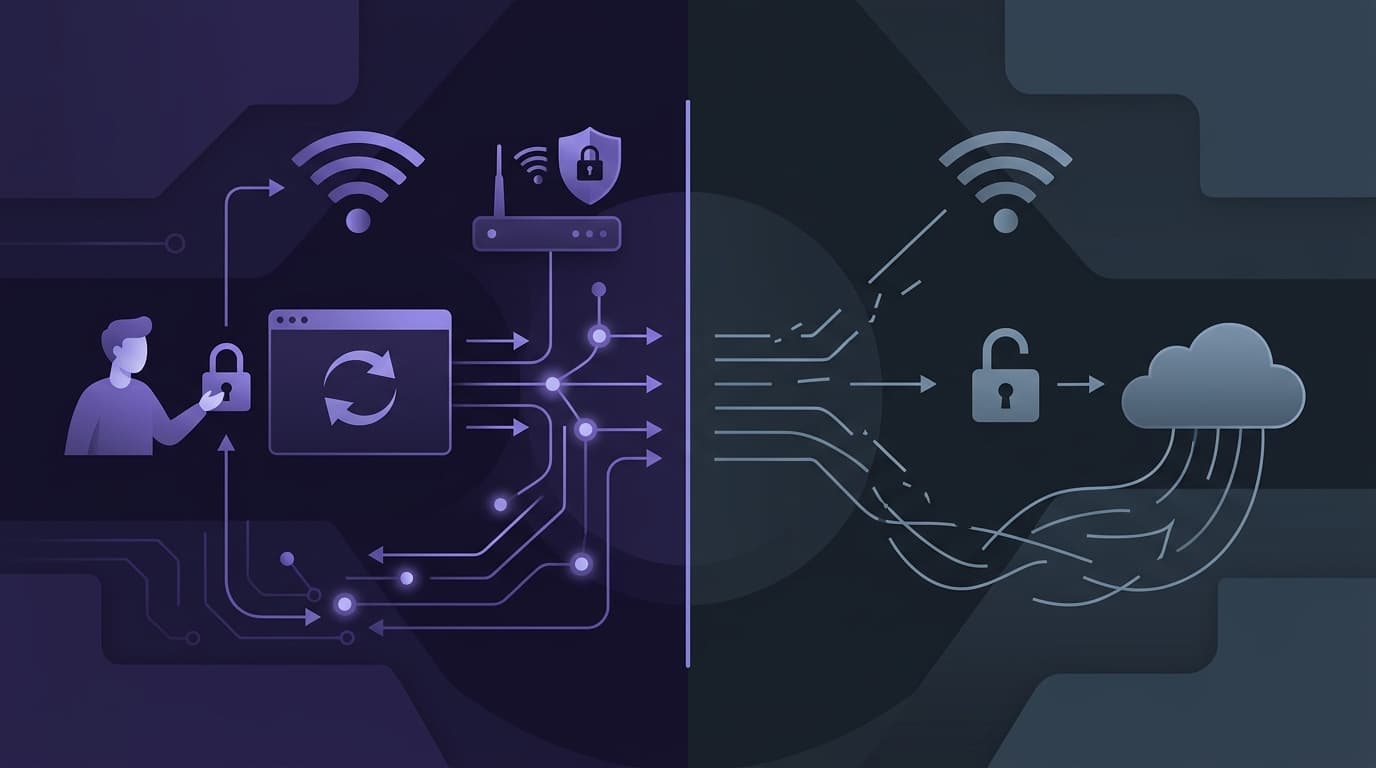
Captive Portals vs. Open Networks: Balancing Security and UX
This technical reference guide provides network architects and IT managers with a comprehensive blueprint for deploying guest WiFi networks. It analyses the technical trade-offs between open networks and captive portals, detailing how to balance security protocols with user experience. Readers will learn how to configure resilient redirection mechanisms, manage MAC randomisation, and implement seamless authentication workflows.
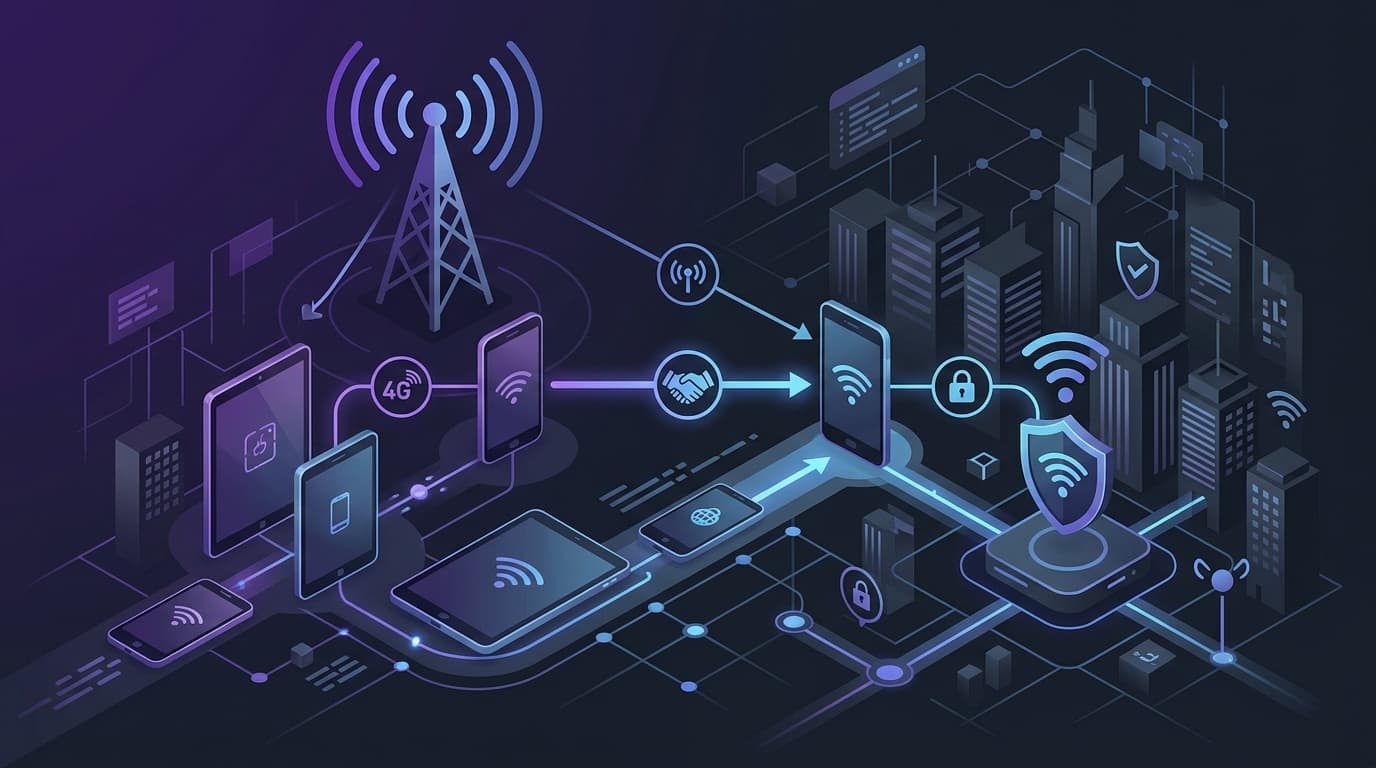
Passpoint and OpenRoaming: Complete Guide
This technical reference guide provides a comprehensive analysis of Passpoint (Hotspot 2.0) and WBA OpenRoaming frameworks within enterprise WiFi networks. It details the underlying authentication protocols, architectural components, and deployment strategies required to establish secure, frictionless guest connectivity. Network architects and IT leaders will learn how to design, implement, and troubleshoot these standards to eliminate manual login barriers while maintaining enterprise-grade security.
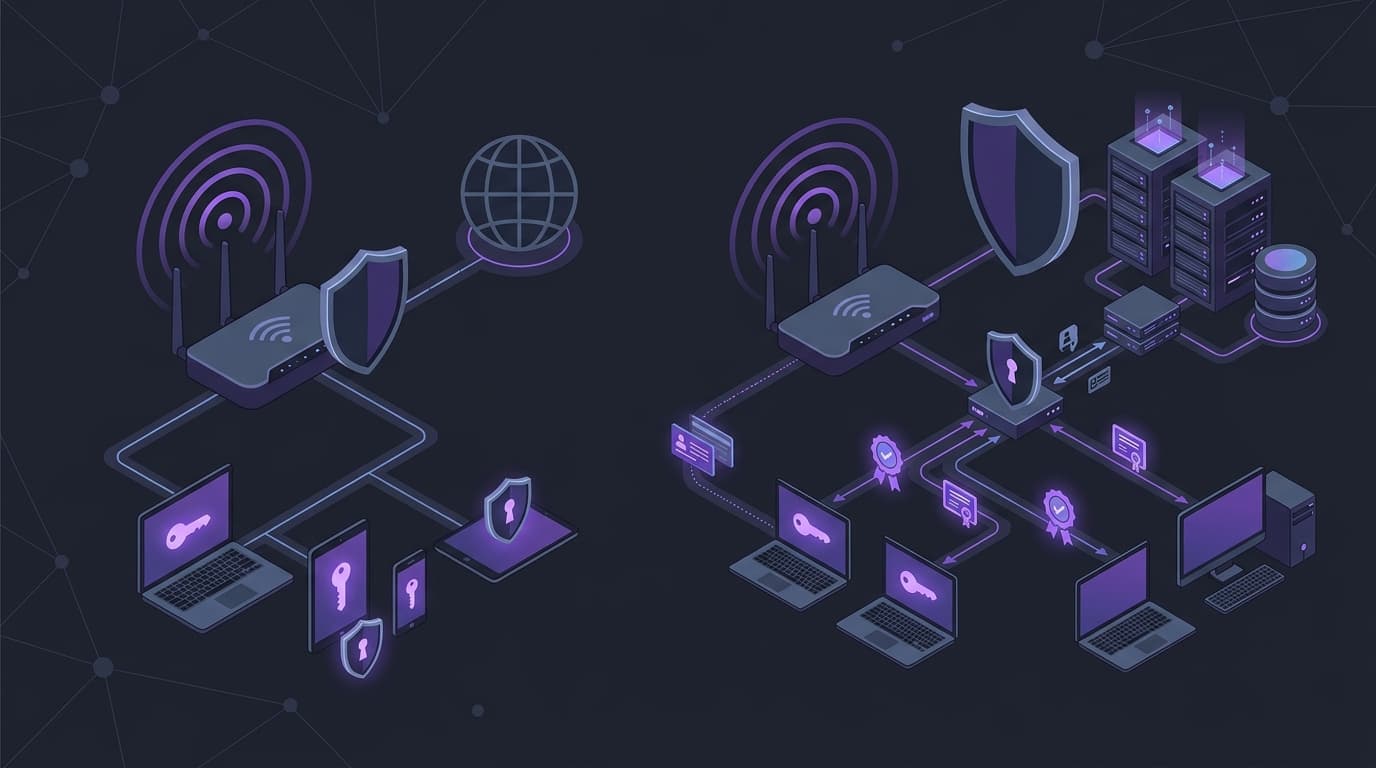
WPA2 Personal vs Enterprise: what is the difference and which should you use?
This technical reference guide provides a comprehensive comparison of WPA2 Personal and WPA2 Enterprise security protocols within enterprise WiFi environments. It outlines the architectural differences, deployment methodologies, and security implications of each standard to help network architects and IT leaders make informed deployment decisions.
CAN-SPAM compliance for US restaurants and venues
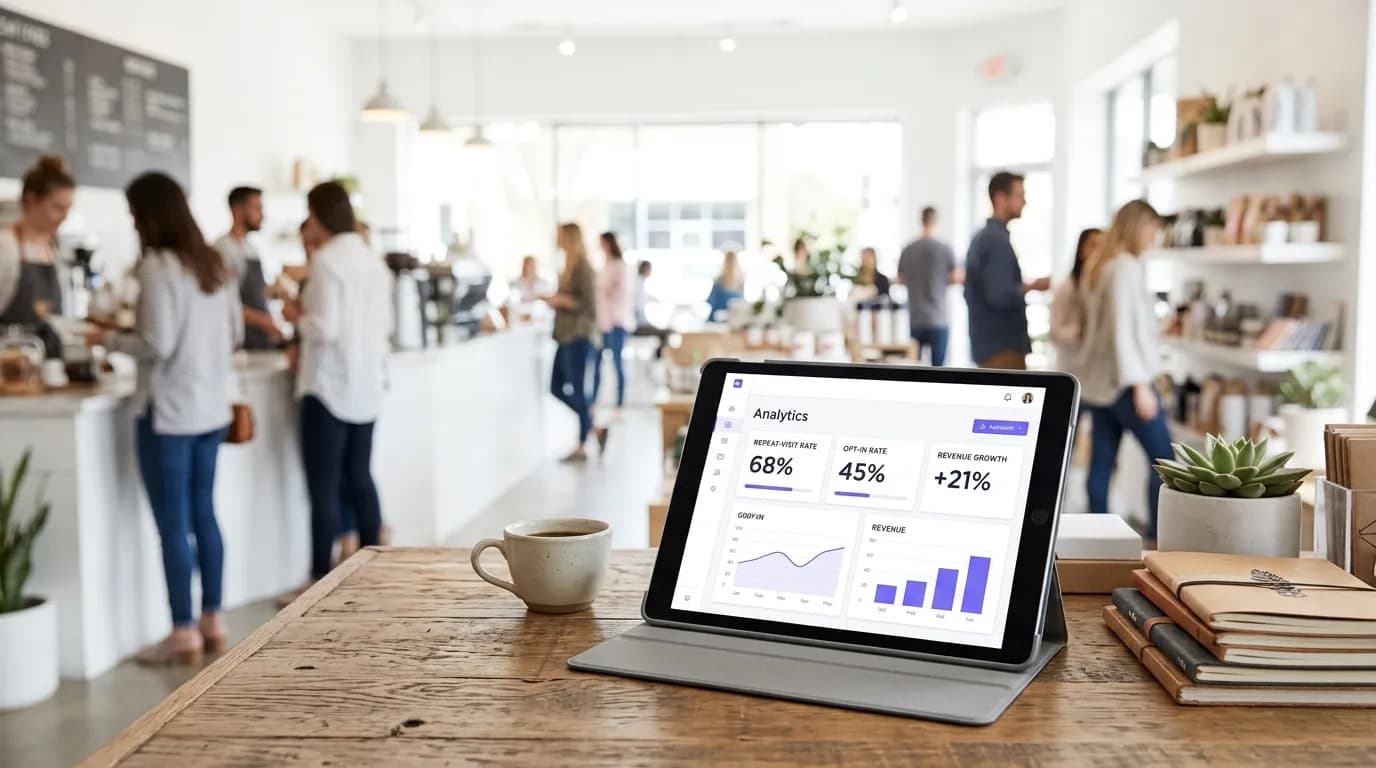
Turning retail footfall into an email list
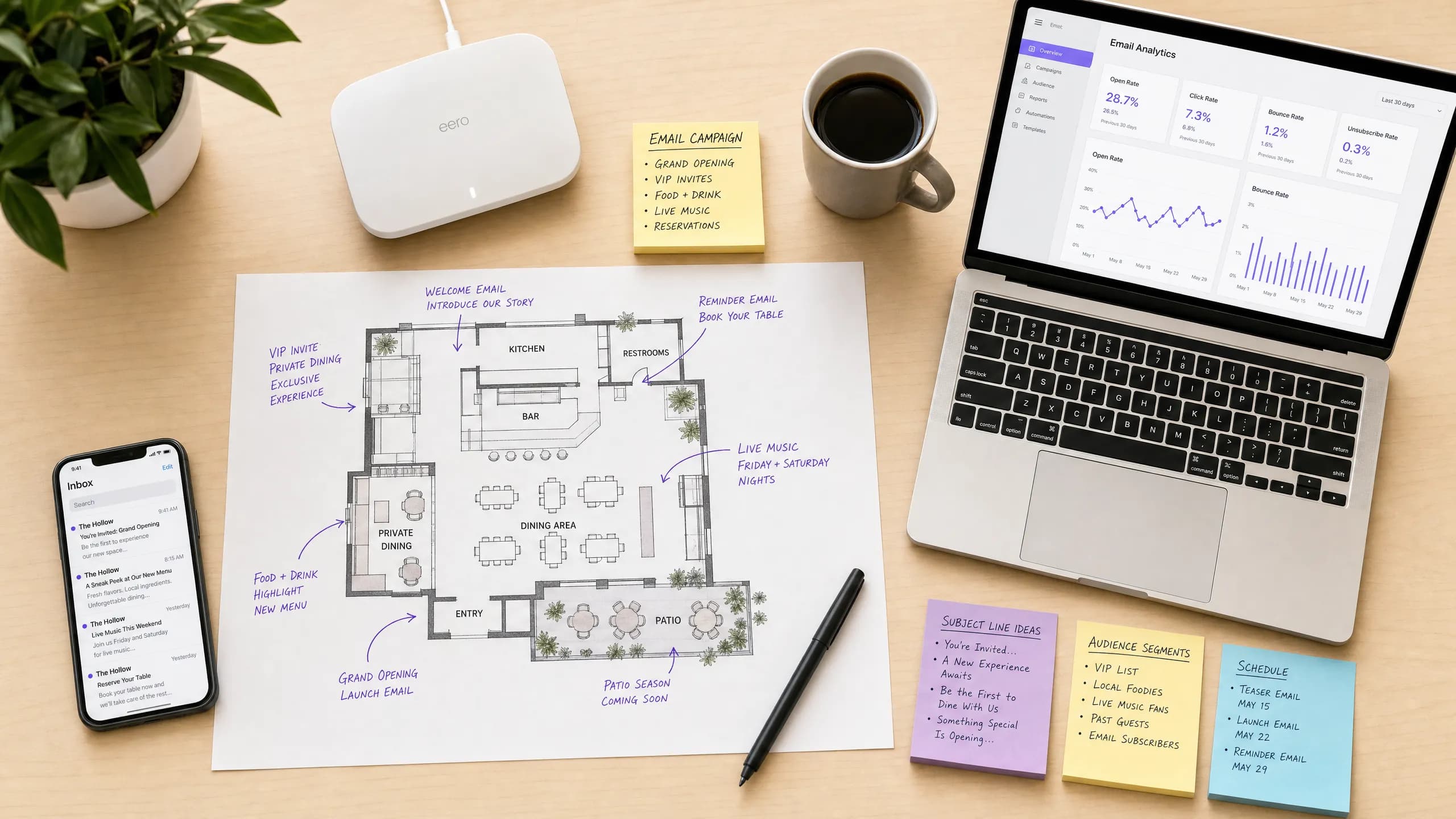
Email deliverability basics for venue marketers
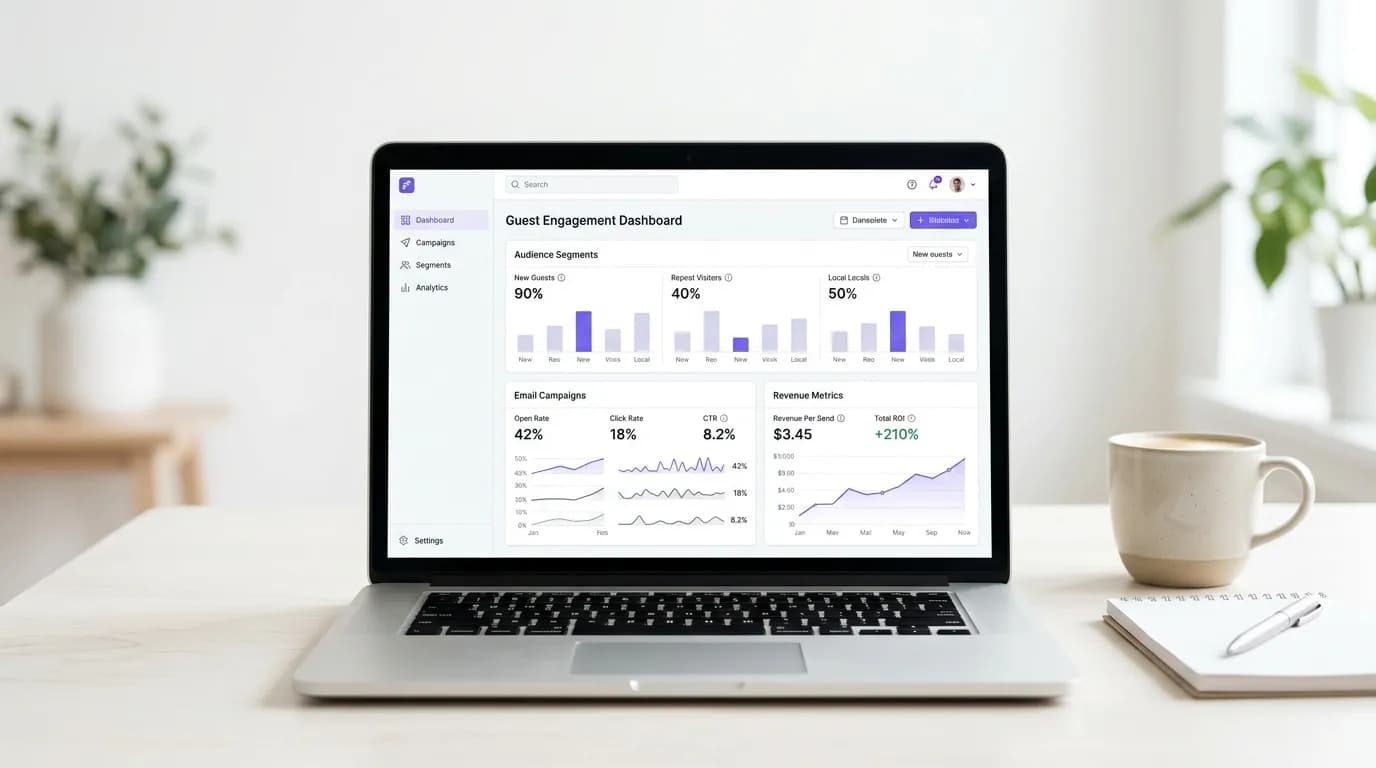
What to email guests after their first visit
Mailchimp alternatives for restaurants and hospitality
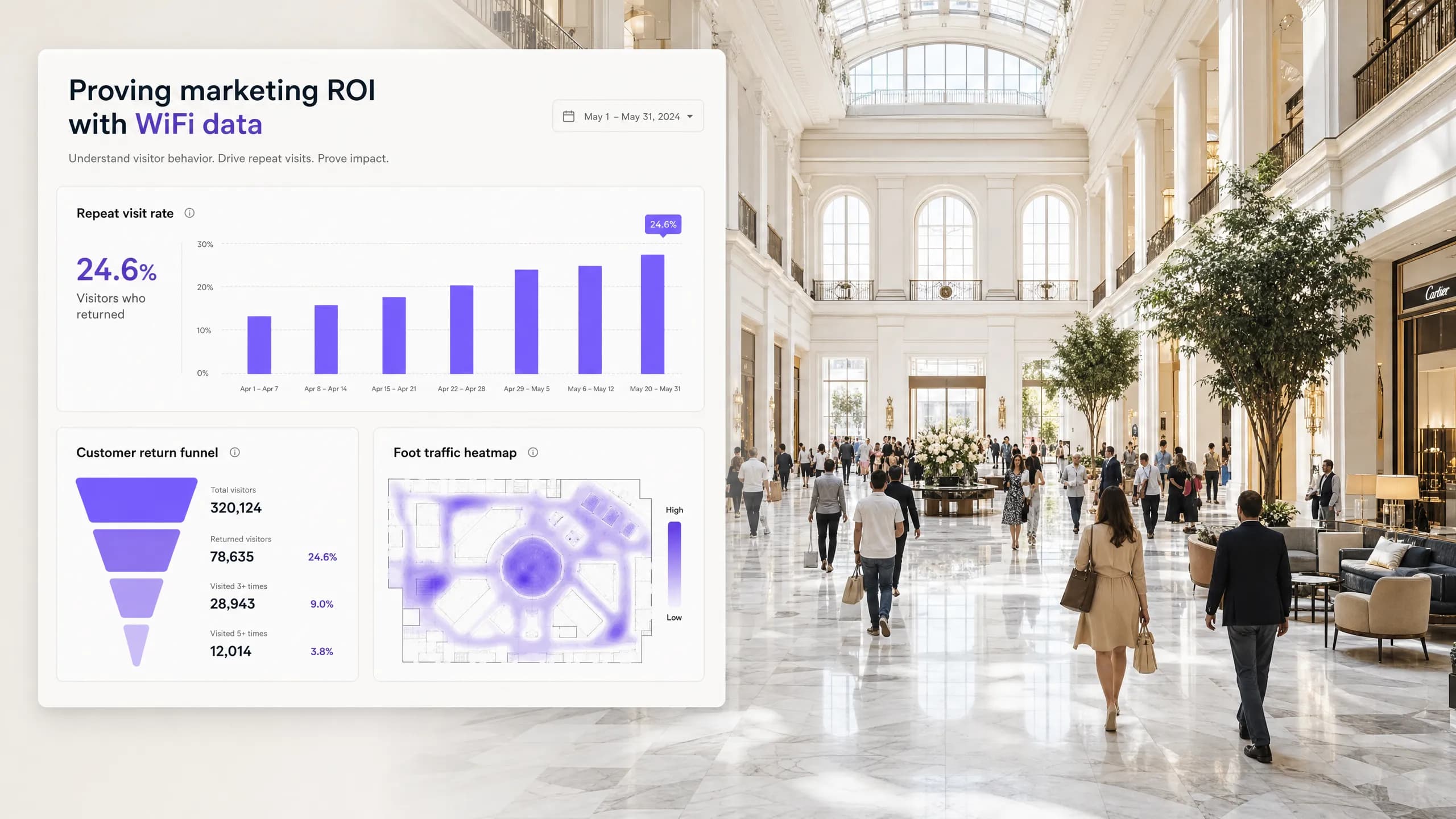
Proving marketing ROI to venue owners with WiFi data
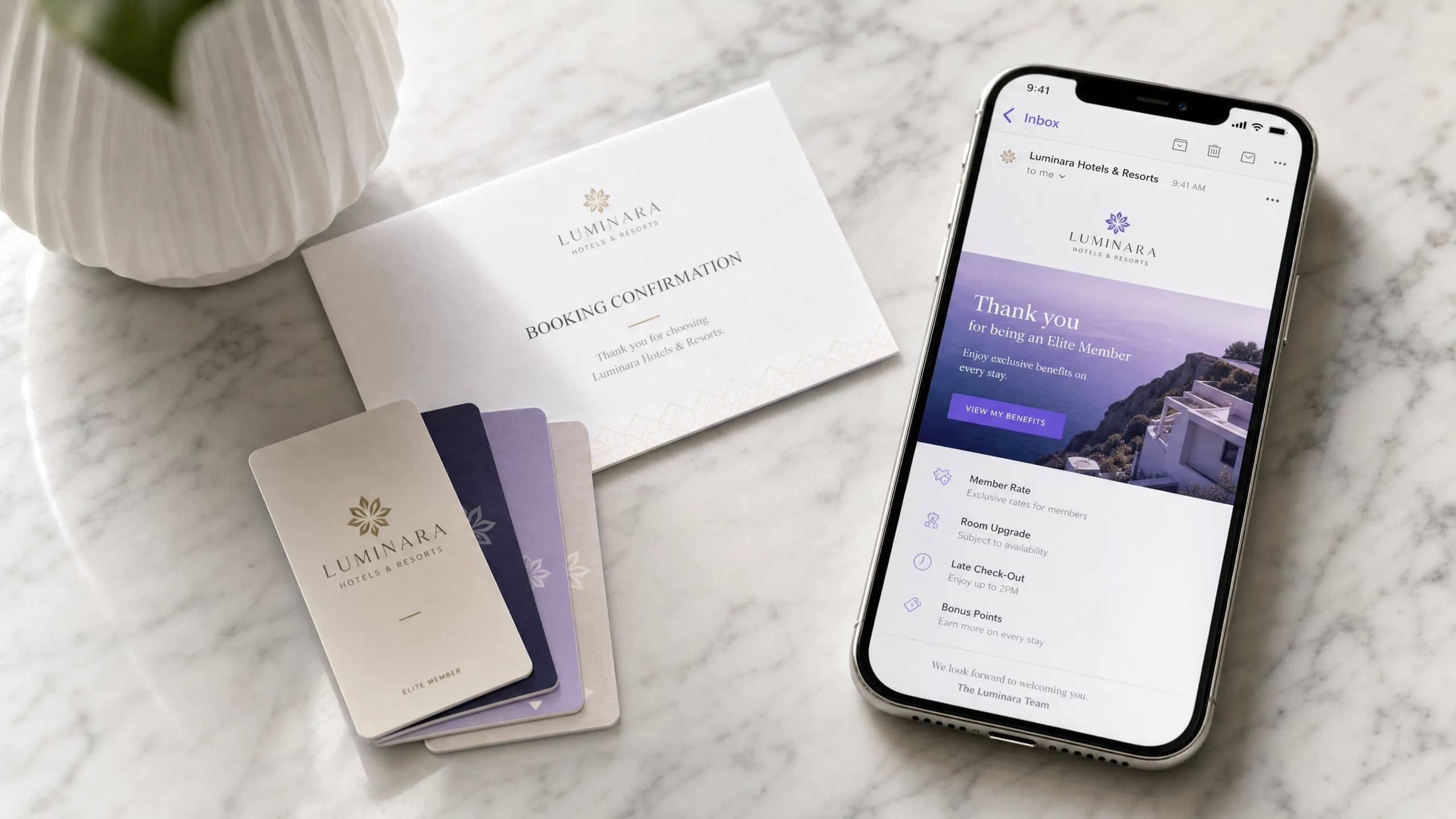
Driving direct bookings with hotel email marketing
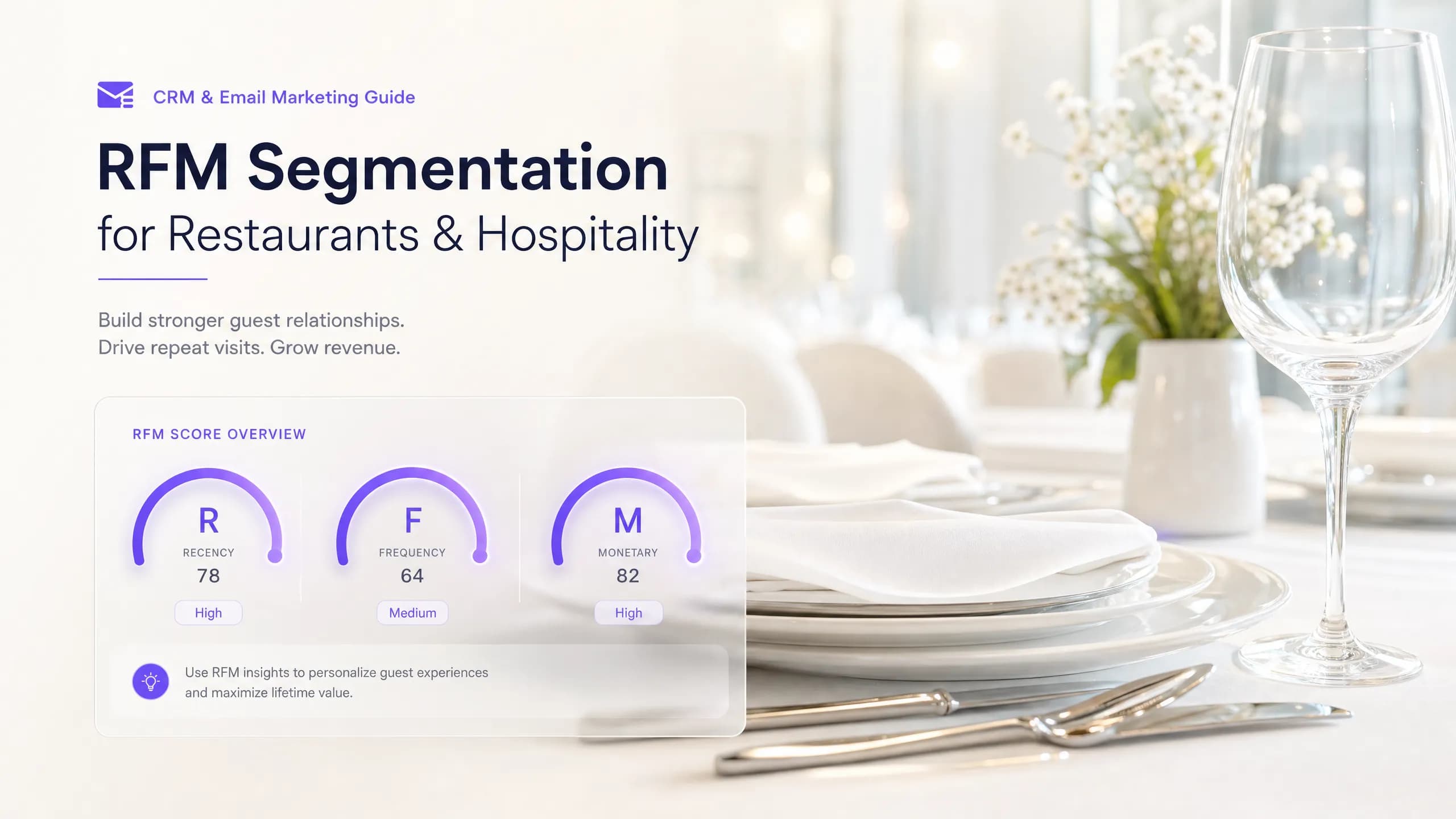
RFM segmentation for restaurants and hospitality

Revenue per send: the email metric venues should track

Segmenting email by location for multi-site venues
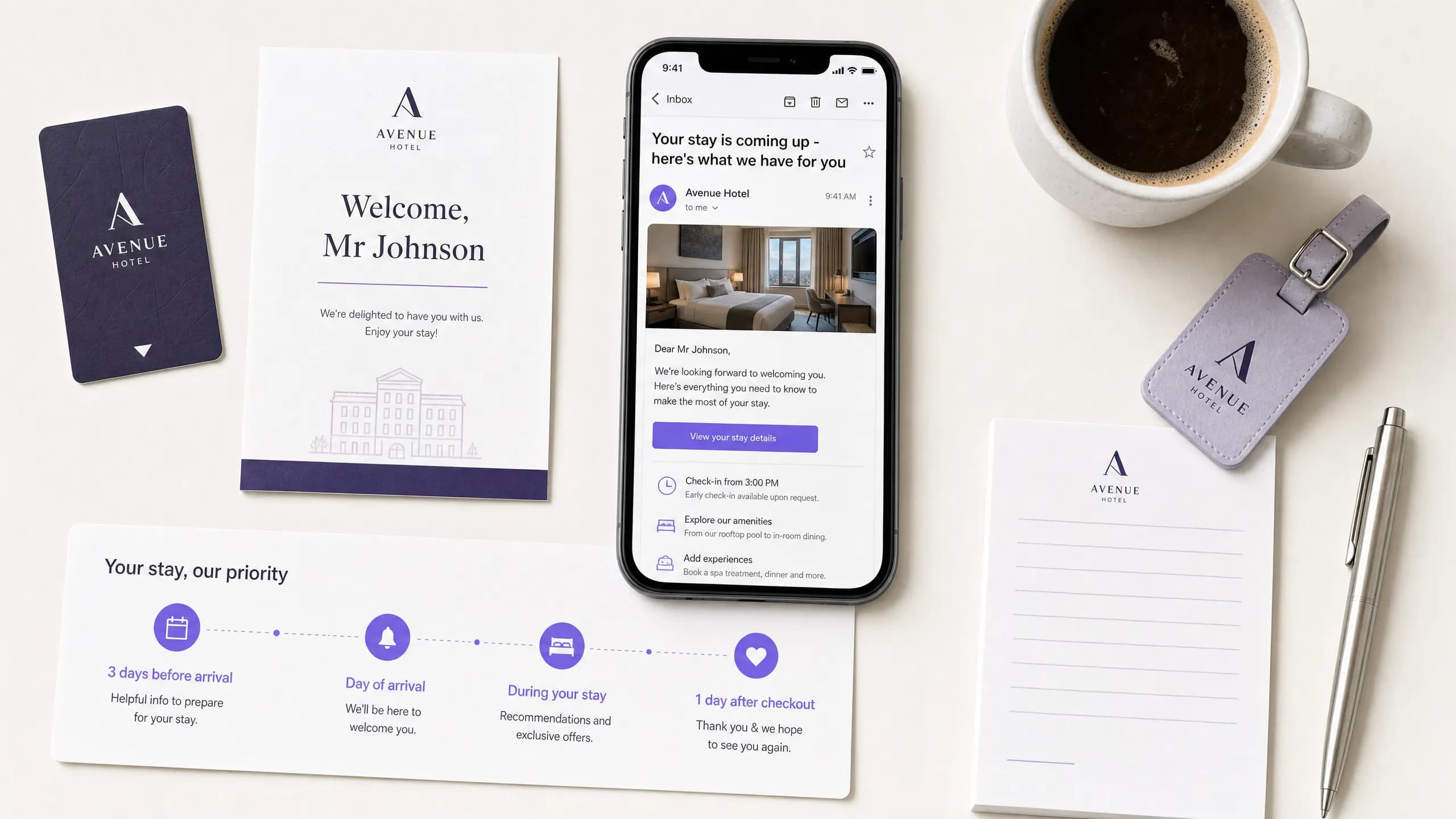
Pre-stay and post-stay email sequences for hotels
Collect customer emails in a restaurant without sign-up forms
QR codes vs WiFi login for collecting customer emails
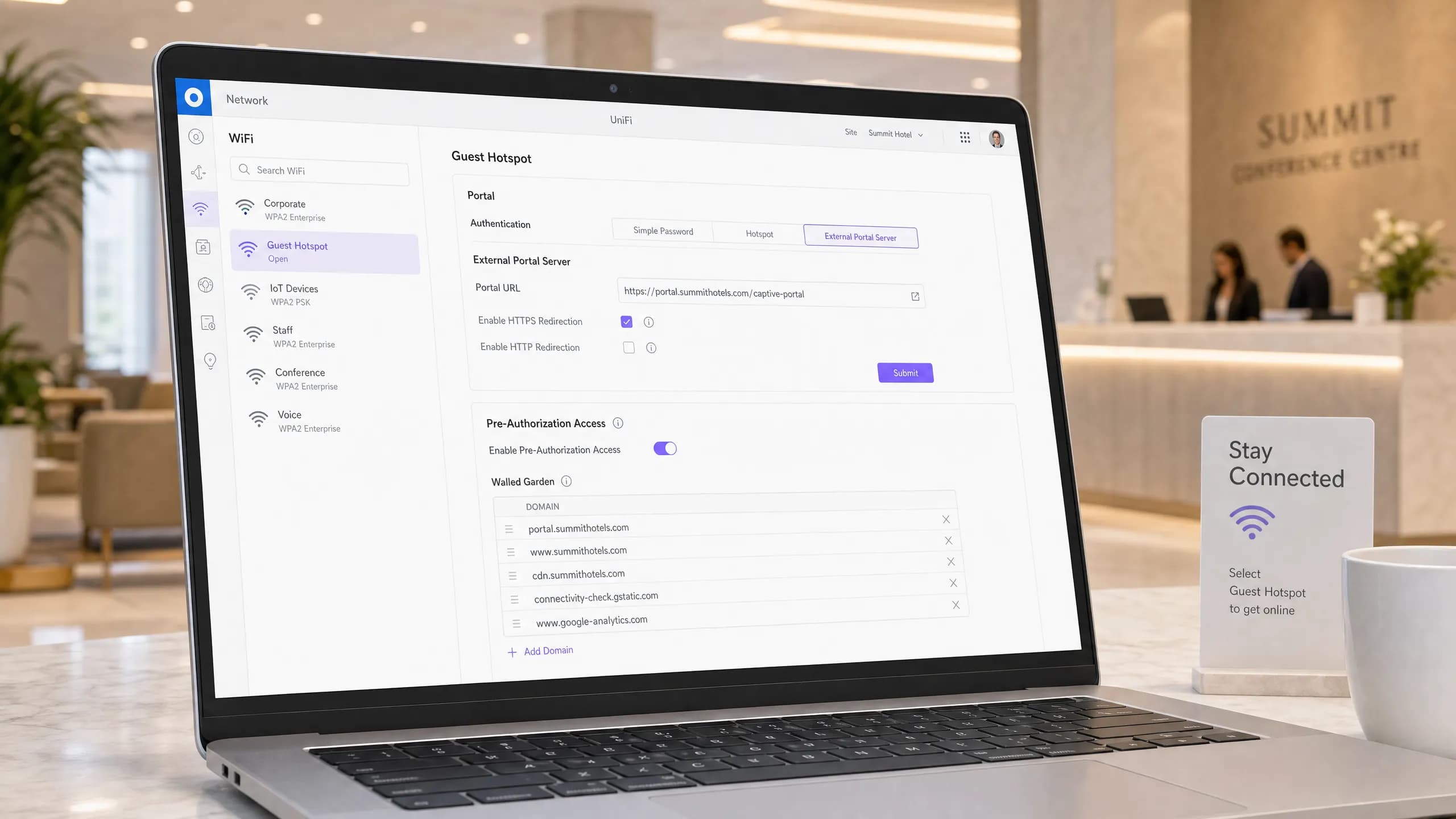
Captive portal for Ubiquiti UniFi: set it up with Purple guest WiFi
How to add a Purple captive portal to Ubiquiti UniFi: an external portal server, controller authorisation and a walled garden, with a link to Purple's step-by-step setup guide for the exact configuration.

Sophos Firewall and guest WiFi: captive portal setup with Purple
How Purple's cloud guest WiFi works with Sophos Firewall and its access points through a standard external captive portal and RADIUS, and where to check support and find the steps.
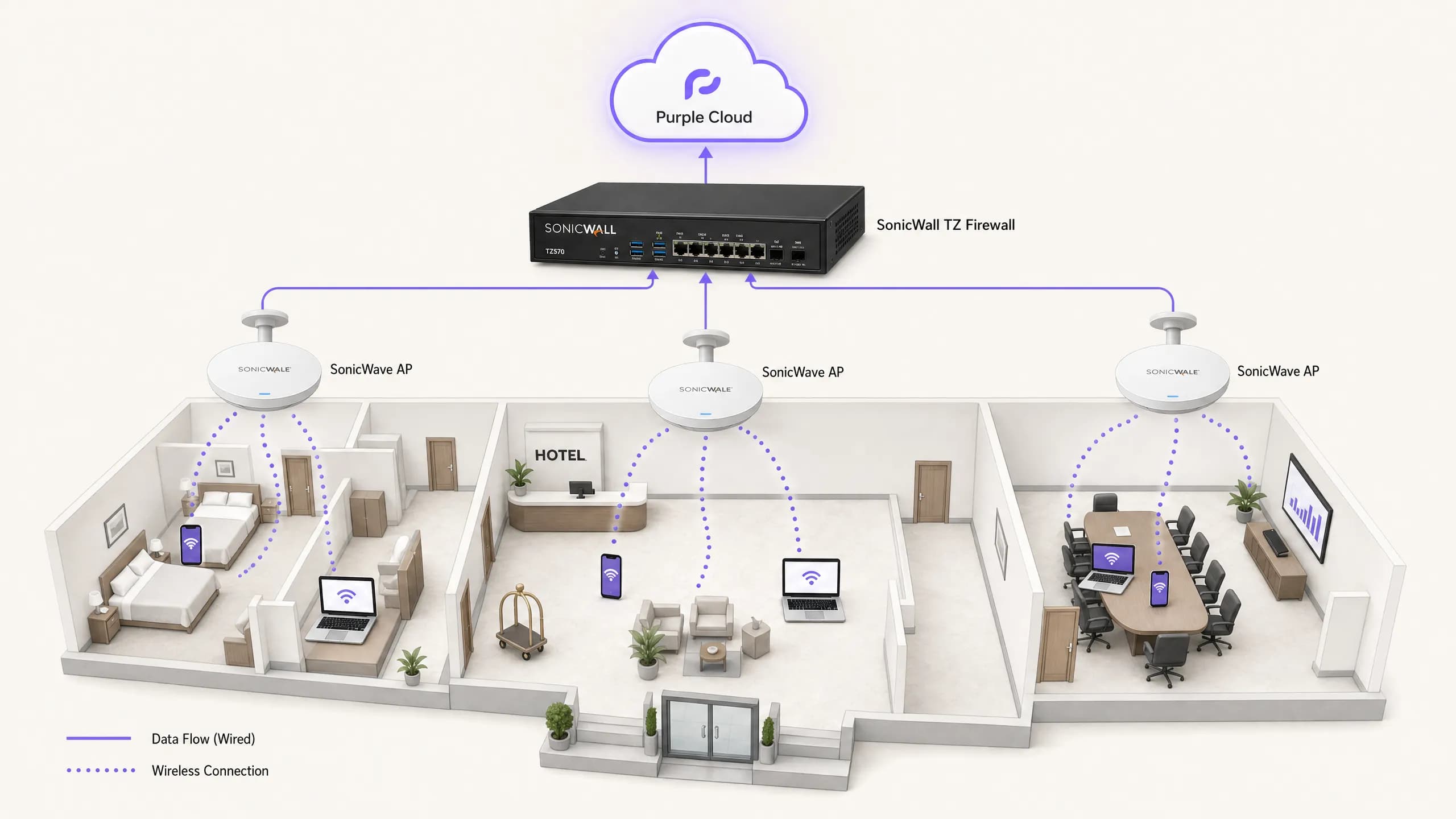
SonicWall and guest WiFi: captive portal setup with Purple
How SonicWall firewalls and SonicWave access points work with Purple guest WiFi: external web authentication, RADIUS and a walled garden, with a link to Purple's step-by-step setup guide for the exact configuration.
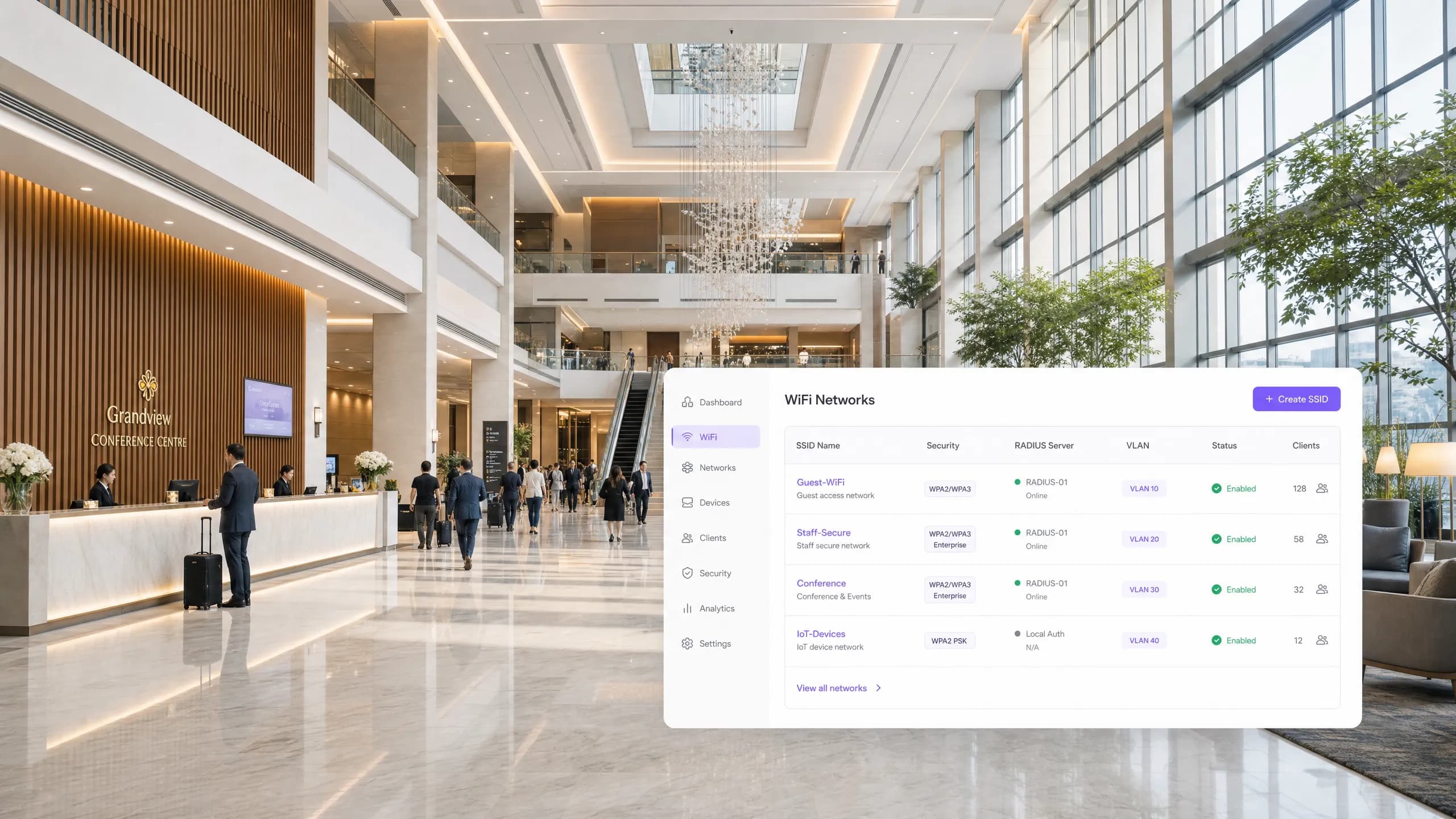
Ruckus Unleashed and guest WiFi: captive portal setup with Purple
How Ruckus Unleashed works with Purple guest WiFi: external web authentication, RADIUS and a walled garden, with a link to Purple's step-by-step setup guide for the exact configuration.

Cisco Catalyst WLC and guest WiFi: captive portal setup with Purple
How a Cisco Catalyst 9800 (IOS-XE) wireless LAN controller works with Purple guest WiFi: external web authentication, RADIUS and a walled garden, with a link to Purple's step-by-step setup guide for the exact configuration.
Got questions about your specific setup?
Our team works with venue operators, IT managers, and network engineers across 80,000 venues. Book a 20-minute call and we will show you how others like you solved it.