Digital wellbeing WiFi policy builder
Pick your venue, choose the safeguards, and get a controller-ready policy for quiet hours, filtering and break prompts.
Corporate and enterprise workplace: Reduce notification fatigue and after-hours checking on staff and guest WiFi, while keeping collaboration and SaaS traffic first in the queue.
Caps each device at 5 Mbps during 19:00 to 07:00 on weekdays, all day at weekends. Messaging still works; autoplay video does not.
Blocks 3 categories at the resolver, including adult content and gambling.
Ends each portal session after 120 minutes, so the splash page can suggest a break before reconnecting.
Limits social and short-form video apps to 5 Mbps per device, keeping work and learning apps at full speed.
Shows a short wellbeing tip, your quiet hours and local support contacts while guests connect.
5 of 5 safeguards enabled. Settings map to group policy, schedule, DNS and Layer 7 rules on any major controller.
Assumptions and method
- -The coverage score is a checklist, not a clinical measure: DNS filtering 25, quiet hours 20, break prompts 20, splash banner 20, traffic shaping 15. It shows how many of the network-level levers are in use.
- -Caps and session lengths are starting values per venue type. A 2 Mbps cap keeps messaging, email and calls usable while making autoplay video unattractive.
- -DNS filtering blocks whole domains. It cannot remove a feed from inside an app, and devices using their own encrypted DNS or mobile data bypass it, so pair it with house rules and signage.
- -Network controls reduce the pull of a phone; they do not treat addiction. Signpost support services.
Digital wellbeing WiFi policy
Venue: Corporate and enterprise workplace
Policy coverage: 100/100 (Full policy coverage), 5 of 5 safeguards enabled

CONFIGURATION
1. Quiet hours: 19:00 to 07:00 on weekdays, all day at weekends: cap each client at 5 Mbps and show a wind-down message on reconnect
2. DNS filtering categories: Adult content, Gambling, Malware and phishing
3. Session length and break prompt: Captive portal session of 120 minutes, then the splash page returns with a take-a-break message
4. Traffic shaping: Layer 7 rule: limit the social media and video streaming categories to 5 Mbps per client; collaboration, voice and education apps stay unshaped
5. Splash page wellbeing banner: Short wellbeing tip, the venue's quiet hours and a link to local support services

COMPLIANCE CHECK
Filtering or monitoring staff traffic is processing of personal data under UK GDPR. Tell staff in your acceptable use policy, and follow the ICO guidance on monitoring workers (2023).

IMPLEMENTATION NOTES
- Group policies, schedules and Layer 7 shaping are available on Cisco Meraki, HPE Aruba, Ruckus, Juniper Mist, Ubiquiti UniFi, Cambium, Extreme and Fortinet controllers.
- DNS filtering is applied at the resolver, so it blocks whole domains, not individual feeds inside an app.
- Captive portal session length is set on the portal, and RFC 8908 (Captive Portal API) lets modern devices show the session time remaining.
Put this policy on your WiFi
Purple runs the captive portal, session rules and DNS filtering on your existing access points.
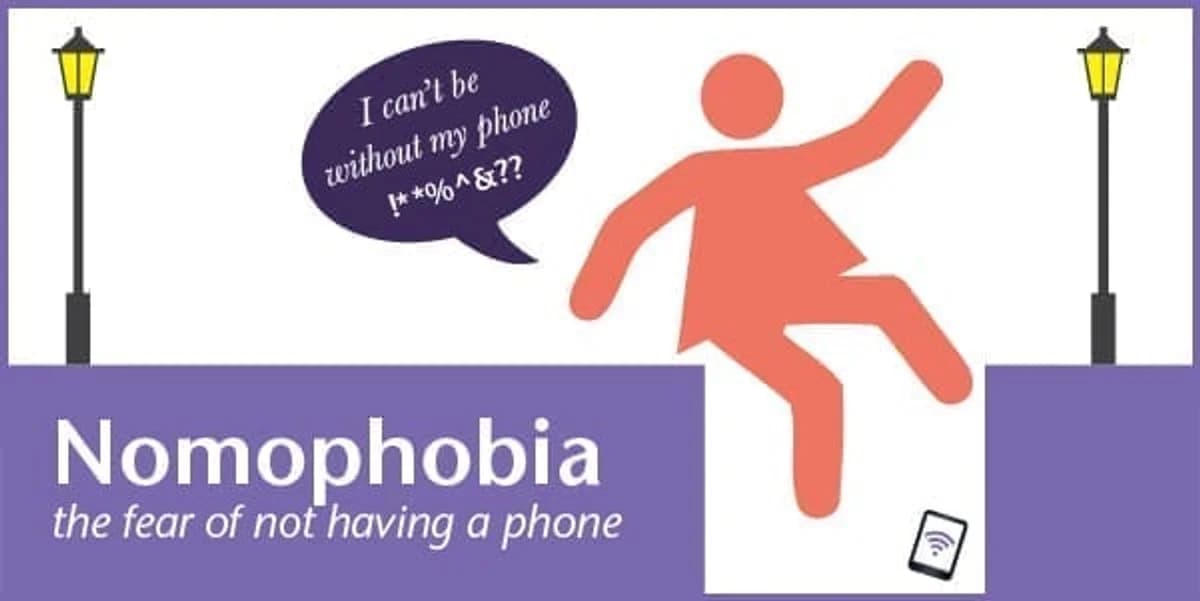
在之前的部落格中,我們探討了 無手機焦慮症,也就是害怕沒有行動手機的恐懼。我們的結論是,我們中的某些人可能實際上對手機產生了危險的依戀。因此,為了避免像 Ella Birchenough 那樣跳入排水管去拯救遺失的手機等激烈行為,我們提出了疑問:無手機焦慮症是否有治癒的方法?
對手機、行動裝置和其他科技產品的成癮,實際上確實有 正式的治療方法。
談話療法
如果您認為自己的行動電話使用有些問題,您可以告訴別人。朋友和家人是一個很好的開始。
沒有效果嗎?那麼在嚴重的手機成癮案例中,心理學家可能會建議認知行為治療(CBT)或許是解決之道。CBT 是指患者與受過訓練的治療師討論他們的問題。這應該用來改變您對待手機的想法和行為方式。CBT 無法消除您對手機的依戀,但可以幫助您以更積極的方式管理它。它鼓勵您檢視自己的行為如何影響您對行動手機的想法和感受。談話可以改變您在不使用手機時的想法和行為。這可能會讓您在遠離手機時對生活感覺更好!
如果您認為這有點極端,請再想一想;研究人員已經建議我們應該將 無手機焦慮症加入 精神醫學診斷手冊中,因為它在當今社會中已變得如此普遍。
醫生的醫囑會是什麼?
關於無手機焦慮症影響的報告包括類似於焦慮症和恐慌發作的症狀:心跳加速、恐慌感,甚至輕度憂鬱。如果您去看醫生,可能會被建議嘗試一些抗焦慮藥物。然而,藥物治療僅在非常嚴重的案例中才被建議,醫生可能會建議您實際上把手機帶在身邊。一項針對 無手機焦慮症醫學治療 的案例研究實際上發現該病症並未得到改善。
替代療法
如果這些建議似乎有點過於正式,您也可以嘗試替代療法。這有點像安慰劑效應。只需使用 NoPhone。這個概念非常簡單,NoPhone 在文章中被有趣地描述為:『NoPhone 採用薄型、輕巧且完全無線的設計,可作為任何智慧型行動裝置的替代品,讓您始終可以握住一塊光滑、冰冷的長方形塑膠,而不會放棄與周圍直接環境的任何潛在互動。在合攏雙手時,再也不會體驗到肉體碰觸肉體的令人不安的感覺』。
NoPhone 有許多好處。它非常便宜,不需要升級,而且防碎!
科技人的解藥
呃,您可以使用您的手機!如果您認為上述任何方法都不適合您以及您對手機的依賴,那麼也許,咳,可以 下載這個應用程式。
這對於幫助您逐步減少使用行動電話的時間非常有效,特別是當您還沒準備好立刻完全戒除時。您可以透過使用自己的手機,將每天的手機使用時間限制在設定的額度內……
您需要使用手機來下載這個應用程式,當您接近行動裝置使用限制時,它會「提醒」您。它也可以設定在您超過每日額度時自動關閉手機。
您認為自己需要針對無手機恐懼症尋求協助嗎?
您打算下載這個應用程式,還是購買 NoPhone 呢?