Design and test a custom captive portal
See how leading venues capture guest data, enforce compliance, and deliver branded login splash pages in real time.
Retail and malls Captive Portal Specification
Ready to deploy an enterprise-grade captive portal?
Purple enables guest WiFi capture, automated venue analytics, and hardware integration across 80,000+ global sites.
Request captive portal access and a trial
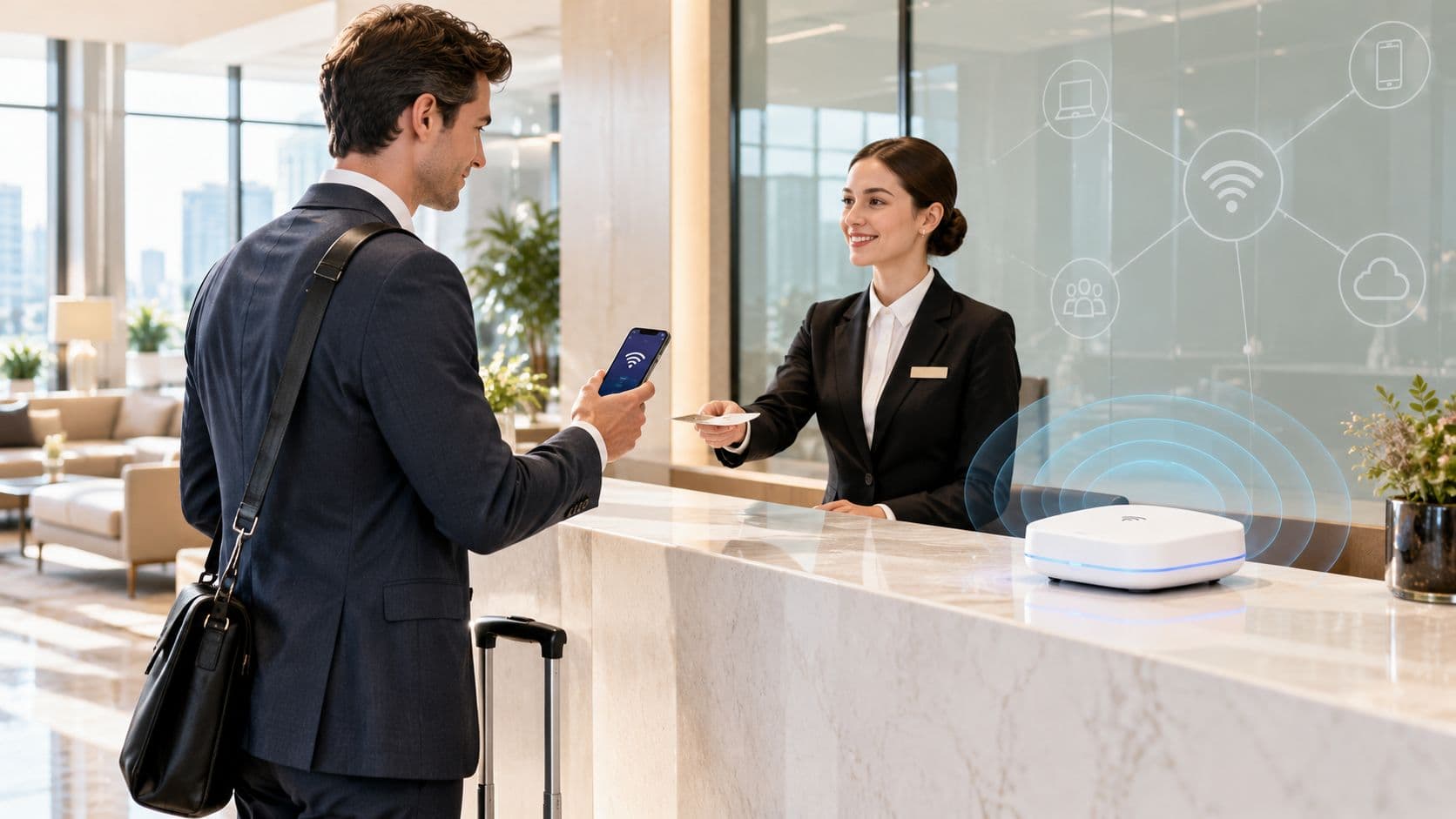
When connecting to guest WiFi in hotels, airports, retail venues, or corporate offices, users encounter a captive portal login - a web page intercepted by the network gateway before full internet access is granted. A captive portal manages network authentication, enforces terms of service, captures guest analytics, and secures public wireless infrastructure.
Key takeaways: Captive portal logins
- Network interception: Captive portals intercept unauthenticated HTTP and DNS requests, redirecting guest devices to an authentication page before internet access is authorized.
- Authentication methods: Venues deploy click-through terms, social logins, voucher codes, form fills, or enterprise RADIUS/802.1X depending on security, compliance, and marketing requirements.
- Security evolution: Legacy unencrypted HTTP portals are vulnerable to man-in-the-middle and evil twin attacks; modern deployments adopt WPA3-Enterprise, Passpoint, and OpenRoaming.
- Hardware agnostic intelligence: Purple integrates with existing enterprise WiFi infrastructure (Cisco Meraki, HPE Aruba, Ruckus, Ubiquiti) to deliver secure captive portals, CCPA/CPRA-compliant analytics, and seamless roaming.
Your first encounter with a captive portal
A captive portal is a web page displayed to newly connected WiFi users before they gain full access to internet resources. When a smartphone, tablet, or laptop associates with an open or guest wireless network, the gateway intercepts web traffic and redirects the browser to a local authentication page.
Its primary purpose is to control network admission. By placing unauthenticated devices in a restricted walled garden, the network forces users to complete specific actions - such as accepting terms and conditions, entering credentials, or submitting contact details - before releasing the session to the wider web.
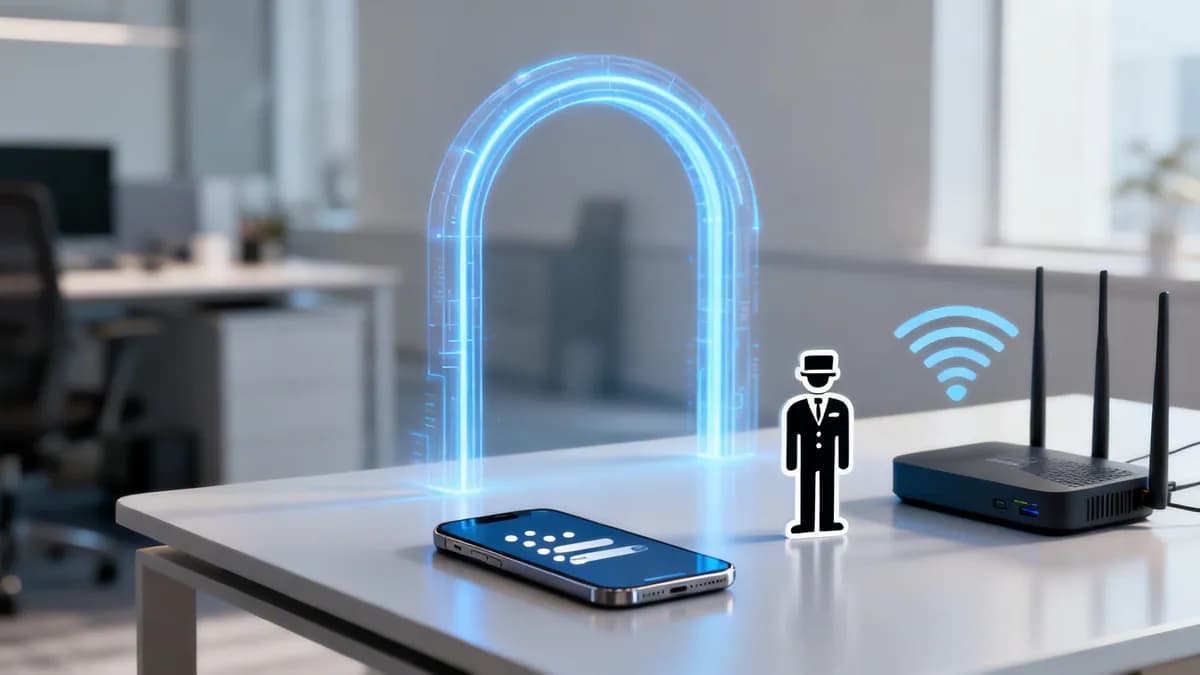
The digital doorman analogy
A captive portal functions like a digital doorman managing access to a private space:
- Initial connection: The user connects to the broadcast guest WiFi network.
- Traffic interception: The access gateway intercepts initial web browser requests before reaching destination servers.
- Authentication: The user submits room numbers, email addresses, or accepts terms of service.
- Access granted: The gateway updates network firewall rules and unblocks internet traffic for the device's MAC address.
This controlled access workflow ensures only authorized users join the network while giving venue operators a touchpoint for branding, legal disclaimers, and guest communication. For a comprehensive overview of guest network design, read our Guest WiFi Guide.
How a captive portal login actually works
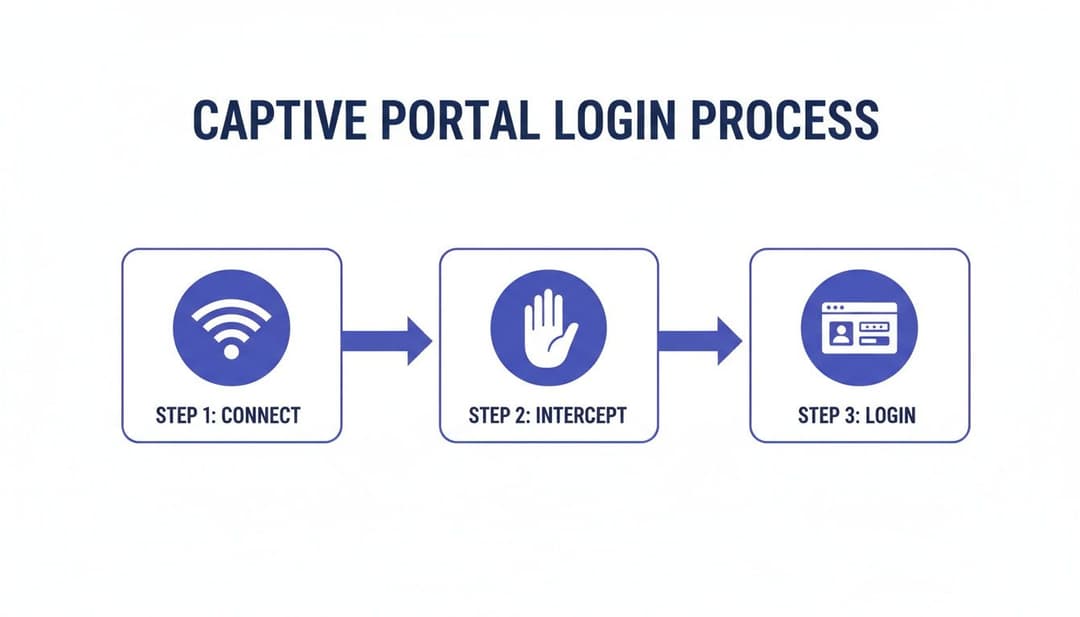
Behind the scenes, a captive portal login relies on HTTP redirection and Domain Name System (DNS) interception. The moment a cell phone or laptop connects to a guest wireless access point, the operating system executes a captive portal detection check by requesting a known HTTP URL (such as Apple's captive.apple.com or Google's connectivitycheck.gstatic.com).
The network gateway intercepts this request and returns an HTTP 302 redirect or DNS resolution pointing to the captive portal's web server landing page. Until authentication succeeds, the network firewall blocks all outbound IP traffic except for communication with the portal server and required authentication endpoints.
Comparing common captive portal authentication methods
Selecting the appropriate authentication method requires balancing user friction against security policies and marketing data collection goals.
Enterprise-grade authentication: Beyond a simple login
In enterprise and corporate environments, guest and employee authentication requires integration with centralized identity stores rather than basic web forms. RADIUS (Remote Authentication Dial-In User Service) servers act as central authentication hubs, validating user credentials against active directories including Microsoft Entra ID, Okta, or Google Workspace.
Deploying Single Sign-On (SSO) allows staff to access corporate WiFi using existing organizational logins, maintaining zero-trust access principles without requiring secondary credentials. To learn more about securing enterprise networks, consult our Enterprise WiFi Security Guide.
The hidden security and privacy risks you face
While captive portal logins serve as standard entry points for public networks, poorly configured portals introduce security vulnerabilities and compliance risks for both visitors and network administrators.
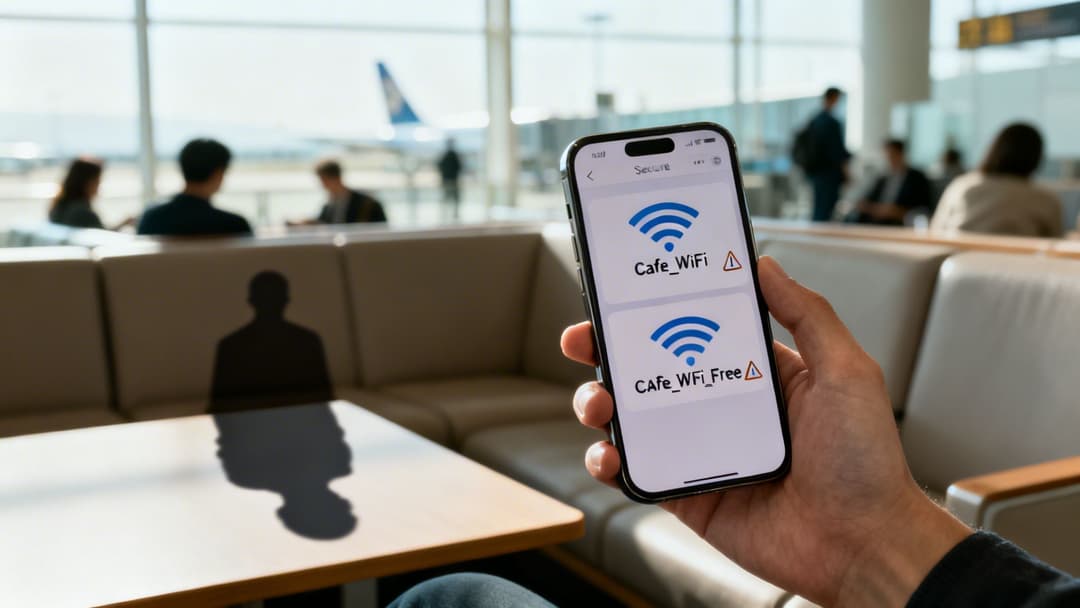
Rogue access points and evil twin attacks
In an "evil twin" attack, a malicious actor deploys an unauthorized access point broadcasting an identical SSID and hosting a cloned captive portal login page. Unsuspecting users associate with the rogue access point and enter sensitive credentials or personal details into the attacker's server.
Unencrypted HTTP connections and data interception
Captive portals operating over unencrypted HTTP leave user traffic susceptible to man-in-the-middle (MitM) interception. Attackers on the same unencrypted local network can capture unencrypted form submissions, session tokens, and browsing activity.
Modern access deployments mandate HTTPS encryption across all captive portal landing pages, SSL certificate validation, and WPA3-Enterprise encryption to safeguard data in transit. For detailed RF diagnostic and monitoring practices, see our guide on WiFi analyzer applications.
Privacy compliance and data protection
Collecting personal data through guest WiFi portals falls under strict privacy regulations, including the California Consumer Privacy Act (CCPA/CPRA). Venues gathering names, phone numbers, or email addresses must meet clear legal standards:
- Explicit consent: Users must actively opt in to data processing; pre-checked boxes are non-compliant.
- Transparent privacy policies: Clear, accessible statements detailing how personal data is stored, processed, and retained.
- Data minimization: Collecting only data strictly necessary for providing network access or agreed marketing.
- Secure data architecture: Storing captured records in encrypted databases with defined retention periods.
The shift beyond traditional portal logins
The friction of repetitive web browser logins has accelerated the adoption of automated, passkey-less access standards across enterprise and public WiFi networks.
The rise of seamless roaming: Passpoint and OpenRoaming
Technologies such as Passpoint (Hotspot 2.0) and OpenRoaming replace web-based login screens with automated, certificate-driven authentication. Devices equipped with an OpenRoaming profile discover participating networks and authenticate instantly using WPA2/WPA3-Enterprise encryption.
- Passpoint (Hotspot 2.0): Developed by the WiFi Alliance, Passpoint automates network selection, SIM/certificate authentication, and over-the-air encryption without user intervention.
- OpenRoaming: A global federation managed by the Wireless Broadband Alliance (WBA) connecting identity providers and network operators for seamless global WiFi roaming. Learn more about Passpoint and OpenRoaming standards.
Advanced access for corporate environments
Corporate IT departments are replacing shared pre-shared keys (PSKs) with Identity-Based Pre-Shared Keys (iPSK) and certificate-based device onboarding. iPSK assigns a unique password to each user or device on a single SSID, allowing instant revocation without disrupting other connected endpoints.
How modern platforms reinvent the WiFi login
Modern WiFi management platforms like Purple transform legacy captive portal logins into secure, cloud-managed identity gateways. By unifying hardware-agnostic portal rendering, automated 802.1X integration, and location intelligence, venues deliver frictionless access while collecting actionable visitor insights.

Integrating captive portals with WiFi analytics software allows businesses to measure foot traffic, dwell times, and repeat visit rates while upholding strict privacy compliance across multi-site properties.
Your checklist for modern network access
Upgrading from legacy web redirection to a secure identity-based network requires structured planning:
- Define access requirements: Segment network profiles for guests, corporate staff, vendors, and IoT devices.
- Audit network infrastructure: Verify that existing wireless access points (Cisco Meraki, HPE Aruba, Ruckus, Ubiquiti) support cloud RADIUS redirection and WPA3.
- Integrate identity systems: Connect network authentication to Microsoft Entra ID, Okta, or Google Workspace for automated user provisioning.
- Enforce security and compliance: Deploy HTTPS-encrypted landing pages, WPA3 encryption, and CCPA/CPRA-compliant consent capture.
Upgrade your guest WiFi with hardware-agnostic access control
Transform clunky captive portal logins into seamless, secure, and CCPA/CPRA-compliant visitor experiences. Purple integrates natively with your existing wireless infrastructure to deliver automated onboarding, guest analytics, and enterprise security.
Frequently asked questions
Can users bypass a captive portal login?
On a properly configured enterprise network, users cannot bypass a captive portal login. Network gateways intercept all unauthenticated DNS and HTTP traffic and enforce firewall rules that drop non-portal packets until successful authentication is recorded.
Is it safe to enter personal information on a captive portal?
Entering information on a captive portal is safe provided the connection uses HTTPS encryption (indicated by a padlock icon in the browser bar) and belongs to a verified venue. Avoid entering sensitive passwords or financial details on unencrypted HTTP portals or untrusted open networks.
How does OpenRoaming improve upon traditional captive portals?
OpenRoaming eliminates manual captive portal login screens by establishing automated, certificate-based WPA2/WPA3-Enterprise connections. Devices connect automatically upon entering coverage, protecting users from evil twin attacks and man-in-the-middle data interception.