
Bring your own device, or BYOD, is a phenomenon allowing personal laptops, tablets and cell phones into the workplace to gain online access and view company information. Initially met with trepidation, it is now firmly entrenched into the corporate world. Whether employers like it or not, it's happening! So should you have a policy in place?
Does BYOD make employees more productive?
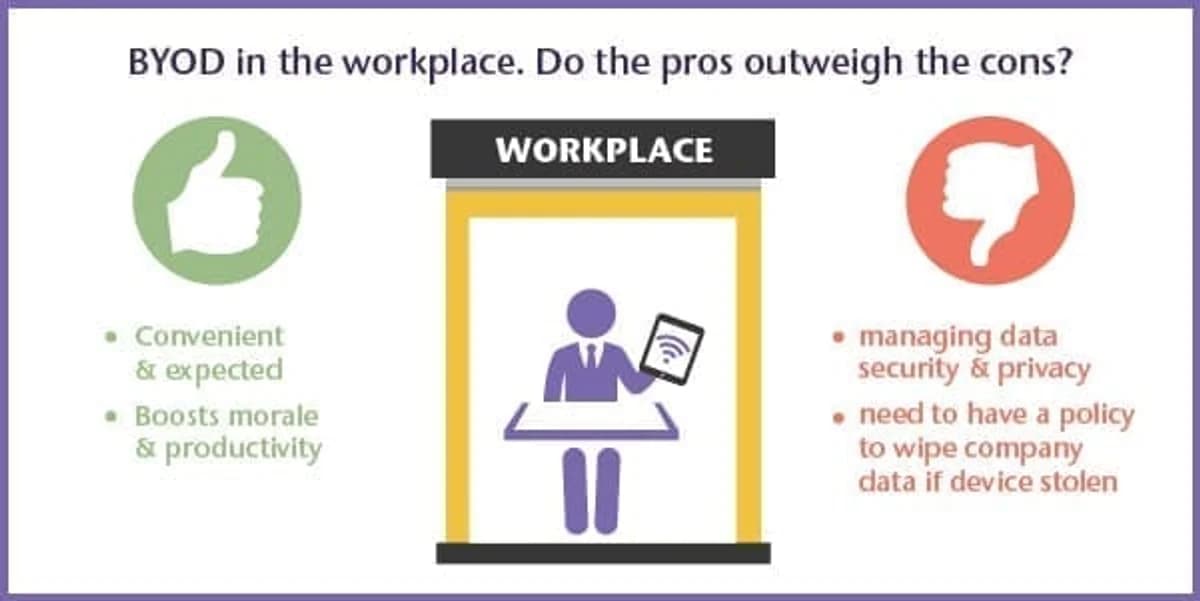
Productivity could and probably will increase when employees are mobile and connected all the time. A Cisco internet research group found many advantages that BYOD employers are gaining, which varied widely from country to country. For example in the US the productive time increase from having BYOD was a huge 81 minutes per week, however in Germany, where BYOD isn't as widely accepted, the average increase was 4 minutes a week.
BYOD is expected and makes you look good
The increase in access to WiFi wherever we may be means that we can work on the go, while waiting for meetings to start, traveling, in coffee shops and so on. BYOD could benefit productivity by increasing convenience for employees and in turn morale. Companies are even being seen as more attractive and flexible if they allow employees to bring their own iPad.
What are the considerations of offering BYOD?
There are questions that need to be answered: Which cell phones and mobile devices should be supported; any or a select few? How will data security and privacy be managed? Employers should make sure they provide a simple, low-touch way to use devices that ensures security and compliance. Companies should be able to take action to selectively wipe corporate data from a device should it be lost or stolen.
Real Business have provided a list of things to consider when businesses introduce BYOD. One consideration on that list is the responsibility for employees to ensure that when using public WiFi, the network channel is a secure WiFi network.
Interesting uses of BYOD
As well as corporate environments allowing BYOD, hospitals are also seeing the benefit. Bedford HIPAA compliant healthcare facilities listened to the request of doctors who wanted to use their own iPads to access the internet from anywhere in the hospital. It also allows other clinicians and administrative staff to access data quickly. The healthcare organization uses both a private network for staff and a public one for patients and visitors. The money saved by BYOD can quite rightly be used toward other costs elsewhere in the hospital.
In an educational setting, Eastern Michigan University has also recently provided a BYOD solution for their 13,000 students who frequent the premises. After recognizing the increase in demand from the students for remote access via their own devices, the college installed a high-performance network to enable students to bring and use their own devices around the campus.
Advice for businesses:
The truth is that businesses are responding to a growing demand from employees who wish to bring in their own devices anyway. Therefore, employers need to be sure that they have a BYOD policy in place.
So, be clear and transparent on what is expected for employees when bringing their own device, users will then appreciate the freedom. Educate users on the benefits of using WiFi when it's available - automatic WiFi configuration will help to ensure devices can automatically connect when on the move to various business locations. Make WiFi easy to gain access to, make it secure and use it to gather data.



