
跳至主要內容

即時定位服務的無障礙基本要素

作者:Devi Jina
9 May 2023
閱讀時間 1 分鐘
即時定位服務的無障礙基本要素
Interactive Accessibility & RTLS Architect

RTLS accessibility & indoor wayfinding advisor

Configure your physical facility parameters to evaluate digital wayfinding accessibility readiness, estimate BLE beacon and WiFi density requirements, and calculate operational time savings.

Facility area200,000 sq ft
25k sq ft500k sq ft1M sq ft
Monthly visitors65,000
5k250k500k+
Compliance index
90%Full readiness
90
Recommended infrastructure sizing
BLE beacons167Overlay tags
WiFi APs80Backbone points
Accessible route graph nodes250 mapped accessibility points of interest
Operational impact & ROI
Staff navigation time saved:389 hrs / mo
Late / missed arrival reduction:-40%
Standard status:ADA Title III & Rehabilitation Act Section 508 compliant
Recommended technology stack:

Purple Maps Digital Wayfinding + BLE 5.3 Directional Beacons + WCAG 2.1 AA Voice SDK

在不熟悉的地方導航對每個人來說都是一項挑戰,對有安全與無障礙需求的人來說更是如此。尋找前往場所的合適路線、確認可用座位與洗手間,以及尋找無障礙入口,都是數百萬人每天面臨的共同挑戰。 

此外,許多室內場所未配備適當的標示來協助身心障礙人士,進而導致困惑與挫折。無障礙設計過去常被視為僅影響少數人的議題,然而,根據疾病管制與預防中心 (CDC) 的數據,在美國有 四分之一 (即 26%) 的成年人表示自己至少擁有一種身心障礙。

許多人尋求技術來解決這個問題,這使得導航軟體滿足所有使用者的不同需求變得至關重要。

輔助技術的重要性

為無障礙而設計能讓軟體對每個人都變得更好。 

無論使用者的能力如何,設計良好的使用者介面和清晰的指示都能使軟體更易於使用。螢幕閱讀和輔助技術支援等功能,可讓所有使用者在使用軟體時更快速、更有效率。

RTLS 軟體在設計上應提供場域的詳細資訊,例如其配置和景點。這使使用者無論有何需求,都能輕鬆找到方向。

RTLS 無障礙設計要素

在設計和開發任何類型的即時定位服務時,都需要考慮一些無障礙設計要素,以確保符合產業法規和使用者期望。

提供多種獲取定位資訊的方式

身心障礙人士可能會使用不同類型的輔助技術來獲取位置資訊,例如螢幕閱讀器、語音辨識軟體或點字顯示器。請確保您的定位服務可透過這些不同的技術進行存取。

使用清晰簡潔的語言

提供位置資訊時,請使用簡潔易懂的清晰語言。避免使用專業術語或過於複雜的描述,因為這可能會讓某些人難以理解。

確保定位資訊以替代格式提供

某些視力障礙人士可能需要替代格式的位置資訊,例如大字體、語音或觸覺地圖。請確保提供這些替代格式並可供存取。

考慮行動不便人士的需求

行動不便的人士在前往特定地點或在建築物內導航時可能會遇到困難。請考慮提供額外資訊,例如無障礙入口、電梯和斜坡,以協助他們更輕鬆地導航。

與身心障礙人士一同測試您的定位服務 

最後,與身心障礙人士一同測試您的定位服務非常重要,以確保其易用性與無障礙程度。請考慮與無障礙顧問或身心障礙組織 (包括倡導團體和慈善機構) 合作,以收集意見回饋並根據需要進行改進。

遵循 WCAG 2.0 AA 指南

在 Purple,我們在設計與建置新一代 RTLS 定位導航之初,就已將無障礙設計納入考量。透過遵循 WCAG 2.0 AA 指引,考量到文字色彩對比、適用於所有裝置類型的響應式設計以及鍵盤無障礙操作,意味著我們的產品能讓盡可能多的人使用。

我們的解決方案瞭解哪些路線適合輪椅或行動輔助工具通行,並引導使用者前往最符合其需求的最適當路線。

清晰、簡單、無障礙

總結來說,花時間考量無障礙設計能為身心障礙人士帶來天壤之別的改善。科技可以協助滿足所有使用者的需求,讓每個人都能更輕鬆地找到方向;只要採用正確的設計方法,軟體就能變得更有效率,讓各種能力的人都更容易使用。

常見問題

What makes real-time location services (RTLS) accessible?

Accessible RTLS delivers multi-modal indoor wayfinding that accommodates individuals with mobility, visual, hearing, and cognitive impairments. Key essentials include step-free wheelchair routing, screen-reader compatibility (VoiceOver/TalkBack), high-contrast visual cues, and multi-language audio instructions.

How does digital indoor wayfinding comply with ADA and Section 508?

Digital wayfinding complies with Americans with Disabilities Act (ADA) Title III and Rehabilitation Act Section 508 by providing barrier-free route calculations (avoiding stairs, escalators, and steep grades), accessible digital signage, audible turn-by-turn prompts, and WCAG 2.1 Level AA compliant user interfaces.

How do RTLS algorithms calculate wheelchair-accessible routes?

RTLS wayfinding engines model venue indoor floorplans as a navigable topological graph with directional edge weights. Wheelchair-accessible modes filter out edges containing stairs, revolving doors, or excessive inclines, routing visitors strictly through compliant elevators, ramps, and automated entrances.

What hardware infrastructure is needed for accessible indoor positioning?

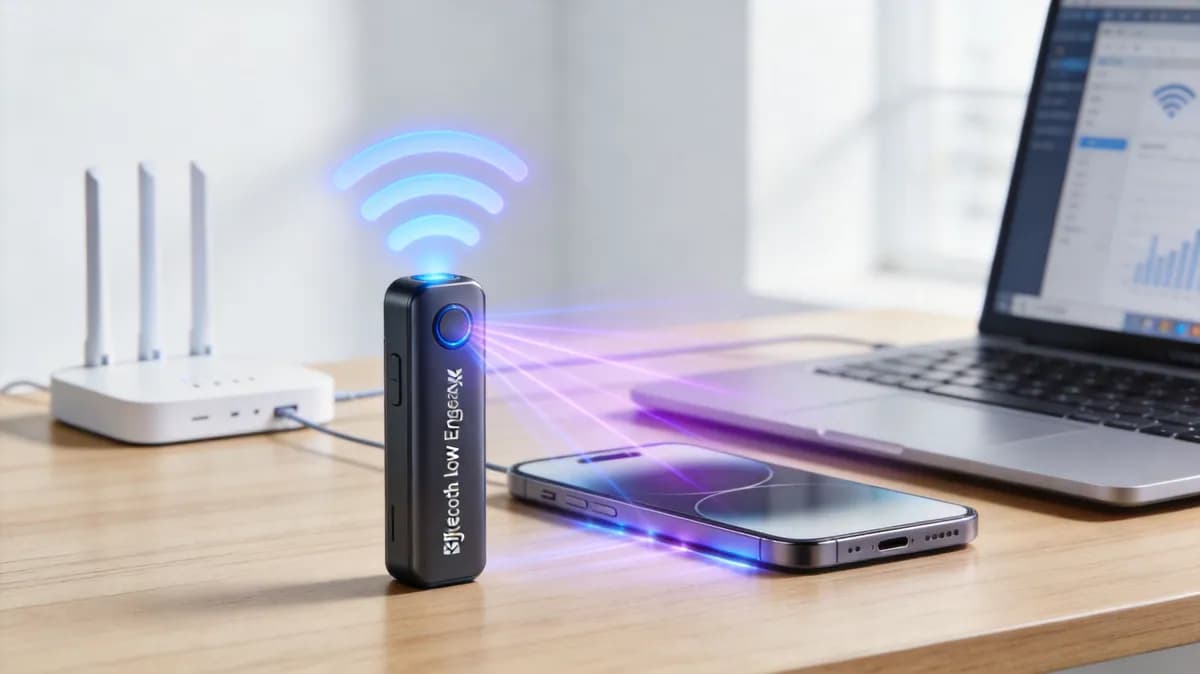
Enterprise accessible RTLS combines existing WiFi access points for backbone data with low-power Bluetooth Low Energy (BLE 5.3) directional beacons spaced every 15 to 25 meters, providing sub-2-meter blue-dot positioning accuracy for precise turn-by-turn navigation.

Can RTLS wayfinding support neurodivergent and sensory-sensitive visitors?

Yes. Advanced digital wayfinding platforms allow users to select sensory-friendly or quiet paths that avoid high-decibel equipment zones, flashing lighting, and congested hallway bottlenecks in large hospitals, airports, and stadiums.

準備好開始了嗎?

預約專家演示,了解 Purple 如何協助您達成業務目標。

諮詢專家