Wireless access point deployment and capacity planner
Calculate the number of enterprise access points, PoE switch power requirements, backhaul bandwidth, and RF channel architecture for your venue or commercial space.
1Venue parameters and workload
Drywall, acoustic ceiling tiles, glass meeting rooms, and high density of laptops and smartphones.
Continuous Zoom/Teams video calls, webinars, and rich media collaboration.
2Calculated AP density and infrastructure sizing
Switch backhaul provides multi-gigabit mGig bandwidth and adequate PoE power headroom.
In dense deployments (high AP density), avoiding co-channel interference (CCI) on 5 GHz takes precedence over 80 MHz channel bonding.
Need enterprise WiFi architecture validation?
Purple pairs with the leading access point vendors (Cisco Meraki, HPE Aruba, Ruckus, Juniper Mist, Ubiquiti UniFi) to provide guest WiFi captive portals, dynamic network access control, and spatial visitor analytics.
Enterprise wireless access point architecture recommendations
RF cell sizing, attenuation and roaming boundaries
Access point placement balances spatial RF propagation against wall attenuation and co-channel contention.
Design a 15% to 20% cell boundary overlap at -67 dBm to support seamless 802.11k/r/v client handoffs for voice and video roaming.
Mount omnidirectional APs horizontally between 2.8m and 4.2m above floor level. In warehouses over 6m, deploy directional patch antennas to focus RF energy downward.
Budget 3 dB of loss per internal wall for enterprise office & open plan. Subtract it from the -65 dBm design target before deciding how far a cell can reach.
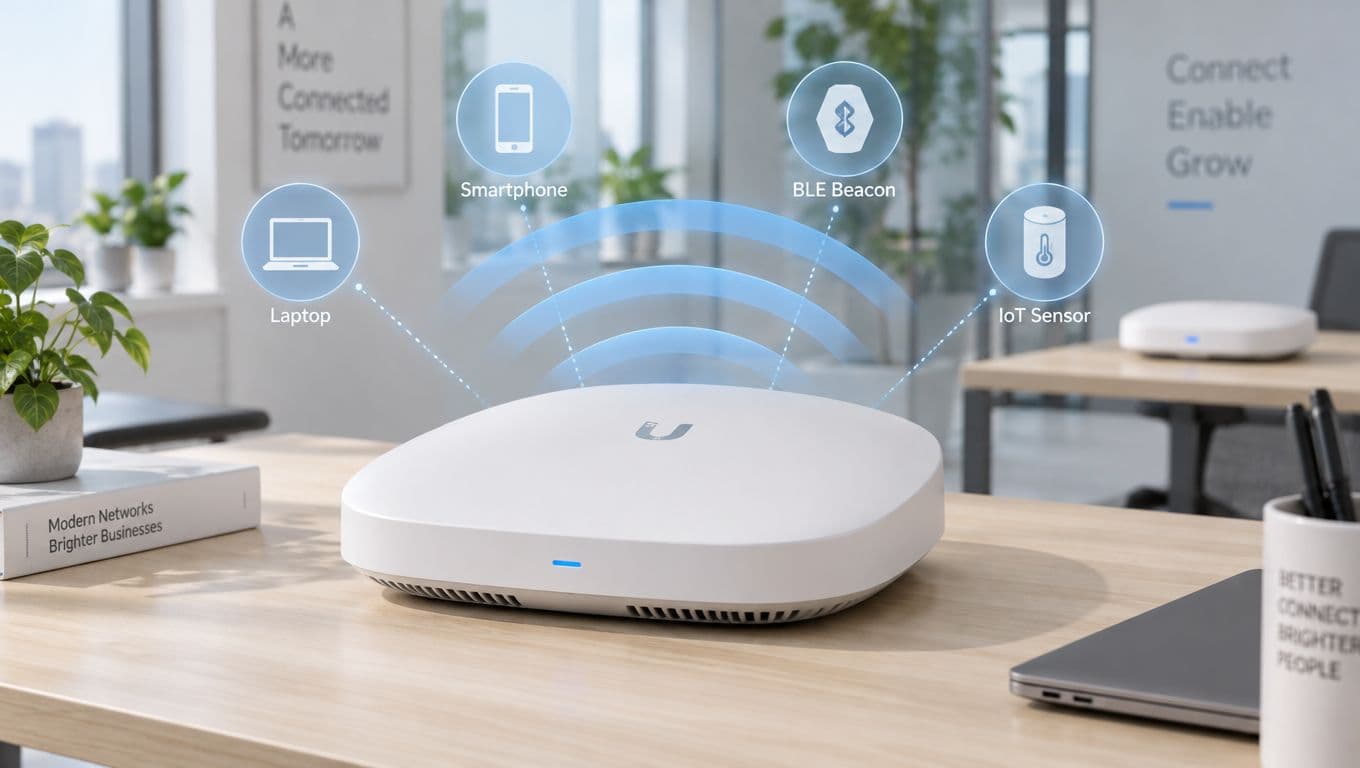
無線存取點 (WAP) 是一種專用的網路設備,可將無線用戶端設備 - 包括筆記型電腦、智慧型手機、平板電腦、手持式條碼掃描器和 IoT 感測器 - 連接到有線區域網路 (LAN)。透過在標準化頻段上傳送和接收無線電頻率 (RF) 訊號,WAP 可以建立一個本地無線覆蓋區域 (WLAN),使用戶能夠在實體空間中自由漫遊,同時保持持續的網路連線。
在住宅環境中,無線功能通常整合在 ISP 提供的多合一寬頻閘道器中。然而,在企業環境、商業休閒餐旅場所、醫療體系、大學校園和物流倉庫中,獨立的企業級存取點是不可或缺的。它們將網路負載分散到數十個或數百個同步無線電中,在不降低效能的情況下處理數千個並行用戶端連線。
無線存取點對比家用路由器:有何不同?
儘管這兩種設備都為用戶端設備提供無線連線,但 WAP 和路由器在企業網路中扮演著根本上不同的架構角色:
路由器運作於 OSI 模型的第 3 層(Layer 3),作為您網路的閘道器。它透過 DHCP 分配 IP 位址,藉由網路位址轉換(NAT)和防火牆檢查流量,並在內部子網路與網際網路之間路由資料封包。相反地,無線基地台主要運作於第 2 層(Layer 2)網路橋接器。它將透過實體銅纜或光纖網路線傳送過來的實體乙太網路訊框,轉換為在空中廣播的調變無線電波。
如需深入了解網路層如何互連,請閱讀我們對 LAN 與 WAN 網路架構 的比較。
無線存取點的工作原理
企業級 WAP 使用 Cat6 或 Cat6A 乙太網路線直接連接到託管型網路交換器。當資料封包從應用程式伺服器或網際網路閘道器流經交換器時,無線基地台會將該數位二進位流轉換為透過其內部天線陣列傳送的高頻射頻(RF)波。
當用戶端裝置透過空中傳送資料進行回應時,WAP 會接收 RF 訊號,將其解調為數位乙太網路訊框,並透過有線骨幹網路傳送。在高密度部署中,這種雙向轉換程序在多個空間串流中每秒會發生數百萬次。
射頻頻段:2.4 GHz、5 GHz 和 6 GHz
現代無線基地台透過 IEEE 802.11 規範定義的三個不同頻段進行傳輸:
- 2.4 GHz 頻段 (802.11b/g/n/ax):提供廣泛的實體傳播和穿牆能力,但在北美和歐洲僅提供三個不重疊的 20 MHz 通道(1、6 和 11)。它容易受到來自藍牙、微波爐和舊型 IoT 硬體的干擾。
- 5 GHz 頻段 (802.11a/n/ac/ax/be):提供多達 25 個不重疊的 20 MHz 通道(包括 UNII-2/2C 動態頻率選擇通道),支援更寬的通道綁定(40 MHz 和 80 MHz),適用於高吞吐量的企業應用程式。
- 6 GHz 頻段 (WiFi 6E & WiFi 7):提供高達 1,200 MHz 連續、純淨的頻譜,具有 14 個 80 MHz 或 7 個 160/320 MHz 通道,完全免受舊型 Wi-Fi 競爭的影響。
無線存取點的類型
不同的實體場所和營運環境需要不同的無線基地台外觀規格與部署架構:
1. 雲端管理企業級基地台
雲端管理的 WAP(例如 Cisco Meraki、HPE Aruba Central、Ruckus One 和 Extreme Networks)是多據點企業、飯店、醫療系統和零售場所的標準配置。設定、韌體升級、射頻(RF)頻道規劃和安全性原則,都會從中央雲端管理主控台自動發送,而不需要實體的本地端無線網路控制器硬體。
2. 控制器型(輕量級)基地台
輕量型無線基地台利用無線基地台控制與配置(CAPWAP)協定,將用戶端流量建立通道傳送回集中式的本地端無線區域網路控制器(WLC)。這種架構常見於需要集中式封包檢查和在地化空口時間管理(airtime management)的關鍵任務型金融與國防設施。
3. 獨立式 / 自主式基地台
自主型無線基地台維護其獨立的設定和安全性資料庫。雖然適用於只有一兩個 AP 的單一診所或小型零售商店,但獨立運作的裝置無法擴展到企業級場所,因為每個無線基地台都必須單獨進行設定和監控。
4. 軍規級戶外基地台 (IP67 / IP68)
戶外 WAP 採用耐候外殼、NEMA 評級、整合式突波保護器和耐溫內部元件設計,能為體育場通道、貨運碼頭、高爾夫渡假村和市政廣場提供高效能的覆蓋範圍。
5. 旅宿業嵌牆式面板基地台
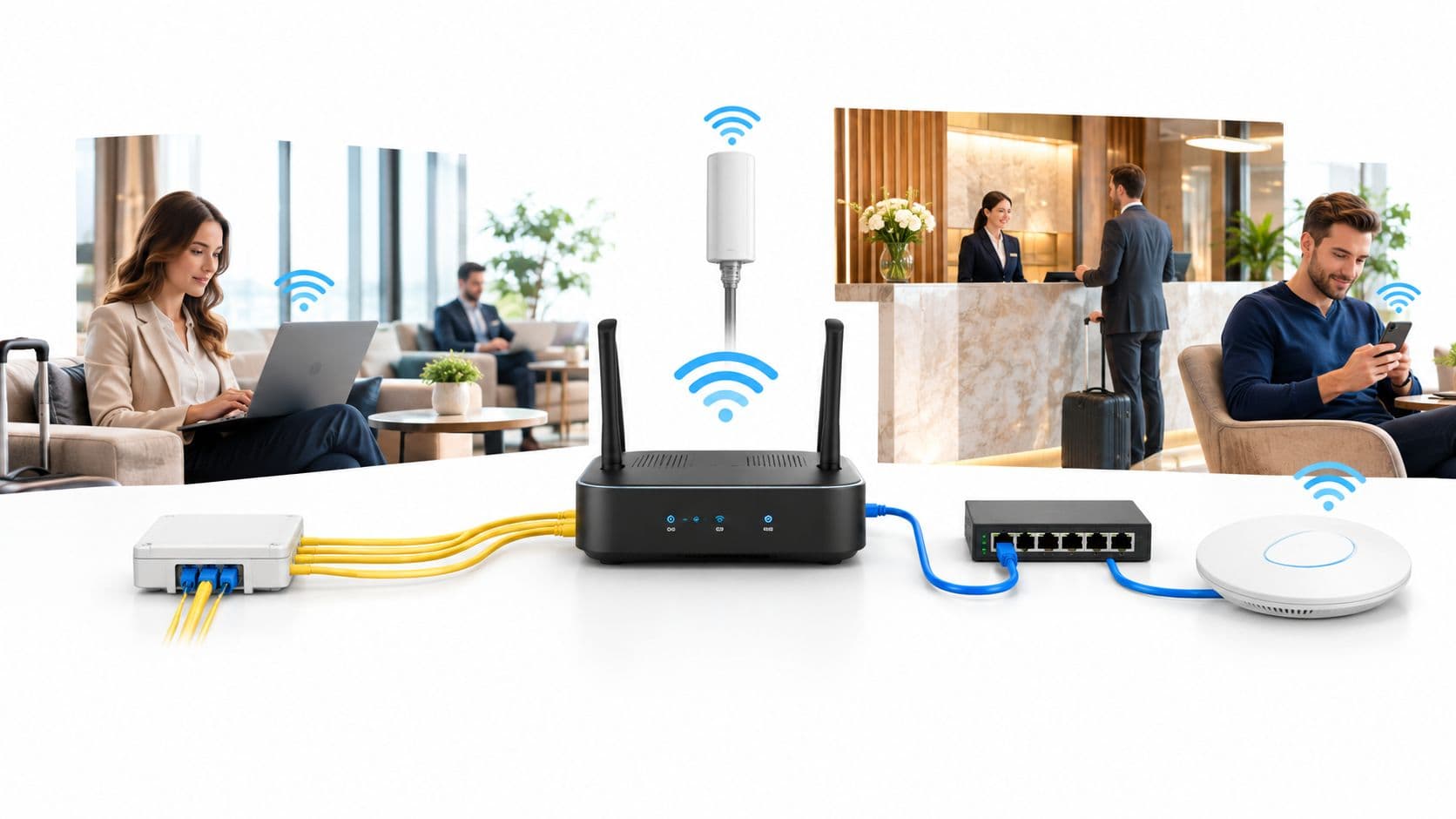
精巧型牆面插座式無線基地台直接安裝在飯店客房、學生宿舍和多住宅單元(MDU)現有的乙太網路接線盒上。它們將低調的外觀設計與整合式下行乙太網路交換器連接埠相結合,並為 VoIP 電話和智慧電視提供 PoE 供電傳輸。
基地台的 Power over Ethernet (PoE) 需求
商用無線基地台依賴乙太網路供電(PoE),透過單一標準 Category 6/6A 網路線接收電力和高速資料。選擇合適的 PoE 交換器標準至關重要,可避免電源不足、無線電調節或 MIMO 天線效能降低等問題:
WAP 上的企業安全與 Captive Portal 導引加入
在商業環境中,廣播未加密的開放 WiFi 網路或共用單一靜態 WPA2 密碼會帶來嚴重的網路安全與法律責任風險。企業級 WAP 架構可實施多層級分割:
- 802.1X / EAP-TLS 驗證:企業員工和受控端點使用獨有的數位憑證或使用者憑據,向 RADIUS 伺服器(例如 Microsoft Entra ID、Cisco ISE 或 FreeRADIUS)進行驗證,從而消除共用密碼的安全隱患。
- Identity PSK (iPSK / DPSK / MPSK):允許網路管理員為無螢幕的 IoT 設備、智慧電視和醫療設備分配專屬且特定於設備的預先共用金鑰,同時在單一廣播 SSID 上將其隔離到專用的 VLAN 中。欲了解更多資訊,請參閱我們的 Identity PSK (iPSK) 安全完整指南。
- 動態 VLAN 分配:根據連線用戶端的驗證角色,自動將其歸入隔離的網路子網中,防止橫向移動並保護公司內部資源的安全。
- 雲端 Captive Portals:訪客透過隔離的訪客 SSID 進行連線,並在獲得網際網路存取權限之前,完成符合 GDPR、CCPA 和服務條款合規要求的品牌形象登入頁面。
如需企業安全標準的詳細說明,請參閱我們的 Enterprise WiFi Security Guide 主指南。
解鎖您各個存取點的第一方洞察與安全性
無論您運行的是 Cisco Meraki、HPE Aruba、Ruckus、Ubiquiti 還是 Extreme Networks 存取點,Purple 都能提供與硬體無關的雲端重疊。在您所有的實體場域中自動化品牌化的 Captive Portal、安全地引導訪客、確保法律數據隱私合規性,並擷取即時的人流量情報。